.webp)

Best Higgsfield AI video alternatives at a glance
Higgsfield is a broad AI creative suite built around cinematic image-to-video, camera controls, project-level direction, and access to multiple models. Its native DoP workflow starts with a keyframe and uses motion presets to create a directed shot. Its Cinema Studio also adds controls for camera, lens, lighting, and reusable elements. Those strengths make Higgsfield a compelling option for cinematic, image-led production. See the Higgsfield overview and the Higgsfield DoP guide.
The best Higgsfield alternative depends on the job around the clip. Some teams need to prepare a product image before animating it. Others need an editorial environment, a detailed shot transformation tool, fast creative effects or a visual workflow for many video tasks. This guide compares ten worthwhile choices, with Pixelbin first for teams that need a joined-up image and video workflow rather than a video generator in isolation.
How to choose a Higgsfield alternative
Start with the asset and the outcome, not the model name. If a product photo needs cleanup, background work, approved reference images and then a short motion clip, the right tool needs to support the whole chain. If a director needs performance-driven character work or an established edit environment, a video-first platform may fit better.
Evaluate each platform using the same short test. Use one representative prompt, the same reference image where allowed, the intended aspect ratio and a fixed quality standard. Track the credits used, attempts rejected, time spent preparing assets and whether the accepted output can be exported for the channel you need. This method is more useful than comparing a headline model list or a single impressive demo.
1. Pixelbin
.webp)
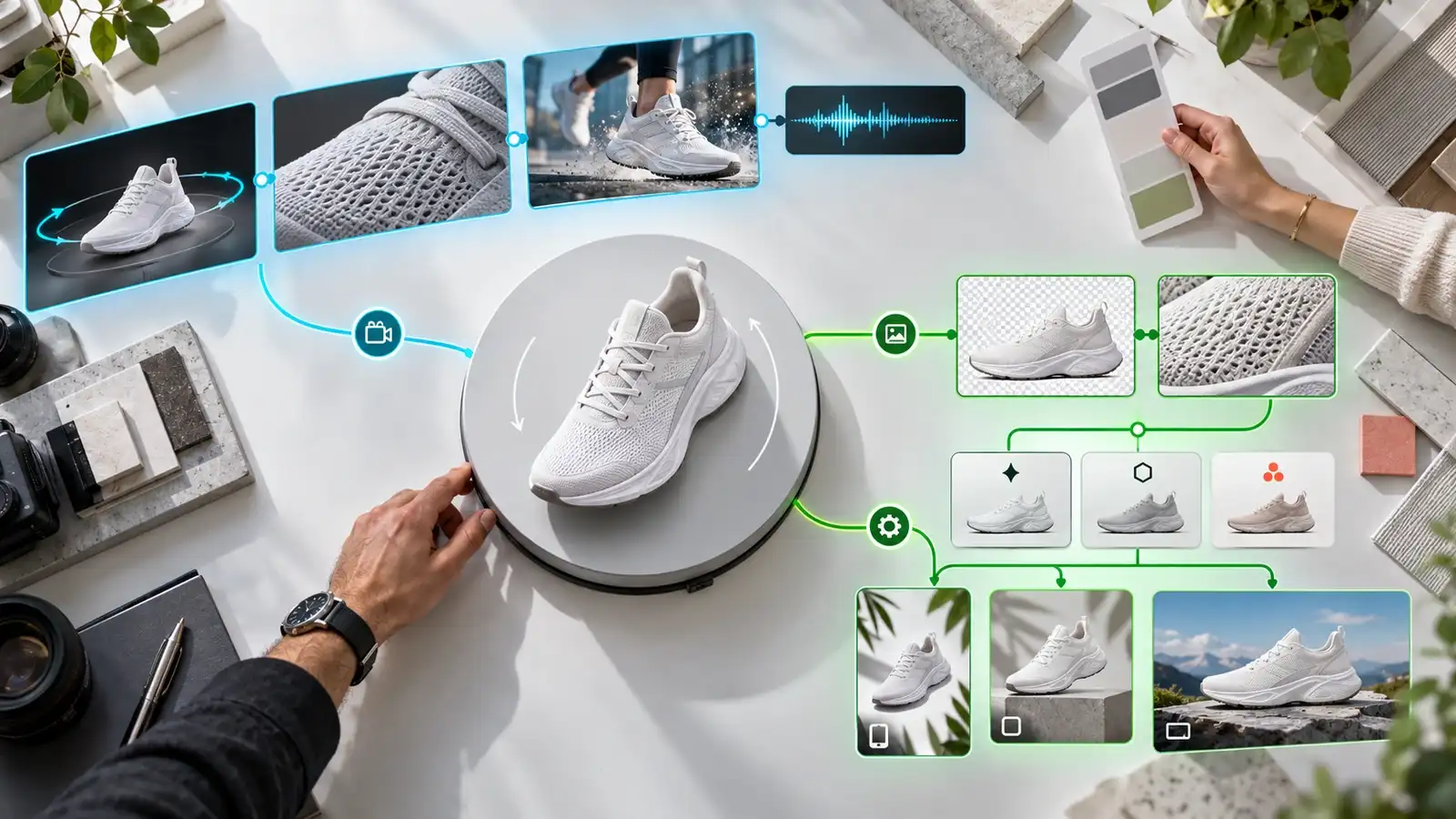
Pixelbin is the best Higgsfield alternative for brands and content teams that want their image creation, image editing and video generation to work as one campaign workflow. Instead of treating the video clip as the first step, Pixelbin lets a team develop the visual starting point, preserve references and settings, choose an approved still, then use that still as a keyframe for a short video.
Its Design Studio supports prompt based creation, reference images, manual controls such as aspect ratio, seed, guidance scale and masking, plus parallel variants. The workspace keeps prompts, references, settings and iterations together during the session. When a still is approved, users can send it into the AI Image Editor or use it as a keyframe in the video workflow. See Pixelbin Design Studio.
Pixelbin's video tools support text-to-video and image-to-video. Available inputs and output controls vary by selected model, and some models support first and last images or audio. The useful point for a working team is that the generation step can sit beside the still image preparation step instead of becoming a disconnected handoff.
This makes Pixelbin especially useful for product launches, marketplace content, seasonal social assets and paid creative where the product image must be prepared before it moves. A team can create several product concepts, refine the selected frame with targeted AI editing, then test short motion versions in the required placement. Pixelbin also offers batch image editing, which can help when the campaign depends on a larger set of consistent source visuals. See the Pixelbin Batch Editor.
Choose Pixelbin if the main question is how to make more usable visual assets from the same approved brand references. It is less about replacing a dedicated cinematic camera preset library and more about giving an image-heavy team a practical route from campaign concept to final still and short video deliverable.
2. Runway
Runway is a strong Higgsfield alternative for creators who want a mature video-focused environment with generation, editing and task-specific tools in the same platform. Its current product lineup includes text-to-video and image-to-video through Gen 4.5, keyframe animation through Animate Frames, and video-to-video work in Edit Studio Aleph 2.0. It also has Act Two for performance-driven character animation. See Runway video tools.
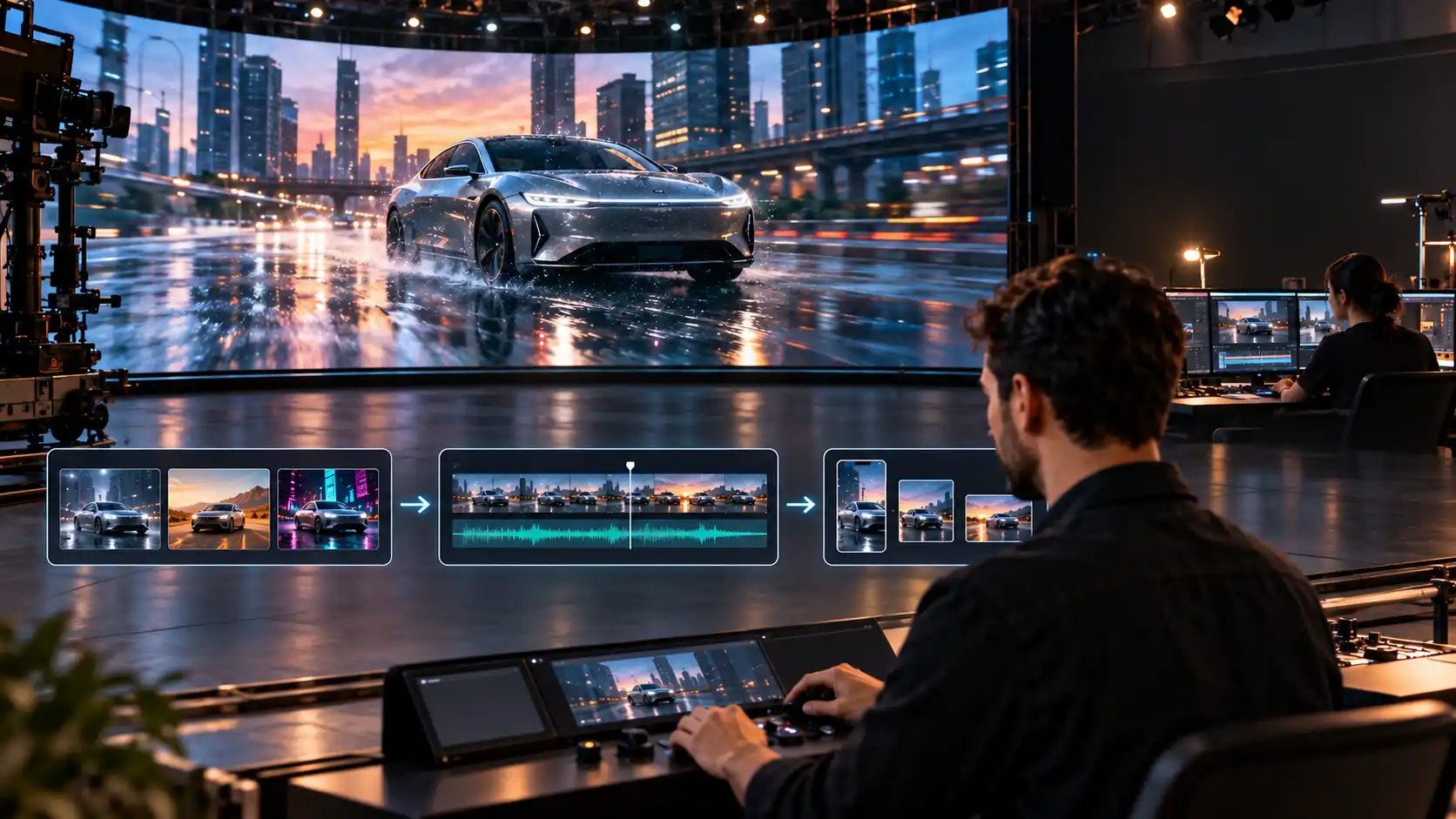
Runway is a good fit when the video itself is the centre of the workflow. A creator can make a clip, continue working with a current frame, expand its aspect ratio, retime it, upscale it or route it into character performance work. This is valuable for filmmakers, agencies and social teams that need more than a single generated shot.
There is an important practical comparison with Higgsfield. Higgsfield gives unusually direct access to cinematic camera presets and project-level visual direction. Runway offers a broader set of video creation and post-generation actions. Test both with your own references if lens-specific direction and camera moves are the main approval criteria. Choose Runway when the team needs a video workspace for iteration and finishing, not only a cinematic first generation.
3. Luma AI
Luma AI is a thoughtful choice for artists and video teams that need detailed shot control, footage transformation and advanced reference led work. Its current Ray platform supports text-to-video and image-to-video, while the wider Luma workflow includes video modification, multi-keyframe direction, reframe and motion transfer capabilities. Luma also positions its creative environment around multimodal agents and project based work. See Luma Ray and the Luma app.
Luma can be especially relevant when a team is starting with existing footage rather than a single still. For example, a short source clip may need a different visual treatment, a new crop or a guided motion result. Multi-keyframe controls can also be useful when an idea depends on a sequence of visual states rather than one initial image.
Choose Luma AI when transformation and shot direction are the priority. Higgsfield may remain more convenient for its preset led camera language. Pixelbin may be a better starting point if the work begins with product image generation and editing across many campaign assets. Luma fits the middle ground where a creator needs to direct and revise motion-based work with more than one source frame.
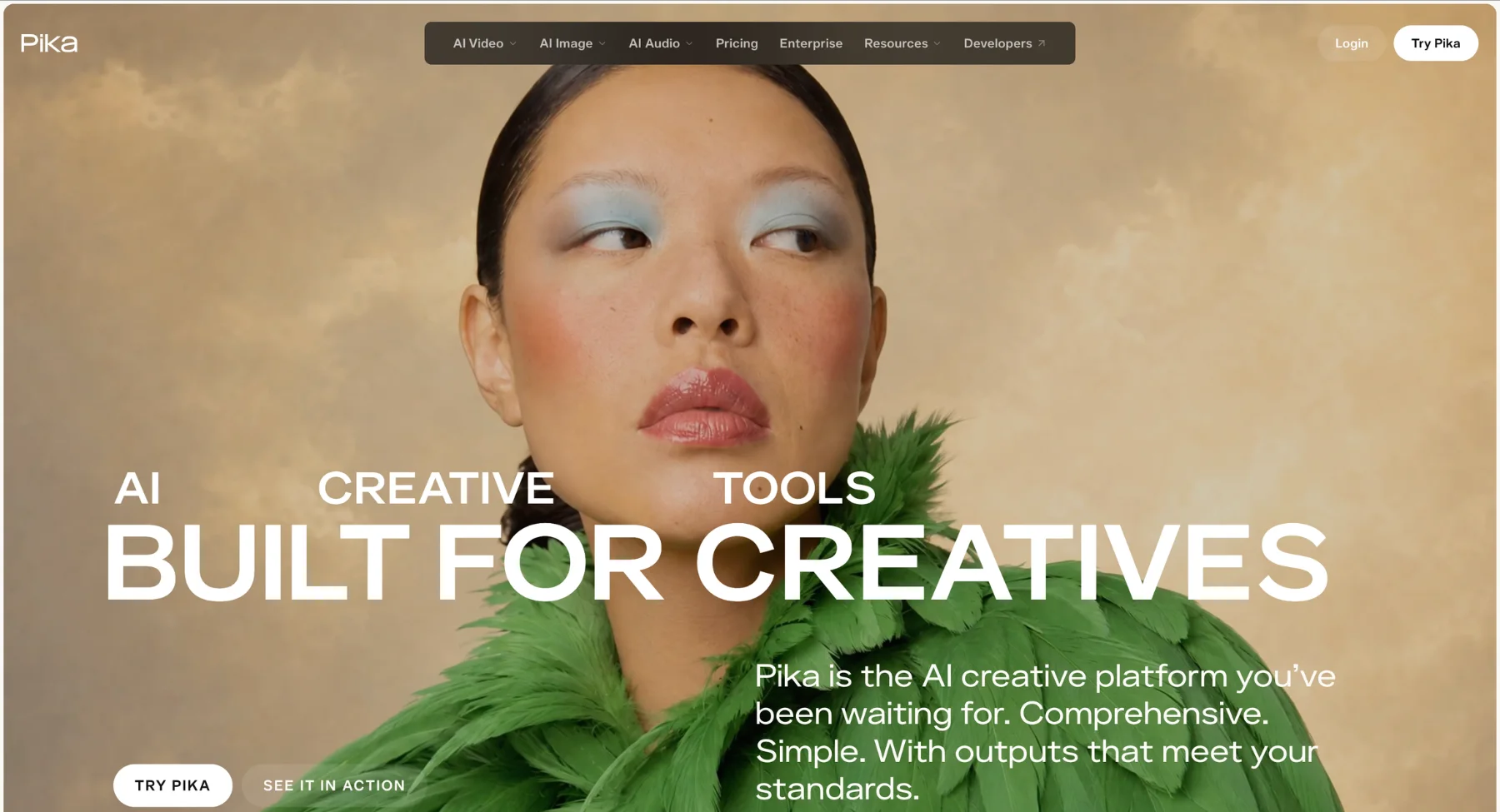
4. Pika
Pika is a useful Higgsfield alternative for creators who want a fast, playful environment for short-form visual experiments. Pika combines video, image, and sound tools, and its Video Studio supports prompts, reference media, model selection, and generation settings. Its current workflow can create short clips and, on supported models, multi-shot videos of up to 30 seconds. Pika also offers Extend Video and Pikaframes for animating two to five still images. See the Pika FAQ.
The platform is a natural fit for social experiments, visual effects driven posts, music visuals and rapid concept tests. Pika's app based approach makes it easy to try a particular effect or motion idea without setting up a full production pipeline.
Pika is not the first choice when a brand needs a repeatable image preparation and approval workflow before video generation. In that case, create or clean up the hero frame first in Pixelbin, then choose the video tool that gives the motion result you need. Choose Pika when speed of creative testing and effect driven clips matter more than a structured campaign asset system.
5. Kling AI
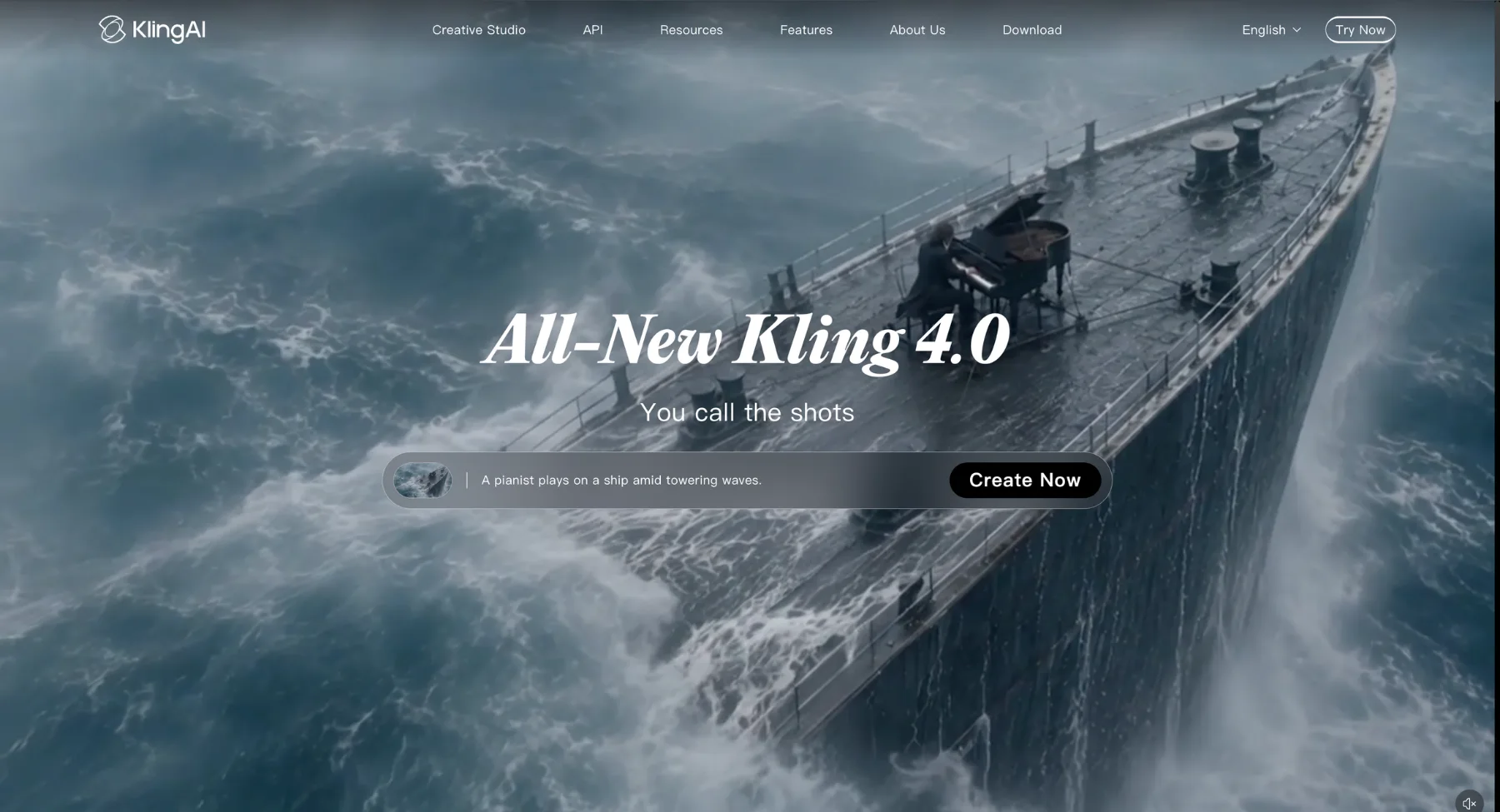
Kling AI is worth evaluating for creators who want a direct AI video generation service focused on text-to-video and image-to-video. In a Higgsfield comparison, Kling often becomes relevant because teams may want to test a specific model directly rather than access it through a multi model creative suite.
The decision should be based on an actual proof of concept, not claims about a model being universally more realistic. Use the same prompt, source image, duration and aspect ratio across tests. Check subject continuity, product shape, text accuracy, unwanted motion and whether the result survives the crop required for the intended ad placement or social platform. Review the current product and plan details on the Kling AI website because model availability and credit terms change frequently.
Choose Kling AI if direct access to its current image to video workflow is your priority. Choose Pixelbin if the wider team also needs image generation, editing, reference management and a path to several video models without rebuilding every campaign asset from scratch. That distinction keeps the comparison fair: one is a direct video destination, while the other is designed around a connected visual workflow.
6. PixVerse AI
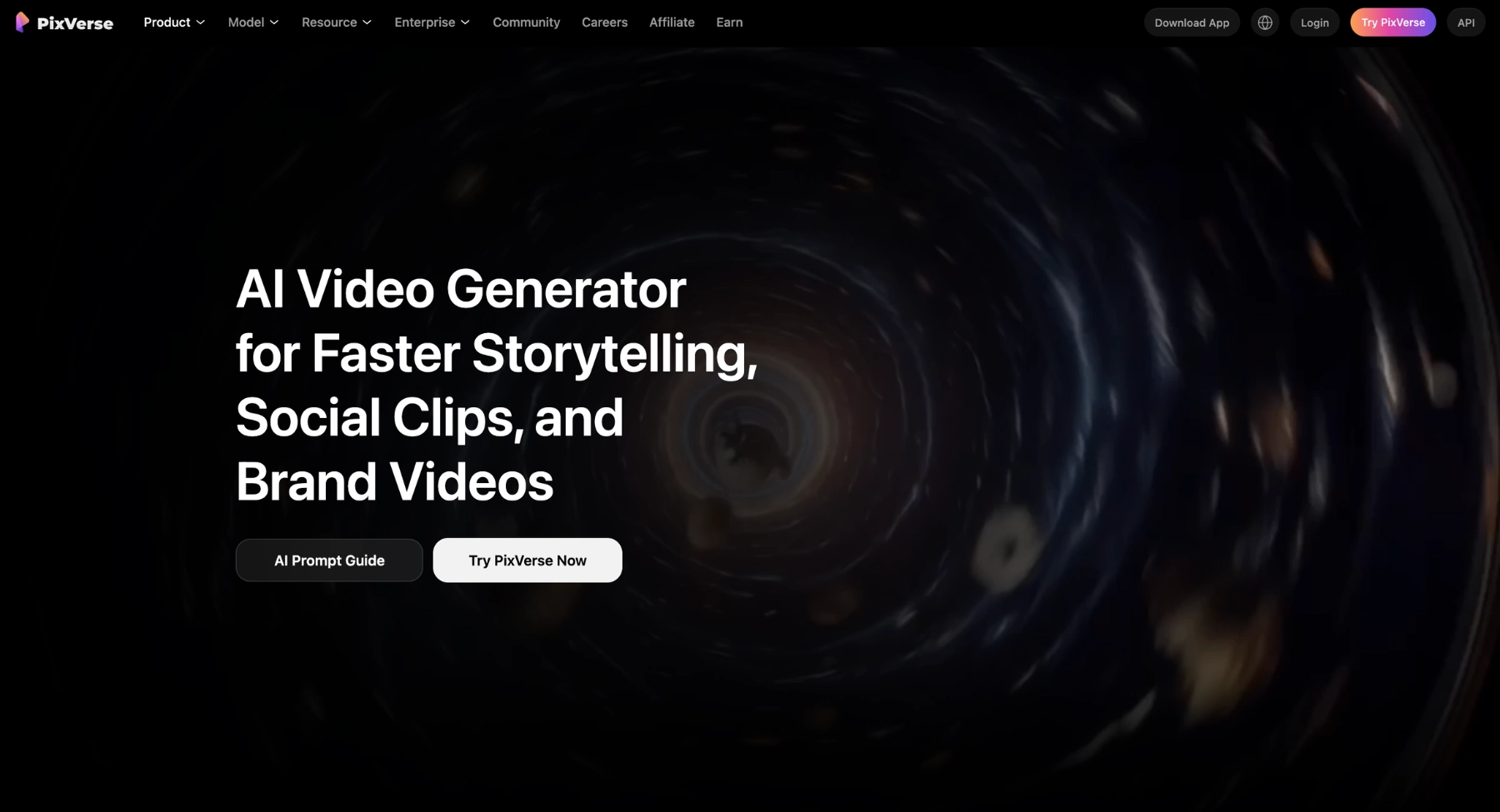
PixVerse AI is a useful alternative for teams that prefer a visual canvas for planning and running video tasks. Its Canvas workflow can hold assets, scripts and storyboards in one project, then connect them to generation tasks and results. PixVerse also describes a task matrix for generating multiple video tasks in parallel and choosing models for those tasks. See PixVerse Canvas.
That approach can work well for an agency or social team that needs to map a sequence before generating. A storyboard, prompt source and output can live in the same visual space, which makes review easier than a long list of isolated generations. It is particularly useful when several scenes need to be planned and compared together.
PixVerse and Higgsfield both offer a more visual route to multi step AI video work, but their strengths are different. Higgsfield leans into camera treatment, cinematic presets and studio style direction. PixVerse leans into canvas based asset orchestration and parallel tasks. Choose PixVerse if planning many generation tasks visually is the bottleneck. Choose Pixelbin if the bottleneck starts earlier with creating, editing and approving the brand image assets that will drive the video.
7. Google Flow
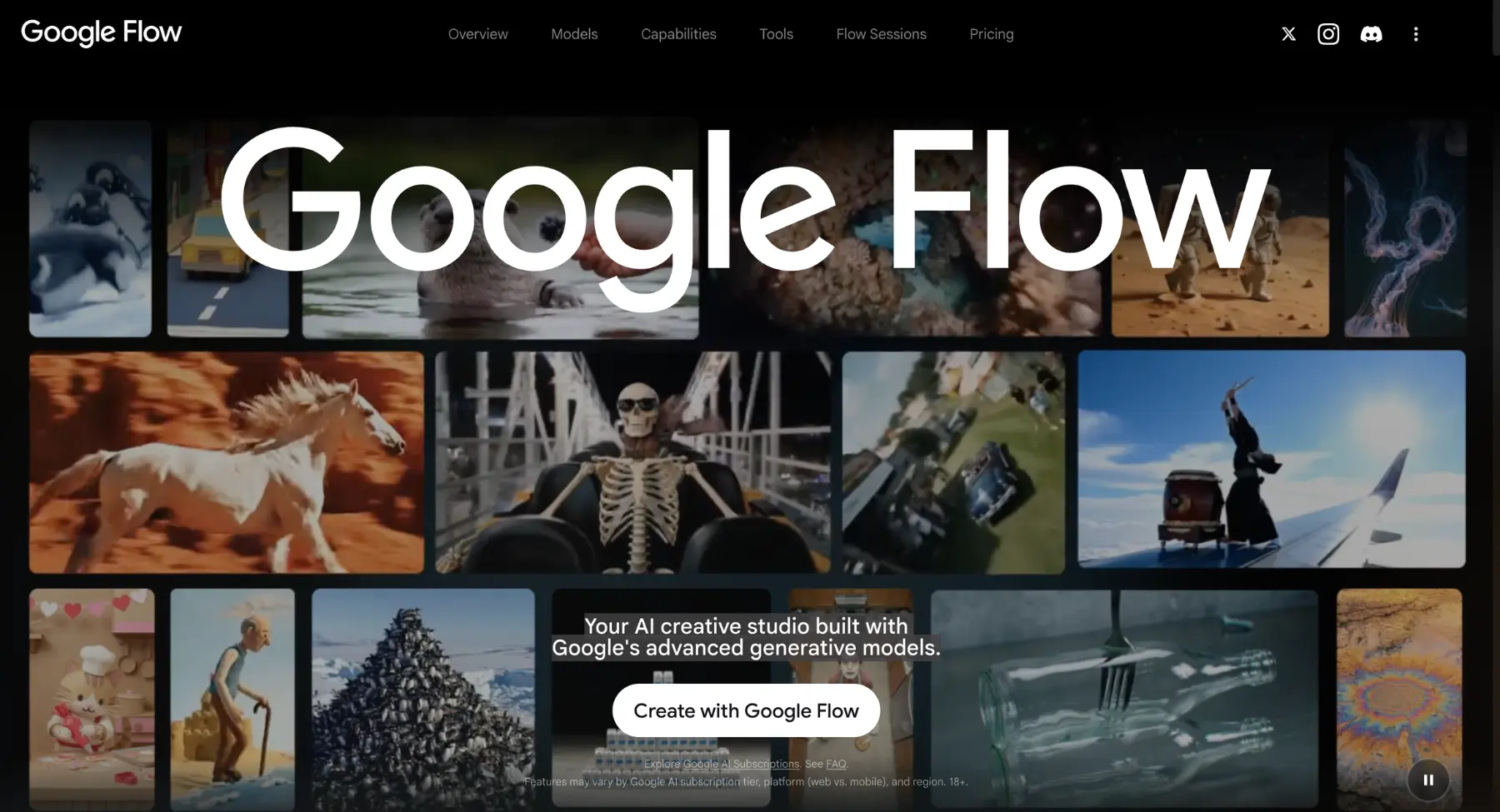
Google Flow is one of the closest Higgsfield alternatives for filmmakers who want an all in one creative studio built around advanced video models. Google describes Flow as its AI filmmaking environment for creating cinematic clips, scenes and stories. Its current workspace brings together Veo, Gemini Omni and Nano Banana, with text to video, frames to video, ingredients to video, video extension, video to video editing, a scenebuilder and character tools. See Google Flow.
Flow is particularly relevant when a project needs to move from an idea through multiple connected scenes. Its agent can work with a project context, while the workspace lets creators blend text, image and video inputs and refine assets with natural language. That is closer to Higgsfield's broader studio concept than a standalone text to video page.
Choose Google Flow when the team wants an integrated Google based creative environment with native audio capable video models and scene building tools. Higgsfield remains a stronger fit when its preset driven camera vocabulary and specific Cinema Studio controls are the reason you chose it. Check regional availability and subscription eligibility before selecting Flow because feature access varies by plan and location. See the Google Flow help centre.
8. Moonvalley Marey
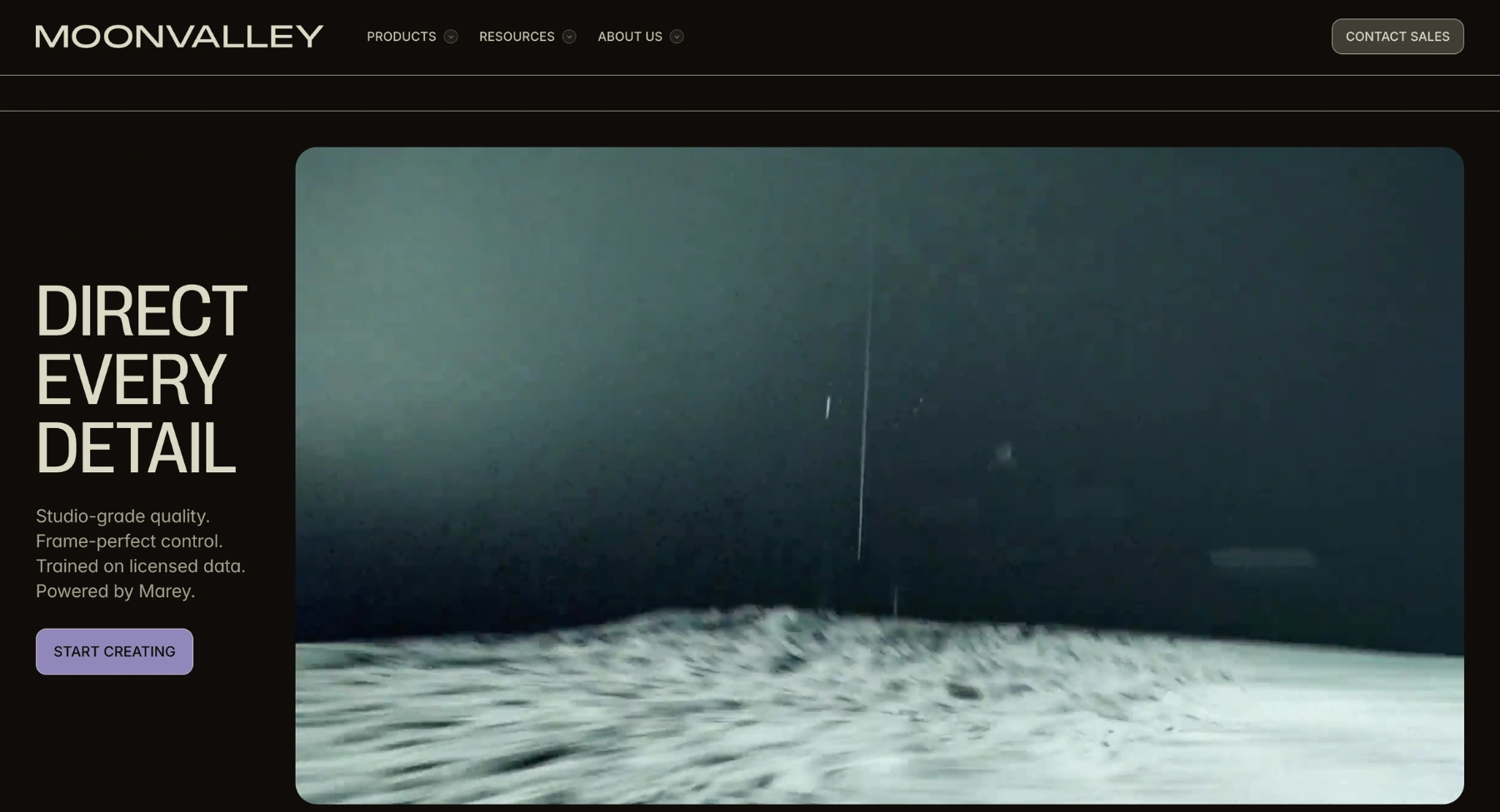
Moonvalley Marey is a direct alternative for professional filmmakers who care most about camera direction, reference control and a licensed footage training position. Marey supports camera control from a single image, motion transfer from a reference video, object trajectories, multiple keyframes, reference images for subjects, pose control and shot extension. See Moonvalley Marey.
This is one of the most relevant tools to test against Higgsfield when the brief sounds like a film set direction rather than a social media effect. A creator can use a source image as the scene, guide movement with a reference clip, draw an object path and define a sequence using keyframes. Those controls map closely to the areas where Higgsfield's Cinema Studio is valued.
Moonvalley says Marey is trained on licensed high resolution footage and positions the model for commercially safe use. Brands should still review the current licensing terms and the final output for each campaign. Choose Marey when cinematic direction and a licensed footage approach are central to the decision. It may be more specialised than Pixelbin for teams that also need high volume image creation and product asset preparation.
9. Vidu AI
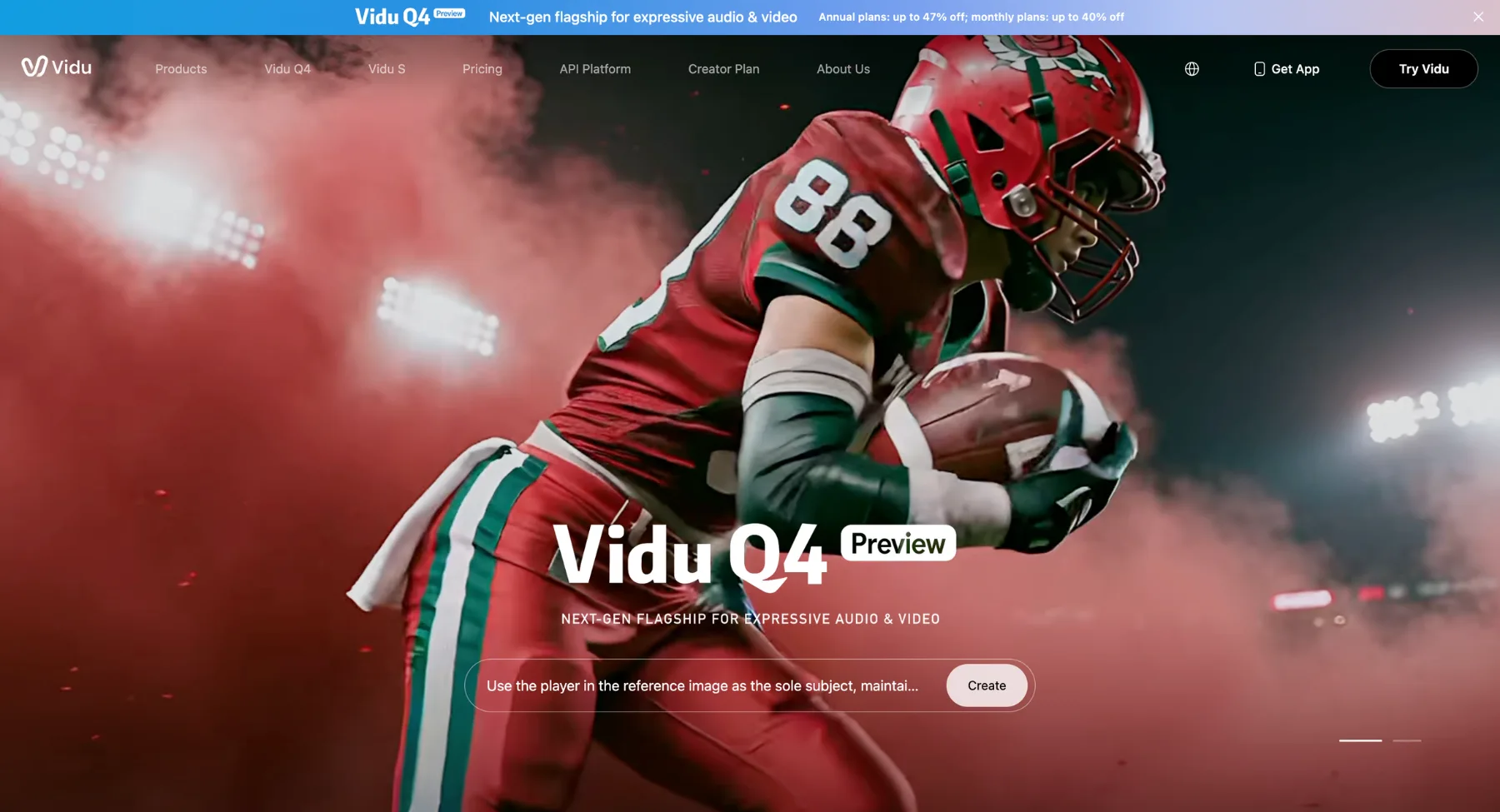
Vidu AI is a strong option for reference heavy video generation, especially when character, object or product consistency matters across a short sequence. Its platform supports text to video, image to video and reference to video. The current Vidu Q4 page describes support for up to 15 image references and up to 3 voice references, alongside image to video, audio visual output and multi shot video. See Vidu Q4.
Vidu is useful for ads, social content, AI series and creative concepts that need more than one input image. Its model map also includes variants aimed at advertising and drama, which makes it worth testing when the work is a short product ad or a dialogue driven scene rather than a single experimental clip. See the Vidu model map.
Choose Vidu when reference to video is the deciding capability and the team needs to test several images, subjects or voices in one generation. Higgsfield may be easier for camera preset led storytelling. Pixelbin may be stronger when the content team needs to generate and edit the underlying product or campaign images before handing an approved set of references to a video model.
10. Adobe Firefly
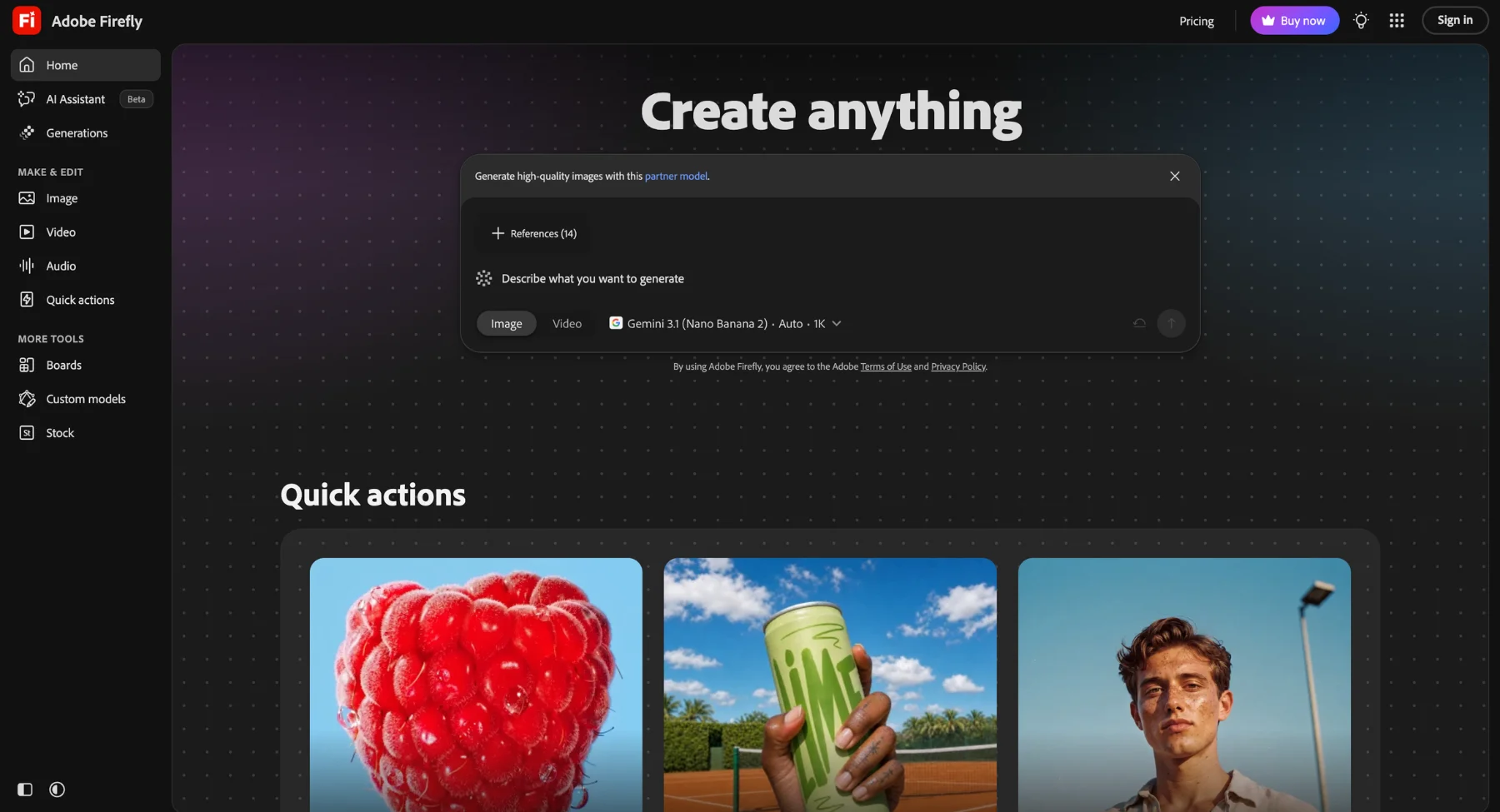
Adobe Firefly is a practical Higgsfield alternative for creative teams already working in an Adobe environment and looking for a commercially oriented image to video workflow. Firefly Generate Video can animate keyframe images using text prompts and offers the Firefly Video model. Adobe documents that availability can vary by location, user type and regulatory requirements. See Adobe Firefly image to video.
Firefly is useful when design teams need video generation to connect with the rest of an Adobe creative process. Its video model is designed for prompt and image led clips, and Adobe describes it as commercially safe in its product announcements. That positioning matters for organisations with established creative review and production workflows.
Choose Adobe Firefly when compatibility with Adobe tools and a commercially oriented generation approach matter most. Higgsfield may offer a more distinctive cinematic camera experience, while Pixelbin may better suit teams that need a flexible visual asset workflow across image generation, AI editing, batch preparation and short video creation.
Pricing and workflow comparison
Pricing for AI video tools changes often and is normally based on credits, plan allowances, selected models, resolution and clip duration. A lower monthly subscription does not automatically mean a lower production cost. One model may consume more credits per second, while another may require more retries before a team accepts the output.
Pixelbin provides a free starting allowance and paid plans that add credits, batch capacity and API access. Its pricing page should be used for the current regional checkout amount and plan terms. See Pixelbin pricing. Higgsfield, Runway, Luma, Pika, Kling and PixVerse also update their plans and model menus regularly, so always confirm the current rate on the relevant product page before you budget a campaign.
For a fair cost comparison, calculate cost per accepted deliverable. Include the source asset preparation time, the number of generations rejected, the clip duration, any required upscaling and the review required before publishing. This gives a brand a realistic number for a product video or social asset, rather than an unreliable comparison of credits between platforms.
Which Higgsfield alternative should you choose
Choose Pixelbin when your team needs the full image to video journey. It is a strong first option for brand and ecommerce work because reference images, concept development, AI image edits, video keyframes and batch image operations can support the same campaign. It is especially practical when the still image is as important as the motion clip.
Choose Runway when a video creator needs a deeper generation and editing environment, including video specific finishing actions and character performance workflows. Choose Luma AI when the project depends on transforming existing footage, multi keyframes or directed motion work. Choose Pika when the goal is fast short form experimentation and effect led visual ideas.
Choose Kling AI when direct evaluation of its current video model matters most. Choose PixVerse when the team needs a canvas that connects storyboards, assets, tasks and results for a multi scene project. Choose Google Flow when connected scenes, multiple Google models and natural language refining are important. Choose Moonvalley Marey when film style camera direction, motion transfer, trajectories or a licensed footage position are decisive.
Choose Vidu when a reference to video test needs several images and voices in the same generation. Choose Adobe Firefly when the Adobe ecosystem and commercially oriented video generation are central to the workflow. Higgsfield itself remains a good option when its cinematic camera presets and studio style controls are the primary reason for the project.
FAQs
Pixelbin is the best starting point for teams that need to create and edit images before turning the approved visual into a short video. Runway, Luma AI, Pika, Kling AI and PixVerse may be stronger for specific video first needs such as editing, footage transformation, creative effects, direct model access or canvas based production planning.
Yes. Pixelbin supports text to video and image to video through its Video Generator. It also pairs video generation with tools for image generation, targeted AI edits and batch image processing, which is useful when a campaign requires both final stills and motion assets. See the Pixelbin Video Generator.
Start with Pixelbin if the product still, background, reference image and final video all need to be handled in one campaign workflow. Prepare and approve the keyframe before generating motion, then inspect product shape, label text, colour and accessories in every final clip. AI generation can create attractive results while still changing factual product details.
Sometimes. If your work is mostly video generation and editing, Runway or Luma AI may cover the required workflow. If your work begins with ecommerce images and campaign stills, Pixelbin may cover more of the process. For high stakes production, run a small test on the real asset type before moving an entire content calendar to a new tool.
Use the same project brief across the tools you are evaluating. Match the input image, prompt, duration, aspect ratio and review standard. Measure the cost and time needed to reach an accepted result, then check that the final export works for its intended placement. This keeps the comparison focused on real production outcomes.