


Support png/jpg/jpeg/webp, up to 10MB
/pixelbin_blogs/PB_2.0/Apps_Graphics/photo_restoration/Graphics/381897.webp)
/pixelbin_blogs/PB_2.0/Apps_Graphics/photo_restoration/Graphics/18465.webp)
/pixelbin_blogs/PB_2.0/Apps_Graphics/photo_restoration/Graphics/18537.webp)
Restore photos in single click
Free AI old photo restoration online
Restore old, scratched, faded, or damaged photos online while preserving faces, texture, and memory detail with an AI photo restoration tool.
/pixelbin_blogs/PB_2.0/Apps_Graphics/photo_restoration/Graphics/showcase/4.webp)
/pixelbin_blogs/PB_2.0/Apps_Graphics/photo_restoration/Graphics/showcase/3.webp)


How to restore old photos?
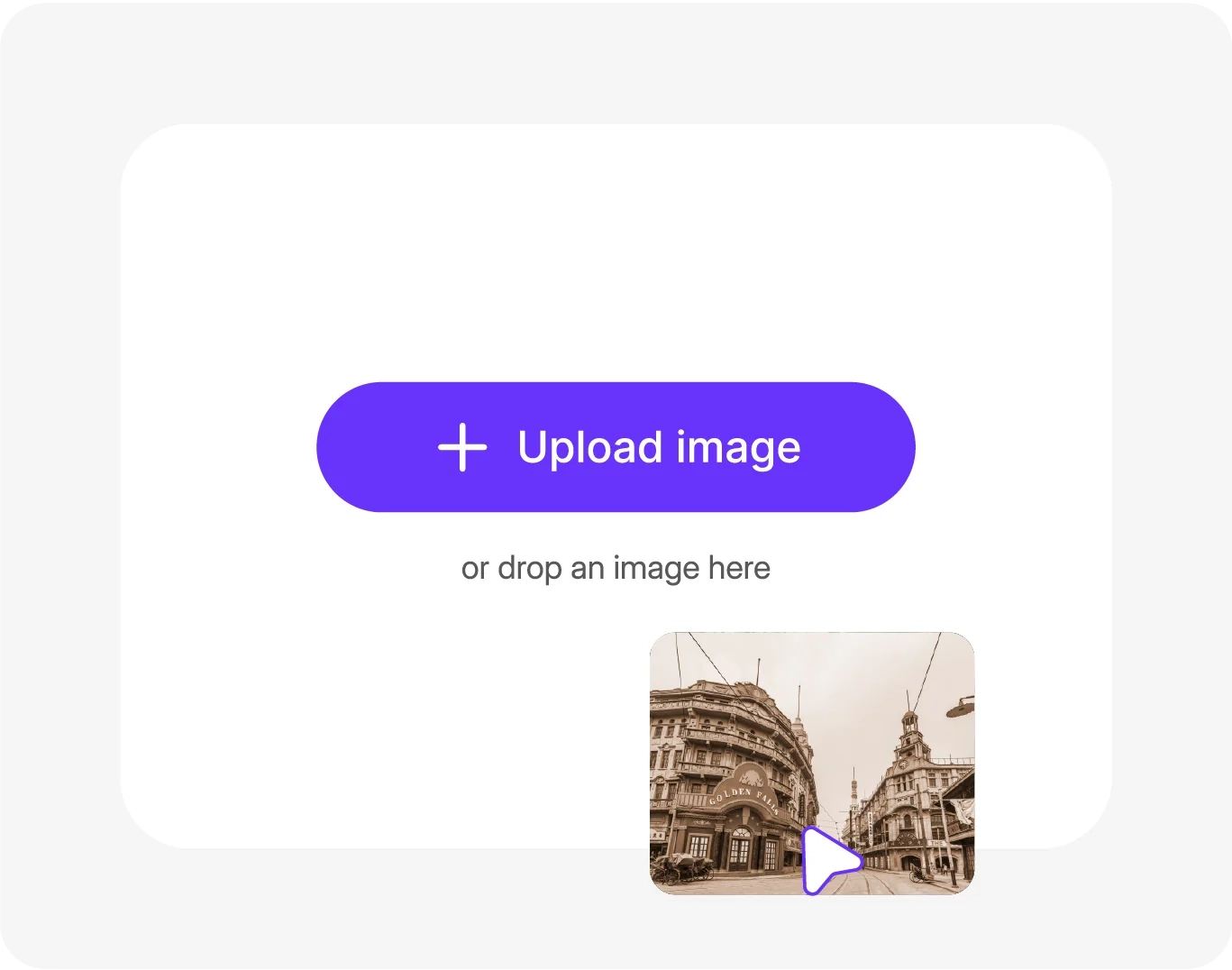
Add your image
Click "Upload Image" for PNG/JPG/JPEG/WEBP up to 10MB, try AI models and aspect ratio.
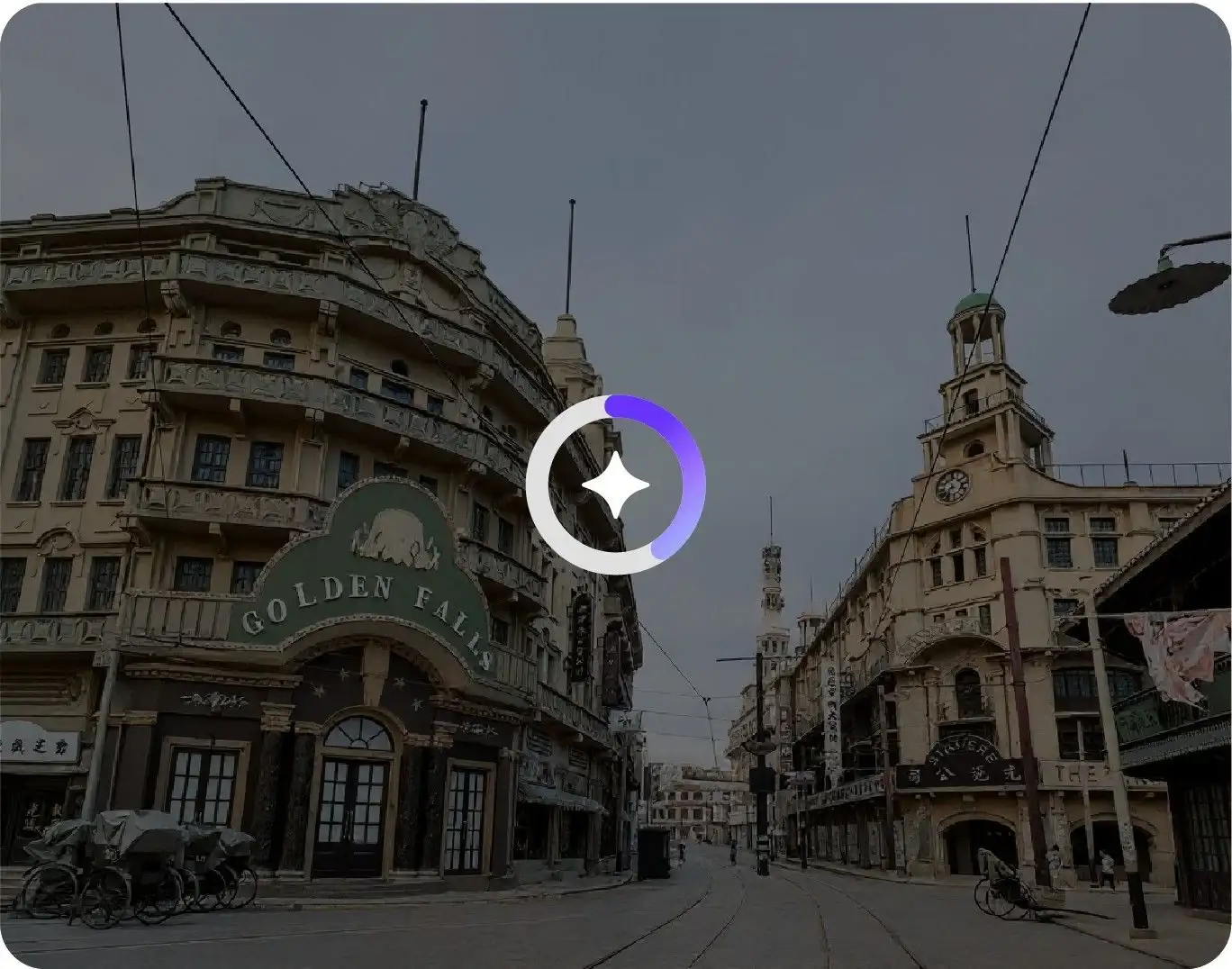
Let AI do its magic
Repair scratches, colors, and faces automatically with smart AI in one minute.
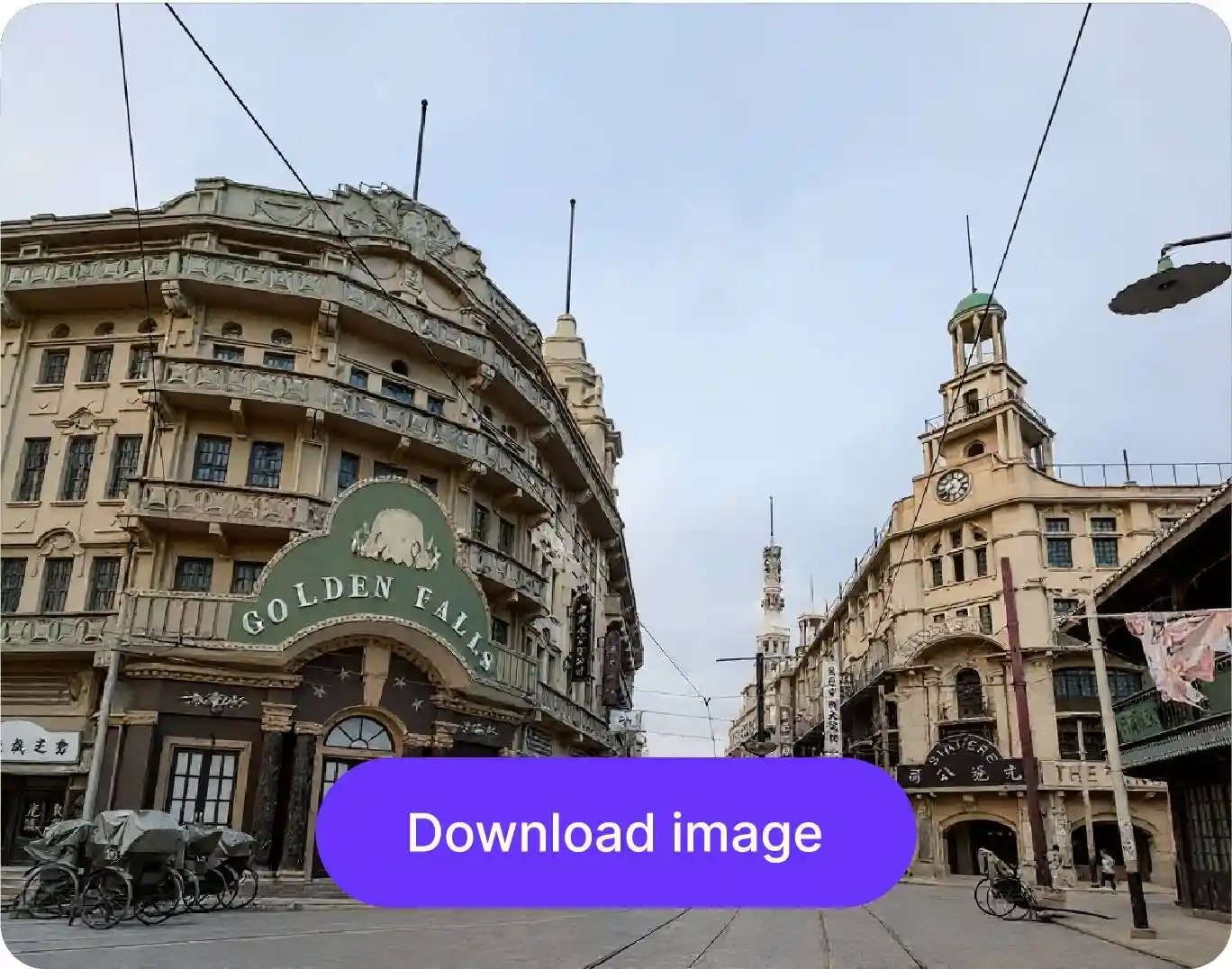
Download your photo
Preview restored photo and download HD version watermark-free.
Why choose old photo restoration tool?

Multiple format support
Upload old photos as JPG, JPEG, PNG, or WEBP files and restore them directly in just one click.

AI model selection
Choose from multiple AI models such as Nano banana pro, Nano banana 2, GPT-2, etc., to restore your old photos.
.png)
Browser-based platform
Restore old photos from your browser without installing heavy restoration or design software.
.png)
Free HD downloads
Save restored photos in High quality for digital archives, sharing, or reprints.
.png)
Balanced color correction
After restoring your image, you can make further edits like brightness, contrast, and tone adjustment to achieve a clearer, more polished final result.

Turn restored photos into video
Convert your restored image into a live AI video instantly, so old memories can feel more dynamic and engaging for sharing, storytelling, or creative projects.
Restore old damaged photos online with one click
Fix worn-out photos & transform them into clear images without manual expertise or expensive software downloads.
Unchanged photo quality
Pixelbin preserves the original quality of your picture in the final output. Enhance clarity & fix dull areas without affecting resolution or changing its natural look.
Bulk photo restoration
Pixelbin makes photo restoration faster with its bulk editing API. Upload multiple photos at once and restore them in just a few steps.
Side-by-side preview
Compare the original & the restored version of your photo side-by-side and review the changes before downloading.
No editing skills needed
You don’t need any technical skills or photo-editing expertise to use Pixelbin. Simply upload, restore, and download the image in HD.
/pixelbin_blogs/PB_2.0/Apps_Graphics/photo_restoration/Graphics/Graphics/__Unchanged_photo_qualit.webp)
AI tools by Pixelbin
/pixelbin_blogs/PB_2.0/Apps_Graphics/colorize_photo/Graphics/Thumbnail_(9).png)
/pixelbin_blogs/PB_2.0/Related_apps_tumbnail/Thumbnail_(1)_(2)-transformed.webp)
/pixelbin_blogs/PB_2.0/Apps_Graphics/denoise_image/Graphics/thumbnail_(4).webp)
/pixelbin_blogs/PB_2.0/Apps_Graphics/color_correct/Graphics/colorcorrection-0_(1)44.jpeg)
AI old photo restoration online free platform
Pixelbin uses advanced AI to restore old photos, without adding watermarks. Instantly fix scratches, stains, or faded areas and download high-quality images.
Benefits of using free old photo restoration app
Pixelbin’s photo restoration AI tool offers a hassle-free way to revive old, damaged images. Here are some of its benefits:
- Easy image upload: Easily add photos by uploading, dragging and dropping, or simply pasting a URL.
- Quick process: Restore old photos in seconds without any complex steps.
- No watermark: Download clean, high-quality images without any promotional branding.
- High-quality output: Get sharp, high-quality restorations that preserve original details.
- Instant results: Fix scratches, dark spots, faded colors, and bring back clarity to old images without manual editing.
- Versatile use cases: Perfect for individual as well as batch edits (via API) with no drop in quality.
- Free trial: Get professional-quality photo restoration free for the first three times, every month.
Use cases of best old photo restoration online free tools
Pixelbin’s old photo restoration online tool helps you preserve old memories & repair valuable images instantly.
Preserve family archives
Restore old printed photos that have faded, discolored, or got damaged over time. Share the renewed versions with your family and preserve them for future generations.
Digitize old photo collections
Store old photographs in clean, high-quality formats to prevent further damage. You can upload such images in bulk using the API (accessible in premium plans) to save time during the restoration process.
Preserve wedding day memories
Restore old wedding photos that have faded with time using Pixelbin’s AI photo restoration tool. Give your parents, grandparents, or any old married couple a renewed version of their special day.
Repair vintage photos
Using our damaged old photo restoration tool, you can revive old public domain images, historical documents, or old newspapers for use in documentaries, school presentations, research projects, and more.
How to get the best results from old photo restoration AI free tools?
To get the most natural and clear results from Pixelbin’s AI image restoration free tool, follow these tips:
- Try to upload the highest quality scan of your physical photo.
- For physical photos, lay them on a flat surface and take a picture straight on to avoid distortion.
- Make sure the image is properly oriented and crop the edges to remove any unwanted borders.
- For very heavily damaged photos, you may get better results by focusing on smaller sections one at a time.
How to restore old photos with AI
Restore faded, blurry, or pixelated old photos in just a few clicks using Pixelbin’s AI photo restoration tool.
1. Upload your old photo
Upload an old, damaged, blurry, or low-quality image in JPG, JPEG, PNG, or WEBP format. Pixelbin supports files up to 10 MB.
2. Let the AI restore the image
The AI automatically repairs pixelation, improves sharpness, enhances facial details, and restores overall image clarity without manual editing.
3. Preview the restored version
Compare the original and restored photo side by side to see the improvements in quality, texture, and detail restoration.
4. Download the restored image
Download your restored old photo in high quality for printing, sharing with family, archiving memories, or digital preservation.
FAQs
Here are some of the most common questions about our tool. If you can’t find the information you need, contact us at support@pixelbin.io or refer to our documentation for more details.


Edit images in seconds, not hours
Get pixel-perfect results just with your words
Start editing with AI