
Summary
Pixelbin brings multiple AI image and video tools into one platform, including access to Kling models. Kling AI is Kuaishou's own creative platform and model family. Choose Pixelbin when you want to explore different models and prepare visual assets alongside video creation. Consider Kling directly when your work depends on a particular Kling feature. Compare the exact version, available controls, and generation cost before choosing.
Introduction
You have a product photo and an idea for a short video. Perhaps the camera should move around a sneaker, or sunlight should shift across a perfume bottle. While looking for a tool, you come across Pixelbin and Kling AI. Then you notice that Pixelbin also offers Kling video generation.
So, what are you actually comparing?
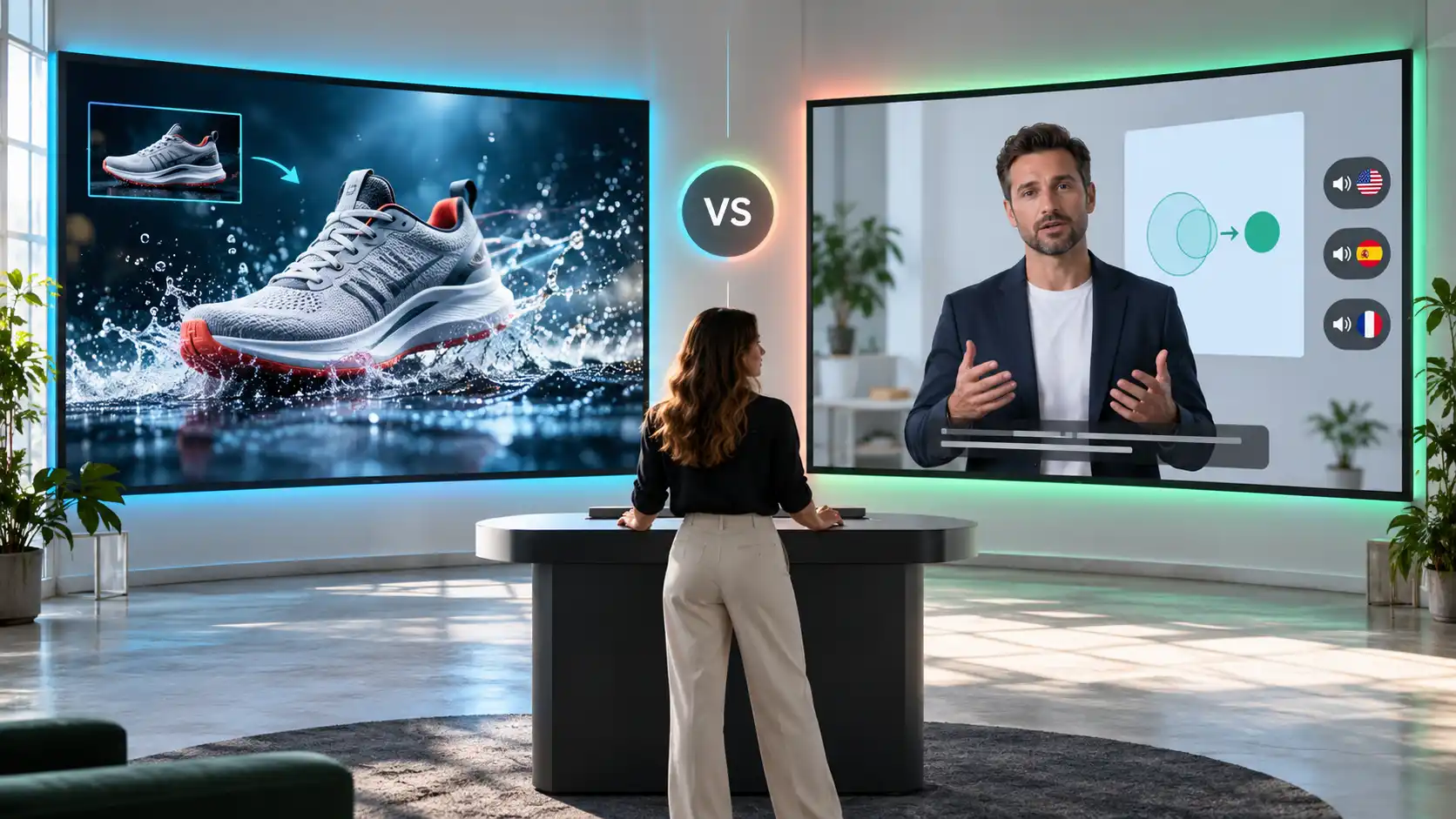
Pixelbin vs Kling AI is partly a choice about where you use a model and what other tools you need around it. A model creates the footage, while the platform provides the interface, settings, billing, and surrounding workflow. Those differences matter when you are turning a first attempt into something ready to publish.
This guide explains the overlap and compares practical tasks, from animating a photo to planning a sequence of shots. It also shows how to evaluate costs without treating credits from different platforms as equivalent.
What is Pixelbin?
.webp)
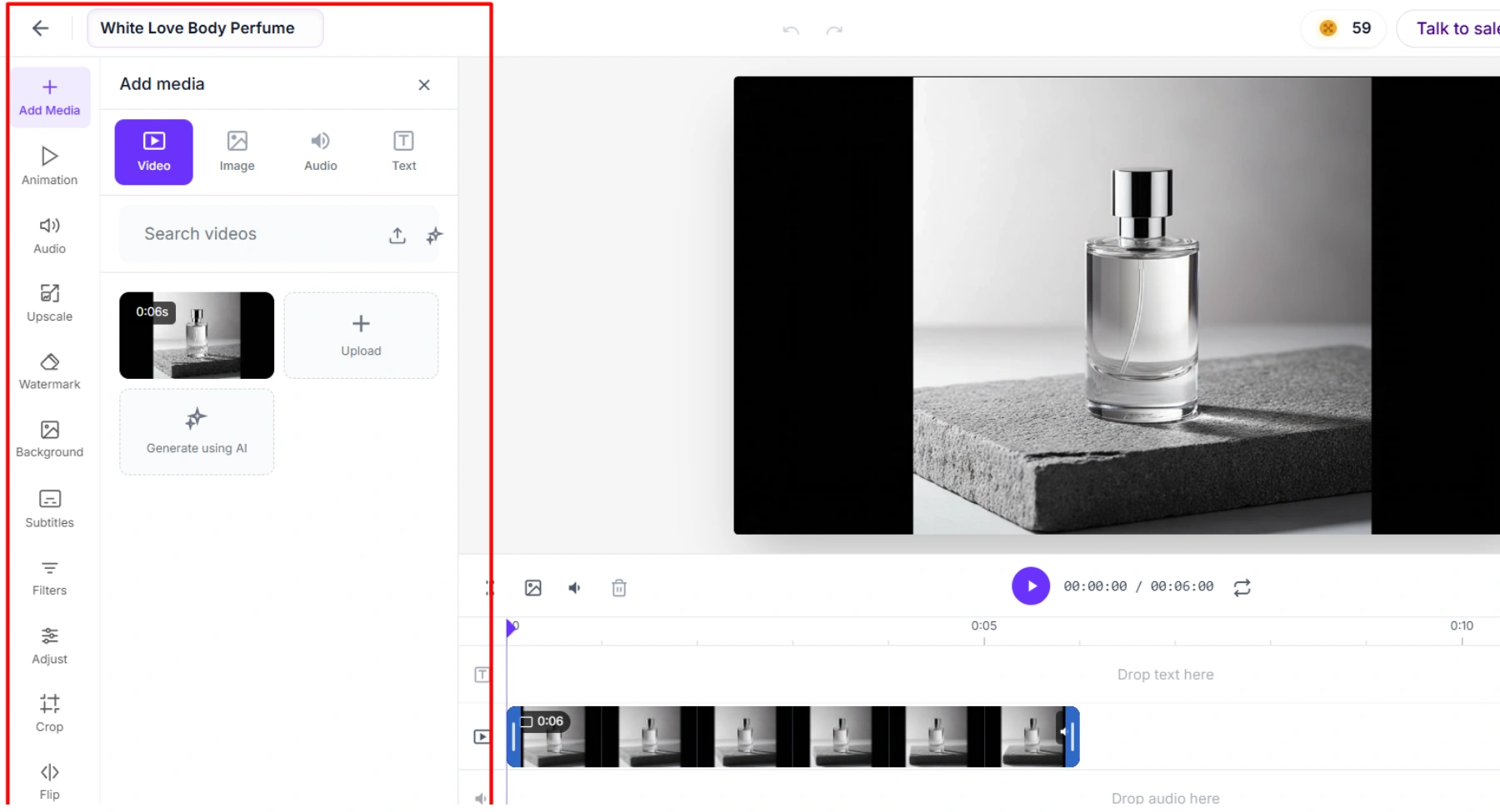
Pixelbin combines image editing with AI video generation, giving creators access to top model families like Kling, Veo, Hailuo, and Seedance. Because each model processes inputs and outputs in different ways, creators can experiment with different variations of a scene to find the perfect model for their project. Choosing Pixelbin is not a lost opportunity for standalone platforms like Kling AI. Pixelbin is a convenient way to access Kling's capabilities as part of a larger creative workflow, with dedicated support for Kling 3.0, including its multi-shot generation and synced audio.
What is Kling AI?
Kling AI is a model family and platform with many uses, going far beyond the usual text-to-video generation. It can generate images, create them from references, and edit videos dynamically. Kuaishou added support for 15-second high-resolution video clips, native audio synthesis, and multi-shot storytelling with Kling 3.0. The ecosystem differentiates between standard Video 3.0 and Video 3.0 Omni, with the Omni flavour providing enhanced storyboard controls and more robust reference-matching workflows. Because the tools and modes available are specific to your plan or platform integration, it's a good idea to be sure a given workflow is supported before you commit to a subscription.
Pixelbin vs Kling AI at a glance
Text-to-video and model choice
Text-to-video generation relies heavily on choosing the right model architecture for your visual and narrative goals. Both Pixelbin and Kling AI offer distinct approaches to transforming text prompts into dynamic footage.
Pixelbin is a unified platform that hosts multiple text-to-video model families, including Google Veo, MiniMax Hailuo, LTX, Seedance, and Kling.
- Model variety: Swap between different AI engines within one workspace to test diverse visual styles, speed, and budget needs.
- Flexible workflows: Tailor outputs using prompt-driven camera controls, resolution picks up to 4K, and varied durations (3-20 seconds).
- Ideal for: Marketers and agencies seeking quick iteration and style experiments without committing to a single underlying technology.
On the other hand, Kling AI operates as a primary model family focused on deep cinematic realism and complex storytelling physics.
- Advanced narrative: Native Kling 3.0 supports 15-second multi-shot storyboards, scene-level camera directions, and native audio synchronization.
- Reference precision: Features deep character consistency, video-based element locks, and detailed lip-syncing capabilities.
- Ideal for: Filmmakers and creators who require dedicated, high-fidelity motion control and deep reference-matching workflows.
Turning product photos into videos
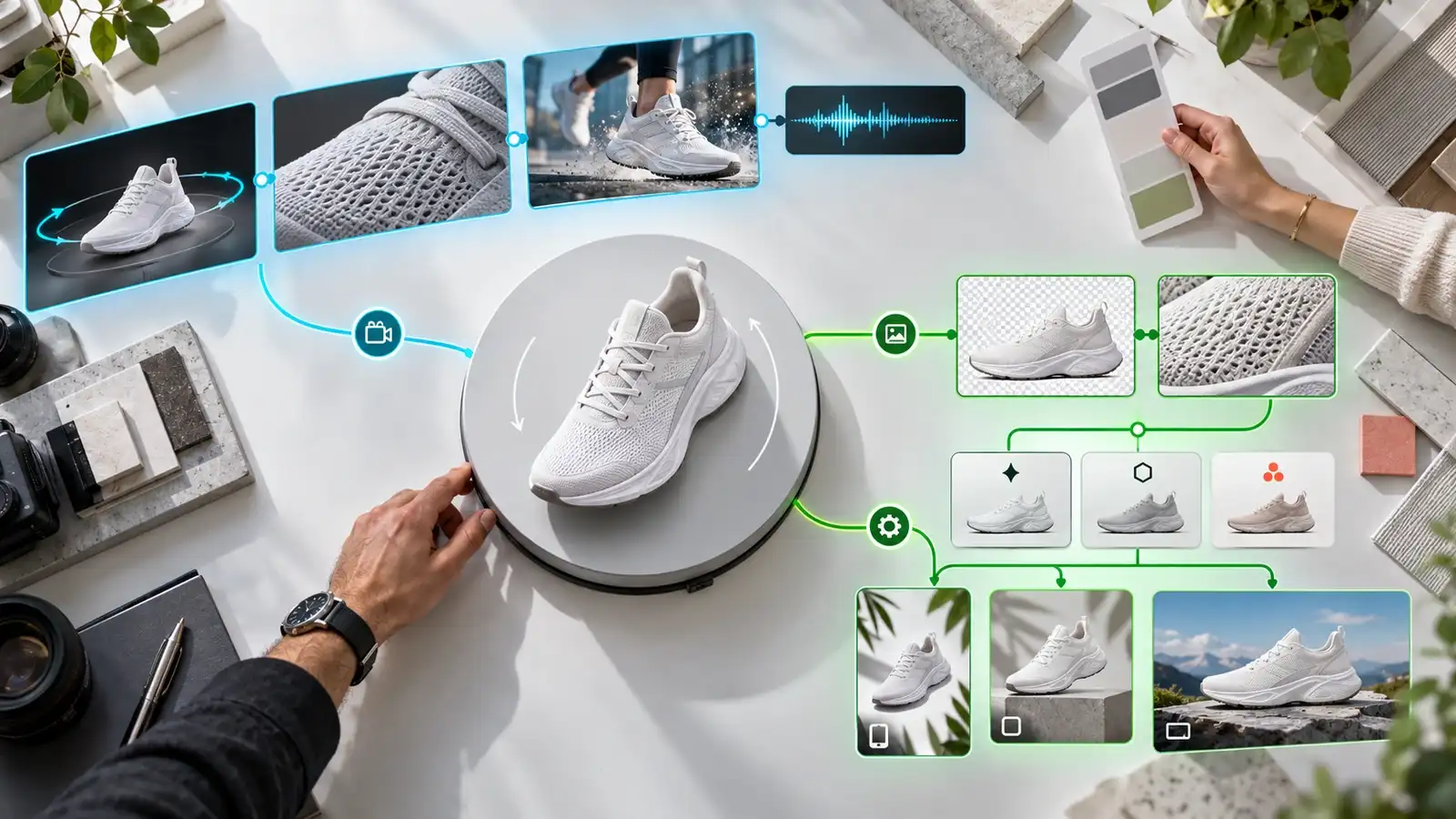
Transforming static product photos into engaging promotional videos is an efficient way to scale e-commerce listings, ad creatives, and social reels. Both Pixelbin and Kling AI provide powerful image-to-video capabilities, tailored to different production workflows.
Pixelbin acts as an end-to-end commercial workspace that simplifies transforming product shots into ready-to-publish video ads.
- Start & end frame control: Anchor product photos using first/last frames to create smooth 360-degree rotations, multi-angle orbits, or transition effects.
- Model choice: Switch seamlessly between specialized engines (including Kling, Hailuo, or Veo) to match required motion speeds and budget constraints.
- Commercial editing: Combines video generation with background replacement, AI upscaling, aspect ratio presets, and watermark-free exports.
But Kling AI focuses on deep cinematic realism and complex motion physics directly applied to source photos.
- Physical realism: Excellent at predicting natural dynamics, like pouring liquids, shifting reflections, or cloth movement around a product.
- Character & object consistency: Preserves intricate product branding, textures, and geometry accurately while animating surrounding scenes.
- Multi-shot storytelling: Supports longer 15-second multi-angle sequences, camera path adjustments, and synchronized sound effects in Kling 3.0.
Motion control and reference inputs
Motion control and reference guidance determine how precisely AI video tools capture camera trajectories, character consistency, and action physics. Both Pixelbin and Kling AI approach these controls differently.
Pixelbin provides direct, accessible motion controls integrated into an e-commerce and creative workflow, relying on flexible parameter setups across various model engines.
- Camera & transition setup: Offers simple UI toggles for camera paths (zoom, pan, tilt) and camera prompt syntax. Supports precise first-and-last frame inputs to map smooth transition paths.
- Multi-engine references: Allows uploading style, character, and scene reference images depending on the underlying model (e.g., Veo, Seedance, Hailuo).
- Ideal for: Marketers needing quick camera movements, clean product transitions, and basic image-guided scene consistency without deep motion capture.
Kling AI offers specialized video-to-video motion transfer and precise reference modeling for high-fidelity physical action.
- Video motion reference: Features dedicated video-based motion capture, allowing creators to upload a reference video and map its exact physical actions, hand gestures, and body dynamics onto a static image.
- Kling 3.0 Omni control: Uses storyboard references, multi-element tracking, and detailed video references to maintain subject identity across dynamic camera moves.
- Ideal for: Animators and filmmakers who require precise actor body tracking, exact character re-skinning, and complex physical motion fidelity.
Audio and multi-shot videos
Both Pixelbin and Kling AI offer sound and sequence management, but they serve completely different video creation workflows.
Pixelbin integrates generative AI video models (such as Kling 3.0 and Seedance 2.0) to synthesize dynamic, multi-shot sequences and matching audio in a single generation pass.
- Native sound sync: Generates built-in ambient noise, lip-synced speech, and sound effects synchronized directly with the visual action.
- Generative multi-shot: Supports multi-shot prompts (such as storyboards up to six shots) to output complex, cinematic scene changes within a single run.
- Ideal for: Marketers and creative directors producing cinematic ads, social media reels, and visual storytelling clips.
Kling AI operates as a slide-based studio platform designed to convert scripts and documents into structured corporate video presentations.
- Multilingual voiceovers: Focuses on studio-quality text-to-speech with over 1,000 realistic voices across 160+ languages, synchronized to virtual avatar mouth movements.
- Scene-based editing: Organizes multi-shot sequences into slide-like scenes where creators can trigger animations, camera pans, and sound effects on specific spoken words.
- Ideal for: Corporate trainers, L&D teams, and internal communications specialists producing multi-scene explainer videos.
Image preparation and creative flexibility
The starting image can be as important as the motion prompt. A tight crop may leave no room for a camera move. A busy background can make it difficult to judge whether the subject remains consistent.
Pixelbin treats image preparation as a utility-first workflow, focusing on exact, non-destructive editing and asset cleanup before generation.
- Utility editing: Built-in AI tools handle precise background removal, 8x resolution upscaling, object erasing, and automated text/watermark removal.
- Commercial preparation: Offers custom framing, background replacement with real-time shadow generation, and aspect ratio standardizations for catalog readiness.
- Ideal for: E-commerce teams and marketers who need pixel-perfect object isolation, clean backgrounds, and scaled source images ready for video deployment.
Kling AI (via IMAGE 3.0) approaches image preparation through prompt-driven generation and advanced stylistic transformations.
- Generative edits: Allows creators to rework framing, adjust camera perspectives (e.g., front view to side view), alter lighting, or swap objects entirely via text.
- Reference guidance: Features deep reference controls (Face, Subject, and Style) to inherit visual traits from sample images and transfer artistic styles seamlessly.
- Ideal for: Digital artists and animators seeking high creative flexibility, narrative reinterpretation, and artistic style transfer over rigid pixel isolation.
Pixelbin vs Kling AI pricing
How to use Kling through Pixelbin?
Step 1: open the Kling video tool
Open Pixelbin's Kling generator and review the model and mode available to your account. Choose the workflow that matches your input, such as a text brief or an image.
Step 2: prepare your reference
If you are using a product photo, start with a clear image and enough space around the subject. Decide what must remain unchanged and what movement would help communicate the idea.
Step 3: write a focused prompt
Try this: A white sneaker rests on a pale gray studio surface. The camera slowly moves from a front three-quarter view toward the side. Keep the sneaker stationary and fully visible. Soft studio lighting and a clean background. No scene cuts.
Step 4: review settings and cost
Choose from the controls exposed by the selected mode. Check duration, aspect ratio, audio, and generation cost where available. Do not assume settings from a tutorial for another version apply to your session.
Step 5: generate and refine
Review the whole clip, including its opening and final frames. If the subject changes or the motion feels excessive, simplify one instruction and try again. Keep the strongest version and complete any captions, branding, or assembly needed for publication.
Why Pixelbin is the better choice?
Conclusion
Pixelbin vs Kling AI is a comparison of creative workflows as well as platforms. Pixelbin offers Kling access alongside other image and video tools. Kling's direct platform gives you another route into the same model family. Begin with a clear scene, identify the controls it needs, and compare the actual generation settings. If you want to explore Kling alongside other creative tools, Pixelbin is a useful starting point.
FAQs
Yes. Pixelbin has a dedicated Kling video generation page. Check the model and mode offered in your account before starting, because controls and access can vary.
No. Pixelbin is a separate platform that offers access to multiple creative models and tools. Kling is Kuaishou's model family and creative platform. Their overlap comes from Pixelbin offering Kling generation.
Not necessarily. Model versions, settings, reference processing, and generation variation can affect the result. Match the available controls before comparing output quality.
Pixelbin is useful when the project combines image preparation with video creation or model exploration. Kling directly may suit a project built around a particular Kling control. In either case, review product details carefully before publishing.
There is no verified universal answer. Compare the current charge for the same model, settings, and number of generations. Credit totals and promotional subscription prices alone do not establish which route costs less.