

Did you know? AI art generators use artificial intelligence to create visual artwork, usually from text prompts, images, or a combination of both. You've definitely noticed a rise in artificial intelligence programs if you’ve been following tech trends over the past several years.
AI-generated art is one of the fastest-growing creative formats, especially in digital design, marketing, and social media. After some research, I found that there are many AI tools available for generating art.
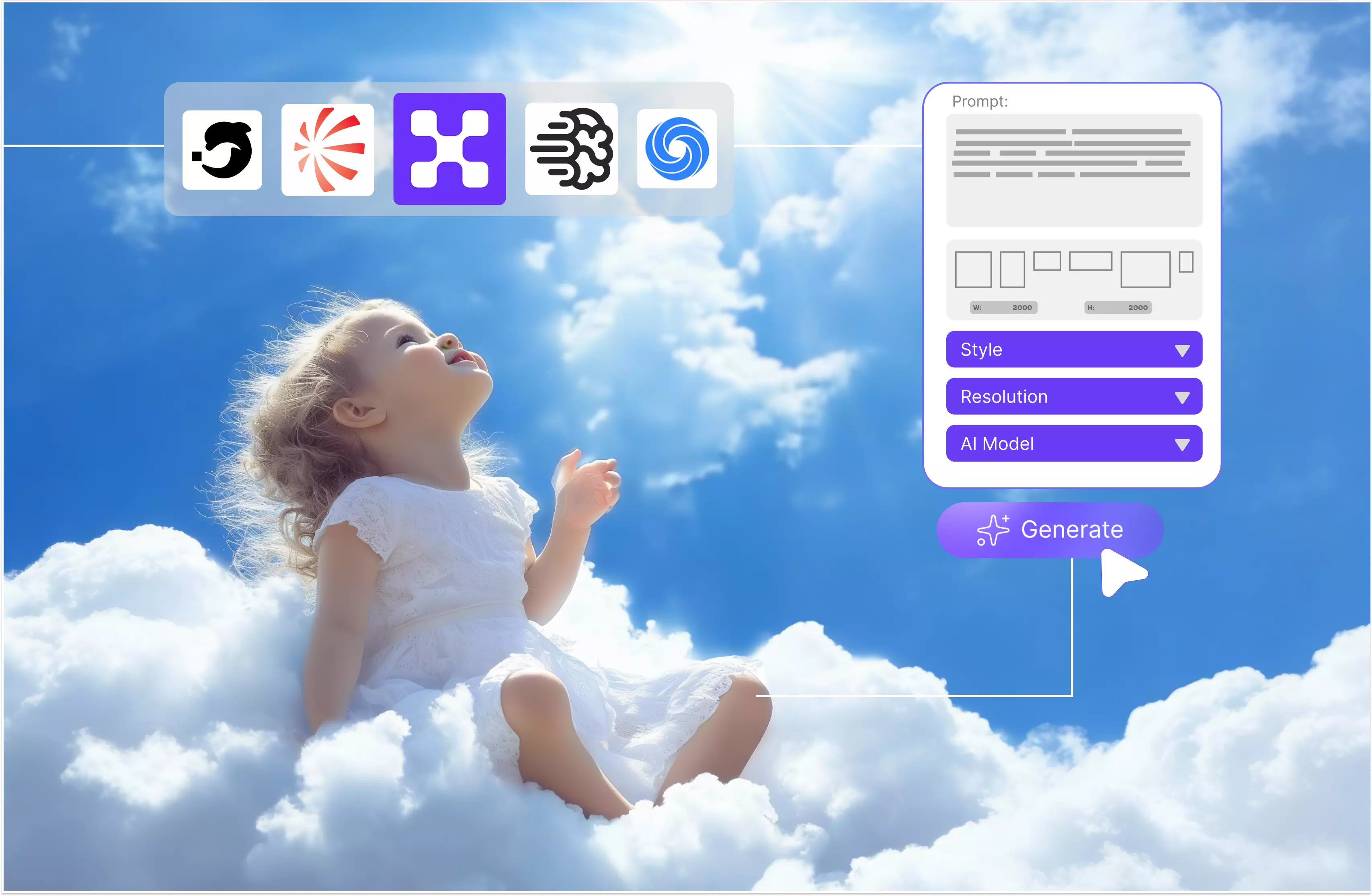
One example and my favorite one is Pixelbin, which turns simple text prompts into detailed images, allowing anyone to create unique artwork in just a few clicks. You can use various styles, adjust image details, adjust the number of images you want, alter the aspect ratio, and much more.
I’ll focus on AI art generators that produce strong results from text prompts, with some tools also supporting image-based prompts for added control. By using this AI art generator, users can save time and money when generating images.
This blog explores the fundamentals of AI art generators, how they work, their key features, and an in-depth look at the top 9 AI art tools, based on hands-on experience with each.
What is an AI art generator?
AI art is a subset of generative AI, which refers to the use of artificial intelligence to create content. While generative AI includes tools that assist with writing, music composition, and even website development, AI art specifically focuses on generating visual artwork using algorithms trained on image data.
This process typically involves algorithms that can learn from data inputs and create new, original art pieces. AI-assisted art differs from traditional human-made art, as it relies on algorithmic generation rather than manual techniques.
AI art tools allow people with little formal design training to create a wide variety of visual styles using text prompts. AI-generated content can take many forms, including images, music, poetry, and text; however, AI art specifically refers to visual works.
But really, art is too big a question to answer in a brief explainer. An AI artist typing a few lines of prompt text should not be compared to a painter or illustrator who has spent years honing their craft.
AI art generator working and features
You can ask an AI image art tool to generate an image of anything according to your requirements. These tools don’t just generate random visuals; they attempt to interpret the meaning of your text prompt to create a relevant image.
There are various styles and model aspect ratios available in AI art generators. Most AI art generators use text prompts to generate images that match the given description. You can choose any text prompt, such as "A futuristic city at night with glowing skyscrapers, flying cars, and neon lights."
Some AI art tools can also use a source image and a text prompt, allowing you to turn one image into something completely different while still preserving something of that original.
AI models learn patterns from training data to interpret prompts and generate images, often using modern generative techniques such as diffusion models. Most AI art generators work in a similar way. The next step is actually to render the AI-generated image.
The latest generation of AI art generators typically uses a process called diffusion. Modern text-to-image generators are capable of producing highly detailed and visually complex images.
If you are looking for something very specific, you should hire a photographer or license exact images. Similarly, trying to use one to create a header image for a blog post can take much more time to fine-tune than simply finding a header image on a stock photo site.
Benefits of AI art generators
AI art generators are designed to produce the user's output quickly and efficiently. By doing this, these technologies can provide a number of benefits for all users, including businesses, artists, or anyone else wishing to use an AI art generator to express their creativity.
- Speed and efficiency: AI art generators help users achieve their desired results more quickly by automating creative activities, including picture editing, design creation, and other artistic tasks.
- Accessibility: Tools allow anyone to participate in the generating process or produce artwork, regardless of their artistic skills, training, or capabilities. What makes the AI art generator special?
- Creative idea: For users interested in the creative side of AI, AI art generation programs can be a flexible creative tool due to their ability to generate a wide variety of outputs.
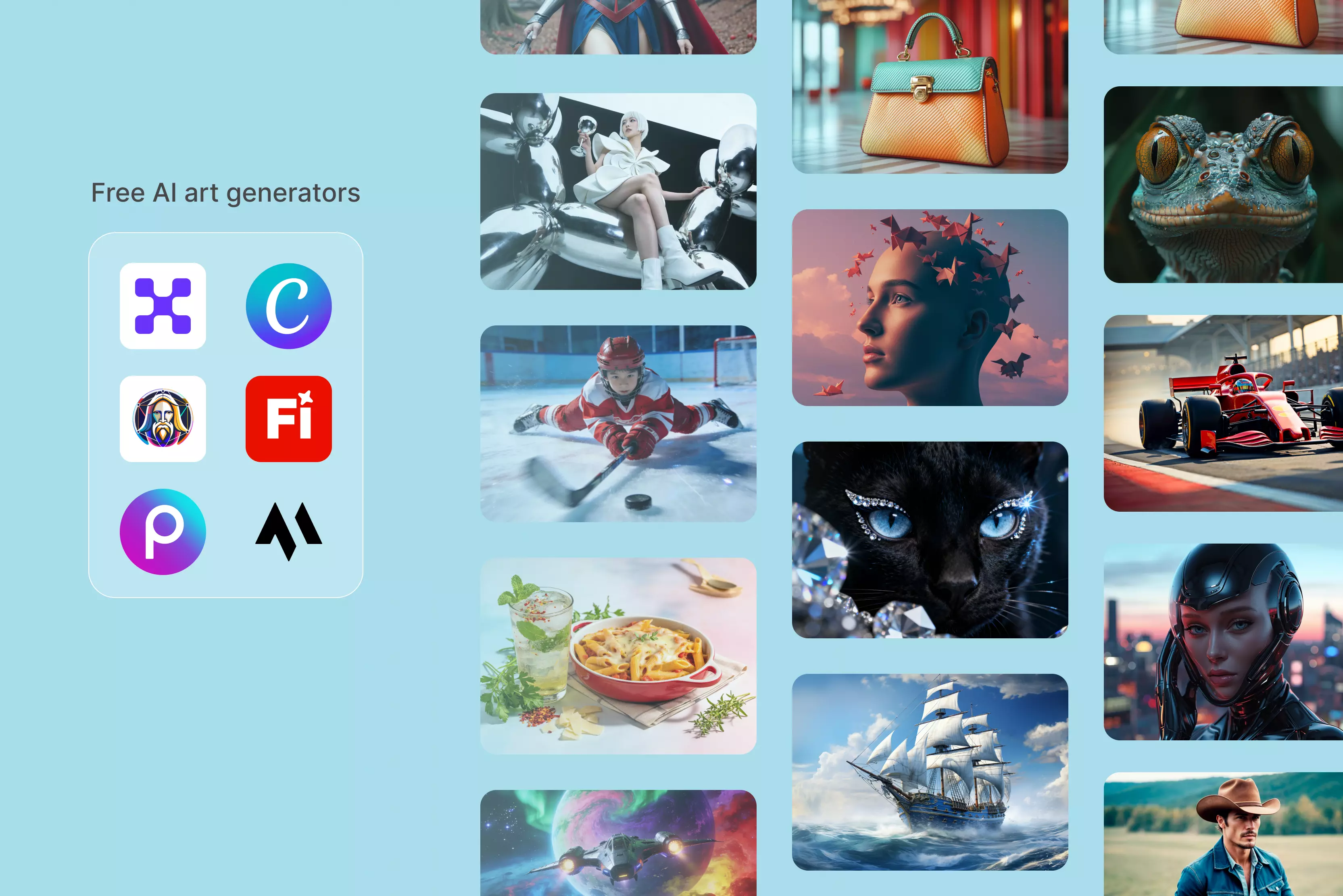
List various AI tools that serve as free AI art generators
1. Pixelbin

Pixelbin was the first AI art generator I used, and it remains my all-time favorite. Unlike many AI art generators that focus solely on creative image generation, Pixelbin adopts a more practical approach by offering both image generation and advanced features.
The interface is smooth and user-friendly, and you can input a text prompt to generate an image. The tool helps optimize size, style, and aspect ratio based on your selections.
You can also apply other transformations, such as remove background, upscaling the image, or you can use an AI image editor to edit the image using the prompt. I tested one of the texts I have to use in all tools and saw the results.
The tested text prompt was "A futuristic city at night with glowing skyscrapers, flying cars, and neon lights." Use the Nano Banana model with a natural style, select image 1, set the aspect ratio to 1:1, and then click the generate button.
The result was clear and visually impressive, with no watermark and no sign-up required. In my opinion, Pixelbin is a great option for creating unique image output with minimal hassle.
Key features
- Ease of use
- No signup needed
- No watermark
- Multiple style options
- Various palette options
- Speed and efficiency
2. Magic Studio
Magic Studio is an AI-powered creative tool that includes features for generating and enhancing visual content. It uses advanced machine learning algorithms to understand creative prompts and render them into detailed images across various styles.
To get started, simply type your desired text or phrase and click the generate button. An AI art generator can handle a wide variety of text prompts, adapting the output to the chosen canvas size format.
Whether it's for digital media, print, or personal projects, the generated art is smoothly integrated with the desired platform, ensuring visual consistency and clarity across the board.
The AI art generator was tested using the text "Girl standing near a mountain with a sunlight dog and cat sitting near that girl" before clicking on the create picture button. Please wait a few seconds; I didn't get the perfect result. I mentioned the cat in the image, but I only saw the dog.
When I tried a second time, I still did not receive a cat; I only received one dog. The background details, like mountains, appeared well-rendered, and the image was generated without a watermark or mandatory sign-up. However, the final output did not perfectly align with the text prompt.
Key features
- Ease of use
- Art for all platforms
- Innovative text interpretation
3. NightCafe
NightCafe is an AI art generator designed for creativity and fun. The tool uses advanced AI algorithms to generate unique work. The AI model analyzes your input and creates a base image as a starting point.
Select from Flux, DALL-E 3, Ideogram, Seedream, Nano Banana, SDXL, and many more AI images. Tested with the text prompt “A futuristic city at night with glowing skyscrapers, flying cars, and neon lights” and clicked on the generate button.
The result was not perfect; no flying cars are seen in the image, and there is a long tower, which was not asked for. Having no watermark in the image, and the color being clear and clean.
You can create high-quality AI-generated images from your laptop, tablet, or mobile device and sync them across your devices. Editing options like image variations and prompt refinements are available, and you can easily download the final image.
Key features
- Free to use
- No signup needed
- Multiple AI models
- Web and mobile AI generators
4. Leonardo AI
Leonardo AI is a powerful tool that uses artificial intelligence to create images from text descriptions. The process is very simple: you type some text, select various styles and aspect ratios, and click on the generate button. Leonardo AI is well-suited for projects like game assets, social media content, marketing visuals, concept art, and personal art.
I tested one text prompt: “A cat sitting near a table in a garden with back sunlight and red flowers.” I set the aspect ratio to 1:1, selected the dynamic option, and then clicked the generate button. After waiting for a few seconds, I received the result, which aligns with my text prompt.
Leonardo AI is an especially valuable tool for game developers, graphic designers, content creators, and hobbyists alike. While it offers a wide range of impressive features, one notable limitation is the occasional difficulty in generating consistently natural-looking human faces, especially without advanced prompt refinement or model tuning.
Key features
- Ease of use
- Style variety
- Game asset creation
- No signup needed
- No watermark
5. DeepAI
Transform your ideas into smooth AI art instantly and for free with the DeepAI image generator. With smart renderings of various styles and full user rights to all creations, our tool is good for both creative inspiration and commercial content.
The tool is very simple to use. Enter a text prompt describing what you want to create. Select the style, click on the "Generate image" button, and let AI do its magic.
Tested with the text prompt “Moon rising over the mountain with a girl and a dog and a cat standing near it,” select one of the styles and click on the generate button. Wait for a few seconds; received the result, only a dog was standing near the girl; no cat was displayed.
The result wasn’t as accurate as I had expected. However, the image has no watermark, and no signup is also needed. Not a perfect result, but worth trying. If you have a DeepAI Pro subscription, your first 500 standard images, 60 genius mode images, and 10,000 super genius 2K images are included each month.
Key features
- Ease of use
- Multiple artists styles
- Super resolution support
- No signup needed
- No watermark
6. OpenArt
An online tool called OpenArt AI art generator lets you use artificial intelligence to generate artwork. The tool is beneficial to use for beginners and more experienced digital artists who are looking to experiment with AI-generated visuals.
The tool offers a variety of styles like anime, realism, and abstract art, and allows for text-to-image generation based on user prompts. Various styles, models, and numbers of images are available; select them according to your requirements.
I tested the text prompt “A cat and dog sitting on the table and trees growing near it” with vibrant fantasy; the number of images was 2, and I clicked on the generate button. My experience was pretty disappointing. The idea of turning text into art sounded amazing, but the result didn’t live up to my expectations.
The images I generated look unnatural, and the details rarely matched what I described in the prompt. I tried again and again, but the outcome didn’t improve much. There are several options to save your results, like sharing directly, publishing, downloading, or moving them to albums.
When you sign up with this tool, you can receive 40 trial credits to try any premium features and advanced models for 7 days. If you are satisfied with the result, you can use it for commercial purposes.
Key features
- Ease of use
- Multiple style support
- No watermark
7. Canva
Experiment and have fun creating with Canva. Use the Magic Media AI art generator and discover various art styles to express your requirements. Select from various art styles present that you can easily apply to your art, such as watercolor, filmic, neon, color, pencil, etc.
Edit the image and adjust the image ratio to generate art in the size you require. You can choose between Magic Media’s text-to-image generator or Canva’s Dream Lab (if available) to create AI-powered visuals.
I tried with the text prompt, “Moon rising over the mountain with a girl and a dog and a cat standing near it,” and clicked on the Create AI Art button. I got a result, but it was unsatisfactory because the other tool was unclear.
I received results from four different options, but in two of them, I failed to see a clear image of a girl standing with a dog and a cat. You can edit that image if you are not satisfied with the results. Various other edit options are available; select them according to your requirements.
Key Features
- Ease of use
- No technical knowledge needed
- Multiple styles available
- No watermark
- No signup needed
8. Adobe Firefly
Create smooth visuals in minutes with the AI art generator, and create any type of art quickly with help from text to image in Adobe Firefly. Adjust the prompt instantly to explore styles like anime, impressionism, and surrealism, and experiment with media-inspired looks like watercolor, charcoal, or link.
Whether you’re just getting started or a seasoned designer, the AI art generator makes it easy to bring ideas to life. Use a simple text prompt or experiment with text-to-image generation; no sketching or painting skills are required.
I tested one text prompt, like “A futuristic city at night with glowing skyscrapers, flying cars, and neon lights,” and clicked on the generate button. There are various models, aspect ratios, and reference images to select.
I tried with the GPT image 1.5 model, and the other model needs a paid subscription. The result I received with no watermark, and the image was of clear resolution, and a little bit time-consuming.
Key features
- Support multiple styles
- Multiple file exports
- No technical knowledge needed
- No signup needed
- Easy to use
- No watermark
9. Picsart
Convert words into images with the Picsart AI image generator. With the help of tools like Picsart’s AI image generator, anyone can turn simple text prompts into high-quality visuals—no design background needed.
The process is very simple; just describe what you want to see, and AI generates it in seconds. Choose from over 50 visual styles like cartoon, abstract, minimal, vintage, etc., to generate your desired image with AI.
I texted one text prompt, like “A cozy cabin in the snowy mountains during sunset, with smoke coming from the chimney and pine trees all around. “There are various other options you can add ref. Imagine if you want that type of aspect ratio, like a square 1:1; select a model like seedream, and click on the generate button.
I received a result with no watermark, but it takes more time than other tools like Pixelbin. When I tried to generate something similar, it showed me another one, but it was not according to the text prompt.
Key features
- Easy to use
- Support multiple styles
- Multiple file exports
- No technical knowledge needed
- No signup needed
- No watermark
What makes the best AI art generators?
AI art generators have gained widespread popularity recently as output quality has significantly improved. The technology behind them was really interesting and impressive, at least to research scientists.
There is some genuine competition between various approaches now that these text-to-image generators have been in use for some time. Their image quality has greatly improved, and they can now follow text prompts with greater accuracy.
Check various AI image tools if you are interested in the best model available right now. There are dozens of AI image tools available today. Usability and other aspects are much more important than they were in the past. I was looking for tools that allow you to generate AI images from a text prompt.
Tools that let you upload lots of images deliver very good results, with various styles and models to choose from. Aside from all that, I also considered how easy each AI image generator is to use and what control and customization options it provides. How favorable were the results?
FAQs
Yes, the Pixelbin AI art generator is free to use.
Yes, Pixelbin is free to download and use for basic photo and video editing, offering many tools like filters, effects, templates, aspect ratios, and styles. It also has paid subscriptions for premium content, advanced AI features, and an ad-free experience.
The Pixelbin AI image generator is the best completely free AI image generator with no usage limits or registration requirements.
AI art, or generative AI, involves using artificial intelligence to automate creative processes, producing images, music, websites, and more. It differs from digital art created by skilled artists. AI art empowers even non-creative individuals to generate various art forms using text prompts.
Describe your vision. Enter the text prompt describing what you want to create. Select a style, choose an art style, and an aspect ratio to match your idea. Click on "Generate and refine" and let AI do its magic.
Yes, there are many free AI image generators with famous options like Pixelbin, DeepAI, and Leonardo.AI that offers free tiers that let you create images from text prompts, often with daily limits or limited features, which is perfect for experimenting and personal use, though you might need paid plans.