.webp)


Graphic designers struggle to produce fresh, high-quality images fast enough for tight deadlines. Traditional workflows, scouting stock photos, shooting product photos, or editing manually, take hours or days. This bottleneck slows down content creation, ad campaigns, and ecommerce launches.
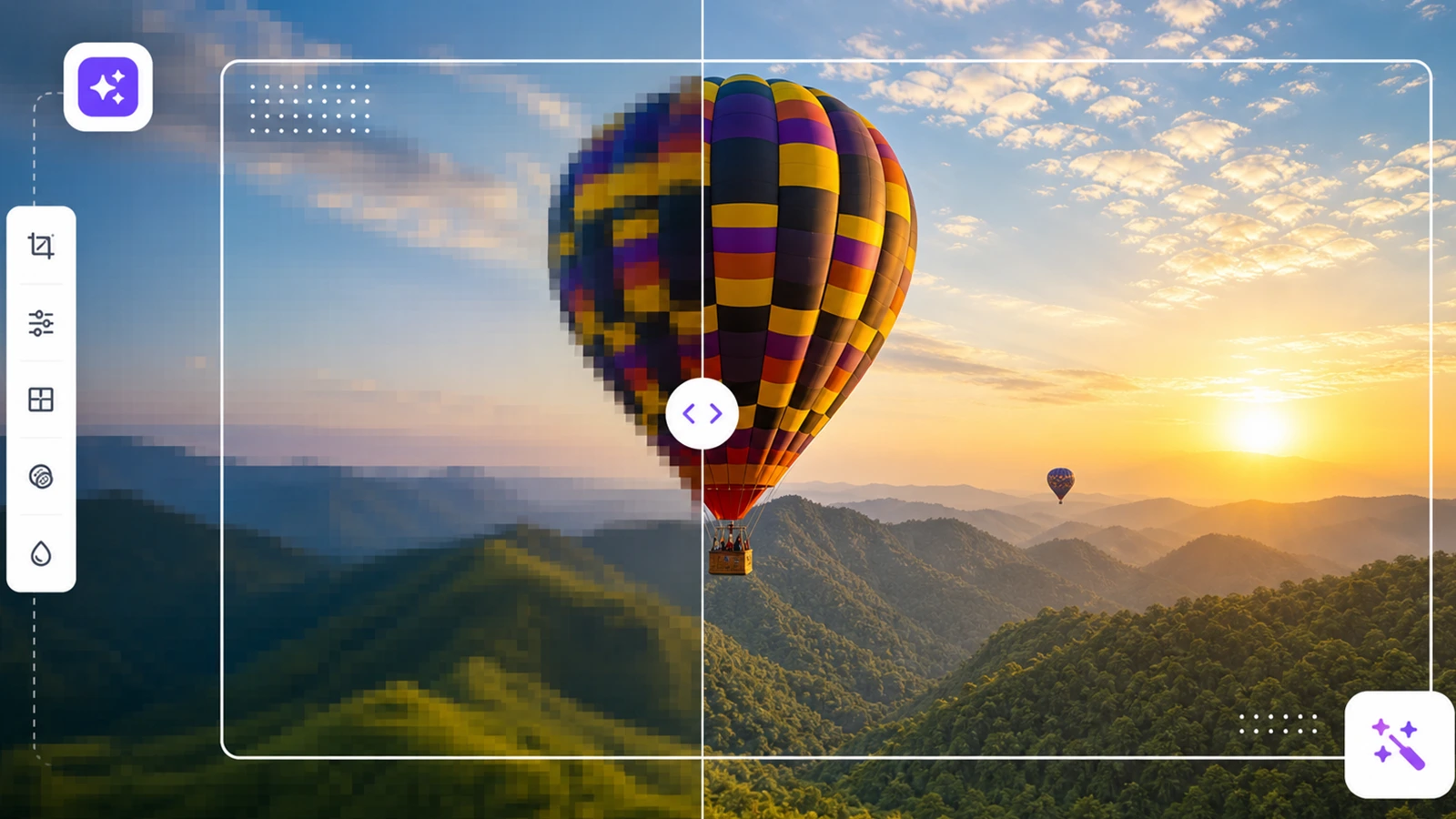
AI image generators solve this by turning text prompts into visuals in seconds. Describe what you need like "a coffee bag on wooden table, morning sunlight, product photography" and the AI generates it instantly. You get clean, watermark-free images in any format in few minutes.
So, in this guide, I’ve covered how AI image generators work, how effective they can be, and a curated list of 10 tools like Pixelbin, ChatGPT and more.
What is an AI image generator?
AI image generators are tools that automatically create images based on text input. They use machine learning techniques to turn a written description into a visual output.
All you need to do is enter a prompt like "a vintage 1970s record player on a dusty wooden table." The AI analyzes your specific input and draws on its vast training data to produce a matching image.
Within seconds, you get an image that matches your description, whether it’s a realistic photo, an illustration, or a stylized graphic. You get a unique, high-resolution visual asset tailored to your exact color and structural needs without requiring any manual graphic design work.
AI Image Generator VS Traditional Photography
How good are AI image generators?
AI image generators are amazing, continually improving, and increasingly becoming the best choice for many users. They can produce detailed works in various styles as well as photorealistic images.
Additionally, the variety of uses and flexibility is growing. These cutting-edge AI tools have the power to completely change whole industries and design processes.
Here are a few things to keep in mind when using AI image generators:
- For good results, good prompts: AI image generation requires both talent and creativity to achieve good results. The quality and relevance of the generated images depend highly on your prompts. Poorly written or unclear prompts can lead to unexpected or irrelevant results.
- Difficulties with text: While AI image generators can produce visuals, generating accurate and reliable text within those images remains a major challenge. Texts are frequently missing, filled with spelling mistakes, or completely meaningless.
- Copyright concerns: Images created by AI offer new copyright issues. Typically, platforms grant users full ownership rights over the photography they create. These graphics, created from pre-existing work that the AI "saw" during training, still pose numerous problems.
- Ethics and responsibility: Representing someone realistically without their permission is unacceptable. This also applies to their usage for misleading or manipulative content. Lastly, AI-generated images are affecting the job market for professions such as graphic design.
- AI content is easy to recognize: While some AI-generated images can be identified by their overly smooth features or look wrong, newer AI models are getting so good that their images can look like real photos, which makes it harder to tell what’s real and what’s fake.
How I evaluate and test AI image generators?
To find the best AI image generators, I ran head-to-head comparisons. I tested every platform using AI generated prompt and aspect ratio. For apps like Midjourney or Leonardo AI, this meant adding my text prompts alongside specific style and aspect ratio parameters. I closely evaluated output quality, prompt accuracy, generation speed, and ease of use. I also paid special attention to text rendering and the export quality.
Pixelbin became my favorite tool as it requires no-sign-up testing, let me experiment instantly from the browser, and the clean, watermark-free downloads stood out. Combined with accurate prompt adherence, versatile style options, and a seamless editing and upscaling workflow, it delivers an unmatched creation experience.
The 10 best AI image generators
Whether you need photorealistic marketing assets, concept art, or quick social graphics, the right tool makes all the difference. Here are the best AI image generators leading the market today.
1. Pixelbin

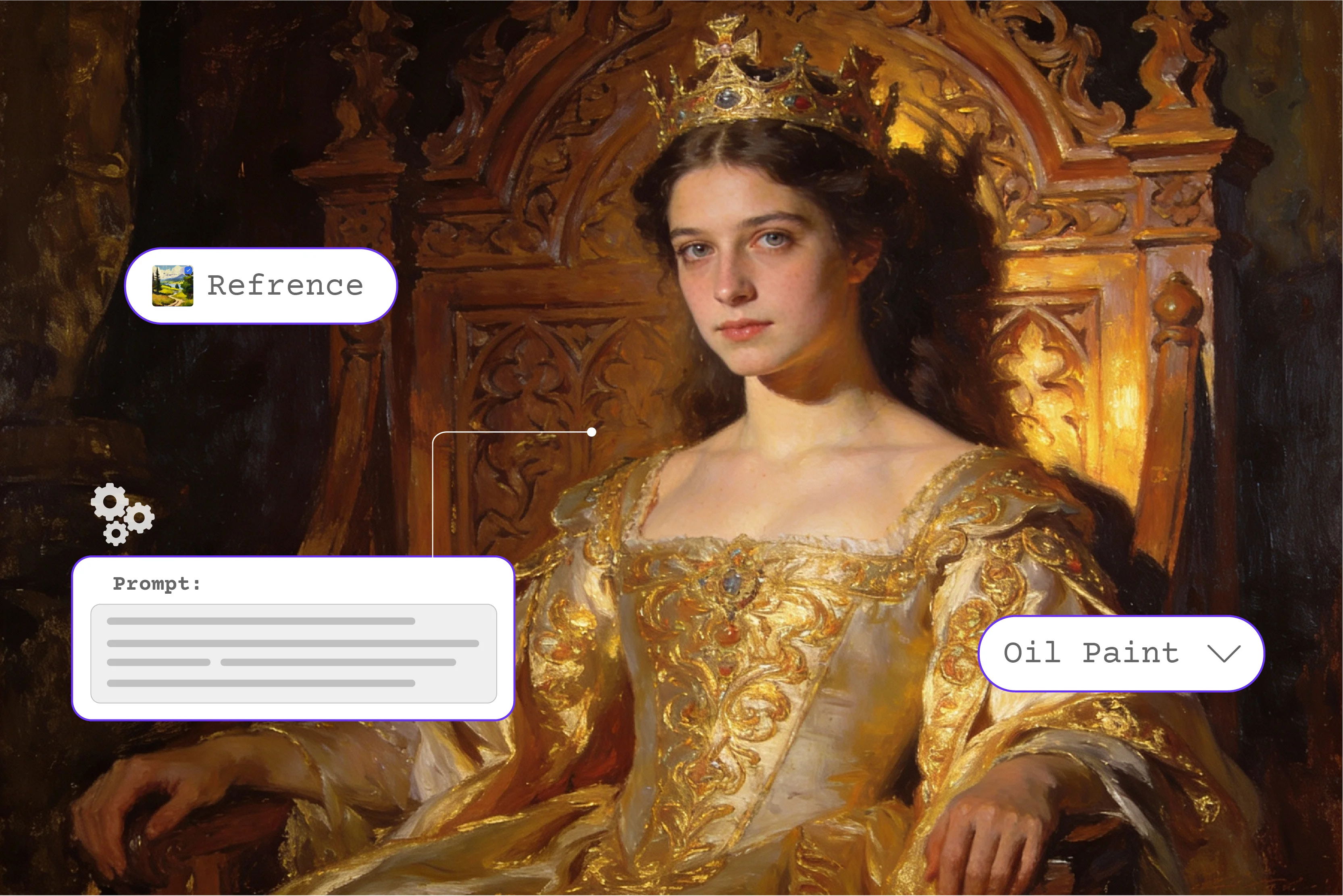
Pixelbin has a free online AI image generator and photo editor that lets you create and edit visuals without design skills. It uses AI models like Nano banana and others to analyze your text prompts and generate images from millions of trained visuals. The tool supports auto model selection, and you can upload reference images for Style, Camera, and Palette controls. You can choose aspect ratios like 1:1, 16:9, or 9:16 based on your needs.
I used the prompt "A coffee bag on a wooden table, morning sunlight, product photography" with 1:1 ratio and one control image using 1 free credit. Within seconds, the image was generated clean, clear, and watermark-free. You can download in PNG, JPEG, and WEBP formats.
Key features
- Multimodal access: Switch between advanced AI models like Imagen 4 variants to match specific asset requirements.
- Prompt auto-enhancement: Automatically expands basic text descriptions into highly detailed, optimized prompt instructions.
- Aesthetic toggle presets: Instantly apply diverse creative styles including photorealism, 3D renders, illustrations, and cinematic art.
- Layout constraints: Control outputs with precision aspect ratios and predefined camera settings for specific dimensions.
- Ecosystem integration: Move generated graphics directly into integrated background removers, object erasers, and image upscalers.
- Clean HD exports: Preview and download final high-resolution visual assets without watermarks or forced platform logos.
Pros
- Gives you a hassle-free, no sign-up testing experience where you can jump in and try the image generation tools straight from your browser.
- Delivers watermark-free downloads on your final assets, giving you clean, production-ready files you can use right away without any annoying overlays.
- Uses a reliable prompt-based generation setup that turns your text ideas into high-quality, creative visuals.
- Packs versatile style and model options, making it easy to swap between different artistic looks and formats depending on what your project needs.
- Brings together a smooth, all-in-one editing and upscaling workflow so you can generate a new image, crisp up the details, and tweak the composition all in one workspace.
How to use Pixelbin AI image generator?
Step 1: Open Pixelbin AI Image Generator
Navigate to the Pixelbin AI Image Generator dashboard directly in your web browser. You can immediately use the generation tools on the free trial tier without needing to log in or create an account right away.
Step 2: Type Your Descriptive Prompt
Locate the main text field at the bottom of the interface and type a clear description of the image you want to create, detailing the specific subjects, textures, camera angles, or color palettes.
Step 3: Choose Your AI Model and Aspect Ratio
Use the sidebar configuration panel to choose from the available core AI models like Auto, Nano Banana, or Imagen 4 Fast based on your speed and detail preferences. Then, set your layout constraints by choosing an aspect ratio like 1:1 square, 16:9 widescreen, or 9:16 portrait.
Step 4: Generate and Export Clean HD Assets
Click the "Generate" button and wait a few seconds for the neural networks to process your request. Once the visual renders on the canvas, preview it and click the download button to export your watermark-free, high-definition image file.
2. Ideogram
Ideogram 3.0 is a text-to-image AI generator that excels at rendering legible text in images, perfect for logos, posters, and brand assets. It uses advanced AI models for photorealism and image-prompt alignment. The tool allows you to select references for Style, Camera, Palette, and Text, and upload up to 3 reference images. You can choose aspect ratios like 1:1, 16:9, or 9:16.
I tested "Restaurant logo with 'Bon Appetit' in elegant script, warm lighting" using auto model, 1:1 ratio, and one style reference. The image was generated within seconds, clean, text was perfectly legible, and watermark-free. You can download in PNG, JPEG, and WEBP formats.
Key features
- Typography rendering engine: Built natively to handle text alignment, producing sharp, legible lettering inside graphics without spelling errors or clipping.
- Magic prompt refiner: An integrated assistant that dynamically builds out skeletal user prompts into fully descriptive, production-grade text descriptions.
- Palettes & color weights: Allows creators to select explicit hex color palettes and assign percentage weights to ensure strict brand compliance.
- Aspect ratio modifiers: Quick-set buttons for common publication sizes, including precise 1:1, 16:9, and 9:16 grid constraints.
- Community canvas remixing: Lets users pick public creations, view the exact original prompt, and copy or tweak settings to alter the visual layout.
- Style sheet toggles: Dedicated aesthetic presets ranging from cinematic photography and typography posters to vector illustrations and 3D renders.
Pros
- Generates incredibly crisp, legible, and accurately spelled text embedded directly within complex images and graphics.
- Follows dense, highly descriptive prompts exceptionally well, ensuring every requested element appears in the final output.
- Excels at generating clean typography layouts, vector-style logos, and professional graphic design posters from scratch.
- Allows you to effortlessly generate images in precise, custom aspect ratios tailored for specific print or digital media formats.
- Provides a built-in remixing engine that lets you use successful public prompt generations to guide and improve your own variations.
3. ChatGPT (DALL·E 3)
ChatGPT includes DALL·E 3 natively, making it the most forgiving AI image generator for beginners. It uses OpenAI's advanced AI models to translate natural language prompts into exceptionally accurate images. The tool allows you to select references for Style and Upload, and choose aspect ratios like 1:1, 16:9, or 9:16.
I tested "A futuristic cityscape at sunset, with flying cars, neon lights, and tall glass skyscrapers, in the style of cyberpunk art" using auto model, 1:1 ratio, and one control image. Within seconds, the image generated was clean, clear, and watermark-free. You can download in PNG, JPEG, and WEBP formats.
Key features
- Conversational iteration: Allows users to modify details step-by-step through standard chat dialog rather than completely rewriting the primary prompt.
- Aspect ratio flexibility: Supports direct rendering adjustments for standard landscape, portrait, and square layout configurations.
- Semantic prompt expansion: Automatically translates short, simple conceptual text into comprehensive environmental descriptions before rendering.
- In-image editing canvas: Provides a brush tool directly in the window to select local areas and add, swap, or delete elements with text prompts.
- Creative uniformity: Maintains a consistent aesthetic across consecutive responses by retaining core seed variables through chat history memory.
- Clean exports: Generates standard high-definition web assets without forced developer watermarks or intrusive brand overlays.
Pros
- Excels at generating images based on abstract concepts, complex metaphors, and nuanced scene descriptions.
- Generates vivid images in square, widescreen, or vertical formats automatically based on simple descriptive instructions.
- Features a powerful in-image editor that lets you isolate a specific region and generate new elements inside that exact area.
- Built-in prompt translation ensures it expands brief user ideas into detailed descriptions to generate high-quality visual outputs.
- Adheres to strict safety protocols that prevent the generation of unauthorized public figures or copyrighted brand intellectual property.
4. Leonardo AI
Leonardo.Ai is a global AI company offering image and video creation software for artists and game developers. It uses advanced generative AI models for photorealistic visuals with up to 95% prompt accuracy. The tool allows you to select references for Style, Camera, Palette, and Upload, and choose aspect ratios like 1:1, 16:9, or 9:16.
I tested "A fantasy warrior character, detailed armor, cinematic lighting, game asset style" using auto model, 1:1 ratio, and one style reference. Within seconds, the image generated was well detailed, high quality, and watermark-free. You can download in PNG, JPEG, and WEBP formats.
Key features
- Fine-tuned micro-models: Offers access to hyper-specific community-trained weights (like XL, Anime, and Photoreal) for narrow stylistic output.
- Real-time canvas editor: A comprehensive workplace dashboard featuring simultaneous masking, generation, and multi-layer structural compositing.
- Universal upscaling options: Built-in resolution boosters that refine facial clarity, smooth textures, and increase canvas size for large-scale prints.
- Image-to-Image Guidance: Uses existing uploaded reference graphics as structural anchors to guide layout, depth, and posing configurations.
- Texture Generation Tools: Specialized utility engine built to produce seamless, tileable texture maps optimized for 3D modeling and environment designs.
- Batch Image Generation: Allows high-volume creators to set parameter counts and generate up to eight variations simultaneously to speed up workflows.
Pros
- Offers complete structural control over image generation using specialized tools like ControlNet to guide poses, depth, and outlines.
- Excels at generating highly consistent game assets, seamless textures, and detailed character reference sheets.
- Features a real-time generation canvas that updates the visual output instantly as you type or sketch your ideas.
- Includes a native motion engine that allows you to transform your generated static images into short, fluid video clips.
- Houses a massive library of fine-tuned, user-accessible models optimized for specific styles ranging from anime to hyper-realism.
5. Nano Banana
Nano Banana is Google DeepMind's top-tier image generation model for photorealism, using advanced AI models like Nano Banana, Imagen 4 Fast, and Seedream. It delivers crisp details and clean backgrounds that look like real photography. The tool allows you to select references for Style, Camera, Palette, and Upload, and choose aspect ratios like 1:1, 16:9, or 9:16.
I tested "A futuristic cityscape at sunset, with flying cars, neon lights, and tall glass skyscrapers, in the style of cyberpunk art" using auto model, 1:1 ratio, and one control image. Within seconds, the image was generated clean, clear, and watermark-free. You can download in PNG, JPEG, and WEBP formats.
Key features
- Multimodal input processing: Processes combined inputs simultaneously, accepting text alongside video clips or up to 14 reference images as visual anchors.
- Real-world search grounding: Connects to live Google Search indices to pull accurate real-world context, current objects, and live event data into generated art.
- Conversational multi-turn edits: Edits localized objects or completely shifts environments (like transforming day to night) via standard chat requests.
- Dual-layer watermarking: Protects asset authenticity by embedding a visible tag alongside an invisible, permanent SynthID metadata footprint.
- Model tier speeds: Includes three specialized operational tiers (Fast, Thinking, and Pro) to balance processing speeds against complex prompt reasoning.
- 4K ultra output scaling: Supports high-tier rendering paths capable of exporting final imagery at crisp 4K resolutions suitable for physical print media.
Pros
- Generates highly stylized, modern visual assets rapidly without requiring complex technical configurations or parameters.
- Features an incredibly lightweight engine that runs smoothly inside standard web browsers to generate images on any device.
- Strips away overwhelming advanced settings, making it highly accessible for beginners to generate clean creative imagery.
- Delivers consistent, fast processing times to quickly generate high-definition social media graphics and visual concepts.
- Provides a cost-effective solution for creators looking to generate high-quality images without expensive enterprise plans.
6. Midjourney
Midjourney v7 is the best AI image generator for creative professionals, using advanced AI models for photorealism and artistic quality. It produces art-directed images with rich textures and coherent details. The tool allows you to select references for Style, Camera, Palette, and Upload, and choose aspect ratios like 1:1, 16:9, or 9:16.
I tested "An influencer model" using auto model, 1:1 ratio, and one control image. Within seconds, the image generated was clean, highly detailed, and watermark-free. You can download in PNG, JPEG, and WEBP formats.
Key features
- Raw alpha rendering engine: Prioritizes complex lighting physics, depth-of-field realism, and authentic photography textures over basic prompt matching.
- Vary region inpainting: Enables granular canvas modifications by highlighting precise sub-grids to change individual elements or clothing assets.
- Pan & zoom re-framing: Allows users to infinitely extend canvas fields in four directions or zoom out while maintaining core subject focus.
- Style tuner codebooks: Generates custom style codes based on user preference quizzes, locking in a precise visual language across separate projects.
- Blend mode synthesizer: Merges up to five separate images, intelligently combining color schemes, lighting styles, and subject structures into one layout.
- Character consistency tags: Uses dedicated parameter parameters to map and replicate the same face and character features across different scenes.
Pros
- Generates unmatched photographic textures, hyper-realistic skin details, and sophisticated, cinematic lighting compositions.
- Features dedicated character and style reference parameters to generate highly consistent figures across entirely different scenes.
- Includes powerful pan, zoom, and regional variation controls to expand or modify your generated canvas seamlessly.
- Offers multiple advanced upscaling modes to generate massive, high-resolution final renders rich with intricate details.
- Provides a highly visual web platform where you can easily study the precise prompt structures used to generate top-tier community artwork.
7. Reve
Reve is a free AI image generation platform using the Reve Image 1.0 (Halfmoon) model for accurate, beautiful high-quality images. It uses advanced AI models to generate visuals from text descriptions with text layout support. The tool allows you to select references for Style, Camera, Palette, and Upload, and choose aspect ratios like 1:1, 16:9, or 9:16.
I tested "a nightscape having a full moon and a girl sitting beside a lake" using auto model, 1:1 ratio, and one control image. Within seconds, the image generated was clean, clear, and watermark-free. You can download in PNG, JPEG, and WEBP formats.
Key features
- Vector layer generation: Generates production-ready, editable SVG vector files organized with clean mathematical geometry and distinct layers.
- Multimodal asset generation: Produces multiple distinct creative and stylistic directions from a single prompt layout instead of just one direction.
- Art-directed layout taste: Prioritizes intentional composition choices, professional color balances, and design taste over standard, plain photorealism.
- Side-by-side comparison workspace: Features an integrated creative playground built to display visual variants parallel to each other for fast iteration.
- Signage typography support: Renders readable text structures directly inside visuals, optimized specifically for product packaging mockups and digital ads.
- Multi-format export support: Supports immediate file conversion and export into professional formats including PNG, JPG, SVG, PDF, TIFF, and Lottie animations.
Pros
- Specializes in generating unique painterly aesthetics, fine-art illustrations, and highly stylized digital paintings.
- Captures the authentic textures of physical art mediums, generating realistic oil paint strokes, watercolor bleeds, and charcoal gradients.
- Moves away from standard photorealism to generate abstract, highly conceptual, and unconventional visual designs.
- Functions as an excellent digital brainstorming tool to rapidly generate initial mood boards and artistic concept drafts.
- Bridges the gap between traditional fine-art principles and algorithmic generation to create distinct portfolio pieces.
8. FLUX AI
FLUX AI is the best AI image generator for photorealism in 2026, using AI models like FLUX.1 Pro, FLUX.1 Dev, and FLUX.1 Schnell. It delivers unmatched accuracy at $0.04/image via API like 50% cheaper than Midjourney. The tool allows you to select references for Style, Camera, Palette, and Upload, and choose aspect ratios like 1:1, 16:9, or 9:16.
I tested "A cityscape at morning time, with people jogging, and greeneries all around the road, in the style of cyberpunk art" using auto model, 1:1 ratio, and one control image. Within 4.5 seconds, the image generated clean, clear, and watermark-free. You can download in PNG, JPEG, and WEBP formats.
Key features
- Hyper-accurate prompt compliance: Excels at executing highly complex, multi-subject prompts containing intricate relational details without omitting items.
- Text element legibility: Features native textual rendering capabilities that place readable typography seamlessly into shirts, signs, and complex designs.
- Open-weights ecosystem: Available as an open-source architecture, allowing developers to run models locally and build custom pipeline modifications.
- Anatomical proportion fixes: Drastically reduces common generation flaws in hands, limbs, and facial geometry for lifelike human rendering.
- Photorealistic texture gradients: Replicates accurate skin textures, micro-wrinkles, environmental grit, and photographic lighting physics.
- Speed optimization scales: Distributes variations across functional deployment tiers (Schnell, Dev, and Pro) to match runtime environments.
Pros
- Renders human hands, faces, and complex anatomical proportions with jaw-dropping accuracy, virtually eliminating common AI distortions.
- Available as an open-weights model, allowing advanced creators to run it locally for complete data privacy and custom fine-tuning.
- Combines exceptionally sharp text rendering inside images with an incredibly high responsiveness to complex prompts.
- Utilizes a cutting-edge hybrid transformer-diffusion architecture that sets a massive benchmark for open-source generation quality.
- Supports a massive ecosystem of user-created extensions and custom weights, allowing you to generate incredibly specific aesthetics.
9. Grok Imagine
Grok Imagine by xAI is an AI image and video generator powered by the Aurora AI model. It produces images at 1K resolution, ranking among top text-to-image models on Arena.ai benchmarks. The tool allows you to select references for Style, Camera, Palette, and Upload, and choose aspect ratios like 1:1, 16:9, or 9:16.
I tested "A futuristic cityscape at sunset, with flying cars, neon lights, and tall glass skyscrapers, in the style of cyberpunk art" using auto model, 1:1 ratio, and one control image. Within seconds, the image generated clean, clear, and watermark-free. You can download in PNG, JPEG, and WEBP formats.
Key features
- Aurora engine synthesis: Utilizes an integrated architecture that deeply tracks spatial composition, narrative flow, and light rays across fields.
- Temporal latent flow: Processes still images as potential video sequences, keeping lighting angles and shadows locked across multi-angle generations.
- Integrated hybrid processing: Combines Flux Pro's sharp text rendering capabilities with xAI's internal lighting and shadow physics research.
- Native audio integration: Generates synchronized sound effects, atmospheric ambient noise tracks, and lip-synced character dialogue automatically.
- Sketches-to-image mapping: Uses rough digital doodles alongside text strings to accurately map custom layouts and baseline shapes.
- Multi-Scene movie timelines: Includes an editing dashboard containing transition tracks to assemble short video clips into 60-second narrative films.
Pros
- Operates with significantly fewer creative guardrails, allowing you to generate edgy, satirical, or highly unconventional visual content.
- Generates sharp, high-fidelity images at incredible speeds directly within the live platform interface.
- Incorporates real-time cultural contexts, trending internet memes, and current global events directly into its generated visuals.
- Enables you to share your freshly generated images instantly to digital feeds without the need to download or re-upload files.
- Tuned specifically to generate vibrant, punchy, and highly engaging visuals optimized for maximum social media engagement.
10. Adobe Firefly
Adobe Firefly is Adobe's creative AI trained on Adobe Stock images, making it safe for commercial use. It uses Adobe's advanced AI models integrated into Creative Cloud workflows for hyper-personalization at scale. The tool allows you to select references for Style, Camera, Palette, and Upload, and choose aspect ratios like 1:1, 16:9, or 9:16.
I tested "A model standing with a skincare brand ALPHA’s facewash which is rich in aloe vera and saffron" using auto model, 1:1 ratio, and one control image. Within seconds, the image generated was clean, clear, and watermark-free. You can download in PNG, JPEG, and WEBP formats.
Key Features
- Commercial safe training: Trained exclusively on legally cleared, licensed imagery and public domain content to ensure absolute commercial safety.
- Generative fill workspace: Powers Photoshop’s native selection workflow, allowing users to paint out artifacts or expand borders via text.
- Vector re-coloring engine: Generates instant vector variations, allowing designers to map fresh color harmonies across complex vector files.
- Strict style reference alignment: Analyzes uploaded mood boards to match structural geometries and color profiles across new image assets.
- Content credentials metadata: Automatically attaches invisible digital attribution tags detailing AI tool usage for transparent distribution.
- Enterprise asset control: Connects with corporate asset libraries to ensure generated content maps to predefined brand shapes and palettes.
Pros
- Trained entirely on licensed and public domain data, guaranteeing that every generated image is 100% commercially safe to use.
- Integrates its generative fill and expansion capabilities directly into professional creative applications like Photoshop.
- Possesses the unique capability to generate true, scalable vector graphics from text prompts directly inside Illustrator.
- Includes specialized typography generation tools to apply intricate textures, 3D patterns, and complex materials to stylized text.
- Automatically embeds secure content credentials into every generated image to verify its AI origins and ensure brand transparency.
Final thoughts
Hence, finding the right tool out of the best AI image generators comes down to your exact project needs whether you want crisp text from Ideogram, open-source control via FLUX, or safe commercial assets using DALL E.
Thus, wrapping up your search means picking a platform that cuts out the guesswork and speeds up your design pipeline. To see this flexibility in action, you can try out the Pixelbin AI image generator studio to test different models and create high-quality visuals instantly.
FAQs
The Pixelbin AI image generator gives you speed, consistency, and control, whether you’re prototyping a product, scaling content, or creating for yourself. By packing multiple advanced machine learning models into one dashboard, it lets you switch between different aesthetic styles and fine-tune your visual outputs instantly.
Pixelbin AI image generator offers a free trial tier of 1 to 3 credits per month that allows you to instantly test its web studio directly from your browser without logging in or providing an account password. This gives creators immediate access to preview high-definition, watermark-free digital assets before choosing to expand their limits.
Yes, most platforms allow you to use generated graphics commercially, but you must check the specific terms of service of the tool you use. Keep in mind that global copyright laws regarding generative AI are still evolving; many legal jurisdictions do not grant traditional copyright ownership to purely machine-generated visual works.
No, you can generate and preview your initial images completely without logging in. To secure your visual assets, save your custom design history, and unlock continuous asset creation, you can easily set up a free account at any time.
An effective prompt clearly defines the subject, environment, lighting, and visual style separated by descriptive phrases. For example, specifying a camera angle like "close-up shot" or a color profile like "vibrant warm tones" provides the machine learning model with clear parameters to match your creative vision accurately.
The four common types of generative AI models are Generative Adversarial Networks (GANs), Variational Autoencoders (VAEs), Autoregressive Models, and Diffusion Models. Each framework uses distinct training techniques, such as step-by-step mathematical refinement or neural network competition, to synthesize entirely new text, images, or audio patterns from scratch.

.webp)