.webp)

Summary
remove.bg is one of the best-known tools for removing image backgrounds automatically, but it is not the only option. The best remove.bg alternative depends on what you need: Pixelbin is a strong choice for AI background removal plus related image cleanup workflows, Photoroom is strong for product and marketplace images, Adobe Express and Canva are useful for design workflows, Slazzer and Removal.ai are worth considering for API or bulk needs, and tools like Erase.bg, Fotor, Picsart, Clipdrop, Cutout.pro, Clipping Magic, PhotoScissors, Pixlr, inPixio, and Pixelcut can fit specific creator or ecommerce use cases.
What does remove.bg do?
remove.bg is an AI background remover. You upload an image, the tool detects the main subject, removes the background, and returns a cutout that can be downloaded as a transparent image or placed on a new background. It is popular for product photos, profile pictures, car images, ecommerce listings, social posts, and design assets.
The reason people search for remove.bg alternatives is not usually that remove.bg is bad. It is often because they want a different workflow: more free downloads, better HD export value, bulk editing, lower API cost, deeper design tools, white background generation, background replacement, or post-removal editing in the same tool.
Why look for the best remove.bg alternative?
While remove.bg popularized single-click background removal, modern content creation demands more than just basic cutouts. Here are the primary operational bottlenecks driving users toward the best remove.bg alternatives:
- Resolution constraints on free tiers: remove.bg limits free downloads to standard web previews (~0.25 Megapixels / 625x400 px). Downloading full 4K or original high-resolution files requires paid credits.
- High credit costs for high-volume workflows: At $0.20 to $0.90 per HD image on standard credit packs, businesses processing thousands of monthly product shots face steep recurring software costs.
- Loss of fine detail (alpha matting): Complex elements like flyaway hair, animal fur, mesh fabrics, and semi-transparent objects (such as glassware or sunglasses) often suffer from harsh clipping artifacts or halos when processed through generic AI algorithms.
- Lack of integrated post-processing: Modern ecommerce sellers require automated margin padding, canvas centering, AI shadow creation, and background generation rather than a plain transparent background.
Evaluation criteria for background removal tools
To evaluate each free AI background remover and professional platform, we applied a standardized benchmark across six core operational parameters:
- Edge accuracy & matting precision: Ability to isolate intricate boundaries (curly hair, transparency, subtle shadows) without jagged edges or color bleed.
- Resolution & file integrity: Whether the platform maintains original pixel dimensions and DPI or compresses the output image.
- Batch & bulk capabilities: Native desktop apps, web-based multi-upload functionality, or developer APIs that support bulk jobs.
- Pricing & value model: Transparent cost per image, subscription roll-overs, pay-as-you-go options, and free tier usability.
- Post-processing toolkit: Built-in tools for canvas resizing, background replacement, shadow generation, and image upscaling.
- Privacy & data security: On-device client processing vs. cloud server storage and compliance standards.
Best remove.bg alternatives in 2026
1. Pixelbin
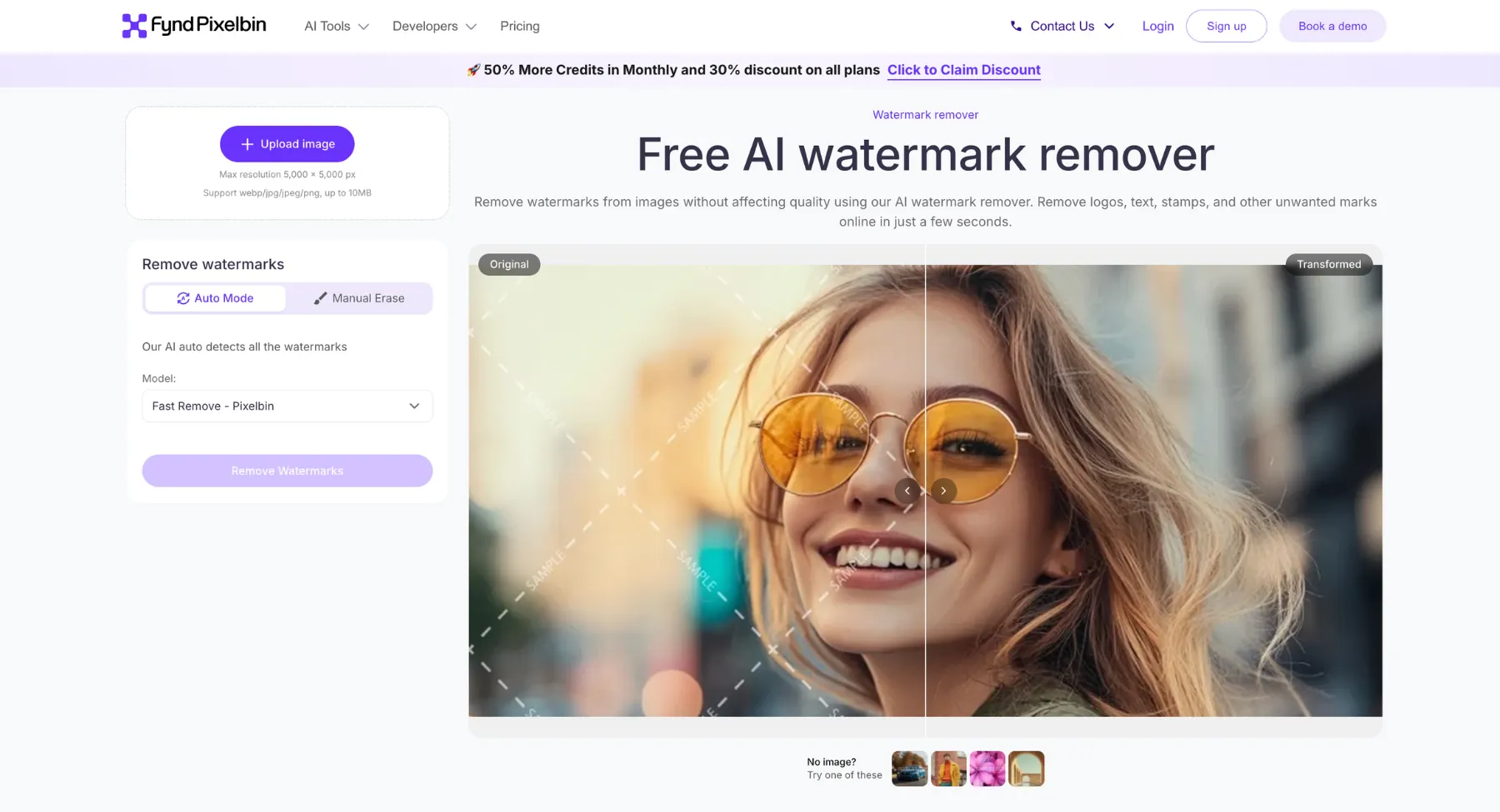
Unlike standalone tools, Pixelbin combines AI background removal with intelligent upscaling, dynamic image delivery, and enterprise Digital Asset Management (DAM). It excels at detecting complex foreground subjects such as intricate product edges, human hair, or transparent items and separating them instantly for clean, transparent PNG outputs or solid-color backdrops. With its developer-first architecture, robust REST APIs, and SDK support across major frameworks, Pixelbin provides a unified infrastructure for automating bulk media workflows at scale.
Key features
- Automated AI background removal: One-click instant background deletion with edge precision for product shots, portraits, and graphics.
- Bulk & batch transformation: Process hundreds or thousands of images simultaneously to maintain uniform brand aesthetics across catalogs.
- Developer SDKs & real-time APIs: Native support for Node.js, React, Python, Go, and C# for automated dynamic image transformations via URL.
- Integrated AI ecosystem: Includes built-in AI upscaling (up to 8X), watermark removal, format conversion (WEBP, PNG, JPG, HEIC), and smart compression.
- Generative background creation: Replace removed backdrops with custom solid colors or generate AI-tailored scenes using natural language text prompts.
- Best for: Developers, ecommerce businesses, agencies, and enterprise teams requiring high-volume automated background removal and digital asset management.
Extra tips
Pixelbin is a practical remove.bg alternative when you want background removal to sit inside a broader image workflow. The AI background remover can remove unwanted backgrounds from product photos, profile images, social visuals, and graphic assets without making the process feel technical.
For ecommerce and marketplace images, the white background remover workflow is especially useful because sellers often need a clean product cutout on a plain or white background instead of only a transparent PNG.
If the cutout still needs polishing, an AI image editor can help refine the image after background removal rather than forcing the user to jump into a separate editor.
2. Erase.bg
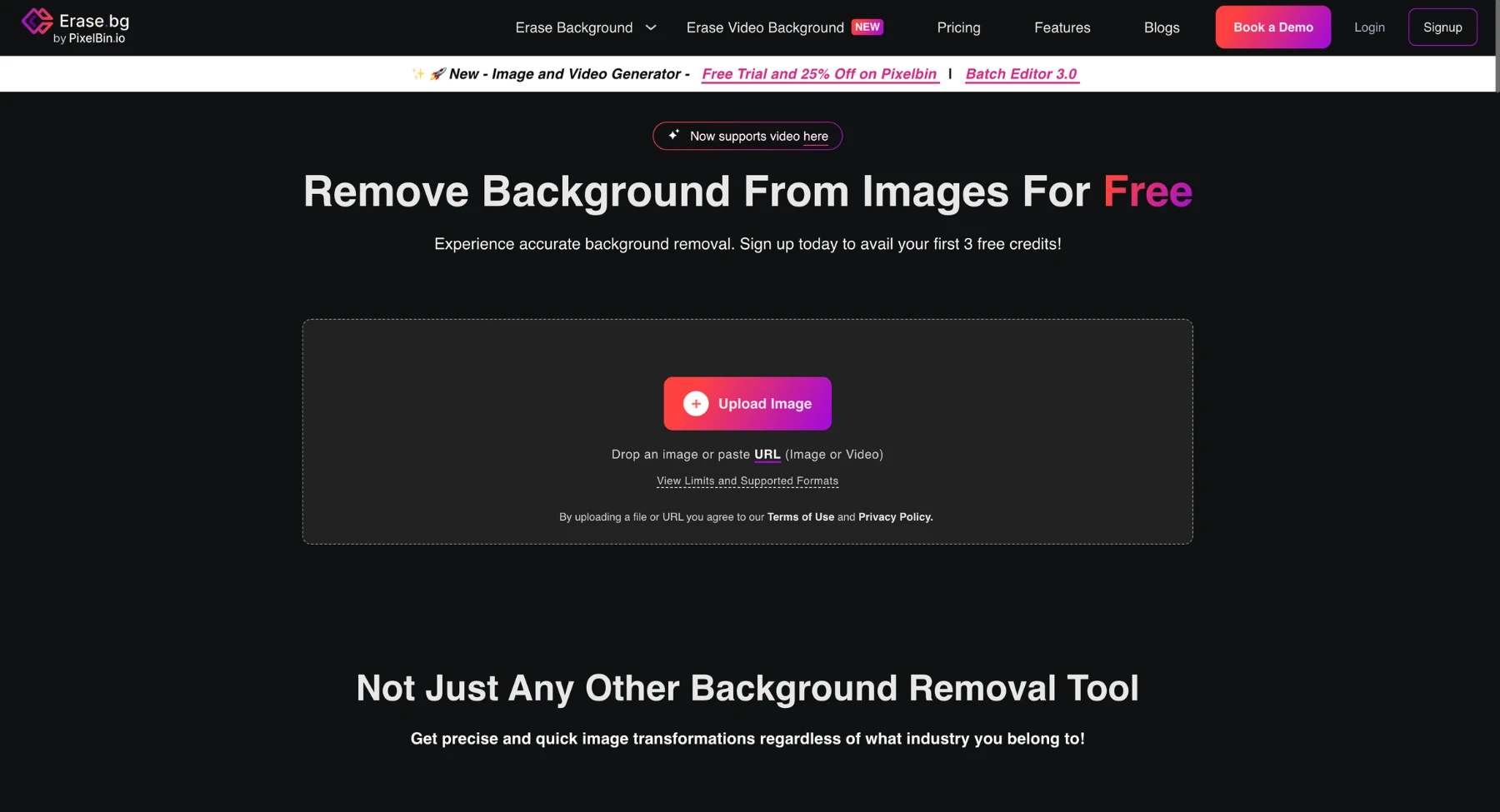
Erase.bg is a simple AI background remover that fits users who want a quick online cutout without a complicated design workspace. It is useful for creators, students, bloggers, and small sellers who need a clean image fast. Designed to serve individual creators, ecommerce platforms, and enterprise media teams, Erase.bg combines an intuitive web/mobile interface with high-throughput REST APIs, making it effortless to transform raw photography into clean, transparent PNGs or custom-backed visual assets.
Key features
- Automated AI edge detection: Instantly erases backgrounds with high pixel-level accuracy, handling challenging subjects like human portraits, pets, fashion accessories, and complex graphics.
- Bulk & batch processing: Enables users to process large volumes of product photos simultaneously, drastically reducing turnaround time for catalog production.
- Custom background replacement: Replaces extracted backgrounds with solid colors, custom uploaded images, or pre-designed creative backdrops directly within the editor.
- Developer-friendly REST APIs & SDKs: Offers seamless API integration for web applications, mobile apps, and ecommerce workflows to automate real-time background removal at scale.
- High-resolution export support: Preserves original image quality and clarity without degrading resolution during the cutout process.
Who uses?
- E-commerce sellers & marketplaces: For rapidly creating standardized, professional product listings compliant with platforms like Amazon, Shopify, and eBay.
- Photographers & media agencies: To streamline photo editing workflows, create clean cutouts for marketing campaigns, and speed up client asset delivery.
3. Adobe Express
Adobe Express integrates Adobe's professional-grade AI segmentation and Photoshop algorithms into an accessible, template-driven web and mobile design platform. Positioned as an all-in-one creative suite, its background removal quick action allows users to isolate subject cutouts instantly from both photos and video clips. By pairing automated edge detection with the broader Adobe ecosystem, Adobe Express enables users to extract subjects cleanly and seamlessly drop them into marketing collateral, social media templates, or generative backdrops.
Key features
- One-click image & video background removal: Instantly eliminates backgrounds from photos (PNG, JPG, WEBP) and video files without requiring manual masking or green screens.
- Adobe Firefly generative backdrops: Replaces extracted backgrounds with custom AI-generated scenes, surfaces, or textures created via text prompts.
- Integrated creative workflow: Drop background-free cutouts directly into thousands of pre-sized templates for social media, flyers, posters, and digital ads.
- Object erase & generative fill: Refines isolated subjects by removing unwanted elements or adding realistic objects using smart inpainting.
- Brand kit application: Automatically applies saved brand color palettes, fonts, and watermarks behind isolated subjects for consistent visual marketing.
Who uses?
- Social media managers & content creators: For making quick, background-free thumbnails, stories, and video reels on the fly.
- Small business owners & marketers: To generate clean promotional flyers, banners, and product graphics without hiring a full design team.
- Educators & students: For building polished presentations, digital posters, and visual projects with studio-quality cutouts.
4. Canva
Canva is a popular option for creators and marketers who need background removal as part of a design workflow. It is especially useful when the final asset is a social post, presentation, ad creative, thumbnail, or product graphic. By combining automated object detection with a massive asset library and collaborative workspace, Canva allows users to extract subjects cleanly and immediately incorporate them into brand presentations, social media graphics, print collateral, or custom dynamic layouts.
Key features
- One-click Magic eraser & background remover: Instantly strips backgrounds from images and video clips without the need for manual selection tools, lassoing, or green screens.
- Magic edit & generative AI tools: Replaces removed backgrounds, adds context, or modifies visual elements using intuitive, prompt-based generative features.
- Seamless template integration: Place isolated subjects directly into millions of customizable, pre-formatted templates for social posts, flyers, presentations, and print media.
- Magic grab & object selection: Isolates specific subjects within an image, allowing users to reposition, resize, or edit individual elements independently.
- Brand hub & asset management: Automatically aligns background-free cutouts with official brand kit colors, custom typography, logos, and pre-saved design assets for cohesive marketing campaigns.
Who uses?
- Social media managers & content creators: For rapidly producing high-volume graphics, polished video reels, eye-catching thumbnails, and story templates.
- Small business owners & digital marketers: To build clean product listings, promotional flyers, ad banners, and visual assets efficiently without extensive graphic design training.
5. Slazzer
Slazzer is an AI-powered visual media processing tool primarily known for its automatic image background removal and editing capabilities. It utilizes deep learning algorithms to distinguish between foreground subjects and background elements, allowing users to cut out backgrounds in seconds without manual tracing.
Key features
- Automated background removal: Instantly detects subjects (people, products, animals, cars, graphics) and removes the background, outputting a transparent PNG.
- Bulk processing: Offers desktop apps and API integrations capable of processing thousands of images in batches, making it useful for ecommerce cataloging.
- Built-in editor: Allows users to swap existing backgrounds with solid colors, custom images, or pre-set templates, as well as add artificial background blur (bokeh).
- Cross-platform availability: Accessible via a web browser, desktop applications (Windows, Mac, Linux), Photoshop/Figma plugins, and a REST API for developer integration.
Who uses?
- E-commerce & retail: Preparing product photos for platforms like Amazon, Shopify, or eBay against clean, standardized white or neutral backgrounds.
- Graphic design & marketing: Isolating assets for banners, social media posts, advertising creative, and promotional flyers.
- Personal & photography: Quick touch-ups, cutout creation, or background changes for avatars and personal photos.
6. Photoroom
Photoroom is an AI-powered photo editor designed to streamline background removal for ecommerce and product photography. Using automated subject-detection algorithms, it instantly separates products from complex backgrounds across iOS, Android, and web. This allows sellers and digital marketers to quickly isolate items and place them on studio backgrounds, solid colors, or AI-generated scenes without manual tracing.
Key features
- Instant background removal: Uses precision AI to automatically remove or erase backgrounds from images (including tricky elements like hair or subtle transparency).
- AI backgrounds & scenes: Replace backgrounds with realistic AI-generated environments, flat-lays, or studio staging using simple text prompts or preset templates.
- Batch editing: Apply background removal, resize adjustments, or styling across multiple photos simultaneously to speed up catalog production.
- Product photography tools:
- AI shadows & lighting: Adds realistic drop shadows, reflections, and ambient studio light to realistic product cutouts.
- Virtual models & ghost mannequin: Displays clothing items on AI-generated models or clean 3D representations.
- AI retouch / Magic eraser: Effortlessly removes unwanted objects, reflections, or blemishes from photos.
- E-commerce resizing & export: Automatically formats images to platform specifications for Shopify, Amazon, Etsy, Instagram, Poshmark, and Depop.
- Brand kit & collaboration: Save custom logos, brand color palettes, and fonts for team sharing and consistent cross-channel marketing.
Who uses?
- E-commerce sellers & resellers: To quickly create catalog listings that convert without hiring a professional photographer.
- Social media managers & marketers: To generate promotional posters, stories, banners, and digital ad graphics.
- Content creators: For quick retouching, object removal, and visual polish on mobile or desktop.
7. Removal.ai
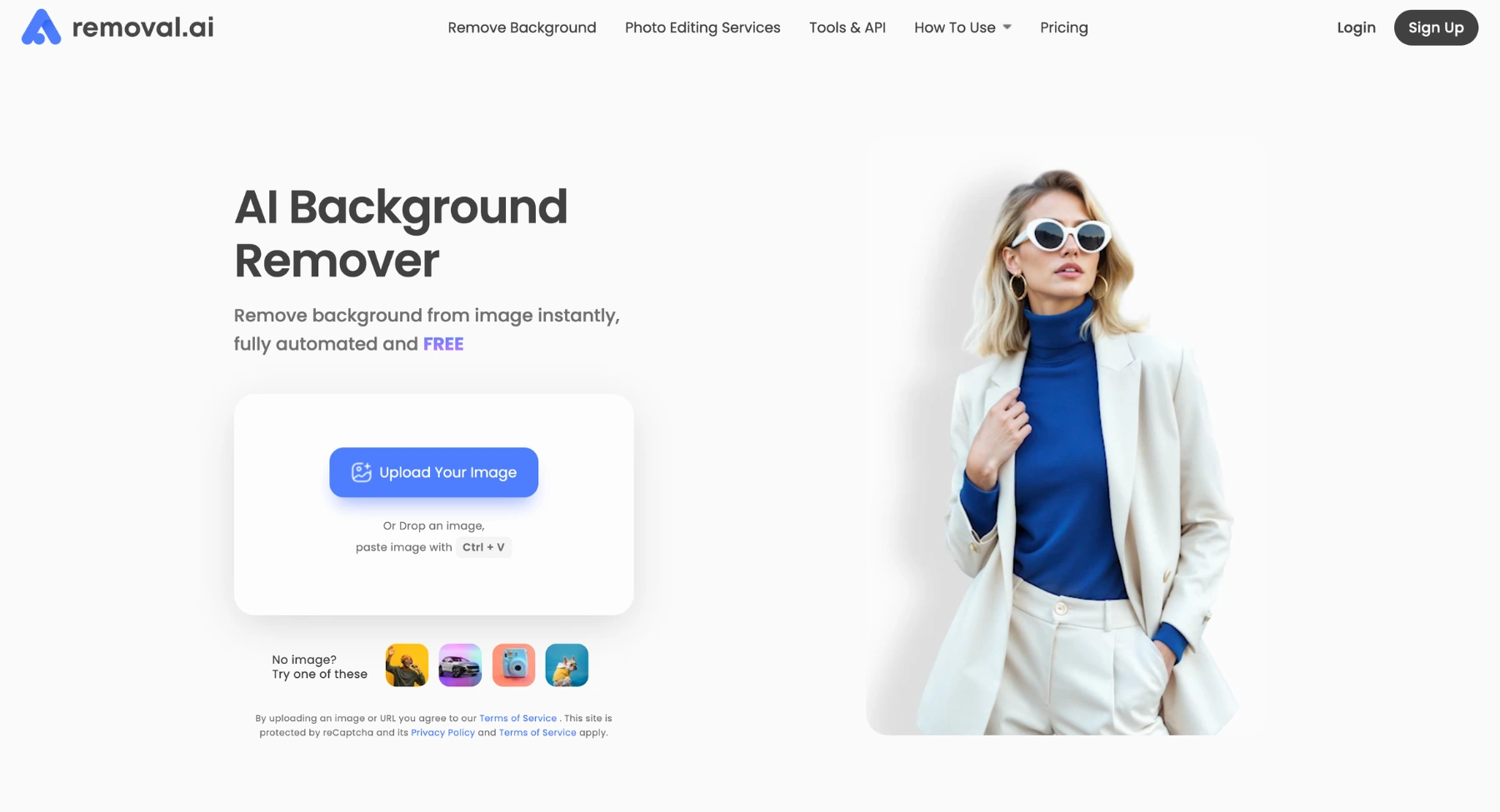
Removal.ai is another direct background-removal platform that also supports business and API-style use cases. It is useful for teams comparing automation options against remove.bg. Removal.ai is an AI-powered automated background removal tool designed to instantly strip backgrounds from images and product photos. It uses deep learning algorithms to detect foreground subjects - such as people, products, animals, and cars - and generates transparent or custom background cutouts without requiring manual selection.
Key features
- Instant automatic background removal: Upload an image and receive a transparent PNG output within seconds.
- Bulk processing: Batch process multiple images simultaneously via their web application or API integration, suitable for ecommerce catalog management.
- Built-in web photo editor: After background removal, users can refine cutouts manually, adjust lighting/contrast, add drop shadows, or swap in new solid background colors and imagery.
- API integration: Connects with external platforms, ecommerce storefronts (e.g., Shopify, WooCommerce), and custom applications for automated workflow pipelines.
Who uses?
- E-commerce & retail: Standardizing product photography against clean, solid white or neutral backgrounds.
- Graphic design & marketing: Extracting subjects for social media graphics, banner ads, flyers, and promotional collaterals.
- Personal & social media: Creating portraits, avatars, or stickers by replacing real-world backgrounds.
8. Fotor
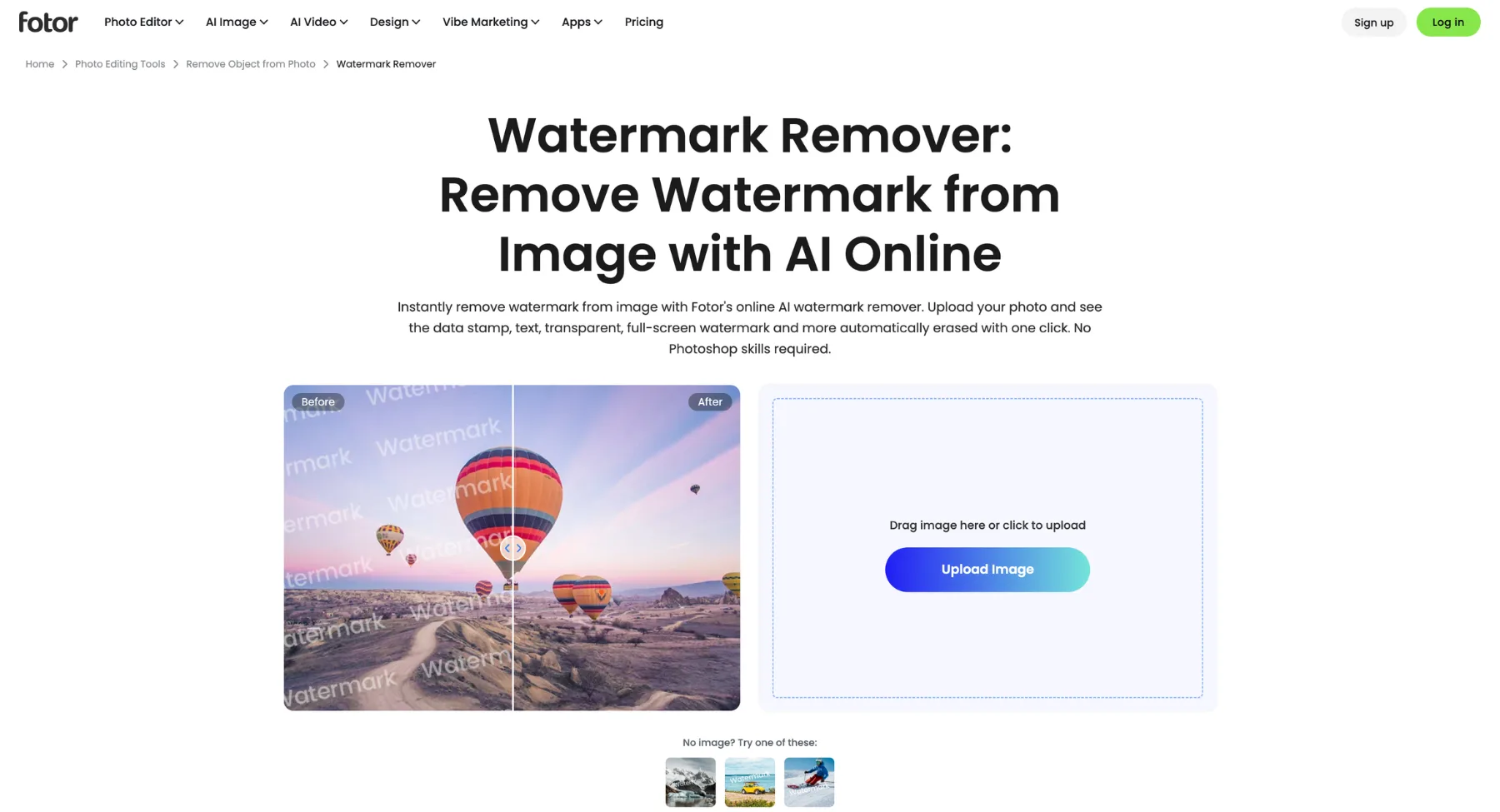
Fotor is useful when you want background removal together with lightweight photo editing, design templates, and creator-friendly adjustments. It is not only a cutout tool; it also supports common image editing tasks. Its background remover automatically detects subject contours across portraits, products, graphics, and multi-object compositions in seconds. Designed for both quick browser-based edits and professional production workflows, Fotor blends instant cutout generation with full-featured photo enhancement, generative background replacement, and batch processing tools to streamline visual content creation.
Key features
- Smart AI cutout engine: Automatically separates complex subjects - including hair strands, clothing folds, fur, and intricate product edges - from crowded or uneven backgrounds with single-click execution.
- AI background generator & eraser: Replaces removed backgrounds with custom AI-prompted environments, studio setups, solid colors, or blur effects directly within the editor.
- Multi-subject & batch background removal: Enables simultaneous background extraction across large batches of product photos and portraits to maintain high-volume editing productivity.
- Integrated design editor & touch-up suite: Combines cutouts with graphic design templates, text overlays, object erasers, lighting adjustments, and drop shadows without switching tools.
- Cross-platform accessibility: Delivers consistent background removal and editing capabilities across web browsers, desktop software (Windows/Mac), and iOS/Android mobile applications.
Who uses?
- E-commerce sellers & small business owners: For quickly creating standardized white-background product photography, promo banners, and marketing collaterals.
- Content creators & social media marketers: To generate background-free portrait cutouts for YouTube thumbnails, Instagram posts, ad graphics, and brand templates.
9. Picsart
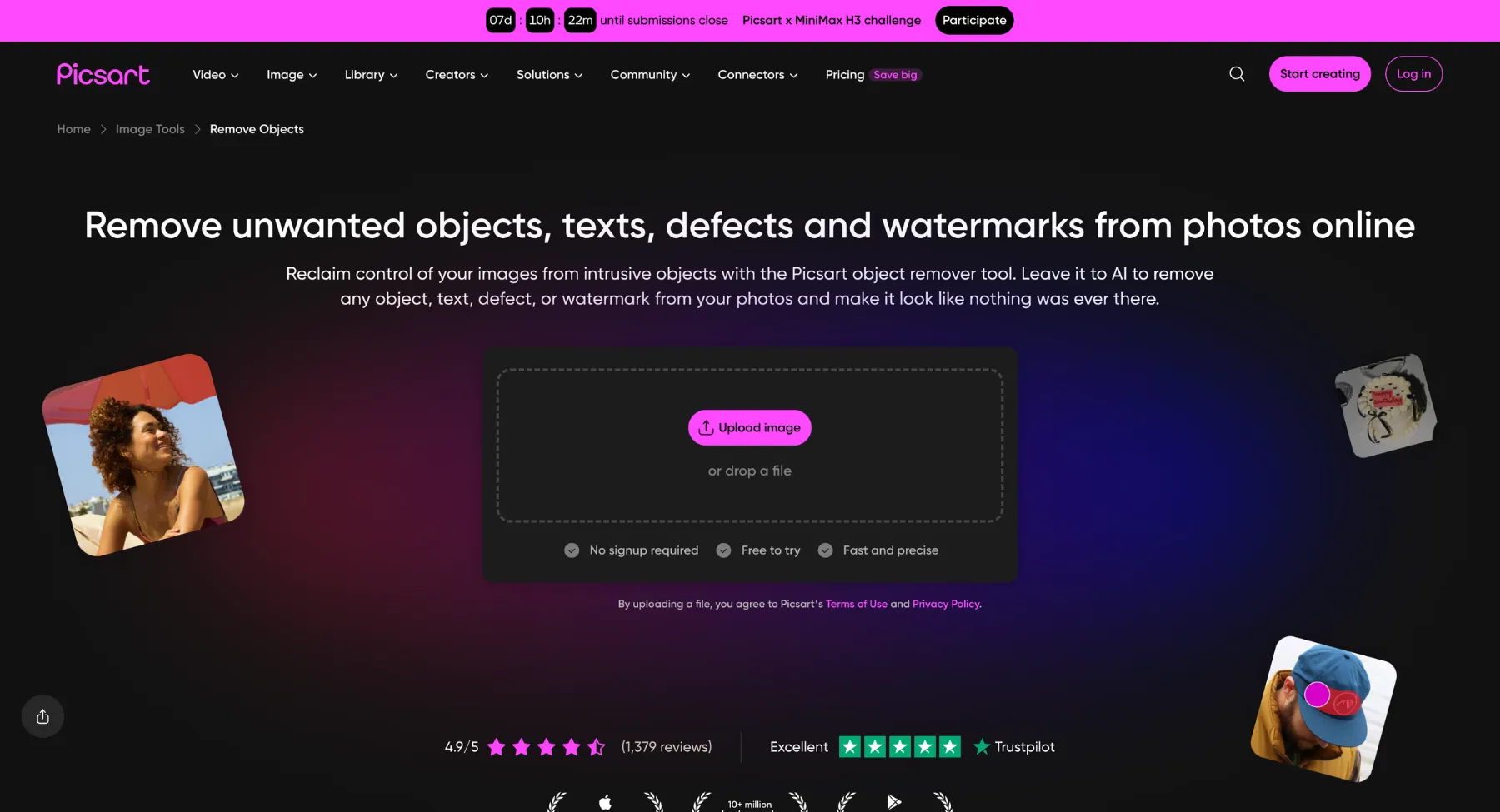
Picsart is a strong option for social-first creators because it combines background removal with editing, effects, stickers, layouts, and creative tools. It is more creator-focused than purely technical. Powered by advanced machine learning models, its background remover automatically separates complex foreground subjects from intricate or cluttered environments in seconds. Designed for mobile-first creators, ecommerce sellers, and digital marketers, Picsart pairs quick single-tap background erasures with a rich library of stickers, generative AI background swaps, batch editing capabilities, and a full graphic design canvas for instant content creation.
Key features
- AI-powered automatic background eraser: Detects and extracts people, products, animals, and objects with precise edge selection, handling fine details like hair, fur, and complex textures.
- Generative AI background & scene replacement: Replaces extracted backgrounds with custom AI-generated text-prompted scenes, realistic shadows, stylized textures, or solid colors.
- Batch background removal: Allows users to remove and replace backgrounds across multiple photos simultaneously, significantly speeding up product catalog production.
- Manual refinement & restore tools: Offers brush and eraser fine-tuning tools to manually edit selection boundaries, restore erased parts, or adjust edges for complex cutouts.
- Seamless creative ecosystem integration: Instantly converts extracted subjects into custom stickers, PNG overlays, ad templates, collateral designs, and social media graphics within the editor.
Who uses?
- Social media managers & digital content creators: To quickly craft eye-catching YouTube thumbnails, Instagram stories, sticker overlays, and promotional graphics on mobile or desktop.
- E-commerce merchants & resellers: For generating clean, high-converting product cutouts with white or custom backgrounds for online storefronts and marketplace listings.
10. Clipdrop
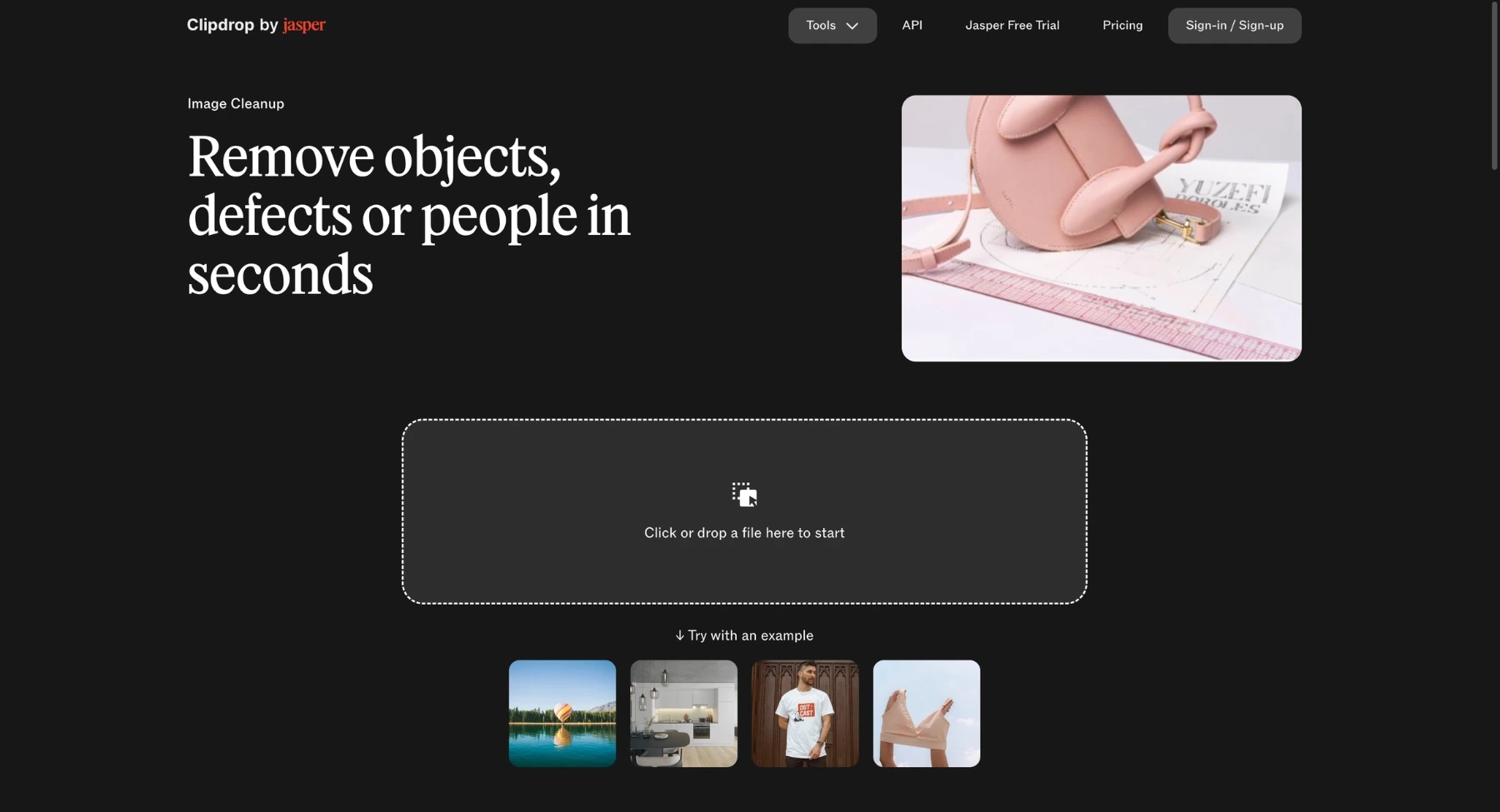
Clipdrop offers AI image tools including background removal. It is useful for creators who want a set of AI utilities around cleanup, object removal, relighting, and image editing. Its flagship background removal tool, Remove Background, extracts main subjects from complex surroundings with extreme precision and speed. Engineered for developers, digital artists, and ecommerce professionals, Clipdrop combines high-resolution edge detection with real-time generative background replacement, AI relighting, and seamless developer API access to transform raw images into production-ready visual assets.
Key features
- High-precision AI subject extraction: Automatically isolates intricate subjects such as detailed hair strands, semi-transparent objects, clothing textures, and fine edges from complex or low-contrast backgrounds.
- Unclip & generative AI scene replacement: Replaces extracted backgrounds with custom AI-generated environments, studio settings, or expanded backgrounds using simple text prompts.
- Relight & image enhancement integration: Allows users to adjust and harmonize light sources on isolated cutouts to match newly added backgrounds or custom studio setups seamlessly.
- High-throughput API & developer SDKs: Enables seamless integration of enterprise-grade background removal directly into web applications, mobile apps, and automated ecommerce workflows.
- Full-resolution HD exporting: Preserves original image dimensions, clarity, and fine details without compressing or degrading output quality during the cutout process.
Who uses?
- Digital artists & graphic designers: For rapidly extracting elements, compositing complex visual graphics, and matching cutout lighting with generative AI scenes.
- E-commerce brands & product photographers: To automate large-scale product photo cutouts, standardize catalog visuals, and integrate automated background removal via APIs.
Best remove.bg alternatives by use case
For ecommerce product photos
The strongest options are Pixelbin, Photoroom, Pixelcut, Adobe Express, Clipping Magic, and Cutout.pro. Product photos need more than a cutout. They often need clean white backgrounds, natural shadows, consistent crop, centered alignment, and marketplace-ready exports.
For transparent PNGs
If the goal is a clean PNG for a logo, profile image, thumbnail, sticker, or design asset, choose a tool that handles edge detection well and exports a clean transparent background. Pixelbin, Clipdrop, PhotoScissors, Erase.bg, and remove.bg are all relevant options to test.
For background replacement
If you do not only want to remove the background but also replace it with a new scene, color, or design, look for a tool with a change background workflow. This is useful for campaign images, product ads, seasonal banners, profile images, and social posts.
For API and automation
Slazzer, Removal.ai, Cutout.pro, and remove.bg are the most relevant tools to compare for API workflows. Developers should check API documentation, response speed, rate limits, pricing, file limits, webhook support, privacy terms, and whether outputs meet production quality for their image category.
For free background removal
Many tools offer free or free-trial background removal, but the limits vary. Some allow free previews but charge for HD downloads. Some add watermarks or limit file size. Some have daily credits. Treat these tools as free-to-test options unless a current public page confirms truly free high-resolution downloads.
How to test a remove.bg alternative properly
- Use the same five test images in every tool: a portrait with hair, a product with shadow, a white object on a light background, a complex object with holes or transparent parts, and a logo or graphic.
- Download the highest quality version allowed by the plan you would actually use.
- Check edge quality at 100 percent zoom.
- Place the cutout on dark, light, and colored backgrounds to reveal leftover halos.
- Check whether shadows look natural or need to be recreated.
- Test batch upload if you work with many product images.
- Check commercial terms before using outputs for ads, client work, or marketplace listings.
Is remove.bg still worth using?
Yes, remove.bg is still worth using if you want a fast, reliable, well-known background remover with API and bulk options. It is especially useful when you need a direct tool and already like its output quality.
However, alternatives can be better when you need more editing tools, ecommerce templates, white backgrounds, different pricing, bulk workflows, mobile creator features, or a broader image production workflow. The best approach is to test two or three tools with your actual images instead of trusting homepage examples.
Final recommendation
If you want a practical remove.bg alternative for product images and online visual workflows, start with Pixelbin. If you need a product-photo studio, test Photoroom and Pixelcut. If you need design templates, compare Canva and Adobe Express. If you need API or bulk processing, compare Slazzer, Removal.ai, Cutout.pro, and remove.bg side by side. If you want a lightweight one-off cutout, test Erase.bg, Fotor, Pixlr, PhotoScissors, or Clipdrop.
FAQs
The best remove.bg alternative depends on the workflow. Pixelbin is strong for background removal plus image cleanup. Photoroom is strong for product photos. Adobe Express and Canva are good for design workflows. Slazzer and Removal.ai are useful for API and bulk needs.
Erase.bg, Fotor, Pixlr, Clipdrop, Adobe Express, Canva, and Pixelbin are worth testing for free or free-trial background removal. However, free plans often limit HD downloads, file size, credits, or commercial use, so check current limits before publishing.
Pixelbin, Photoroom, Pixelcut, Clipping Magic, and Cutout.pro are strong options for product photos. Look for clean cutouts, white background support, crop consistency, shadows, and bulk editing if you work with many SKUs.
remove.bg, Slazzer, Removal.ai, and Cutout.pro are common options to compare for API-based background removal. Developers should check pricing, rate limits, file limits, image quality, privacy terms, and documentation before choosing.
remove.bg is better if you only need direct background removal or API-style workflows. Canva is better if the cutout needs to become a designed social post, ad, presentation, or branded creative.
remove.bg is strong for quick cutouts and API workflows. Photoroom is often better for product-photo workflows because it focuses on ecommerce-style images, backgrounds, and selling visuals.
They can handle many hair and edge cases, but results vary. Hair, glass, smoke, jewelry, fine fabric, shadows, and reflections are still difficult. Always check edges at full size before using the image commercially.