Free AI background changer




























58M+
11TB
How to change the image background using Pixelbin?
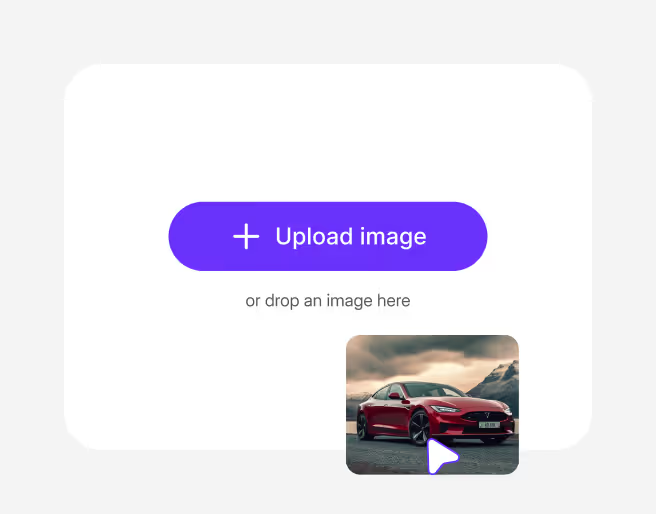
Paste a URL or upload your image in any of the following formats: PNG, JPG, JPEG, or PNG

Pixelbin automatically detects and changes the background. Simply choose a background colour or upload an image of your choice.

Preview the edited image and download it in HD, free from any watermark or additional costs.
Enhance any photo by changing the background within seconds



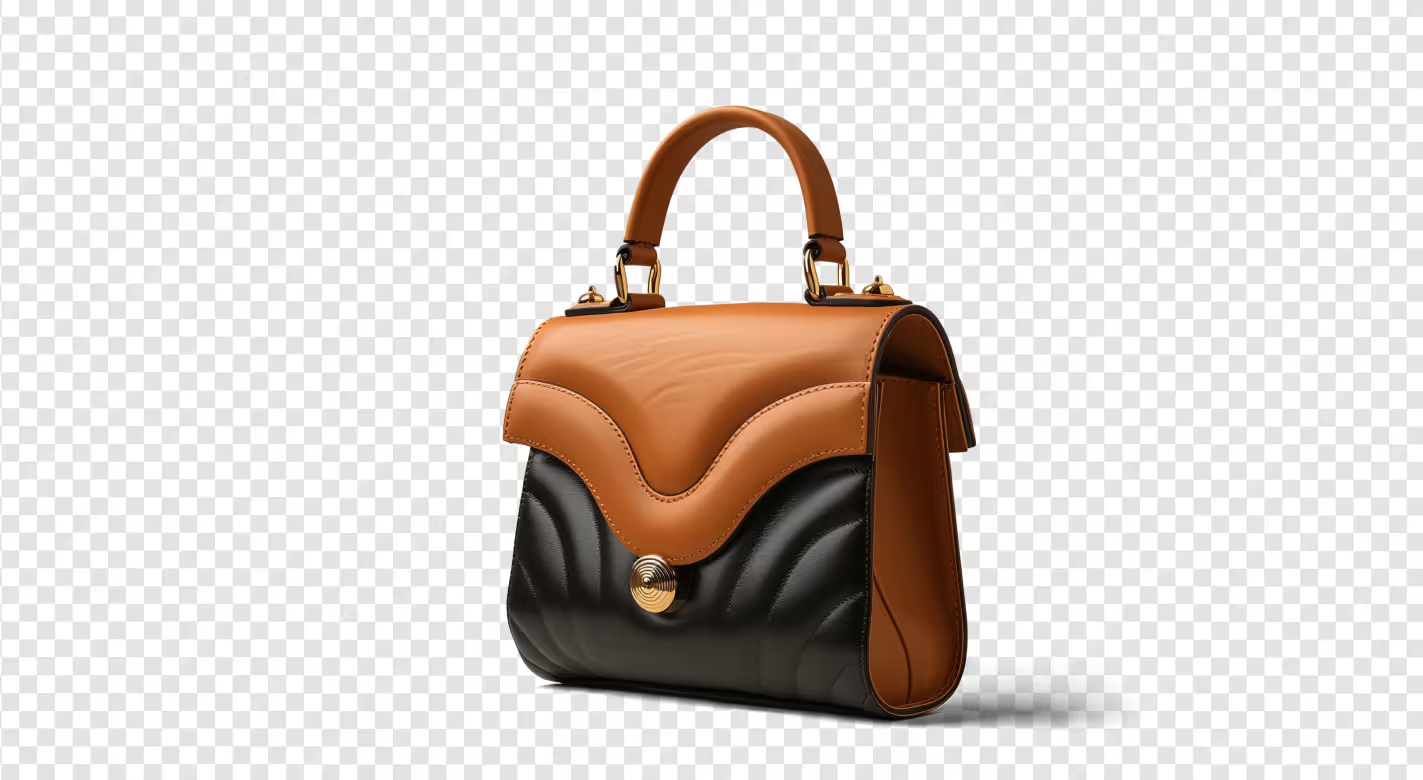

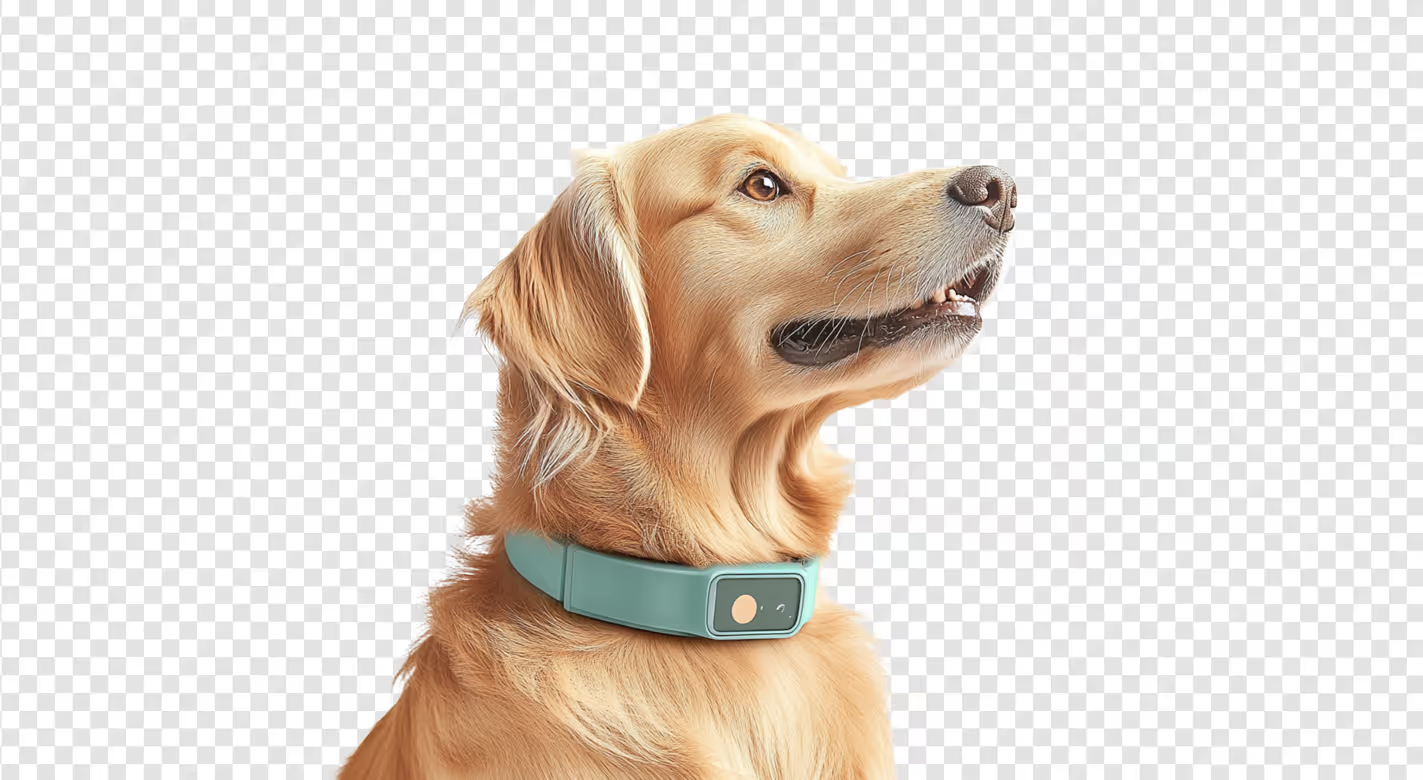

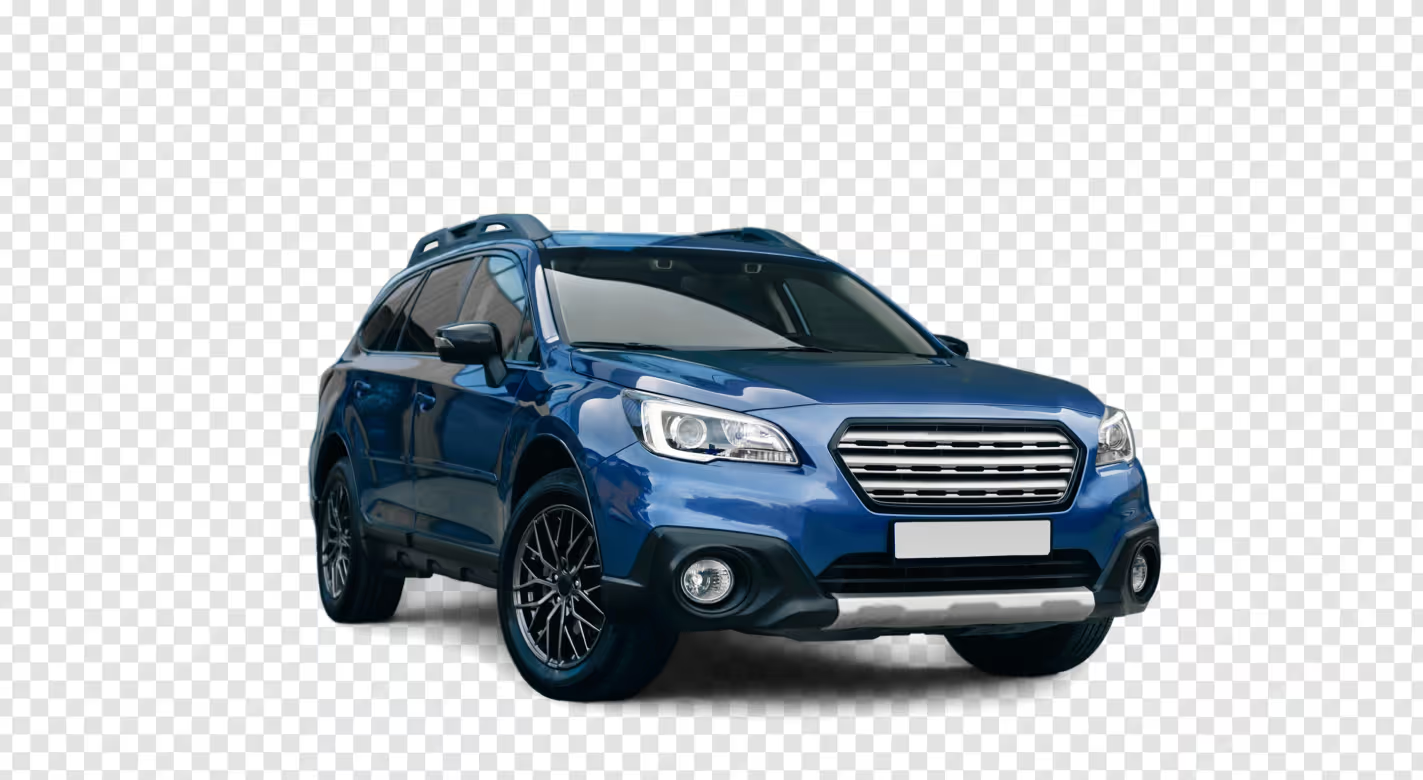


Background editing made easy with instant results
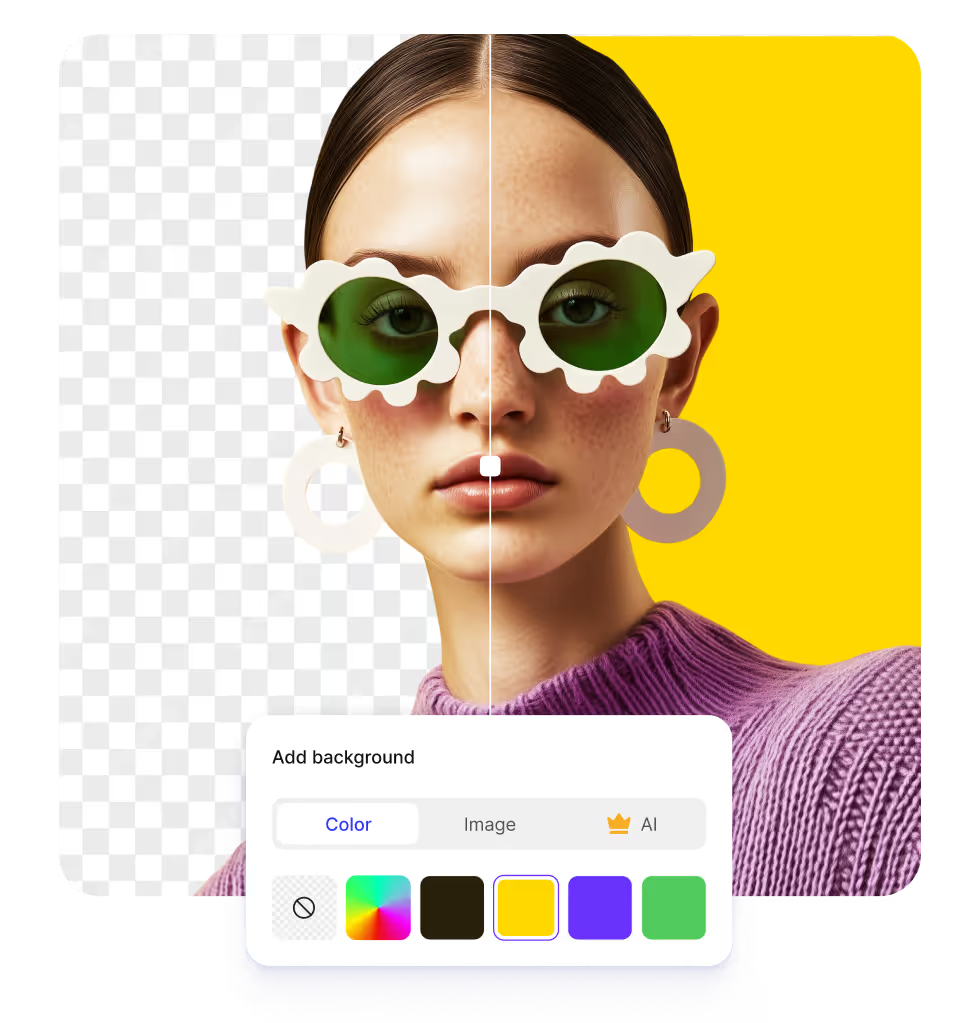
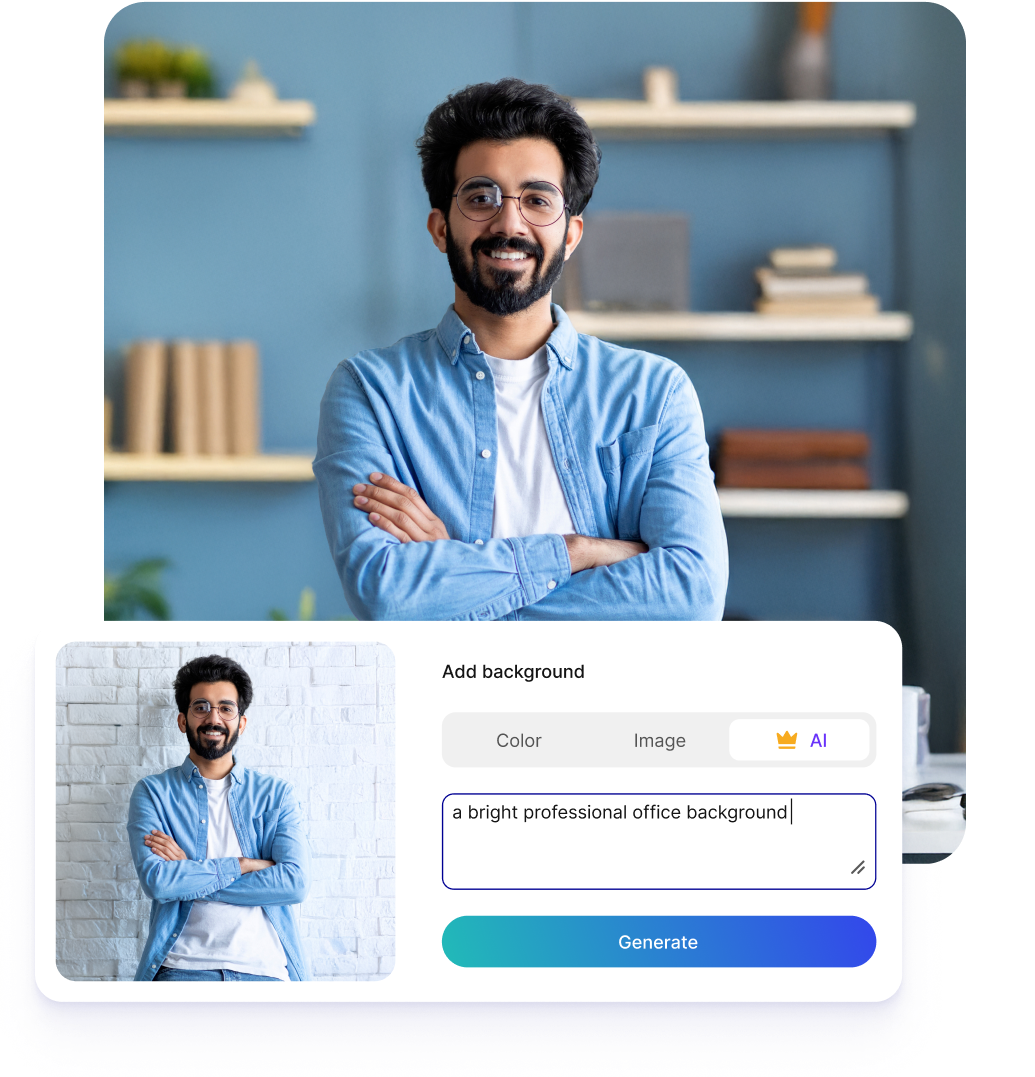
Replace with custom backgrounds
Add custom colors, choose from pre-designed backgrounds, or generate new ones to get the exact look you want.
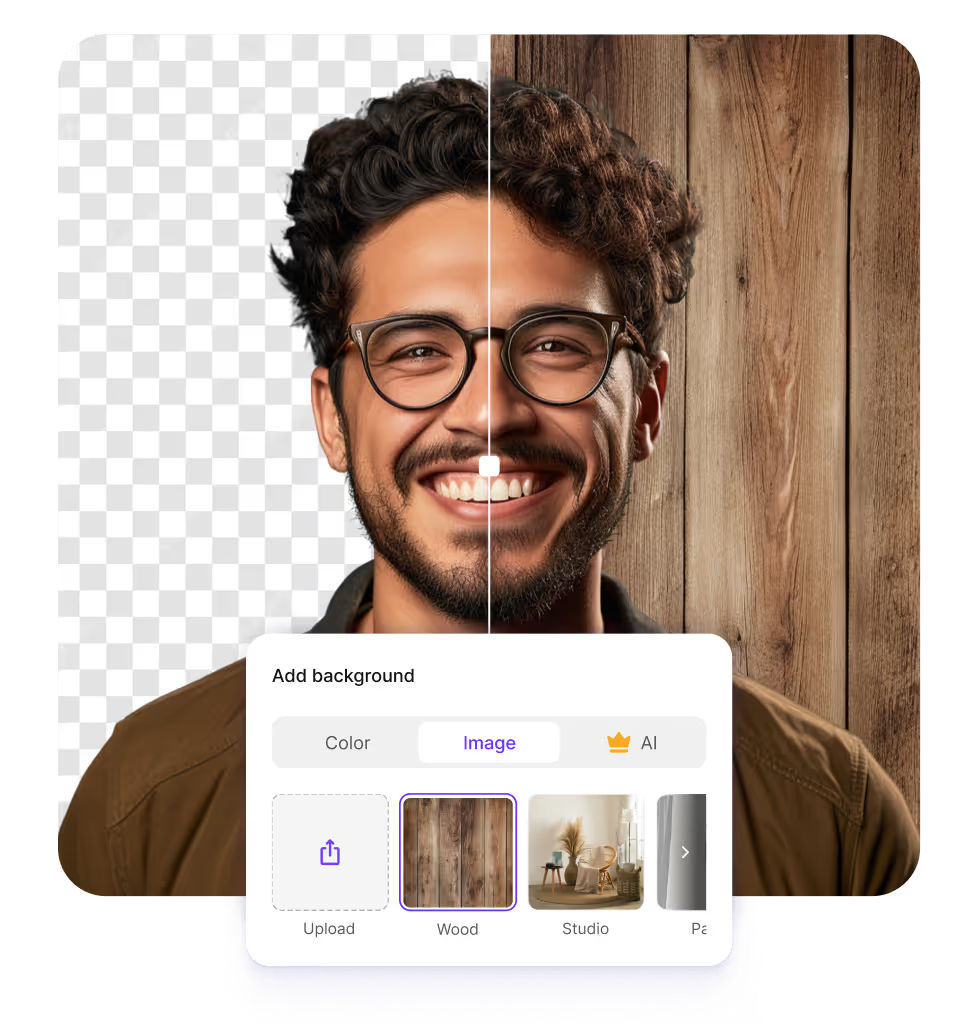
Work on any browser & device
Access the tool on any device or browser, including Chrome, Safari, Edge, and Firefox
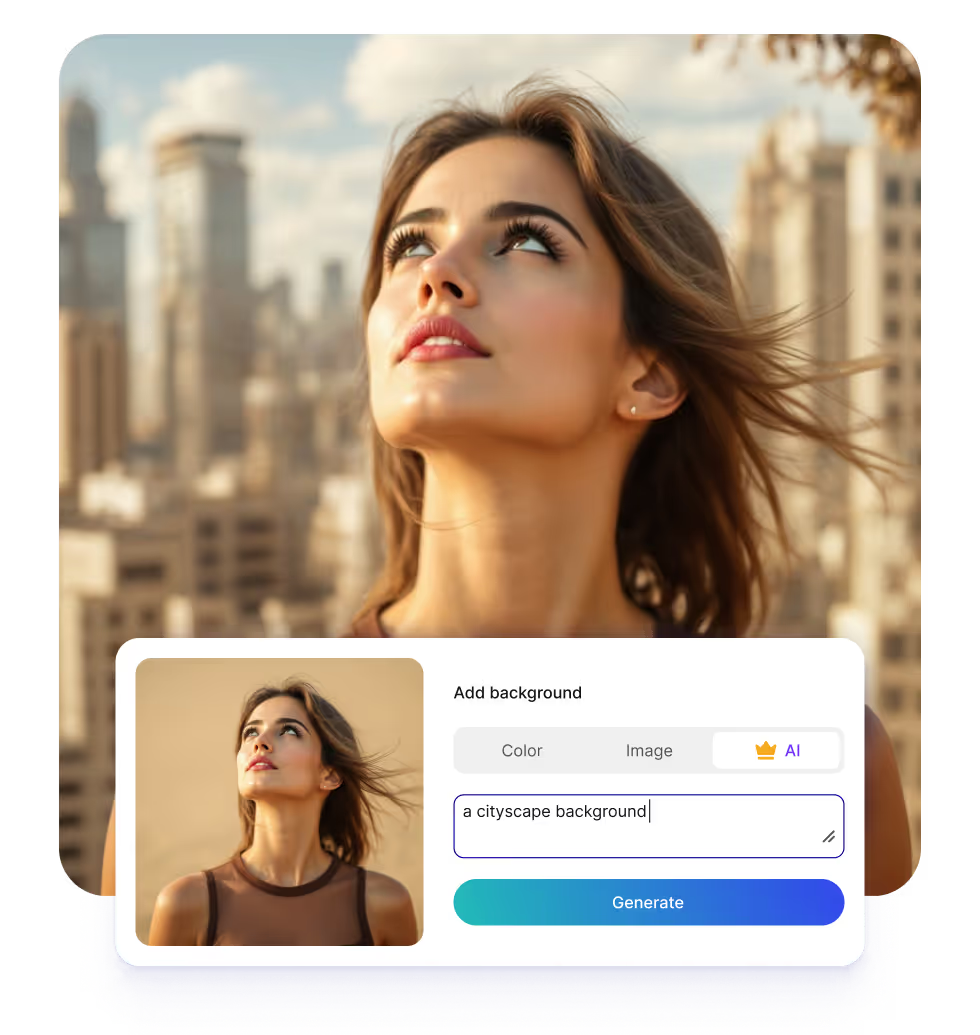
Save watermark-free exports
Download your edited images in high-quality resolution, free from watermarks, logos, or text overlays
Why choose Pixelbin?

Get clear, high-resolution results with every edit, including smooth background changes

Process multiple images at once with API support to save time and improve efficiency

Your images are encrypted, processed securely, and never shared with anyone

Increase image sharpness instantly by up to 2X, 4X, or 8X without losing quality

Edit backgrounds quickly by reducing load times and preventing regional performance drops

Upload images in popular formats such as JPG, JPEG, WEBP, or PNG
Built for developers
Developer SDKs


Integrate your tech stack easily using our APIs and webhooks
Detailed guides and developer documentation
What people say about us


People use Pixelbin for their businesses to complete their day to day tasks
A glimpse of the free AI image background changer
Key features of Pixelbin’s background changer
Pixelbin’s background changer helps you edit, refine, and enhance your visuals without any professional editing software. It’s an all-in-one tool that makes your images look clean, ready to use for personal projects or business needs.
- Free tool: Change backgrounds and get studio-quality outputs without paying anything.
- No sign-up: Access the tool easily without creating an account or providing payment details.
- Bulk removal: Clean or swap backgrounds from multiple images in one go with the bulk editing API.
- Background options: Update your background with patterns, colors, or lifestyle scenes based on your likes.
- Mobile-ready: Edit images on the go from any device, like a mobile phone, laptop, or tablet.
- HD downloads: Save all your edits in HD, ensuring your images stay sharp even after background enhancements.
Importance of the AI image background changer
Using an AI image background changer tool makes editing visuals fast, easy, and professional, even without technical skills.
- Gives creative flexibility: Pixelbin lets you modify or replace backgrounds instantly, so itcan easily fit into different contexts and adapt to multiple projects.
- Helps with effortless editing: You can easily replace backgrounds in seconds without the need for any editing skills or professional software.
- Adds professional appearance: The tool removes noisy or cluttered backgrounds to enhance the look and overall feel of your images, which makes it visually appealing for your viewers.
- Highlights the subject: The AI detects and separates the main subject precisely, so it stands out clearly on any new background.
- Saves time and effort: With the tool, you can easily replace hours of manual work, so you can focus on designing or sharing content instead.
How to get the best results from Pixelbin?
- Use images shot in natural and bright light so the tool can detect subjects quickly
- Avoid images with heavy filters, as this can hamper the image quality
- Make sure there’s no shadow or overexposed areas in your image
- Avoid overly busy or cluttered backgrounds for smoother edits
Real-world use cases of the AI image background changer
Pixelbin lets you change backgrounds for various purposes, no matter your industry or skill level.
- E-commerce product images: Change backgrounds to branded colors to make your products look professional.
- Social media posts: Replace backgrounds so you can use them for different ad campaigns or seasonal content.
- Marketing materials: Update visuals with colorful or textured backgrounds, suitable for your presentations or brochures.
- Photography and portfolios: Edit backgrounds so you can easily remove distractions or add creative effects for better visuals.
- Personal projects: Make creative backgrounds ideal for invitations, greeting cards, or personal designs.
Frequently asked questions
Here are some commonly asked questions about our AI watermark remover. While these are a list of general queries we get from our users, if you have any specific doubt or feedback, you can connect with us via email at support@pixelbin.io or checkout our documentation guide.
Yes, we offer 3 free credits to all new users as part of our free plan, but if you want further enhancements or bulk transformations, you can choose to buy extra credits through the pay-as-you-go plans.
Yes, Pixelbin easily separates the subject with ease, even when there are complicated aspects in your photos.
Yes. Pixelbin processes all your images securely using encrypted servers. We don’t store your details, and neither do we share or use them elsewhere without your consent.
No. Pixelbin’s AI tool applies new backgrounds while preserving the original image quality. The edited visuals appear realistic, natural, and ready to use.