






Instant, precise cutouts
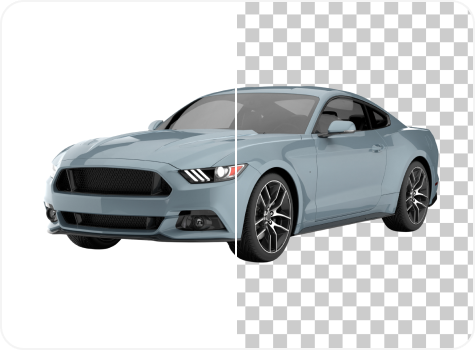
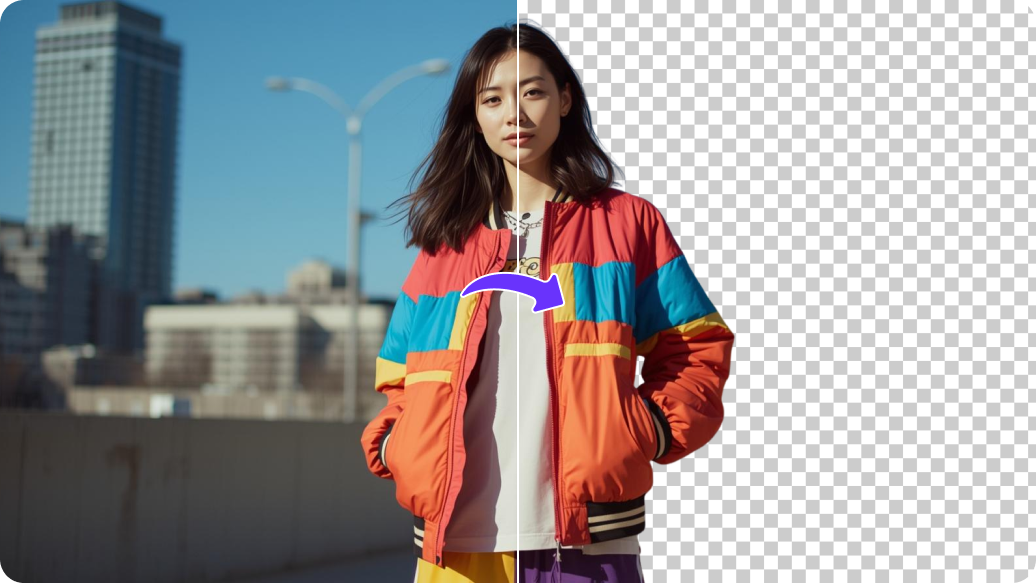
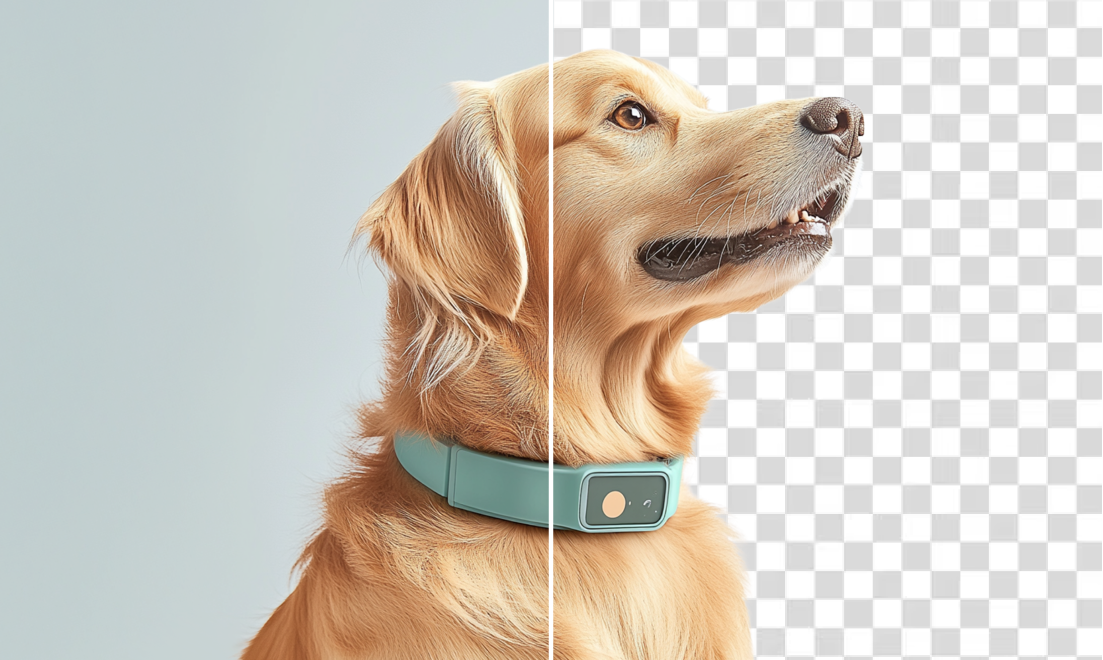
Generate precise white-background removal automatically from your uploaded images, without using tools like selection brushes or magic wands.

 Contact Us
Remove white background from image in seconds with AI. Create clean transparent PNGs from photos, signatures, logos, and graphics
File should be less than 10MB
or paste URL
Upload an image to automatically remove the white background and create a transparent image using AI.

AI Magic in progress
Detecting subject, removing white background, and preserving fine details
Your image with transparent background is ready!
There was some issue on our end. Please try again.




.png)

.png)
.png)

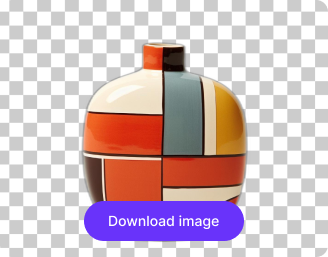
Create a background-free image in a simple online step – no software downloads or complex editing required.
Generate precise white-background removal automatically from your uploaded images, without using tools like selection brushes or magic wands.
.png)
Clean up logos, digital signatures, or QR codes by removing the white background, making them ready for documents or design pages.
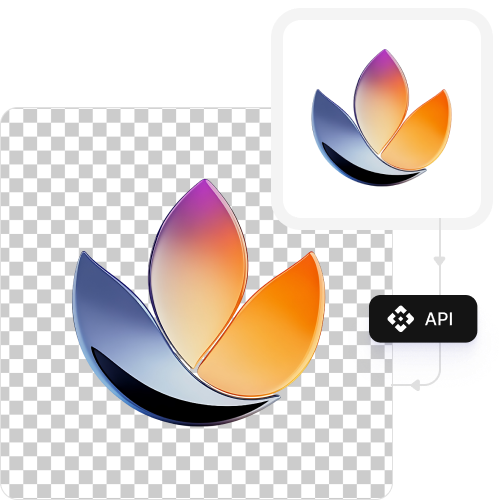
Remove white backgrounds from up to three images each month for free and upgrade anytime for more credits or API access.

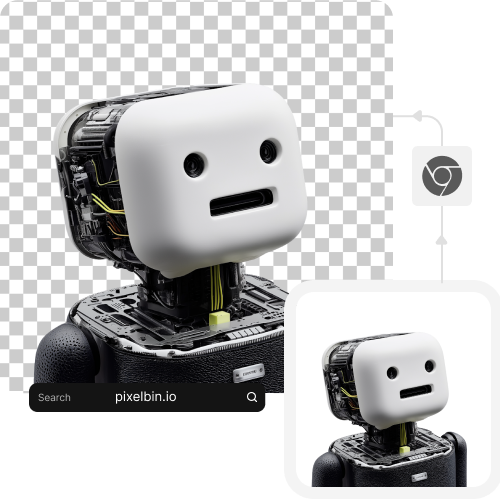
Use the background removal tool directly from your browser on any device without installing software or mobile apps.
.png)

.webp)
Pixelbin’s white background remover is perfect for designers, marketers, and business owners who want professional results in minutes. Let’s check some of the most common use cases:
Create clean product images for Amazon, Shopify, or your own online store. Removing the white background helps create a consistent, distraction-free catalog that centers the main focus on your products.
Need to remove the background from a PNG image or a JPG logo? Upload it to our AI editor to get a transparent logo you can easily overlay on websites, presentations, or marketing materials without any white box.
Want to remove white background from QR codes? Upload it to get just the code itself, which you can place over custom-colored backgrounds or creative designs in your ads.
Quickly remove the white background from your signature without any manual work. Just upload a photo of the signature on white paper to get a clean, transparent version you can use to sign digital documents.
Isolate people or objects from photos to create custom stickers, thumbnails, or engaging graphics for Instagram, Pinterest, or YouTube. A transparent image gives you more creative freedom in your designs.
Follow these simple tips to ensure you get the perfect cutout every time:
Upload a high-resolution photo for the most accurate edge detection.
Ensure your main subject has a good contrast against the white background.
For best results, use an image where the background is as close to pure white as possible.
Avoid photos with heavy shadows falling from the subject onto the white background.
Here are some of the most common questions about our AI White Background Remover Tool. If you can’t find the information you need, contact us at support@pixelbin.io or refer to our documentation for more details.