.webp)

Summary
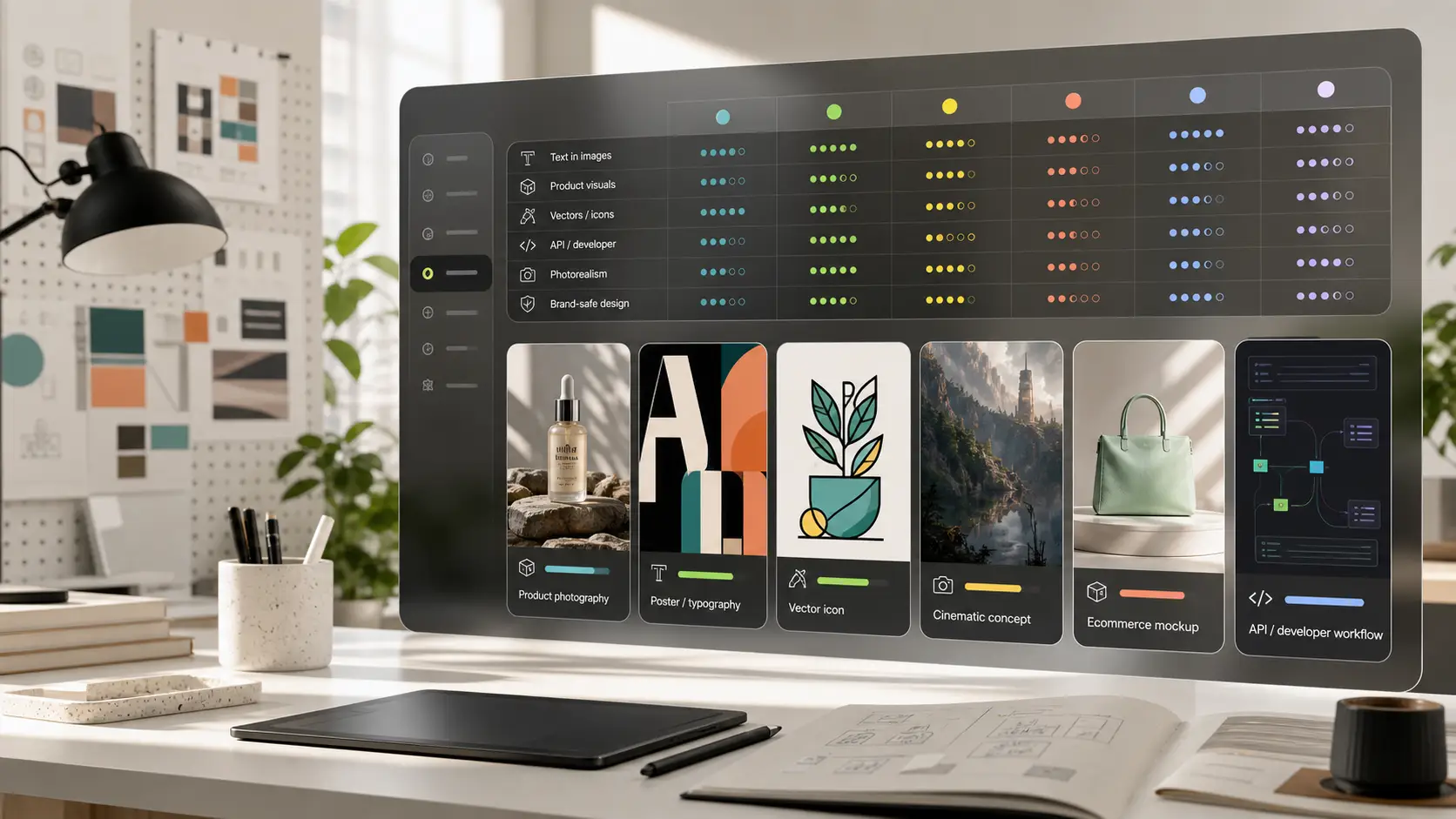
The best Leonardo AI alternative depends on why you want to switch. Pixelbin is best for fast browser-based AI image generation plus practical editing, background cleanup, and marketing-ready visual workflows. Midjourney is better for polished cinematic art. Adobe Firefly is better for commercial design teams and Adobe workflows. Ideogram is better for posters, logos, and readable text. Recraft is better for brand assets and vectors. Krea is better for real-time creative exploration. Stable Diffusion and Stability AI tools are better for users who want more model control. Canva is better when generated images need to become social posts, presentations, or marketing designs.
Introduction
Leonardo AI has become popular because it gives creators a strong place to generate AI art, concept visuals, product-style images, characters, game assets, and creative variations. It is a serious tool, especially for people who want more than a basic prompt box.
But searches for Leonardo AI alternatives are growing because users are not all solving the same problem. One person may want a free tool to test ideas. Another may need accurate text in a poster. A seller may need product photos with clean backgrounds. A designer may need vectors and editable brand assets. A marketer may want a simple image editor after generation. A developer may want model or API control.
If your goal is to move quickly from prompt to usable content, a browser-based AI text-to-image generator can be a better fit than a complex creative suite that requires more setup and prompt tuning.
This guide compares the best Leonardo AI alternatives by real use case. It covers creative quality, text accuracy, design control, product-photo workflows, editing, free access, commercial use, and who each tool is actually for.
What is Leonardo AI?
Leonardo AI is a cloud-based generative AI platform built specifically for high-fidelity visual asset creation, digital painting, and concept design. Launched in late 2022 and acquired by Canva in 2024, it bridges the gap between simple text-to-image prompt generators and complex, self-hosted developer setups.
Core architecture and proprietary engines
Unlike basic model wrappers, Leonardo AI operates on custom-built generation and post-processing pipelines:
- Phoenix model engine: A proprietary diffusion engine optimized for high-fidelity detail, precise prompt adherence, complex multi-subject composition, and readable text generation.
- Alchemy & universal upscaler: Advanced refinement layers that enhance dynamic lighting, surface textures, and depth, upscaling outputs up to 8K resolution without losing anatomical coherence.
- Custom model fine-tuning (loras): Allows creators to train custom LoRA models with as few as 10 to 20 reference images, ensuring consistent character designs, brand styles, and game assets across large volumes.
Workspace and control features
- Real-time canvas: Interactive spatial environment offering live sketching, masked regional editing (inpainting), and canvas expansion (outpainting).
- Control nets & depth mapping: Advanced visual guidance options, including pose matching, edge detection, and depth preservation.
- Multi-asset outputs: Generates high-resolution raster images, short video animations, and seamless 3D UV textures for platforms like Blender and Unreal Engine.
Why people look for Leonardo AI alternatives
While Leonardo AI remains a benchmark for game asset concept art and fine-tuned model control, production requirements often force studios, agencies, and independent creators to look elsewhere. The search for alternatives is driven by specific technical, artistic, and operational bottlenecks across four key areas:
1. The search for higher aesthetic polish and photorealism
Leonardo AI excels at structured customization, but achieving cinematic, gallery-grade aesthetics out of the box often requires heavy prompt engineering and careful model selection.
- Aesthetic polish: Platforms like Midjourney offer a higher aesthetic ceiling by default, delivering superior lighting depth, color grading, and artistic composition with shorter text inputs.
- Hyper-photorealism: For photographic assets, portrait photography, and realistic surface materials, models like Flux outperform standard diffusion models by accurately rendering micro-textures, natural camera lens distortion, and complex human anatomy.
2. Typographic accuracy and vector graphics requirements
Modern marketing, branding, and graphic design workflows demand precise text execution and scalable asset formats:
- Embedded text limitations: While Leonardo AI's custom engines have improved text capabilities, general diffusion platforms still struggle with complex spelling, multi-word phrases, and precise font styles. Specialized engines like Ideogram achieve over 90% typographic legibility.
- Raster vs. Vector Exports: Leonardo AI primarily produces raster outputs (PNG/JPEG). Design teams requiring native SVG vector files for logos, UI icons, and brand graphics turn to platforms like Recraft AI or Adobe Firefly to avoid low-quality auto-tracing.
3. API infrastructure and cost scaling
High-volume production pipelines, automated applications, and enterprise design stacks require predictable API economics.
- Credit consumption constraints: On Leonardo AI, utilizing premium pipelines (such as Alchemy, high-resolution upscaling, or Motion video features) depletes user credit pools quickly.
- Developer API economics: High-volume studios often prefer stateless, pay-per-generation API models (like Flux via serverless hosts) or self-hosted open-source builds (such as ComfyUI), which offer lower per-image costs and seamless pipeline integration.
4. Commercial indemnification and legal safety
Enterprise legal departments often restrict visual generators trained on unvetted web-scraped data. Corporate agencies require platforms built on fully licensed training datasets-such as Adobe Firefly-which offer formal intellectual property indemnification against copyright litigation.
How to choose the right alternative
Before choosing a tool, decide what job the image has to do. A fantasy art generator, a product-photo tool, a social-design app, and a vector design tool may all create images, but they are not solving the same workflow.
Best Leonardo AI alternatives in 2026
1. Pixelbin
.webp)
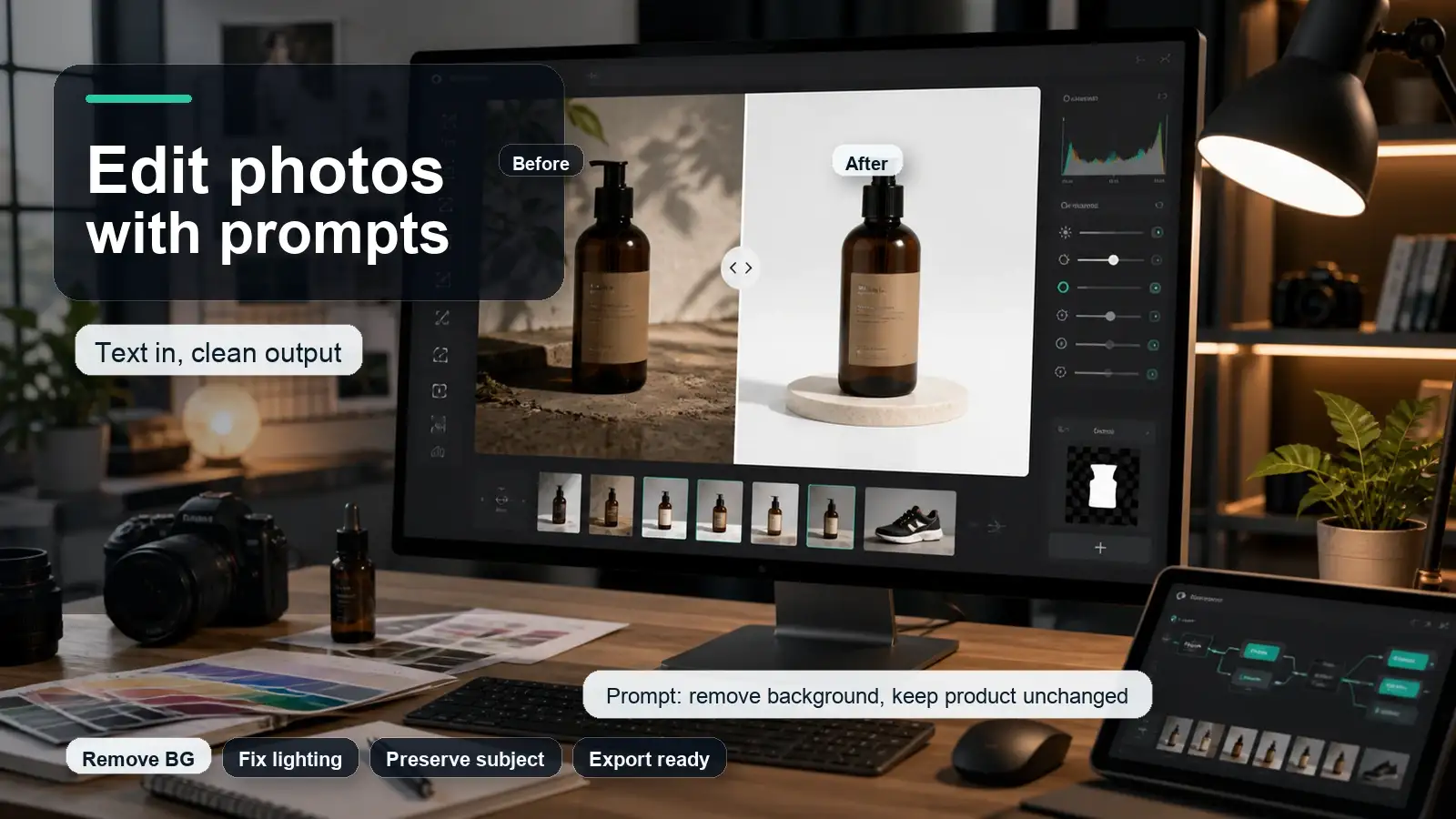
While Leonardo AI is widely popular for artistic image generation, fine-tuned custom models, and complex style controls, Pixelbin stands out as a practical, production-focused alternative. Instead of focusing solely on generative digital art, Pixelbin combines text-to-image AI capabilities with a powerful suite of professional photo editing, upscaling, background replacement, and e-commerce optimization tools-making it an ideal, all-in-one alternative for creators, marketers, and e-commerce professionals.
Key features
- AI image generator (text-to-image): Generates high-quality visual assets, AI art, avatars, and graphics directly from text prompts across multiple visual styles.
- AI upscaler & image enhancer: Restores low-resolution images and upscales visuals up to HD/4K quality while sharpening detail and clarity-exceeding basic resolution boosts.
- Automatic background remover & generator: Instantly extracts subjects, creates transparent PNGs, or replaces backgrounds with contextual AI-generated settings.
- AI watermark & object remover: Intelligently erases text, logos, or unwanted background objects with clean content-aware fill.
- AI video & multi-format generation: Supports text-to-video and image-to-video creation alongside static graphic editing.
Best for
Content creators, digital marketers, and e-commerce teams who need an efficient, utility-driven alternative to Leonardo AI that seamlessly handles image generation alongside high-volume photo enhancement, upscaling, and background editing.
2. Midjourney
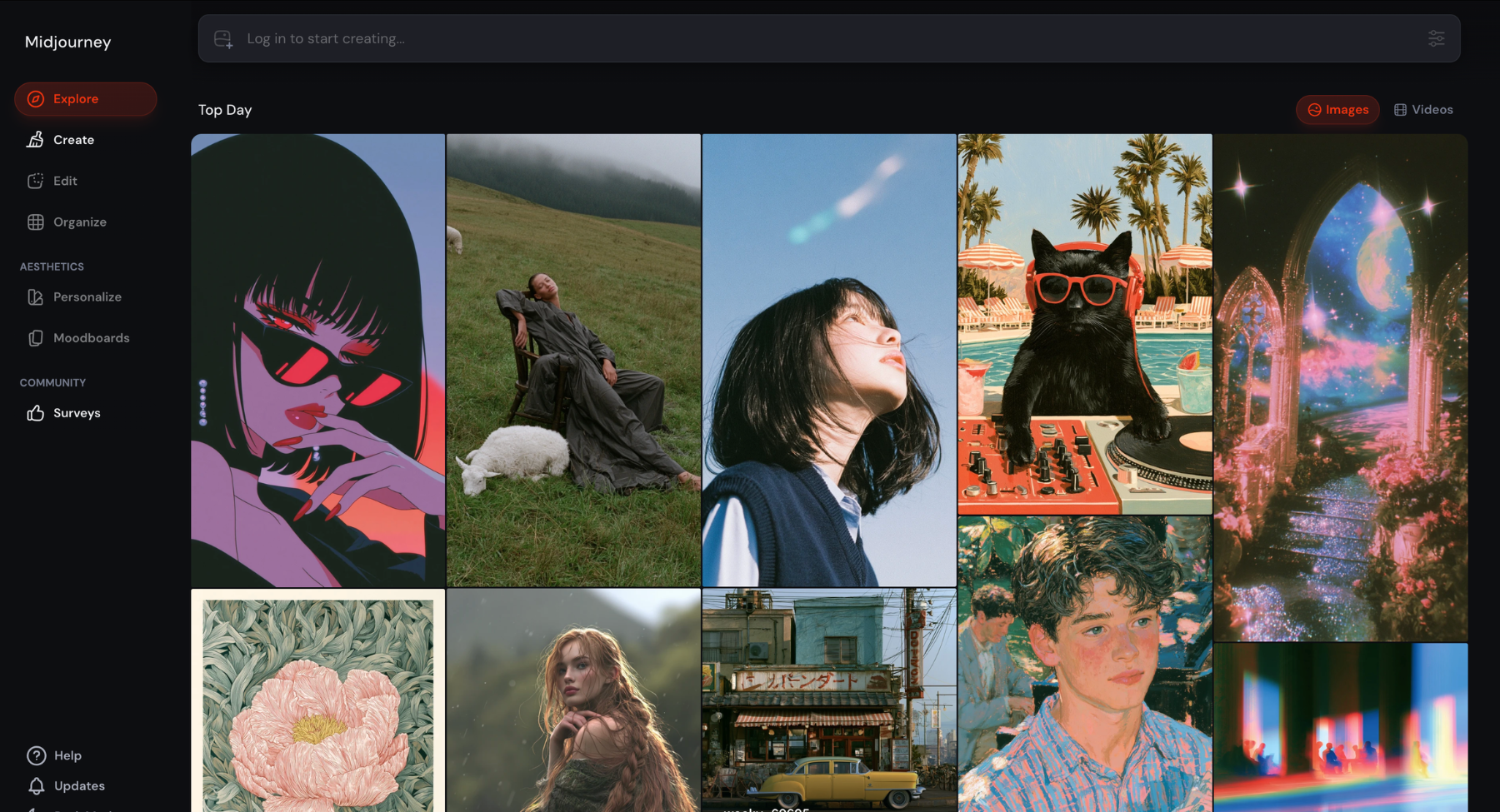
Midjourney is widely regarded as the gold standard for artistic AI image generation, making it a powerful direct alternative to Leonardo AI for creators seeking ultra-photorealistic renders and distinct, high-concept aesthetics. Unlike Leonardo AI's web-based dashboard and fine-tuned UI controls, Midjourney operates primarily through a Discord server interface (as well as a dedicated web app for eligible users). It relies on advanced diffusion models capable of interpreting complex, stylized text prompts to produce highly detailed digital art, cinematic landscapes, photorealistic portraits, and architectural concepts.
Key features
- State-of-the-art aesthetic engine: Delivers industry-leading photorealism, artistic lighting, rich textures, and complex visual compositions.
- Inpainting & outpainting (vary region & zoom out): Allows users to selectively edit specific areas of an image or expand canvas boundaries seamlessly using generative fill.
- Character & style consistency: Supports reference parameters (--cref and --sref) to maintain consistent character appearances and visual themes across multiple generated images.
- Style tuner & parameter controls: Enables precise customization of aspect ratios, stylized intensity (--stylize), chaos, and resolution variations via prompt parameters.
- Pan & vary features: Allows directional canvas expansion and incremental variation generation (Strong / Subtle) to iterate on specific details without losing core composition.
3. Adobe Firefly
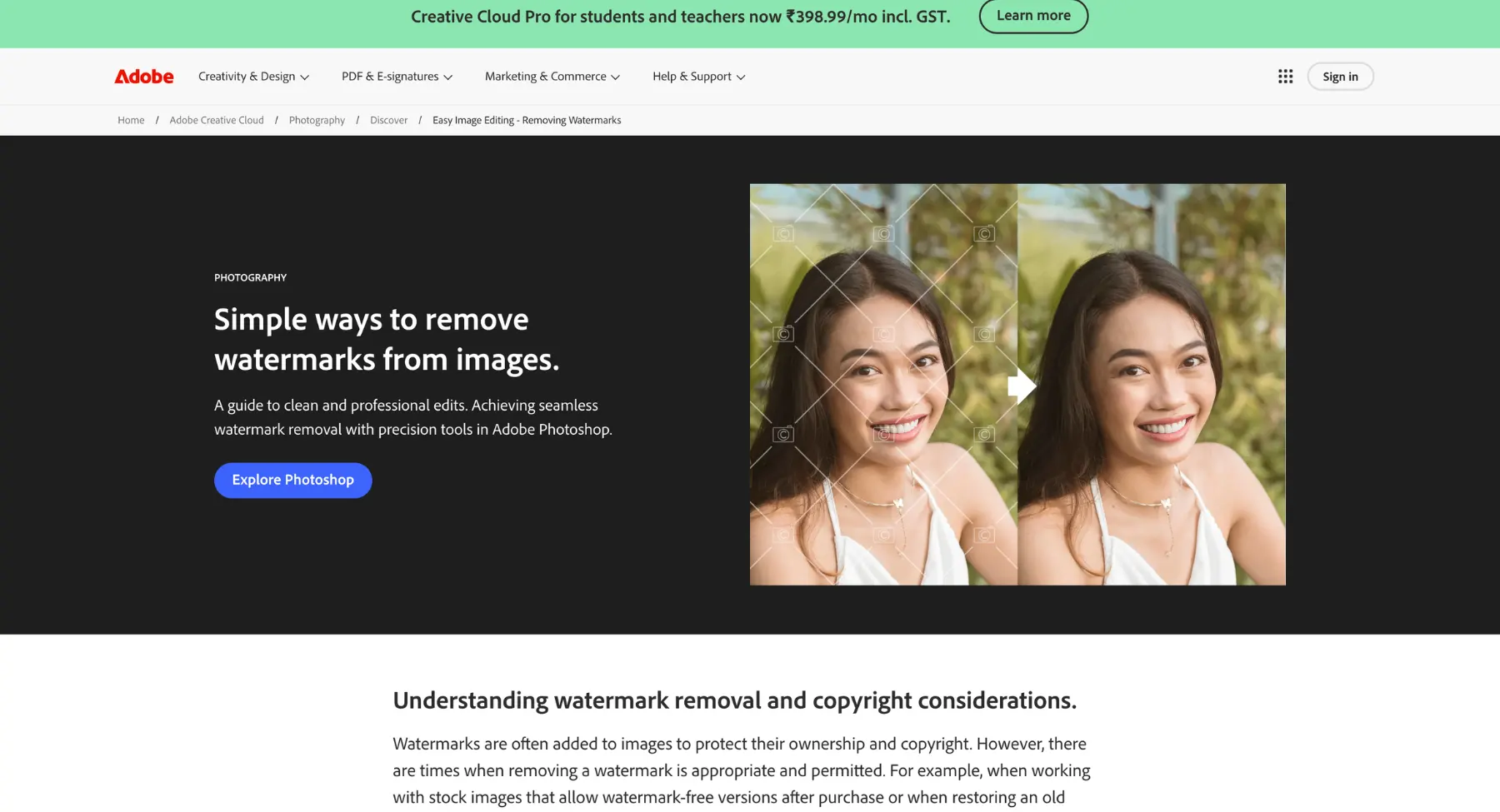
Adobe Firefly is a strong alternative when the user needs AI generation inside a professional creative workflow. It is especially useful for designers, agencies, brand teams, educators, and businesses already working with Photoshop, Illustrator, Adobe Express, or other Adobe tools. As a direct alternative to Leonardo AI, Firefly excels at generating photorealistic imagery, vector graphics, and custom text effects trained exclusively on Adobe Stock and open-license content. Rather than relying on community-trained models, Adobe Firefly seamlessly bridges standalone prompt-based generation with direct integration into the broader Adobe Creative Cloud ecosystem.
Key features
- Commercial-safe generative model: Trained exclusively on licensed Adobe Stock images, open-source content, and public domain material to ensure zero copyright risk for enterprise use.
- Generative fill & expand: Seamlessly adds, removes, or replaces image subjects and expands canvas dimensions using smart content-aware inpainting.
- Text to vector graphic: Generates fully editable, scalable vector art, icons, and patterns directly from natural language prompts.
- Text effects & style reference: Applies custom 3D textures, patterns, and materials to typography and matches target image styles using reference uploads.
- Structure & style match: Allows users to upload a reference image to control both the composition/depth layout and the visual artistic style of generated outputs.
4. Ideogram
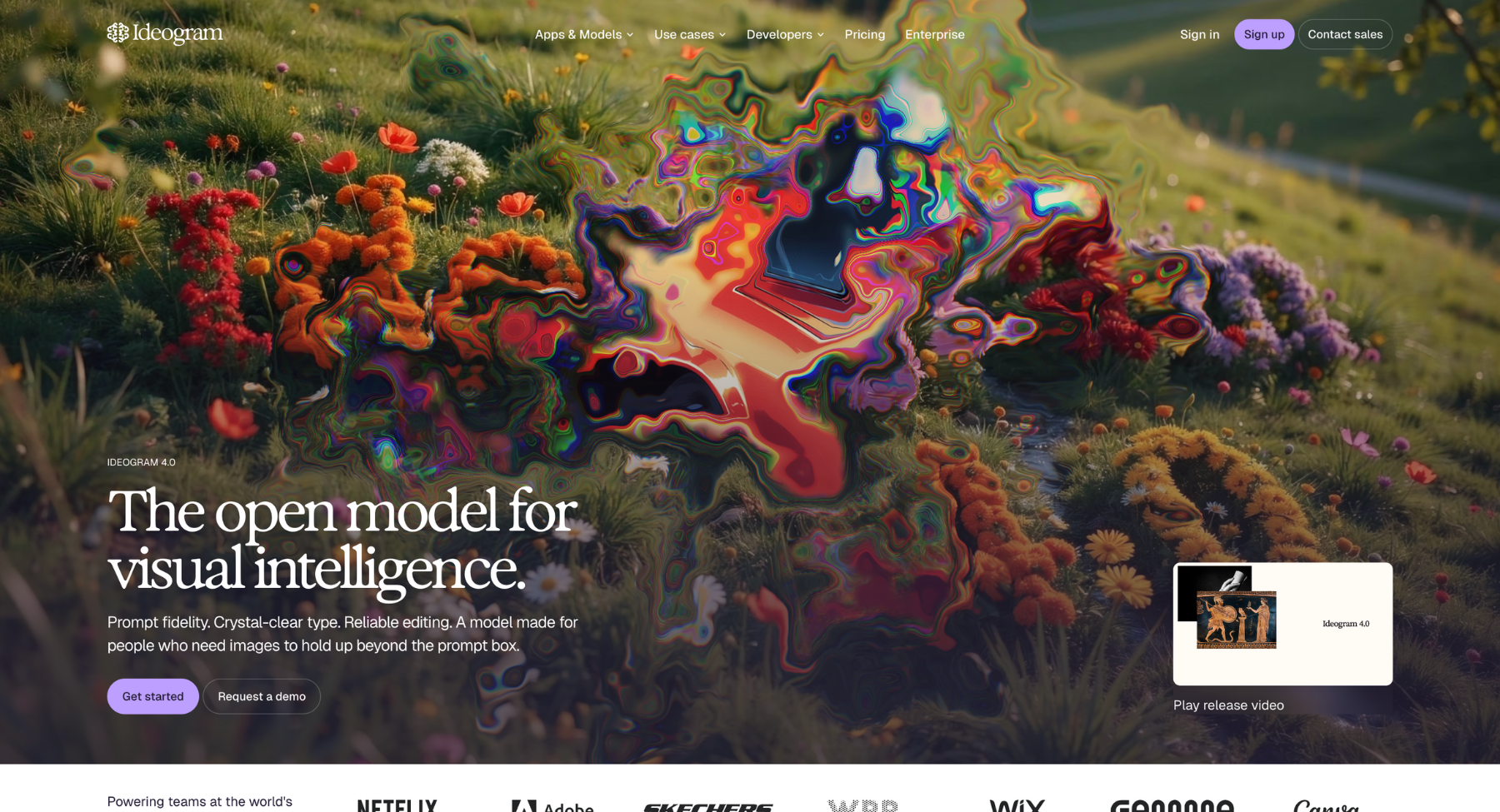
Ideogram is one of the best Leonardo AI alternatives for images that contain readable text. That makes it useful for posters, logos, stickers, labels, book covers, social posts, event graphics, product packaging concepts, and ad creatives. As a direct alternative to Leonardo AI, Ideogram excels at creating visually striking posters, logos, typography-heavy graphics, and photorealistic imagery without the text garbling common in earlier generative models. Rather than focusing solely on artistic or abstract imagery, Ideogram bridges standalone text-to-image prompt generation with powerful design controls, making it an ideal tool for graphic designers, marketers, and content creators.
Key features
- Industry-leading text rendering: Reliably generates clear, legible, and stylistically consistent text directly within images, logos, signs, and graphic layouts.
- Magic prompt & enhancer: Automatically expands and refines simple text prompts using advanced LLMs to improve aesthetic quality, detail, and prompt fidelity.
- Style tags & customization: Provides built-in style controls (e.g., Typography, Poster, Cinematic, Photo, 3D Render, Illustration) to quickly target specific artistic aesthetics.
- Describe (image-to-prompt): Analyzes uploaded images to generate detailed descriptive prompts, helping users reverse-engineer or replicate specific visual styles.
- Remix & image weight control: Allows creators to upload a base image and combine it with new text prompts while finely adjusting how strongly the original visual structure is preserved.
5. Recraft
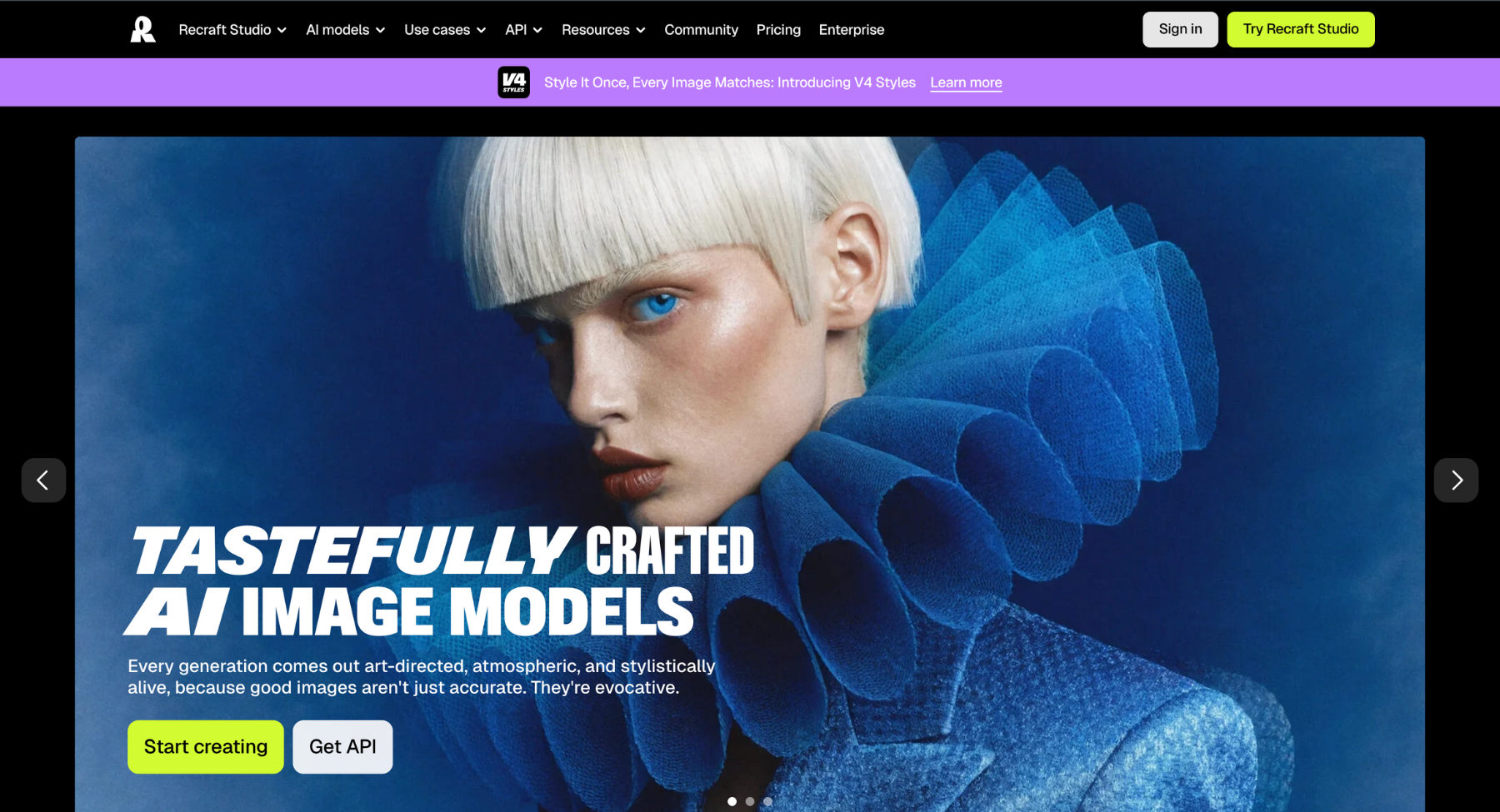
Recraft is a design-first AI tool that works well for brand assets, mockups, icons, logos, vector-style graphics, product visuals, ads, and design systems. It is a strong alternative for people who want outputs they can use in real design work. As an alternative creative engine, Recraft excels at generating fully editable SVG vector art, 3D icons, clean illustrations, and high-resolution raster imagery on an infinite canvas interface. Rather than focusing solely on prompt-to-image outputs, Recraft bridges generative AI with professional design workflows by offering infinite canvas editing, brand palette locking, and native vector line-art manipulation.
Key features
- Infinite canvas & node-based workflow: Generates, edits, and arranges multiple vector and raster design assets on a multi-board spatial interface.
- Native SVG vector generation: Creates clean, fully scalable vector graphics, icons, and logos with exportable layered paths and editable nodes.
- Brand style & color palette locking: Enforces custom color hex codes and specific brand style references across all generated assets to ensure strict visual consistency.
- Vector vectorization & clean-up: Automatically converts existing raster images into editable vector paths and allows precise segment-level re-coloring and editing.
- AI image editing & mockups: Offers pinpoint region repainting, background removal, spatial layout control, and realistic product packaging mockup previews.
6. Krea
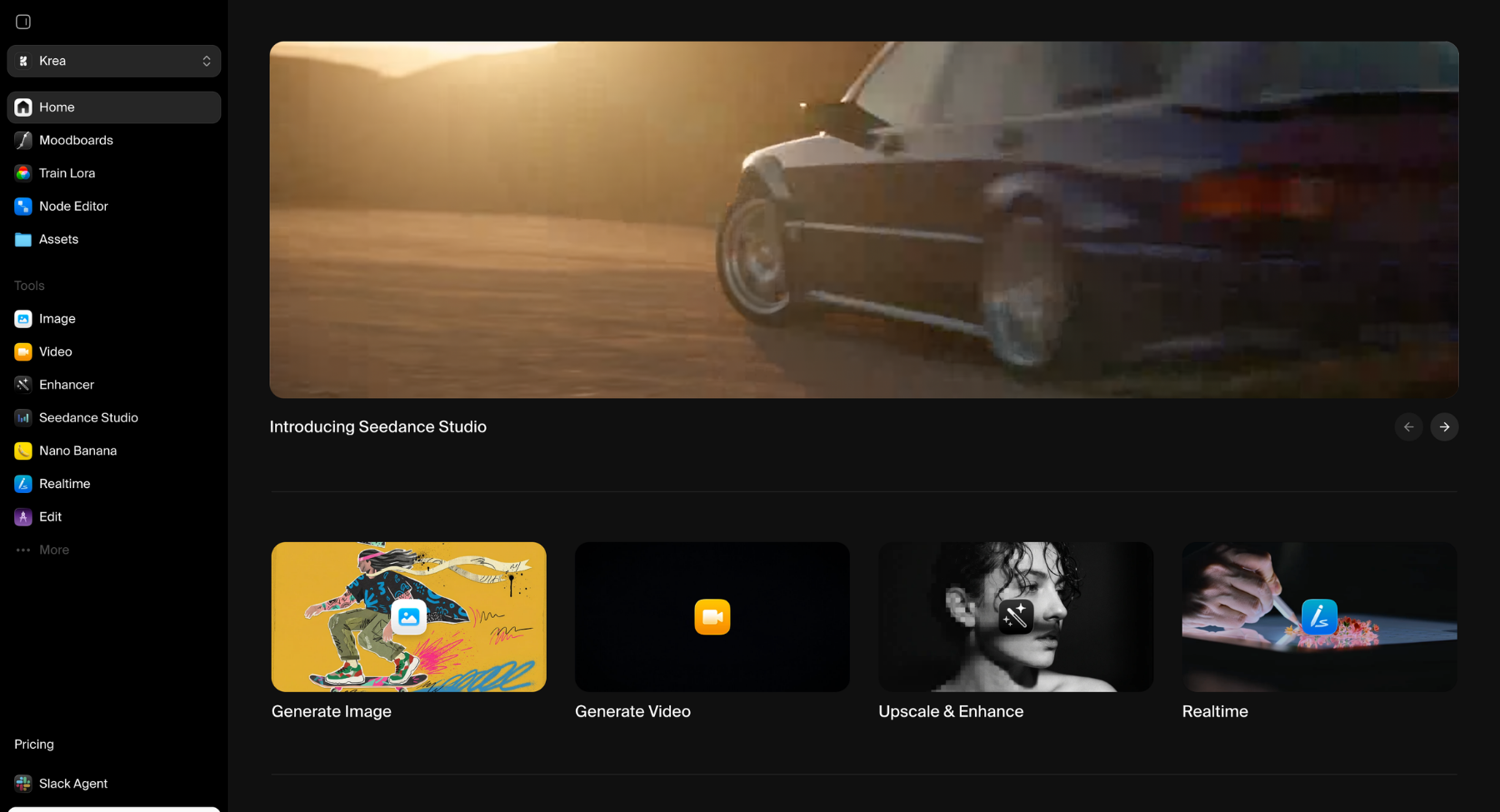
Krea AI is a real-time generative AI image and video generation platform designed for rapid visual exploration, instant feedback, and professional design enhancement. As a direct alternative to Leonardo AI, Krea AI excels at sub-second, real-time image rendering, high-definition upscaling, and precise composition control using interactive canvas drawing and live camera inputs. Rather than relying solely on static text-to-image prompts, Krea AI seamlessly bridges real-time design manipulation with advanced visual refinement and AI-driven animation tools.
Key features
- Real-time canvas generation: Generates and updates images instantaneously as users draw shapes, place assets, or refine prompts on an interactive canvas.
- AI enhancer & upscaler: Cleans up noise, sharpens textures, and dramatically increases resolution while intelligently adding photorealistic details to existing images.
- Pattern & logo illusion engine: Seamlessly blends brand logos, typography, and geometric patterns into realistic scenes and artistic landscapes.
- Live camera & screen feed integration: Transforms live webcam feeds, 3D viewport viewports, or screen capture input into styled AI artwork in real time.
- Video & motion generation: Animates still images or generates dynamic video sequences with granular motion control, camera movement, and keyframe transitions.
7. Freepik AI
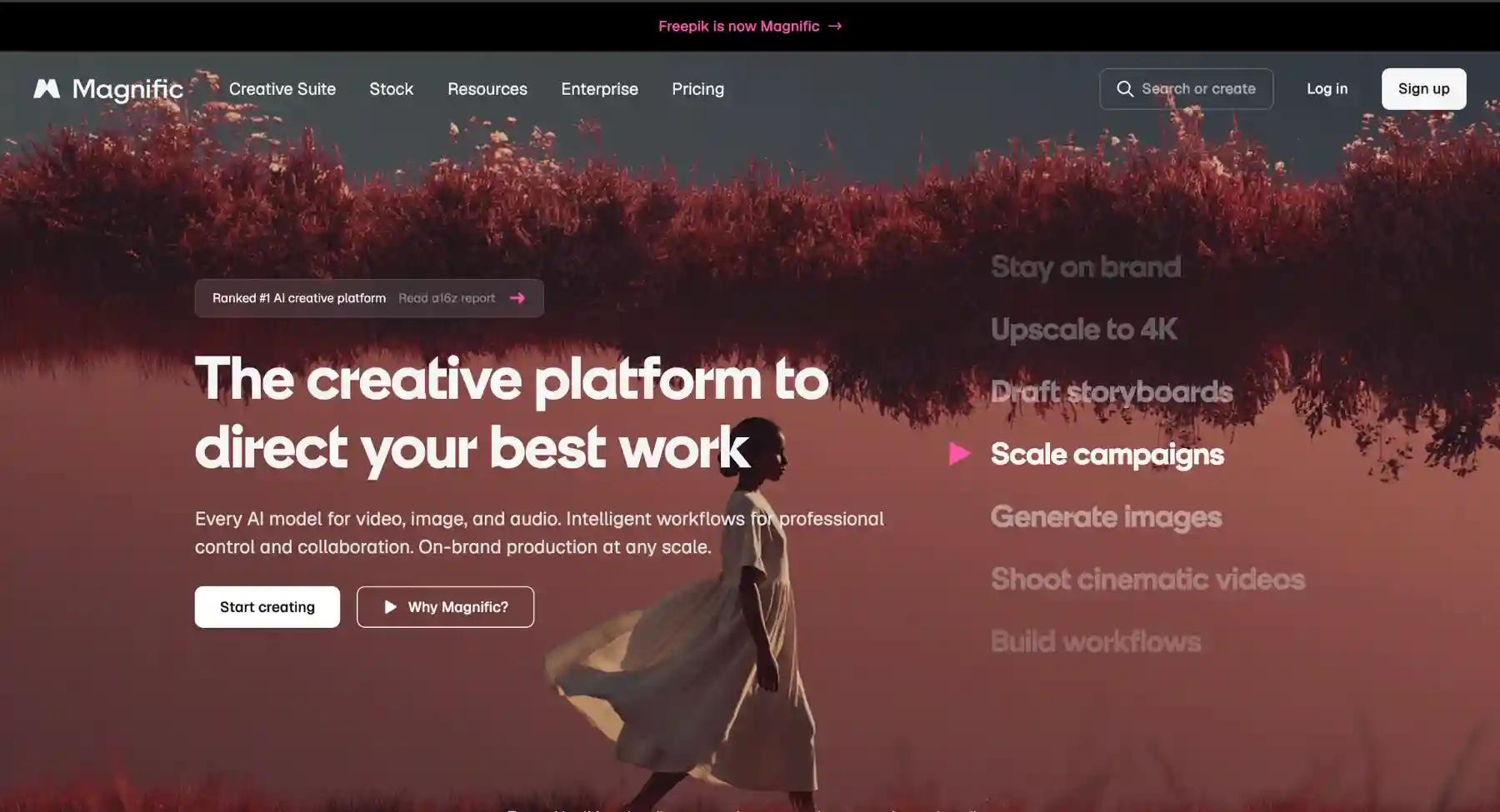
Freepik's AI creative ecosystem and Magnific-style enhancement workflows are useful for teams that already rely on stock assets, templates, product visuals, campaign images, and polished creative resources. As a direct alternative to Leonardo AI, Freepik AI excels at producing photorealistic imagery, real-time sketch-to-image transformations, and customizable vector assets backed by one of the world's largest graphic resource libraries. Rather than functioning solely as a standalone text-to-image generator, Freepik AI seamlessly bridges quick prompt-based creation with an integrated browser-based editor, upscaling capabilities, and direct access to Freepik's extensive stock ecosystem.
Key features
- Realtime sketch & prompt canvas: Generates high-quality visuals instantly as you draw or type, allowing precise interactive control over layout, composition, and details in real time.
- Magnific-powered AI upscaler & enhancer: Relies on advanced latent diffusion algorithms to enhance resolution, reconstruct fine surface textures, and sharpen low-res graphics up to extreme HD formats.
- Custom style & pattern transfer: Matches specific artistic aesthetics, photography styles, and color palettes across generated batches using target reference images and custom preset filters.
- Generative inpainting & canvas expansion: Allows users to easily modify, erase, or substitute specific image regions and extend canvas borders using context-aware fill tools.
- Vector & asset generation: Produces fully scalable vector illustrations, icons, and isolated elements optimized for immediate download, layering, and graphic design workflows.
8. OpenArt
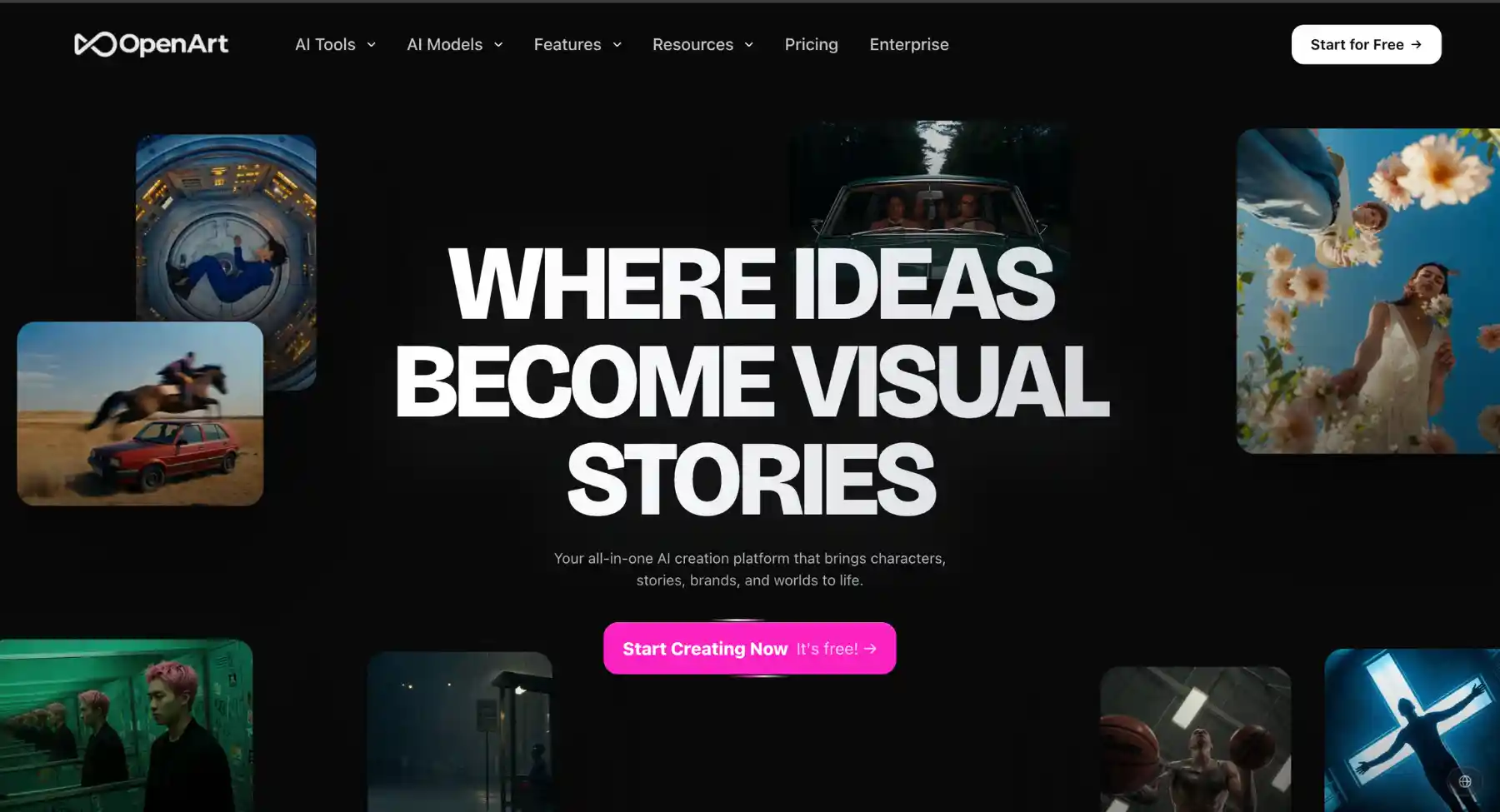
OpenArt is a strong alternative for creators who want AI art, prompt discovery, style exploration, and a community-driven creative environment. It is useful for beginners and advanced users who want templates, workflows, and inspiration around image generation. As a direct alternative to Leonardo AI, OpenArt excels at consistent character creation, multi-model prompt exploration, and advanced image-to-image editing without locking users into a single closed ecosystem. Rather than restricting creators to standard text prompts, OpenArt seamlessly bridges community-contributed models and custom LoRA training with robust built-in editing utilities, precise pose composition tools, and generative canvas controls.
Key features
- Consistent character & pose editor: Locks facial features, body proportions, and joint postures using dedicated pose sliders to maintain character identity across multiple scenes.
- Multi-model & custom lora ecosystem: Gives creators access to dozens of fine-tuned Stable Diffusion models and allows training custom visual styles, avatars, or brand assets.
- Inpainting, outpainting & remodel suite: Enables pinpoint area replacement, context-aware canvas extension, and structural image restyling directly within the workspace editor.
- AI upscaler & texture enhancer: Restores fine details, sharpens resolution, and removes digital noise while offering similarity sliders to preserve original image composition.
- Describe & prompt discovery hub: Analyzes uploaded visuals to generate detailed prompts and allows users to explore, remix, and learn from millions of community generations.
9. Stable Diffusion
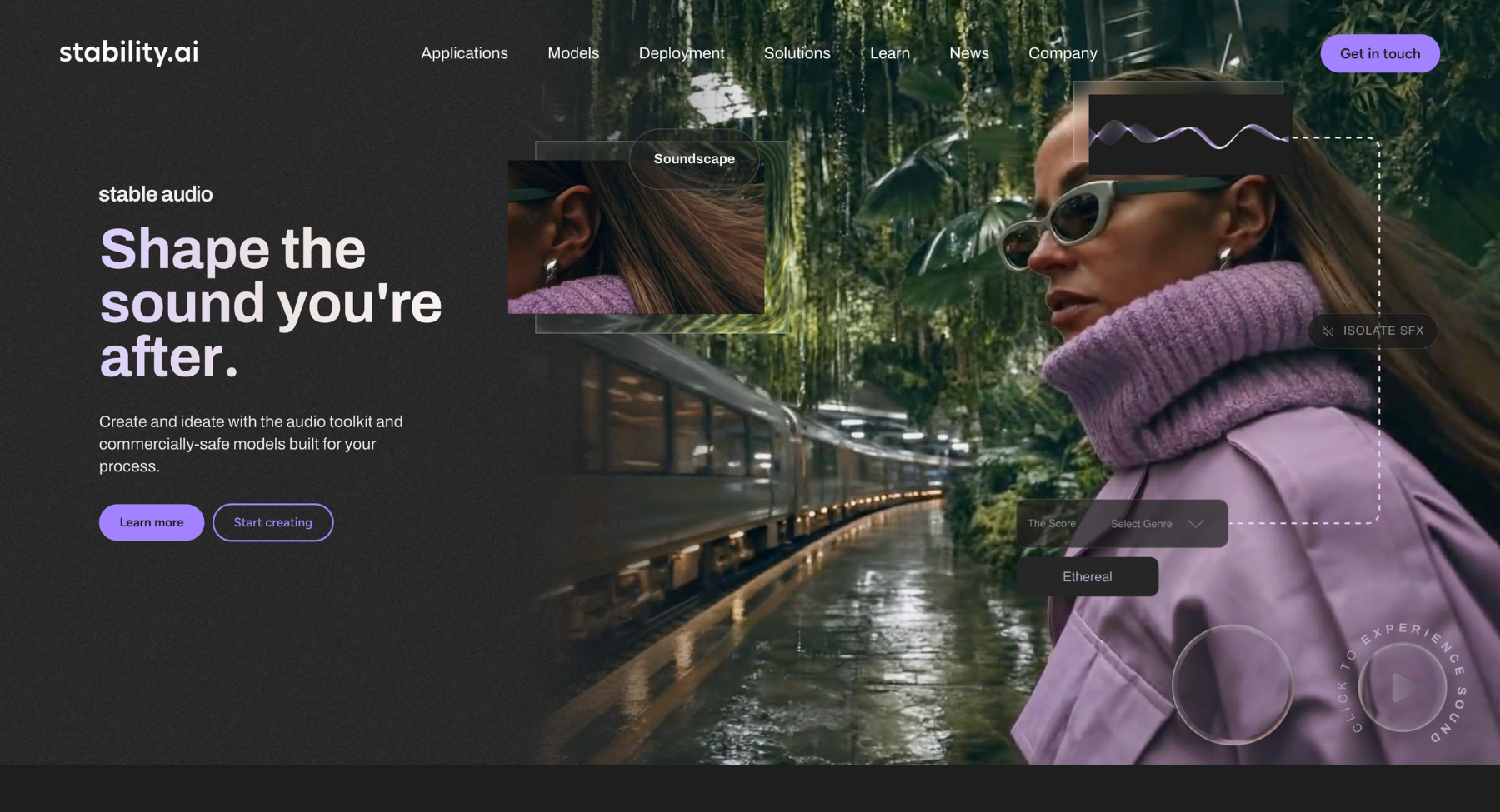
Stable Diffusion and Stability AI tools are better for users who want more model control, local workflows, API use, or technical customization. They are not always easier than Leonardo AI, but they give a different kind of freedom.
Key features
- Open-weights & local deployment: Provides fully downloadable model weights, allowing creators to run generations entirely offline on local consumer GPUs with zero API dependency or generation limits.
- Granular composition control (controlnet & adapters): Integrates precise structural conditioning using depth maps, pose detection (OpenPose), line art, and edge extraction to guide spatial layouts exactingly.
- Custom model training (lora & dreambooth): Enables lightweight, hyper-targeted fine-tuning on custom subjects, characters, art styles, or brand guidelines using low-rank adaptation.
- Inpainting, outpainting & canvas editing: Offers detailed localized region repainting, object swapping, and seamless canvas expansion across diverse web and desktop client interfaces.
- Multimodal architecture & high-fidelity rendering: Utilizes advanced transformer and diffusion backbones to deliver exceptional prompt adherence, fine texture detail, and clean native typography across varied image resolutions.
10. Canva
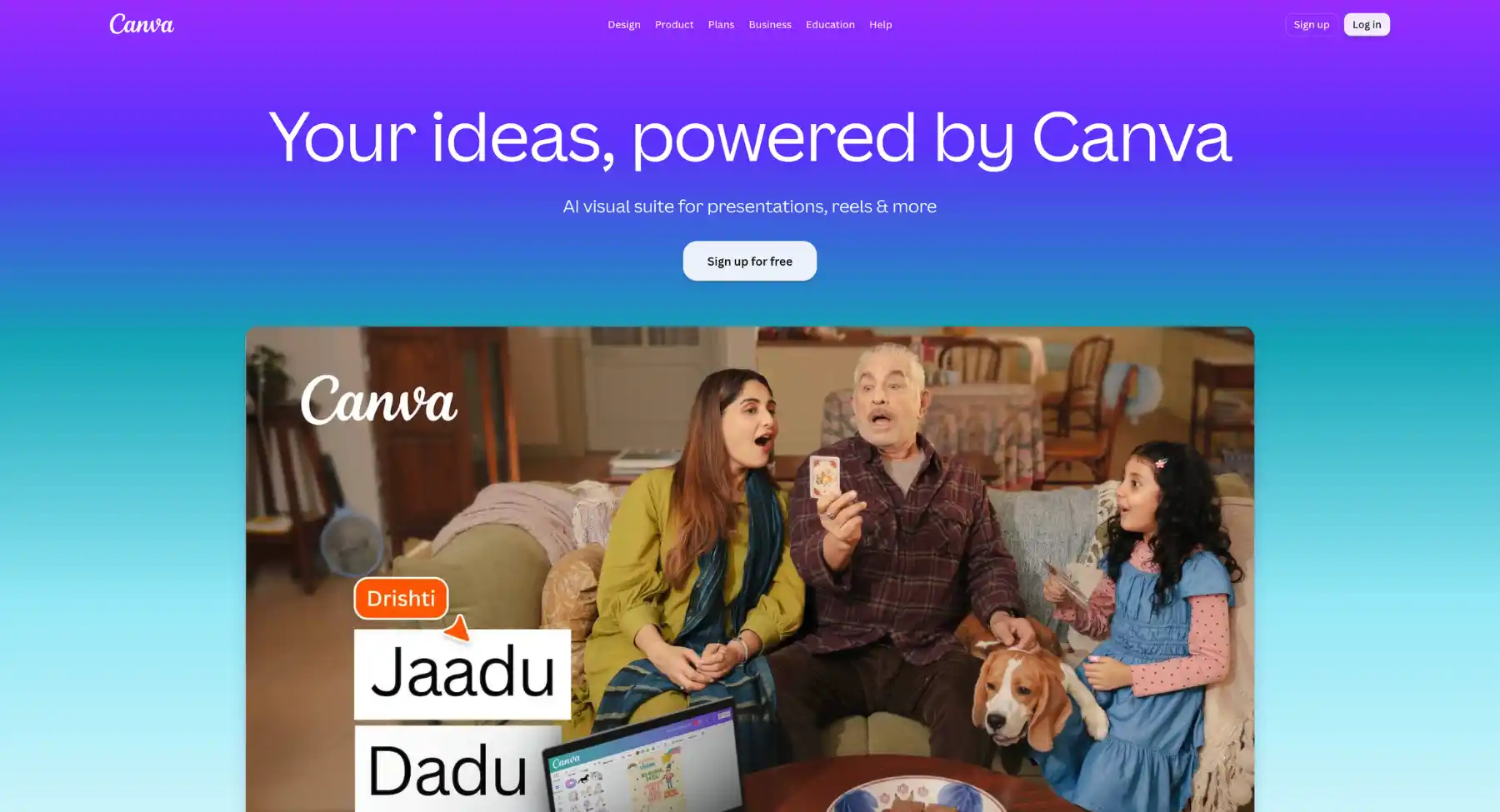
Canva is a practical Leonardo AI alternative when the generated image needs to become a finished design. It is useful for social posts, presentations, flyers, thumbnails, ads, banners, posters, and brand templates. As a versatile alternative to complex design software, Canva excels at generating visual content, marketing materials, and presentations through an intuitive drag-and-drop interface and rich template library. Rather than requiring technical design expertise, Canva seamlessly bridges quick layout creation with direct integration across social media scheduling, print production, and real-time team collaboration within a unified web and mobile ecosystem.
Key features
- Drag-and-drop editor & template library: Offers millions of customizable templates, graphics, fonts, and stock media to streamline design workflows for non-designers and professionals alike.
- Magic studio (AI tools): Integrates AI-powered capabilities like Magic Design, Magic Edit, Background Remover, and text-to-image generation to speed up asset creation.
- Real-time team collaboration: Enables multi-user editing, commenting, and brand management with live cursors and shareable team workspaces.
- Multi-format publishing & scheduling: Allows users to export to multiple formats (PDF, PNG, MP4, PPTX) or schedule social media posts directly to connected accounts.
- Brand kits & consistency controls: Stores brand assets-such as logos, color palettes, and fonts-to ensure design alignment across entire organizations.
Best alternatives by workflow
For AI art and concept visuals
Start with Midjourney, Krea, OpenArt, Leonardo AI itself, or Stable Diffusion if the reader is chasing art style, fantasy, mood, and creative exploration. Pixelbin can still fit simpler AI art and content visuals, but it should not be framed as the only answer for advanced concept artists.
For product photos and ecommerce content
Start with Pixelbin, Freepik/Magnific, Canva, Recraft, and Adobe Firefly. Product workflows usually need more than generation: clean backgrounds, consistent sizing, sharper exports, and reusable campaign formats.
For posters, logos, and typography
Start with Ideogram, Recraft, Adobe Firefly, and Canva. This is where Leonardo AI alternatives can win clearly because readable text and layout control matter more than pure image beauty.
For brand-safe commercial work
Start with Adobe Firefly, Recraft, Canva, and verified paid plans from other tools. These options are better suited to commercial workflows, but always check each tool's current licensing and usage terms.
For open-source or technical control
Start with Stable Diffusion, DreamStudio, Stability AI tools, and API-based image models. These are best for users who want control over models, custom workflows, local privacy, or integration into an app.
How to test a Leonardo AI alternative before switching
The best way to choose is to run the same small test across tools. Do not compare one lucky output from one tool with a weak prompt in another.
- Pick three real use cases: one image you publish often, one difficult image, and one image that needs editing after generation.
- Use the same subject and style prompt in each tool, then allow one or two tool-specific refinements.
- Check prompt accuracy, face and hand quality, text accuracy, object consistency, background quality, and export resolution.
- Test a practical workflow: generate, edit, remove background, resize, export, and reuse the image in a real layout.
- Review current pricing, credits, watermark rules, commercial rights, privacy terms, and team features before committing.
Is Leonardo AI still worth using?
Yes, Leonardo AI can still be worth using if you want a strong creative platform for AI art, game assets, concept visuals, character ideas, product-style imagery, and visual experimentation. The point of this article is not that Leonardo AI is bad. The point is that different tools are better for different jobs.
If you mostly create cinematic art, Midjourney or Krea may feel better. If you need text-heavy visuals, Ideogram or Recraft may save time. If you need commercial Adobe workflows, Firefly makes sense. If you need fast image generation plus cleanup for content and product workflows, Pixelbin can be a practical choice. If you need model control, Stable Diffusion and Stability tools are stronger.
Final recommendation
For most readers, the best Leonardo AI alternative is not one tool for everything. Use Pixelbin when you need fast AI images and practical editing for content or product workflows. Use Midjourney when art quality and mood matter most. Use Adobe Firefly for commercial design workflows. Use Ideogram for text inside images. Use Recraft for brand assets and vectors. Use Krea for creative exploration. Use Stable Diffusion or Stability tools when control matters more than simplicity.
FAQs
The best Leonardo AI alternative depends on the use case. Pixelbin is best for practical AI image generation plus editing workflows. Midjourney is best for cinematic art. Adobe Firefly is best for commercial creative teams. Ideogram is best for text-heavy images. Recraft is best for brand and vector assets.
Several tools are free to try or offer free plans, including Pixelbin, Ideogram, Canva, OpenArt, NightCafe, Pixlr, Fotor, and some Stable Diffusion workflows. Check current limits because AI credit systems and free-plan rules change frequently.
Midjourney is often better for polished cinematic art, mood, and composition. Leonardo AI may be better for users who want a broader creative workspace, styles, controls, and asset-generation workflows. The better choice depends on what the image is for.
Adobe Firefly is better for users who need commercial design workflows and Adobe integration. Leonardo AI may feel better for creative exploration, concept art, and AI art experimentation. For brand teams, Firefly is usually easier to justify.
Pixelbin, Canva, Recraft, Freepik/Magnific, and Adobe Firefly are stronger starting points for product-image workflows. Product visuals need background cleanup, editing, consistent sizing, and export polish, not only attractive generation.
Ideogram is one of the strongest choices for readable text in images. Recraft and Adobe Firefly are also good options for design-led visuals where typography, layout, labels, and logo-style text matter.
Pixelbin can replace Leonardo AI for users who mainly need fast AI images, social graphics, product visuals, thumbnails, blog images, and simple post-generation editing. It should not be described as a full replacement for every advanced AI art, game asset, or custom model workflow.
Commercial use depends on the tool, plan, content policy, source inputs, and license terms. Check each platform's current terms before using images in ads, products, client work, or merchandise.