
Summary
The best Midjourney alternative depends on why you are switching. Pixelbin is useful for fast browser-based image generation and simple AI editing. Leonardo.Ai is strong for creators who want quality, consistency, and a bigger creative workspace. ChatGPT image generation is best for conversational prompting. Adobe Firefly is best when commercial safety and Adobe workflows matter. Ideogram is the clearest pick for text inside images. Recraft is strong for vector and brand assets. Krea is better for real-time creative exploration. Flux and Stable Diffusion are better for open-source or developer-controlled workflows.
Introduction
Midjourney is still one of the most loved AI image generators because it can produce polished, cinematic, highly stylized images from a simple prompt. But it is not the perfect tool for every creator or business.
Some users want a free Midjourney alternative. Some want an easier web app instead of a Discord-heavy workflow. Some need readable text on posters and packaging. Some need commercial-safe outputs for client work. Others want to edit images after generation, make product shots, build brand-consistent visuals, or turn still images into short videos.
If your main goal is to turn prompts into campaign visuals, thumbnails, product concepts, or blog graphics quickly, a browser-based AI image generator can be a better starting point than a cinematic art tool that needs more prompt tuning.
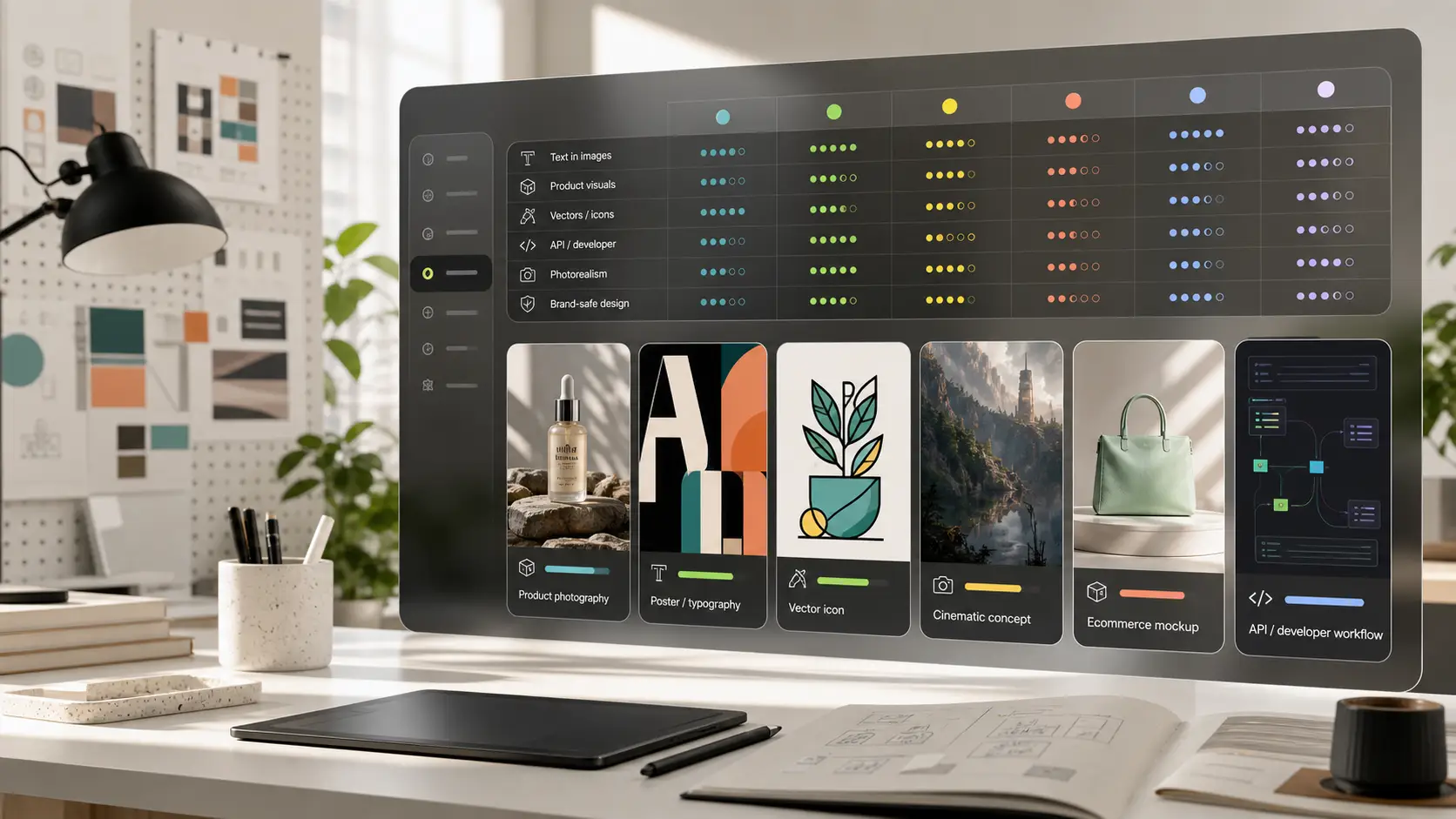
This guide compares the best Midjourney alternatives by use case, not by hype. That is the more useful way to choose because the best tool for typography may not be the best tool for photorealism, and the best tool for local privacy may not be the easiest tool for a marketer on a deadline.
Quick answer: best Midjourney alternatives by use case
Why look for the best Midjourney alternatives?
While Midjourney remains top-tier for painterly and conceptual aesthetics, distinct friction points lead creators to migrate to specialized alternatives:
- Interface friction: Managing creative workflows inside Discord servers or web channels can feel disjointed compared to node-based canvases or dedicated design platforms.
- Lack of native API: Developers looking to automate visual pipelines or build commercial applications cannot natively connect Midjourney without unofficial third-party wrappers.
- In-image text limitations: Midjourney often struggles with complex typography, logos, or legibility on mockups and posters.
- Commercial indemnification: Enterprise legal teams often express caution around models trained on unvetted web scrapes without explicit copyright guarantees.
- Cost and usage limits: Midjourney requires a paid monthly subscription with fast-hour limits on standard tiers.
Top 10 Midjourney alternatives in 2026
Searching for the best Midjourney alternatives in 2026? From Pixelbin and Leonardo AI to Adobe Firefly and Canva, explore top AI image generators offering superior text rendering, direct APIs, and web-based creation.
1. Pixelbin
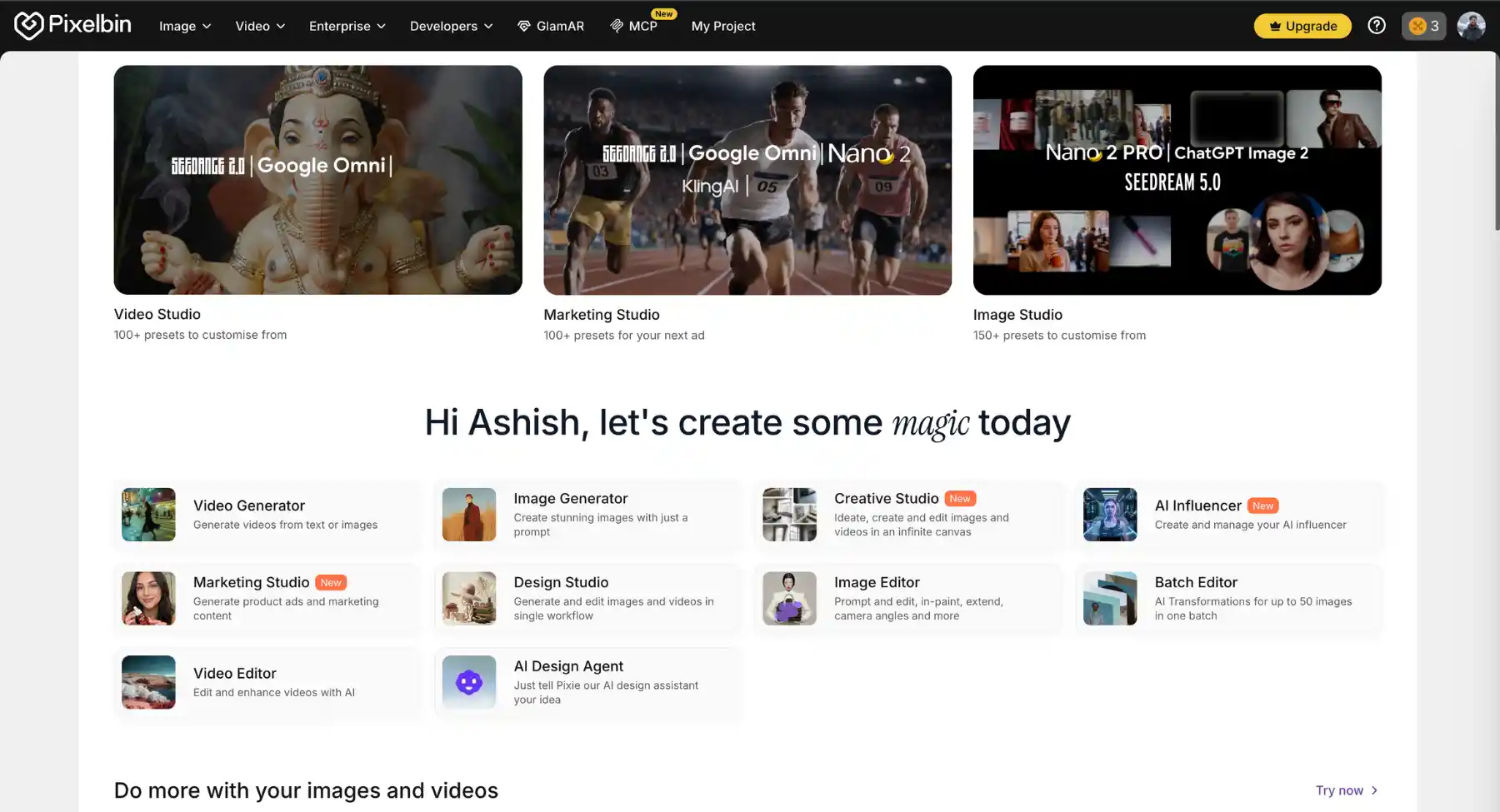
Pixelbin is an AI-powered image generation and post-processing platform designed to streamline visual asset creation, editing, and optimization. While Midjourney focuses heavily on text-to-image artistic generation via Discord, Pixelbin offers a complete suite of AI editor and creation tools, including text-to-image generation, image upscaler, background remover and batch transformations accessible directly via a web dashboard and developer APIs.
Key features
- AI image generation: Generates high-quality, custom visuals and assets directly from text prompts.
- AI upscaling & relight: Increases image resolution up to 4x while preserving intricate details and correcting lighting.
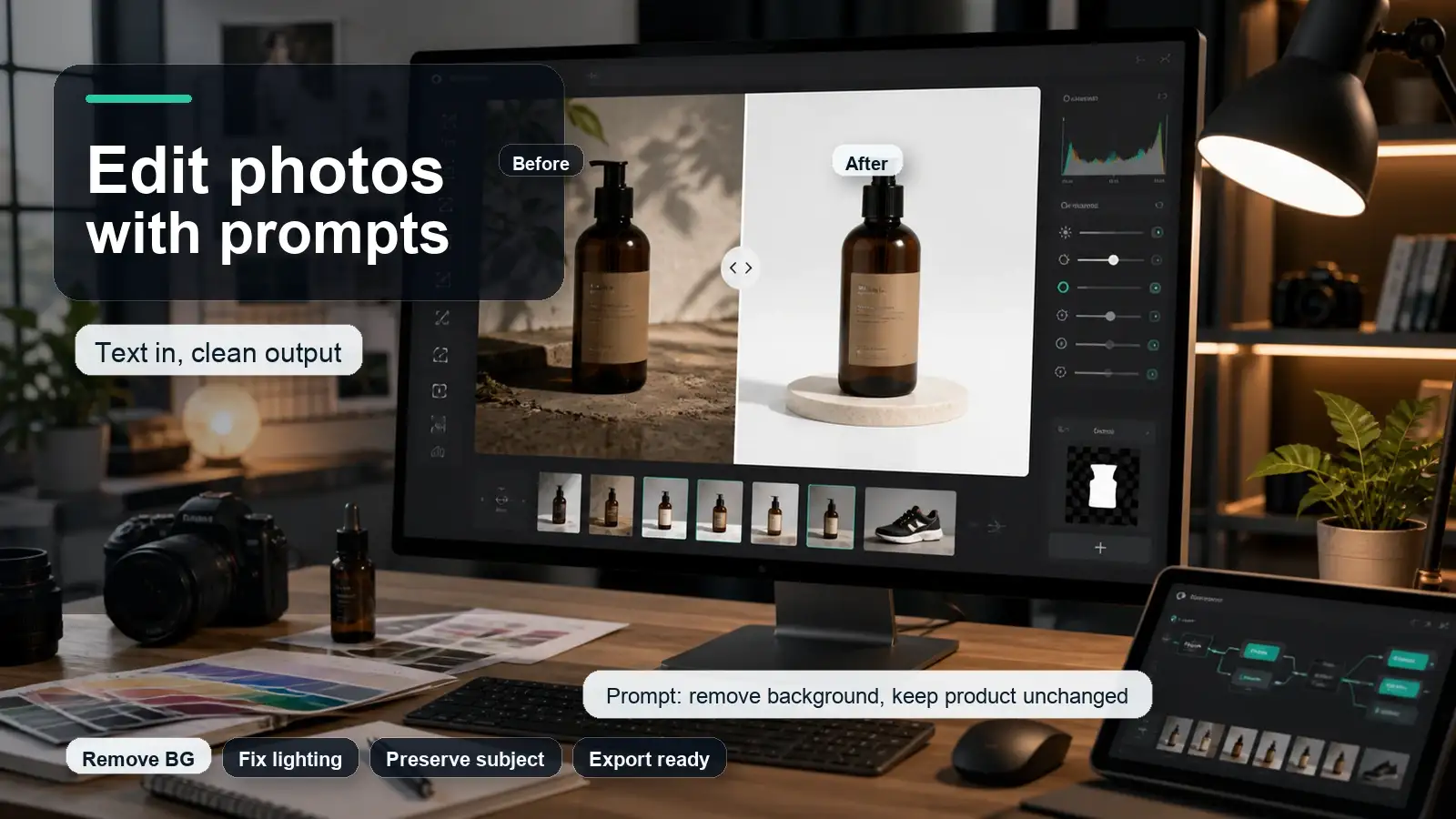
- Background removal & replacement: Instantly isolates subjects and generates studio-quality backgrounds for products and portraits.
- Batch processing & automation: Appears as a major workflow booster, allowing users to transform, optimize, and edit hundreds of images simultaneously.
- API integration: Connects real-time AI image generation and media transformations directly into web applications, e-commerce platforms, and storage buckets.
Best for: E-commerce brands, digital marketers, and content creators who need a versatile combination of AI image generation, asset editing, and scalable bulk media optimization.
2. Leonardo.Ai
Leonardo.Ai is a generative AI platform built for creators, game developers, designers, and digital artists who require granular control over their visual assets. While Midjourney relies heavily on Discord commands and server interactions, Leonardo.Ai provides a fully featured, web-based creative dashboard packed with fine-tuning options, layered canvas editing, real-time generation, and custom model training.
Key features
- Multiple AI generation engines: Powered by custom foundation models (like Leonardo Phoenix) as well as open models (Flux, SDXL) for precise control over photorealism and artistic style.
- AI canvas editor: Features native inpainting, outpainting, real-time generation, and layered composition controls to edit specific sections of an image.
- Control tools & references: Uses Image Guidance, Depth Maps, Pose Guides, and Style/Character References to maintain visual consistency across multiple generations.
- Custom model fine-tuning: Allows users to train custom AI models using a small set of uploaded images (10-20 photos) for bespoke artistic styles or character designs.
- Realtime canvas & motion: Generates instant visual feedback while sketching and converts static images into short video clips or animated assets.
Best for: Digital artists, game designers, concept artists, and power users who want deep creative control, character consistency, and custom model training in a dedicated web application.
3. DALL·E 3

DALL·E 3 seamlessly integrates conversational AI with visual asset creation. While Midjourney requires navigating Discord channels and complex parameter syntax, ChatGPT allows users to generate, refine, and edit images through natural, back-and-forth dialogue in a single web and mobile interface.
Key features
- Conversational prompting & expansion: Automatically transforms simple, casual user descriptions into highly detailed, context-aware prompts for superior image outputs.
- In-line image editing & inpainting: Allows users to highlight specific areas of an image and request precise additions, removals, or modifications using natural language.
- Native multimodal workflow: Combines vision, text analysis, and image generation-enabling users to upload reference images, ask for layout feedback, and generate matching visuals in one conversation thread.
- Text & typography rendering: Accurately renders readable text, signs, logos, and labels directly within generated artwork.
- Aspect ratio controls & presets: Supports quick format toggles for landscape, portrait, and square compositions suited for social media or presentation decks.
Best for: Content marketers, copywriters, and casual creators who want a frictionless, chat-based image generator that understands complex prompt logic and context without requiring technical syntax.
4. Adobe Firefly
Adobe Firefly is designed specifically for creative workflows, standalone web asset creation, and enterprise design tasks. While Midjourney relies heavily on Discord interactions and focuses primarily on stylized artistic output, Adobe Firefly offers a web-based dashboard and native integration into Adobe Creative Cloud apps (Photoshop, Illustrator, Express). Built with commercially safe training data, Firefly emphasizes copyright-safe generation, precision editing, and vector asset creation.
Key features
- Commercially safe model pipeline: Trained strictly on Adobe Stock, openly licensed content, and public domain material to ensure assets are safe for commercial use.
- Generative fill & inpainting: Enables users to add, remove, or modify specific areas of an image using targeted text prompts or brush-based controls.
- Text to vector graphics: Generates scalable, fully editable vector shapes, patterns, and icons directly suited for graphic design projects.
- Style & structure reference: Allows users to match the precise layout, composition, or visual aesthetic of an uploaded reference image.
- Generative recolor & text effects: Applies custom color palettes to vector artwork and creates stylized, textured typography for branding and posters.
Best for: Graphic designers, digital marketers, and commercial creators who need copyright-safe visual assets, vector outputs, and seamless integration with professional editing suites.
5. Ideogram
Ideogram is an AI image generation platform renowned for its industry-leading text-rendering capabilities and precise prompt adherence. While Midjourney often struggles with complex spelling, multi-line typography, and exact text placement, Ideogram specializes in producing clear, legible text directly within generated imagery. Accessible via a clean web interface, it provides creators with flexible aspect ratios, negative prompting, and style presets without needing Discord syntax.
Key features
- Superior text & typography rendering: Accurately renders complex text, logos, signage, quotes, and multi-word slogans within generated artwork with minimal spelling errors.
- Magic prompt expansion: Automatically enhances simple text descriptions into detailed, highly optimized prompts for superior visual results.
- Style presets & controls: Offers specialized style toggles (such as Typography, Poster, Cinematic, 3D Render, and Anime) to tailor artwork to specific design requirements.
- Inpainting & canvas editing: Allows users to select specific regions of an image to edit text, replace objects, or adjust backgrounds without regenerating the whole image.
- Palette & color control: Enables precise color palette selection via hex codes or image references to align outputs with brand guidelines.
Best for: Graphic designers, brand managers, and social media marketers who need AI artwork featuring flawless typography, custom logos, poster art, and merch designs.
6. Recraft
Recraft is an AI-powered design platform and infinite-canvas studio built specifically for graphic designers, brand managers, and visual creators. While Midjourney focuses primarily on artistic, prompt-based raster art inside Discord, Recraft provides a browser-based design suite capable of generating fully scalable vector graphics (SVG), 3D assets, icons, and photorealistic imagery, complete with exact brand style matching and layered canvas editing.
Key features
- Native vector output (SVG): Generates clean, editable vector artwork, icons, and logos with smooth paths that scale endlessly without resolution loss.
- Brand style & palette matching: Upload custom brand visual references or hex palettes to enforce design consistency across all generations.
- Infinite spatial canvas: Features a Figma-like workspace where users can generate, organize, modify, and edit multi-frame design assets side by side.
- State-of-the-art typography & layout: Powered by advanced design models (like Recraft V3/V4) that support precise text placement, logo synthesis, and full graphic layout composition.
- Built-in precision tools: Offers AI vectorization, background removal, inpainting, outpainting, image upscaling, and Lottie animation exports.
Best for: UI/UX designers, brand strategists, and graphic artists who need production-ready vector graphics, exact brand consistency, and infinite canvas editing for professional marketing materials.
7. Krea
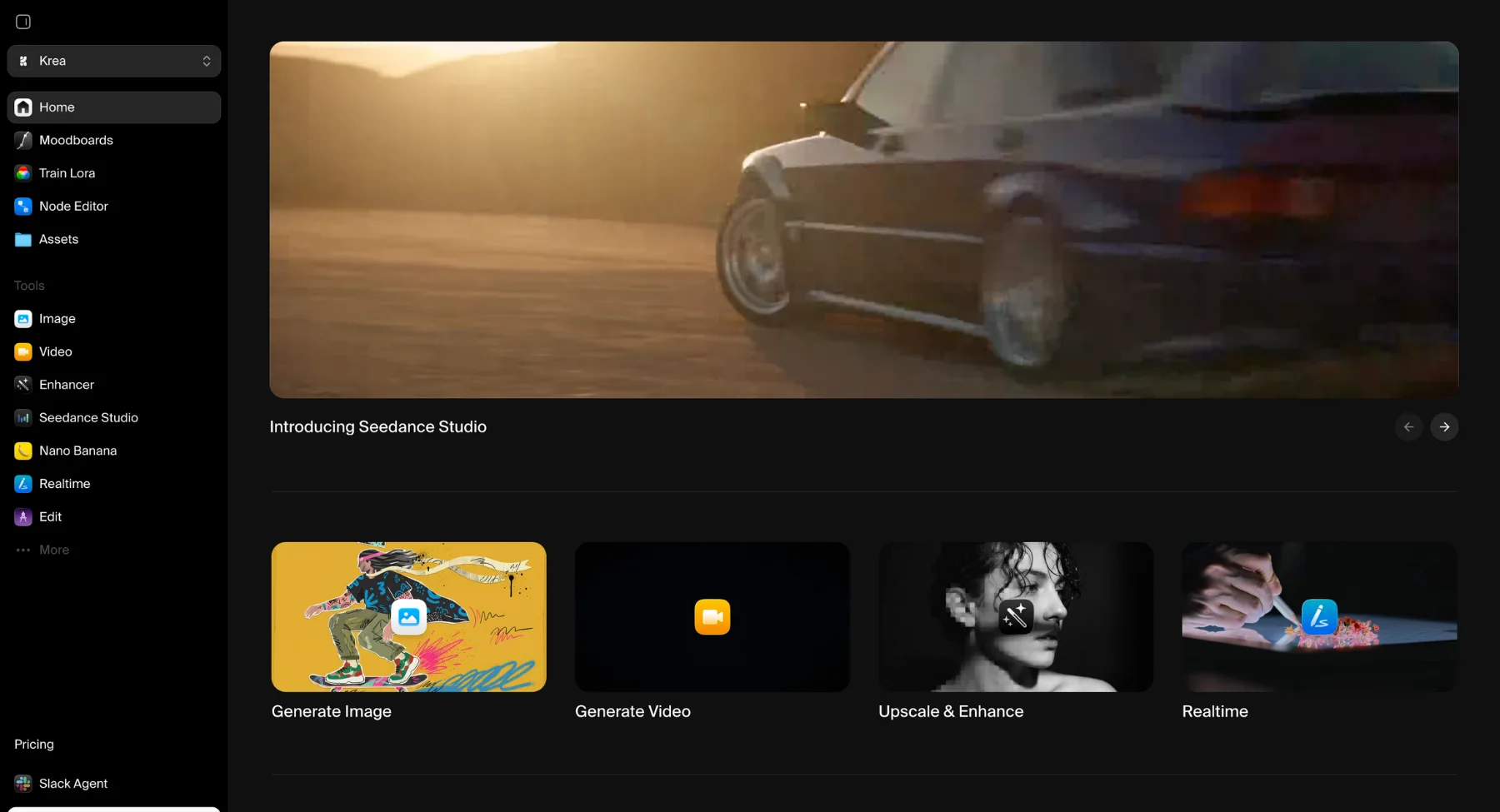
Krea AI is an interactive, real-time creative suite designed for concept artists, designers, and visual creators who want immediate feedback on their designs. While Midjourney requires typing a text prompt into Discord and waiting for a static grid of images to render, Krea features a live canvas engine that renders photorealistic, high-fidelity visuals instantly (<50ms latency) as you sketch, adjust shapes, or move elements around. It also serves as a central hub, aggregating multiple top image and video generation models into a single web dashboard.
Key features
- Real-time canvas & live sketching: Instantly transforms rough hand sketches, vector primitives, or web feeds into fully rendered art in real time as you draw.
- Integrated multi-model suite: Gives users access to flagship image and video models (including Krea 2, Flux, Ideogram, Luma, and Kling) within a single platform.
- Ultra-high-resolution enhancer & upscaler: Upscales and restores blurry images up to 8K/22K resolution, adding context-aware details, skin textures, and lighting corrections.
- Pattern & logo illusions: Features dedicated engines to seamlessly weave vector logos, typography, or geometrical patterns into scenic, photorealistic artwork.
- Lora model fine-tuning: Allows creators to train custom styles, faces, or brand products using a small dataset of uploaded images to maintain visual consistency.
Best for: Concept artists, UI/UX designers, and creative directors who prioritize real-time interactive feedback, rapid visual brainstorming, and high-end image upscaling.
8. Flux
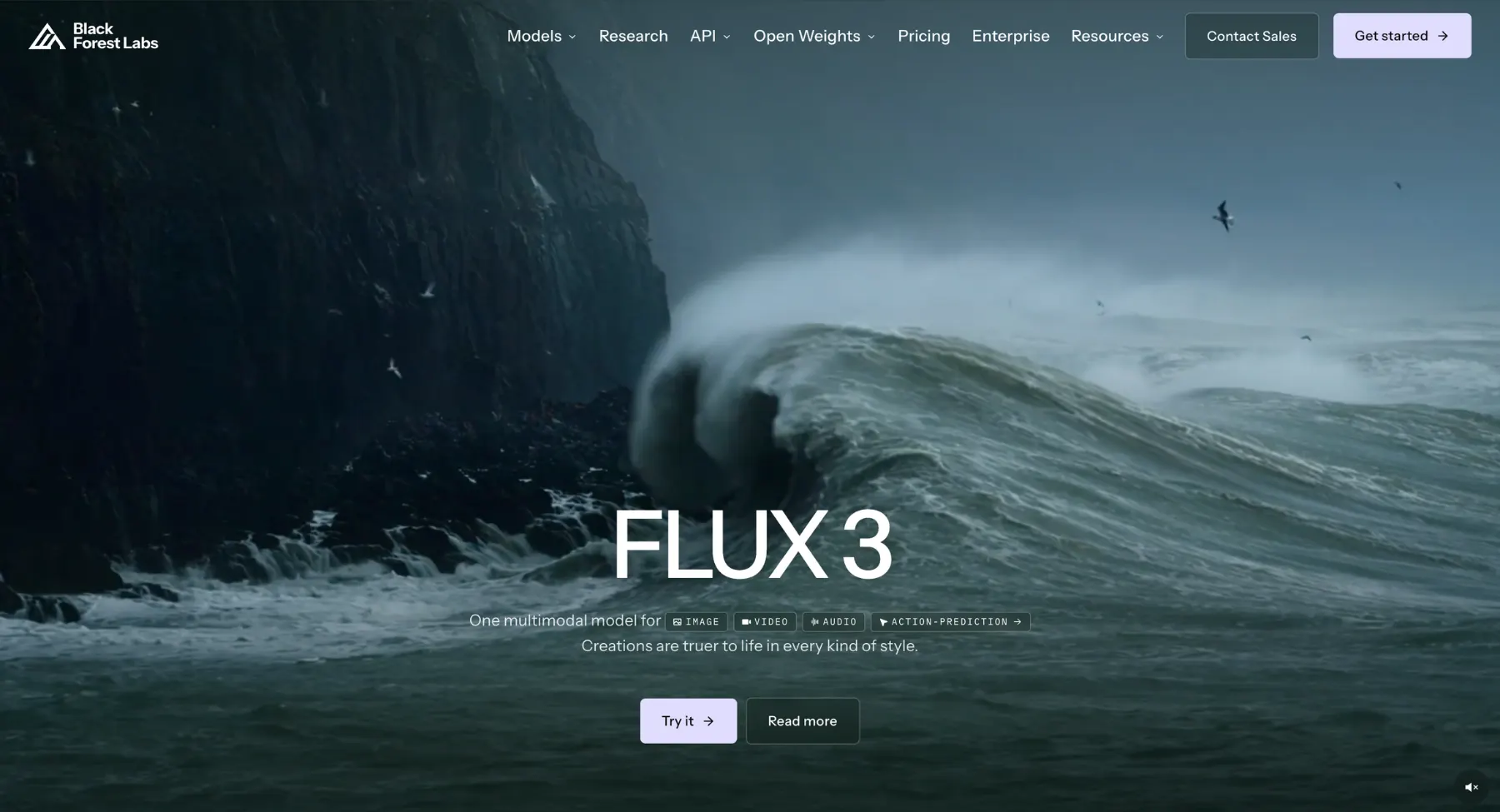
Flux is an open-weights, next-generation rectified flow transformer model that has rapidly redefined text-to-image quality. Created by the original architects behind Stable Diffusion, Flux delivers photorealism, skin textures, complex hand anatomy, and prompt adherence that directly rivals or surpasses Midjourney. Available in multiple variants-ranging from open-weight local developer models- Flux gives creators complete freedom over where and how they generate art.
Key features
- Rectified flow transformer architecture: Uses a 12-billion-parameter model architecture for ultra-fast generation speeds and high-fidelity output.
- Superior typography & anatomical detail: Accurately renders legible text strings, complex multi-subject layouts, and natural human hands with minimal distortion.
- Flexible model ecosystem: Offers tailored model builds including FLUX [schnell] (blazing-fast local/open-source), FLUX [dev] (open weights for non-commercial research), and FLUX [pro] (commercial enterprise API).
- Unrivalled prompt adherence: Faithfully interprets lengthy, multi-sentence prompts without ignoring complex lighting, camera angle, or composition details.
- Ecosystem & web host support: Integrated widely across third-party platforms (such as Freepik, Fal.ai, Replicate, and ComfyUI) as well as open-source web interfaces.
Best for: Prompt engineers, open-source developers, and digital artists who want top-tier photorealism and exact prompt adherence without being locked into proprietary walled gardens.
9. Stable Diffusion
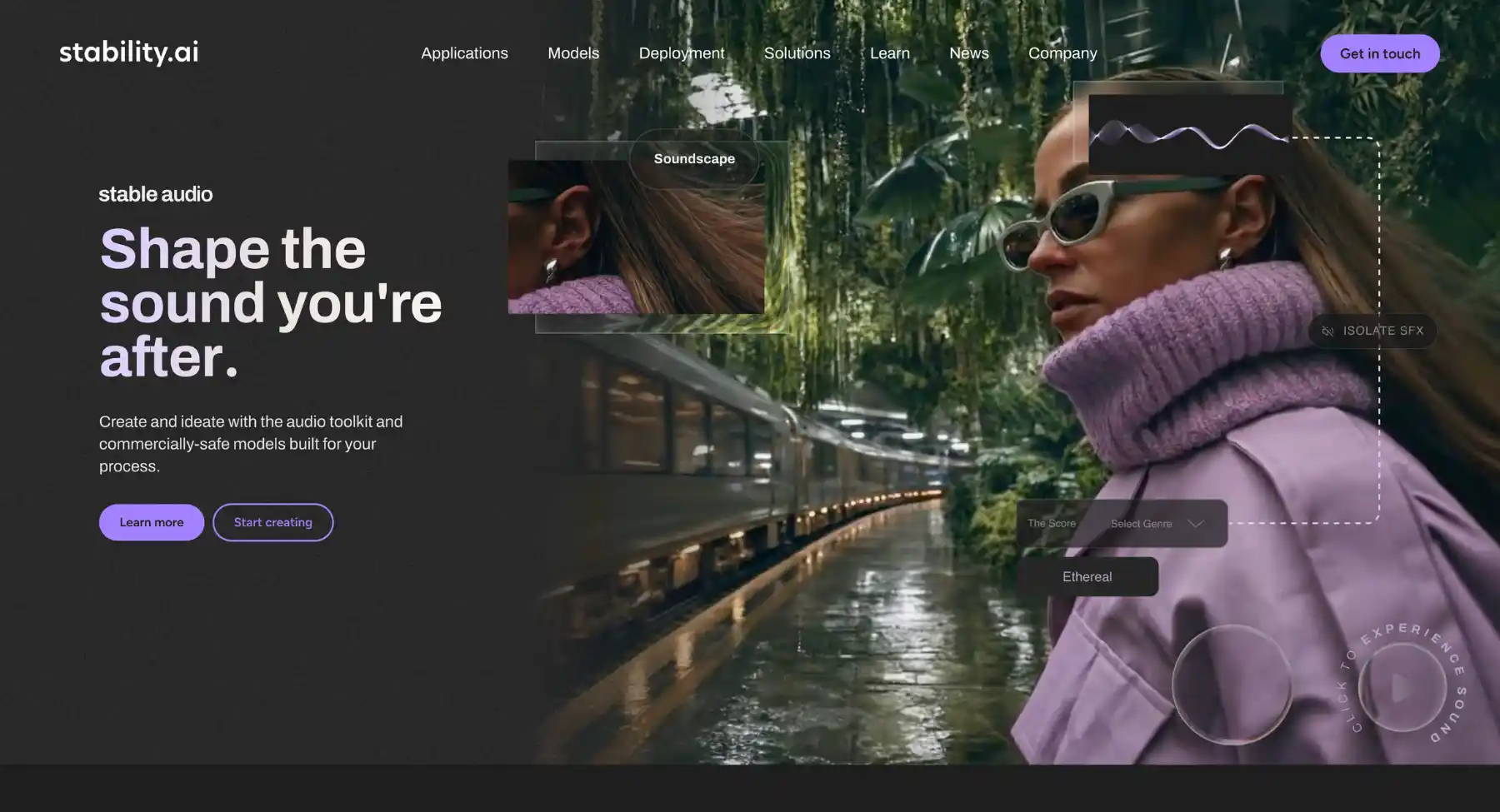
Stable Diffusion (by Stability AI) is the pioneer of open-weights image generation, offering unparalleled flexibility, customization, and local deployment options. While Midjourney operates as a closed, cloud-based platform within Discord, Stability AI provides open model architectures (including Stable Diffusion 3.5 Large and Medium) alongside hosted enterprise interfaces like Stable Assistant and Brand Studio. This dual ecosystem allows creators to generate images via web apps or run models entirely on their own local hardware with custom fine-tuning.
Key features
- Open-weights & multi-variant models: Ships versatile architectures-such as SD 3.5 Large (8.1B parameters) and SD 3.5 Medium-which creators can run locally or deploy on private servers.
- Multimodal Diffusion transformer (mmdit): Advanced architecture that enables bidirectional text-and-image understanding for high prompt adherence and crisp typography.
- Stable assistant & web toolbox: A centralized web workspace for image generation, background removal, inpainting, sketch-to-image conversion, and 3D asset generation.
- Deep fine-tuning & customization: Supports custom LoRA training, ControlNet positioning, and custom workflow building using nodes (e.g., ComfyUI and Automatic1111).
- Commercial community license: Permissive licensing that allows free commercial usage for creators and small businesses generating under $1M in annual revenue.
Best for: Developers, technical artists, prompt engineers, and privacy-conscious organizations who require full control over model weights, local GPU generation, and custom pipeline workflows.
10. Canva
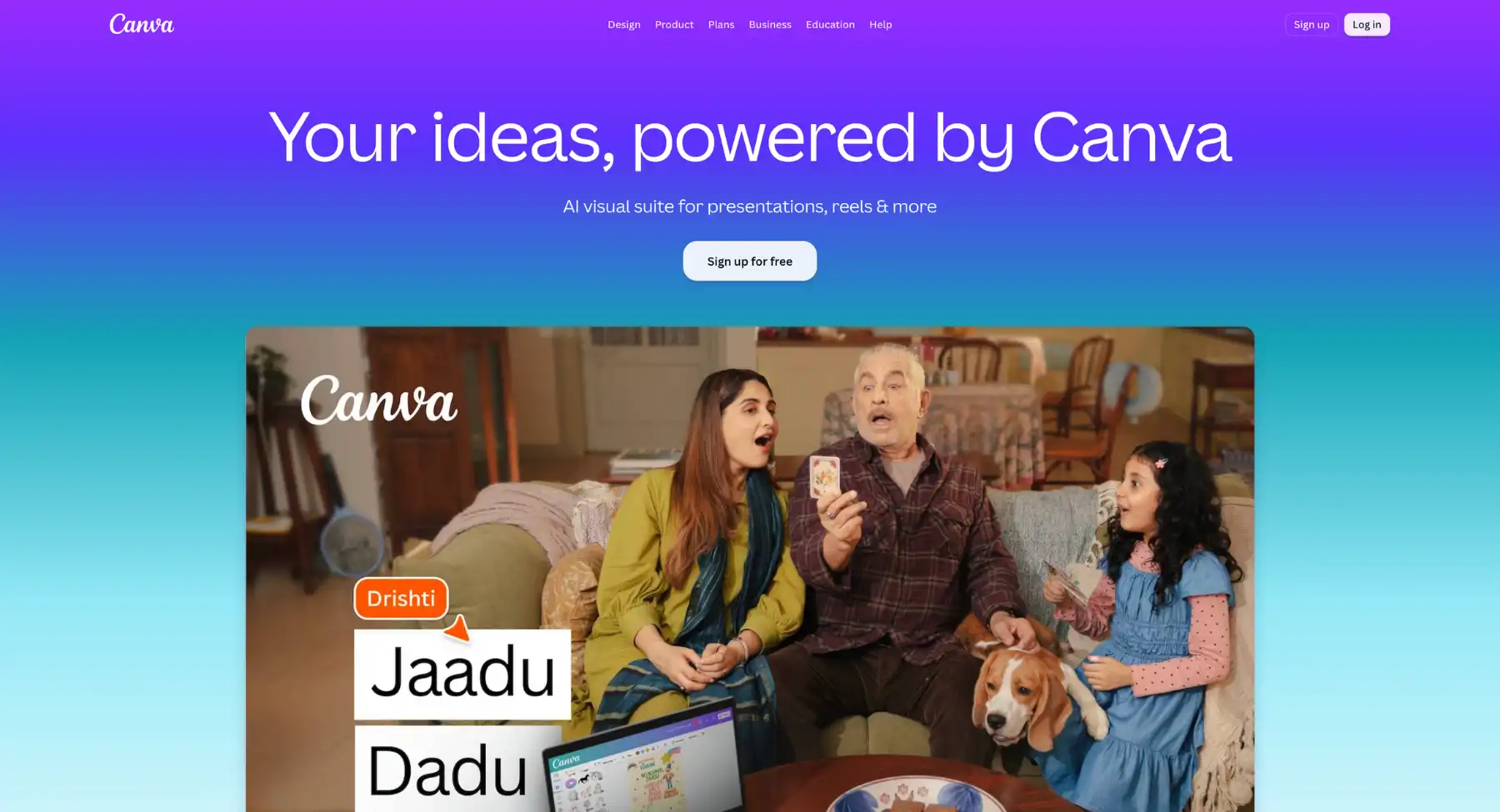
Canva is not a pure Midjourney replacement, but it is a very practical alternative for users who create social posts, pitch decks, flyers, ads, banners, thumbnails, and brand content. AI image generation sits inside a wider design workflow, which is exactly what many non-designers need.
Key features
- Drag-and-drop editor: Intuitive visual manipulation for text, vectors, and raster assets.
- Template library: Pre-built layouts tailored for social posts, presentations, and brand collateral.
- AI editing suite: Integrated background removal, object magic erase, and automated design resizing.
- Team collaboration: Real-time commenting, brand kit management, and asset sharing.
Best for: Social media teams, small businesses, students, marketers, and creators who need finished designs.
Best free Midjourney alternatives
Free tools and freemium tools are not the same. Many AI generators let you start for free, but credits, resolution, commercial use, queue speed, and advanced models can still be limited.
Best Midjourney alternatives by workflow
For product images and ecommerce
Pixelbin, Recraft, Adobe Firefly, Canva, and Freepik/Magnific are stronger choices when the image needs to support sales. The workflow should include product concepts, cleaner backgrounds, mockups, upscaling, and quick variations.
For posters, thumbnails, and ads with text
Ideogram and Recraft should be near the top because text rendering matters. Canva is helpful when the text needs to become part of a finished layout. Midjourney can create beautiful images, but text-heavy designs often need a more typography-aware workflow.
For cinematic concept art
Leonardo.Ai, Krea, Flux, and Freepik/Magnific are strong options for users who care about visual style, references, model choice, and polished one-off visuals. Pixelbin can also work when the creator needs quick campaign concepts rather than fine art direction.
For commercial-safe brand work
Adobe Firefly deserves a strong mention because commercial safety is a real switching reason. Still verify current plan rules, credits, partner models, watermarks, and indemnification details before choosing a tool.
For privacy, APIs, or local control
Flux, Stable Diffusion, Stability AI APIs, and RunDiffusion-style cloud workflows are better for technical users who care about deployment, customization, cost, and data control.
For image-to-video
If the reader wants to animate a still image after generation, AI video generator can turn a static image or prompt into short-form video for ads, social media, or product storytelling.
Final recommendation
If you want the simplest practical path, start with the use case. For fast browser-based visuals and editing, try Pixelbin. For a broad creative image platform, try Leonardo.Ai. For conversational image creation, try ChatGPT. For commercial-safe Adobe workflows, try Firefly. For text inside images, try Ideogram. For vectors and brand assets, try Recraft. For real-time exploration, try Krea. For open-source or developer control, test Flux or Stable Diffusion.
The right choice depends on the job, because the best tool for a poster, product image, API workflow, or local model setup may be different.
FAQs
Leonardo.Ai is one of the best overall Midjourney alternatives for creators who want a full creative platform. Pixelbin is better for users who want fast browser-based images and simple AI editing. Adobe Firefly is better for commercial-safe brand work, while Ideogram is better for text inside images.
The best free Midjourney alternative depends on what 'free' means. Pixelbin, Leonardo.Ai, Ideogram, Canva, Microsoft Designer, Playground AI, NightCafe, and Krea can all be useful starting points, but free credits and export limits change. Stable Diffusion and Flux-based workflows are stronger if you want open-source or local control.
Midjourney does not usually position itself around a broad free plan in the way many freemium tools do. Users looking for free testing should compare alternatives with free credits, no-sign-up access, or open-source model options.
Ideogram is the clearest recommendation for text inside images, especially posters, logos, packaging, book covers, and social graphics. Recraft is also strong when the output needs to become a vector or brand design asset.
Adobe Firefly is a strong choice for commercial-safe workflows because Adobe positions its own Firefly models around licensed and public-domain content, Content Credentials, and enterprise protections. For any tool, verify current plan terms before publishing commercial work.
Pixelbin, Recraft, Canva, Adobe Firefly, and Freepik/Magnific are strong starting points for product images because they connect generation with practical editing, mockups, background cleanup, or campaign design workflows.
Flux, Stability AI APIs, Stable Diffusion, Leonardo APIs, Ideogram APIs, and other model-access platforms are better for developers than simple consumer image apps. The best choice depends on API pricing, model control, latency, commercial terms, and deployment needs.
Pixelbin can replace Midjourney for users who mainly need quick AI images, marketing visuals, product concepts, blog graphics, simple editing, upscaling, and background cleanup. It is not a full replacement for every Midjourney art, community, or advanced prompt workflow.