
Summary
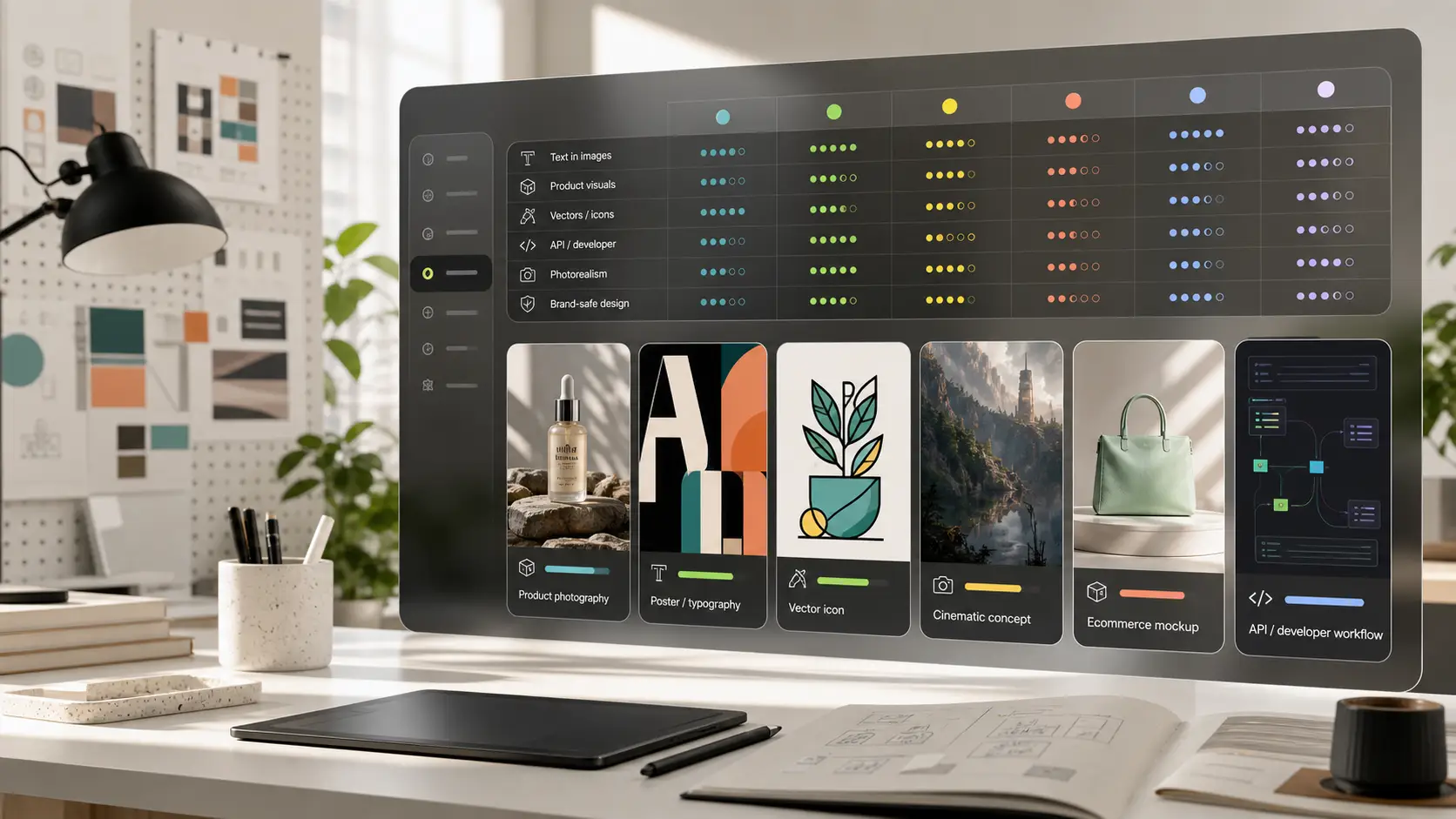
The best Stable Diffusion alternative depends on why you want to switch. Pixelbin is best when you want a simple browser workflow for AI images, prompt edits, product visuals, background cleanup, and upscaling. FLUX is the closest model-level alternative for creators who care about high-quality generation and open model ecosystems. Midjourney is strongest for cinematic art direction. Ideogram and Recraft are better when text, logos, layouts, and brand graphics matter. Adobe Firefly is useful for commercial creative teams, while ChatGPT image generation and Google Imagen are easier for general prompt-based image creation.
Introduction
Stable Diffusion changed AI image generation because it gave creators more control than a simple prompt box. People could run models locally, use custom checkpoints, add LoRAs, experiment with ControlNet, and build detailed workflows in tools like Automatic1111 or ComfyUI. That power is exactly why many users still love it.
But that power also creates friction. Stable Diffusion can require setup, GPU resources, model management, prompt tuning, extensions, licensing checks, and manual post-processing. That is why people search for Stable Diffusion alternatives: they want the same creative freedom, but with less setup, better text accuracy, faster workflows, or clearer commercial use.
If you are looking for the best Stable Diffusion alternatives, this definitive guide explores the top AI image generator, evaluating open-source models, cloud platforms, graphic design suites, and local applications.
Why search for the best Stable Diffusion alternatives?
While Stable Diffusion 1.5, SDXL, and Stable Diffusion 3 offered unprecedented flexibility, several friction points lead artists, agencies, and enterprise teams toward alternative solutions:
- VRAM and hardware bottlenecks: Running top-tier generative models locally with high-resolution output (2K or 4K) often demands 16GB to 24GB+ of dedicated GPU VRAM.
- Complex technical setup: Configuring tools like Automatic1111 or ComfyUI involves Python dependencies, Git repositories, custom nodes, and driver debugging that frustrate non-technical designers.
- Prompt adherence and text rendering: Legacy Stable Diffusion models frequently struggled with complex multi-subject prompts, hand/limb anatomy, and legible text within generated images.
- Licensing and commercial restrictions: Changes in base model licensing have created legal uncertainty for commercial agencies using open weights without enterprise agreements.
- Superior Cloud-native innovations: Modern text-to-image AI tools now integrate real-time rendering, vector outputs, instruction-based editing, and automatic upscaling into simple browser interfaces.
Key parameters for evaluating AI image generators
To choose the right replacement, evaluate tools against these core criteria:
- Photorealistic AI image generation quality: Skin texture, atmospheric lighting, depth of field, and natural anatomy.
- Prompt adherence: How accurately the model translates long-tail descriptions, spatial positions, and object count.
- Typography capabilities: The ability to render accurate, stylized, and readable text on signs, logos, and product packaging.
- Inpainting and outpainting: Whether the platform offers an AI image generator with inpainting to edit specific regions without regenerating entire scenes.
- Fine-tuning capabilities: Support for LoRA fine-tuning AI models or custom aesthetic checkpoint training.
- GEO-optimization & regional accessibility: Infrastructure availability across North America, Europe, Asia-Pacific, and Latin America, alongside localized currency options (USD, EUR, INR, GBP) and edge server speeds.
Best Stable Diffusion alternatives in 2026
1. Pixelbin
.webp)
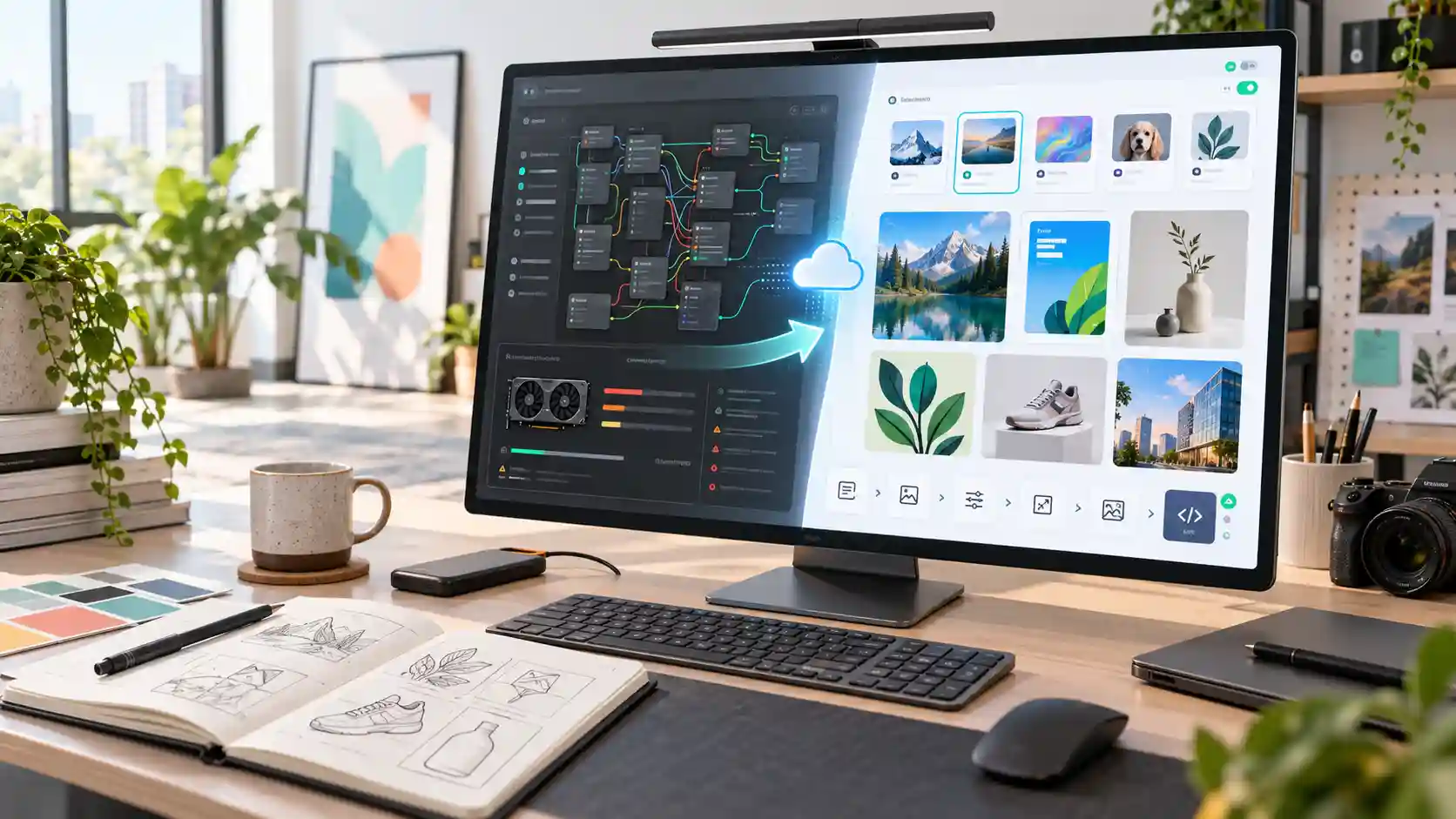
Pixelbin serves as a practical, cloud-first Stable Diffusion alternative tailored for content creators, marketers, e-commerce sellers, and digital teams who need instant, production-ready graphics without managing local infrastructure. Rather than configuring complex Python scripts, WebUI installs, or CUDA drivers, users can generate, clean, and refine visual assets inside a browser interface.
Key highlights
- Best for: E-commerce product photos, social graphics, background removal, 4K upscaling, and rapid prompt-based image edits.
- Why choose it: Eliminates GPU VRAM limitations, checkpoints, and sampler configurations. It accelerates workflows by integrating generation and post-processing tools into a single platform.
- Limitations: Not designed for low-level node workflows, custom LoRA model training, ControlNet setups, or fine-grained sampler tweaking.
When to choose Pixelbin?
Choose Pixelbin when production speed, intuitive editing, and hassle-free asset creation take priority over deep model tinkering. It bridges the gap between raw generative AI power and real-world commercial design utility, making professional media asset preparation effortless and fast.
Extra tips
After generation, Pixelbin's AI photo editor is useful when a visual is close but still needs prompt-based changes, cleanup, or small creative edits.
For ecommerce and product content, the background remover helps turn a generated or uploaded image into a cleaner catalog-ready asset.
If a generated image needs to be used on a blog, landing page, marketplace, or ad creative, an image upscaler can help improve final export quality before publishing.
2. FLUX by Black Forest Labs
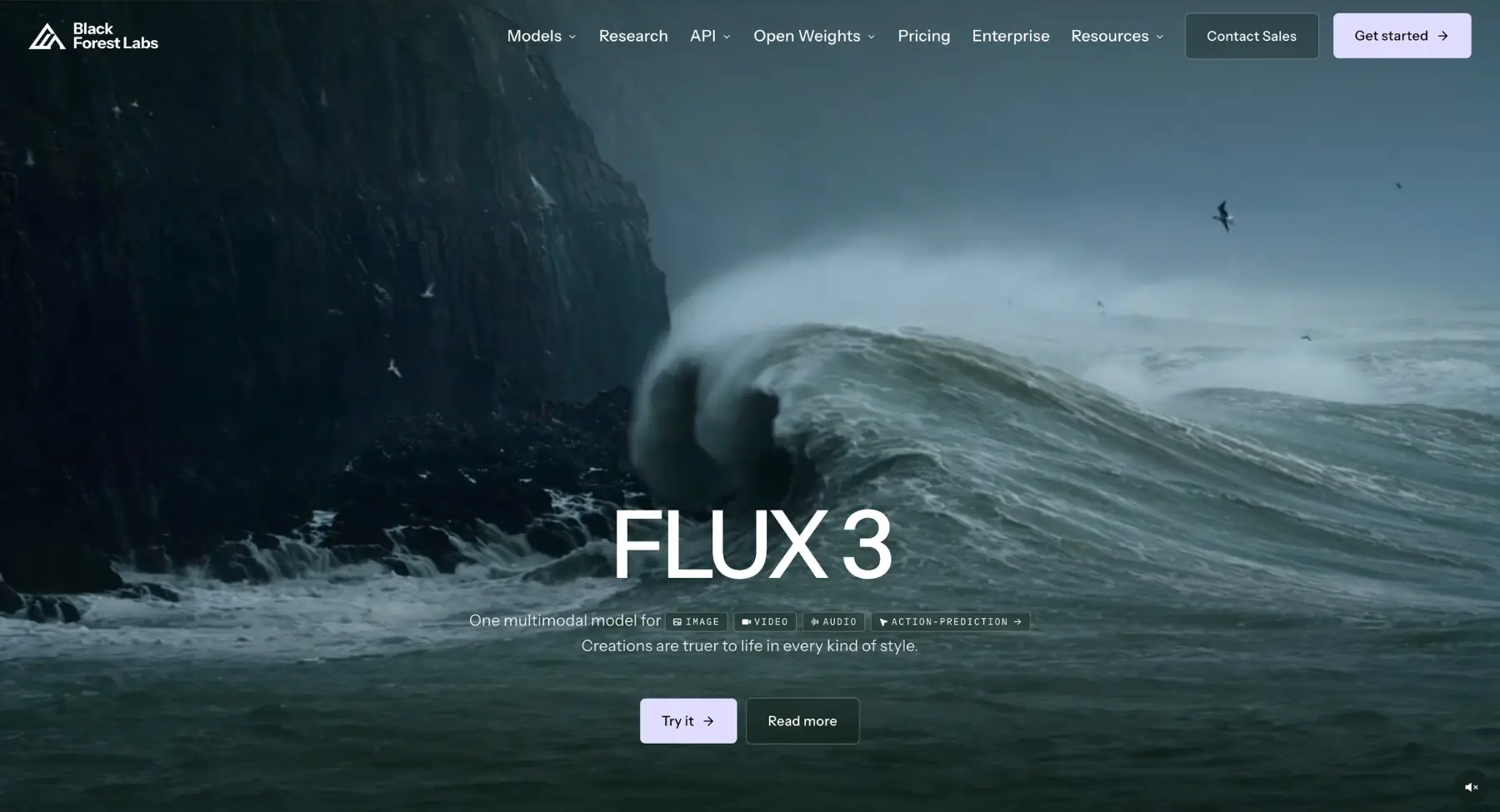
FLUX is a state-of-the-art open-weight AI image generation model family built by Black Forest Labs for developers, digital artists, agencies, and technical creators who want cutting-edge visual quality. It is strongest when the job demands unmatched prompt fidelity, photorealistic human detail, and accurate in-image typography.
- Best for: Photorealistic AI imagery, accurate text rendering, custom LoRA fine-tuning, complex multi-subject prompts, open-weight local deployment, and developer API integrations.
- Why choose it over Stable Diffusion: It solves legacy Stable Diffusion's biggest pain points-rendering pristine human anatomy, clean readable text, and precise spatial compositions out of the box with far superior prompt adherence.
- Keep in mind: Running it locally requires high-end GPU hardware with substantial VRAM (16GB-24GB+), and non-technical creators will need cloud APIs, web platforms, or node interfaces like ComfyUI to operate it.
- Use it if: You want frontier-level image quality, pristine typography, and open-source flexibility without fighting complex prompt syntax hacks.
3. Midjourney
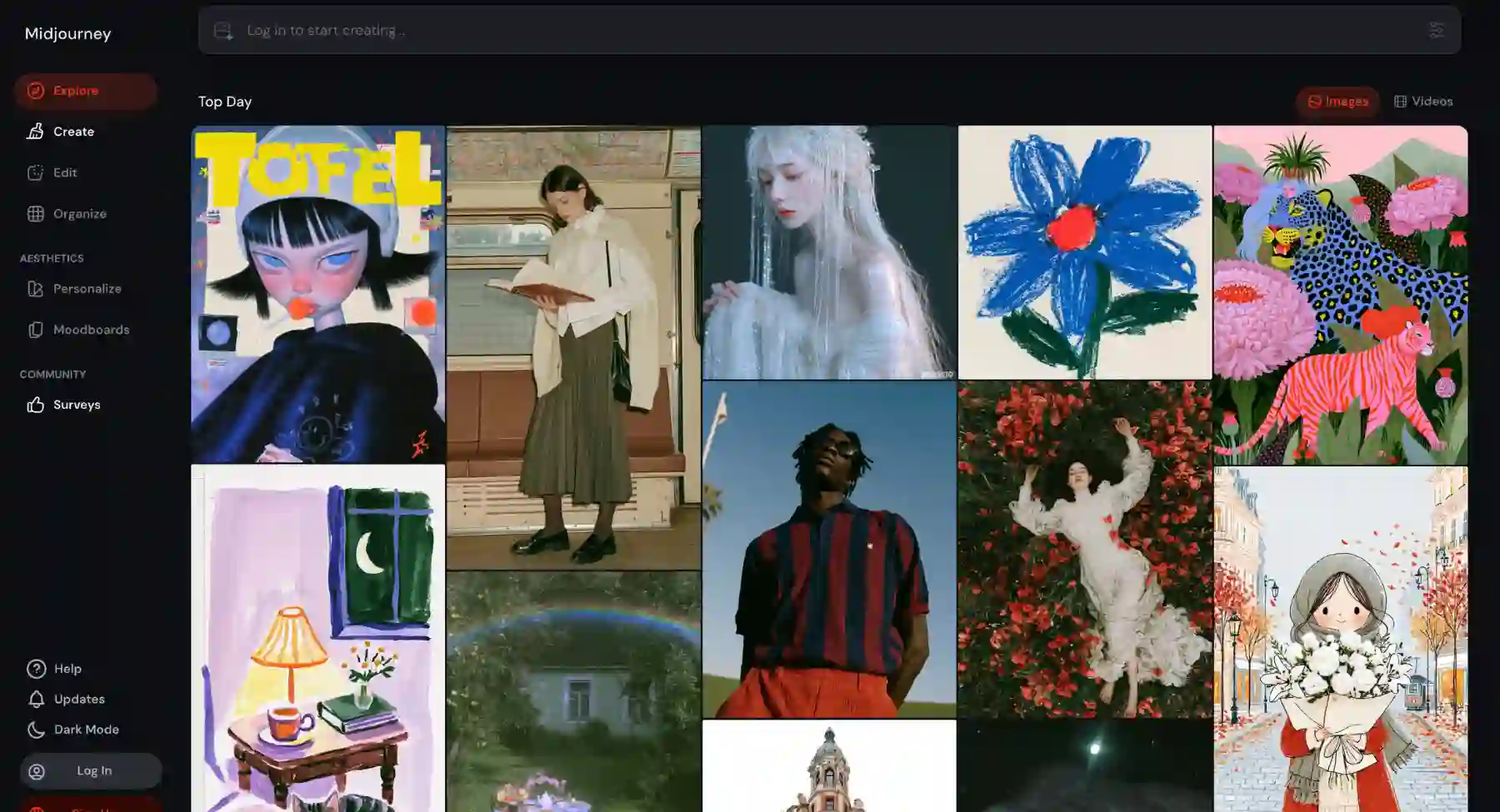
Midjourney is a premier cloud-based AI image generation platform designed for concept artists, creative directors, designers, and digital storytellers who want industry-leading aesthetic quality. It is strongest when the job demands painterly art direction, atmospheric lighting, cinematic framing, and polished visual concepts right out of the box.
- Best for: Cinematic concept art, mood boards, editorial illustration, photo-style portraiture, fine-art renders, and visual style exploration.
- Why choose it over Stable Diffusion: It removes the steep technical learning curve and trial-and-error prompting. Instead of tweaking negative prompts or managing checkpoints, creators get art-directed, highly stylized outputs with minimal prompt engineering.
- Keep in mind: It is a closed, paid ecosystem with no free tier, no open-source weights, and no support for local GPU deployment or custom LoRA model training.
- Use it if: You prioritize stunning visual aesthetics, painterly polish, and effortless art direction over low-level model customization or local hardware control.
4. ChatGPT image generation
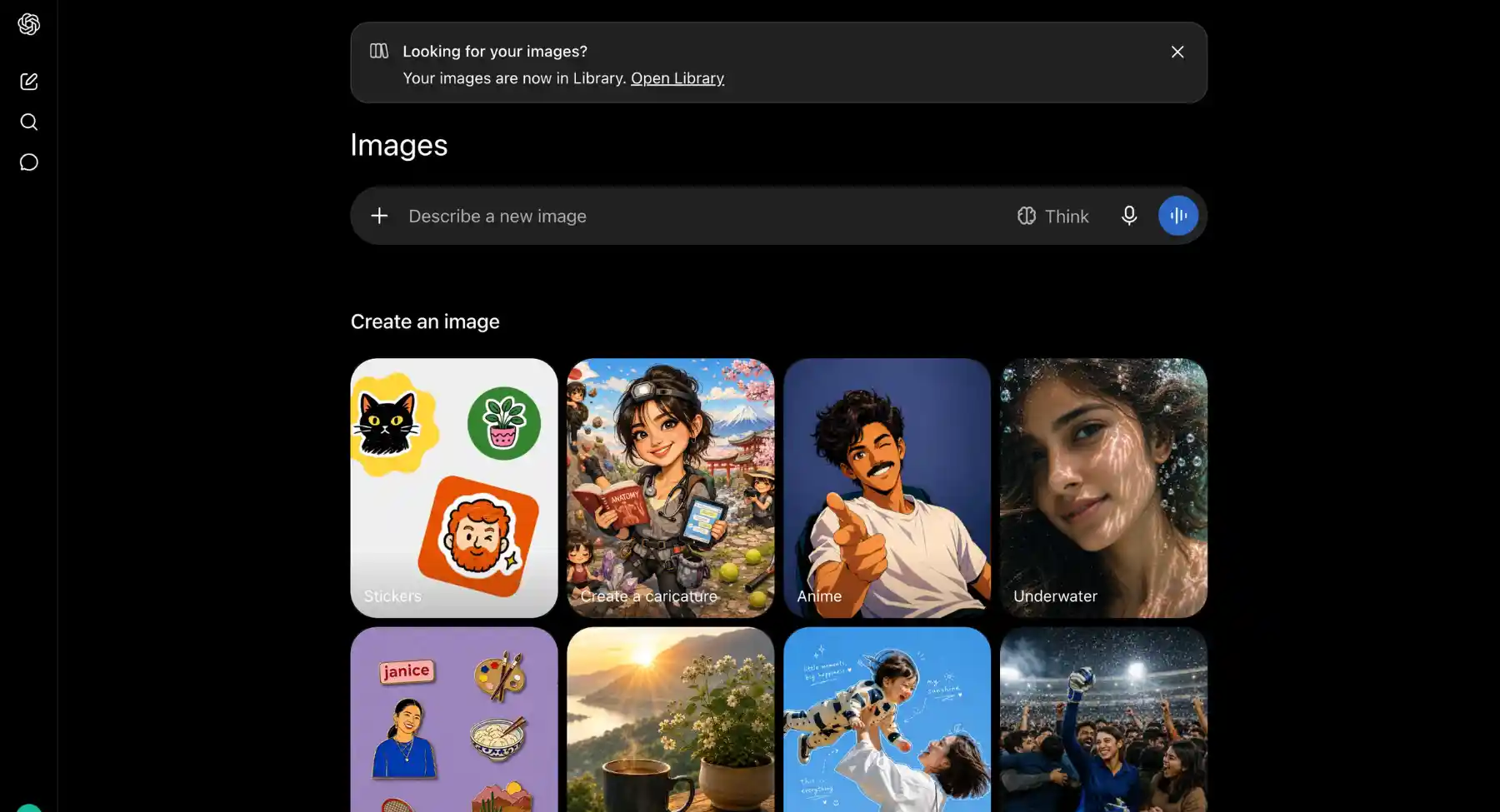
ChatGPT Image Generation (powered by OpenAI's DALL-E and GPT-4o vision models) is a conversational AI image generation tool built for content writers, marketers, educators, and everyday creators who want intuitive visual creation. It is strongest when the job requires natural language understanding, iterative step-by-step editing, and multi-turn concept development.
- Best for: Conversational image generation, on-the-fly editorial graphics, natural language edits, diagram creation, and quick visual brainstorming within a chat thread.
- Why choose it over Stable Diffusion: It eliminates complex parameter syntax, negative prompts, and hardware setups. You simply describe what you want or ask for specific changes in plain English, and the model refines the image across follow-up chat messages.
- Keep in mind: It offers limited fine-grained artistic control-there are no options for manual seed settings, sampler adjustments, custom LoRAs, or low-level ControlNet node graphs.
- Use it if: You prefer a natural, conversational workflow to create and refine images effortlessly without learning specialized prompt syntax or managing technical software.
5. Adobe Firefly
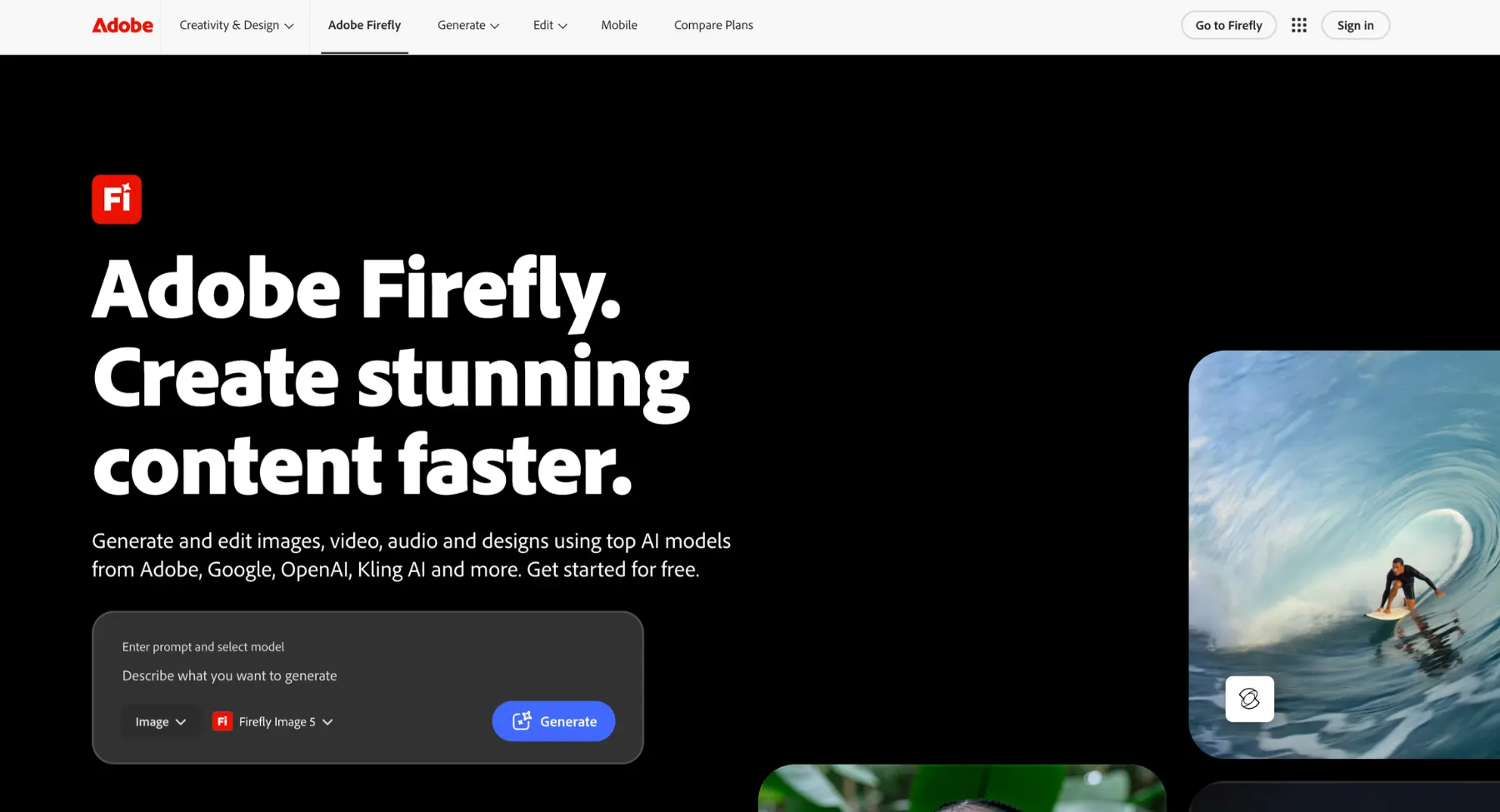
Adobe Firefly is a commercially safe generative AI tool suite built for graphic designers, marketing teams, corporate publishers, and Creative Cloud users who need legally sound visual assets. It is strongest when the job requires seamless commercial integration, vector graphic creation, and direct photo manipulation inside industry-standard software like Photoshop and Illustrator.
- Best for: Commercial marketing graphics, Generative Fill edits, brand asset generation, vector graphic creation, and enterprise design workflows.
- Why choose it over Stable Diffusion: It removes copyright uncertainty and setup complexity. Firefly is trained exclusively on Adobe Stock, open-licensed content, and public domain media offering legal indemnification for enterprise teams alongside native integration into Creative Cloud desktop tools.
- Keep in mind: It leans toward safer, more conservative visual styles compared to the raw artistic flair of Midjourney or Flux, and advanced features require an Adobe account or credit subscription.
- Use it if: You need commercially safe, enterprise-grade AI image generation and editing that plugs directly into your professional graphic design software.
6. Leonardo AI
Leonardo AI is a comprehensive, browser-based generative AI studio designed for game asset developers, concept artists, agency designers, and content teams who want production-ready visual controls without local hardware setup. It is strongest when the job requires custom style fine-tuning, real-time canvas editing, and versatile multi-model image generation in a single cloud suite.
- Best for: Game asset creation, character design, fine-tuned style models, real-time canvas editing, high-resolution upscaling, and marketing visuals.
- Why choose it over Stable Diffusion: It delivers the granular power of Stable Diffusion including custom model training, inpainting, and style control-without the headache of local installations, CUDA drivers, or heavy VRAM GPU hardware.
- Keep in mind: It operates on a token-based subscription model that can burn through credits quickly during heavy production runs, and its feature-packed interface can present a small learning curve for complete beginners.
- Use it if: You want advanced production controls, custom style training, and canvas manipulation inside a flexible, browser-based cloud platform.
7. Ideogram
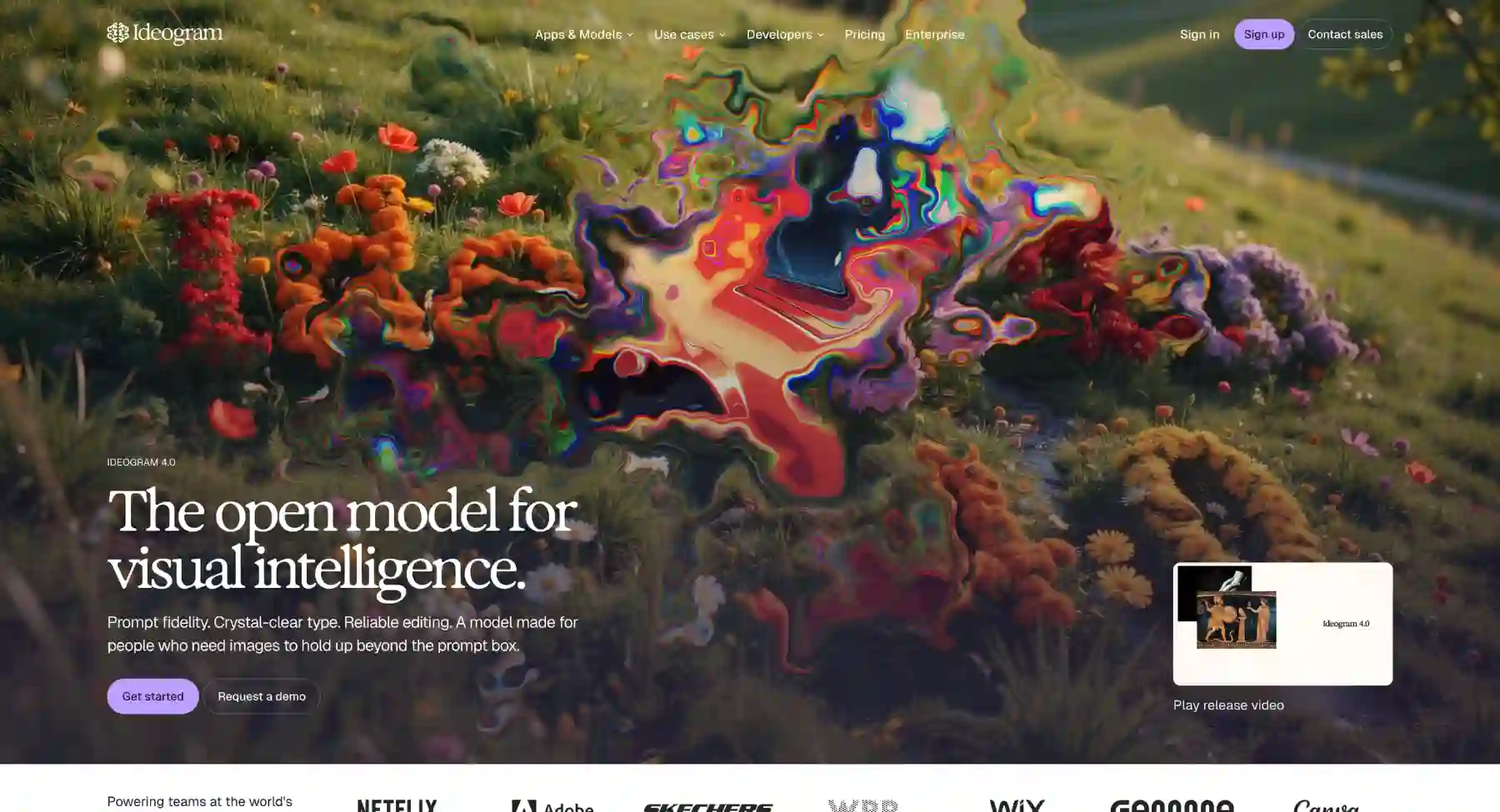
Ideogram is an advanced AI image generator and design platform built for typographers, graphic designers, marketers, and merchandise creators who need flawless in-image text and stylized visual compositions. It is strongest when the job demands precise typography, crisp logo mockups, vintage posters, t-shirt prints, or brand graphics with accurate spelling and layout control.
- Best for: Accurate text rendering, typography design, poster graphics, t-shirt/merch prints, logo mockups, and palette-guided brand visuals.
- Why choose it over Stable Diffusion: It solves generative AI's most notorious challenge rendering illegible or garbled text. Ideogram accurately places words, phrases, and custom fonts into images without requiring specialized LoRAs, ControlNets, or manual Photoshop post-processing.
- Keep in mind: It is less suited for organic photorealistic skin textures or complex multi-subject photographic scenes compared to raw photo-centric engines like Flux.
- Use it if: Your visual assets depend heavily on clear, stylized, and perfectly spelled typography combined with modern graphic design aesthetics.
8. Recraft
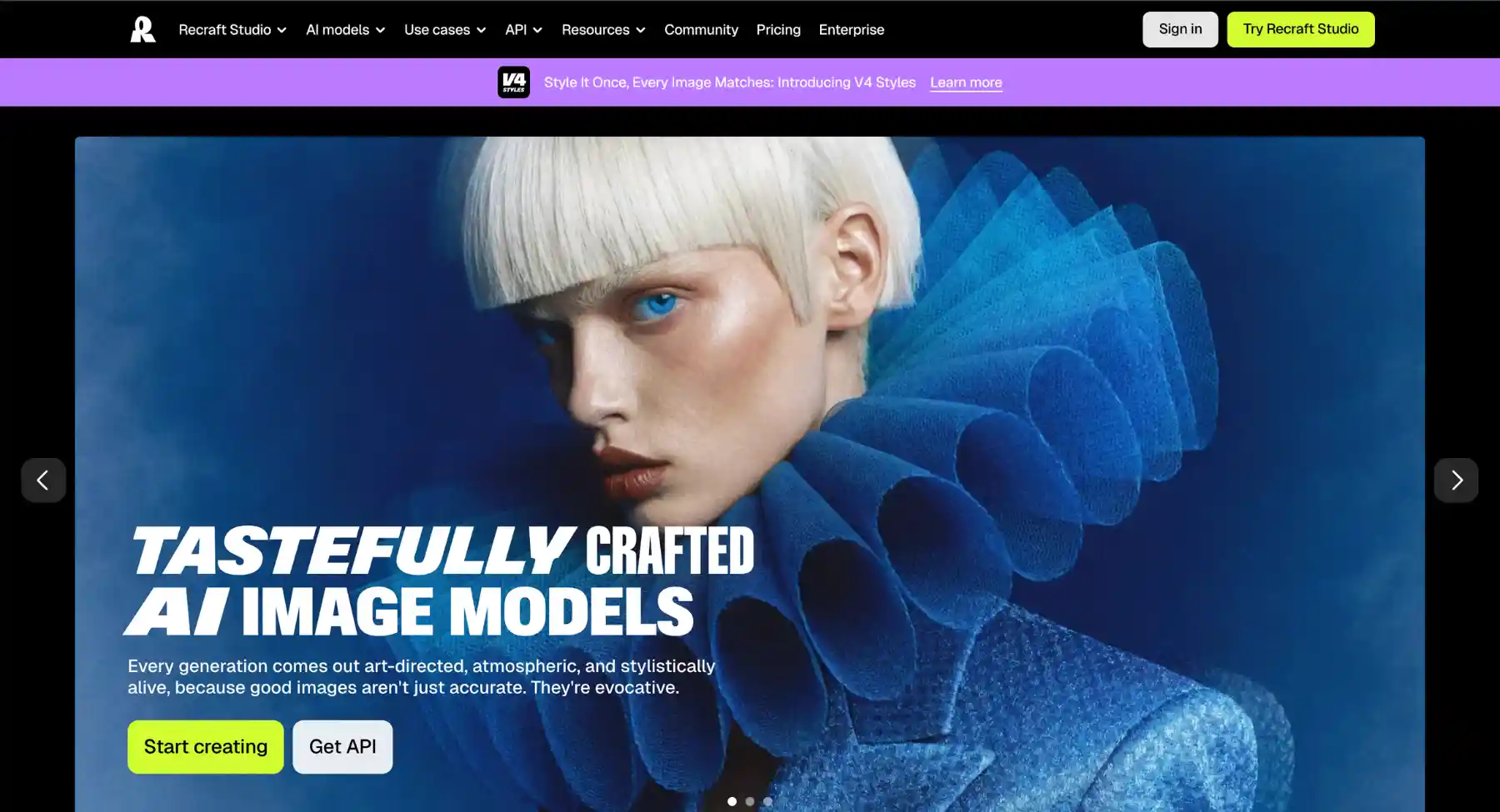
Recraft is a professional design-focused AI image generator built for UI/UX designers, brand strategists, illustrators, and digital marketing teams who need precise control over visual styles and scalable graphics. It is strongest when the job demands clean vector graphic outputs (SVG), consistent brand style sets, customized color palettes, and professional design asset creation.
- Best for: Scalable vector graphics (SVG), UI/UX icons, brand style consistency, 3D graphics, vector illustrations, and palette-controlled digital marketing assets.
- Why choose it over Stable Diffusion: It generates true, fully editable vector files (SVG) with clean paths instead of just flat raster images (PNG/JPG). It also simplifies brand consistency by locking color schemes and visual aesthetics across entire asset collections without complex technical setups.
- Keep in mind: It is tailored primarily for graphic design and vector illustration rather than hyper-realistic, photographic human portraiture.
- Use it if: You need clean, scalable vector art, icons, and brand-aligned graphics ready for direct export into tools like Figma, Illustrator, or digital publishing platforms.
9. Google Imagen and Gemini image generation
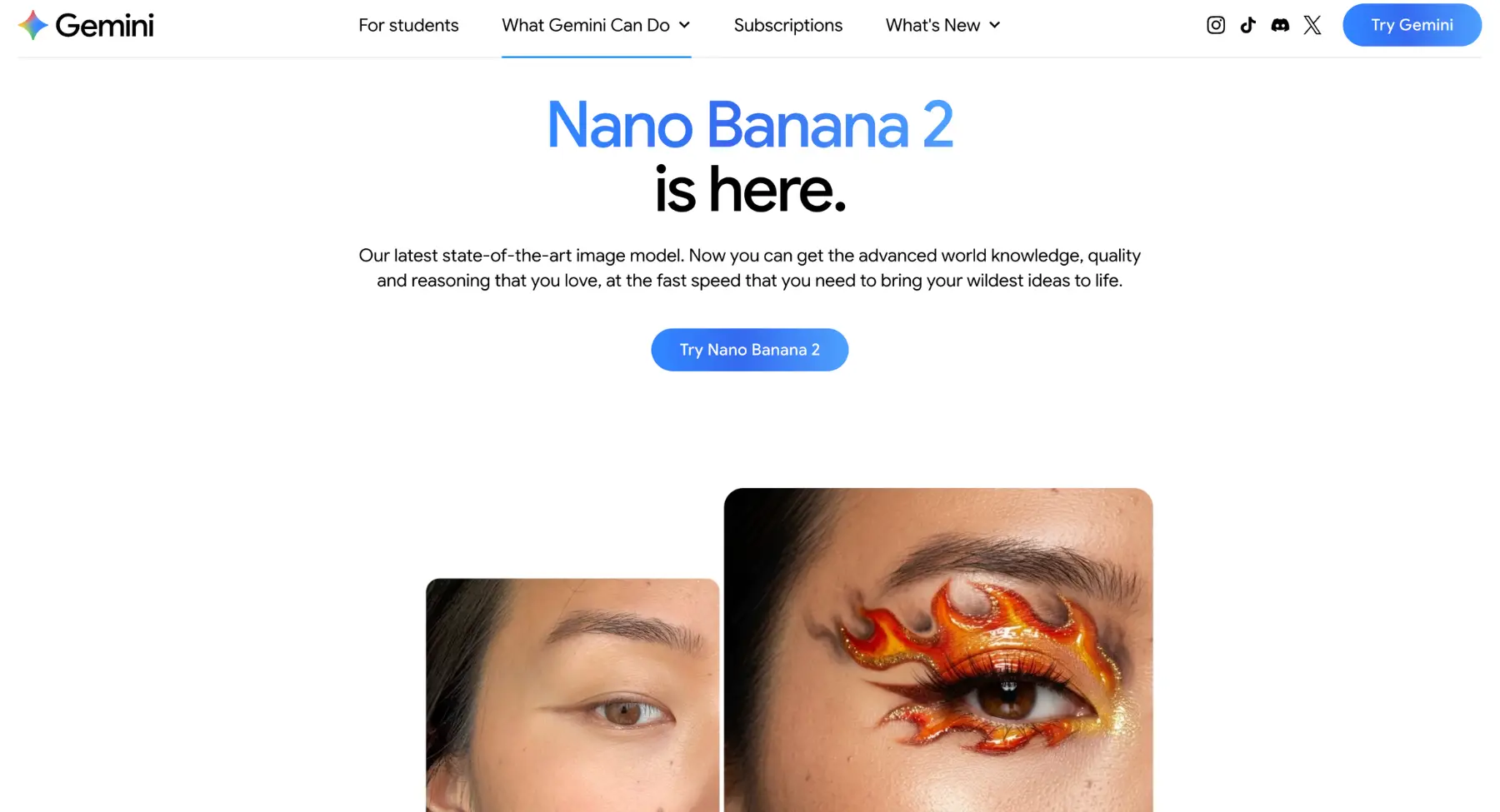
Google Imagen (integrated within Gemini and Google Cloud) is an enterprise-grade AI image generation model family designed for marketing teams, developers, and Google Ecosystem power users who need safe, versatile, and high-fidelity visual assets. It is strongest when the job demands direct integration into productivity suites, specific product-level visual editing (object insertion/removal), and consistent subject retention across iterations.
- Best for: Instruction-based image editing (e.g., "replace X with Y"), product mockup generation, subject consistency in sequence, workspace integration (Slides/Docs), and developer API use.
- Why choose it over Stable Diffusion: It provides high-tier prompt adherence and photorealism combined with precise editing controls, without requiring complex setup. Within the Google ecosystem, it offers seamless workflows for creating, refining, and placing assets directly into existing documents and slides.
- Keep in mind: It features strict commercial safety filters that can limit artistic freedom, lacks granular "power-user" adjustments (samplers, explicit seed control), and its standalone aesthetic flair often leans toward "clean and polished" rather than raw cinematic or painterly styles.
- Use it if: You operate heavily within the Google ecosystem and prioritize instruction-based asset editing, legal safety compliance, and workflow integration over niche aesthetic control or local model management.
10. Tensor Art
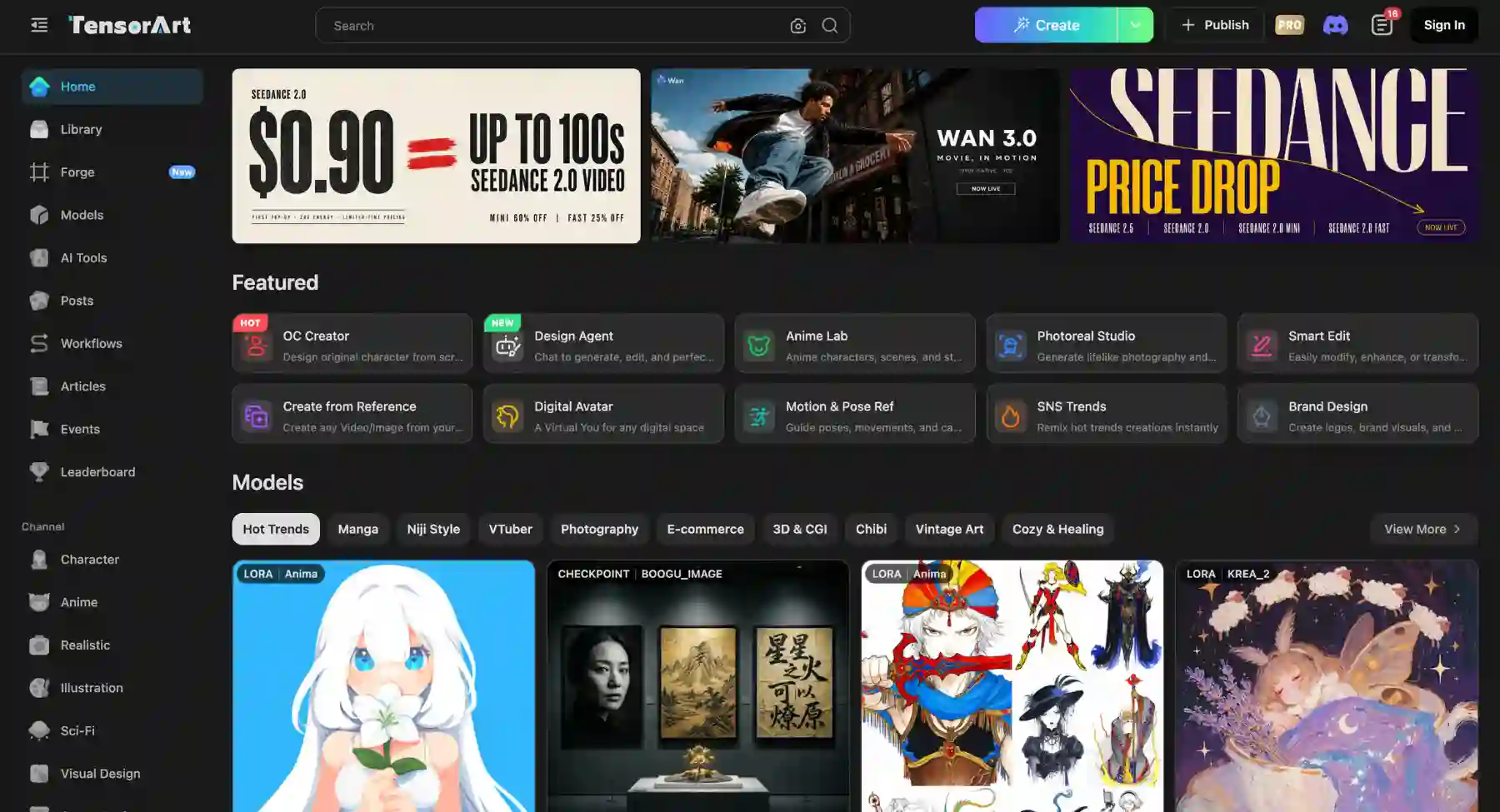
Tensor Art is a specialized, browser-based AI platform built for the anime, manga, and digital illustration community, as well as creators seeking highly specific, fan-driven visual aesthetics. It is strongest when the job requires high-quality anime-style art generation, effortless access to community-trained models, and integrated post-processing tools like upscaling and editing in a cloud environment.
- Best for: Anime and manga illustrations, consistent character design (OCs), stylized digital art, accessing specific community checkpoints/LoRAs without local download, high-resolution upscaling, and basic visual refinement.
- Why choose it over Stable Diffusion: Tensor Art offers a curated experience for illustration styles. Instead of manually scouring forums for models and setting up a complex local UI, it provides a unified cloud platform to instantly generate images using specialized checkpoints and configurations tailored for high-quality illustration.
- Keep in mind: It is significantly less effective for photorealism or mainstream Western art styles, operates on a credit-based system, and its visual outputs can often lean heavily on established genre tropes.
- Use it if: Your creative focus is primarily on anime-style illustrations or stylized digital art, and you want an easy, integrated cloud solution to leverage the power of community models without technical fuss.
Best Stable Diffusion alternatives by workflow
While Stable Diffusion is a powerhouse for open-source AI generation, different workflows demand specific tools based on hardware limits, speed requirements, artistic control, or enterprise usability. Below are the leading alternatives tailored to specific creative and technical workflows.
1. Prompt-to-image & photorealism workflows
For creators who want stunning, photorealistic visuals or highly accurate prompt adherence without spending hours tweaking settings, cloud-hosted text-to-image models offer a seamless experience.
- Midjourney: The gold standard for artistic flair, texture depth, and cinematic lighting out of the box. It excels in photorealism and stylized art with minimal prompt engineering, though it operates entirely through Discord and web UI without open-source control.
- FLUX.1 (by Black Forest Labs): The strongest modern rival to Stable Diffusion. FLUX delivers exceptional typography rendering, accurate human anatomy, and precise prompt obedience, making it ideal for high-fidelity concept art and design assets.
- DALL-E 3: Best integrated into ChatGPT and Bing Image Creator, making it perfect for conversational workflows where complex prompts require deep contextual understanding.
2. Canvas-based inpainting & professional editing workflows
When the workflow centers around modifying existing designs, extending borders, replacing elements, or vector/design integration, specialized design platforms outshine base generative models.
- Adobe Firefly: Built directly into Photoshop and Illustrator, Firefly is designed for professional design workflows. Its Generative Fill and Generative Expand allow precise, layer-aware editing with commercial-safe licensing.
- Photoshop / generative workspace: Ideal for digital artists and retouchers who need seamless blending, high-resolution upscaling, and precise masking tools alongside AI generation.
3. Advanced nodal & real-time control workflows
For power users accustomed to Stable Diffusion's ComfyUI or Automatic1111 who need granular control over pose, structure, and real-time generation, specialized node-based or live canvas tools provide the best fit.
- Krea AI: A pioneer in real-time generative workflows, allowing designers to paint on a split screen or use camera/screen-share inputs to see instant AI updates. Perfect for rapid prototyping and live design sessions.
- Leonardo.ai: Offers a robust web-based suite with custom ControlNet-like features (pose, depth, motion), canvas tools, and model fine-tuning without requiring local GPU hardware.
4. Developer & scalable enterprise workflows
For teams building applications, automating asset pipelines, or managing commercial API integrations:
- Amazon Bedrock / Ideogram API: Excellent for structured design and typography-heavy business assets.
- Runway Gen-2 / Imagen 3: Great options for enterprises requiring stable cloud infrastructure, high-throughput batch generation, and safety filters.
How to get better results from any Stable Diffusion alternative?
- Use the specific model's syntax & parameters: Every AI tool interprets prompts differently. Learn native parameter flags such as aspect ratios (ar 16:9 in Midjourney), seed values, or negative prompt fields to exercise precise control over layout and consistency.
- Be descriptive with medium & style: Clearly define the artistic medium upfront. Instead of asking for a "picture of a forest," specify whether you want a "35mm cinematic film photo," "vector illustration," "oil on canvas," or "hyperrealistic 3D render."
- Control lighting & camera settings: Guide the visual atmosphere by including professional photography terms. Use keywords like "golden hour," "volumetric lighting," "bokeh," "macro lens," "shallow depth of field," or "shot on 85mm f/1.4."
- Structure prompts via subject-action-context: Build structured prompts starting with the core subject, followed by their action or pose, environment, lighting, and overarching aesthetic style. Keep the most critical terms near the beginning of your prompt.
- Leverage negative prompts & exclusions: Use negative prompts (or exclusion parameters like Midjourney's --no) to filter out unwanted elements such as "blurry," "distorted hands," "extra limbs," or "oversaturated colors."
- Incorporate image-to-image & control tools: Use reference images, depth maps, or pose guides (like ControlNet variations) instead of relying solely on text. Feeding a visual baseline significantly improves composition and layout accuracy.
- Iterate and refine prompts: Experiment with slight keyword tweaks, adjust prompt weight values where supported, and upscale or perform targeted inpainting on generated images rather than re-prompting from scratch.
Final recommendation
If you want the easiest Stable Diffusion alternative for practical content, start with Pixelbin. If you want the closest model-level alternative, compare FLUX. If you want cinematic art, use Midjourney or Leonardo AI. If you need text inside images, use Ideogram or Recraft. If you need brand-safe marketing workflows, evaluate Adobe Firefly, Canva, Recraft, and Pixelbin. The best alternative is the one that solves the reason you wanted to leave Stable Diffusion in the first place.
FAQs
For most non-technical users, Pixelbin, Midjourney, Leonardo AI, Ideogram, Recraft, Adobe Firefly, and ChatGPT image generation are better starting points than a local Stable Diffusion setup. For model-level alternatives, FLUX is one of the most important options to compare.
FLUX and Civitai-connected workflows are closest for users who want model-level control and an open ecosystem. Pixelbin, Midjourney, Canva, Ideogram, and Firefly are better described as workflow alternatives because they focus on easier generation and production-ready outputs.
The best free option depends on the goal. Civitai and local Stable Diffusion-style workflows are best for model exploration. Playground AI, Canva, NightCafe, and Pixelbin can work for easier browser-based trials, but free limits should be checked before publishing.
Pixelbin, Midjourney, Leonardo AI, Ideogram, Recraft, Canva, ChatGPT image generation, and Adobe Firefly are good no-GPU alternatives because generation happens in the cloud. This is the right answer for users who do not want local setup.
Ideogram and Recraft are strong choices for text-heavy images, posters, logos, labels, and brand graphics. GPT image generation is also useful for general prompt-based visuals with text, depending on the request and tool access.
Adobe Firefly, Recraft, Pixelbin, Canva, and Magnific/Freepik are worth evaluating for commercial workflows, but always verify current license terms, paid-plan rules, and asset rights before making a final recommendation.
Midjourney is often easier for polished art direction, mood, and composition. Stable Diffusion remains stronger when the user wants local control, custom models, LoRAs, ControlNet, privacy, and technical workflow flexibility.
Pixelbin can replace Stable Diffusion for many everyday visual workflows: AI image generation, prompt editing, product-image cleanup, background removal, upscaling, and content graphics. It should not be presented as a replacement for advanced local model control or custom training workflows.