
Summary
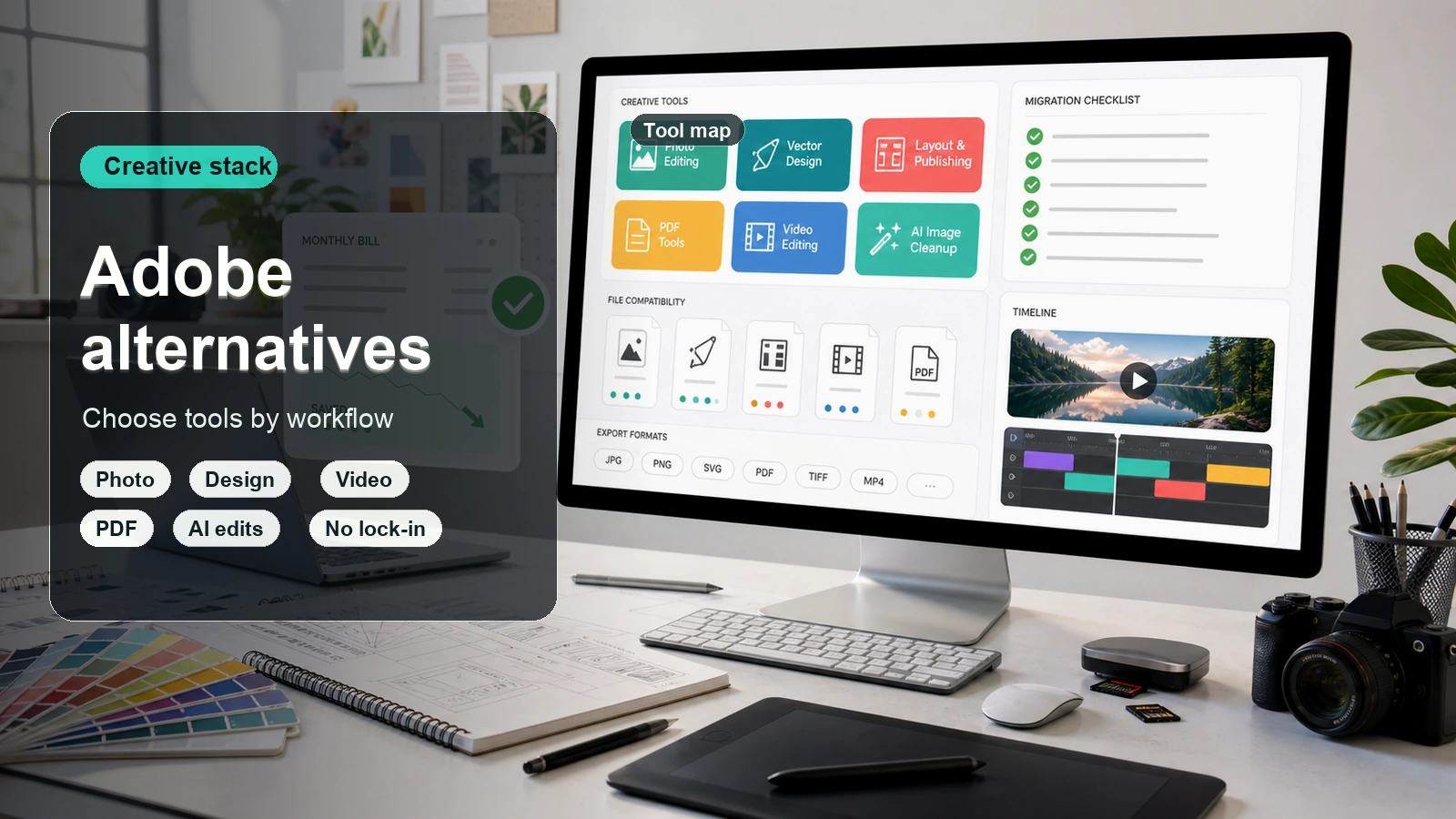
The best Adobe alternative depends on what you are replacing. Affinity is the strongest Photoshop, Illustrator, and InDesign-style desktop suite for designers who want a focused creative toolkit. DaVinci Resolve is the best Premiere Pro and After Effects-style alternative for serious video work. Figma is the practical choice for Adobe XD-style interface design. Foxit and PDFgear are useful Acrobat alternatives. Pixelbin fits best when the job is faster AI visual creation, image editing, background cleanup, or upscaling rather than a full desktop design suite.
Introduction
People search for Adobe alternatives for different reasons. Some want to avoid subscription costs. Some need a simpler app than Photoshop or Premiere Pro. Some want a free Adobe alternative for one task, such as removing a background, editing a PDF, making social graphics, or cutting a short video. Others already like Adobe but want a backup tool that is faster for everyday work.
Finding the best Adobe alternatives is no longer about accepting compromised, second-rate tools; it is about discovering specialized software that often outperforms Adobe in speed, pricing model, system resource usage, and workflow efficiency.
Whether you are looking for free open-source software, browser-based web apps, or fast AI-generated visuals, an AI image generator can cover the lighter creative work that does not need a full Photoshop, Illustrator, Premiere Pro, InDesign, or Lightroom setup.
Why look for the best Adobe alternatives?
Adobe remains powerful, but several practical friction points push creators and teams toward focused alternatives:
- Subscription lock-in: Creative Cloud can become expensive when teams need multiple seats, occasional apps, or simple one-task workflows.
- Workflow complexity: Heavy desktop apps can be too much when the job is a quick edit, social graphic, PDF change, or simple product-photo cleanup.
- Performance demands: Video, RAW photo, and layered design workflows can strain older machines, while lighter web apps are easier to access.
- File and licensing needs: Some teams prefer open formats, one-time licenses, or tools with simpler commercial terms.
- Task-specific speed: AI tools can remove backgrounds, upscale images, generate visuals, or resize assets faster than manual desktop workflows.
How to choose the right Adobe alternative
Choosing the right Adobe alternative requires evaluating your budget, technical setup, and specific creative workflow needs:
- Pricing & licensing model: Determine whether you prefer one-time perpetual licenses (e.g., Affinity Suite), completely free open-source software (e.g., GIMP, Inkscape, Darktable), or web-based freemium apps (e.g., Photopea, Figma) to eliminate recurring subscription costs.
- File & interchange compatibility: Ensure the software cleanly imports and exports native Adobe files (.PSD, .AI, .PDF) and universal standards (.SVG, .TIFF, XML/EDL) so you can collaborate with clients and existing archives without asset breakage.
- Hardware & system performance: Match the tool to your machine. Modern GPU-accelerated applications (e.g., DaVinci Resolve) require robust hardware, while browser-based options suit lighter setups or Chromebooks.
- Feature Depth vs. Complexity: Balance advanced, professional-grade feature sets (like node-based VFX or dynamic RAW engines) against simpler interfaces that offer faster, plug-and-play project turnaround times.
- Ecosystem & community support: Check for accessible documentation, active community forums, plugin integration, and tutorial availability to smooth the initial learning curve.
- Hands-on trialling: Test non-expiring free tiers or trial periods with your real-world client files to verify stability, rendering speed, and UI comfort before fully migrating.
10 best Adobe alternatives in 2026
1. Pixelbin
.webp)
An AI-powered image editing and optimization platform designed for bulk image transformation, background removal, and asset delivery. While traditional Adobe tools like Photoshop focus on manual, layer-by-layer raster editing and design creation, Pixelbin focuses on automated, high-volume workflow efficiency, making it an ideal alternative for e-commerce, content creators, and marketing teams managing large asset catalogs.
Best for: E-commerce businesses, digital marketers, and batch photo optimization.
Key features
- AI-powered background removal & replacement: Cut out product backgrounds automatically and apply consistent studio backdrops in bulk.
- Real-time image optimization: Dynamic URL-based image transformations for web display (resizing, cropping, compression, and format conversion).
- Upscaling & enhancements: Automatically increase image resolution and sharpen details without manual retouching.
- Digital asset management (DAM): Centralized library for storing, organizing, and delivering media assets efficiently.
Extra tips
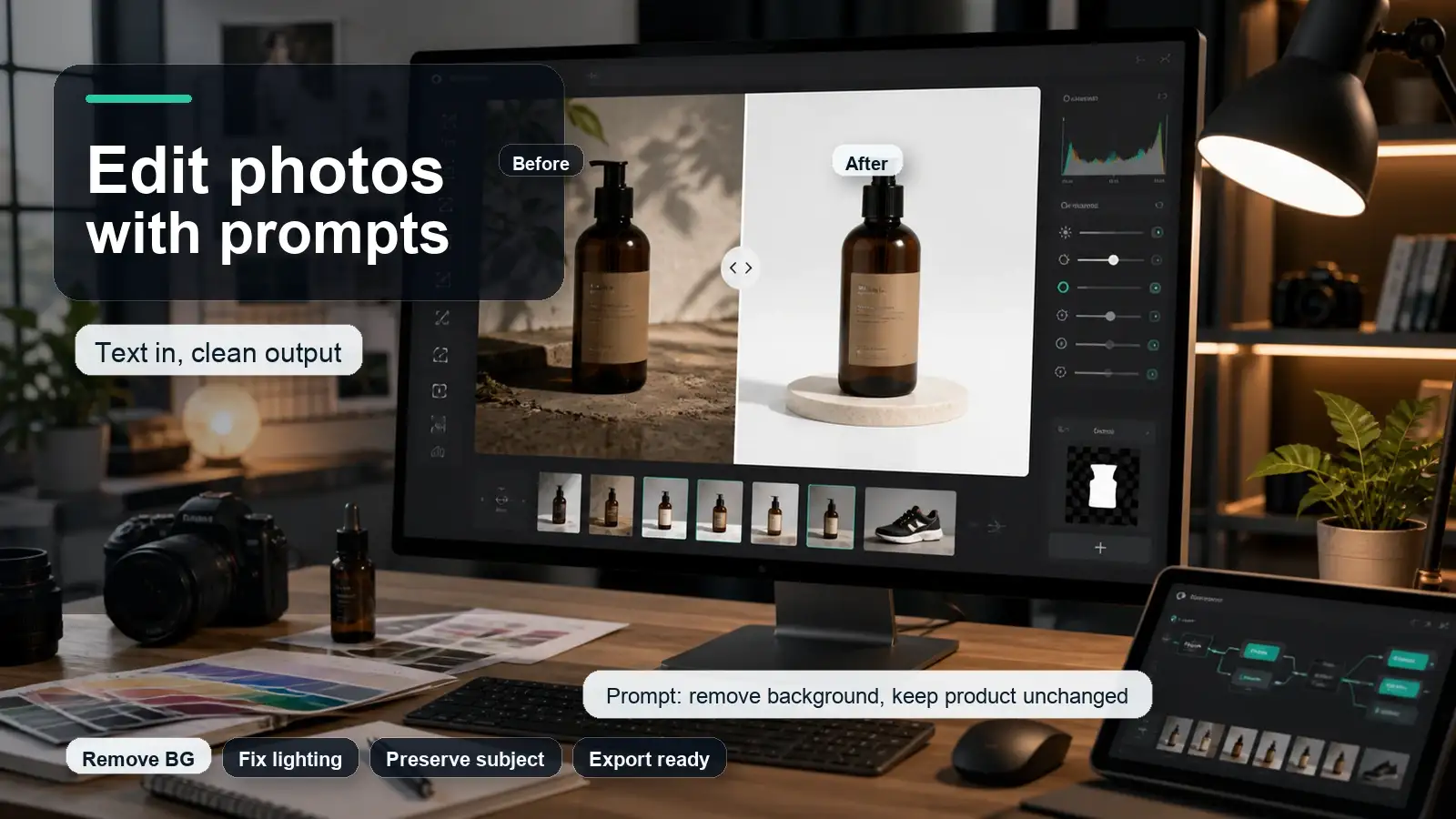
For prompt-based edits, Pixelbin's AI photo editor can help turn a rough photo into a more usable visual without asking the user to learn layers, masks, and advanced Photoshop menus.
For product photos, use the background remover when the goal is a cleaner ecommerce image, transparent cutout, or simple catalog-ready visual.
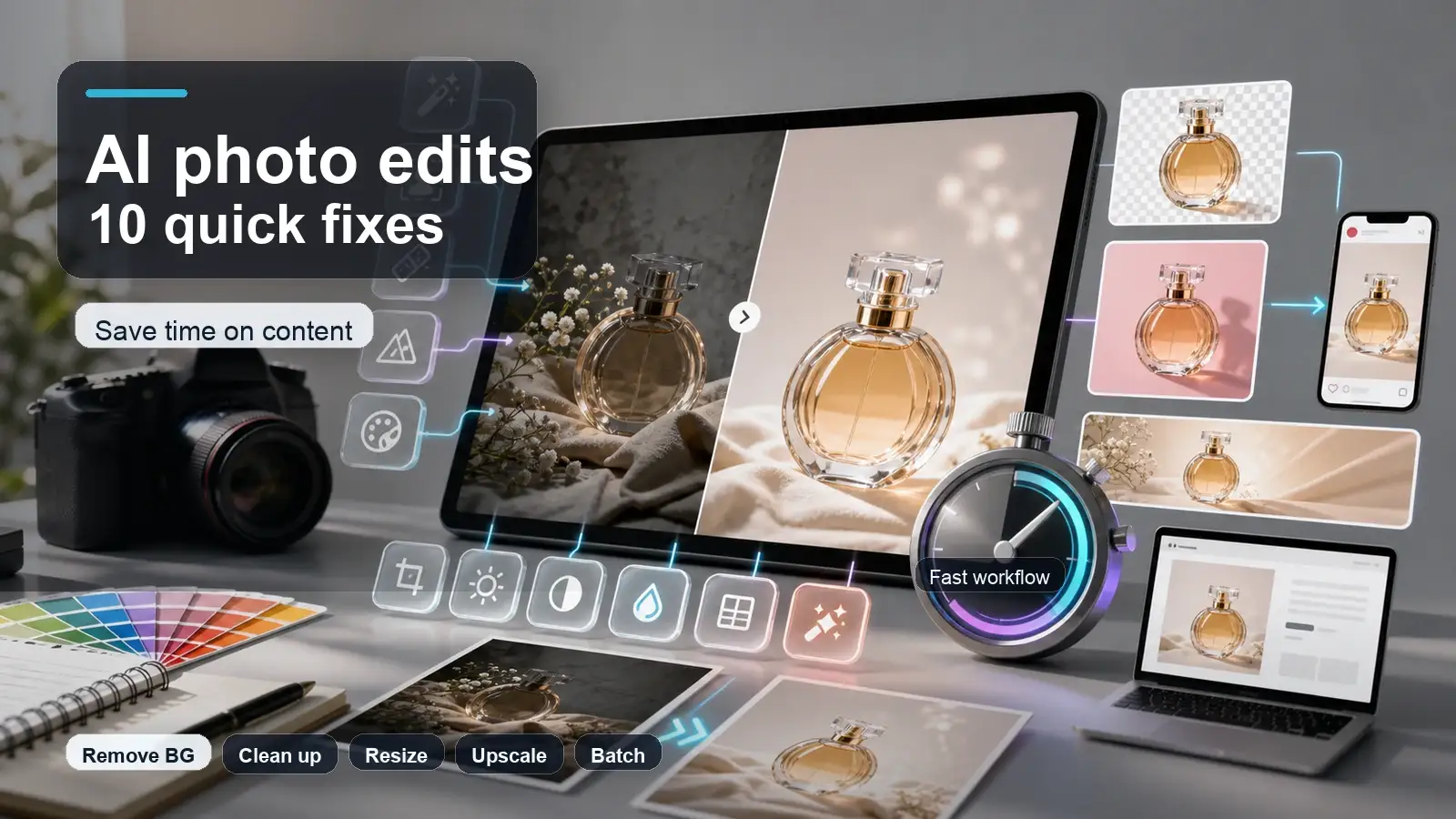
If the image is too small for a landing page, marketplace listing, or blog banner, an image upscaler is often more practical than rebuilding the asset from scratch.
2. Affinity
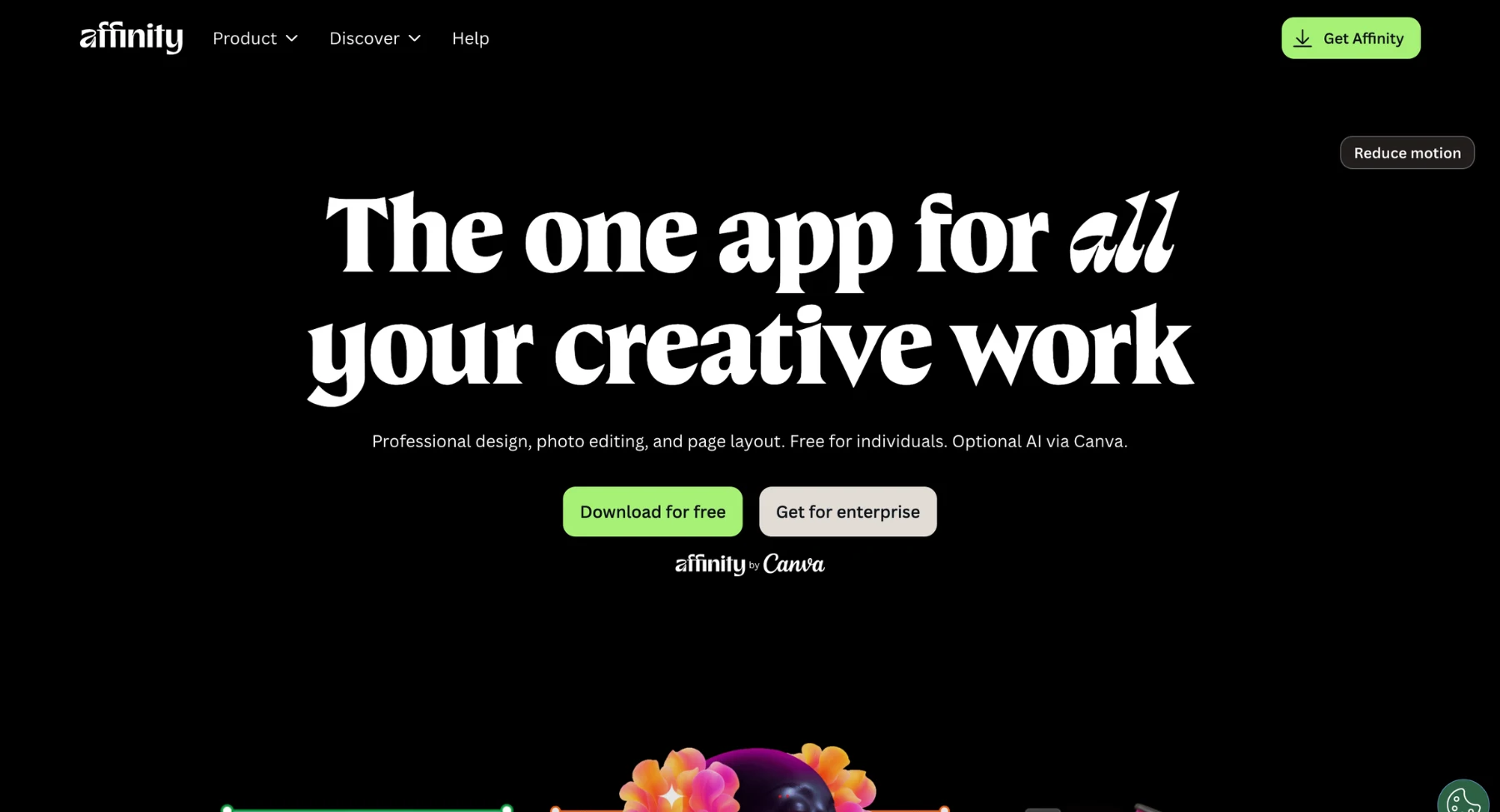
Affinity (comprising Affinity Photo, Affinity Designer, and Affinity Publisher) is a professional creative software suite engineered as a direct, high-performance alternative to Adobe Creative Cloud (Photoshop, Illustrator, and InDesign). Unlike Adobe's mandatory subscription model, Affinity offers full-featured, desktop-grade creative software via a one-time perpetual license. It delivers lightning-fast performance, deep non-destructive editing, and cross-platform compatibility across macOS, Windows, and iPad.
Key features
- Perpetual licensing model: Single one-time purchase for standalone apps or a universal license, completely eliminating recurring subscription fees.
- Unified file format: Shares a seamless, native file format across Photo, Designer, and Publisher, allowing users to switch between vector, raster, and page layout workflows instantly.
- Pro-grade vector & raster engines: Supports 100+ megapixel image editing, unlimited layers, precise pen tools, CMYK color spaces, and non-destructive live adjustment layers.
- Ultra-fast performance: Optimized for multi-core processors and hardware acceleration, rendering heavy 60fps panning, zooming, and complex vector art with zero lag.
- Full Photoshop & PDF compatibility: Opens, edits, and exports standard PSD, PSB, PDF, SVG, and EPS files with high fidelity.
Best for: Professional graphic designers, photo retouchers, illustrators, and desktop publishers looking for a powerful, subscription-free alternative to Adobe Creative Cloud.
3. Canva
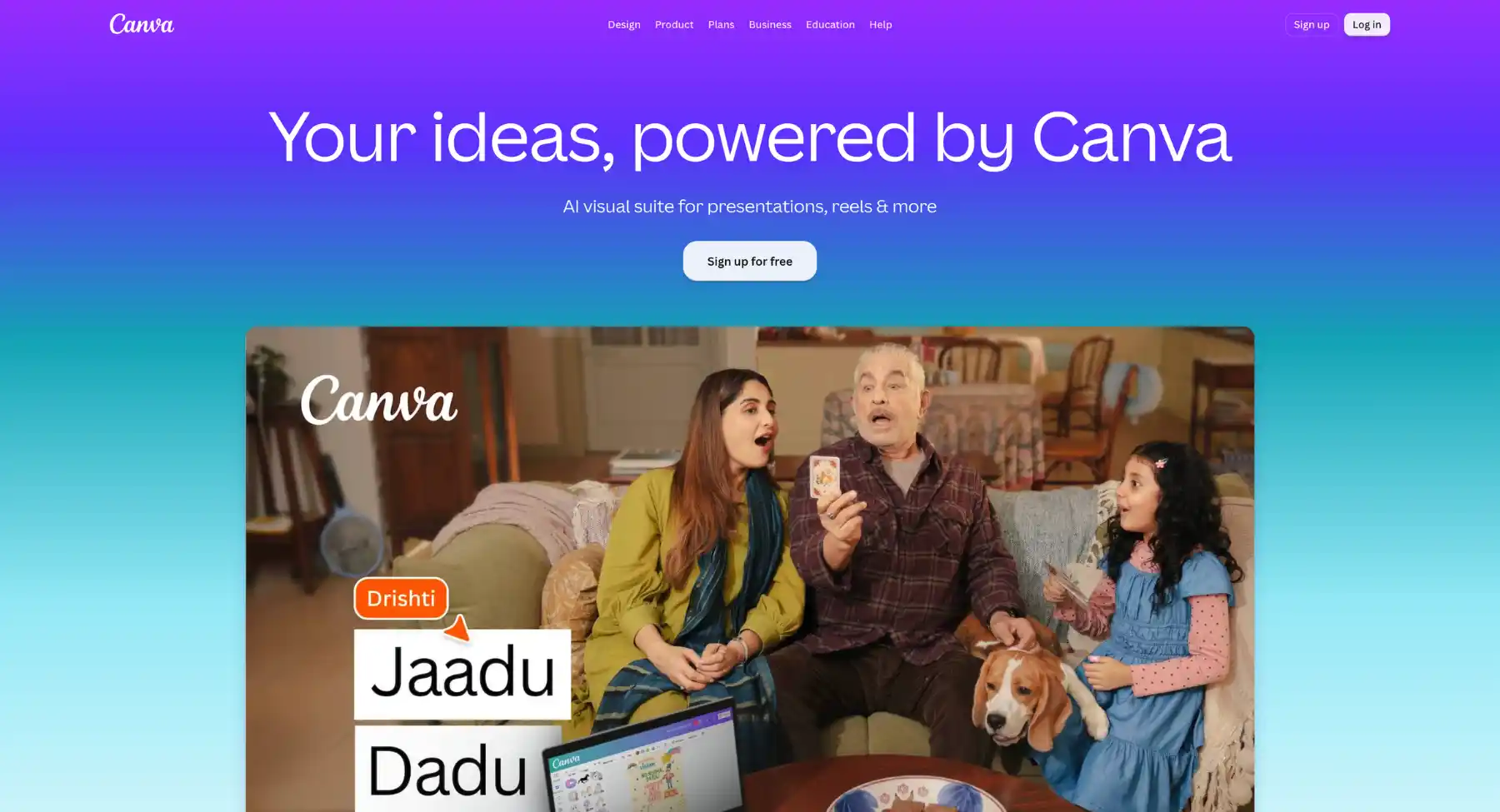
Canva is a graphic design and content creation platform built to democratize visual communication. While Adobe tools like Photoshop and Illustrator focus on complex, layer-based raster and vector editing, Canva provides an intuitive, template-driven workspace that allows users to produce professional marketing collateral, social graphics, documents, and presentations in minutes. Featuring an integrated AI editing suite, asset libraries, and real-time collaboration features, it serves as a lightweight, user-friendly alternative to traditional design software.
Key features
- Drag-and-drop visual editor: Intuitive canvas interface for combining text, stock imagery, vector accents, and multi-page layouts without a steep learning curve.
- Magic studio (AI suite): Features automated tools like Magic Switch (instant resizing and translation), Magic Eraser, background removal, and text-to-image generation.
- Massive template & asset library: Access to millions of pre-built design layouts, stock photos, fonts, video clips, and audio tracks.
- Real-time collaboration & brand kits: Centralized brand hubs with saved color palettes, fonts, and logos alongside team commenting and co-editing capabilities.
- Multi-format export & publishing: Direct export options for high-resolution PNG, PDF Print, PPTX, MP4, or scheduling directly to social media channels.
Best for: Digital marketers, social media managers, small business owners, and content creators who need to generate high-volume visual assets quickly without specialized design training.
4. GIMP
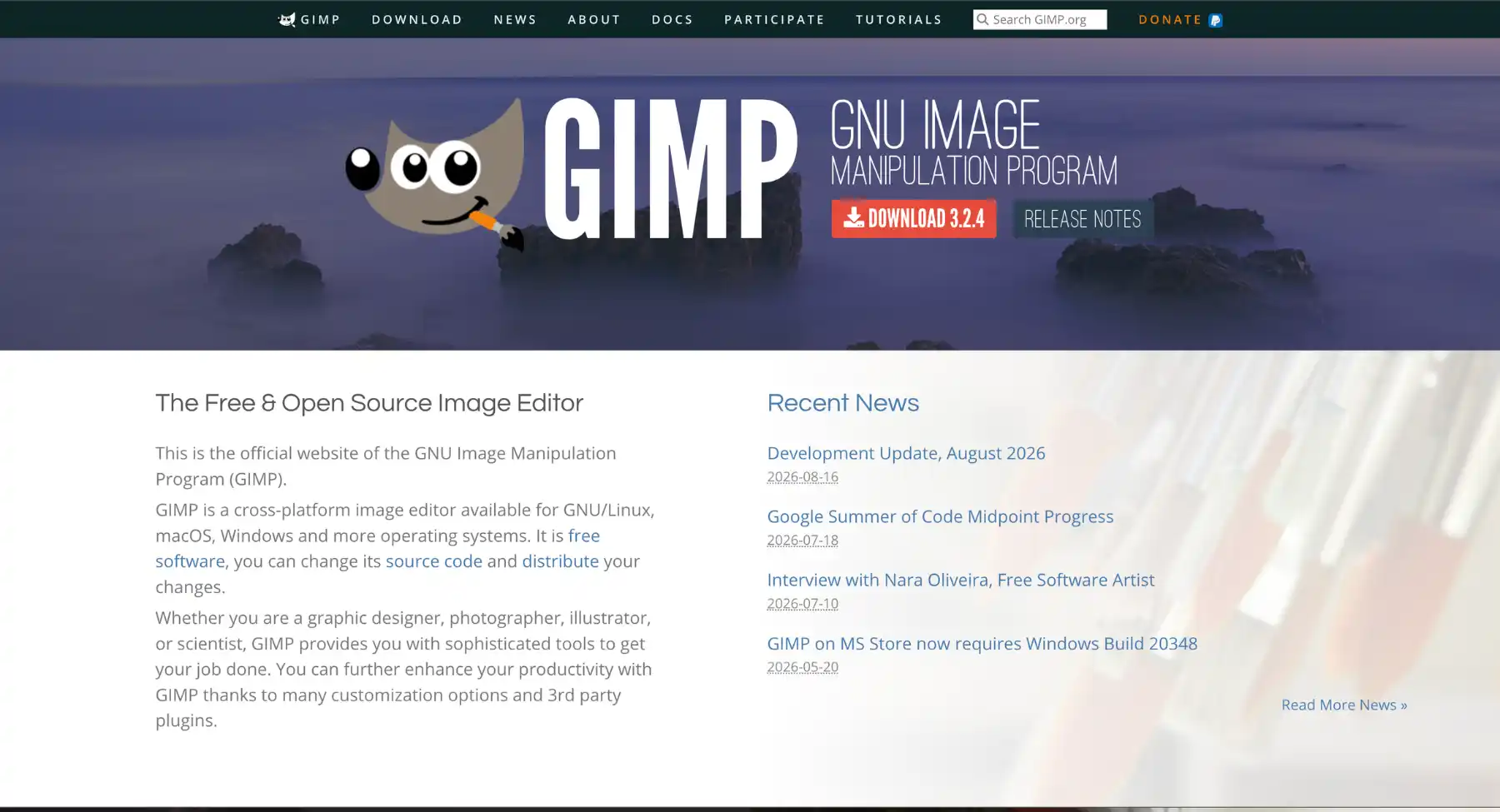
GIMP is the classic free and open-source Photoshop alternative. It is best for users who want desktop image editing, photo manipulation, custom workflows, and plugin flexibility without a paid subscription.
Best for: Free desktop image editing, retouching, compositing, and open-source workflows.
- Closest Adobe replacement: Photoshop.
- What it does well: GIMP supports high-quality image manipulation, creative compositing, customization, and workflows across Linux, macOS, and Windows.
- Keep in mind: The interface and workflow can feel less polished than commercial editors, and teams that exchange PSD files daily may still prefer Affinity or Photopea.
- Use it if: you want a free Photoshop alternative and are comfortable learning a different interface.
5. Photopea
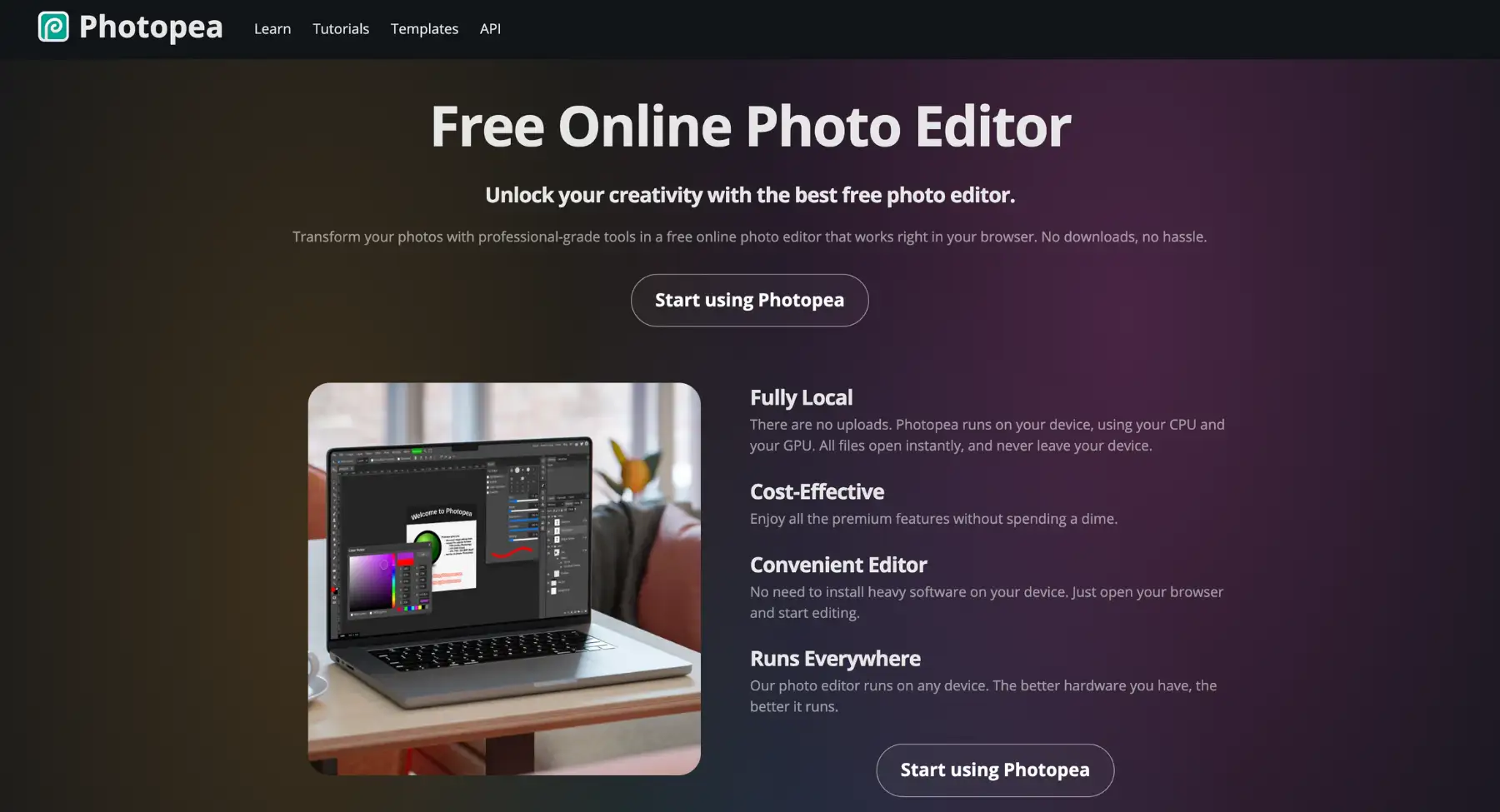
Photopea is an advanced, browser-based image editor designed as a free, lightweight alternative to Adobe Photoshop. Built to run directly in any web browser without installation, it replicates Photoshop's core interface, keyboard shortcuts, and layer management system. It provides comprehensive raster and vector editing capabilities, making it a go-to solution for quick image edits, PSD file manipulation, and design work on devices where heavyweight desktop software cannot be installed.
Key features
- Native PSD & multi-format support: Full compatibility with Adobe Photoshop (.PSD), Illustrator (.AI), Sketch (.sketch), XD, PDF, RAW, and standard image formats (PNG, JPG, WebP).
- Photoshop-style layer system: Complete support for layer masks, adjustment layers, blending modes, smart objects, and layer styles.
- Pro raster & vector editing tools: Includes clone stamp, spot healing brush, pen tool, vector shapes, typography controls, and color grading curves.
- 100% web-based & local processing: Operates entirely inside the browser using client-side processing, meaning files are edited locally without uploading data to remote servers.
- Smart plugin integration: Built-in access to royalty-free stock imagery (Unsplash), vector icons, and basic AI-powered background removal scripts.
Best for: Freelancers, students, web developers, and designers who need full Photoshop functionality directly in a browser without paying for a software subscription or installing heavy desktop applications.
6. Inkscape
Inkscape is a free, open-source vector graphics editor designed as a powerful alternative to Adobe Illustrator. Built on the web-standard SVG (Scalable Vector Graphics) format, Inkscape provides professional designers, illustrators, and technical artists with a robust set of tools for creating scalable logos, vector illustrations, icons, marketing graphics, and technical diagrams. It offers cross-platform support (Windows, macOS, Linux) without subscription fees or licensing restrictions.
Key features
- Native SVG format support: Uses W3C standard SVG as its primary file format, ensuring transparent compatibility with web standards and other vector editing applications.
- Advanced vector drawing tools: Features flexible pen and pencil tools, bezier curves, calligraphy brushes, spiro shapes, and node editing controls.
- Bitmap tracing: Built-in Potrace engine for converting raster images (PNG, JPG) into clean, editable vector paths.
- Comprehensive path operations: Supports boolean operations (union, difference, intersection, exclusion), path simplifying, offsetting, and dynamic contouring.
- Extensible architecture: Highly customizable with an active open-source community providing custom python-based plugins, extensions, and filters.
Best for: Illustrators, graphic designers, web developers, and open-source advocates seeking a comprehensive, zero-cost vector design application for creating scalable assets.
7. Figma
Figma is a cloud-based interface design and prototyping tool used for UI/UX design, wireframing, graphic design, and design system management. While Adobe XD and Illustrator traditionally handled digital interface layouts in isolated desktop environments, Figma operates seamlessly in the browser, allowing multiple designers, product managers, and developers to co-edit interfaces in real time. It serves as an end-to-end design environment covering everything from early-stage wireframing to interactive prototyping and developer handoff.
Key features
- Real-time multiplayer collaboration: Simultaneous multi-user editing, live cursor tracking, and inline commenting directly on design canvases.
- Auto layout & responsive controls: Intelligent layout framing that dynamically adjusts padding, alignment, and element reflow based on screen size or content length.
- Design systems & reusable components: Centralized component libraries with configurable variants and global design tokens (colors, typography, spacing) that propagate updates instantly across entire projects.
- Interactive prototyping: Smart animation and flow connections that simulate realistic mobile app and web interactions without code.
- Dev mode & code inspection: Dedicated view mode for developers to inspect measurements, copy CSS/iOS/Android specs, and export production-ready assets.
Best for: UI/UX designers, product teams, web developers, and digital agencies building responsive websites, mobile application interfaces, and scalable design systems in collaborative environments.
8. Penpot
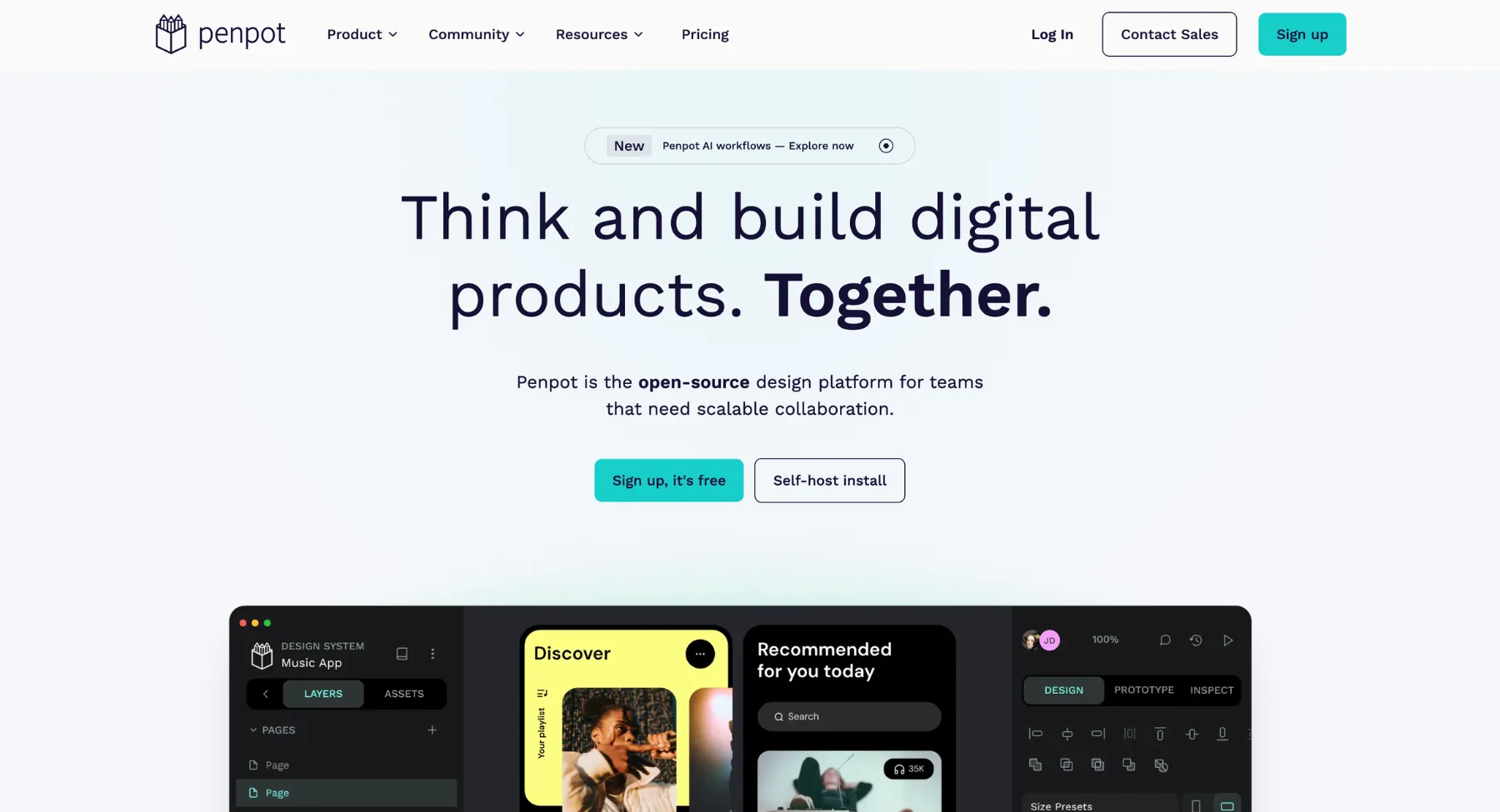
Penpot is an open-source design and prototyping tool that works well for teams that want a Figma or Adobe XD-style workflow with more openness around hosting and standards. Operating as a web-based platform, it serves as a privacy-focused, zero-cost alternative to Adobe XD and Figma. Unlike traditional design tools that rely on proprietary file formats, Penpot uses SVG natively and incorporates web standards like CSS Flexbox and CSS Grid directly into its layout engine-seamlessly bridging the gap between designers and developers.
Key features
- Native web standards engine: Utilizes true CSS Flexbox and CSS Grid layout engines directly on the design canvas, ensuring designs map 1:1 with frontend web code.
- Open source & self-hostable: Completely open-source software (MPL 2.0 license) with options to run on Penpot Cloud or self-host on private servers for maximum data privacy and security.
- Native SVG file format: Uses SVG as its fundamental drawing format, preventing lock-in to proprietary file types and simplifying asset exports.
- Real-time collaboration: Multi-user live editing, cursor tracking, shared design libraries, and commenting capabilities within a shared browser canvas.
- Interactive prototyping: Built-in screen transition linking, component states, and interactive flows for testing user experiences prior to development.
Best for: Open-source software advocates, UI/UX designers, developers, and privacy-conscious product teams looking for a free, web-standard-driven alternative to proprietary design platforms like Figma or Adobe XD.
9. DaVinci Resolve
DaVinci Resolve is a powerful alternative to Adobe Premiere Pro and After Effects, eliminating the need to switch between separate programs for editing, color grading, and audio mixing. It offers a comprehensive free tier alongside a one-time purchase Studio version, making high-end Hollywood-grade editing tools accessible without recurring subscription fees.
Key features
- Industry-standard color grading: World-renowned primary/secondary color correction wheels, node-based color pipelines, HDR grading, and automatic color matching.
- Integrated VFX & motion graphics (Fusion): Built-in node-based compositor for 2D/3D visual effects, green screen keying, rotoscoping, and titles directly inside the application.
- Pro audio post-production (Fairlight): Full digital audio workstation (DAW) supporting hundreds of tracks, real-time automation, ADR, spatial audio, and VST plugins.
- Dedicated Cut & edit pages: Optimized dual-interface approach-an ultra-fast Cut page for quick assembly/turnaround and a full-featured Edit page for precise track-based editing.
- Blackmagic Cloud & Neural engine: Multi-user remote collaboration, AI-powered voice isolation, dialogue leveller, auto-captioning, and magic mask tracking.
Best for: Video editors, colorists, filmmakers, YouTubers, and post-production studios seeking a high-performance alternative to Adobe Premiere Pro and After Effects with professional color and audio capabilities.
10. Final Cut Pro
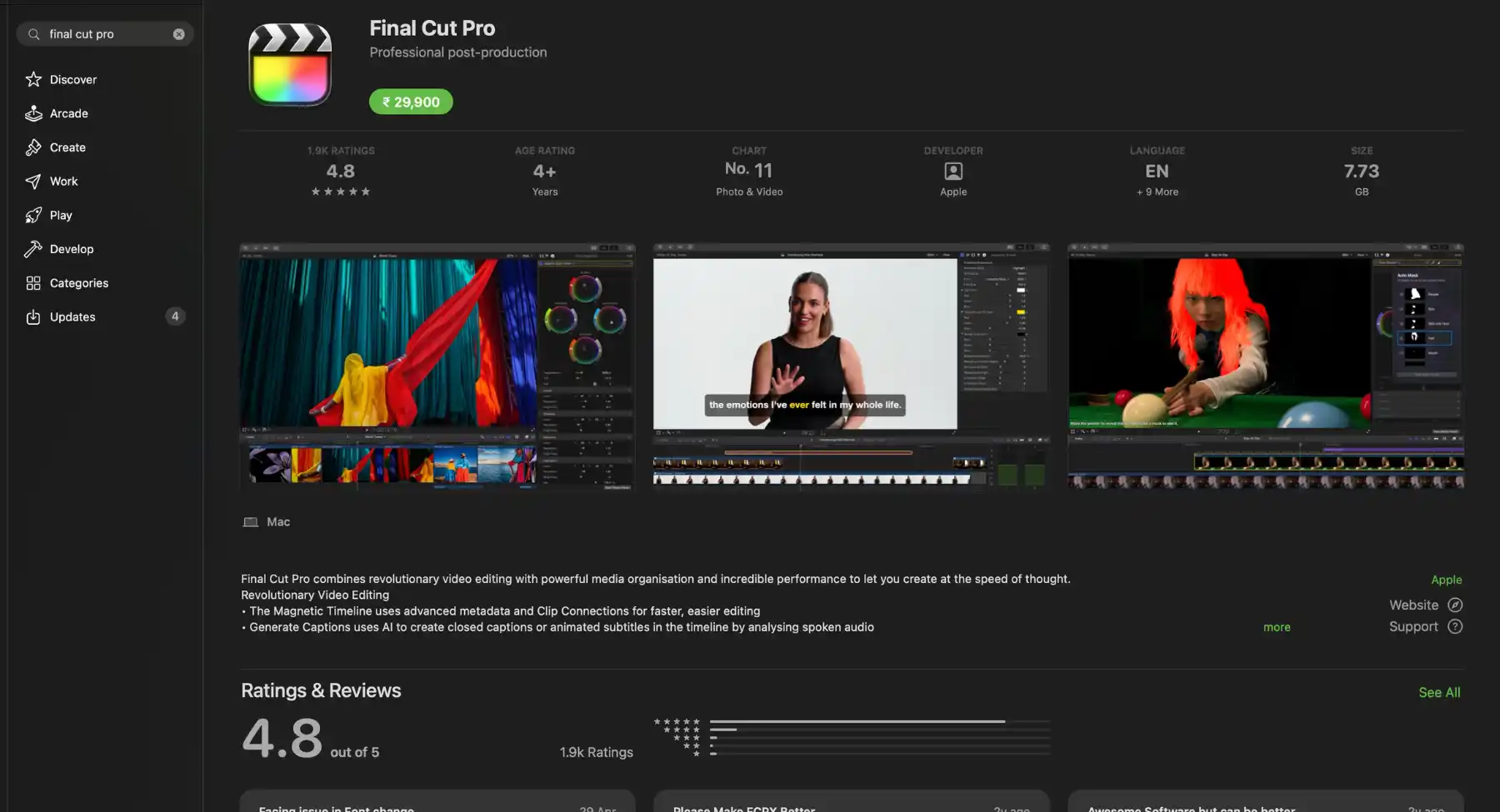
Final Cut Pro is a strong Premiere Pro alternative for Mac users who want fast editing, solid performance, and an Apple-native workflow. It is especially comfortable for creators already inside the Mac ecosystem.
Key features
- One-time purchase: Avoid recurring software costs with a single lifetime license for Mac.
- Apple Silicon optimization: Native M-series optimization delivers background rendering with low power draw.
- Magnetic masking: Isolate subjects, backgrounds, or complex elements automatically using machine learning.
- Integrated audio & color: Grade HDR video using dedicated color wheels and isolate voice audio in one click.
- Multi-cam editing: Sync up to 64 angles of video across different formats, frame rates, and resolutions.
- ProRes & RAW support: Work directly with camera-native RAW files and Apple Log footage without proxy conversion.
Best for: Mac-based video editing, creator workflows, documentary edits, and fast timeline work.
How to migrate away from Adobe without breaking your workflow
- List the Adobe apps you actually use each month. Do not replace apps you rarely open.
- Separate professional files from simple tasks. A PSD client file may need a serious editor, while a social graphic may only need Canva or Pixelbin.
- Test file compatibility before committing. Open your real PSD, AI, PDF, RAW, and video files in the replacement tools.
- Check export quality, color handling, font handling, and licensing rules.
- Run a small real project from start to finish before canceling or changing a subscription.
- Keep Adobe for workflows where clients, agencies, printers, or legal teams require it.
How to transition your creative team away from Adobe without workflow friction
Migrating an agency or in-house marketing department off Adobe Creative Cloud requires a structured rollout strategy. A phased transition prevents broken client deliverables, file corruption, and team resistance during the software switch.
Step-by-step 30-day migration roadmap for creative teams
- Days 1-7: Audit active asset dependencies and font libraries. Catalog all active PSD, .AI, .INDD, and PRPROJ master files. Convert Adobe Typekit fonts to standalone OpenType (.OTF) or Web fonts (.WOFF2) to avoid missing font errors when canceling Creative Cloud subscriptions.
- Days 8-14: Launch a side-by-side pilot program. Assign 2-3 lead designers to test replacement apps (e.g., Affinity Designer for vector assets or DaVinci Resolve for video cuts) on internal branding tasks rather than live client deadlines.
- Days 15-21: Standardize team design systems and export presets. Map global color palettes, typography styles, and export recipes (such as WebP compression levels or CMYK print profiles) within the new software to maintain visual consistency.
- Days 22-30: Establish client interchange standards and revoke licenses. Implement open file interchange formats (.SVG, .PDF/X-4, OpenTimelineIO) for external handoffs before systematically offboarded Adobe seat licenses.
FAQs
There is no single best Adobe alternative for everyone. Affinity is the best traditional creative-suite replacement, DaVinci Resolve is the best video replacement, Figma is the best XD replacement, Foxit and PDFgear are strong Acrobat alternatives, and Pixelbin is useful for AI image generation and fast image edits.
The best free Adobe alternative depends on the app: GIMP for Photoshop-style editing, Inkscape for Illustrator-style vectors, DaVinci Resolve for video editing, Blender for 3D and VFX, PDFgear for PDFs, Audacity for audio, Scribus for page layout, and Penpot for UI design.
DaVinci Resolve Fusion is the strongest option for compositing inside a full video workflow. Blender is better for 3D animation and VFX. Cavalry and Rive can work for motion graphics or animation workflows. CapCut is good for simple social effects, but not a deep After Effects replacement.
Capture One, DxO PhotoLab, Luminar Neo, and darktable are the main Lightroom alternatives to evaluate. Capture One is strongest for studio and tethered workflows, DxO is strong for RAW image quality and denoising, Luminar Neo is easier for AI-assisted edits, and darktable is an open-source option.
Foxit PDF Editor, PDFgear, Nitro, iLovePDF, and Smallpdf are useful Acrobat alternatives depending on whether the user needs business PDF editing, free PDF tools, browser-based conversion, compression, e-signature, or everyday document handling.
Pixelbin can replace some Photoshop-adjacent tasks such as AI image generation, prompt-based image edits, background removal, upscaling, and quick product-image cleanup. It should not be presented as a full Photoshop replacement for complex compositing, advanced typography, print production, or professional PSD workflows.
Not always. If a business depends on Adobe file compatibility, shared libraries, agency collaboration, fonts, print workflows, or enterprise approval processes, it should test replacements carefully. A hybrid workflow is often more practical: keep Adobe for specialist work and use alternatives for faster everyday production.
Canva is the closest broad alternative to Adobe Express for templates, social posts, presentations, and light design. Pixelbin is useful when the workflow starts with AI images or needs background cleanup and upscaling. CapCut is better when the final output is short-form video.