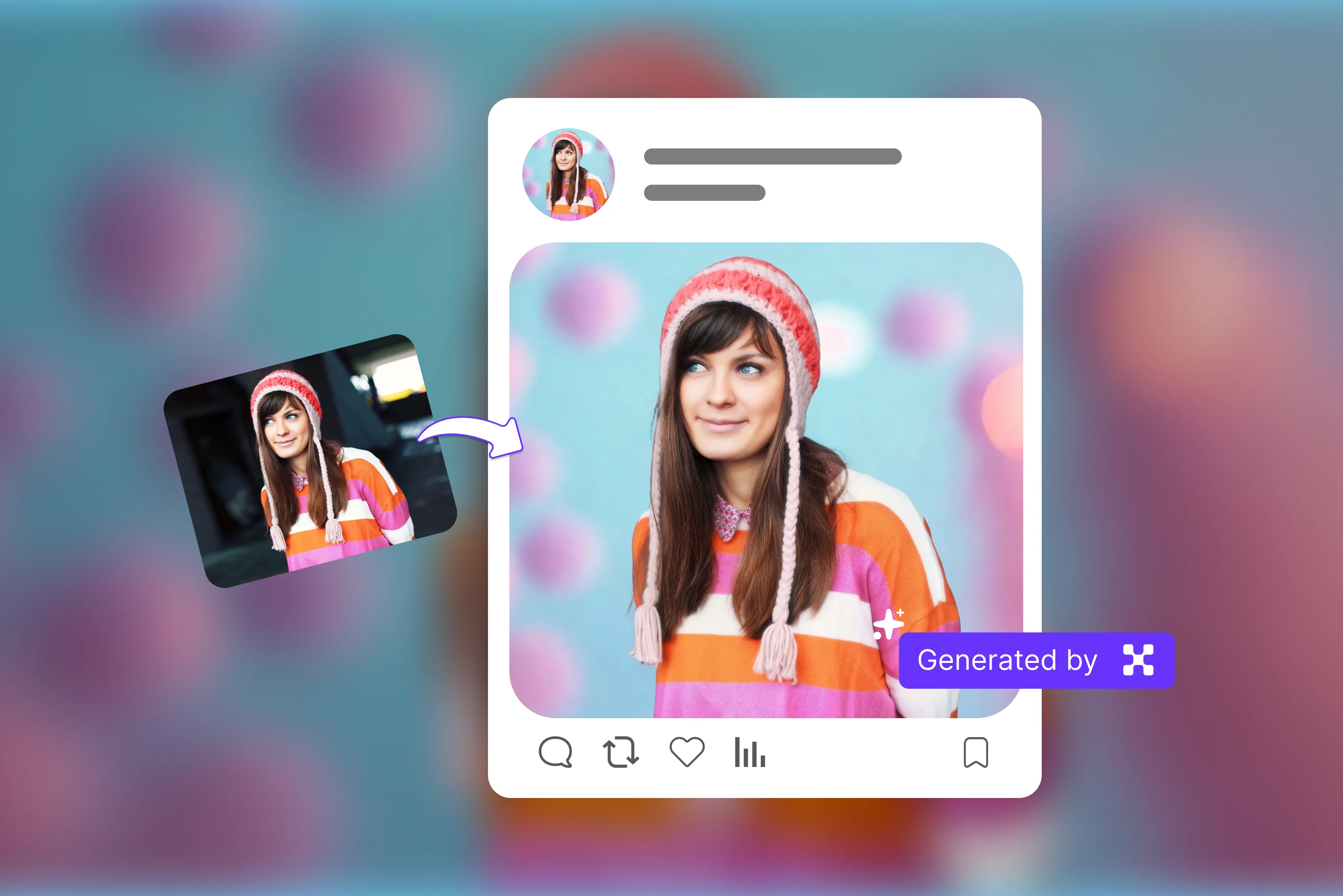


It is said that first impressions are last impressions. Making a strong first impression is important whether you’re reconnecting with old friends or showing people what your personal brand is all about. Even if everything else is perfect, a poor profile picture can reduce your overall impact.
A clear and eye-catching image can improve perceived credibility and engagement, helping you stand out from the crowd. A profile picture is an important part of your online presence. After researching various tools, I found several apps that simplify editing and enhancing profile pictures.
See the profile picture maker, where you can create a good profile picture that will stand out from all the rest. After trying several free and paid tools, my personal favorite is Pixelbin because of its AI-powered enhancements.
I have compiled a list below of the best apps for creating profile pictures, whether you need to touch up your face for the perfect headshot or create a unique profile picture. With modern apps and AI-powered tools, creating the perfect profile picture is easier than ever.
Another powerful solution is Pixelbin's AI image generator, which helps enhance, optimize, and transform your photos in just a few clicks. “In this blog, I’ll explore the best apps for creating profile pictures, explain their benefits, share tips on how to look good in a profile picture, and review 10 apps along with their pros and usage techniques.
What is the meaning of a profile picture maker?
A profile picture maker is an online tool that allows you to create a customized and professional-looking profile for social media, personal branding, professional platforms, and much more.
The online tool typically features AI-based background removal, cropping, color adjustments, and the addition of borders, frames, and effects to produce professional-looking branded images.
You should ensure that profile pictures are perfectly sized and framed for various social media platforms like Instagram, Facebook, WhatsApp, Twitter, and many more. A profile picture makes your photo look professional.
Benefits of having a profile picture tool
The profile picture tool gives you an instant, high-quality, easy-to-use, and cost-effective AI-driven tool to create professional, consistent, and customized avatars for your social media platforms, business platforms, and much more. Many modern tools also use AI to enhance image quality and improve consistency. Let’s check one by one.
- Ease of use: Most profile picture tools are designed to be user-friendly, offering simple upload or drag and drop features so people can use them without advanced design skills.
- Better first impression: Help you look friendly, confident, and trustworthy, which is important for networking and job opportunities.
- Easy customization: You can easily crop, adjust lighting, and match colors to keep your profile picture consistent across all platforms.
- Professional look and branding: Create a clean, polished photo that enhances your personal or business image by removing distractions and improving quality.
- Save time and money: Using a profile picture tool can reduce the need for expensive photoshoots or complicated editing software. In many cases, you create a polished profile picture within minutes.
Best app profile picture comparison table
Best online profile picture app
1. Pixelbin

When your profile looks professional, people are more likely to notice your engagement with your content and take you seriously. The Pixelbin platform for creating custom profile pictures helps you design professional images online in seconds.
For optimal compatibility, it supports popular image formats like JPG, JPEG, PNG, and WEBP. You can make up to three profile pictures a month for free, and you can subscribe at any moment to get additional credits and API access.
The tool is very easy to use, just paste the URL or upload an image to select your picture in any of these formats, like JPG, JPEG, PNG, or WEBP. It automatically generates your profile picture without requiring any manual edits.
You can preview and download optimized images depending on your available credits and plan. I tested with my favorite image, a simple one, but I received a result in seconds, and it was a surprisingly powerful and efficient solution that created a clean, professional look.
Provide another facility, like editing an image with AI, converting an image to a video, and exporting an image. Look natural rather than overly filtered, which helps maintain an authentic and professional appearance.
Make it easy to prepare profile pictures for various platforms like LinkedIn, Instagram, or business websites. It brings together ease of use, fast results, and great image quality, making it a smooth and reliable app for creating profile pictures.
Pros
- Ease of use
- No quality loss
- No watermarks
- No signup needed
- Batch processing
- No technical knowledge needed
- Multiple format support
- Cost-effective
2. MyEdit
MyEdit is on my list of the best apps to create a profile picture today. MyEdit offers multiple ways to create social media profiles, including realistic professional headshots and artistic avatars.
You can create personalized profile pictures in just a few steps for various social media accounts. The process is very simple; you have to select the preferred profile pic style, upload your photo to the online profile pic maker, and review your impressive results.
It offers a range of preset styles, from natural and classic looks to more creative or artistic effects. It supports various file formats, including JPG, PNG, GIF, WEBP, and BMP, with a maximum file size of 50 MB.
You can select 10-20 photos and click on the continue button to generate a profile picture. I saw it allows 10-20 photos, so it's time-consuming to upload and create one profile picture. One thing is clear: Pixelbin is very simple and easy to use, not as time-consuming as MyEdit.
Pros
- Ease of use
- Multiple profile pictures
- Multiple profile pic styles
- Remove and generate an AI background for people and products
- No signup needed
3. Fotor
Fotor is a free AI profile picture generator that lets you easily turn selfies into professional and creative AI profile pictures. Some features are free, while advanced options may require credits or a subscription.
Advanced AI profile pictures detect your facial features and generate a realistic, high-quality, watermark-free profile picture. The Fotor app can be useful for businesses, social media, team profiles, personal branding, and more.
You have no studio, no skills, and no signup required; you can easily create a profile picture. It supports common image formats like JPG, JPEG, PNG, HEIC, or WEBP, or pasting from the clipboard.
The process is very simple: upload a clear, well-lit front-facing photo in portrait orientation with a clean background, then select your gender and preferred style from the preset templates, generate an AI PFP, and click the download button.
You can use a profile picture in various places, such as a business card, email signature, CV, gaming channel, community DP, etc. I tested one of my images, selected the gender and camera control, and then clicked the generate button.
Wait for a few seconds and let AI do its work. I received the result: it has no watermark, the face is perfect, but some items are missing. You can also compare the original photo and the result that you received.
Pros
- Ease of use
- No studio
- No skills and no signup needed
- Multiple PFP templates
- No watermark
4. Canva
Canva is a profile picture maker, photo editor, and graphic design tool with a huge selection of themed templates. The tool allows you to add borders, logos, frames, and other smooth graphic design elements.
The process is very easy to use: select any template you want to work with, upload the photo that you want to generate, edit your profile picture if you are not satisfied with the result, and click on the download button.
You can also use the Canva AI toolkit, Magic Studio, to create a unique PFP. It also includes photo-retouching features such as skin smoothing and background removal to enhance image quality.
Canva's best feature is its beautiful, customizable templates, which make creating a high-quality PFP quick and easy. The platform locks many features behind a paywall. I had high expectations for this platform, but if you're looking for a truly customizable, professional profile picture maker, this platform falls short.
Pros
- Ease of use
- Multiple style support
- No watermark
- Provide a download option
- Drag-and-drop editor
5. Pixlr
Pixlr's profile picture maker allows you to design eye-catching profile photos for free. The tool also provides you with the ability to remove backgrounds, add shadows, and customize for any platform.
The process of using Pixlr is very easy: click the "Create a profile" button to upload your photo, and let the AI automatically remove the background. Now select the background from solid colors, gradients, or pre-made designs, or generate one using a text prompt.
Enhance your profile with thin, thick, or blurred lines, add depth with shadows, and apply a button. Once you are satisfied with the result, download it. I tested one of my images by uploading it from my device.
There are many options available, such as background, outline, shadow, effect, and image aspect. Select the options that suit your requirements. I tested each option one by one, aspect ratio, background, outline, etc., and clicked on the save button if I was satisfied with the result. It supports multiple formats like JPG, PNG, TIFF, and WEBP, making it easy to upload and work with your images.
Pros
- Ease of use
- No signup needed
- Multiple style support
- Multiple aspect ratios
- Support multiple image formats
- No watermark
6. LightX
With LightX profile picture maker, you can easily and instantly create all sorts of profile photos. Simply upload your image, choose from the variety of template categories, and download your profile picture.
To customize your template, you will have to sign in, but you can continue editing for free as long as you select only free elements. I tested one of my images by clicking on the upload image button, as I saw various options to select Love, Neon, Basic, Professional, Social, and much more.
According to my requirements, I selected Basic. With the LightX generator for profile pictures and its editable templates, you can create an ideal, customizable profile photo for various social media platforms, including Instagram, Facebook, YouTube, and more.
You can save your profile photo in either JPEG or PNG format with the desired resolution. I'm not entirely satisfied with the outcome; it requires significant manual work and relies on basic tools.
Pros
- No watermark
- Multiple style support
- Drag-and-drop editor
- No technical knowledge required
- Multiple amazing stickers, catchy text
7. Picofme.io
Picofme.io helps you to create a profile picture with just a few clicks. The tool is easy to use and has design options for maximum customization. Picofme.io offers layer editing capabilities and highly customizable effects, outlines, filters, borders, shadows, and more, tailored to your requirements.
You have to upload a photo; the AI will automatically remove the background. I tested one of my images by clicking the upload button; after that, I adjusted the photo size to your requirements and waited a few seconds.
Then I selected the color set, and if you are satisfied with the result, you can download, share, or customize it as needed. The tool is completely free, but with that comes some sacrifices, like putting up with annoying ads on the site.
Pros
- Ease of use
- Multiple color options
- No signing required
- Add customizable outlines, borders, and shadows.
- Completely free
8. Pixelcut
Pixelcut's profile picture maker makes it easy to create a custom profile picture and upload your image, or drop a picture to start designing. You can receive a wide range of templates designed to meet you in your moment.
You can also make the photo look cooler with filters or photo effects like black-and-white, sepia, duotone, and more. The process is very simple: after the image, select the template that best fits your style.
Edit your image with our editor. You can use the graphic design tools to add text stickers, icons, and more to your image. You can download the resulting image. Make a photo for Facebook that can translate to TikTok and one for Instagram that can work for Discord and Twitter.
Adjust brightness, tint, saturation, contrast, and more with sliders that make it simple. I tested by clicking the "upload image" button and letting the AI handle the entire process.
The profile picture's shape depends on your selection: square, circle, or more. I received the work, which was not clear, and I was expecting it. You can download your new profile picture as a high-quality PNG or JPG file.
Pros
- Ease of use
- No signup needed
- No watermark
- No technical knowledge needed
- Multiple style options
- Multiple color options
9. PFPMaker
Build and grow your personal brand to new heights with PFPMaker, the perfect profile maker. Increase your engagement and attract more leads with a professional-looking profile picture.
With the help of this tool, you can create a professional profile picture for any media, be it LinkedIn, CV, resume, Instagram, or Messenger, in a few clicks. The tools support image formats up to 5 MB, including JPG and PNG.
The process is very simple: upload your image and click the generate button. You can choose a color that matches your brand and see all the background patterns/styles in that color. I tested my image by clicking "upload the photo to start," selecting the image I wanted to change, and waiting a few seconds.
I received a result with too many options, which was unclear, misshapen, and had the wrong background; half the face was missing. The tool lets you create professional headshots or lifestyle photos, change your look, visit dream destinations, change backgrounds, and create a unique look with just one selfie.
Pros
- Ease of use
- No design skill needed
- Multiple style options
- No watermark
- No signup needed
10. Galaxy.ai
Use Galaxy.ai to turn your images into polished profile pictures, as it’s a good option if you want a refined profile picture without spending time on manual editing. The process is simple: upload your photo, select the desired style, set the size, adjust advanced settings for more control over the output, and download the result.
Profile pictures are generated in 50-60 seconds, depending on server load and the completeness of your request. I tested it by uploading my favorite image, which I wish to post on my professional account, selecting the image size, and clicking the generate button.
Wait a few minutes and review the results. The processing time results were inconsistent, and some did not match the selected style or description. Styles lack originality, and many generated images look similar, making it difficult to create something unique.
Pros
- Ease of use
- Multiple style options
- No watermark
- No design skill needed
What is the best app profile picture?
I have provided a list above of easy-to-use profile picture makers that require no technical knowledge; you can generate your personal profile by uploading your image.
I found many apps available, but in my view, I found Pixelbin stands out as the best, offering a range of tools to create PFPs for any platform or use case. Pixelbin provides a range of features, including multiple image formats, batch processing, one-click results, a browser-based editor, and more, making it perfect for any platform.
Moreover, you can use Pixelbin to enhance and crop your images and remove/replace the background with a single click. Pixelbin offers a free option with basic tools and daily credits. Try it for free today by clicking the link below.
How to look good in your Profile picture
To look good in a profile picture, use natural light whenever possible, like standing near a window, and taking the photo outside makes a lot of difference. Ensure your face fills most of the frame so people can clearly see you. Use a high-quality camera to capture sharp, clear images. Select a simple background that isn't distracting.
I’ll discuss the key elements considered when taking the right picture.
1. Clean background
Select a clean, plain background so the focus stays on you. A clean background is one of the most important factors in creating a professional profile picture. A plain background means the main focus is on you, but if you don’t have a perfect background, don't worry.
2. Natural Lighting
Stand near a window, or take your photo outside in soft sunlight, for a clear, fresh look. Lighting is made to take great photos; natural light is the simplest and cheapest. Professional lighting, such as box lighting or ring lights, can help you take excellent photos, but it can be expensive.
The best time to take outdoor profile pictures is 1–2 hours before sunrise and sunset. During this time, the lighting is excellent, so your image will be bright and clear without additional equipment.
3. Use a great quality camera
Start with the best camera you have. Modern smartphones are often more than sufficient. Today, many smartphones have the capability to take high-quality photos. You can enhance your image later using the apps I mentioned.
A good camera depends on many factors, such as its lens and your preferences, but a typical head-and-shoulders shot typically requires you to be at least 6 feet from the camera.
FAQs
With PFP Maker, you can create a professional profile picture for any medium, including LinkedIn, CVs, resumes, and/or social media platforms like Instagram, in just a few clicks.
Whether you’ve attended networking events, webinars, or in-person meetings, a recognizable profile photo helps others put a face to the name. This can lead to natural follow-up and stronger professional relationships.
Yes, PFPmaker is primarily free, offering background removal and professional, creative background generation for profile pictures without requiring a subscription. It is a user-friendly tool that generates dozens of social media variations, though it also uses a credit-based system for advanced AI features.
Pixelbin offers a 100% free photo editor, but if you need additional features, you must purchase a subscription plan.
The best profile picture makers include Pixelbin for AI-powered, professional or creative results, and Canva for extensive customization options like frames, filters, and templates.
PFP most commonly stands for "profile picture" on social media platforms like Instagram and Twitter. It refers to the image that represents a user's account and identity. Less frequently, especially in direct messages, it can stand for “Picture for proof” to verify a user’s identity.










