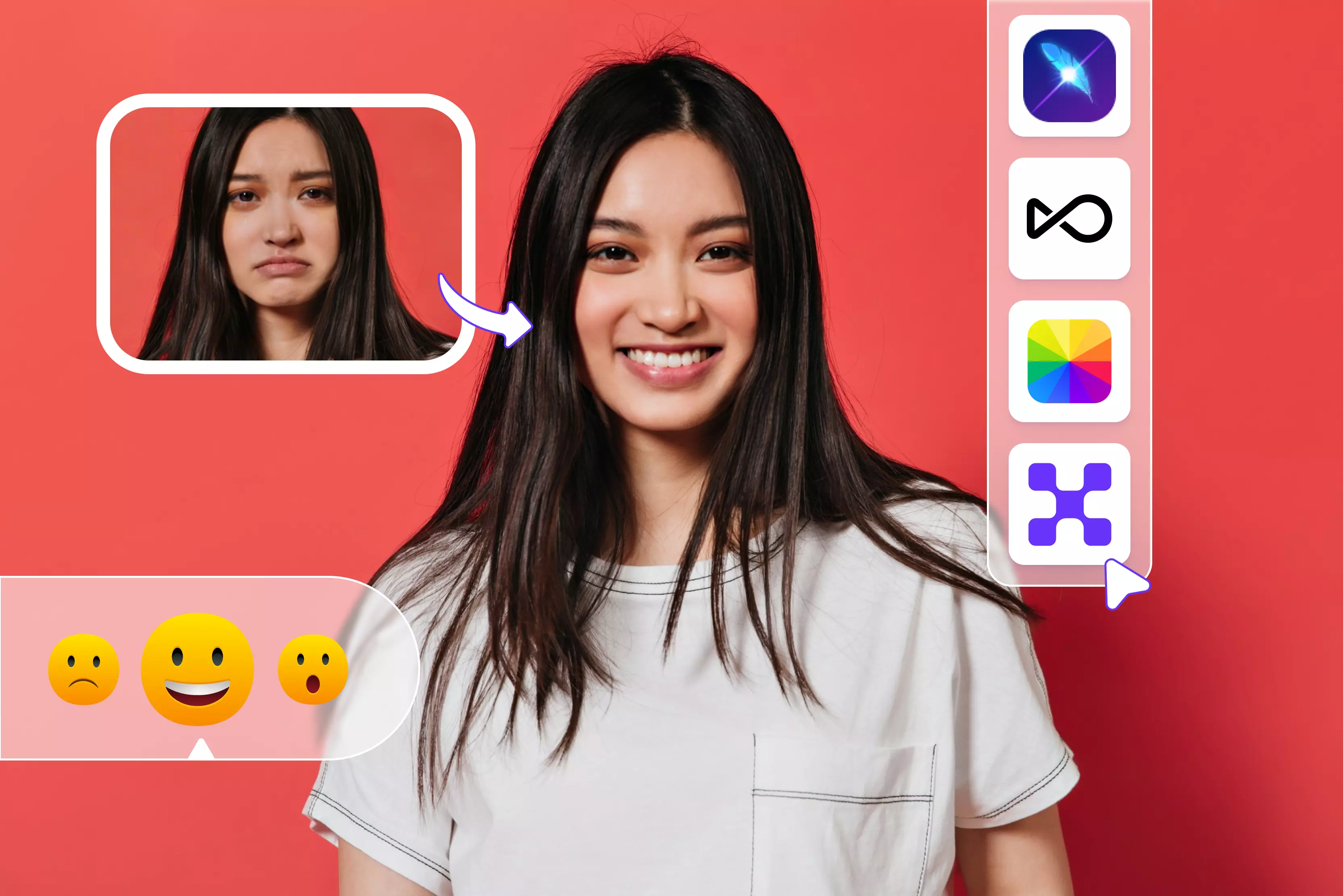


If you’ve ever taken what should’ve been the perfect photo - great lighting, sharp outfit, right moment, but your facial expression ruined it, you’re not alone. I’ve been there. A neutral face in a group selfie, an awkward smile on LinkedIn, or a serious look that didn’t match the vibe of a Reel.
In 2026, fixing that doesn’t mean retaking the photo or learning Photoshop. It means using the right facial expression changer app. Over the past few months, I tested multiple image editor apps that promise to turn straight faces into smiles, soften intense expressions, or add subtle emotion without making you look “AI-edited.”
Some worked surprisingly well. Others not so much. A few made faces looked plastic. A few nailed realism but hid the good stuff behind paywalls. And some were great for fun but useless for professional use.
This guide focuses on what actually works in real life for social media creators, casual users, and even professionals who want natural-looking results.
I’ll walk you through apps that handle today’s most common use cases: fixing last-minute photos, improving video expressions, and editing without risking privacy. No hype. No “one-size-fits-all” winner. Just honest picks based on what you’re trying to do and how much effort you want to put in.
Understanding facial expression changer apps
If you’ve ever looked at a photo and thought, “This would be perfect if I were just smiling a little more,” that’s exactly the problem facial expression changer apps are trying to solve. On the surface, they feel simple. Under the hood, there’s a lot more going on.
What do these apps do behind the scenes?
Most facial expression changer apps rely on a mix of facial recognition and AI models trained on thousands (sometimes millions) of faces. When you upload a photo or video, the app first maps key facial points: eyes, eyebrows, lips, jawline, and even subtle muscle areas.
From there, the AI predicts how those points would move if you smiled, frowned, raised an eyebrow, or looked surprised. The better apps don’t just overlay a smile; they re-render lighting, skin texture, and shadows to make the expression look more natural.
That said, not all tools are created equal. Some are incredibly smart with subtle expressions, while others still struggle and give you that slightly uncanny, plastic look. You’ll notice this especially with older photos or low-resolution images.
Still-image tools vs. video-based tools: what’s the real difference?
Still-image facial expression changers are faster, easier, and usually free (or at least freemium). You upload one photo, tweak the expression, download, and you’re done. They’re perfect for profile pictures, thumbnails, or fixing a single awkward photo. The downside? They only need to make one frame look good, so realism can sometimes fall apart if you zoom in.
Video-based tools, on the other hand, are much harder to get right. The app has to keep your expression consistent across dozens or hundreds of frames while your face moves. When it works, it’s impressive.
When it doesn’t, you’ll see flickering, warped lips, or unnatural eye movement. These tools also tend to be slower and more expensive, but they’re the only real option if you’re working with reels, shorts, or talking-head videos.
My honest take: if you’re just experimenting or fixing photos, start with still images. Move to video tools only when you actually need motion and when you’re okay with spending a bit more time (and patience) to get clean results.
Table at a glance
Best apps to change facial expressions
I tested 12 online facial expression changer apps, and it’s wild how far browser-based tools have come - no installation, no steep learning curve, just upload and go. A few even handle expression changes in videos as well as images.
Some tools let you batch-process multiple faces at once, saving loads of time, while others are more hands-on. A handful rely on text prompts to describe the emotion you want, and others give you interactive sliders so you can fine-tune smiles, gaze, or eyebrow tilt manually.
Each approach has its strengths: prompt-based tools feel more creative, slider-based tools give precision, so the best pick really depends on whether you want speed or control.
1. Pixelbin

Pixelbin’s AI facial expression changer feels like having a tiny Photoshop wizard in your browser without the steep learning curve. You upload a portrait, type what you want (think “Soft smile” or “Surprised look”), and the AI retouches the expression while keeping your face looking natural.
It’s great when you didn’t get the shot you wanted or want a different vibe without reshooting. I’ve found it useful for headshots, social pics, or creative edits because it’s fast and surprisingly realistic. That said, perfect results still depend on good lighting and a clear original photo.
2. OpenArt
OpenArt handles facial expression changes in a more visual, hands-on way, and honestly, that’s what makes it practical. You upload a photo, choose the facial expression changer tool, and adjust expressions using presets and sliders instead of typing prompts. You can tweak smiles, eye movement, and head position while the AI keeps the face realistic and proportional.
I like that changes happen gradually, so you’re not stuck with overdone emotions. It’s not a one-click magic button, and that’s a good thing. You can download the final image in formats like JPG (compressed), PNG (lossless), or SVG vector. You can also share the generated image via a link on supported platforms.
3. Media.io
Media.io is the kind of tool you use when you just want things to work. You upload a clear photo, the AI automatically detects the face, and you pick an expression such as happy, sad, surprised, neutral, real, and more. No sliders, no overthinking. I’ve found this approach great for quick edits, even if it doesn’t offer deep emotional fine-tuning.
What’s useful is that you’re not done after the expression change. You can continue editing the image: adjust brightness, apply filters, crop, or resize for social platforms. It’s fast, browser-based, and practical, especially when speed matters more than pixel-perfect control.
4. AILab tools
AILab tools are about as straightforward as facial expression changers get. You upload a clear photo, the AI detects the face automatically, and you pick from preset expressions like smile, laugh, sad, or surprised.
That’s it, there are no sliders, no fine-tuning, no second-guessing. I’ve found this great for quick tests, but it does limit control if you’re picky about details. Another thing to know upfront: the final image includes a watermark, and there’s no option to further edit the result inside the tool. It is best suited for casual use rather than polished, professional edits.
5. Fotor
With Fotor, you have to upload an image, the tool instantly detects faces and lets you pick from options like smile or sad filters, transforming awkward poses into more expressive ones in a few seconds.
You can also add stickers to emphasize emotions if you want a playful look. Once you’re happy with the edit, you download the image and share it. It’s fast and beginner-friendly, though free results sometimes include watermarks and lack fine-tuned manual control.
6. LightX editor
On LightX’s AI Facial Expression Changer, you upload a clear portrait (JPEG or PNG), then choose what you want to adjust - eyes, mouth, or head movement and pick an expression like a smile, wink, or head tilt. The clever part? Sliders let you dial in intensity, so you decide how subtle or pronounced the change feels.
Hit Apply, and the AI redraws the expression in seconds, surprisingly realistic, and avoids that awkward “Plastic face” look I’ve seen elsewhere. It’s simple enough for quick fixes but still gives you a tiny bit of control, which I appreciate when I want a natural, expressive photo without the hassle of a pro editor.
7. PiktID
PiktID’s Expression Studio automatically detects the face in your photo and gives you control over expression, eye gaze direction, and even how open the eyes appear - all through simple presets and intuitive controls rather than cryptic sliders.
You upload a high-quality image, select your desired mood (like a gentle smile or confident look), adjust gaze (straight, left, right) and eye openness, and preview multiple results before downloading.
Its designed for creators who want natural-looking edits that feel authentic, not cartoonish tweaks, and it works well for professional headshots, marketing assets, or social visuals where subtle expression shifts matter most.
8. FlexClip
Think of FlexClip as your creative AI buddy; it doesn’t just cut and merge clips; it actually reimagines the mood on your face. Its AI face expression changer spots your facial features and then smoothly transitions your photo into a new emotion, from a subtle smile to surprise, calm, or even a stern look, just by describing what you want in a prompt.
It’s way more flexible than rigid presets, so you describe the vibe, and it applies it while keeping your original style intact. It won’t replace Pro Tools yet, but for quick, fun edits, it’s impressively natural.
9. Dzine
You upload a portrait, and the AI gives you real control over facial expressions. From subtle smiles to head orientation and eye gaze, we are using intuitive controls powered by AI rather than manual brushwork.
Dzine breaks down the face’s key features and lets you edit each part naturally, so edits look like real emotion, not warped filters. It works best with clear photos, and while sliders help tweak details, overly extreme changes can still look odd. Also, exported images may include a watermark unless you’re on a paid plan, so it's worth knowing if you’re polishing final assets.
10. Mimicphoto
I’ve spent time with MimicPhoto’s AI Facial Expression Editor, and it’s one of those tools that feels smart without being intimidating. You upload a portrait, and the AI uses deep learning to analyze and adjust smiles, eye openness, and overall expression so the final look feels more intentional and natural, which is great for portraits, headshots, or social media pics.
The real-time preview means you see tweaks as they happen, which I appreciate when fine-tuning emotions. It isn’t perfect; extremely subtle shifts sometimes look a bit digital, and exports may include a watermark on free or trial versions, nudging many of us toward paid credits for clean final images.
11. MagicHour.ai
I’ve been playing with MagicHour’s AI Face Editor, and it’s one of the most approachable ways to control the emotion in a portrait without a PhD in Photoshop. You upload a clear face photo and then use sliders for eyebrow direction, eye gaze, smile, lip openness, and even head tilt to fine-tune the expression in real time from subtle smirks to big laughs.
The feedback is instant, which makes dialing in the right vibe way less frustrating than guessing with presets. It’s practical for avatars, thumbnails, or creative edits, though super-extreme tweaks can still look a bit artificial.
12. Bylo.ai
I’ve spent time with Bylo.ai’s AI Facial Expression Changer, and it’s earnestly one of the friendlier tools for mood edits without reopening Photoshop.
You upload portrait photos (supports PNG/JPG/WEBP up to 5 MB per image, and you can upload up to 10 at once), then simply type or select the expression you want, like "Smile," "Wink," or "Surprised look," and the AI alters the expression while keeping lighting and identity intact.
It’s delightfully quick for social posts or headshots, and you don’t need design skills. Real talk: the free tool may include a watermark on downloads or have usage limits unless you upgrade or use credits for clean, high-res output.
Key features to look for in a facial expression changer app
After testing way too many facial expression changer apps (some impressive, some… not), I’ve learned that flashy demos don’t matter as much as a few core features.
If you want results, you’ll actually use and not delete them five minutes later. Here’s what you should pay attention to.
1. Natural-looking results and emotion accuracy
This is non-negotiable. A good app should change expressions without making the face look plastic, distorted, or uncanny. Smiles should look like real smiles, not stretched emojis.
I usually check how well the app handles subtle emotions: soft smiles, raised eyebrows, neutral faces, because if it fails there, it’ll definitely fail at bigger expressions. Some apps nail happy and sad faces,s but completely mess up surprise or anger, so emotion accuracy really matters.
2. Simple interface and learning curve
If I need a tutorial video just to change a smile, I’m out. The best apps let you upload a photo, pick an expression, tweak it slightly, and export it.
A clean UI isn’t just about looks; it saves time. This is especially important if you’re a creator editing multiple images or just someone who wants quick results without learning yet another complicated tool.
3. Input and output file support
This is a small detail that becomes a big headache later. Check what formats the app supports, JPEG, PNG, HEIC, and what you get on export.
Some apps quietly downgrade image quality or force a specific format unless you’re on a paid plan. If you work with high-resolution images or plan to reuse them across platforms, flexible input and output support makes life much easier.
4. Device and platform compatibility
Not every app works everywhere, and that’s often overlooked. Some are mobile-only, some are web-based, and a few work across devices seamlessly.
I personally prefer tools that let me start on my phone and finish on a desktop. If you’re switching between Android, iOS, and web, make sure the app won’t lock you into a single device.
5. Sharing and download options
A solid app should let you download your edited image easily and share it directly to platforms like WhatsApp, Instagram, or cloud storage.
Sounds basic, but you’d be surprised how many tools make this annoying. Watermarks, limited downloads, or awkward sharing flows can quickly ruin an otherwise good experience.
6. Cost, trials, and premium unlocks
Free versions are great for testing, but they usually come with limitations such as watermarks, low resolution, or restricted expressions.
That’s fine as long as the app is honest about it. I always look for a free trial or a usable free tier before committing to premium plans.
Conclusion
After trying a wide range of facial expression changer apps, one thing is clear: the “Best” app depends on how you actually plan to use it. I’ve found that tools promising dramatic AI magic often fall apart in day-to-day editing, while simpler apps with solid expression accuracy end up being more reliable.
My advice? Start with the free version, push it a little, and see where it breaks because every app has limits. If it gives you natural results, doesn’t slow you down, and fits your workflow, it’s worth keeping. Anything that adds friction or fake-looking faces? Easy skip.
FAQs
A facial expression changer app is a tool that alters or enhances facial emotions in images or videos. Using AI or image-editing technology, it can make a neutral face smile, laugh, frown, look surprised, or show other expressions. These apps are commonly used for fun edits, social media content, or creative visuals.
Most facial expression changers use AI-based face recognition and generative models. They detect your facial features, then modify the expression by shifting key points (like eyes, mouth, eyebrows) to match the selected emotion. Some apps also enhance lighting and texture to make the result look natural.
Many apps offer free basic features, like a limited number of expression changes or standard filters. However, advanced options (more realistic expressions, high-resolution exports, or video editing) often require in-app purchases or subscriptions
The most realistic facial expression changes usually come from AI-powered apps that are trained on large face datasets. These tools focus on the natural movement of muscles and subtle cues so the output looks lifelike rather than artificial. (Exact names vary over time as new apps emerge.)
Yes. Some apps support both photos and videos. Video support requires advanced motion tracking and frame-by-frame expression mapping, which can produce smooth, realistic changes in recorded clips or short videos.
Uploading face photos carries some privacy risk depending on the app’s policies. Safe use means checking:
- Privacy policy – how your photos are stored or used
- Deletion options – whether images are removed from servers
- Offline processing – apps that edit photos directly on your phone are generally safer
Choose reputable apps with transparent privacy practices.