Summary
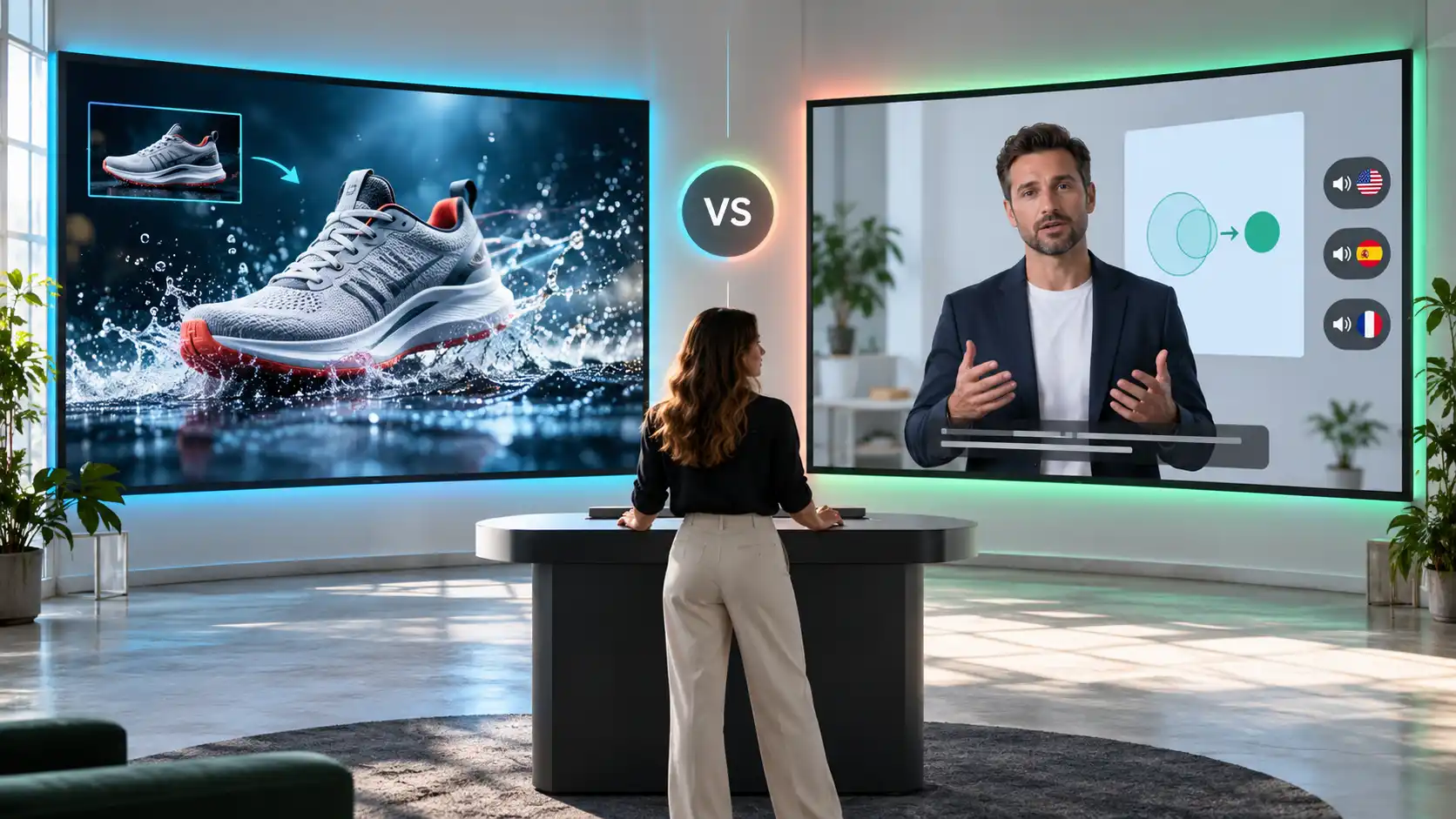
Pixelbin is a useful choice for turning prompts and images into short creative videos. HeyGen is a stronger fit for scripted avatar videos and multilingual presentations. Both have AI video generation capabilities, but they approach the work differently. The right choice depends on whether you need a visual scene, a presenter delivering a message, or a combination of the two.
Introduction
Imagine creating a video for a new skincare product. One version shows the bottle on a studio surface, with soft lighting and a slow camera move. Another features a presenter explaining how to use it. Both promote the same product, but they need different tools and inputs.
This is where the Pixelbin vs HeyGen comparison becomes useful. Pixelbin helps you create and animate visuals, while HeyGen brings scripts, presenters, voices, and translation into a video production workflow. Their capabilities overlap, especially as HeyGen expands its generative video tools.
In this guide, we will compare the platforms across practical use cases, creative controls, pricing, and the steps involved in making a video. You will see where each one fits before choosing a tool for your next project.
What is Pixelbin?
.webp)
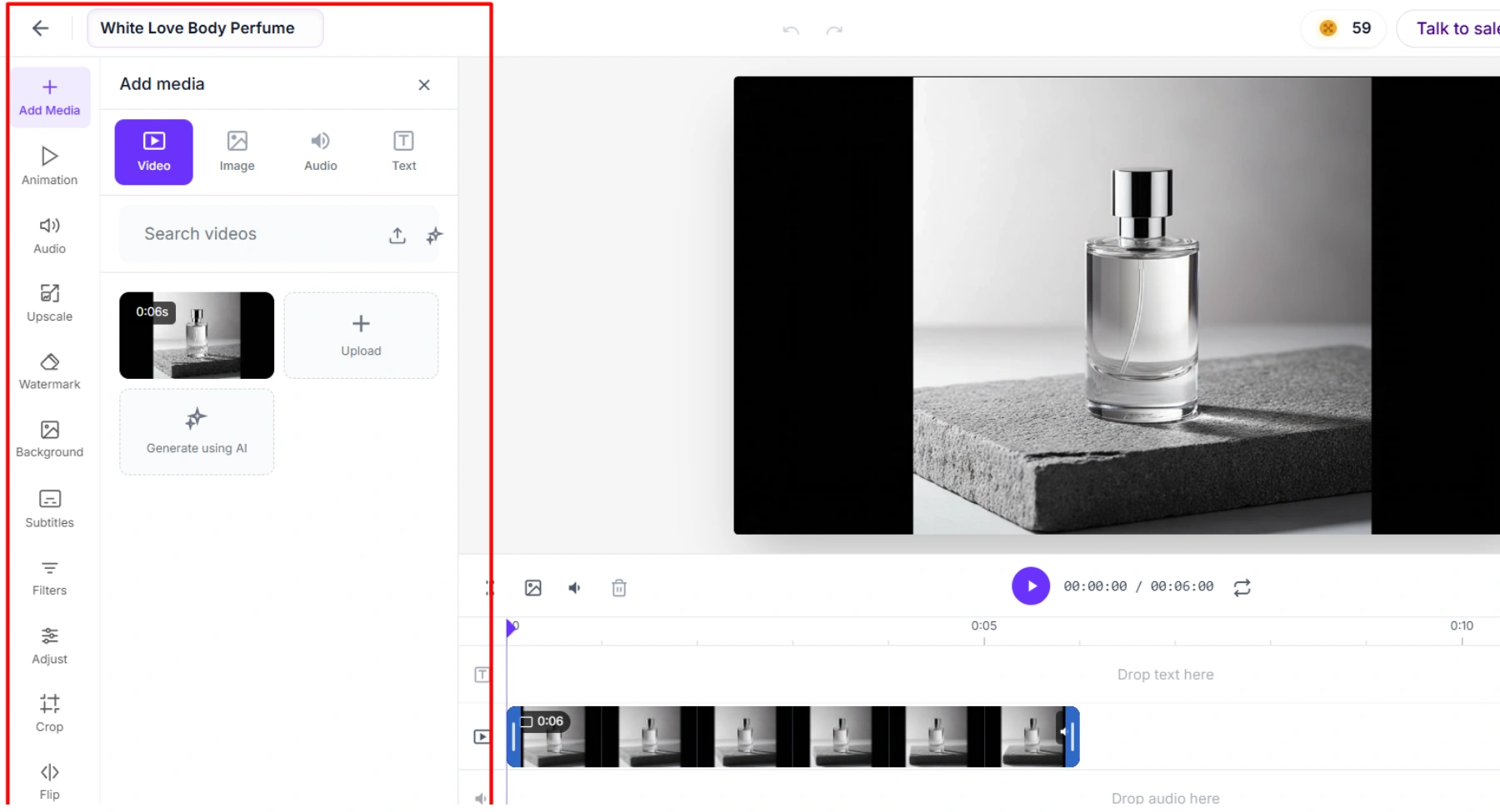
Pixelbin provides AI tools for creating and editing images and generating videos. Its AI video generator can start with a written prompt or an existing image, making it useful for visual concepts, product scenes, and short social content.
For example, you can describe a coffee cup on a rainy windowsill and generate a moving scene. If you already have a product photograph, you can use it as a starting point and describe the movement you want. The available controls depend on the selected model.
The platform allows users to bring concepts to life using two main creative workflows:
- Text-to-video: Generate motion scenes directly from written descriptions, such as a steaming coffee cup on a rainy windowsill.
- Image-to-video: Animate existing photos, such as product shots, by describing the specific movement you want to add.
Key features
- Diverse video models: Access multiple AI models, each offering unique creative capabilities and output styles.
- Integrated image editing: Prepare, create, and refine static assets on the platform before turning them into animations.
- Flexible output settings: Adjust clip duration, aspect ratios, resolution, and audio depending on the selected model's controls.
What is HeyGen?
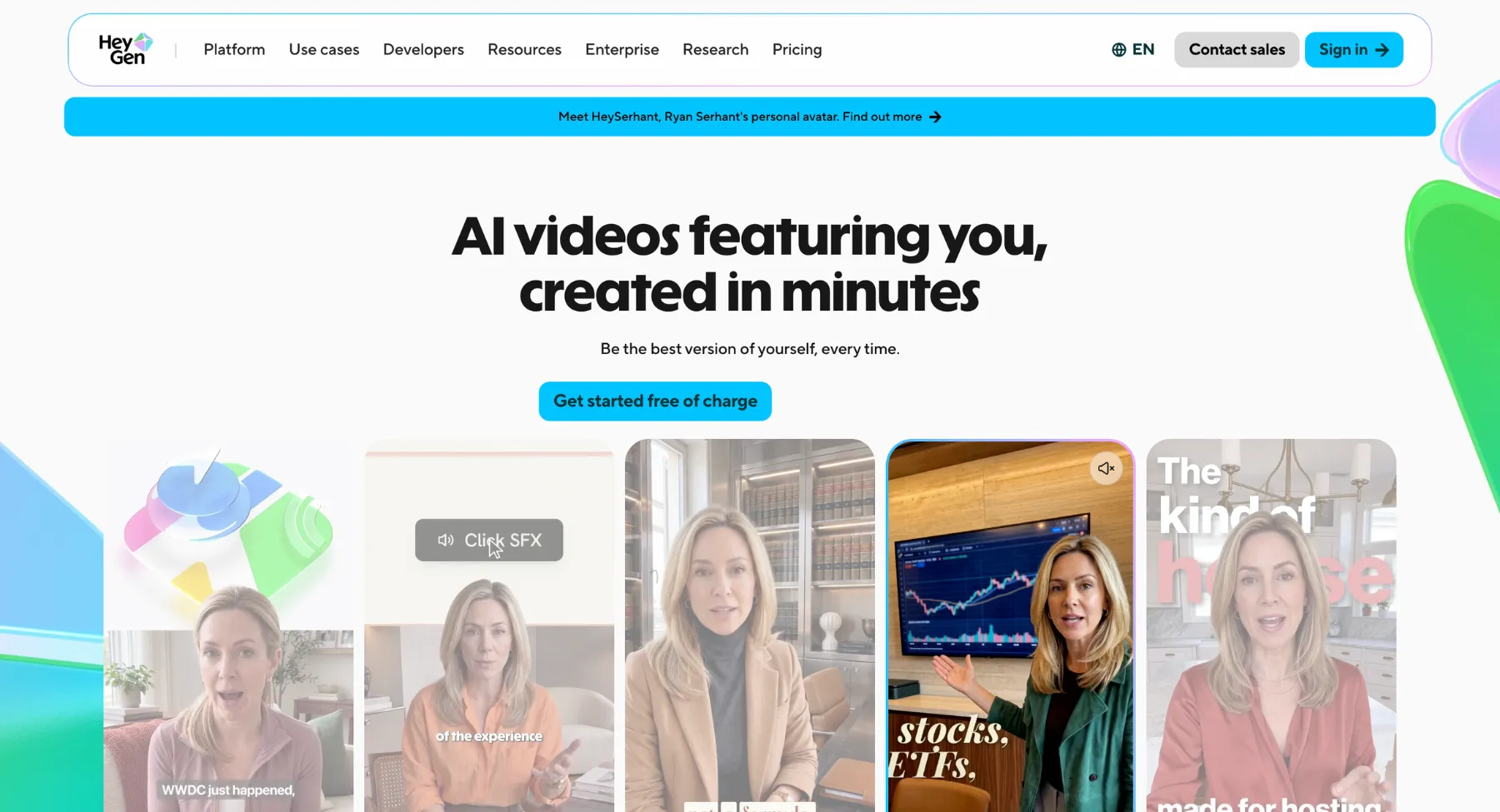
HeyGen is an AI video platform for creating presenter-led content, translating videos, and building videos from a brief. Its avatar workflows let you pair a script with a digital presenter, which is useful for explainers, onboarding, training, and product introductions.
HeyGen also goes beyond avatar videos. Its Video Agent can develop a video from a prompt, combining elements such as narration, visuals, and motion graphics. This makes it relevant to broader marketing content as well.
Key features
- AI avatars: Offers over 100 diverse stock avatars, as well as the ability to create custom digital twins or studio-quality personal avatars.
- Text-to-speech & voice cloning: Generates realistic voiceovers across dozens of languages and dialects, with options to clone a user's actual speaking voice.
- Video translation & lip-sync: Automatically translates existing videos into other languages while adjusting the speaker's lip movements to match the new audio naturally.
- Pre-designed templates: Provides customizable layouts for tutorials, sales presentations, onboarding videos, and marketing ads.
- API integration: Allows developers to automate personalized video creation at scale directly within their own applications.
Pixelbin vs HeyGen at a glance
Text-to-video generation
Pixelbin and HeyGen take fundamentally different approaches to text-to-video generation. Pixelbin emphasizes creative visual scenes and image editing, whereas HeyGen concentrates on human-centric, spokesperson-led content.
Pixelbin
- Creative scene generation: Generates cinematic, highly visual B-roll, product shots, and dynamic background scenes directly from text prompts.
- Integrated asset editing: Combines video creation with advanced photo editing, background removal, and asset preparation before animating.
- Multiple AI models: Allows switching between various video engines to customize motion style, aspect ratio, and resolution.
HeyGen
- Avatar-driven presentations: Converts text scripts into videos featuring realistic AI avatars that speak and lip-sync naturally.
- Multilingual localization: Translates scripts and generates voiceovers across dozens of languages with natural voice cloning.
- Corporate & marketing templates: Optimized for tutorials, sales presentations, onboarding modules, and spokesperson-driven ads.
Choose Pixelbin for visual creative assets, e-commerce product motion, and artistic concept generation. Opt for HeyGen when you need talking-head videos, presenter-led tutorials, and script-based educational content.
Image-to-video creation
Pixelbin and HeyGen handle image-to-video creation with distinct objectives. Pixelbin focuses on adding motion and cinematic transitions to general visual assets, while HeyGen specializes in animating human portraits into speaking avatars.
Pixelbin
- Scene & motion generation: Animates static photographs, e-commerce product shots, or artwork into dynamic clips using prompt guidance.
- Start and end frame control: Supports uploading both a starting image and an optional ending image to guide precise video transitions and camera movements.
- Visual asset processing: Combines asset animation with built-in image preparation tools like background removal and upscaling before rendering.
HeyGen
- Photo-to-avatar animation: Converts still portraits, headshots, or illustrations into talking digital presenters with accurate lip-syncing.
- Scripted talking heads: Pairs uploaded portrait images with audio files or text-to-speech scripts to make the visual subject speak naturally.
- Face mapping: Allows swapping faces onto existing video presenters while maintaining facial expressions and movement.
Choose Pixelbin's image-to-video tool when you need to add physical motion, camera pans, or environmental effects to product and visual images. Choose HeyGen when you want to bring a still photo of a person to life as a speaking presenter.
Avatars and scripted presentations
Pixelbin and HeyGen deliver very different capabilities when handling avatars and scripted presentation workflows. HeyGen serves as a complete studio for presenter-led content, while Pixelbin focuses on static avatar imagery and visual scene generation.
Pixelbin
- Static character generation: Transforms user prompts or uploaded photos into stylized digital avatars, profile graphics, and artistic character concepts.
- No script-driven talking heads: No native text-to-speech sync to turn scripts into a talking presenter with realistic lip-syncing.
- Scene-based motion: This type of motion doesn't drive spoken dialogue but is focused on animating environment motion, lighting changes, or camera motion around an avatar.
HeyGen
- Scripted video presenters: Converts full text scripts into studio-quality videos featuring hyper-realistic AI avatars that speak naturally.
- Lip-sync & voice cloning: Automatically matches facial movements & lip gestures to voice-overs generated from text or cloned user audio in 100+ languages.
- Presentation templates: Provides multi-scene canvas layouts, screen recording overlays, and slides for onboarding, training, and sales demos.
Choose HeyGen for presenter-led corporate training, scripted video ads, and localized talking-head presentations. Opt for Pixelbin avatar generator if you only need to create avatar artwork or place stylized characters into visual scenes without speech.
Video translation and localization
Pixelbin and HeyGen serve distinct roles when it comes to video translation and global content localization. HeyGen offers a dedicated end-to-end translation suite, whereas Pixelbin targets localized visual scene assets.
Pixelbin
- Visual asset adaptation: This is about making image and video background assets that are appealing to the region. It does not deal with spoken audio tracks that are spoken.
- Text-to-visual localization: Localized text prompts to change the scene, lighting, and aesthetic styles to fit cultural aesthetics.
- No direct speech translation: Missing native tools for multi-language audio dubbing, voice cloning, or automatic video subtitle translation.
HeyGen
- Automated video dubbing: Existing talking videos can be converted into 70+ languages with a voice and rhythm that sound like the original speaker.
- AI lip-sync adjustment: Automatically adjusts the speaker's facial expressions and lip movements to match the translated foreign audio perfectly.
- Multilingual subtitles & cloning: Clones the original presenter's voice across languages and generates precise multi-language captions.
Choose HeyGen for translating spoken video content, presenter dubbing, and global marketing localization. Choose Pixelbin to generate localized visual artwork, product visuals, and background video clips without dialogue.
Video quality and duration
Pixelbin and HeyGen serve distinct production formats, resulting in significant differences in output video resolution and maximum clip duration.
Pixelbin
- Short visual b-roll: Created for Short Clips, Making Videos Typically Ranging From 2 to 20 Seconds Based on the AI Engine Underlying Chosen.
- Flexible resolution options: Able to produce crisp 1080p Full HD outputs, with higher-end models (such as the LTX-2) capable of ultra-high-definition 4K rendering.
- Loop & social optimization: Optimized for high frame rate, short-form visual motion. Great for looping backgrounds, social media feeds, and product showcases.
HeyGen
- Long-form presentation capability: Designed for full-length video creation, with options to export one video up to 30 to 60 minutes on paid plans and no time restrictions on Enterprise plans.
- High-definition avatar rendering: Export video in 1080p Full HD for standard plans, up to 4K resolution for Pro and higher tiers.
- Multi-scene stitching: Combines sequential presentation slides, audio tracks, and avatar performances into a seamless video file.
Pixelbin is optimized for short, high-resolution visual clips and ambient video loops. HeyGen is designed for long-form, studio-grade presentations, full courses, and extended corporate videos.
Pixelbin vs HeyGen pricing
How to create an AI video with Pixelbin?
Step 1: select your workflow mode
Choose whether to create a video strictly from scratch using Text-to-Video or to animate existing visuals using Image-to-Video.
Step 2: input your assets and prompt
Enter a descriptive text prompt detailing the scene's movement, mood, and camera directions. If using Image-to-Video, upload a starting photo (and an optional end-frame for guided transitions).
Step 3: choose an AI video model
Select your target generation engine from options like Google Veo, Kling, MiniMax, or LTX-2, depending on whether you prioritize cinematic quality, faster speeds, or realistic physical motion.
Step 4: configure output & camera settings
Adjust technical generation parameters to fit your placement needs:
- Set the aspect ratio (e.g., 9:16 vertical, 16:9 widescreen, or 1:1 square).
- Set clip duration (ranging anywhere up to 20 seconds depending on the model).
- Adjust resolution targets, camera motion parameters, and toggle background audio on/off.
Step 5: generate, preview, and export
Click Generate, wait a few seconds for the AI to render your clip, preview the motion output, and download a clean file in 1080p Full HD or 4K for personal or commercial use.
Which platform should you choose?
You can choose Pixelbin if you want to produce lively visuals, animate still images, or create short B-roll for a bigger video edit. It comes with tools to prepare and generate images, perfect for styling your visual assets before you add some motion.
On the other hand, you can choose HeyGen if you want to deliver a scripted message with a human presenter, produce multi-scene educational content, or translate spoken video for international audiences. Its specialized avatar, text-to-speech, and dubbing capabilities directly meet these requirements.
Combining the two tools
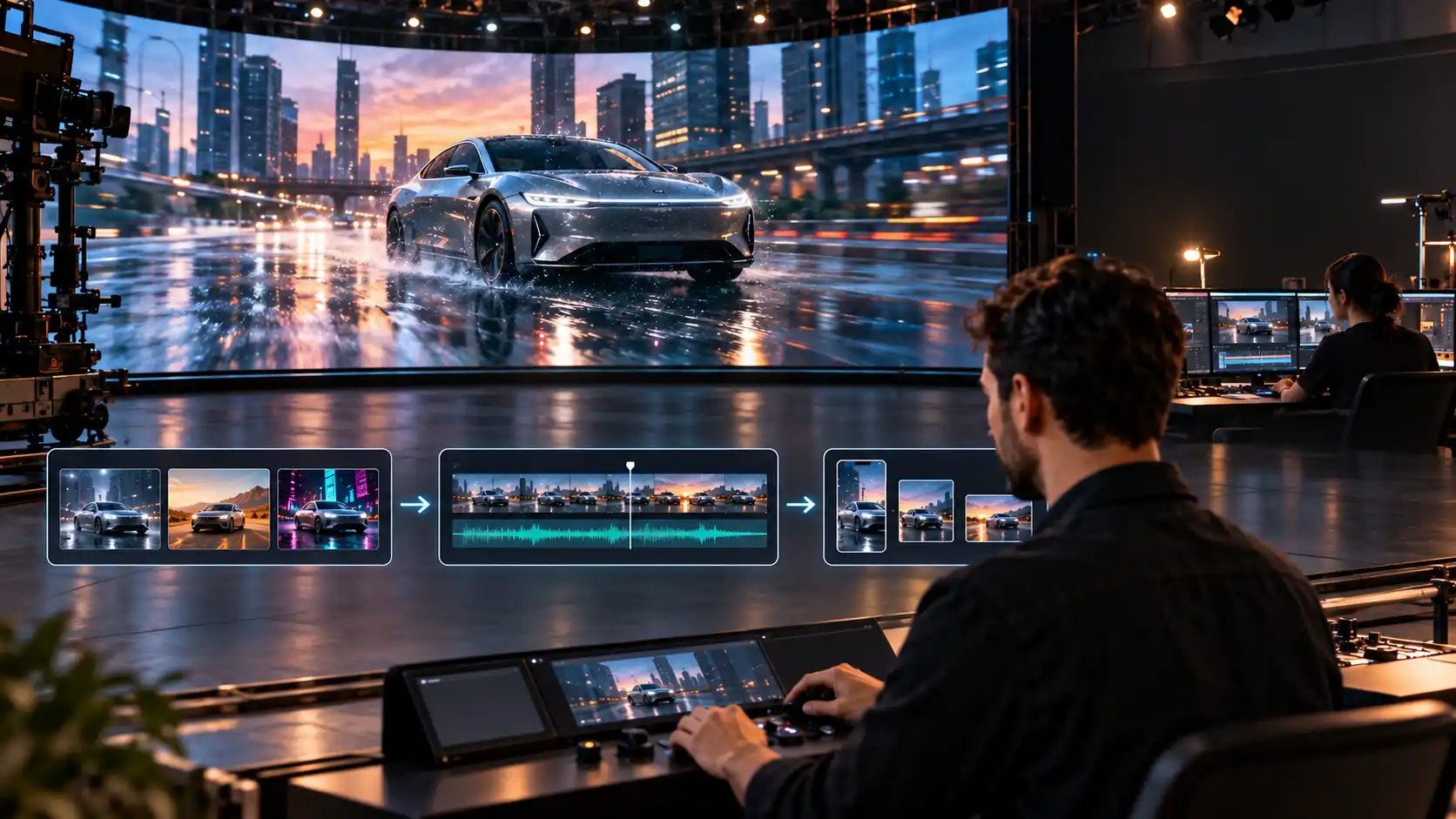
You can also combine both platforms in one project. Let's say you want to launch a product. You can build a visual close-up using Pixelbin, and at the same time, have a HeyGen presenter explaining the benefits of the product. Then you can take advantage of both platforms and put together the final edit.
Conclusion
The Pixelbin vs HeyGen decision starts with the video you want to make. Pixelbin is a practical option for creative scene generation and image animation. HeyGen is a strong option for presenter-led communication and video localization, with additional tools for broader video creation.
For your next project, write a one-sentence brief and identify the essential output. If it is a moving visual, start with Pixelbin. If it is a person delivering a message, start with HeyGen. Review a small sample before committing to a larger production workflow.
FAQs
Pixelbin focuses on visual creation workflows such as generating scenes and animating images. HeyGen has dedicated workflows for scripted avatars and video translation. Both offer AI video capabilities, so the best fit depends on the intended output.
Pixelbin is an alternative for some creative video tasks, particularly short scene generation and image animation. For a custom presenter delivering a script or a translated talking video, HeyGen provides a more directly relevant workflow.
Pixelbin generates short-form visual clips ranging from 2 to 20 seconds, making it ideal for social media reels, ads, and looping clips. HeyGen supports long-form presentation content, rendering continuous videos from a few minutes up to an hour long.
Yes, but compare the specific result you need. Pixelbin can animate an image into a moving scene. HeyGen offers photo-avatar tools that make a portrait speak. These workflows serve different purposes.
Pixelbin is useful for product visuals and short creative clips. HeyGen is useful for presenter-led product explanations and multilingual messaging. A campaign that needs both types of content may benefit from using them together.
Pixelbin has the lower listed entry-level monthly subscription in this comparison. However, the cost of a finished video depends on the chosen model, generation length, revisions, and other actions. Compare the expected cost of your actual project rather than credit totals alone.
Pixelbin does not feature talking, lip-synced human AI avatars for presentation scripts. It generates static avatar graphics or animated character concepts. HeyGen is purpose-built for avatars, offering over 1,100 stock presenters and personal digital twin creation.
Pixelbin operates as a multi-model ecosystem integrating third-party engines such as Google Veo, Kling, MiniMax, and LTX-2. HeyGen uses proprietary avatar animation engines (like Avatar IV) alongside dedicated voice cloning and speech-synthesis models.