
Summary
Pixelbin and Synthesia both create AI video, but they serve different production jobs. Pixelbin is the stronger choice for generating short creative scenes, animating images and moving assets through an image-and-video workflow. Synthesia is the stronger choice for avatar-led training, onboarding, explainers and multilingual business communication. Choose by output format and workflow, not by which brand has the longer feature list.
Introduction
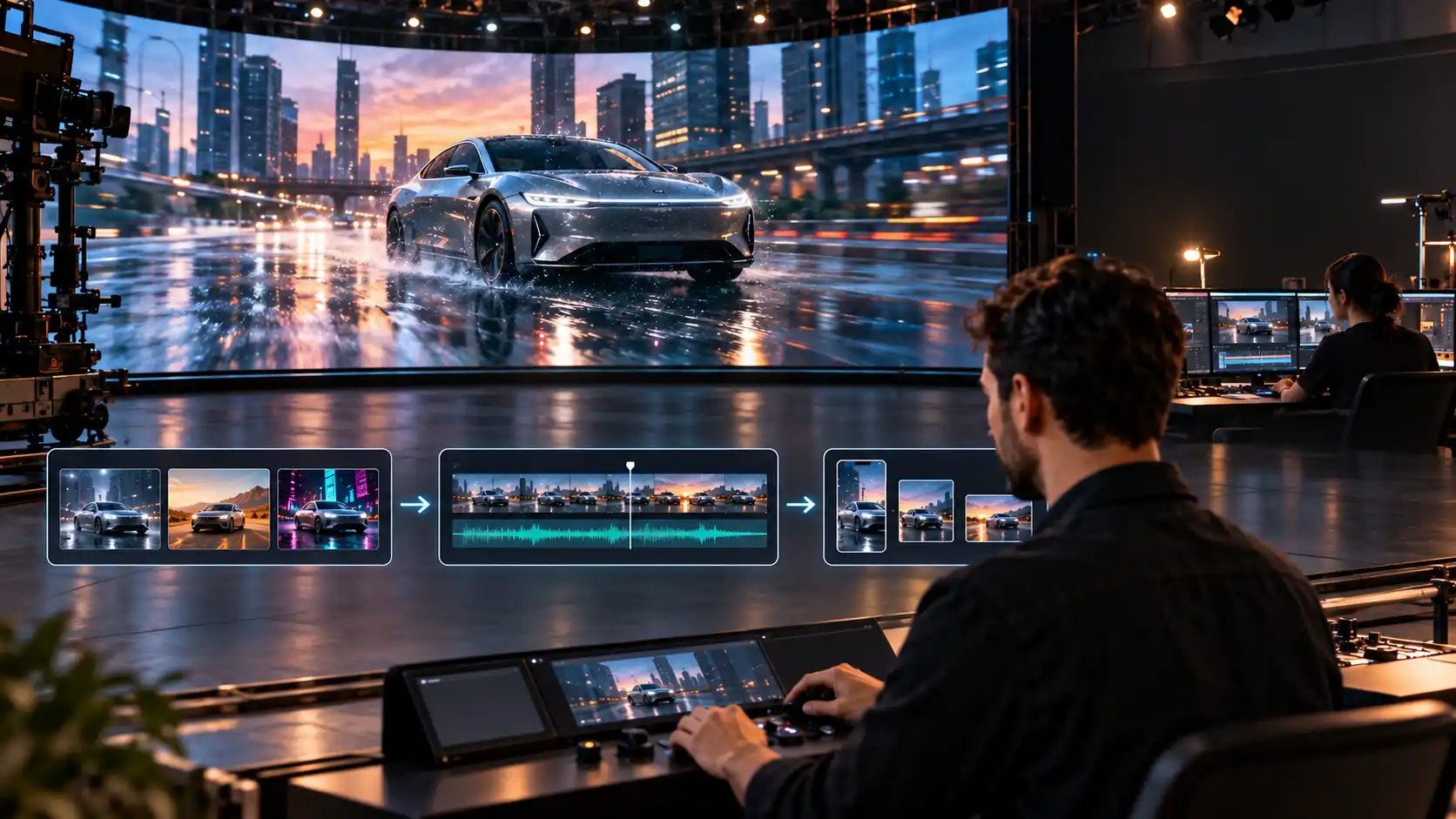
The world of artificial intelligence has revolutionised the game of video creation, eliminating the need for expensive equipment and complex editing. Today, there are two standout platforms like Pixelbin and Synthesia presenting unique solutions for distinct content strategies.
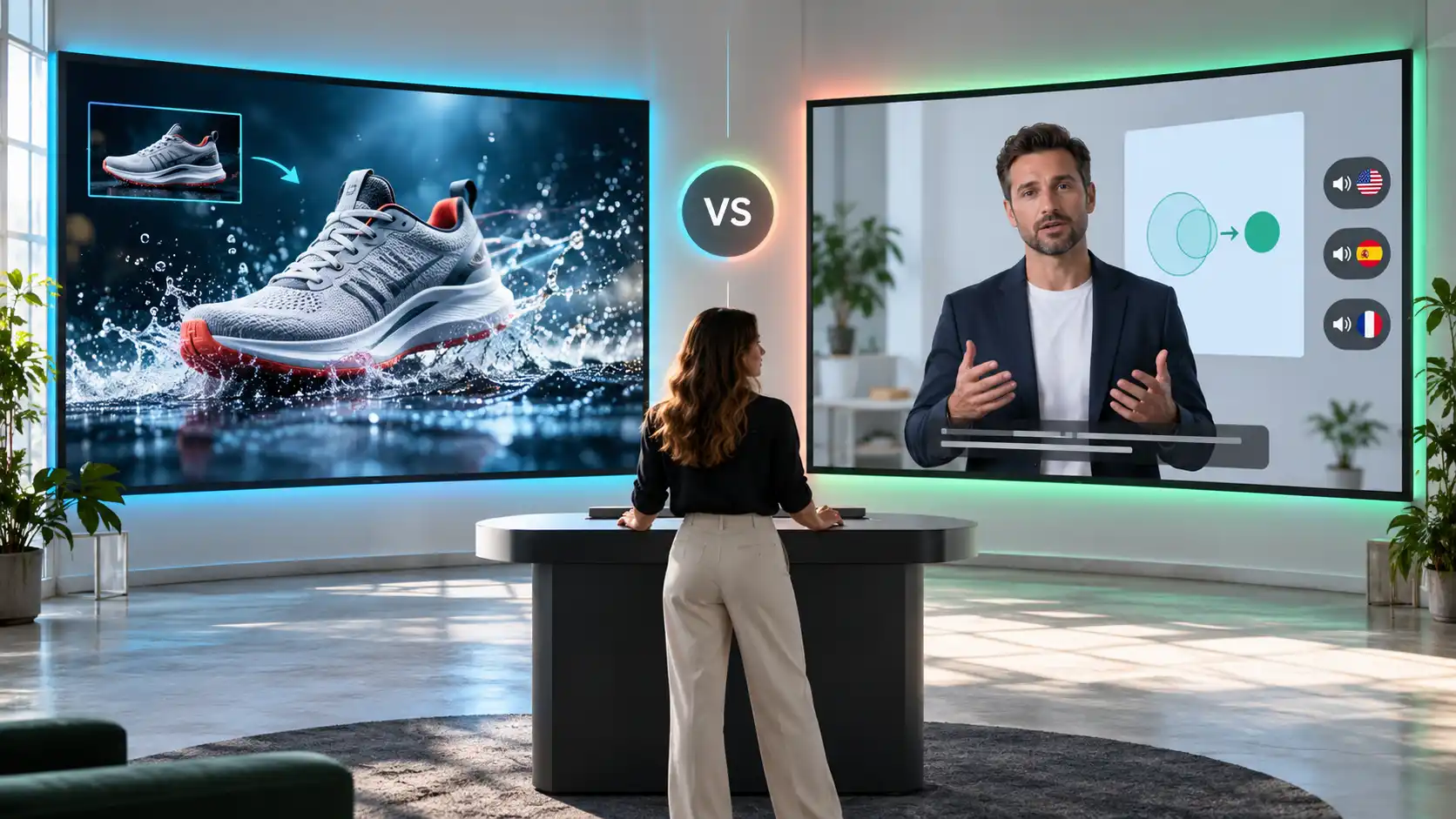
Pixelbin excels at dynamic visual generation, transforming static images and prompts into smooth motion graphics and engaging social assets. In contrast, Synthesia is a leader in presenter-driven production. It uses photorealistic AI avatars and natural-sounding multilingual voices for professional corporate presentations.
The choice of platform entirely depends on your production goals and visual style. Whether you're looking for eye-catching motion graphics or structured avatar videos, this guide compares features and use cases to help you decide.
Pixelbin vs Synthesia at a glance
What is Pixelbin?
.webp)
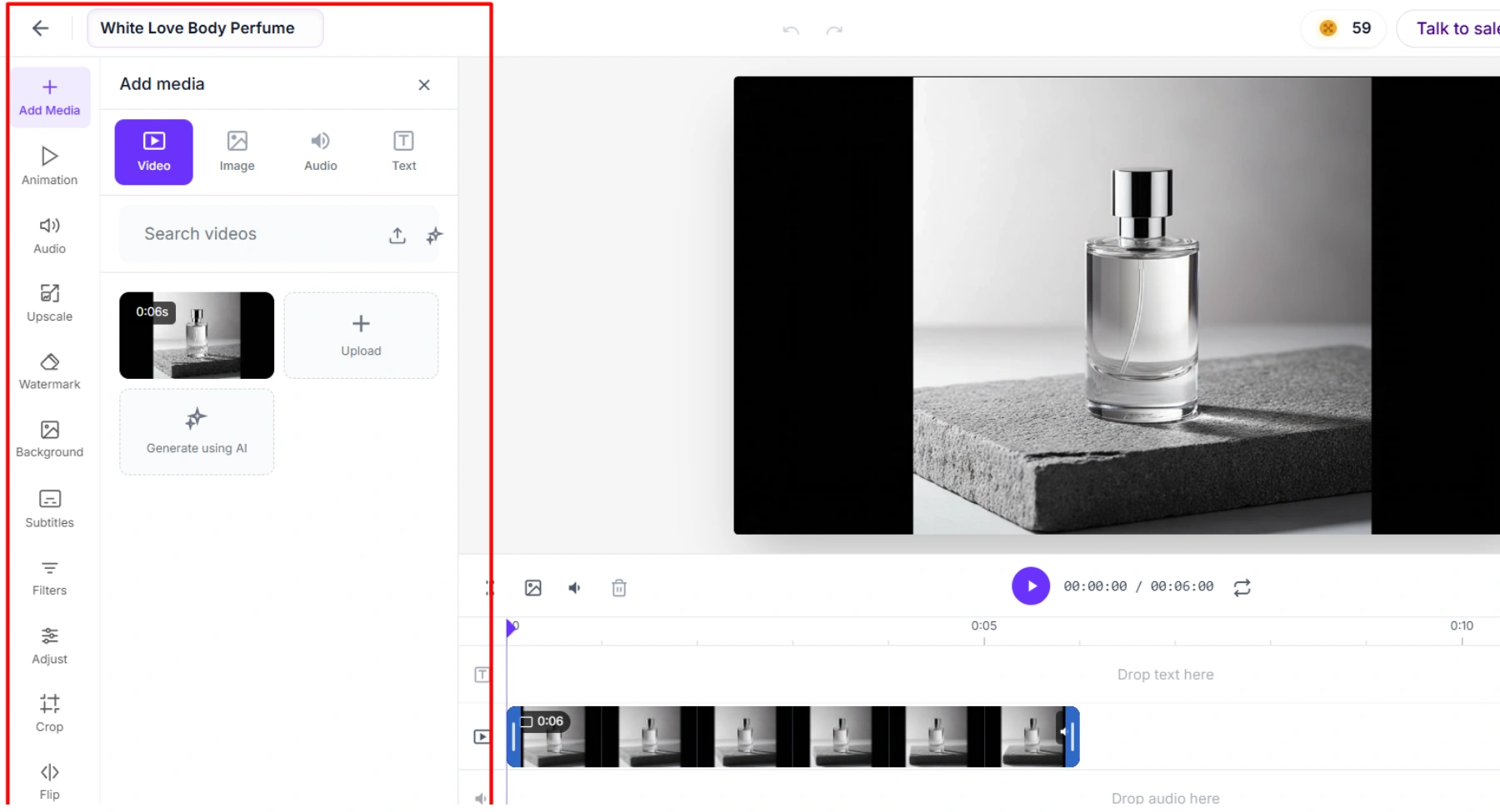
Pixelbin combines an AI video generator with image generation, editing, batch processing, storage, transformations and delivery tools. Its video workflow is prompt-led: choose a model, describe the scene and motion, optionally add visual or audio guidance, then set the supported duration, aspect ratio and resolution.
The word is model. Different models support different inputs and limits so the best choice may vary between a text-only concept, an image-to-video product shot, and a clip that needs generated audio. Pixelbin cuts down on the need to jump from one model website to another but doesn't eliminate the need to test. Generative video is still probabilistic, so running the same prompt twice may yield different results.
Pixelbin is ideal for creators, marketers, ecommerce teams and developers who need visual assets beyond a single video. A still can be edited, changed, animated, stored and delivered from a related toolset. One of the most obvious differences is the broader media context.
What is Synthesia?
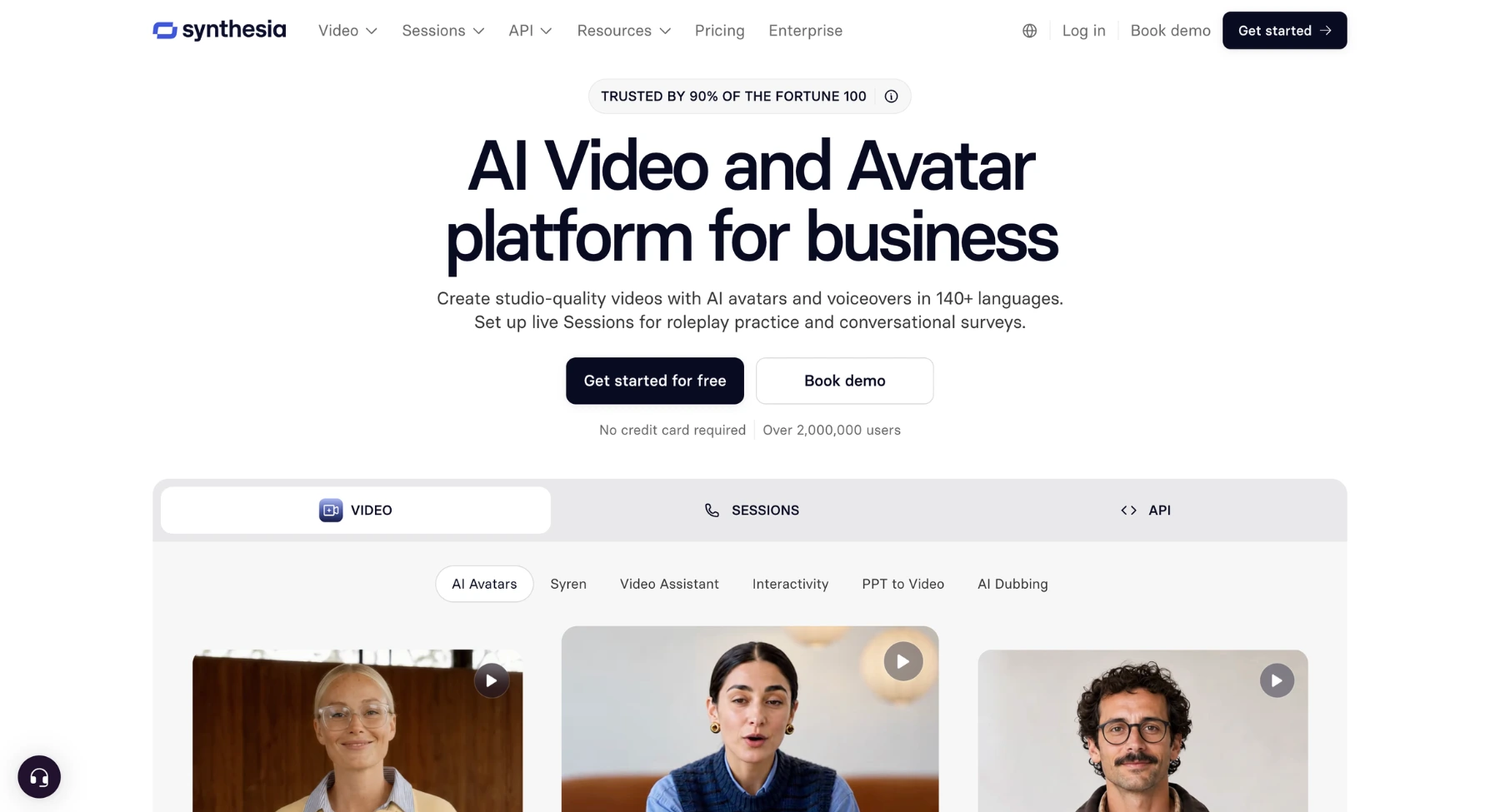
Synthesia is an AI video platform built around scripts, scenes, avatars, voices and reusable presentation layouts. Instead of filming a presenter, a user writes or imports content, selects an AI avatar and voice, adds supporting media, and assembles a finished business video in a browser-based editor.
Its best use cases are repeatable communications: employee training, onboarding, product education, policy updates, customer explainers and sales enablement. It also supports uploads, captions, screen recordings, dubbing and templates. Higher-tier plans offer richer avatar access, interactive elements, API access, and enterprise controls.
Synthesia can include visual assets and generated supporting media but is not defined by open-ended cinematic generation. It's about delivering a consistent presenter, script and brand structure across many videos and languages.
Video generation and visual style
When evaluating video generation capabilities, Pixelbin and Synthesia offer strikingly different visual styles tailored for distinct creative goals.
Pixelbin focuses on dynamic visual storytelling and cinematic motion. By utilizing a diverse suite of cutting-edge AI models, including Google Veo, Seedance, and LTX-2, the platform excels at generating scroll-stopping content from simple text prompts or static images.
Its core strengths include:
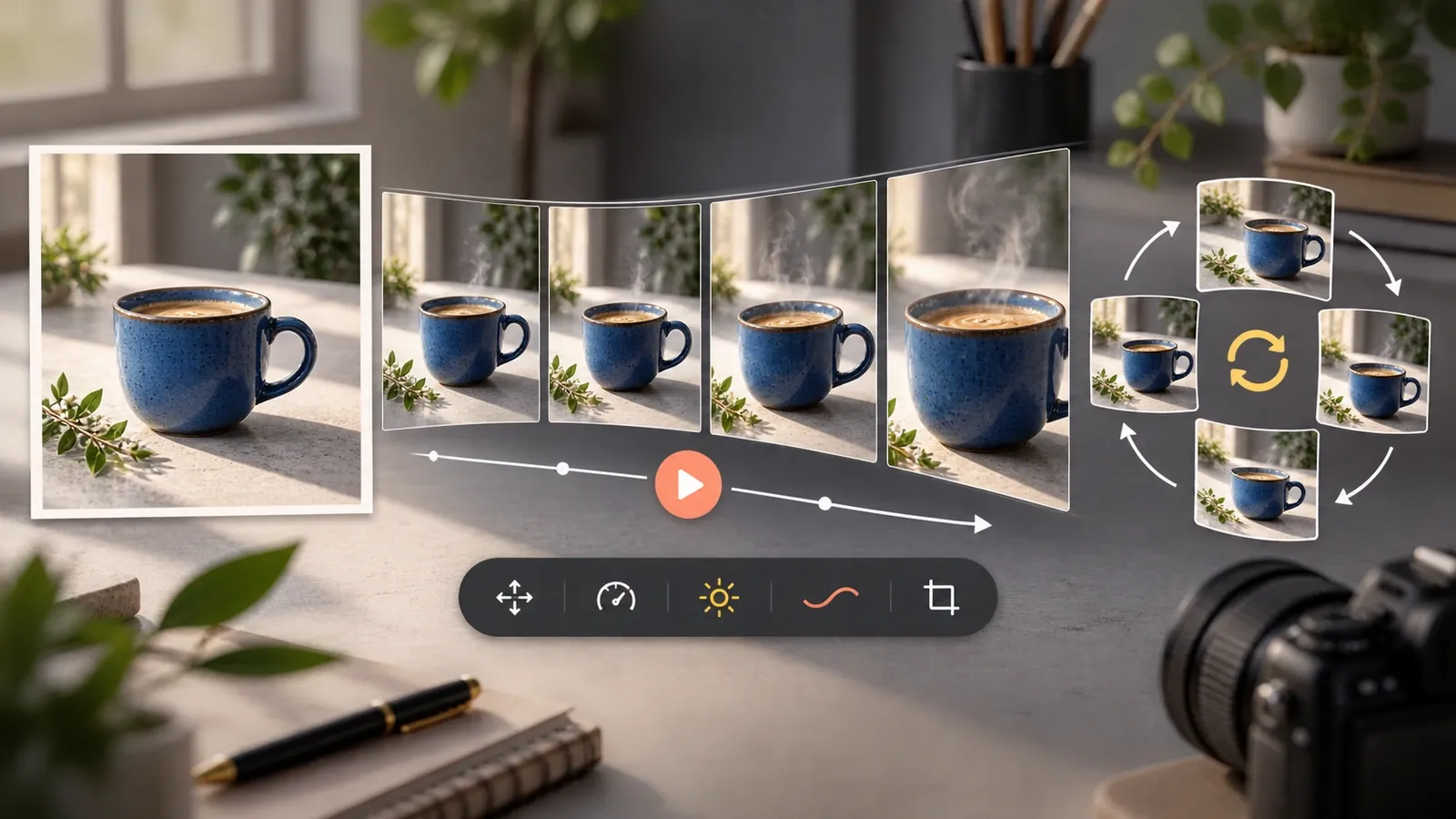
- Fluid animation: It animates start and end frames, bringing static photos to life with precise camera motion like dolly zooms and pans.
- Cinematic flexibility: Users can generate hyper-realistic b-roll, atmospheric backgrounds, and action sequences across multiple aspect ratios.
- Environmental detail: It creates rich textures and lighting effects perfect for product marketing clips and social media reels.
Conversely, Synthesia dedicates its visual engine to professional, presenter-led formats. Instead of sweeping cinematic scene generation, it relies on text-to-video technology to animate photorealistic human avatars against template-driven backgrounds.
Synthesia's distinct focus includes:
- Corporate aesthetic: Delivers structured, talking-head videos optimized for e-learning, onboarding, and corporate communications.
- Avatar-centric motion: Visual movement is focused entirely on natural lip-syncing and subtle presenter gestures rather than environmental animation.
Ultimately, Pixelbin is your go-to studio for imaginative, cinematic motion, while Synthesia serves as a reliable virtual spokesperson for structured presentations.
Avatars and presenter-led video
When comparing digital personas, Pixelbin and Synthesia approach avatar generation and presenter-led content from fundamentally different architectural standpoints. Pixelbin focuses primarily on static avatar graphics, stylized character art, and prompt-driven video generation. While it offers tools like Seedance for facial consistency and realistic character motion, it is not built around a dedicated turn-key library of human digital presenters.
Its key presenter capabilities include:
- Artistic & stylised avatars: Great for creating custom profile avatars, brand mascots, static digital headshots.
- Generative character video: Creates animated motion prompts and audio tracks over uploaded face photos or AI characters instead of scripted talking-head templates.
- Cinematic integration: Places animated characters into custom dynamic scenes instead of standard talking-head video.
Synthesia, by contrast, is built explicitly around human AI presenters and script-driven video production. It serves as an end-to-end studio for turning plain text directly into natural spokesperson presentations.
Synthesia's avatar ecosystem features:
- Artistic & stylised avatars: Ideal for building custom profile avatars, brand mascots, and static digital headshots.
- Generative character video: Brings motion prompts and audio tracks to life over uploaded face photos or AI characters instead of structured script-reading templates.
- Cinematic integration: Places animated characters into custom dynamic scenes instead of traditional talking-head video formats.
Ultimately, Pixelbin excels at generating creative character assets, while Synthesia is the gold standard for script-driven, human-led communications.
Languages: dubbing and localization
Pixelbin and Synthesia approach dubbing and video localization from fundamentally different perspectives: generative visual media versus script-driven AI video translation.
Pixelbin handles global distribution by focusing on visual assets, audio syncing, and generative content workflows. It lacks an end-to-end multi-language voice dubbing suite, making it ideal for visual adaptation rather than full vocal translation.
Its key localization features include:
- Visual asset translation: Enables creators to quickly swap text overlays, graphics, and background elements into local languages across dynamic video outputs.
- Audio-to-motion alignment: Syncs custom uploaded audio tracks with generative visual motion to match localized voiceover timings.
- Multi-region style adaptation: Adapts aesthetic themes and artistic generation styles to suit specific regional marketing preferences.
Synthesia serves as an industry powerhouse for enterprise video localization and automated multilingual dubbing. Its AI engine effortlessly translates, dubs, and re-renders entire videos into multiple languages in minutes.
Synthesia's dubbing suite includes:
- One-click AI dubbing: Translates spoken content into 130+ languages and accents while cloning the original speaker's tone and voice.
- Automatic lip syncing: Adjusts the AI avatar's mouth movements in real time to match the newly dubbed target language naturally.
- On-screen text localization: Automatically translates text overlays, subtitles, and captions alongside the spoken script.
Ultimately, Pixelbin adapts visual styles and assets, whereas Synthesia offers a complete solution for seamless, multilingual voice dubbing.
Editing templates and brand control
Pixelbin and Synthesia offer vastly different approaches to editing workflows, template structures, and brand control options.
Pixelbin focuses on flexible visual editing, post-production controls, and customizable marketing assets. Its workspace functions like a timeline-based editor designed to refine AI-generated motion graphics, social ads, and e-commerce videos.
Pixelbin's editing framework offers:
- Timeline & multi-ratio controls: Features drag-and-drop layers, keyframe animations, and single-click resizing for TikTok, Reels, or banners.
- Generative brand assets: Allows teams to apply custom backgrounds, color palettes, and prompt-driven visual themes across campaign variations.
- Ad-focused marketing templates: Includes user-generated content (UGC) creator frameworks, product demo setups, and social ad layouts.
Synthesia provides a slide-based editing interface with strict, enterprise-grade brand governance. It acts as a modular canvas where creators assemble talking-head presentations, training decks, and corporate updates.
Synthesia's brand ecosystem includes:
- Centralized brand kits: Enforces company-wide brand consistency by locking down logos, custom fonts, color palettes, and approved avatars.
- Modular slide templates: Features 300+ pre-built scene layouts for onboarding, compliance, and product explainer decks.
- Governance controls: Admin permissions restrict unauthorized styling tweaks, ensuring total brand compliance across large teams.
Pixelbin gives marketers creative freedom to experiment with visual assets, while Synthesia enforces locked-down brand consistency for corporate training.
Social media product marketing and creative testing
When evaluating tools for social media product marketing and creative testing, Pixelbin and Synthesia serve contrasting roles depending on whether you are running e-commerce performance campaigns or avatar-led visual ads. Pixelbin acts as a high-velocity creative engine built for e-commerce marketers and performance advertisers. Its features are optimized for rapid iteration, product showcase visuals, and automated multi-platform campaign asset creation.
Its primary marketing capabilities include:
- Batch variant generation: Automatically generates multiple background variations, lighting styles, and visual angles for a single product to run fast A/B testing on ad networks.
- Instant multi-platform resizing: Scales and reformats a single creative into exact aspect ratios required for Meta, TikTok, and Google Display without manual re-editing.
- Product-focused AI edits: Features background replacement, upscaling, and shadow creation to quickly transform raw catalog photos into campaign-ready visual ads.
Synthesia focuses on driving top-of-funnel engagement and paid social performance through spokesperson-driven user-generated content (UGC) and product explainer videos.
Synthesia's social testing features include:
- A/b hook testing: Enables marketers to quickly generate dozens of alternative video intros and script variations using AI avatars to test audience retention.
- UGC-style ads: Produces casual, selfie-style video ads and testimonial formats without hiring actors or filming footage.
- Localized social campaigns: Rapidly scales video campaigns across global target markets by translating and dubbing spokesperson scripts into local languages.
Pixelbin excels at scaling high-converting product image and motion assets, whereas Synthesia dominates script-driven video ad testing.
API automation and media operations
When scaling media production, Pixelbin and Synthesia offer distinct API automation models designed for high-volume programmatic media workflows.
Pixelbin acts as a developer-first image and media processing API engine. Its ecosystem focuses on automated image manipulation, batch video generation, and real-time transformations for massive e-commerce and media catalogs.
Its API architecture delivers:
- Programmatic asset processing: Automates bulk image background removal, AI upscaling, and multi-format video generation via direct API endpoints.
- Real-time image-to-video pipelines: Integrates generative AI models (such as Seedance or Veo) directly into e-commerce CMS to auto-generate video ads from product photos.
- Scalable media optimization: Automatically resizes, compresses, and delivers optimized media assets dynamically across global CDNs.
Synthesia provides an asynchronous Video API built to automate structured, script-driven avatar video generation and enterprise workflows at scale.
Synthesia's automation suite features:
- Template-based video generation: Integrates with CRMs, LMS platforms, or generates personalized avatar videos from text templates and webhooks.
- Automated localization pipelines: Programmatically translates, dubs, and renders existing video libraries into dozens of languages via API requests.
- Interactive avatar APIs: Supports real-time, streaming conversational avatars for live support bots and automated interactive applications.
Pixelbin automates high-volume visual product assets, whereas Synthesia powers programmatic, script-driven video pipelines.
Pricing and value
Why Pixelbin is the better choice
Pixelbin is the better choice for most creators, marketers and ecommerce teams because it provides broader creative capabilities at a lower starting price.
- Lower paid entry point: Pixelbin Creator costs $15/month, while Synthesia Starter costs $29/month.
- More model choice: Pixelbin lets users work with multiple AI video models instead of relying mainly on Synthesia's avatar-based system.
- Broader creative workflow: Pixelbin combines video generation with image generation, background removal, upscaling, watermark removal, resizing and retouching.
- Better for product marketing: Pixelbin is suitable for product demonstrations, ecommerce visuals, social media ads and promotional campaigns.
- More flexible credit usage: Pixelbin credits can be distributed across different models and editing tools according to the user's needs.
- Better value for visual content teams: Pixelbin Pro costs $60/month, which is lower than Synthesia Creator at $89/month.
Final verdict
Pixelbin vs Synthesia is not a contest between two versions of the same product. Pixelbin is the better fit for short creative generation, image-led motion and a wider media workflow. Synthesia is the better fit for avatar-led communication, training, localization and enterprise video operations.
If the brief begins with showing this scene, start with Pixelbin. If it begins with explaining this message, start with Synthesia. If it needs both, use each platform for the part it was built to do and measure the combined workflow against one real production brief.
FAQs
Pixelbin is better for creative short-form generation, image-to-video clips and media processing. Synthesia is better for AI avatars, presenter-led business videos, training and multilingual communication. There is no universal winner.
Only for some AI video needs. Pixelbin can replace a creative scene generator in a workflow, but it is not a direct replacement for Synthesia's presenter, translation, interactivity and LMS-oriented features.
Synthesia is the stronger choice because its workflow centers on presenters, scripts, templates, languages, captions, interactivity and enterprise learning features such as SCORM export.
Pixelbin is usually the better fit for short visual hooks, animated product shots and experimental scenes. Synthesia is useful when the social format is presenter-led, educational or localized.
Yes. Synthesia supports image and video uploads, so an approved clip generated in Pixelbin can be added as supporting media in a Synthesia project. Confirm format and size limits before producing a large batch.
Both provide a way to test the product without starting on a full paid plan. The usable output, export rights, branding and credit limits differ, so compare the free experience with the exact asset you plan to publish.
Synthesia can create and assemble polished business videos, but cinematic scene generation is not its main strength. Pixelbin's model-based Video Generator is the more relevant choice for open-ended visual motion and short generated scenes.