
Summary
AI tattoo generators help turn rough ideas into visual tattoo concepts before you commit to ink. The best tools let you describe the style, body placement, size, shading, color, and meaning behind the tattoo, then create references you can compare or take to a tattoo artist. Pixelbin, Adobe Firefly, Fotor, Canva, Remaker AI, Leonardo.ai, Midjourney, and others are useful options depending on whether you want fast concepts, polished visuals, text tattoos, floral ideas, placement preview, or broader design control.
Introduction
A tattoo is personal, permanent, and usually expensive to fix. That is why many people now search for an AI tattoo generator before they book a studio appointment. They want to test a concept, see whether a design looks better on the arm, shoulder, chest, back, wrist, or leg, and compare styles like minimalist fine line, blackwork, floral, geometric, traditional, tribal, mandala, script, or watercolor.
The important thing is to treat AI as a visual planning tool, not as the final stencil. A good AI tattoo generator can help you explore ideas quickly, but a licensed tattoo artist should still refine the drawing for anatomy, line weight, skin tone, aging, placement, and safe execution. This guide compares the best AI tattoo generators, explains how to write better tattoo prompts, and shows how to use Pixelbin when you want a quick online workflow.
Quick answer
What is an AI tattoo generator?
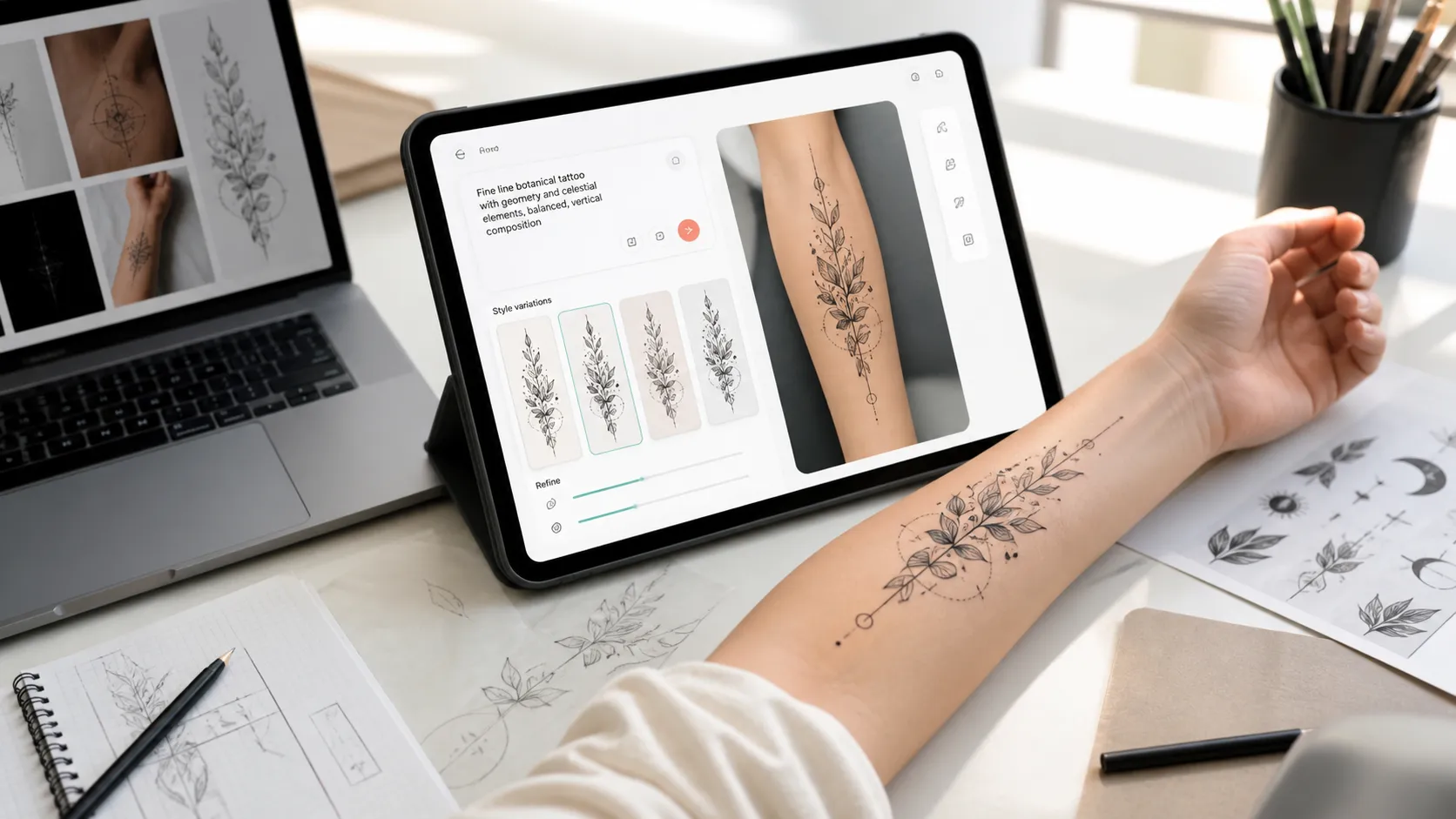
An AI tattoo generator is an online tool that creates tattoo design ideas from a prompt. You describe what you want, such as a fine-line rose on the wrist, a blackwork dragon sleeve, a birth flower bouquet with initials, or a geometric compass tattoo on the forearm. The tool then generates visual concepts you can save, compare, or use as a reference.
Some tools only generate a flat tattoo design. Better workflows also help with placement preview, style variation, background cleanup, or editing. For real tattoo planning, the most useful output is not just a pretty image. It is a clear reference that communicates the subject, line style, size, placement, mood, and details to a tattoo artist.
Why AI tattoo generators are changing the game for clients and artists
The rise of specialized tattoo models benefits both clients and professional tattoo artists:
For tattoo enthusiasts & first-timers
- Conquers "commitment anxiety": See exactly how a concept looks in various styles before committing.
- AR & virtual try-ons: Test real-time scaling on arms, ribs, or legs to evaluate fit before booking.
- Cost effective: Explore dozens of design variations without paying hourly consultation fees for exploratory drafts.
For professional tattoo studios
- Accelerated consultations: Turn a 30-minute verbal client meeting into an instant visual rendering session.
- Sketch-to-stencil conversion: Transform rough client napkins or quick iPad sketches into clean, transfer-ready vector lines.
- Cover-up planning: Map new shapes directly over high-resolution photos of existing ink to ensure full coverage.
Key benefits of using an AI tool before your next studio visit
Deciding on permanent ink can be intimidating, but incorporating AI into your planning phase removes much of the guesswork and anxiety. Here is why using an AI generator creates a better experience for both you and your tattoo artist:
- Instant visualisation & commitment relief: Test different styles (e.g., American Traditional vs. Micro-Realism) or use AR try-on features to see how a design sits on your arm, leg, or ribs before making a permanent commitment.
- Saves time and consultation costs: Instead of paying for multiple exploratory drawing revisions, you can bring 2-3 clear visual references to your initial consultation, giving your artist an immediate understanding of your vision.
- Limitless creative exploration: Easily experiment with unusual hybrid styles, complex symbolism, or custom cover-up shapes without needing manual drawing skills.
How to choose the right AI tattoo generator?
Selecting the ideal AI tool ensures your vision translates smoothly from digital concept to permanent ink. Evaluate generator options using these core criteria:
1. Fine-grained prompt & style control
A quality generator goes beyond basic keywords. Look for platforms that accurately interpret prompt details like body placement, size scale, shading technique, color palettes, and subject elements. Additionally, ensure the AI supports a broad range of aesthetics-including minimalist, fine line, blackwork, Japanese-inspired, traditional, geometric, tribal, mandala, script, and watercolor styles.
2. Mockups & lettering precision
- Placement previews: Look for features (like AR virtual try-on or image overlays) that let you test how the piece contours across specific areas like the arm, wrist, shoulder, chest, back, ankle, or leg.
- Readable output: Generative models often struggle with text. Prioritize tools that render script, names, Roman numerals, and small lettering without distortions or line blur.
3. Workflow, privacy & handoff
- Artist-ready stencils: The output should yield clear, distinct lines that are easy to explain, adjust, and convert into a workable tattoo stencil.
- Data privacy: If you upload photos of your own body for placement previews, verify the platform's account and upload policies to protect your personal image data.
4. Safety & expert collaboration
Treat AI-generated images strictly as an ideation step, not the final blueprint. Always consult a professional tattoo artist. An experienced tattooer will adjust line weight, spacing, and contrast to account for skin safety, placement dynamics, and how the ink ages over time.
Top 12 AI tattoo generator tools
Turning your unique body art concepts into studio-ready designs is easier than ever with the latest generative AI platforms. To help you find the ideal match for custom styles, stencil creation, and virtual on-body previews, here are the top 12 AI tattoo generators.
1. Pixelbin
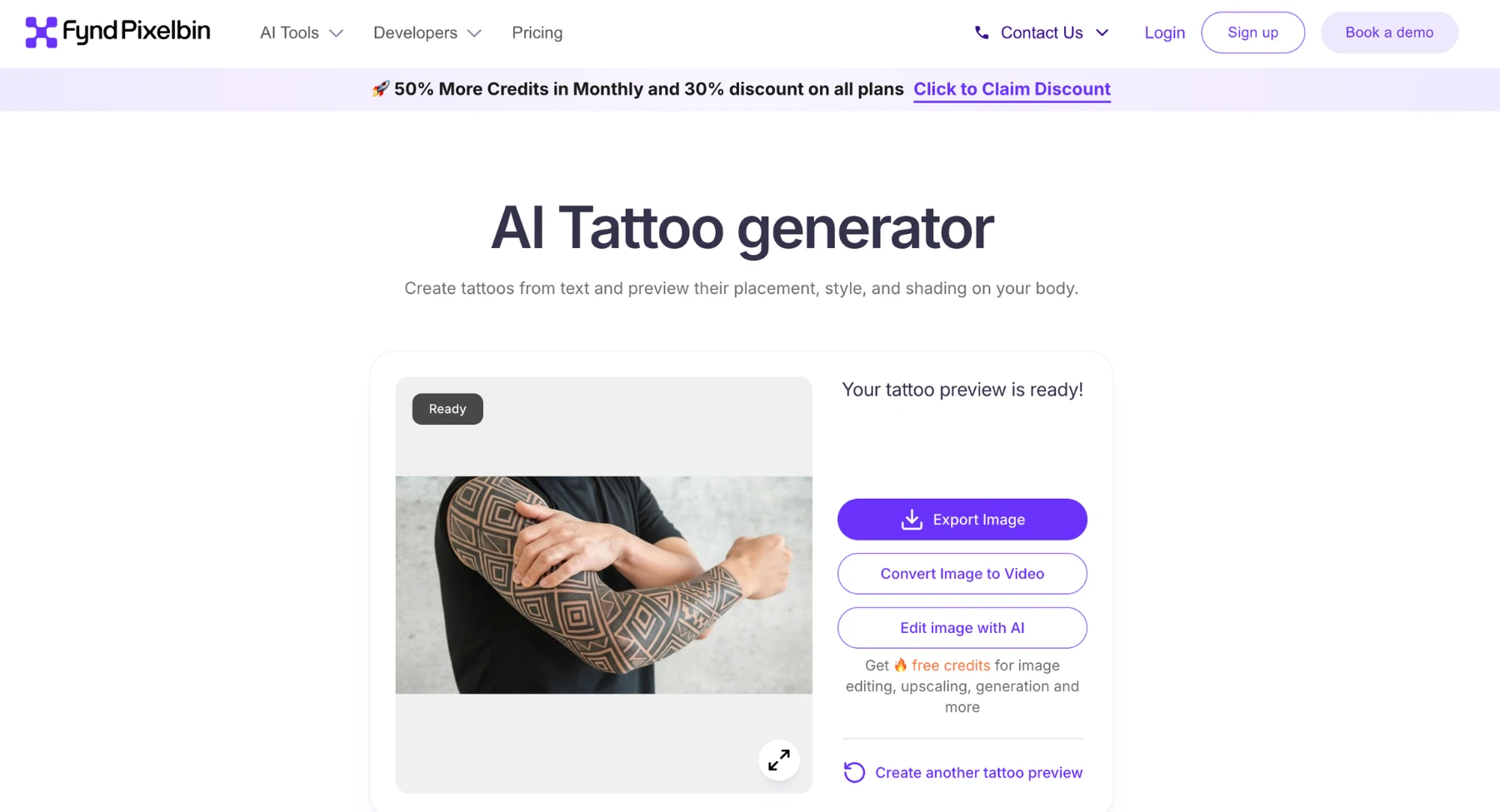
Pixelbin's AI Tattoo Generator is an intelligent, prompt- and photo-driven visualization tool built for tattoo enthusiasts, first-timers, and body art professionals. Instead of applying flat graphic overlays, Pixelbin's generative engine blends custom tattoo concepts directly onto an uploaded body photo. It realistically matches skin tone, lighting, contours, and natural shading to let users test placement and design scale before making a permanent commitment.
Whether generating intricate fine-line artwork from text descriptions or mapping existing inspiration images onto specific body parts, Pixelbin integrates seamlessly into broader asset creation and preparation workflows.
Why it stands out
Pixelbin stands out by tackling the biggest challenge in body art planning: placement regret. Rather than generating isolated 2D flash art on a white canvas, Pixelbin allows you to upload a photo of your own arm, shoulder, or leg, accurately adapting the artwork's scale, angle, and shading to match your physical contours.
Best for: First-time tattoo seekers, artists creating client mockups, and creators wanting realistic virtual try-ons before going under the needle.
Keep in mind: For the best placement results, upload clear, well-lit photos of plain skin without complex shadows or existing ink. Extremely detailed hyper-realistic prompts may require iterating on specific keywords like "blackwork," "fine line," or "minimalist" to get the exact stencil look.
How to make better tattoos with Pixelbin
Pixelbin works best when the prompt includes the tattoo's style, placement, size, and practical constraints. Do not only write 'dragon tattoo' or 'flower tattoo'. Give the AI enough detail so the output has a clear direction.
- Open Pixelbin's tattoo generator and write the tattoo idea in plain language.
- Add the placement, such as wrist, forearm, shoulder, chest, back, ankle, or leg.
- Add the style, such as fine line, blackwork, floral, traditional, geometric, mandala, or script.
- Mention size, color, shading, and what the design should avoid.
- Save the strongest concept and ask a tattoo artist to refine it for line weight, anatomy, stencil clarity, and skin.
If the concept needs small cleanup before you share it, use an AI image editor to adjust the visual direction without rebuilding the idea from scratch.
If the output is too small or soft, an image upscaler can help create a clearer reference for discussion, mood boards, or artist notes.
2. InkStudio AI
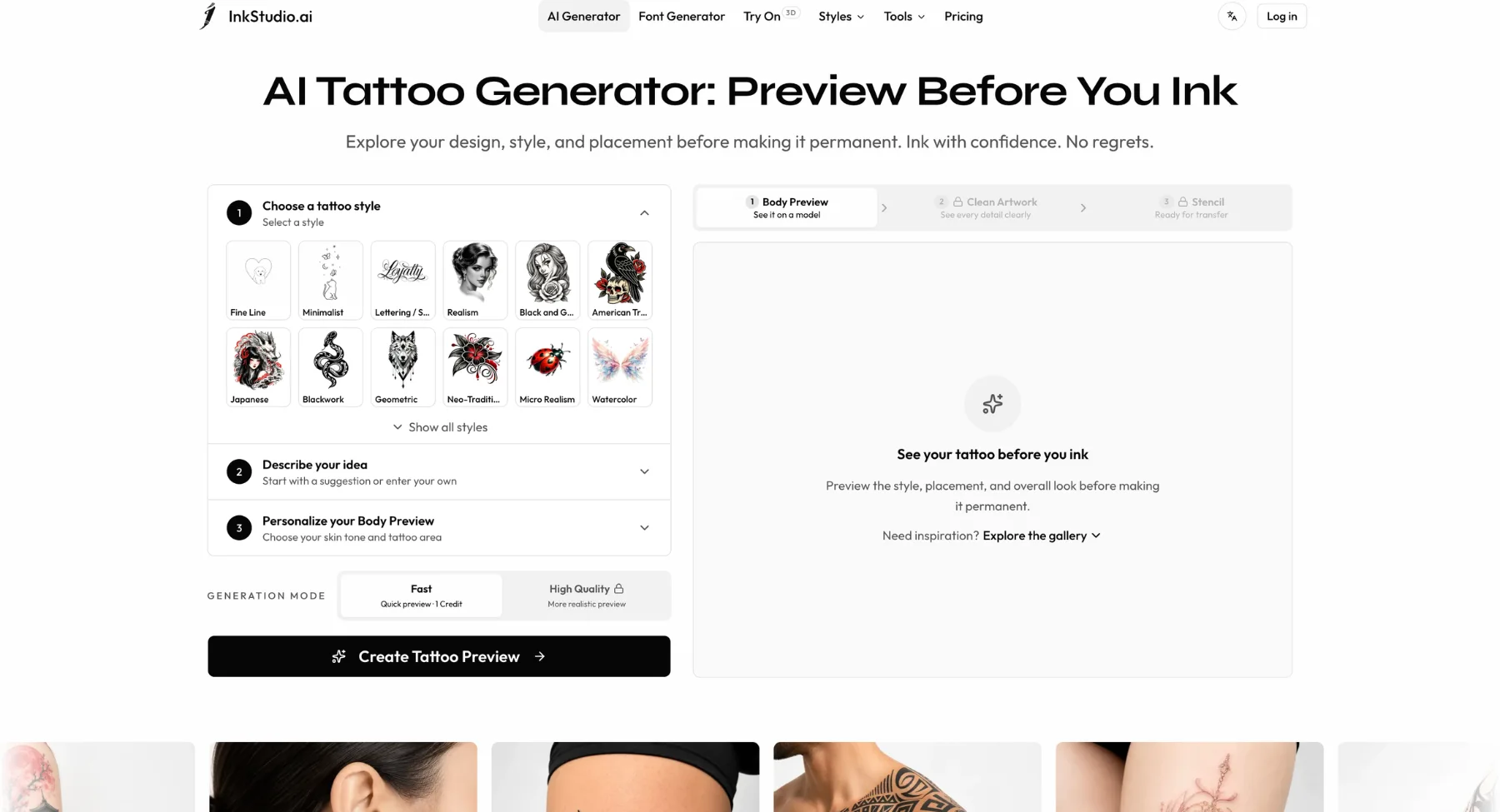
InkStudio AI is a specialized generative platform tailored specifically for tattoo enthusiasts and professional body artists. Designed to bridge the gap between initial inspiration and the final session in the chair, InkStudio AI focuses heavily on generating tattoo-ready vector stencils, visual style transfers, and full-body placement previews.
Rather than serving as a generic art generator, the platform relies on models trained on authentic tattoo visual hierarchies, offering fine-tuning across line weight, negative space, composition framing, and classic tattoo styles.
Why it stands out
InkStudio AI stands out by focusing on the practical, technical side of tattooing. Instead of yielding busy digital illustrations, it helps users build true stencils with balanced negative space, making the resulting designs much easier for professional tattoo artists to adapt into actual skin art.
Best for: Tattoo lovers looking to turn rough thoughts into realistic stencils, people testing body placement options, and artists wanting to streamline early client consultations.
Keep in mind: While the platform offers initial free trial credits to test prompt ideas, continuous high-resolution transfers and premium neural tools (like Virtual Try-On) utilize premium credit passes or timed access plans rather than a standard monthly subscription.
3. BlackInk AI
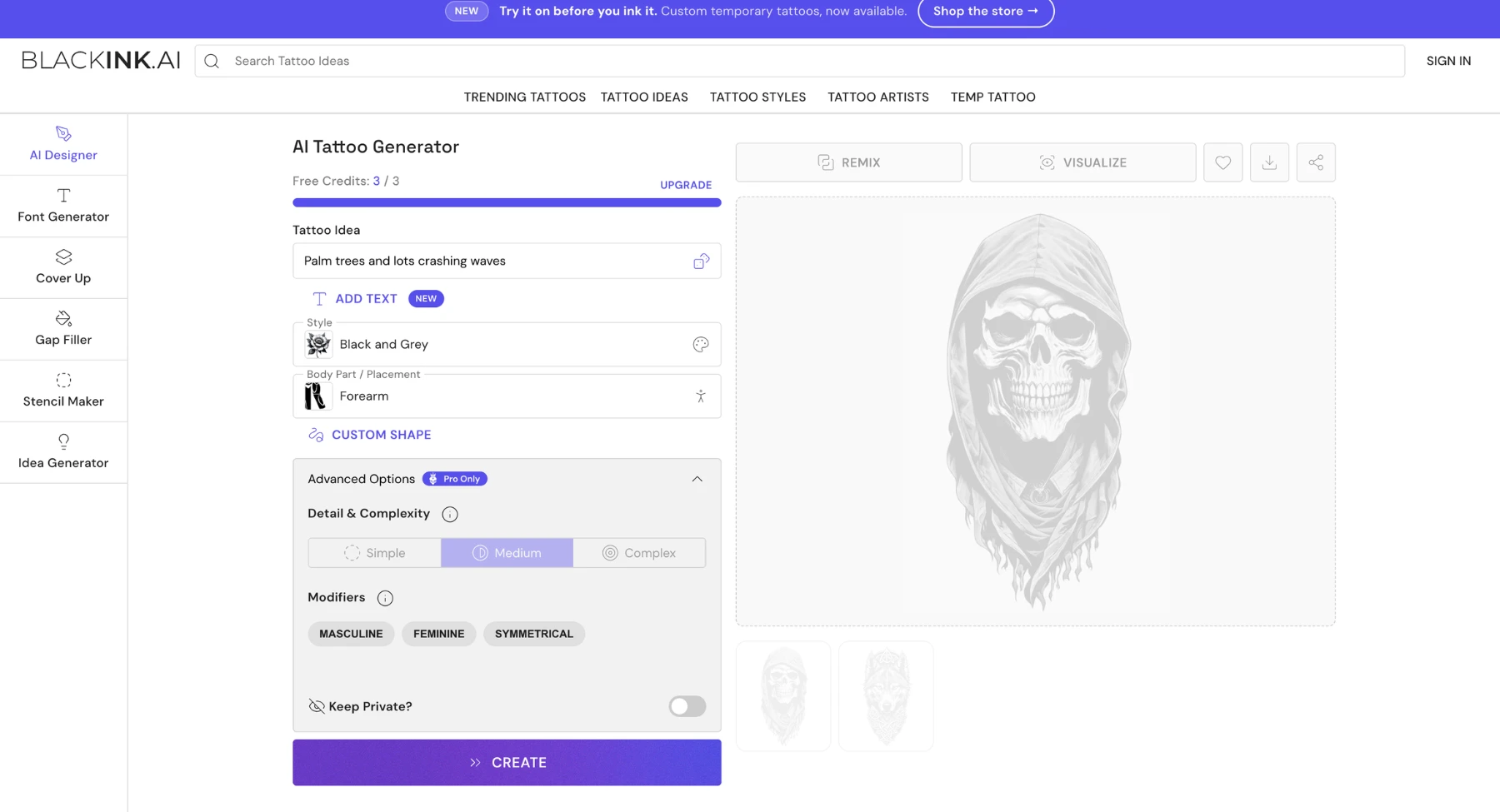
BlackInk AI is a dedicated tattoo design platform designed to turn text prompts into unique flash artwork and stencil concepts. Built specifically for body art aesthetics rather than general digital illustration, BlackInk AI incorporates specialized controls for line weight, design complexity, body placement mapping, and gap-filler logic.
Whether you want to experiment with different artistic styles-such as blackwork, dotwork, realism, or neo-traditional-or generate custom concepts to cover up an existing tattoo, BlackInk AI streamlines the brainstorming process prior to your artist consultation.
Why it stands out
BlackInk AI stands out through its tattoo-specific parameters-particularly its complexity slider and cover-up tools. Instead of producing over-rendered digital art that cannot be easily translated into real ink, it maintains realistic line weights and structural spacing that professional tattoo artists can actually work with.
Best for: First-time clients needing inspiration, collectors wanting cover-up/filler concepts, and artists looking for quick flash inspiration during consultations.
Keep in mind: BlackInk AI provides free initial trial credits, but downloading high-resolution 4x upscaled images, stencil conversion, and access to all body placement templates require a Pro subscription.
4. Tatship
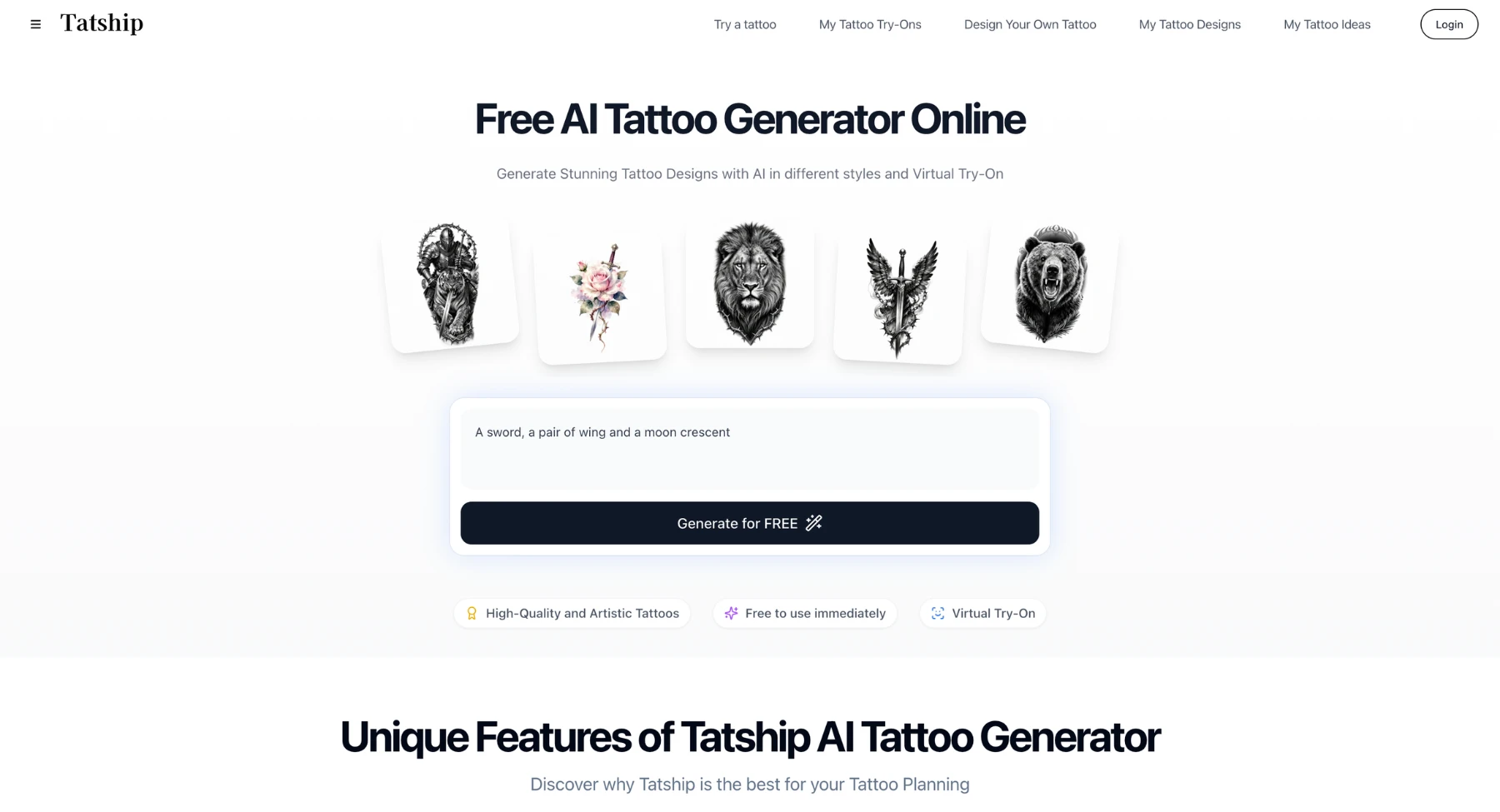
Tatship is a comprehensive tattoo planning platform and mobile app that merges AI visual generation with 3D virtual try-on technology. Designed to help users preview artwork directly on their skin before going under the needle, Tatship allows creators to generate custom concepts from text prompts, convert uploaded photos into tattoo designs, or extract line art from existing screencaps.
Its standout feature is its skin-contouring 3D preview engine. Users can snap a photo with their device's camera or upload a picture of a body part to scale, rotate, and wrap tattoo artwork around natural anatomical curves in real time.
Why it stands out
Tatship stands out by bridging the gap between digital previews and physical reality. While most tools stop at image generation, Tatship lets you test placement on screen with 3D skin warping and then wear a physical 2-week temporary version of your design before committing to permanent ink.
Best for: Indecisive first-timers testing body placement, mobile users wanting real-time camera previews, and clients who want to order physical temporary tattoos before getting inked.
Keep in mind: While basic 3D try-on and design generation are available for free, high-resolution stencil exports, advanced editing masks, and physical temporary tattoo orders require paid upgrades. Complex 3D wrapping may also require clear lighting and plain body photos for optimal accuracy.
5. Adobe Firefly
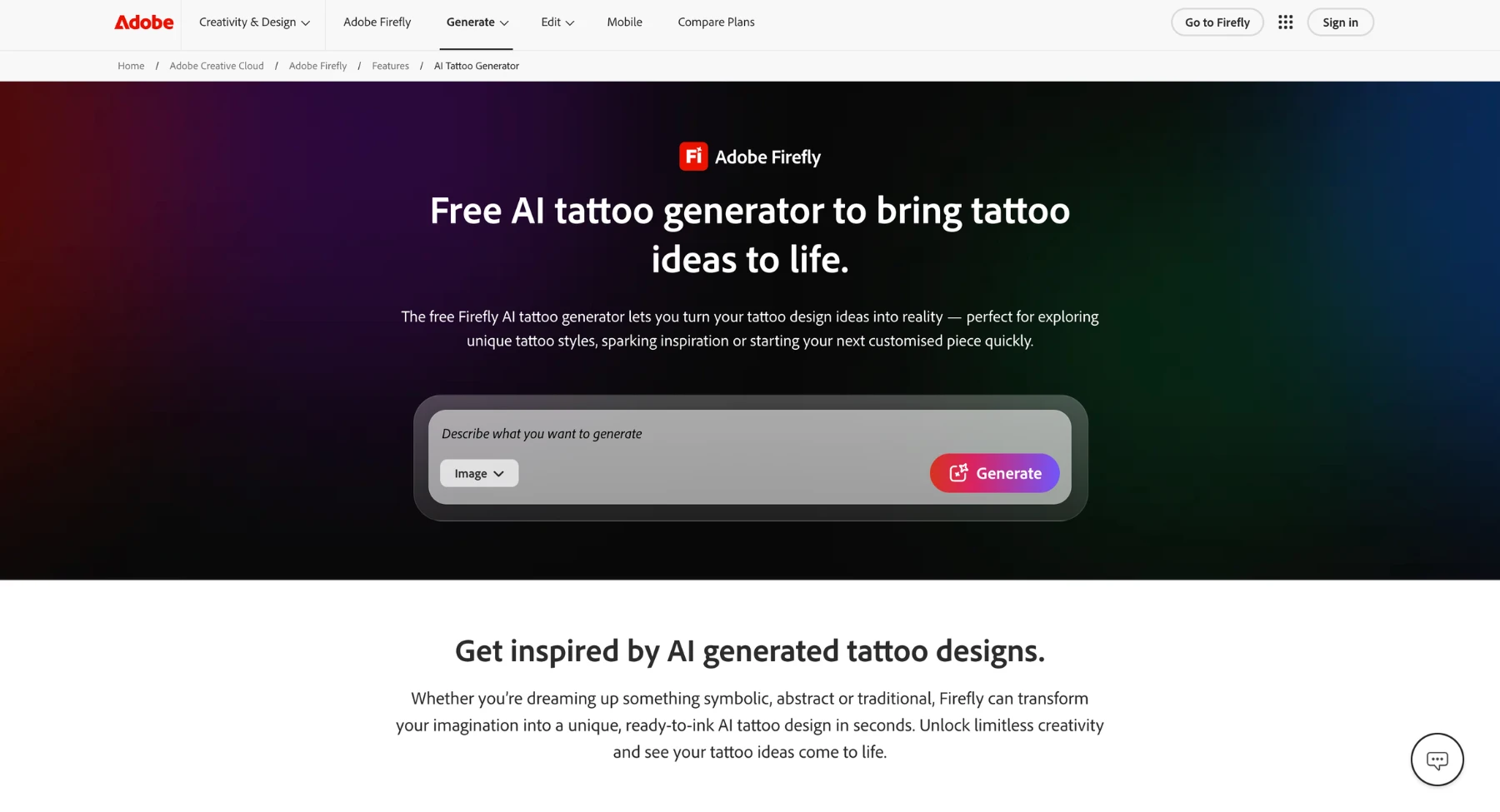
Adobe Firefly is a powerful, commercially safe family of creative generative AI models built directly by the industry leader in design software. Rather than acting as a standalone tattoo-specific utility, Firefly integrates into professional creative workflows (such as Adobe Photoshop and Illustrator) or is available as a web application. It excels at generating high-resolution, complex tattoo visual art from detailed text prompts and existing reference images.
Why it stands out
Adobe Firefly stands out for its emphasis on transparency, commercial safety, and sheer stylistic control. When clients ask for complex visual mashups (e.g., blending a neo-traditional panther with realistic smoke and Japanese Irezumi wind patterns), Firefly's high-resolution engine handles intricate style blending better than most single-purpose utilities.
Best for: Production-level creative studios, tattoo artists with deep Photoshop skills, and designers seeking commercially safe, high-definition style transfers for complex body art concepts.
Keep in mind: Adobe Firefly requires an Adobe ID and utilizes Adobe Creative Cloud subscription credits for continuous high-resolution generation and commercial downloads. Its primary focus is on artistic conceptualization rather than anatomical placement warping or physical stencil conversion.
6. Fotor
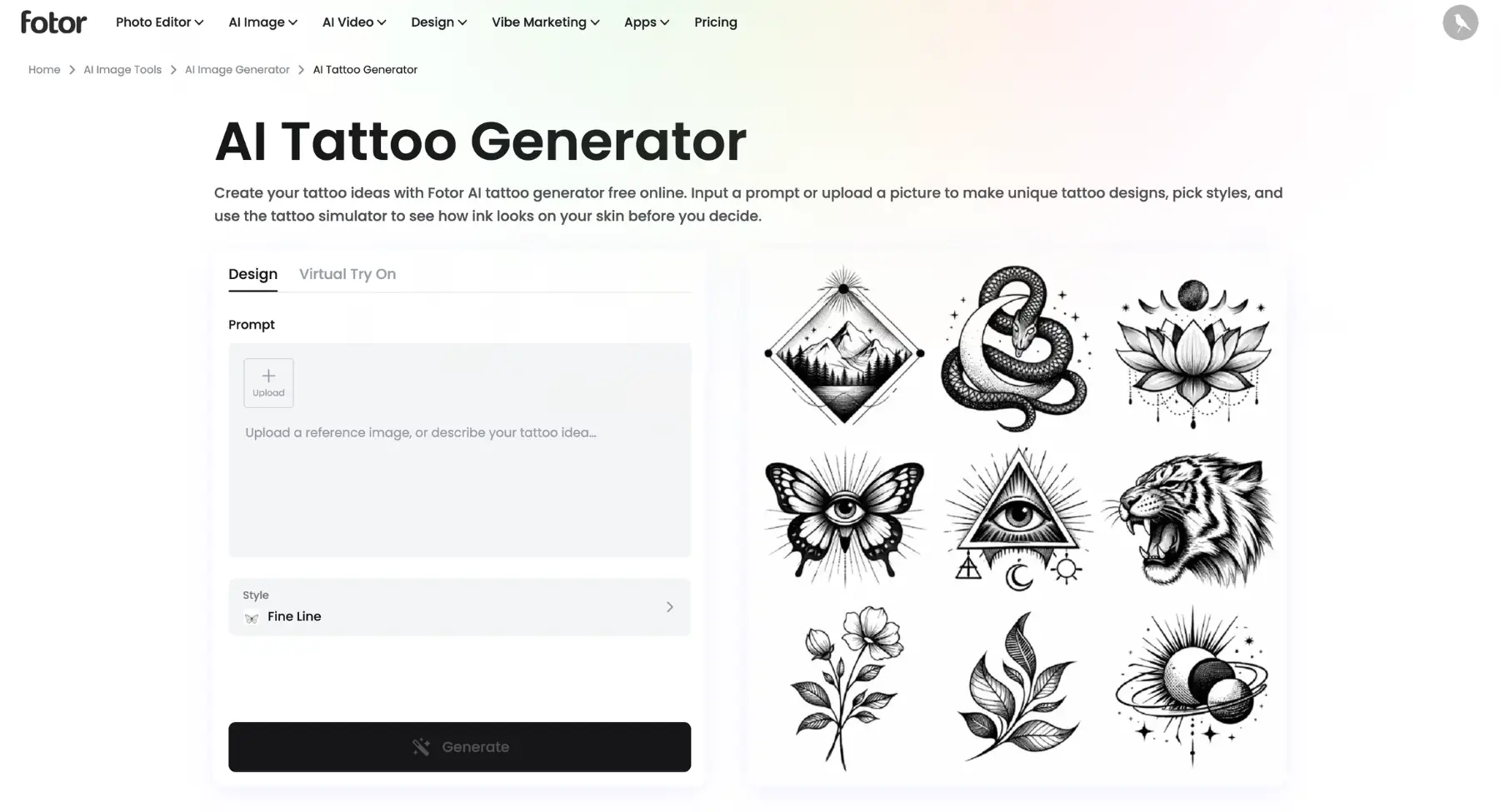
Fotor expands its popular, multi-platform creative suite with a dedicated AI Tattoo Generator and prompt-driven image editing toolset. Built for casual creators, first-time tattoo seekers, and social media influencers, Fotor allows users to generate tattoo artwork from text descriptions or blend custom ink designs onto personal body photos using its AI inpainting and replacement features.
Rather than focusing solely on raw line stencils, Fotor integrates tattoo generation directly alongside robust photo editing tools. This enables users to generate an idea, apply it onto a selfie or body photo, and adjust contrast, skin smoothness, and lighting within a single workflow.
Why it stands out
Fotor stands out by combining speed, ease of use, and a comprehensive suite of post-processing tools. If you want to quickly brainstorm a tattoo idea, test how it looks on your arm, and apply DSLR-style photo enhancements all in one browser tab, Fotor delivers one of the most beginner-friendly editing environments available.
Best for: Casual users testing tattoo concepts, social media creators needing polished virtual try-on photos, and users looking for an easy, preset-driven design tool.
Keep in mind: While Fotor offers free daily credits, high-resolution exports without watermarks and advanced AI inpainting features require a Fotor Pro subscription. For technical vector stencils, you may need dedicated line-art tools.
7. Canva
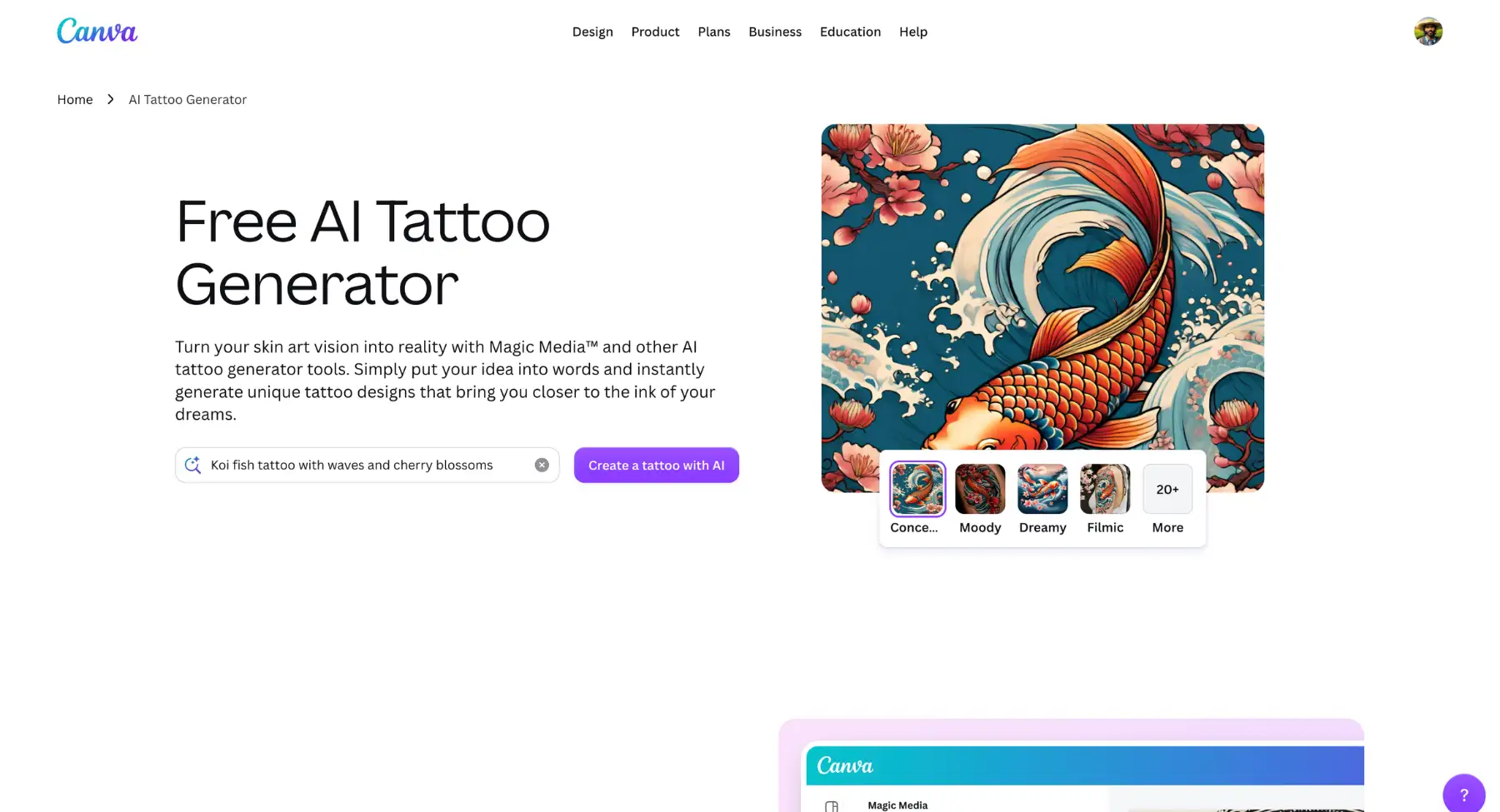
Canva integrates AI image generation directly into its widely used graphic design suite via its Magic Media and third-party AI app integrations. Designed for content creators, marketers, and tattoo enthusiasts who want to build full presentation boards or social media posts around their ink ideas, Canva lets you generate custom tattoo artwork from text prompts and immediately drop it onto multi-page documents, mood boards, or realistic device mockups.
While not exclusively a tattoo utility, Canva's extensive template ecosystem, photo editing capabilities, and Magic Edit tools allow users to place generated artwork onto body photos, adjust opacity for skin blending, or build collaborative design boards with an artist or friend.
Why it stands out
Canva stands out as the ultimate layout and presentation environment for tattoo concepts. Rather than giving you an isolated image file, Canva allows you to build a comprehensive tattoo reference document complete with placement mockups, script options, sizing guides, and mood imagery to share directly with your tattoo artist during a consultation.
Best for: Creators building multi-concept mood boards, users who want drag-and-drop flexibility for placement mockups, and teams or friends collaborating on design ideas.
Keep in mind: Canva is primarily a broad design ecosystem rather than a dedicated stencil tool. While it excels at generating artistic concepts and mood boards, creating high-contrast vector stencils or precision 3D skin warping may require specialized tools.
8. Remaker AI
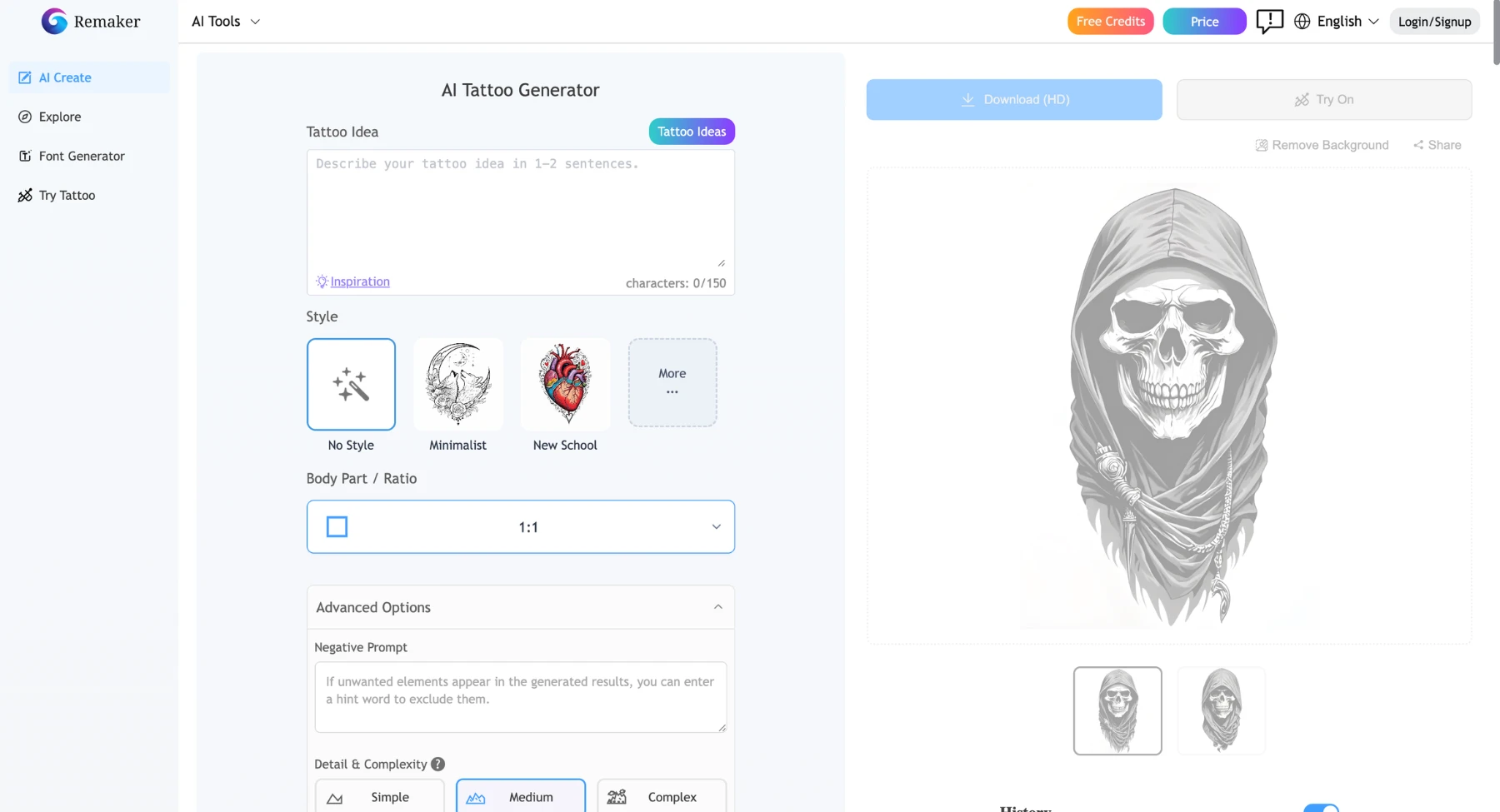
Remaker AI is a versatile creative platform widely recognized for its AI face swapping, image editing, and generative art tools. When applied to body art, Remaker AI enables creators and tattoo seekers to experiment with virtual try-ons using its swap engines and image-to-image generator.
By utilizing face and body swap algorithms alongside generative inpainting, users can seamlessly transfer a tattoo design from a reference image onto their own body photo-or swap their face onto a pre-existing tattooed model to see how specific sleeve or full-body styles suit their overall aesthetic.
Why it stands out
Remaker AI stands out for its unique approach to virtual previews. While most tools require manually positioning transparent layers, Remaker AI leverages advanced neural swap models to blend head-to-toe style previews and body art transfers naturally onto your target photos in seconds.
Best for: Content creators testing full-body or sleeve aesthetics, users looking for fast image-to-image transfers, and anyone wanting fun, low-effort visual try-ons before visiting a shop.
Keep in mind: Remaker AI utilizes a daily free credit model with options to buy additional credits. Because it is a broad AI swap platform rather than a specialized tattoo utility, generating clean, transfer-ready vector stencils for your artist will require dedicated line-art software.
9. TattoosAI
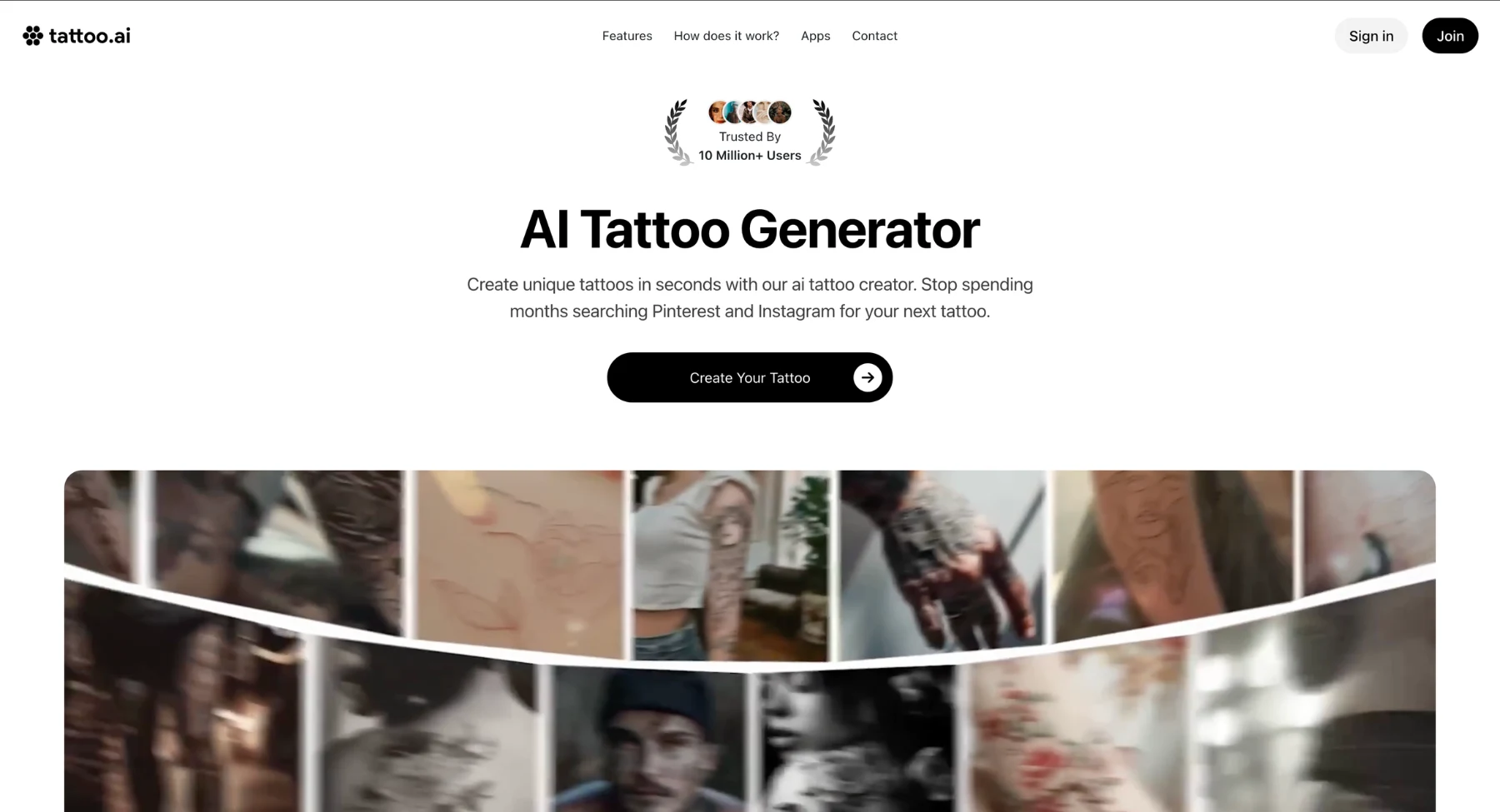
TattoosAI is an AI-powered design generator created specifically to help users translate personal stories, ideas, and imagery into custom tattoo artwork. Designed for anyone who wants a unique piece of body art without spending hours searching through generic online flash boards, TattoosAI uses custom fine-tuned models to turn text prompts into tailored tattoo concepts in seconds.
Users simply describe what they want to see, choose from a wide variety of popular tattoo styles such as dotwork, minimalist, surrealism, traditional, Japanese, or lettering-and let the generator create multiple unique variations.
Why it stands out
TattoosAI stands out for its simplicity and focused user experience. Unlike broader graphic design suites, every feature on TattoosAI is optimized around tattoo aesthetics. It removes the guesswork from prompting by providing clear style presets that force the AI model to maintain proper linework, shading, and subject contrast.
Best for: First-timers wanting to visualize a specific idea in different tattoo styles, people bringing custom concepts to an artist, and collectors seeking fresh flash art ideas.
Keep in mind: TattoosAI operates on a freemium model where basic generations are available, but unlimited design variations and high-resolution downloads require purchasing a pass or subscription. For full anatomical 3D skin warping, you will want to combine your generated artwork with a dedicated placement tool.
10. Leonardo.ai
Leonardo.ai is an industry-leading generative AI platform favored by digital artists, game designers, and custom tattoo illustrators who demand precise creative control over their artwork. Powered by fine-tuned diffusion models and advanced canvas controls, Leonardo.ai enables users to generate hyper-detailed tattoo concepts across complex styles-such as hyper-realism, dark surrealism and intricate neo-traditional pieces.
Rather than relying purely on broad text prompts, Leonardo.ai gives creators micro-level control over image generation using features like Prompt Magic, Alchemy pipelines, Image Guidance (ControlNet), and an interactive AI Canvas for seamless inpainting, outpainting, and stencil refining.
Why it stands out
Leonardo.ai stands out as the ultimate power-user platform for custom tattoo artists and serious enthusiasts. Unlike basic prompt-and-click tools, Leonardo allows you to guide the generation process using existing sketches, control line density, and refine complex multi-element compositions (such as full sleeves or back pieces) with unparalleled artistic fidelity.
Best for: Professional tattoo artists drafting custom client flash, digital illustrators, and enthusiasts seeking hyper-detailed, high-resolution concepts for complex styles like bio-mechanical, realism, or dark art.
Keep in mind: Leonardo.ai offers a generous daily allowance of free tokens, but premium features like advanced Alchemy pipelines, ControlNet guidance, and fast-track processing require a paid subscription. The platform has a slightly steeper learning curve than simple consumer apps, but delivers professional-grade creative freedom.
11. Midjourney
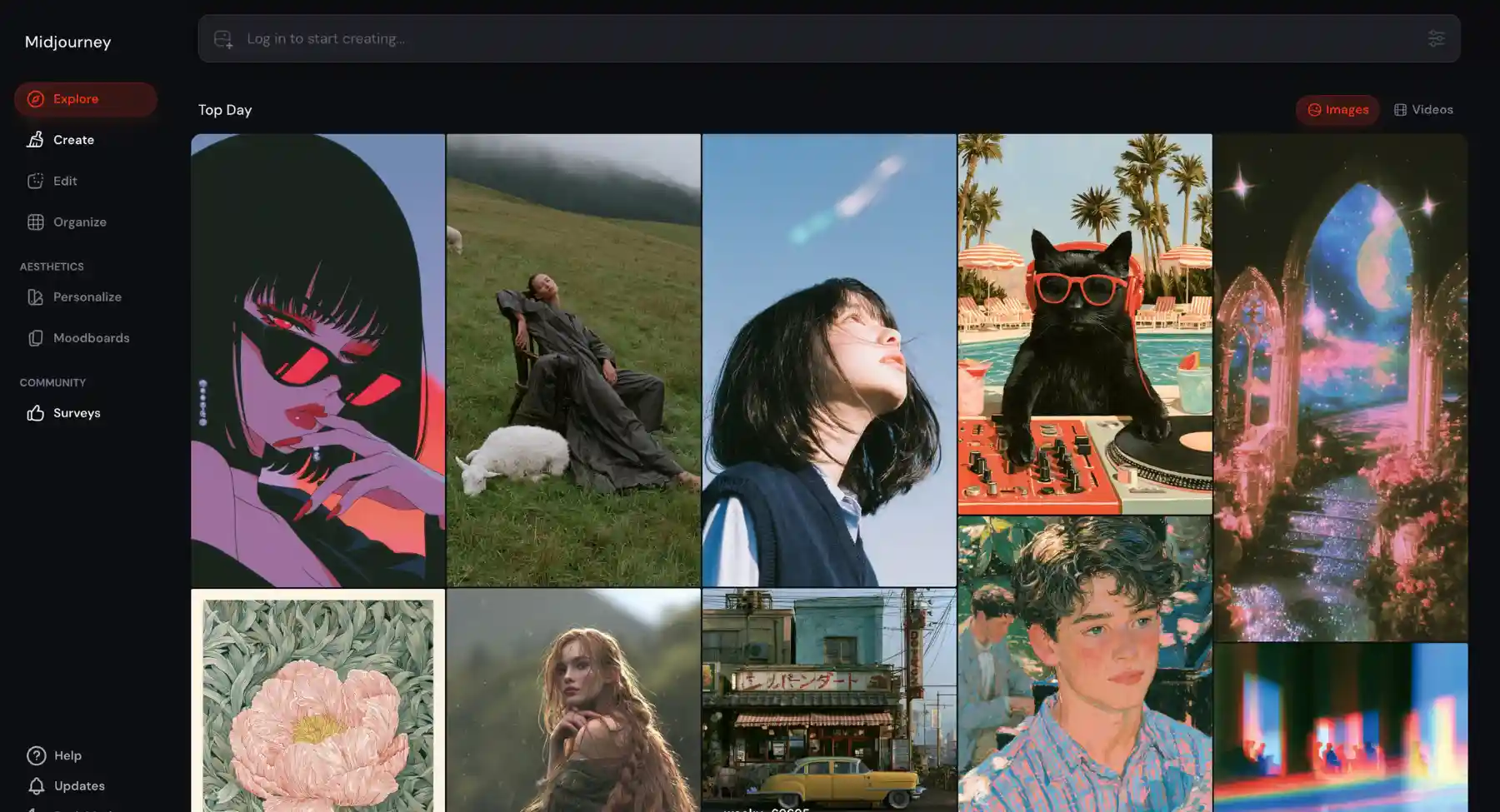
Midjourney is widely regarded as the gold standard for text-to-image generative AI, producing unmatched visual depth, artistic coherence, and stylistic flexibility. For tattoo artists, collectors, and illustrators, Midjourney serves as an extraordinary engine for brainstorming complex, custom tattoo concepts ranging from delicate single-needle fine line work and dotwork to intricate Japanese Irezumi backpieces, dark surrealism, and vibrant neo-traditional designs.
Why it stands out
Midjourney stands out because of its pure artistic intelligence. It understands nuanced tattoo jargon such as "heavy blackwork," "stipple shading," "fine line geometric," or "bold linework traditional" better than almost any other generative engine. For artists and enthusiasts who want high-concept artwork that looks like it was custom-illustrated by a master painter, Midjourney is second to none.
Best for: Custom tattoo artists creating bespoke flash, experienced collectors seeking high-concept sleeve ideas, and illustrators wanting industrial-grade creative control over line weight and aesthetic depth.
Keep in mind: Midjourney requires a paid subscription and operates primarily via Discord or its web portal. Because it generates flat, full-color or shaded illustrations rather than ready-to-use vector stencils, you will need to trace the output or pair it with a line-art extraction tool before taking it to a stencil printer.
12. Picsart
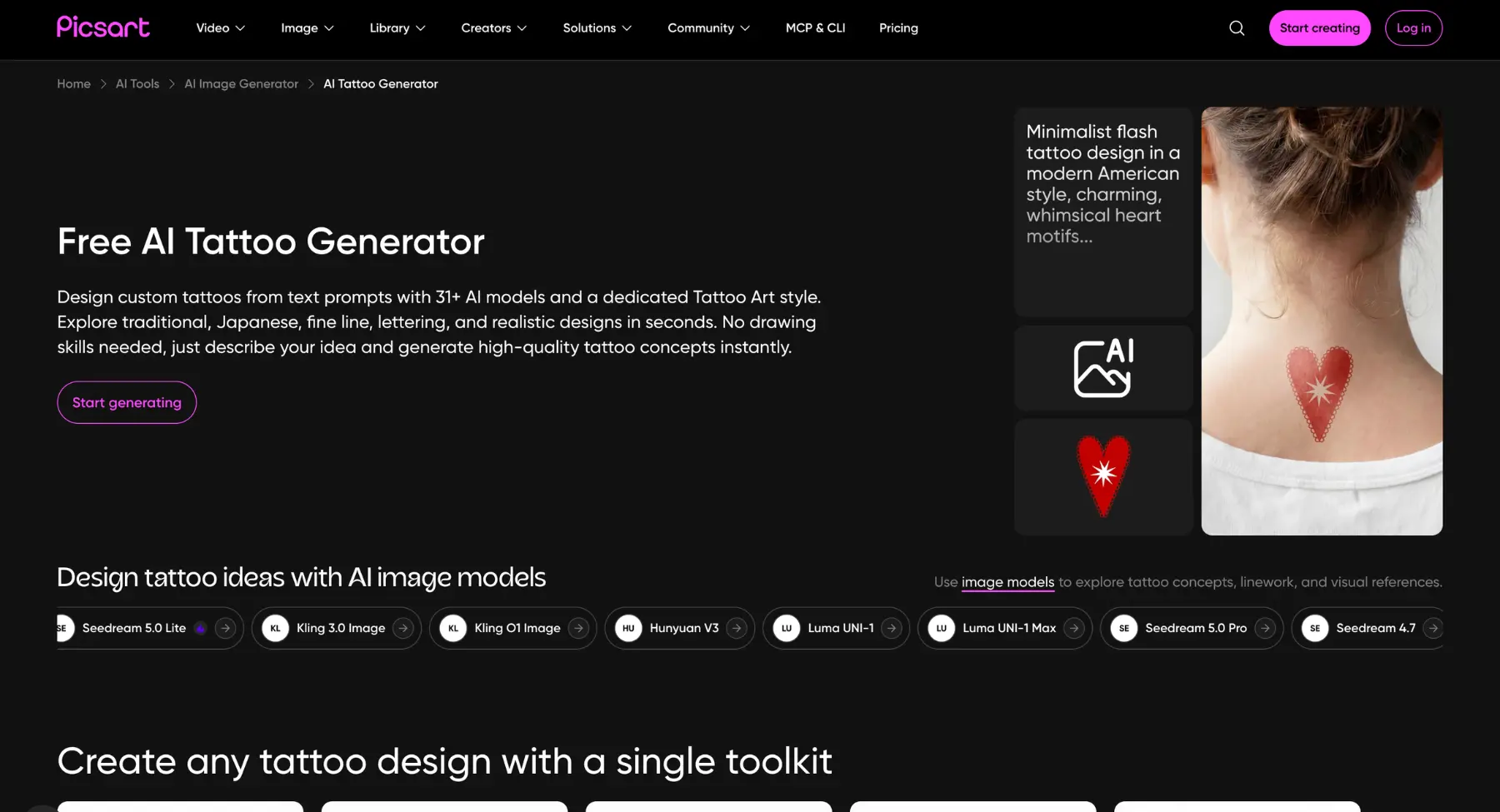
Picsart AI Image Generator and Magic Edit tools allow users to generate custom tattoo designs from text prompts or seamlessly apply ink concepts onto body photos using flexible blending modes.
Beyond simple text-to-image generation, Picsart features a massive community library of pre-made tattoo stickers, PNG cutouts, and custom brushes. This makes it effortless to test how different pieces look together on an arm, back, or ankle before making a permanent commitment.
Why it stands out
Picsart stands out for its mobile convenience and versatility. Rather than locking you into a single generation model, Picsart lets you combine AI-generated artwork, custom text scripts, and existing sticker elements on a multi-layer canvas-giving you total creative freedom to build personalized mockups right from your phone.
Best for: Mobile users wanting quick visual try-ons, social media creators designing custom photo edits, and users who prefer drag-and-drop sticker overlays over complex prompting.
Keep in mind: While Picsart offers a rich free tier, advanced AI generation tools, high-resolution exports, and premium sticker libraries require a Picsart Plus or Pro subscription. For professional vector stencils, you may need to export your design to line-art conversion software.
AI tattoo generator limitations
- Text can break: AI may distort names, dates, Roman numerals, and script lettering, so every character needs human review.
- Body flow is hard: a flat AI image may not follow muscles, joints, curves, or movement correctly.
- Tiny detail can age badly: thin ornaments, micro-shading, and complex textures may blur as the tattoo heals.
- Symmetry is not guaranteed: mandalas, geometric tattoos, and mirrored designs need careful correction.
- A good concept is not a stencil: the artist should simplify and redraw the final version for skin.
- Originality still matters: avoid copying a living artist's exact style or another person's tattoo.
Tattoo styles you can create with AI
A strong tattoo prompt starts with style. Users often search for tattoo font generator, birth flower tattoo generator, tattoo idea generator, and tattoo design generator because they already have a theme but need visual direction.
- Minimalist & fine line: Delicate, ultra-thin linework featuring tiny symbols, single-line portraits, subtle floral stems, geometric accents, and micro-tattoos.
- Traditional (old school): Classic mid-20th-century aesthetic featuring bold black outlines, a limited primary color palette, and iconic imagery like anchors, swallows, daggers, roses, and skulls.
- Neo-traditional: An evolution of Old School art incorporating varied line weights, a wider spectrum of jewel-toned colors, and detailed decorative motifs like portraits, flora, and fauna.
- Blackwork & darkwork: High-contrast designs relying strictly on solid black ink. Covers heavy black fills, illustrative etching, gothic motifs, and negative-space art.
- Realism & micro-realism: Photorealistic designs depicting life-like portraits, pets, wildlife, and intricate real-world objects rendered with smooth shading and dimensional depth.
- Japanese (Irezumi): Rich, traditional Asian artwork featuring mythological dragons, koi fish, samurai, cherry blossoms, wave patterns, and wind bars designed for large placement or sleeves.
- Geometric & sacred geometry: Perfectly symmetrical patterns, mandalas, tessellations, sacred symbols (like the Flower of Life), and sharp line-based structural formations.
- Watercolor: Vibrant, painterly artwork mimicking wet paint splatters, soft color gradients, and fluid brushstrokes with minimal or no hard black outlines.
- Dotwork & pointillism: Intricate compositions created entirely through precise stippling and dot density to achieve soft gradients, complex shading, and 3D depth.
- Tribal & Polynesian: Heavy black geometric bands, sharp curves, and traditional indigenous patterns tailored to wrap natural muscle contours.
- Script & lettering: Custom typography, including gothic calligraphic fonts, cursive handwriting, Roman numerals, foreign script styles, and single-word designs.
- Biomechanical & cyberpunk: Futuristic fusion of organic anatomy (bones, muscle) with mechanical gears, hydraulic pistons, wires, and cybernetic tech.
- Illustrative & surrealism: Dream-like, artistic compositions that merge disparate elements, such as cosmic galaxy fills inside animal silhouettes or abstract pop-art concepts.
For flower-led ideas, a birth flower tattoo generator can help users turn a birth month, name, or personal symbol into a more specific tattoo direction.
Tattoo prompt formula
Prompt template: Create a [style] tattoo design of [subject] for [placement]. Make it [size], with [line style], [shading], [color choice], and [symbolic details]. Keep it clear enough for a tattoo stencil. Avoid [unwanted details].
Prompt examples for tattoo ideas
Here are 10 structured prompt examples across different styles designed to yield high-quality, stencil-ready results:
1. Fine line & minimalist
Prompt: Fine line minimalist tattoo design of a crescent moon cradling a small lotus flower, ultra-thin single line weight, simple geometric accents, clean white background, black ink only, tattoo stencil style.
2. Traditional (old school)
Prompt: American traditional tattoo flash design of a roaring panther head with dagger through it, bold black outlines, limited classic color palette of primary red, yellow, and black shading, vintage aesthetic on a plain white background.
3. Neo-traditional
Prompt: Neo-traditional tattoo illustration of an ornate barn owl surrounded by blooming peonies, varied line weights, jewel-toned color palette of deep amber and teal, detailed shading, isolated on a white background.
4. Micro-realism
Prompt: Micro-realism tattoo design of an anatomical heart merged with a vintage pocket watch, hyper-detailed smooth black and gray shading, subtle white highlight points, isolated on a clean white background.
5. Japanese (Irezumi)
Prompt: Japanese traditional Irezumi half-sleeve design, koi fish swimming upstream against energetic wave patterns and cherry blossoms, bold outlines, black and gray shading with subtle red accents, designed for forearm placement.
6. Sacred geometry & mandala
Prompt: Sacred geometry mandala tattoo, central compass rose with delicate dotwork stippling and overlapping symmetrical circles, sharp line precision, black ink, upper-back placement concept, white background.
7. Blackwork botanical
Prompt: Blackwork tattoo design of a wild fern branch and moth, dense black ink shading, high-contrast stippling technique, vintage botanical etching style, vector graphic, isolated on a plain background.
8. Watercolor
Prompt: Watercolor tattoo design of a hummingbird in flight, soft splashes and splatters of turquoise and magenta bleeding beyond the delicate, thin black outlines, painterly effect, plain white background.
9. Script & typography
Prompt: Script tattoo design reading "Stay Grounded" in elegant gothic calligraphy, fine flourish details, high-contrast black ink, clean vector line art, tattoo stencil ready.
10. Biomechanical
Prompt: Biomechanical tattoo concept, exposed cybernetic gears, pistons, and hydraulic cables layered under torn human skin effect, detailed 3D depth, smooth grayscale shading, isolated on white.
Mistakes to avoid before turning AI art into a real tattoo
- Do not ask for a tattoo in the exact style of a living tattoo artist. Use broad style terms instead.
- Do not rely on AI-generated text without checking every letter, number, and symbol.
- Do not choose tiny details that will blur as the tattoo heals and ages.
- Do not use a busy image as a final stencil. Ask an artist to simplify it.
- Do not ignore skin tone, placement, body movement, and long-term readability.
- Do not skip hygiene, aftercare, allergy, and studio-safety checks.
Safety and artist handoff checklist
AI can help you decide what you like, but a real tattoo involves needles, ink, skin healing, and long-term placement. Before getting inked, choose a licensed artist or reputable studio, review healed work, ask about sterilization practices, and follow aftercare instructions. Health agencies note that tattoos can carry risks such as infection, allergic reactions, scarring, and other complications, so the final decision should not be based only on an AI image.
- Bring two or three AI references, not twenty random images.
- Explain the meaning, placement, size, and what you liked about each reference.
- Ask whether the line thickness will age well.
- Ask whether the design needs simplification for your chosen body part.
- Ask for a custom redraw instead of copying AI output exactly.
Final thoughts
The best AI tattoo generator is the one that helps a user move from a vague idea to a clear, shareable reference.
Use AI to explore ideas quickly, then work with a real tattoo artist to make the design safe, original, and wearable.
FAQs
The best AI tattoo generator depends on your workflow. Pixelbin is a strong pick for quick prompt-based tattoo ideas and placement previews. Tat.ink, InkStudio AI, BlackInk AI, Tatship, TattoosAI, and TattooJenny are useful for tattoo-focused inspiration, while Adobe Firefly, Canva, Fotor, Leonardo.ai, Midjourney, and Picsart fit broader creative workflows.
Many AI tattoo generators offer free trials, free previews, limited credits, or free online generation. Always check the current usage limits, download rules, and account requirements before relying on a tool.
Some workflows can use a photo as a reference or body placement image. If the tool supports uploads, use a clear, well-lit photo and avoid sharing sensitive images unless you trust the platform's privacy practices.
A tattoo font generator helps create lettering ideas for names, dates, initials, quotes, and script tattoos. For real tattoos, readability matters more than decorative style, especially at small sizes.
A birth flower tattoo generator creates tattoo ideas based on a birth month flower, name, initial, or personal symbol. It is useful for floral tattoos, family tattoos, and subtle personalized designs.
Yes, but use it as a reference. Ask the artist to redraw it, clean up linework, adjust placement, and make sure the design will heal well on skin.
They can be useful inspiration, but you should still ask your tattoo artist to customize the final artwork. Avoid copying another artist's work or using a design that looks too close to an existing tattoo.
Include subject, style, placement, size, line weight, shading, color, symbolism, and what to avoid. For example: 'fine-line black ink peony tattoo, inner forearm, medium size, soft dotwork shading, clean stencil lines, no background.'