PixelBin logo
Image generator is here -   Create Now   and Claim 30% off on Pro Plans. Use code SALE30 at checkout.   Claim Discount

Birth flower tattoo generator

Generate a custom birth flower tattoo based on your birth month and aesthetic.

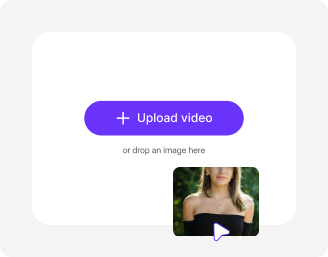
Uploaded image
2500 chars left
Loading

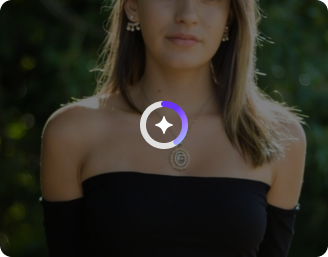
AI Magic in progress
Generating a unique floral tattoo design based on your input

Ready

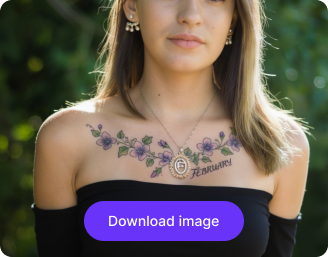
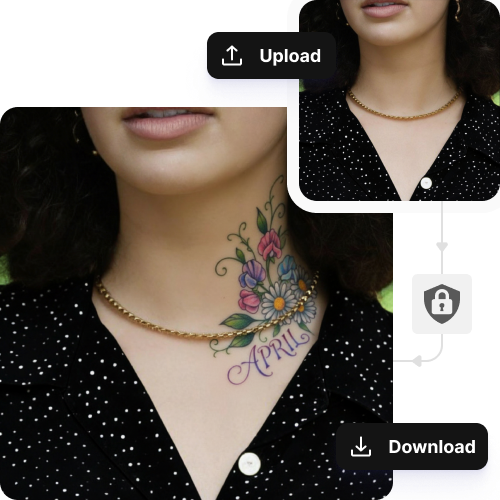
Your birth flower tattoo design is ready!

Edit image with AI
Get 🔥 free credits for image editing, upscaling, generation and more
Create another tattoo design
Generation Failed

There was some issue on our end. Please try again.

Try Again
Show case
How to use Pixelbin’s birth flower tattoo maker?
1
Add your image
Upload your image in JPEG, JPG, PNG, or WEBP format to get started.
2
Describe your tattoo
Type in your tattoo details, birth month flower, and where it should appear.
3
Download the image
Save your tattoo in high-quality, without any watermarks, logos, or labels.
Why use Pixelbin’s AI birth flower tattoo generator?
Multiple formats
Work across common file formats, such as JPEG, JPG, PNG, or WEBP.
Image upscaling
Enhance your images by 2x, 4x, or 8x, while preserving the original details.
Easy sharing
Copy the link generated for your image, or use the image URL from your library, and send it to anyone to view online.
URL-based transformation
Edit or optimize your images in real-time simply by modifying the URL path of the image.
Asset management
Keep all your images saved, organized, and easy to find in one place.
Mobile friendly
Create and explore tattoo designs from your mobile browser with the same ease as a desktop.
Try minimalist, geometric, or linework tattoo styles in seconds

View your tattoo in multiple colors and positions to make informed design choices.

Easy to use

Create your AI birth flower tattoo just by describing your idea; no design experience needed.

Feature 1
Complete privacy

Your images are processed on secure servers and are not shared with anyone.
Feature 2
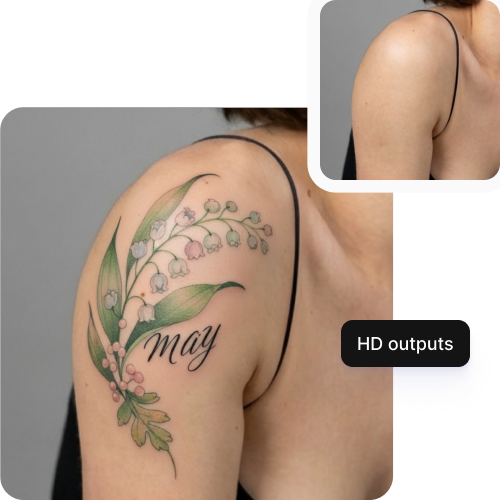
HD outputs

Get sharp, clear tattoo images with fine details that look great on screen or in print.
Feature 3
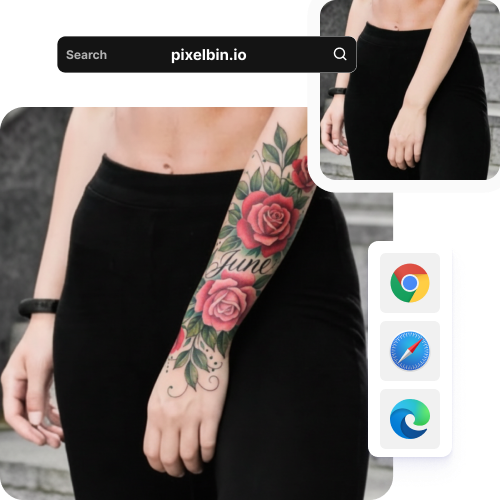
Browser-based

Access the tool on any modern browser, such as Safari, Edge, Chrome, or Firefox; no app installation needed.
Feature 4

AI tools by Pixelbin

Key highlights of Pixelbin’s online birth flower tattoo generator
Benefits of the birth tattoo generator
  • Mix and match multiple symbols easily: If you’re trying to combine your kid’s birth flower, a specific zodiac sign, and maybe a meaningful date, it can be hard to picture how they fit together. Our birth flower generator can turn those ideas into a balanced drawing for you in seconds.
  • Exploring various artistic styles: You might think you want a simple line drawing of a rose, but then you see it in a watercolor or "trash polka" style and realize that’s what you actually love. With AI, you can easily flip through styles like a digital lookbook.
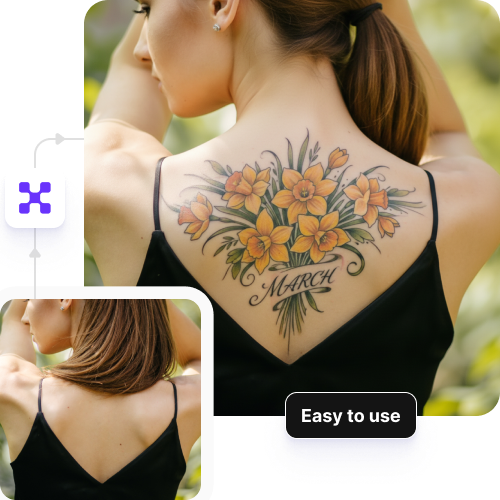
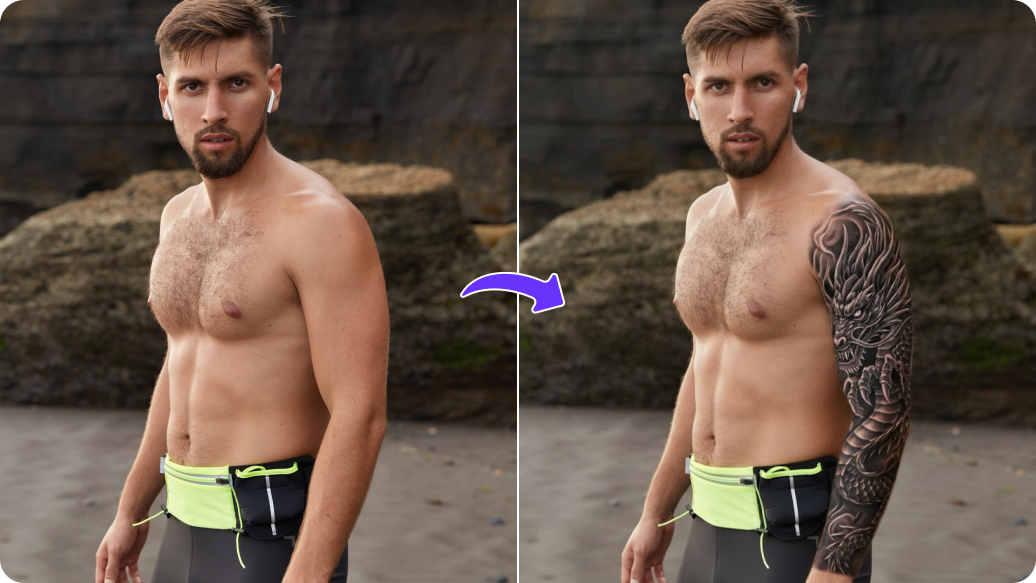
  • Visualizing placement before the appointment: Just upload a photo of your arm or leg, or any other part where you want to see your tattoo. Seeing the designs on your actual skin helps you decide if the size is right or if it looks better on your wrist versus your shoulder.
  • Streamlining communication with your artist: Instead of trying to explain a "vibe" with just words, you can show them a picture. It gives them a crystal-clear starting point to create your final, custom piece, which saves you both time during the consultation.
  • Beats "blank page" syndrome: Sometimes you just know you want something to represent a birth, but you’re stuck on the "what." Our AI birth flower tattoo maker gives you dozens of ideas you probably wouldn't have thought of, acting like a personal brainstorming partner.
Use cases of the birth tattoo generator
1. Custom family bouquet

Instead of using just one flower, mix the birth month flowers of your kids, partner, or parents into one nice flower bouquet arrangement. Our tool can help balance stem heights and petal textures so the bouquet looks good.

2. Integrating names or initials

The AI tool can weave your loved one’s name or a special date into the design. This creates a look where the text is part of the art, not just an afterthought.

3. Styling a "birth flower duo" for couples

For couples, a birth flower duo is great for anniversaries. With this tool, you can simply intertwine two flowers, like a rose and an aster, to show a partnership.

4. Design stages of growth

If you want to show how you've grown as a person, try a stage of growth piece. It can design your birth flower from a bud to full bloom. This adds a standard flower tattoo with more meaning.

5. Matching flowers to specific body anatomy

Add detailed text prompts to see how a flower, like a gladiolus, would look on your spine, collarbone, or ribs. This makes sure the design looks good on you before you go to a tattoo artist.

6. Layering symbols like zodiac signs or honeybees

To add even more meaning to your tattoos, you can experiment with symbols like zodiac signs or honeybees. You can ask the AI to add a bee to represent the community, or hide your zodiac sign in the petals.

How to get the best results using the AI birth flower tattoo generator?

To get the best results, here are a few tips you must try:

  • Upload a clear and well-lit image where the skin area is easy to see.
  • The photo should be in focus and not blurry. Try to upload a close-up image of the body part where you want the tattoo, such as your arm, wrist, shoulder, or leg.
  • Avoid busy or distracting backgrounds, as simple backgrounds help the tool place the tattoo more accurately.
  • Make sure the tattoo area is not covered by patterned clothing, accessories, or shadows.
  • Use a natural and relaxed pose so the tattoo preview looks realistic.
  • When entering your prompt, be very specific about the birth flower, style, size, and placement so the AI can generate a design that matches what you have in mind.
FAQs

Here are some commonly asked questions about our AI YouTube thumbnail generator. If you need more assistance, reach out to us at support@pixelbin.io or visit our documentation.

You can try any style you like! From simple line art and bright watercolor to classic or realistic black and grey, you can tweak your birth flower to fit the style you choose.
Yes, the first 3 actions are free as the tool offers 3 free credits. After that, if you want to continue editing, sign up for an account and buy more credits as you need them. Pay only for what you use!.
Yes. The tool works on all body types. You can scale and curve the floral stems to complement either muscular frames or more delicate contours.
Bad lighting or distractions blocking the view can affect the quality. For the best results, use a clear photo with good lighting. This will help the AI put the design as per your placement choice.
Pixelbin’s AI birth flower tattoo generator preserves your skin tone as it is. This makes sure the tattoo colors and shading look real and show how they'll actually look on you.
\
Edit images in seconds, not hours
Get pixel-perfect results just with your words
Start editing with AI