PixelBin logo
Image generator is here -   Create Now   and Claim 30% off on Pro Plans. Use code SALE30 at checkout.   Claim Discount

AI Tattoo generator

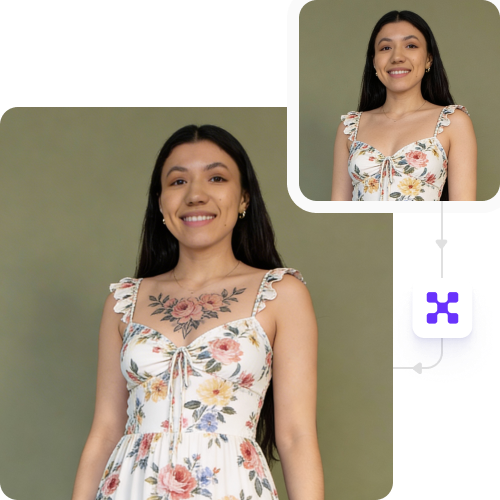
Create tattoos from text and preview their placement, style, and shading on your body.

Uploaded image
2500 chars left
Max file size 10 MB.
Loading

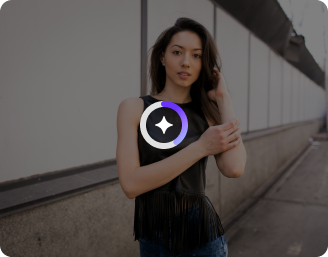
AI Magic in progress
Generating tattoo design, matching skin tone, adjusting placement, shading, and blending the tattoo naturally.

Ready

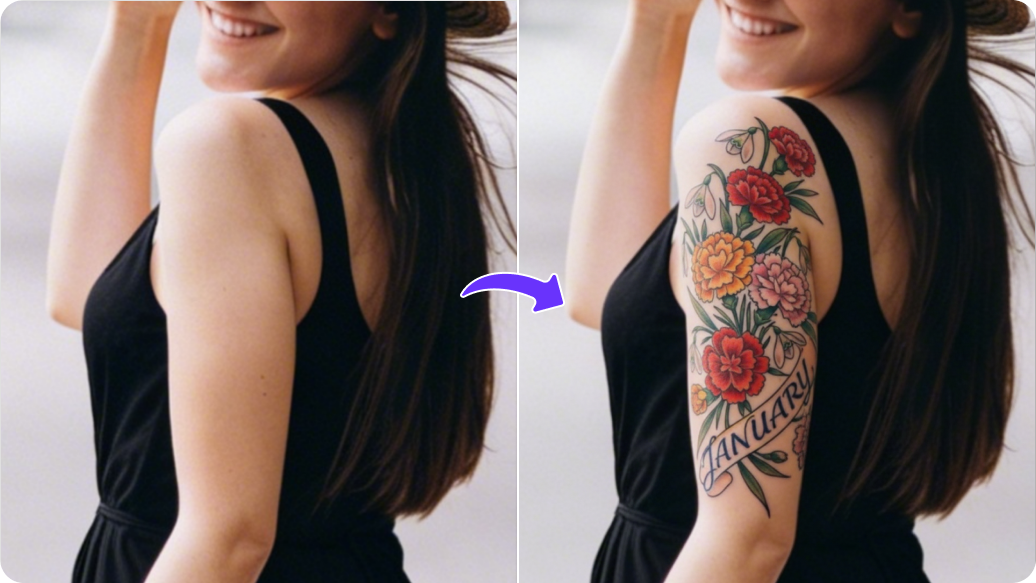
Your tattoo preview is ready!

Edit image with AI
Get 🔥 free credits for image editing, upscaling, generation and more
Create another tattoo preview
Generation Failed

There was some issue on our end. Please try again.

Try Again
Show case

How Pixelbin’s tattoo generator works?

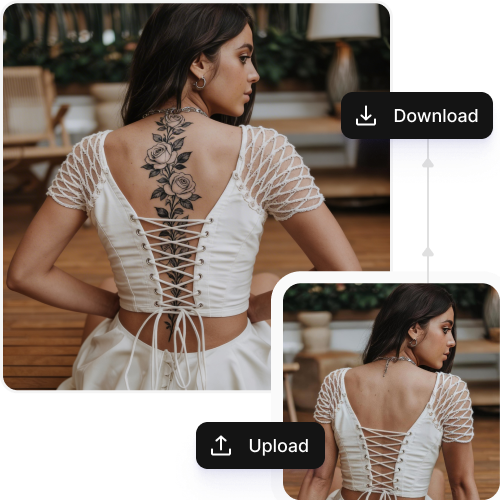
1
Upload an image
Upload a clear photo in JPEG, JPG, PNG, or WEBP format to start editing.
2
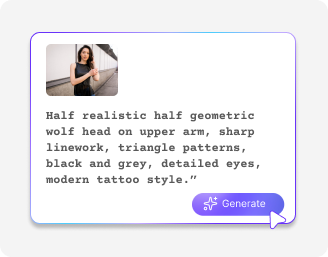
Add a prompt
Describe in detail the tattoo you want and specify your preferred style, size, or body area where the tattoo should appear.
3
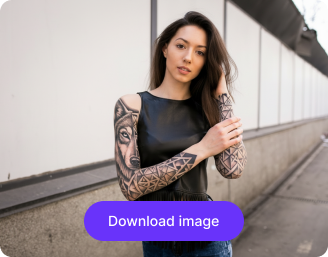
Download your photo
Preview the results to see how the tattoo looks on your skin. Save in high resolution for free and without any watermarks.

Why use Pixelbin's AI tattoo maker?

Multiple image formats
Work across images in popular file formats, such as JPEG, JPG, WEBP, and PNG.
Centralized storage
Store all your images in one place so you never lose your designs or progress.
Bulk edits
Edit multiple images at once with API support, saving hours on manual efforts.
Global CDN delivery
Deliver images in real time to ensure fast performance worldwide.
Free trials
Try different tattoo designs, shading, and placements at zero cost.
Single URL updates
Use the same image link to experiment with tattoo styles and colors, no re-uploads needed.

Try multiple tattoo styles to find the best look

Experiment with tattoo designs & shading with our AI tattoo generator for personal or professional use.

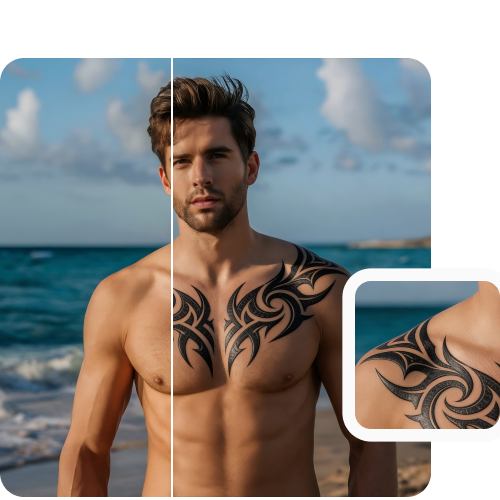
Realistic results

Change image colors effortlessly by uploading your photo and describing the desired adjustments in plain text.

Feature 1
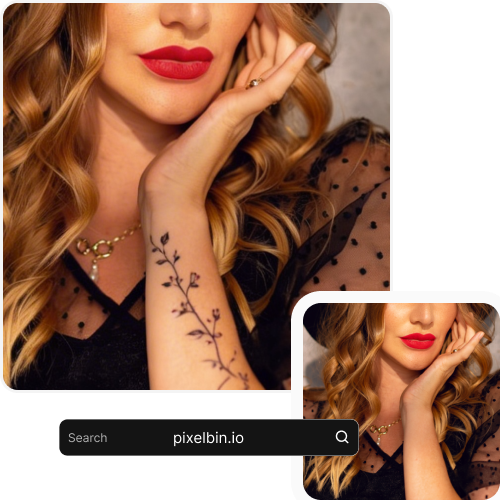
Mobile-friendly

Start creating tattoos right away on any device, no app or software installations required.
Feature 2
HD downloads

Download your images in high resolution without paying any extra cost.
Feature 3
Easy sharing

Just copy the URL from your file or folder and share it instantly with your friends or team members.
Feature 4

AI tools by Pixelbin

Key highlights of Pixelbin’s AI tattoo generator

Benefits of using Pixelbin’s AI tattoo generator

  • Try before you commit: Preview tattoo ideas on your own body before getting inked, helping you feel confident in your decision.
  • Design from text: Turn a simple text description into a tattoo design without needing drawing skills or design software.
  • Realistic placement previews: See how a tattoo looks on different body parts, sizes, and orientations using your photo.
  • Explore styles easily: Experiment with different tattoo styles, shading, and ink types without multiple artist consultations.
  • Save time and effort: Generate and iterate on tattoo ideas in minutes instead of scheduling multiple design sessions.
  • Reduce regret: Test placement, scale, and style beforehand to avoid surprises after the tattoo is permanent.
  • Accessible to everyone: Great for first-time tattoo seekers and experienced collectors alike.

Use cases of best Pixelbin’s AI tattoo generator

1. First-time tattoo planning

Visualize your first tattoo on your body to build confidence before booking an appointment.

2. Trying different placements

Compare how the same design looks on your arm, shoulder, back, or leg.

3. Style exploration

Test minimalist, tribal, floral, realism, or fine-line styles before choosing one.

4. Collaborating with a tattoo artist

Use generated previews as a reference when discussing ideas with your tattoo artist.

5. Cover-up and rework ideas

Experiment with new designs and placements for cover-ups or tattoo enhancements.

6. Creative inspiration

Generate tattoo ideas when you have a concept but need visual inspiration.

How to get the best results from Pixelbin’s online AI tattoo generator?

  • Upload a photo taken in natural light, so your skin is visible and there are no dark shadows.
  • Make sure that the area of your body where you wish to have the tattoo is not blocked by clothes, hair, or a watch.
  • Use a clear and sharp image rather than a blurry screenshot or a filtered photo.
  • Pick a spot without other tattoos. Try to use an area of plain skin so the tool doesn't get confused by old ink or marks.
  • Be specific with your prompts. Use simple words like "make an infinity design with black color" or "create a phoenix and use dual shades.

FAQs

Here are some of the most common questions about our Tattoo Image Online free tool. If you can’t find the information you need, contact us at support@pixelbin.io or refer to our documentation for more details.

You need to first decide where you want to place the tattoo: hands, thighs, neck, or any other region. Once decided, you can upload a photo of the area and then drag, rotate, or resize the tattoo design directly on the image, so it looks like it’s really on your skin.
Yes, the tattoo looks natural and real on every skin tone. In case you are not satisfied with the result, you can experiment with different ink colors or designs till you get the desired result.
Yes, with Pixelbin’s free plan, you are given 3 credits a month. Once you exhaust your monthly credits, you will be required to wait until they get reset next month, or you can purchase additional credits on a pay-as-you-go basis.
You can explore a wide range of styles like Traditional, Fine-Line, Black and Grey, Watercolor, Geometric, and many more. Besides, you can imagine and create pet, flower, or personal symbol images as custom tattoo designs through text prompts as well.
No, you do not need to install any software because our tool works on all browsers, such as Safari, Edge, Firefox, and Chrome.
Edit images in seconds, not hours
Get pixel-perfect results just with your words
Start editing with AI