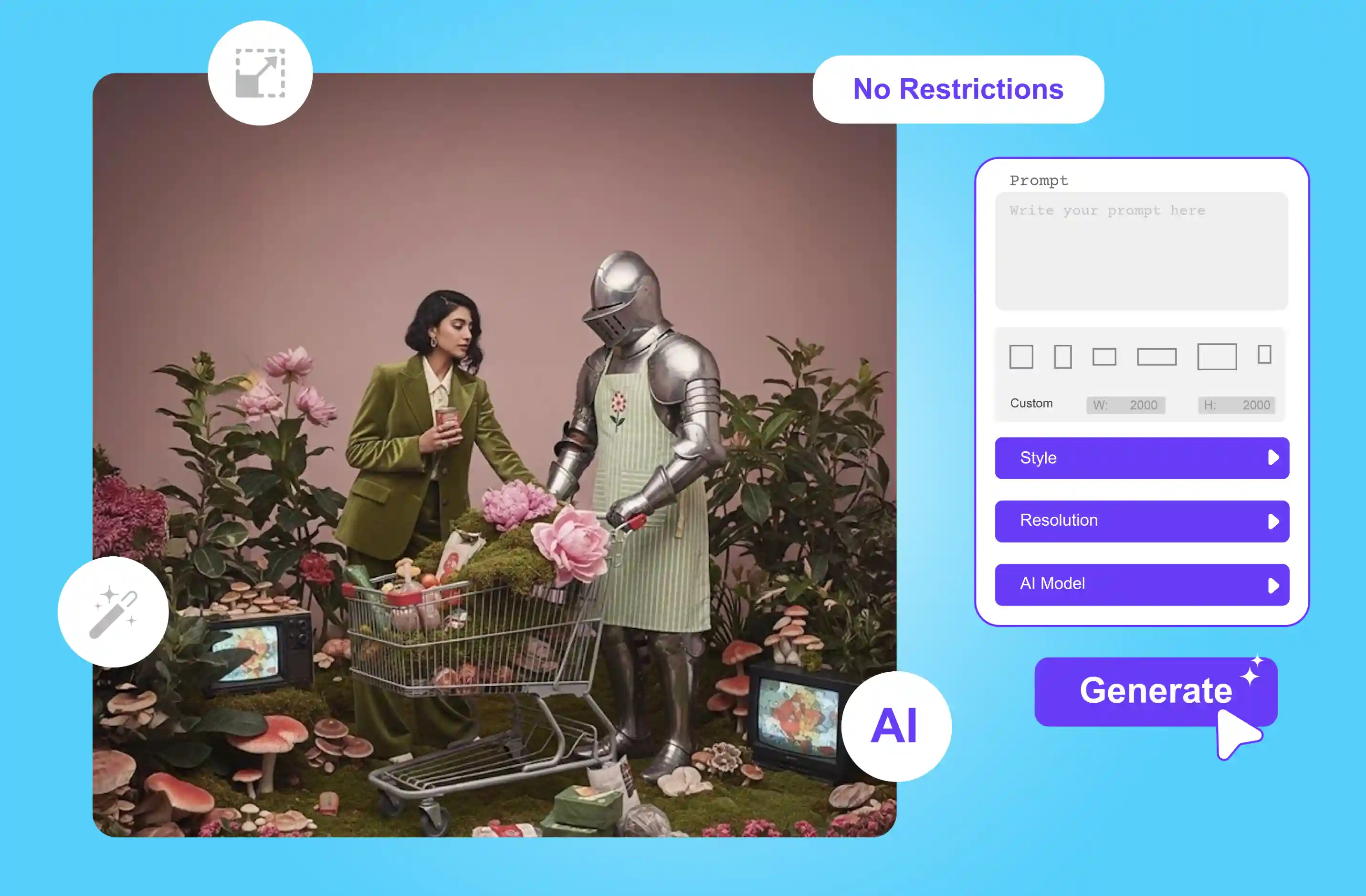


Using various tools to generate images can be slow, and it limits the number of images you can create, but sometimes some tools always add an AI watermark. So, several questions come to mind: Is there any AI image generator with no restrictions?
This problem affects a lot of users. This post is for you if you’re one of those users who want to create a wide variety of graphics just by typing text without being limited by the subject, style, or content.
I searched and tried many tools; from there I thoroughly examined the best 7 AI image generators for 2026 that have no restrictions. With the help of these tools, you can fully express your creativity and generate beautiful images across various categories.
Discover them all by continuing to read. In this blog, I explore the seven best AI image generators with no restrictions, allowing you to create freely and without limits.
I’ll dive into what a no-restrictions AI image generator is its benefits and the best free tools available in 2026. Plus, I’ll explain how each tool works, what kind of results to expect, and the pros of using them.
What is a no-restrictions AI image generator?
No limitations platforms that let users produce images from text prompts without additional content limitations beyond what the AI model naturally supports are known as AI image generators.
These tools often aim for fewer limitations some may not require a sign-up while others offer free access with minimal constraints.
Although these generators offer more creative options, users should be aware of their potential moral, legal, or safety concerns, especially when generating sensitive or copyrighted content. When can you say no restrictions for the AI image generator?
"No restrictions" generally refers to a few key aspects.
No sign-ups
Some tools allow you to generate images without creating an account or providing personal information, offering quick and easy access for experimentation.
Free to use
Many generators offer free access with some usage caps, making them great for personal experimental use. However, completely limitless free usage is rare.
Creative freedom
These tools typically allow broader creative styles or subjects compared to heavily moderated platforms, though model-level safety filters may still apply.
Benefits of the unrestricted AI image generator
Now that I’ve covered what a no-restrictions AI image generator is, let’s explore the benefits of using one.
1. Full creative freedom
Create anything you can imagine; simply write a text prompt, and you will receive the result. Means full artistic expression, no matter the subject.
2. Advanced prompt
Use a detailed, complete, or unconventional prompt without restrictions. Explore AI creativity without any text or filters.
3. Faster uninterrupted workflow
Some no-restrictions tools allow you to run models locally on your own laptop, giving you full control, data privacy, and a smooth, uninterrupted creative workflow. For cloud-based tools, be aware that some usage data may still be tracked.
Best 7 AI image generators with no restrictions (2026 updated)
1. Pixelbin

Pixelbin browser based AI text-to-image tool lets you start creating images quickly. It offers a few free tries before requiring an account/credits. In testing, I was able to create multiple images without signing up or encountering any major style limitations.
Pixelbin handles user prompts effectively and the result often aligns with the described input, especially for basic and creative scenes. Rather, it is intended to help you explore your creativity and generate a diverse variety of artistic works. It is compatible with common file formats like JPG, JPEG and PNG.
What makes this tool impressive is its simplicity and accessibility especially for users who want to generate images quickly without barriers. Free AI image generators with no restrictions let you write detailed prompts up to 2500 characters, so that I can describe scenes very precisely.
It runs directly in your browser, generates high-quality, watermark-free images, and shows a preview before you download. You can generate AI images in landscape, portrait, fantasy, abstract, etc. Overall, a simple, fast, and powerful tool for social media, product images and creative experiments.
If you’re interested in working hands-on with an AI image generator with no restrictions, Pixelbin is a good place to start. Use the Pixelbin AI image generator with no restrictions from any browser on any device, like a laptop, desktop, smartphone, tablet, etc., without downloading any software or installing a plug-in.
Pros
- High-quality, watermark-free images
- Very easy to use
- Multiple AI tools in one place
Website: AI image generator with no restrictions
2. Raphael AI
While Pixelbin is a solid tool it’s not the only AI image generator claiming to offer no restrictions. Today, I’m exploring another option, Raphael AI which claims to be a free AI image generator but only gives one free credit after you create an account.
I tried Raphael AI because it promised no restrictions, but the experience was honestly disappointing. It has taken more time than Pixelbin. Although the website promotes free use, only one image can be generated for free after signing up. Additional usage requires purchasing credits.
This AI image generator offers no restrictions and only one free credit after logging in to try its powerful image generation and features. However, the tool provides various styles to play with, like color, lighting, composition, high quality, fast mode, and many more.
When I tested the text prompt with “A woman standing in a garden, a dog standing near wearing red cloth.” I received the result that the woman is half-faced, and a dog is standing near with a red cloth.
The result showed the woman only partially, and the image felt incomplete. Since the subject wasn’t rendered, the result felt more unfinished than usable. I wouldn’t recommend Raphael AI as reliable for most types of creative works.
Pros
- Multi-style support
- Zero-cost creation
- Enhanced privacy protection
Website: AI image generator with no restrictions with Raphael
3. Perchance AI image generator
Perchance AI image is popular for anyone looking for a completely free AI image generator with no restrictions. The tool is 100% free to use, requires no account and doesn’t block or censor your prompt.
You can choose from over 50 unique art styles, including painted anime, casual photos, Disney sketches, and much more. It supports different formats, like portrait, landscape, square, and outputs you require: 4, 6, or 8, up to 32.
All these features are good. When I tested my prompt I found the generation process a bit slow, and the image outputs were inconsistent compared to my expectations. While Perchance offers more styles than Pixelbin the image quality and accuracy were not as consistent in my experience.
Pros
- Multiple images generated per prompt
- Wide selection of art styles
- No login or registration required
- No watermark
Website:AI image generator no restrictions with Perchance AI
4. Canva
Canva is a powerful and free image and video design tool. Canva allows users to generate images using AI through a limited number of free credits. After that, additional access requires Canva Pro.
The AI image tools like Magic Media’s text-to-image and other integrated generators let you type a simple prompt and instantly get unique images or graphics that you can drop straight into your designs.
Canva offers 50 free AI generation credits for you to experiment with, each generation using one credit to create up to 4 images simultaneously. Additionally, I tried that feature; after receiving a result, you can use Canva's editing tools to change colors, add backdrops to images, combine images, and more.
"I tested a detailed prompt involving a woman, a flower background, a dog wearing yellow clothes, a fish, and a rabbit. One image showed the fish near a dog and a cat and another only near the cat falling short of accurately describing the full scene.
While Canva doesn’t offer a dedicated art style selector you can guide the image generation by describing styles like 3D, neon, concept art and more in your prompt.
Pros
- Multiple platform support, available as both online tools and applications
- Easy to operate
- Various art styles are available
- Magic edit
Website:AI image generator no restrictions with Canva
5. DeepAI
DeepAI image generator is a free online AI generator that offers a highly customizable experience. No login is required for generating AI images. However, the process is simple: only write a text prompt, select a style and shape, and once you’ve made your selection, click “Submit” to generate an image.
A key feature is its wide selection of styles from realism and abstract to cartoon art, and support for various image orientations like landscape, square, and portrait.
The tool provides three processing models: Standard, HD, and Genius. While the generation speed is slower even in fast modes the resulting images are detailed and generally align with prompt expectations.
Pros
- Support multiple image styles to meet
- 3 different AI image generation models
- No signup needed
Website: AI image generator no restrictions with DeepAI
6. Flat AI
Flat AI is a complete suite of powerful private AI tools at your command. No signup is required; just visit the website and start generating images. You can easily create images from text prompts with its cutting-edge AI technology.
I had tested that by clicking the AI prompt button, you’ll receive random prompt suggestions to spark ideas. The tool provides three aspect ratio options, like Square 1:1, Landscape 16:9, and Portrait 9:16. However, it also provides flexible aspect ratios to select, like square, landscape, or portrait format, to fit your image requirements perfectly.
I tested the prompt: 'A princess near a house by the river with a white cat wearing a red ribbon, standing in the rain holding an umbrella.' The image was generated in about 45–50 seconds. When I changed the aspect ratio to landscape (16:9), the result was clear, but the process was time-consuming.
Pros
- Ease of use
- Flexible aspect ratio
- No signup
Website: AI image generator no restrictions with Flat AI
7. Flux
Flux AI is a pen-ended image generation tool offering minimal content restrictions and creative flexibility for advanced users. There are various versions of Flux: Flux 1.1 Pro, Flux 1.1 Pro ultra, and many more.
It supports uploading custom LoRA models, allows the use of fully customized prompt templates, and has turned off most content filtering mechanisms. The tool is not fully free, but it offers a free credit system. New users may receive 5 to 20 free credits, and each image generation costs 1 or 2 credits, depending on the model and settings chosen.
I tested the text prompt “Athlete in mid-air with light trails and beautiful girl there” and image size with 3:2. The platform displayed a wait time of 10-80 seconds. Output was not accurate as the image showed the girl jumping instead of being a separate character.
Pros
- Ease of use
- Multiple art styles
- Resolution option
- Custom
Website: AI image generator no restrictions with Flux
FAQs
You should use, but some of the tools do not allow for commercial use. Always check the license of the model you use.
Pixelbin AI image generator is designed to provide users with an efficient and convenient experience. The tool can quickly convert text descriptions to high-quality images in a variety of styles without restrictions.
Pixelbin AI image generator tools make it easy to turn visuals. Use Pixelbin to enter a text prompt, and you can receive results.
Infringing Third-party copyrights. The most significant risk is that your AI-generated image may inadvertently reproduce elements of existing copyrighted works. AI models are trained on billions of images, many protected by copyright.
Using a no-signup generator is generally safe and a great way to protect your privacy, as you don’t need to provide any personal data. Always be mindful of all the types of images you can create and share, and ensure you are using these tools responsibly.
Some of the AI image generators have no restrictions; as mentioned above, all of these tools are worth trying in 2026. These free AI image generators have almost no restrictions on themes and styles, making them suitable for meeting different creative needs. Among them, Pixelbin provides an unlimited AI image generator with no restrictions.