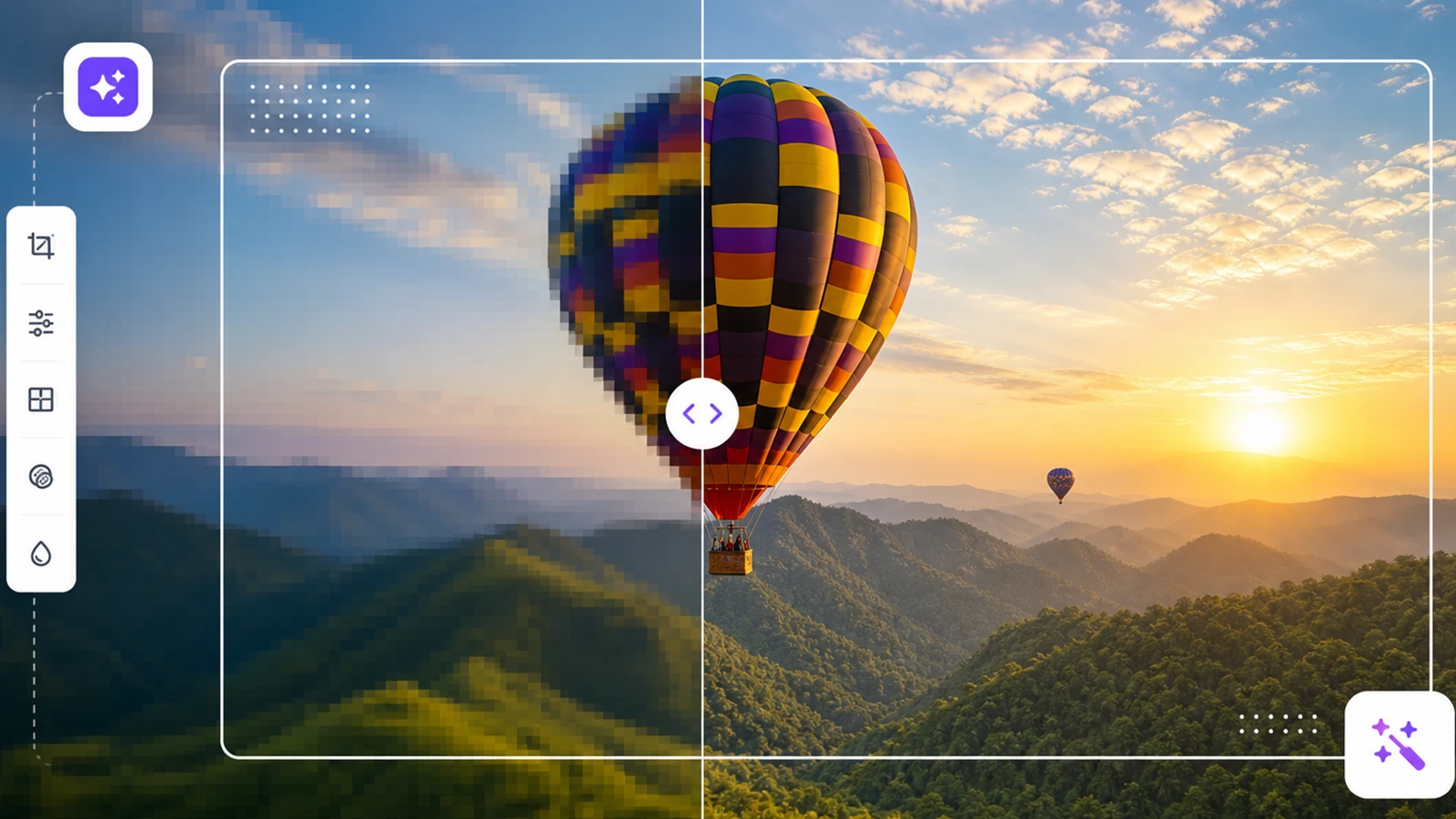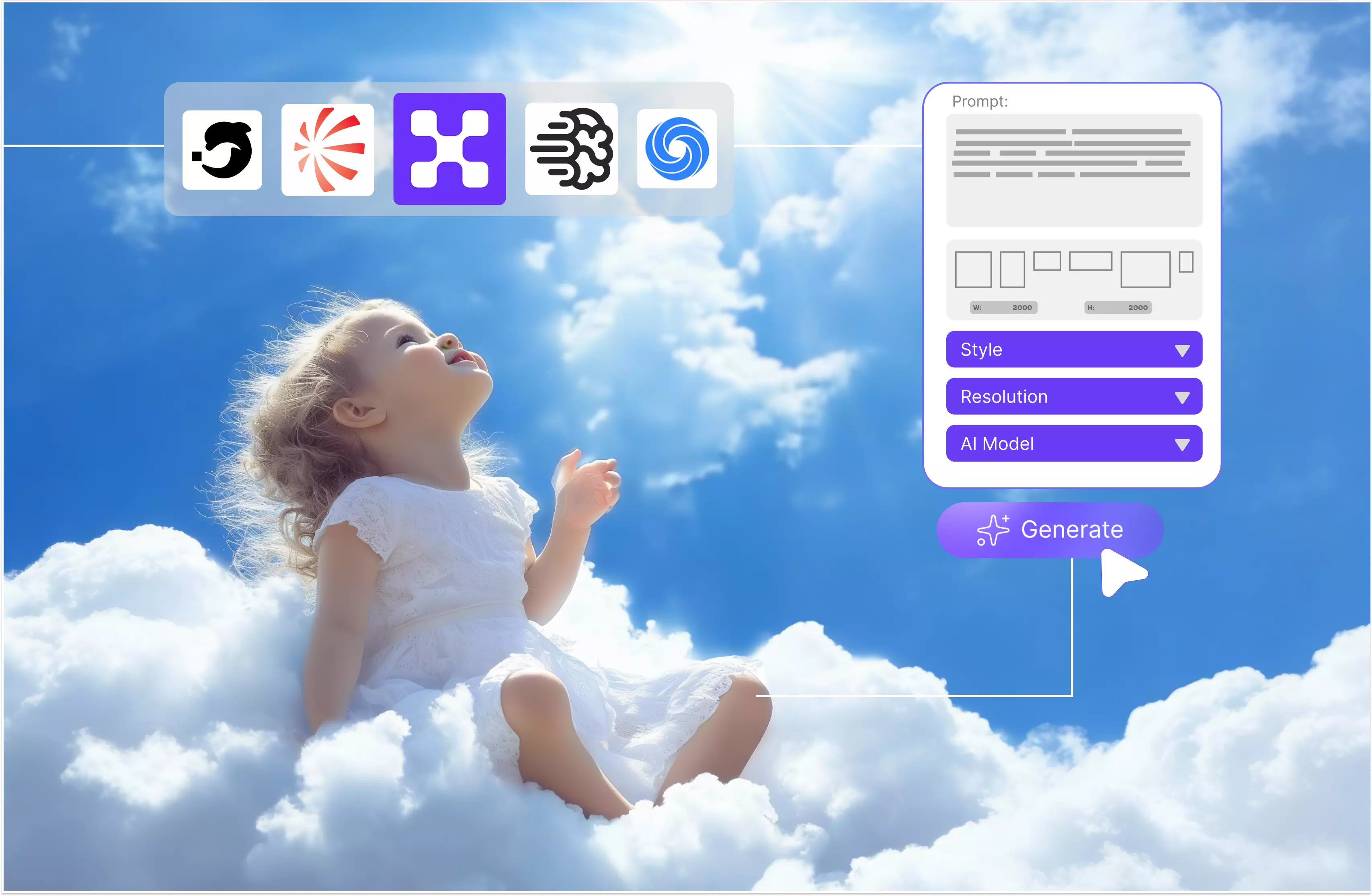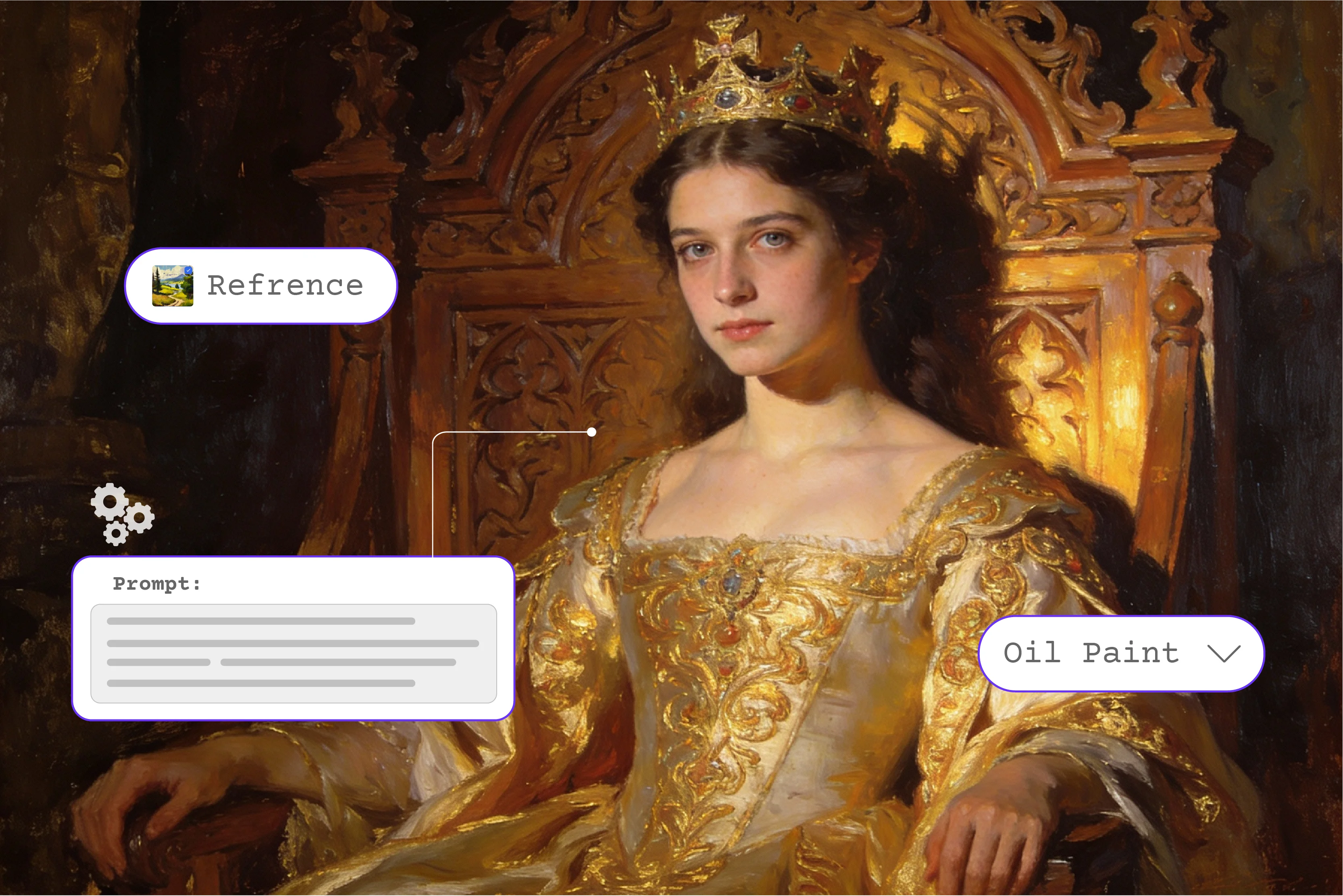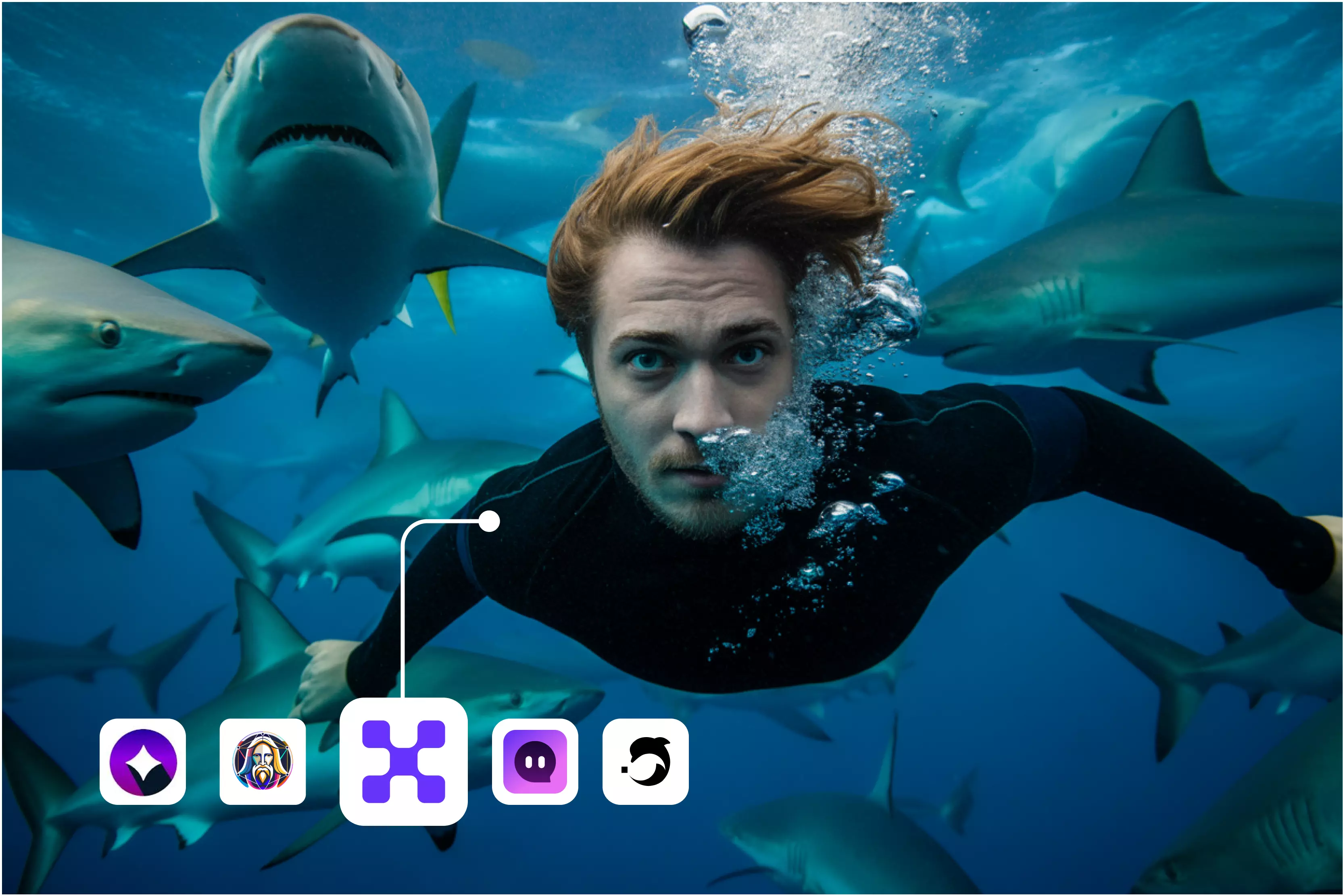


The top AI art generators transform text prompts into digital art using sophisticated machine learning algorithms, enabling users of various skill levels to express their creativity without the need for a conventional creative background.
Some AI generators are capable of producing incredibly realistic people and scenes, often closely resembling real photographs, though they may vary depending on the tool and prompt.
It's time to get started right now and check out some of my favorite tools like Pixelbin. Businesses can produce smooth images for branding, advertising, social media, and even corporate presentations with AI image generators like Pixelbin.
In this blog, I’ll explore what AI art generators are and how they’re transforming the world of image creation, and go over key features, common use cases, and the top 6 AI tools with tips on how to use each one effectively.
What is an AI art generator?
AI art generation is the process of creating visuals using artificial intelligence. These tools analyze the text prompts or other inputs to produce images that match your description.
Whether you require realistic photos, abstract art or something in between, an AI art generator can deliver. If you’re exploring various tools, check out various AI tools like Pixelbin, DeepAI, on features, how to use them, and much more.
Whether you’re a business owner or a creator, these tools can save time, cut costs, and boost creativity. Imagine being able to create audience-specific visuals or unique images that are a perfect fit for your business without the need for a designer.
Most realistic AI art generator
If you're looking for the most realistic AI art generator to integrate or use alongside Pixelbin, it stands out as the top choice. Pixelbin is powerful for managing and optimizing images, and when paired with AI art generators, it can greatly enhance workflow.
Pixelbin AI is an AI-powered image generator that can produce lifelike characters and locations so realistic you won't be able to tell them apart from actual photos.
Pixelbin AI uses advanced image processing tools to optimize images through compression, resizing, and format conversion, making them suitable for fast loading and high-quality visual experiences in professional use.
Advertising, marketing, and design professionals use Pixelbin to optimize and deliver images efficiently without compromising visual quality. Pixelbin.io supports a wide range of categories, including people, animals, and landscapes.
Additionally, Pixelbin provides an extensive array of customization options, enabling you to modify the color, size, and other parameters of the generated images. If you’re looking for the most realistic AI art generator to integrate or use alongside Pixelbin, it stands out as the top choice.
Key features of an AI art generator
Pixelbin AI comes with a wide range of features that make it the most realistic AI image generator on the market. There are some key features of an AI art generator.
1. Ease of use
Pixelbin AI image is easy to use, with a simple, intuitive interface that makes it easy to generate images with only a few clicks. There is no need for any technical knowledge; it is very easy to use.
2. High-quality images
Pixelbin helps preserve high-quality images through smart compression and resizing tools, ensuring your visuals remain clean and clear across platforms.
3. Commercial use
The images that are generated are used for commercial purposes like advertising, marketing, and design.
4. Cost-effective
There are various plans available to make it accessible to businesses of all sizes. However, the tool also provides you with a trial for use and checking.
5. Multiple ranges of categories
Pixelbin can process and optimize a wide range of image types, whether they include people, animals, landscapes, or more.
6. Style transferring
Common features of AI art generators' style transfer grant users the ability to apply aspects of existing artwork and styles to their art creations. You can select various stylistic characteristics or artistic designs and apply them to the AI art generator output.
7. Customization options
The Pixelbin AI allows users to transform images by adjusting size, format, crop, dimension, and overlays, ideal for tailoring content across platforms.
With its cutting-edge AI algorithm and a wide range of features, Pixelbin stands out as the most realistic and easy-to-use AI image generator on the market. Don't believe us, but there are millions of users who have tried it out for themselves; they can’t be wrong.
Tools for AI art generators in 2026
1. Pixelbin

Pixelbin is a leading AI art generator that caters to a wide range of users, from casual creators to professional artists. The tool is powerful enough for professional creators to use every day.
The tool must offer more than just image generation because so many tools can do that. So here the tool cleverly adds new features like various models, references, controls, aspect ratios, and many more. The tool is very simple to use; you only need to add a text prompt and select from various models, references, controls, and aspect ratios based on your requirements.
I tested templates such as Urban Editorial Portrait, which showcases high-end urban fashion editorial portraits, bold street style, and natural skin. I also used written text prompts like “A woman with a red purse in her hand is heading out for a shopping trip,” along with image 1, aspect ratio 1:1, and model Nano Banana Pro before clicking the generate button.
Wait for a few seconds. If you’re looking for the most powerful AI art generator to integrate or use alongside Pixelbin, it stands out as the top choice. It is a top choice for anyone seeking to expedite creative production without compromising quality. It's a solid choice for professional users who want fast, consistent, and visually appealing results.
Key features:
- Easy to use
- No signup needed
- No watermark
- Multiple style support
- Multiple template options
- Multiple aspect ratios
- Good image quality
- Let’s choose the color palette
2. Leonardo AI
Bring your creative vision to life with Leonardo’s suite of AI art tools. With complete creative control, you can create smooth paintings, drawings, images, and videos in seconds. The tool allows you to add text and graphics, upload your artwork, and resize, transform, and modify existing creative work all within moments.
Various models are available from tools like Auto, Lucid Origin, GPT image 1.5, Nano Banana Pro, and many others; you can select the image dimensions, the number of images, and styles such as Dynamic and Fashion based on your preferences.
I tested one text prompt where I received the perfect result with different styles and aspect ratios, but sometimes it crops or stretches the image oddly. It is very easy to use, requiring no technical knowledge; the tool is powerful but imperfect in dimension, and the set sometimes mismatches the output.
Ideal for game assets, concept art, marketing visuals, or personal creative projects, Leonardo AI combines flexibility, speed, and creative control, making it one of the most feature-rich AI art generator tools.
Key features:
- Ease of use
- Multiple AI art models
- Support multiple styles
- No technical knowledge needed
- No signup needed
- No watermark
3. ImagineArt
ImagineArt is an AI art generation application that uses straightforward text prompts to make your creative ideas come to life. It supports image-to-image generation and inpainting, giving users even more creative freedom.
For creatives looking to save time, reduce costs, or experiment with new ideas quickly, ImagineArt delivers a smooth and powerful AI art experience that blends accessibility with professional-level results. Perfect for both beginners and advanced users.
The system was tested using the text prompt, "A small girl wearing a red and white frock, standing near a Christmas tree with Santa and giving a gift." There are various models available; I selected the ImagineArt 1.5 with a square image size, variation 2, and clicked the “Create” button.
If you need to use other models and advanced features, then you have to UpgradePro to get it done. The received result was imperfect as per my expectation because in 3 images I saw the girl wear a red and white frock, but in one image I saw a pink color, which is imperfect. Again, faces may look realistic in one image and completely unnatural in the next, even with similar prompts.
Key features:
- Ease of use
- No technical knowledge needed
- Multiple AI art models
- Support multiple styles
- Custom aspect ratio and image sizes
- Negative prompting
- No watermark
4. Magic Studio
The Magic Studio AI Art generator transforms text descriptions into visual art, and it uses powerful AI to identify details in text and create visuals that accurately express the message. You can create up to 20 pictures with the AI image generator for free after creating an account. The process is very simple, just add your desired text.
It attempts to reflect elements like objects, scenes, and emotional tones based on the prompt to generate artwork that aligns with your description. Whether it’s for digital media, print, or personal projects, the generated art smoothly integrates into your desired platform, ensuring visual consistency.
The text prompt is “Watercolor painting of a valley with a house next to a river,” and click on the “Create a picture” button. Wait for a few days; the result I received was perfect, as per my text.
Then I tried using a different text prompt, but the image's quality was blurry, inconsistent, and not satisfactory. The aspect ratio customization is minimal, and images often get cropped with poor resolution. The tool looks more focused on casual users or social media content rather than serious art generation.
Key features:
- Easeofo use
- Art for all platforms
- Beginner-friendly interface
- Multiple styles and aspect ratios
- No sign-up needed
- No watermark
5. DeepAI
An AI art generator is a tool designed to transform plain text prompts into images, blending your creativity with the capabilities of artificial intelligence. Whether you’re a creator, developer, or entrepreneur, DeepAI's free online AI art generator gives you the power to visualize your imagination in seconds.
The tools provide various artistic styles, smart customization, super resolution support, no signup needed, API access, and more, according to your requirements. No signup is required, and it's free, which is a huge plus.
I tested my text prompt by selecting “Watercolor painting of a valley with a house next to a river” in the style of “Cute creature generator,” choosing the shape, and then pressing the generate button.
I was really unsatisfied with the result because the border color was imperfect. If you’re serious about AI-generated art or need professional-quality results, it may feel too basic. It might not be the greatest option for creating polished artwork, even though it's a great tool for testing.
Key features:
- Ease of use
- Generate and refine
- Support multiple styles
- No technical skill required
- No watermark
6. NightCafe
NightCafe is an AI art generator that allows users to easily create smooth AI artworks and illustrations. The program creates images from text prompts or style transfer images using cutting-edge artificial intelligence techniques, including Stable Diffusion, DALL-E 2, CLIP, and Neural Style Transfer.
NightCafe is suitable for both beginners and professional artists looking to explore AI art generators. NightCafe is very easy to use. Creating AI-generated art is as simple as typing your prompt and clicking “create.”
You can start with a few models and then experiment with different ones to discover your preferences. You can upgrade to a PRO plan to get more credits and access to additional models, though many users find the free plan sufficient for basic experimentation.
I tested the tool using the text prompt “Watercolor painting of a valley with a house next to a river,” and the generate button. I received the result using the Z-image turbo model, which was acceptable, but to access a different model, we need to upgrade to “PRO.”
The result wasn’t perfect, but I appreciated that the image had no watermark. The structure of the image wasn’t very detailed, it looked. I tried the same prompt multiple times and got very different and often unusable results.
Key features:
- Ease of use
- Web and mobile AI generators
- Support multiple styles
- No watermark
- No signup needed
Use cases of Pixelbin AI art generator
AI image generators make it simple to turn your ideas into visuals, whether for creativity, learning, or pure fun. Pixelbin can be used for a wide range of professional applications, including for businesses and creators who need high-quality visuals at scale. Pixelbin AI art generator offers a wide range of practical use cases, particularly for businesses and creators who need
1. Marketing and advertising
Create eye-catching visuals for campaigns, social media ads, and brand promotions with Pixelbin’s AI art generator. This decreases the dependency on graphic designers for each creative version and speeds up campaign rollout.
2. E-commerce and business
One of the most popular use cases is creating realistic product mockups. For an e-commerce websites, the application helps in the creation of product photographs.
AI enables the creation of multiple products and lifestyle shot variations, eliminating the need for costly photoshoots. These tools are helpful for those looking to scale quickly or test multiple product variations visually.
3. Content creation and blogging
Content creators and bloggers can use AI art generators to create custom blog headers, articles, illustrations, and social graphics, then use Pixelbin to compress, resize, and serve these visuals efficiently across platforms. Bloggers and content teams can save time and money by using this tool to create high-quality, customizable photos that improve the visual quality of their material.
4. Design inspiration and prototyping
Designers and entrepreneurs can visualize ideas quickly using AI image generators. Whether it’s a new product, mockup, or concept art, the generator speeds up the iteration process and reduces time to prototype. So add your creative ideas, visualize concepts, prototype designs, test variations, and streamline workflow with Pixelbin's AI.
5. Entertainment and creative projects
Generate fun artworks, storyboards, or conceptual visuals for hobbies, storytelling, or games. By providing text prompts, you can generate high-quality images that bring your characters and setting to life. This saves time and ensures consistency across your project.
6. Education and Training content
AI-generated images are transforming how educational materials are presented. Research shows that combining words with graphics improves learning outcomes.
AI can be used to produce images that make difficult subjects easier to comprehend. To explain scientific procedures or historical events, for example, you could make intricate diagrams, infographics, charts, or even animations.
FAQs
The most realistic AI image generator is Pixelbin, designed to create lifelike people, hyper-realistic scenes, and photorealistic images. It is widely considered the best realistic AI image generator for professional and commercial use.
Yes, Pixelbin specializes in generating realistic images of real people using AI, ensuring that facial skin, lighting, and expressions appear natural and lifelike.
Yes, the AI realistic image generator by Pixelbin allows for commercial purposes of generating images, making it perfect for marketing, advertising, design, and social media.
Yes, your first three uses of Pixelbin AI image generators are completely free. After that, each use will cost credits. However, once you sign up, you’ll receive three free uses, and you can purchase additional credits whenever you require.
With the Pixelbin AI image generator, you won’t spend more time designing everything from scratch. The whole process is very simple to use. The tool will help you create beautiful and quality artwork and is super quick and efficient.
At Pixelbin, all the data that is used is securely encrypted and is never shared with anyone after your use.