
Summary
The best Sora alternative in 2026 depends on the job. Pixelbin is a practical pick for short AI videos, product visuals, social clips, and a simple generate-to-edit workflow. Runway is better for production-minded creators who want cinematic control. Google Veo is strong for prompt adherence, realism, and video with audio. Kling AI, Pika, Luma, Hailuo, PixVerse, Vidu, Adobe Firefly, Seedance, Synthesia, HeyGen, Canva, Krea, and LTX Studio each fit different video workflows.
Since Sora's app experience was discontinued on April 26, 2026 and its API is scheduled to end on September 24, 2026, readers should choose a tool that is active, accessible, and practical for their own publishing needs.
Introduction
Sora completely redefined expectations for AI video, setting a new benchmark for cinematic depth and physical coherence. But moving past the initial wave of hype, real creators need tools they can put to work immediately without friction.
If you need a practical entry point for short-form clips, product visuals, and social media assets, Pixelbin's AI video generator is one of the most effective solutions available right now. However, if your projects demand hyper-realistic cinematic scenes, advanced camera movement, AI avatars, or enterprise-grade production controls, the right alternative will look different.
The goal is not to pretend one tool replaces Sora perfectly. AI video tools have tradeoffs: some are stronger at motion, some at prompt accuracy, some at editing, some at business avatars, and some at fast social content. A useful alternative should solve the actual problem you have in front of you.
What happened to Sora?
OpenAI discontinued the Sora web and mobile applications on April 26, 2026, and its API will officially shut down on September 24, 2026. This complete deprecation means Sora is no longer a viable video generation tool.
Creators and developers replacing affected workflows must transition to active AI video alternatives. Leading platforms in 2026 include Runway, Google Veo, Kling AI, Pika, Luma, Hailuo, PixVerse, Vidu, Adobe Firefly, Seedance, Synthesia, HeyGen, Canva, and Pixelbin.
How to choose a Sora alternative
Before choosing a tool, define the video job clearly. A tool that is amazing for cinematic B-roll may be slow for daily social posts. A tool that makes avatar explainers may not be useful for product animation. A tool that creates beautiful demos may still be hard to use if it leaves you without editing, captions, or clean exports.
- Evaluate Visual Quality and Prompt Adherence
Test how accurately each platform interprets complex text prompts, handles physics, maintains spatial consistency, and minimizes visual artifacts in dynamic scenes.
- Assess Temporal and Character Consistency
For multi-shot scenes or storytelling, select tools that offer character continuity features, camera control settings, and keyframe-to-keyframe consistency (like Runway's Gen-3 or Kling AI).
- Verify Motion Control and Editing Features
Look for advanced controls such as camera motion parameters, inpainting/outpainting, regional editing, motion brushes, and framerate/resolution controls to maintain fine creative authority.
- Check API and Workflow Integrations
If you are building automated pipelines or scale applications, ensure the alternative offers a robust, well-documented API with reasonable rate limits, low latency, and easy integration.
- Compare Pricing and Credit Structures
Review subscription tiers, pay-as-you-go pricing, and generation speeds (standard vs. turbo rendering modes) to match your monthly volume and budget constraints.
- Ensure Licensing and Commercial Usage Rights
Verify that the generated output includes clear commercial rights, copyright protection options, and enterprise-grade security/privacy policies regarding uploaded training data.
- Consider Export Formats and Resolution Capabilities
Ensure the tool natively exports at high resolutions (4K upscaling, 60 FPS) and supports flexible aspect ratios (16:9, 9:16, 1:1) for cross-platform distribution.
Best Sora alternatives in 2026
1. Pixelbin
.webp)
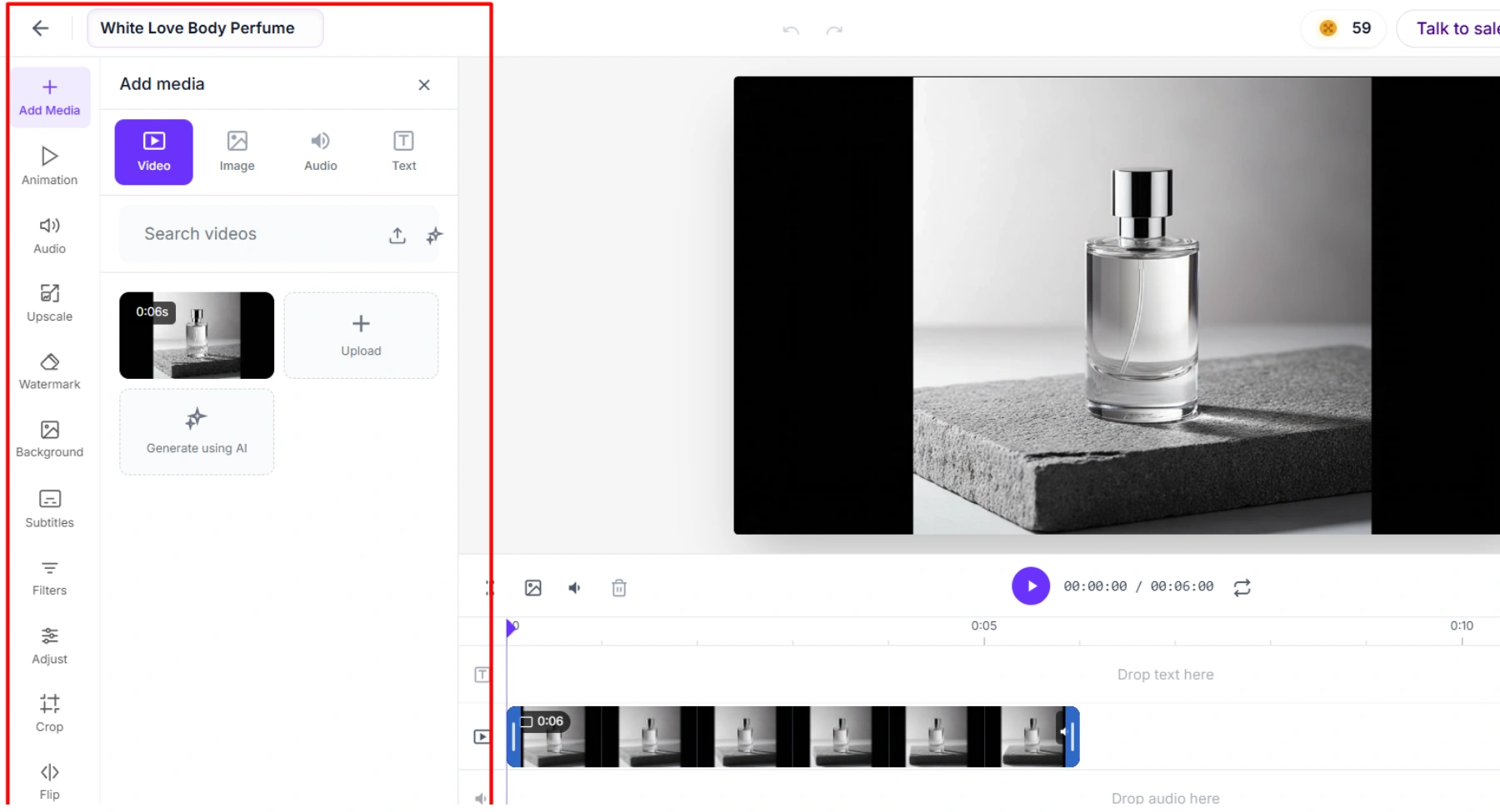
Pixelbin is a strong practical Sora alternative for creators, marketers, ecommerce teams, and small businesses that need short AI videos without a heavy production setup. The strongest angle is not that Pixelbin is only a cinematic model playground. It is that Pixelbin connects generation with the kind of cleanup and export work that happens after a clip is created.
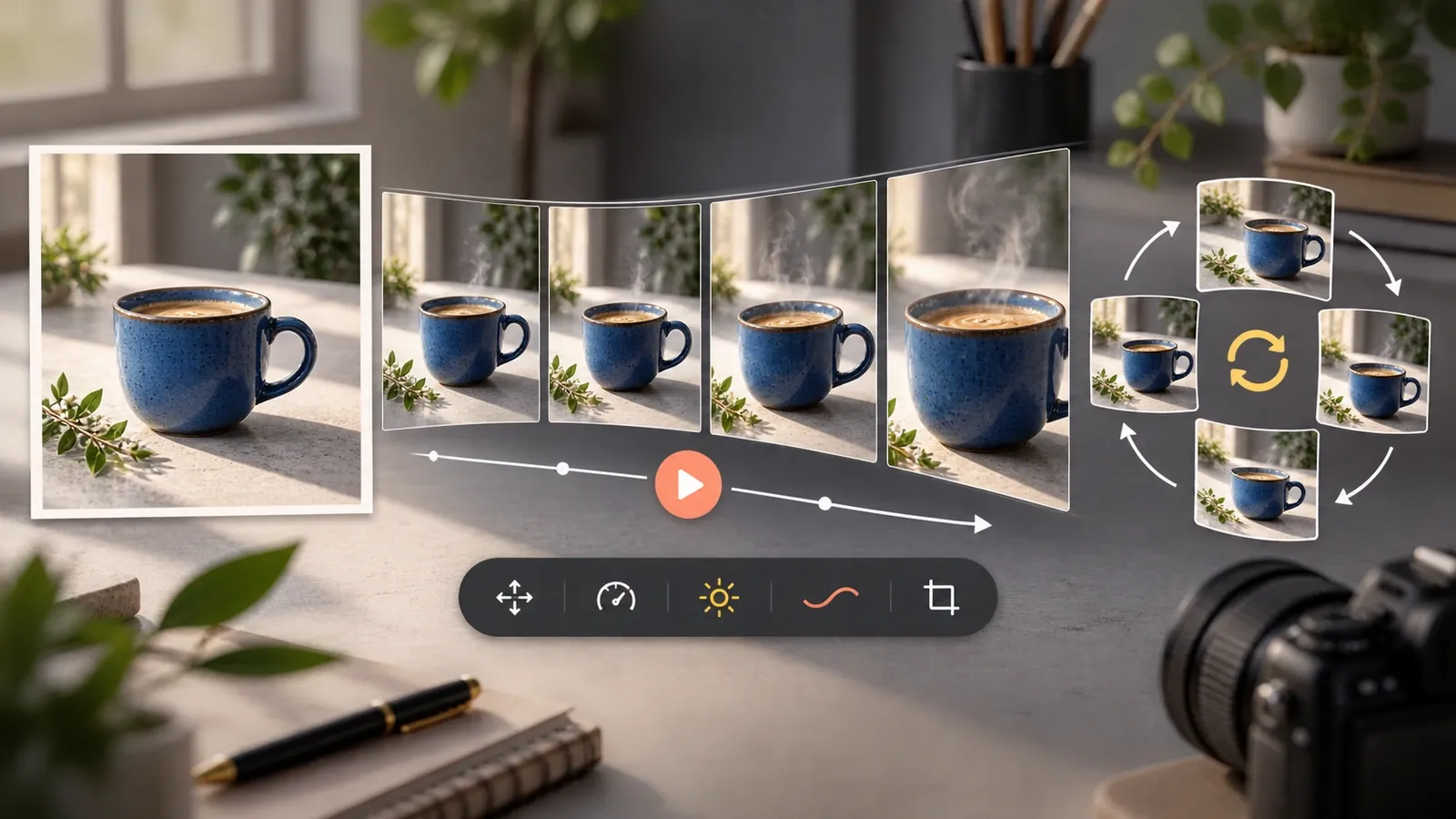
For users who already have a product shot, poster, thumbnail, portrait, or campaign image, the image to video workflow is especially relevant. It lets the writer explain how a static image can become a short moving clip for Reels, ads, storefronts, presentations, and product pages.
After generation, a clip usually needs finishing. Pixelbin's video editor fits naturally here because users may need subtitles, resizing, visual polish, crops for different channels, and export-ready versions.
Best for: Short AI video generation, image-to-video conversion, social media clips, e-commerce product visuals, digital marketing ads, quick campaign ideation, and unified workflows combining asset generation with post-editing.
Why choose it instead of Sora: Pixelbin offers practical utility for everyday marketing teams by providing an immediate, direct path from raw text prompts or still images into published video assets. It simplifies multi-format scaling for social media, allowing teams to instantly format, edit, and publish active content rather than just rendering isolated video demos.
Keep in mind: When producing complex cinematic sequences requiring granular, shot-by-shot directorial control, specialized tools like Runway, Google Veo, Luma Dream Machine, or Kling AI may need to be integrated alongside Pixelbin.
Use it if: You require an accessible, stream-lined web solution to quickly create, edit, and optimize commercial AI video content for e-commerce, digital ads, and social media channels.
2. Runway
Runway is one of the strongest Sora alternatives for serious creative work. It is built around AI media generation and editing, and it is often used by filmmakers, agencies, designers, and advanced creators who want more than a one-click social video.
Best for: Cinematic AI video, controlled shots, production-style workflows, brand campaigns, concept films, and creative experiments.
Why choose it instead of Sora: Runway is a better fit when you need camera control, strong visual fidelity, model options, and a production-minded workspace.
Keep in mind: It can take more time to learn than simpler tools. Credits, model selection, and prompt testing matter, so it may feel less casual for beginners.
Use it if: You want a professional AI video platform that can support polished creative work.
3. Google Veo
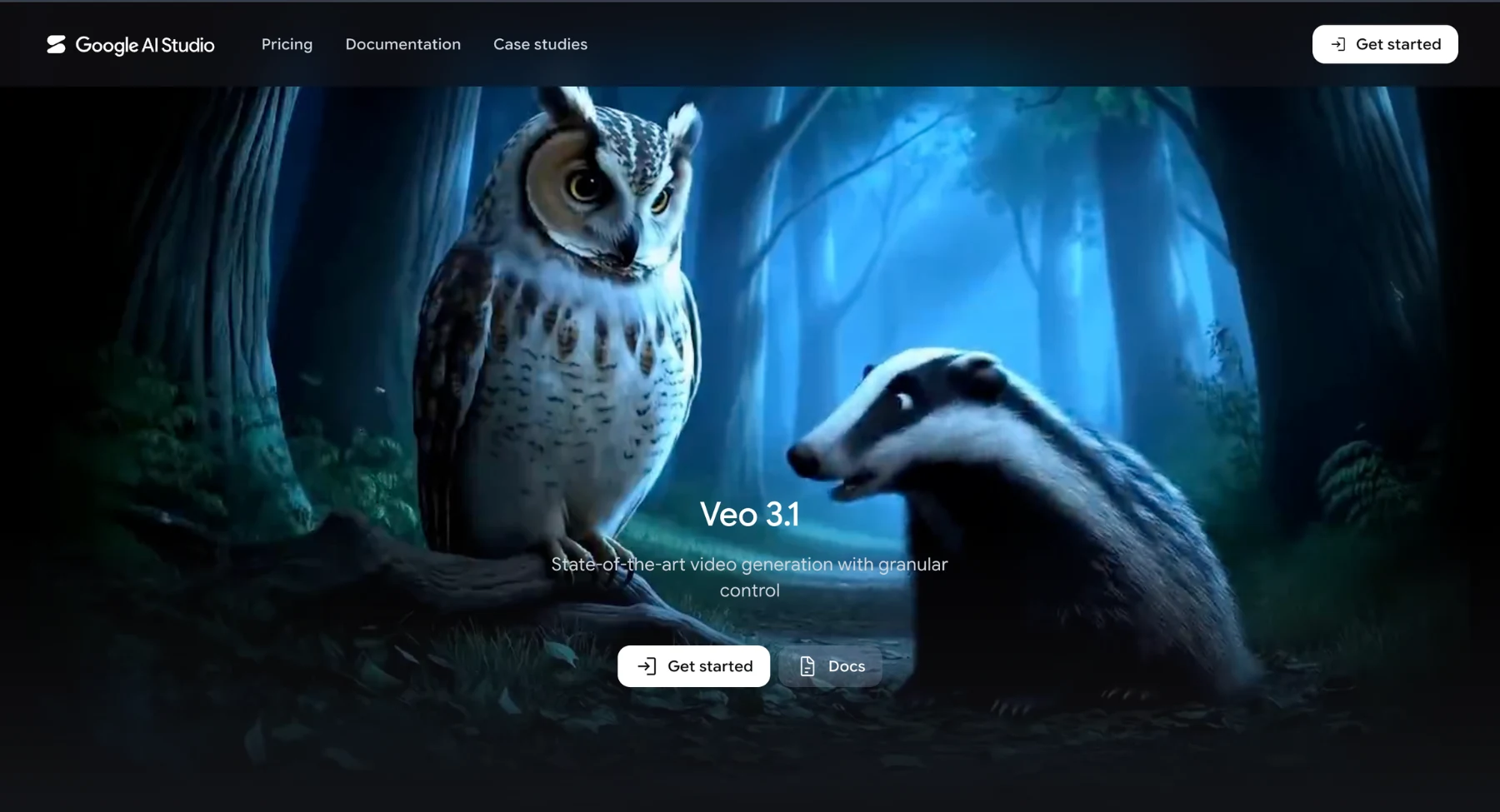
Google Veo serves as a premier Sora alternative, prioritizing photorealistic video generation, precise prompt adherence, realistic physics, and native audio synchronization. It integrates directly into Google Gemini, Google Flow, and enterprise developer API environments.
Best for: Cinematic text-to-video, image-to-video, realistic environmental physics, audio-supported clips, and high-fidelity prompt rendering.
Why choose it instead of Sora: Veo delivers superior prompt interpretation, accurate physical interactions, and synchronized native sound generation, moving beyond basic visual clips into complete media production.
Keep in mind: Platform access, pricing tiers, feature rollouts, and API regional availability vary across Google AI subscriptions and developer tools.
Use it if: You require an enterprise-grade, model-first Sora replacement capable of generating photorealistic, audio-ready cinematic video sequences.
4. Kling AI
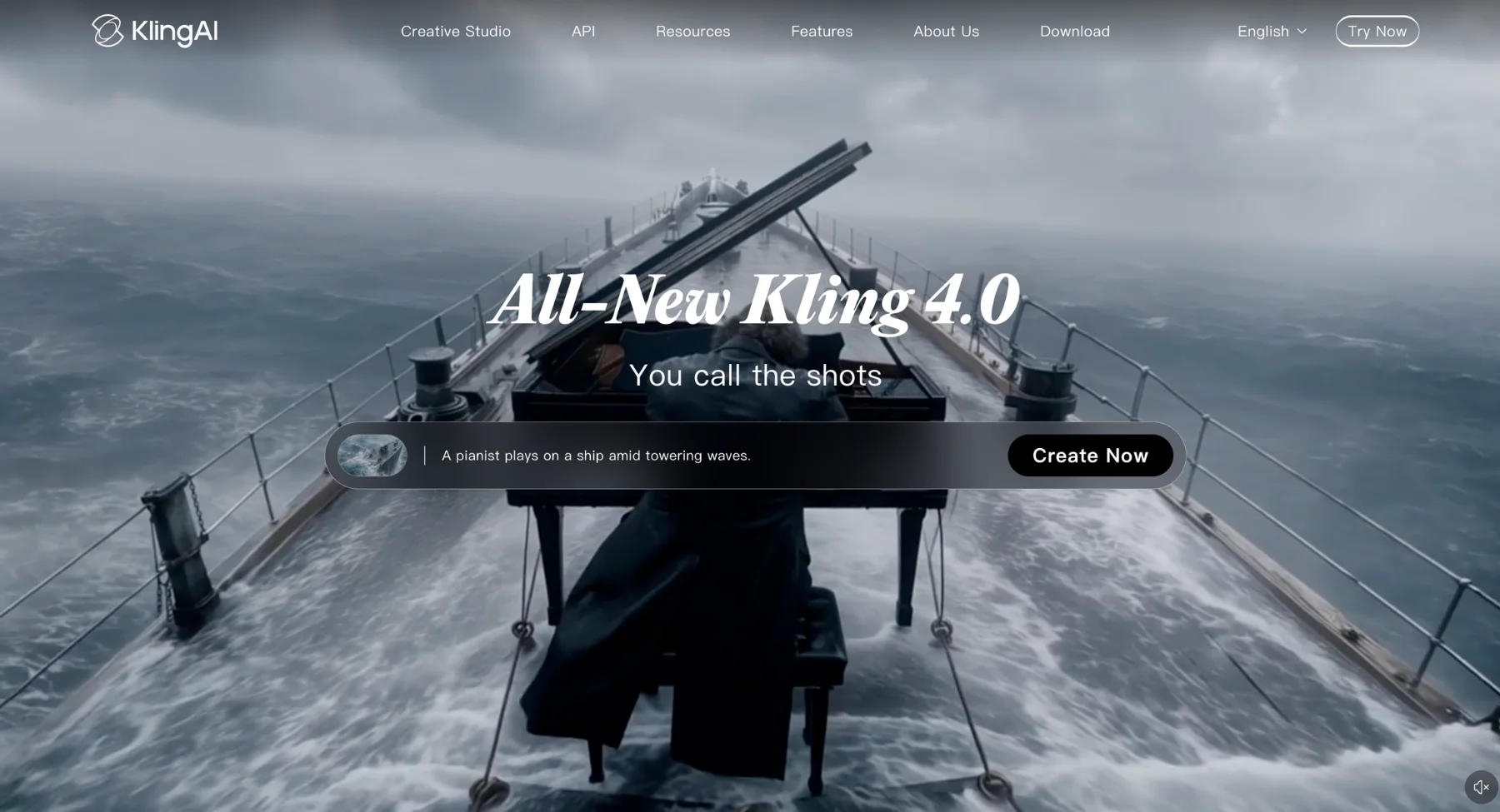
Kling AI serves as a direct Sora alternative, delivering exceptionally realistic motion, accurate physics, and seamless image-to-video capabilities. It excels at generating continuous character movement, cinematic clips, product demonstrations, and engaging social media content.
Best for: High-fidelity motion, image-to-video conversion, text-to-video generation, short social clips, character animation, and cinematic scenes.
Why choose it instead of Sora: Kling AI provides unmatched fluid motion realism, reliably animating complex scene movements and character actions directly from text prompts or reference images.
Keep in mind: Output quality depends heavily on prompt structure, input image resolution, selected model versions, daily credit limits, system queue speeds, and final export configurations.
Use it if: You need an efficient, Sora-style AI video generator optimized for natural character motion, dynamic shot continuity, and high-impact short-form video production.
5. Pika
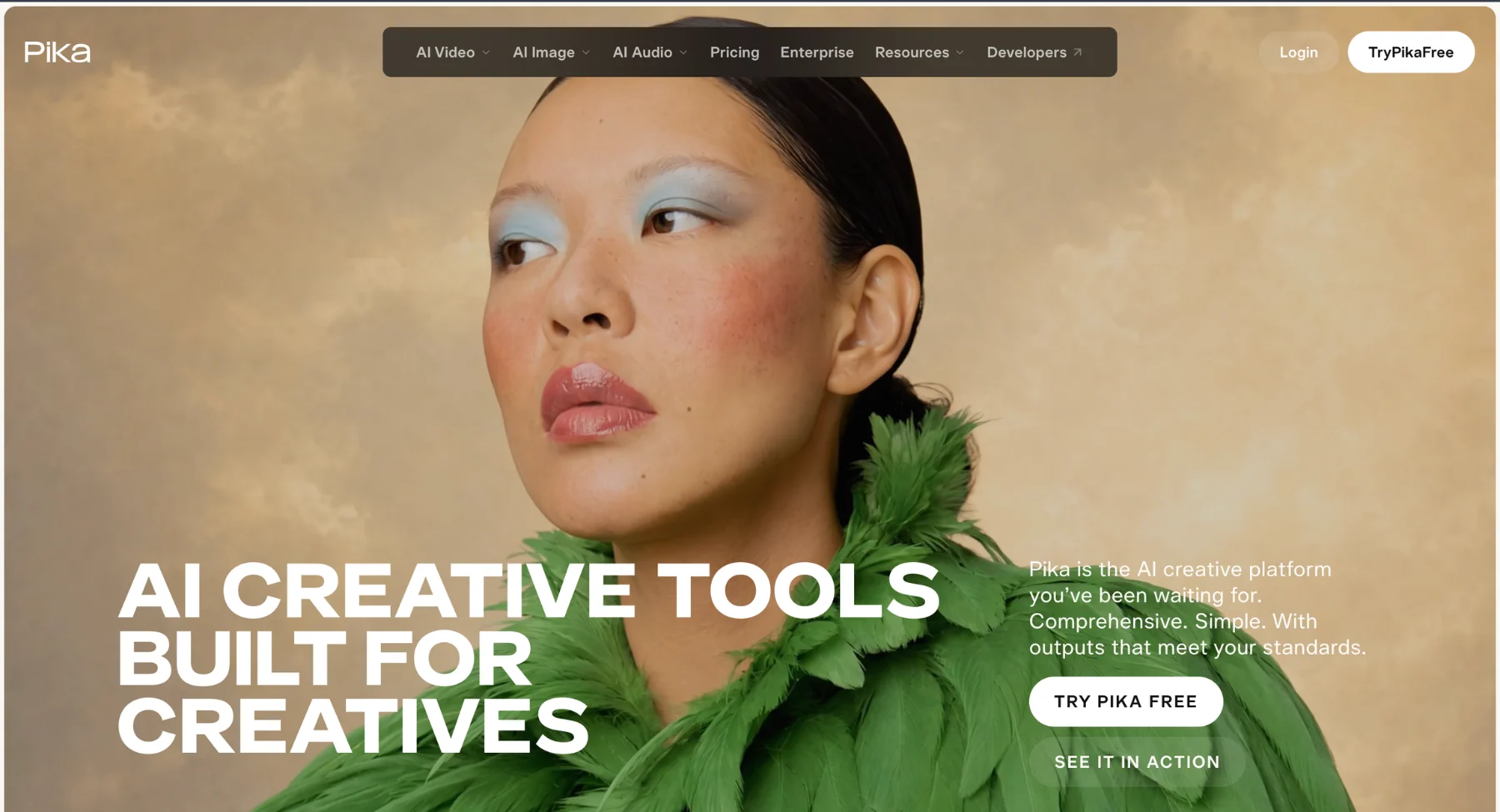
Pika is a creator-friendly Sora alternative for fast short-form AI video. It leans into accessible generation, visual effects, trend-style clips, and quick experimentation. It is a good choice when speed and playfulness matter more than deep production control.
Best for: Social videos, quick creative clips, visual effects, memes, short ads, and creator experiments.
Why choose it instead of Sora: Pika is easier to approach when you want fast results, creative effects, and a lightweight workflow.
Keep in mind: For commercial work, review output quality, watermark rules, licensing, and visual consistency before publishing.
Use it if: You want an easy tool for social-first AI videos and creative tests.
6. Luma Ray and Dream Machine
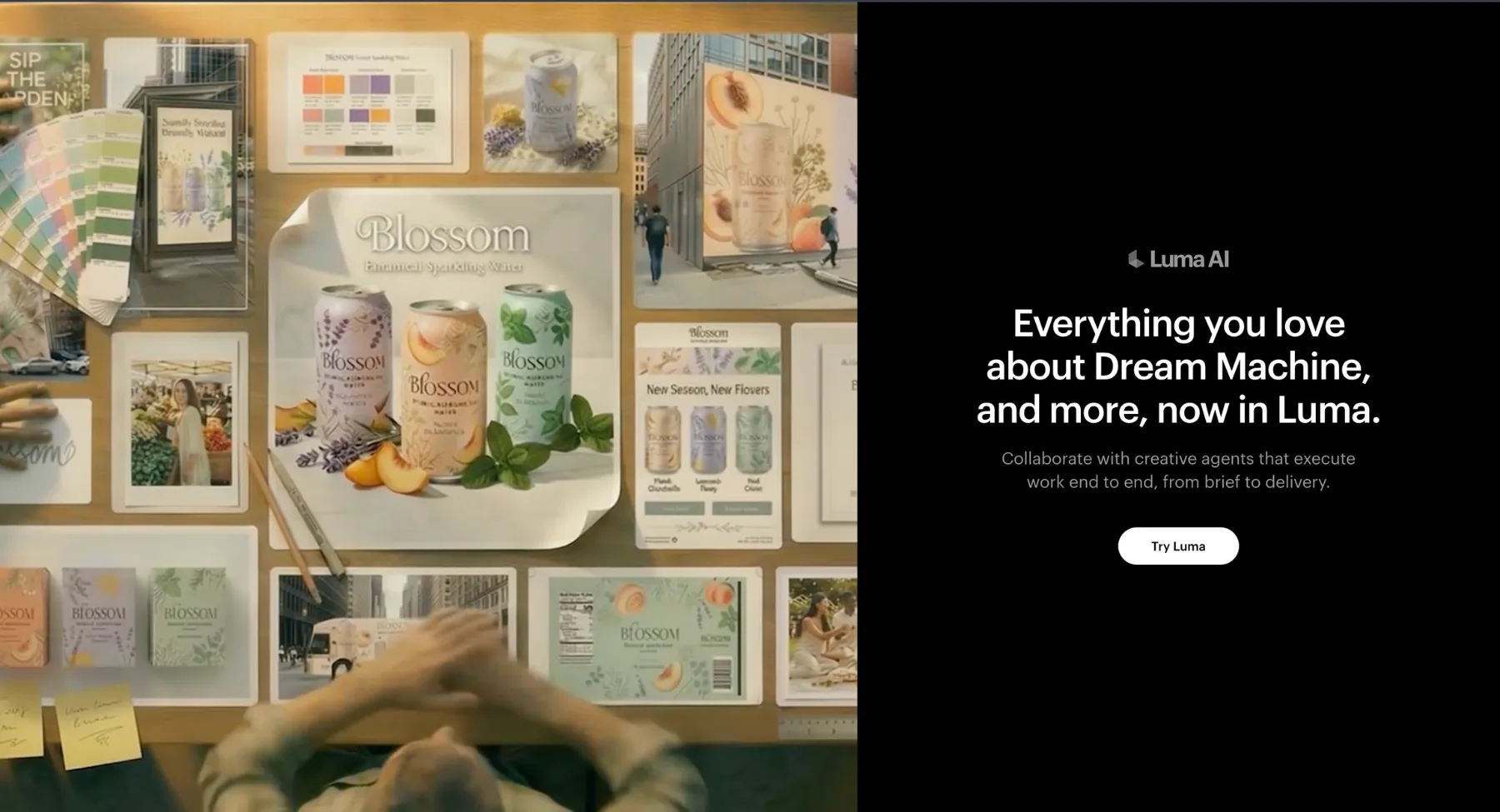
Luma's video tools are strong for cinematic motion, natural camera movement, atmosphere, and visually rich prompts. It is a good Sora alternative for creators who want a clip to feel like a shot, not just an animated still.
Best for: Cinematic motion, natural camera moves, image-to-video, visual concepts, and atmospheric B-roll.
Why choose it instead of Sora: Luma is a strong choice when motion quality, lighting, and camera feel matter more than a template-based workflow.
Keep in mind: Exact control over identities, products, and small details may still require retries and careful prompt work.
Use it if: You want polished motion and mood for short cinematic clips.
7. Hailuo AI
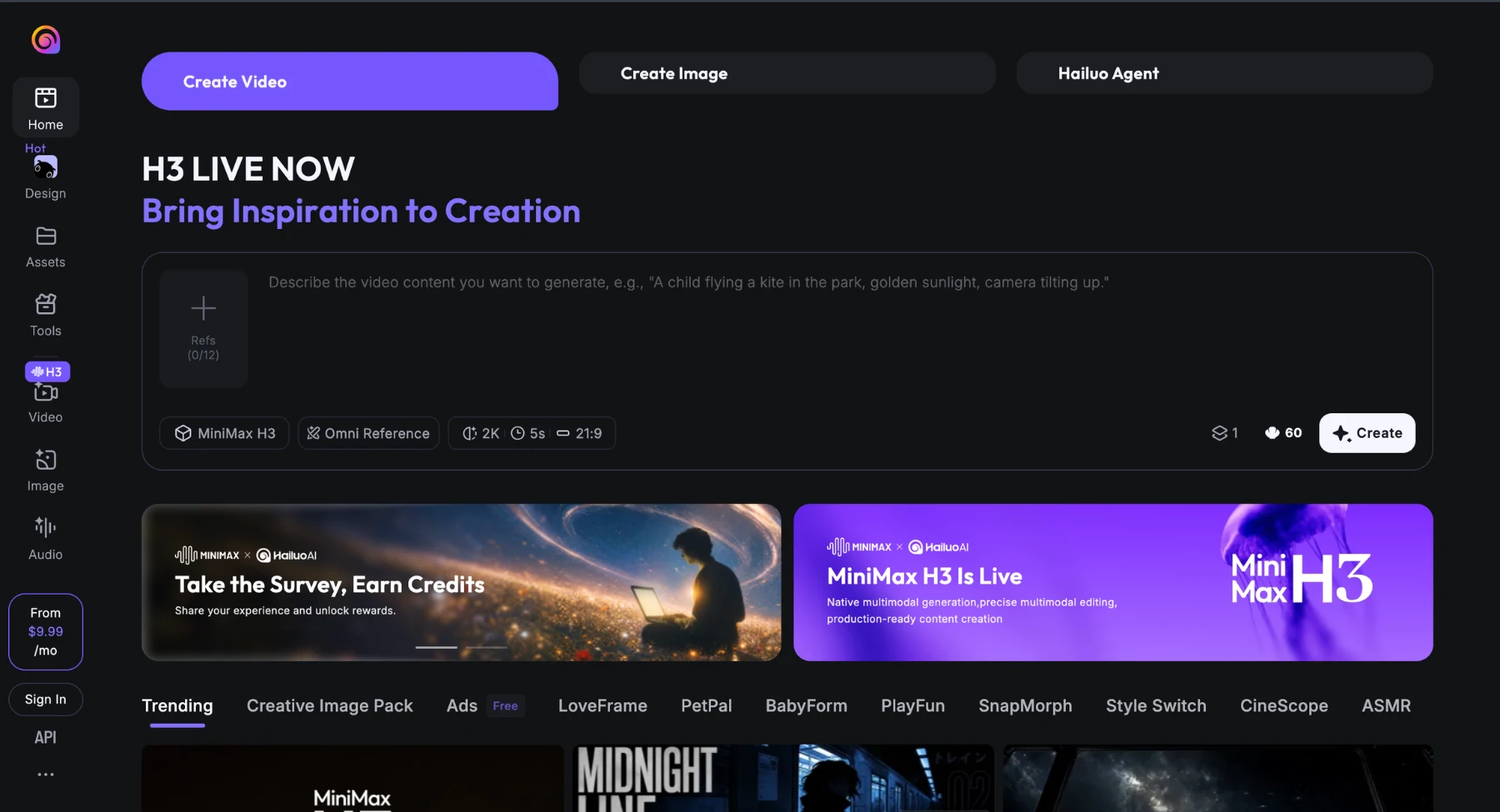
Hailuo AI from MiniMax is a good Sora alternative for creators testing realistic short clips from prompts and images. It is often used for quick image-to-video tests, character movement, stylized motion, and social-ready ideas.
Best for: Image-to-video animation, short AI video clips, social media concepts, dynamic visual transformations, rapid model benchmarking, and lightweight clip testing.
Why choose it instead of Sora: Hailuo AI (by MiniMax) provides creators with a fast, highly responsive alternative to compare image animation and text prompt adherence directly against heavyweights like Kling AI, Google Veo, or Runway.
Keep in mind: Platform policies, free usage tiers, generation queue speeds, underlying model versions, and commercial export rules shift frequently, requiring content creators to verify active platform terms before publishing.
Use it if: You need an efficient, high-speed solution to quickly prototype video concepts, animate static source images, and generate social-ready short clips.
8. PixVerse
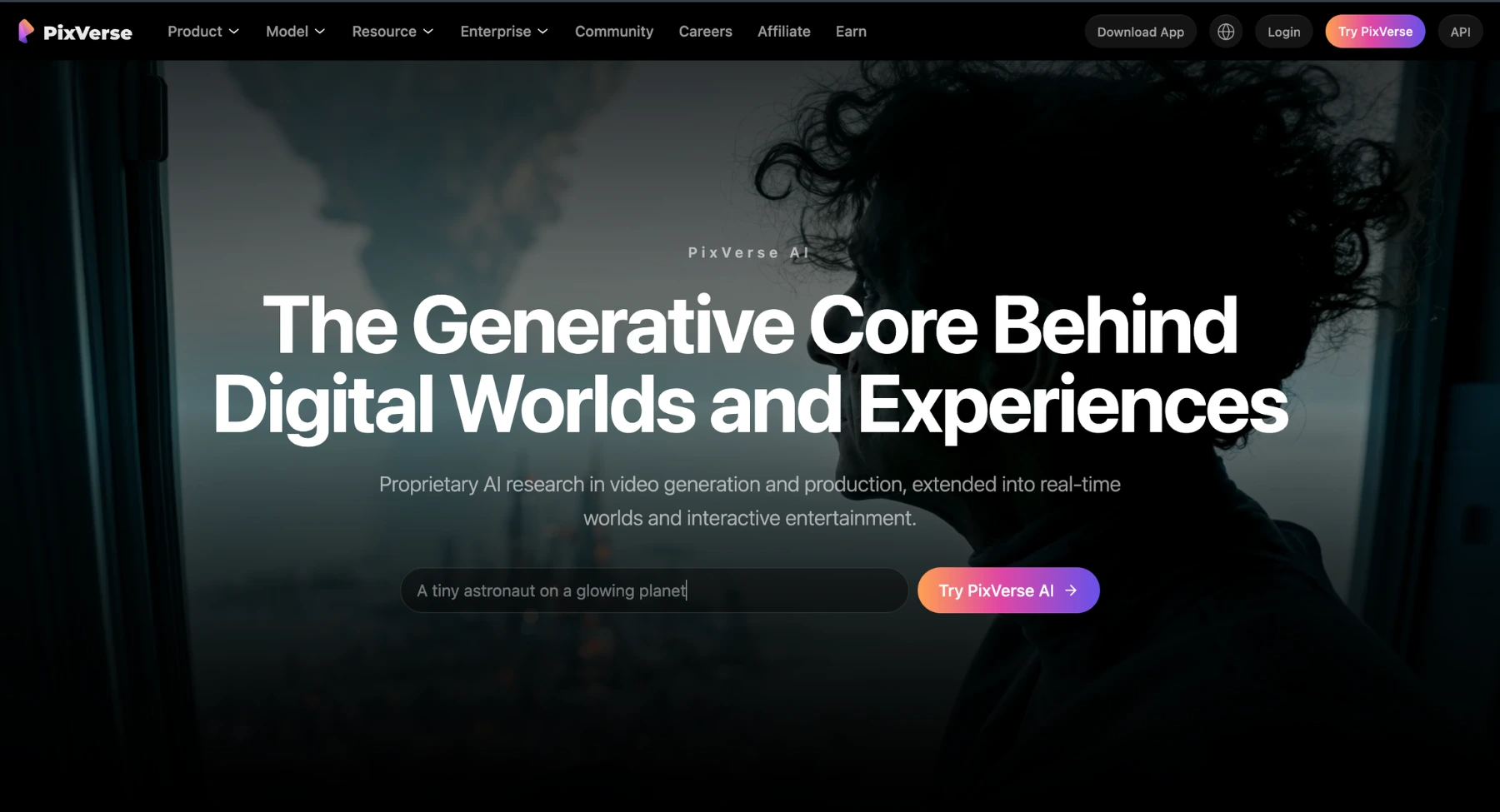
PixVerse is a creator-focused AI video tool for text-to-video, image-to-video, templates, and social clips. It is a good Sora alternative when you want many quick creative directions rather than a heavy production workflow.
Best for: Social videos, stylized clips, image animation, AI trend formats, and fast creative ideation.
Why choose it instead of Sora: PixVerse can help creators test lots of short video ideas quickly and find a direction before investing in higher-control editing.
Keep in mind: The output may need multiple attempts for brand consistency, product accuracy, or exact subject behavior.
Use it if: You want a quick social-video generator with broad creative experimentation.
9. Vidu
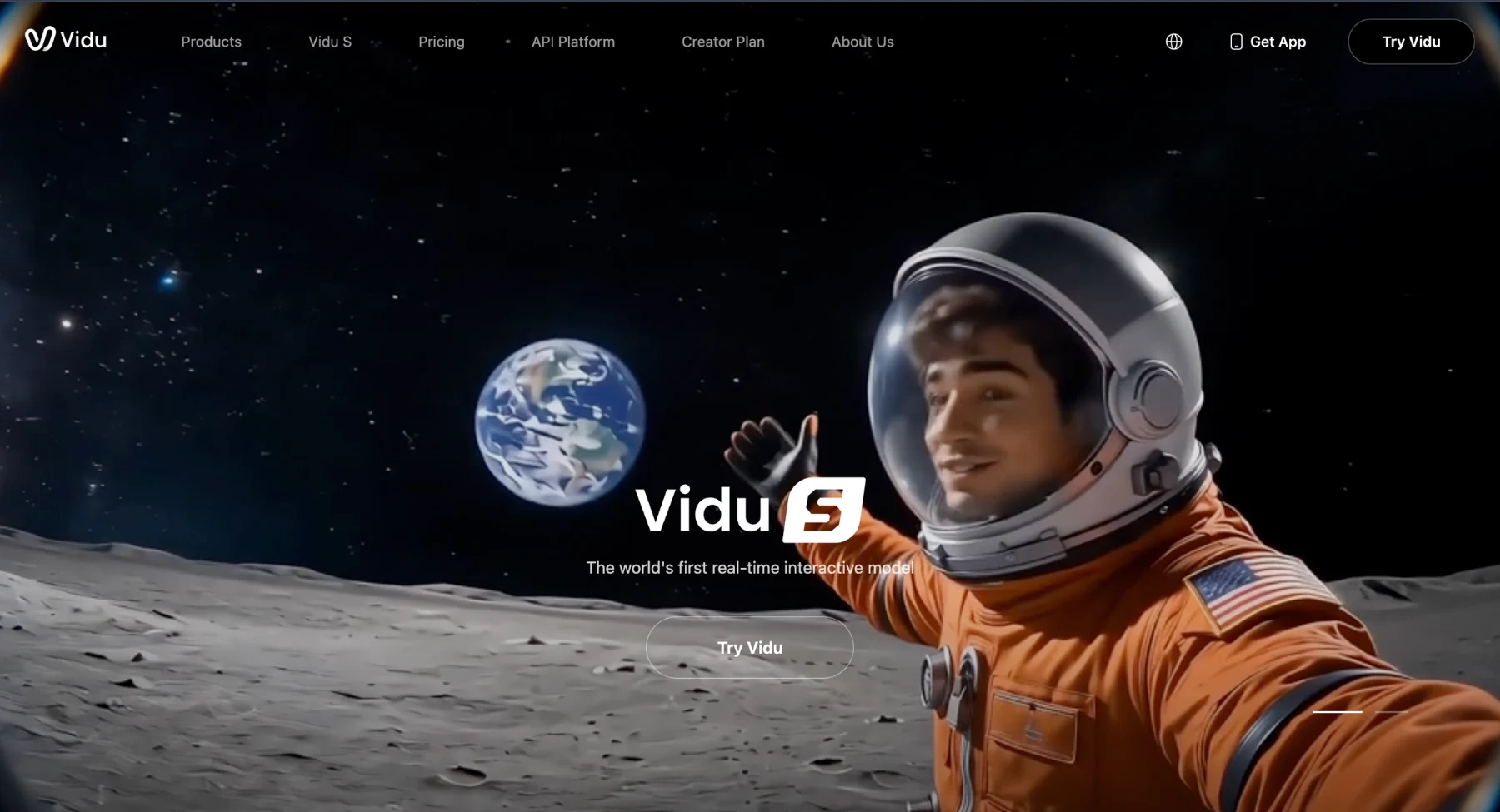
Vidu serves as a versatile Sora alternative for text-to-video, image-to-video, and reference-guided generation workflows. It is particularly effective for digital content creators, animators, and video editors evaluating diverse generative AI models using identical prompts or reference images.
Best for: Reference-to-video consistency, image-to-video animation, text-to-video generation, integrated sound effects, and multi-model benchmarking.
Why choose it instead of Sora: Vidu excels when your production workflow requires flexible reference inputs, enabling greater control over visual style, character appearance, and spatial composition beyond single text prompts.
Keep in mind: Always review active platform policies, including free account limits, default watermark rules, commercial usage licensing, and maximum export resolutions before producing commercial client assets.
Use it if: You require a feature-rich AI video generator offering multi-modal inputs, integrated audio features, and reliable style transfer capabilities.
10. Adobe Firefly video
.webp)
Adobe Firefly video is a strong Sora alternative for teams already working inside Adobe's creative ecosystem. It supports prompt-to-video and image-to-video generation, and newer Firefly surfaces also connect with partner models.
Best for: Brand-safe creative workflows, product shots, social B-roll, concept work, and Adobe users.
Why choose it instead of Sora: Firefly is better when the final output needs to fit into a professional design workflow with review, brand control, and creative assets.
Keep in mind: It may not be the fastest route for casual users who only want a quick fun clip.
Use it if: Your team already uses Adobe tools and wants AI video inside a familiar creative stack.
11. Seedance
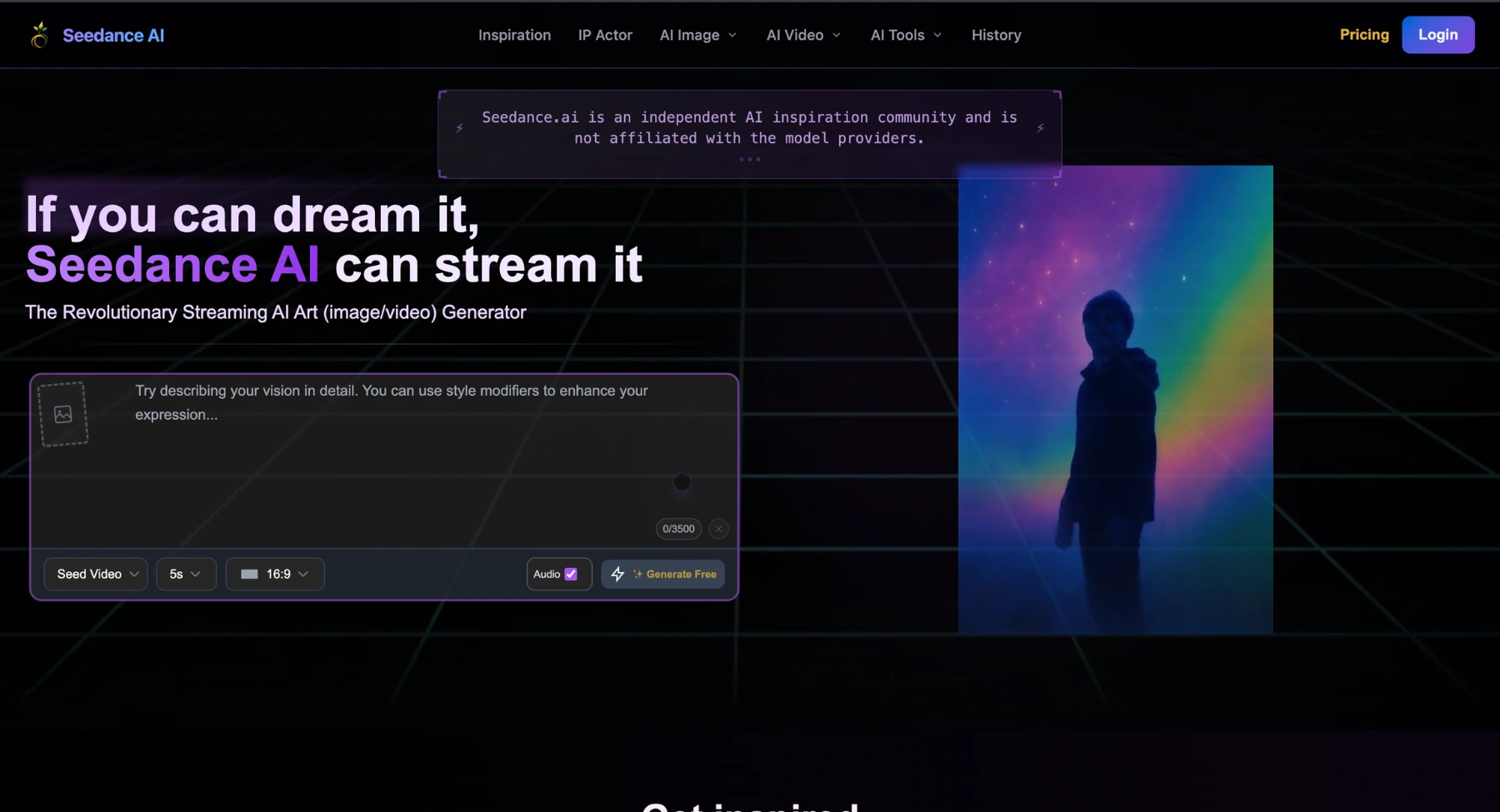
Seedance is another important Sora alternative to evaluate for realistic motion, text-to-video, and image-to-video generation. It is often discussed alongside Kling, Veo, Runway, and Hailuo because it targets similar short-video creation needs.
Best for: Realistic AI video generation, creator clips, social media content, image-to-video animation, and prompt-driven scenes.
Why choose it instead of Sora: Seedance serves as a strong choice when benchmark testing multi-modal model quality, prompt adherence, and motion physics against top-tier AI video platforms.
Keep in mind: Access routes, pricing tiers, commercial usage terms, and export resolutions vary across platform integrations and require verification before enterprise deployment.
Use it if: You want to test a high-performance AI video model directly against Google Veo, Kling AI, Runway, and Pixelbin content creation workflows.
12. Synthesia
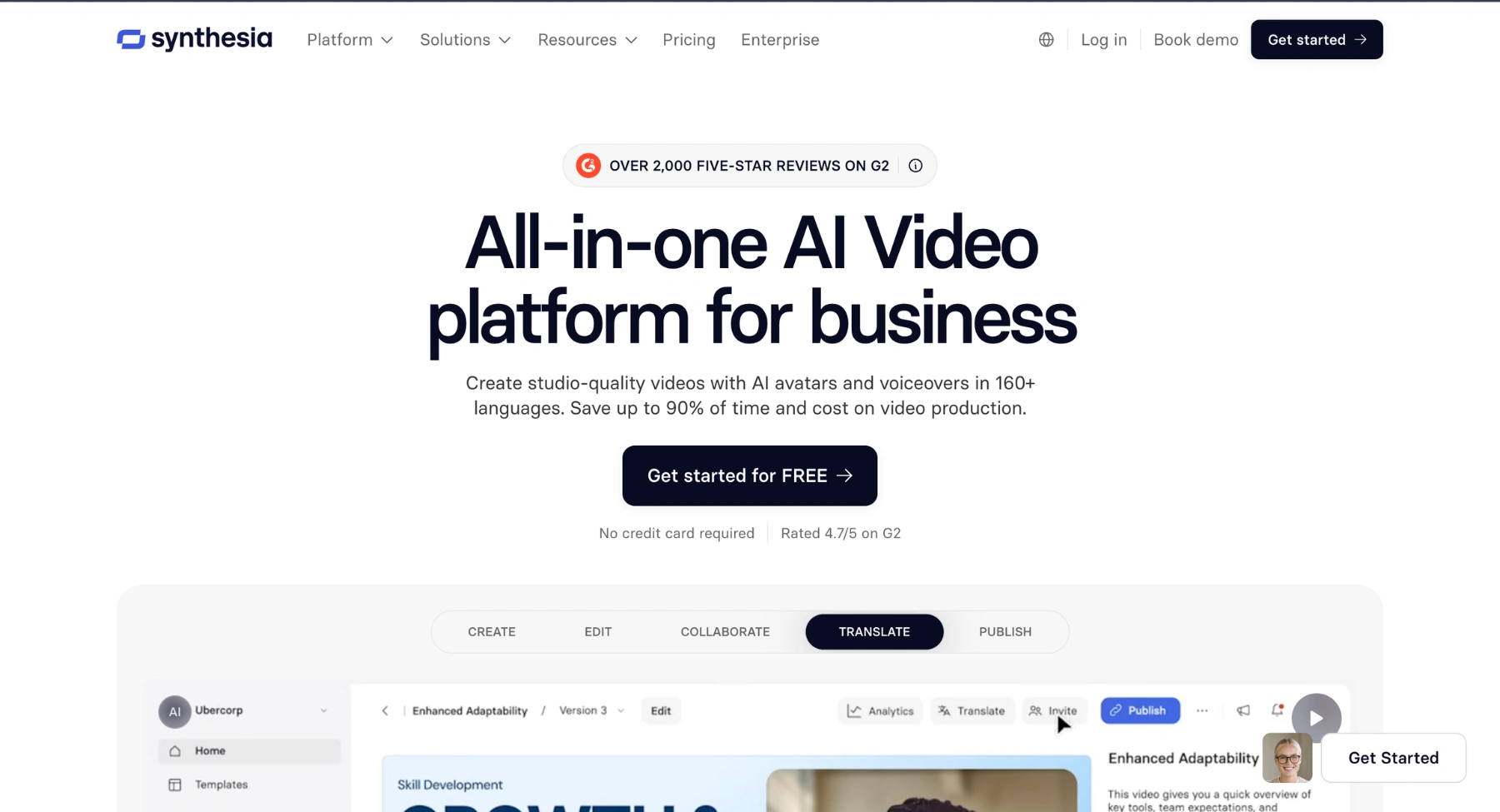
Synthesia is not a direct cinematic Sora replacement, but it is one of the best alternatives when the real job is business video. It focuses on AI avatars, scripts, voiceovers, localization, team workflows, and training or sales content.
Best for: Avatar videos, training content, internal communication, sales enablement, explainers, and localized business videos.
Why choose it instead of Sora: Synthesia is better than Sora when you need a presenter-led video rather than a cinematic generated scene.
Keep in mind: It is less relevant for abstract creative shots, product animation, fantasy scenes, or image-to-video motion.
Use it if: You need a reliable avatar video platform for business communication.
13. HeyGen
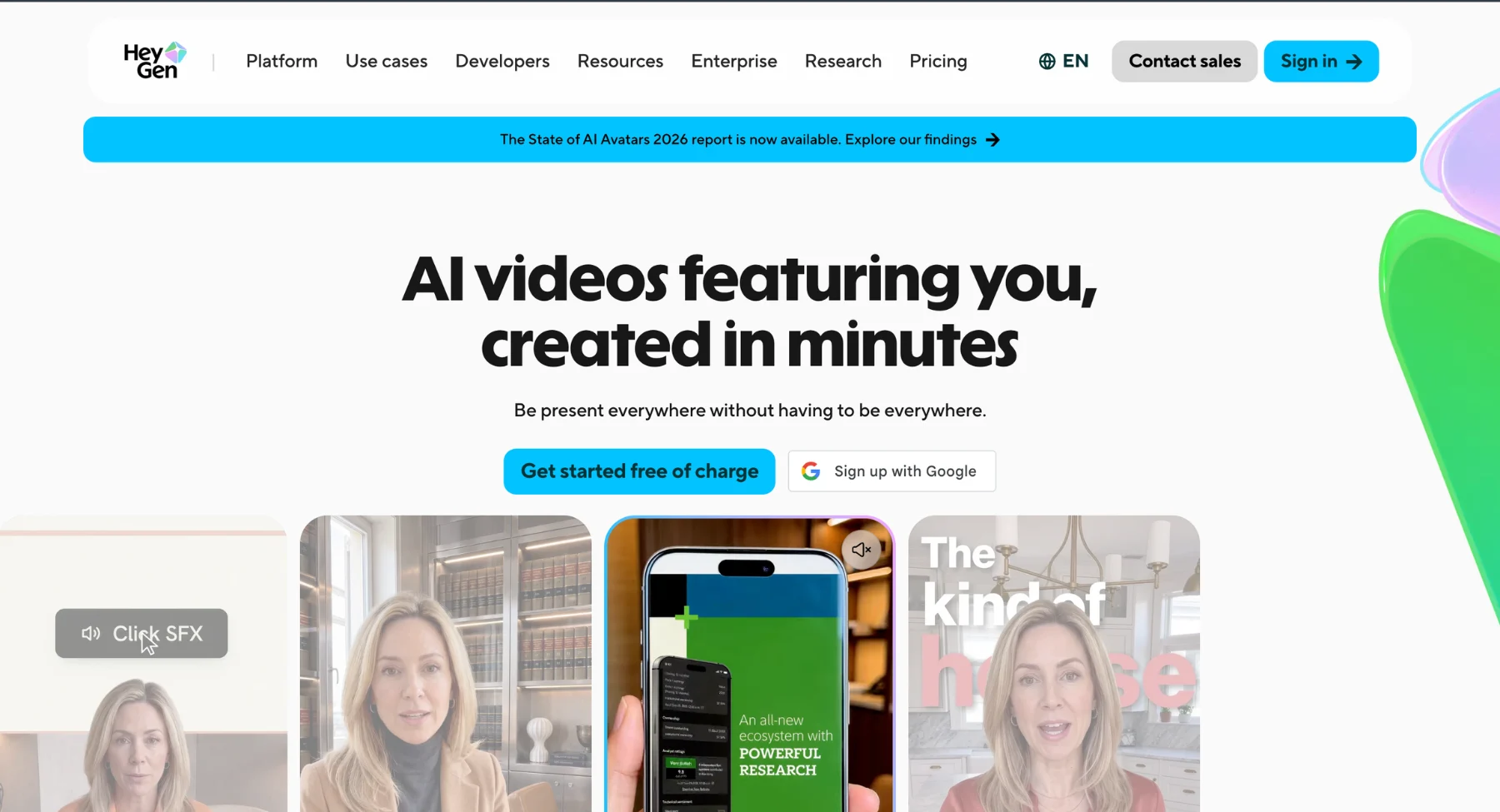
HeyGen is another strong business-video alternative for users who want realistic avatars, lip sync, localization, and presenter-style video content. It is useful for marketers, course creators, sales teams, and businesses that need people-led videos at scale.
Best for: AI avatars, personal video messages, sales outreach, course videos, product explainers, and localized content.
Why choose it instead of Sora: HeyGen solves a different problem than Sora: it helps you create videos starring a presenter, not just generate cinematic scenes from a prompt.
Keep in mind: It is not the best choice if your main need is landscape B-roll, fantasy clips, or product-to-video animation.
Use it if: You want avatar-led communication that can be repeated across many scripts and languages.
14. Canva AI video tools
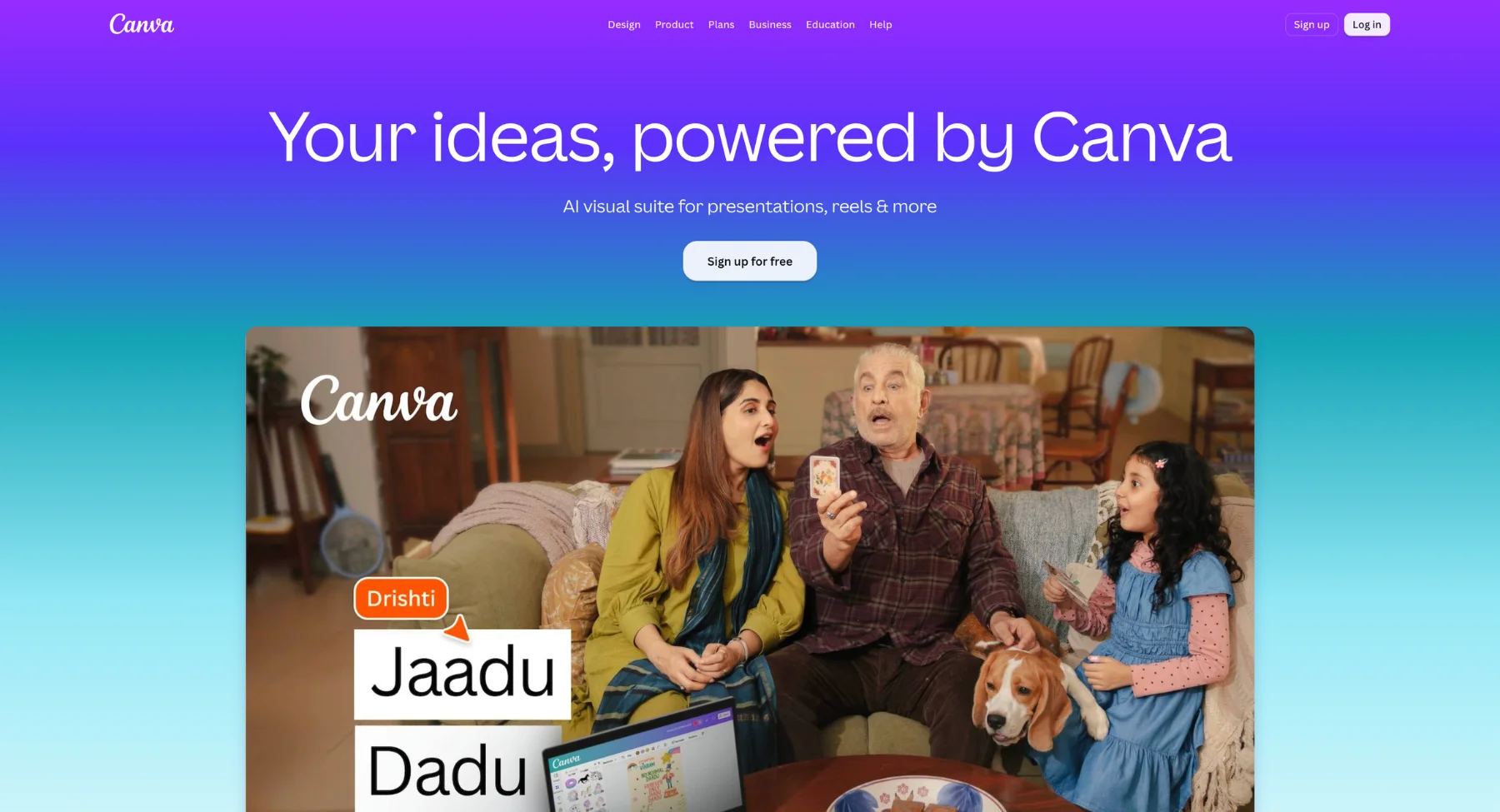
Canva is a useful Sora alternative for users who do not want a technical video workflow. Its strength is combining AI video features with templates, layouts, brand kits, captions, social formats, and easy publishing.
Best for: Social videos, campaign creatives, simple ads, presentations, education content, and design-led video assets.
Why choose it instead of Sora: Canva is useful when the final output needs text, layout, brand polish, and fast resizing more than pure model quality.
Keep in mind: It will not always match specialist AI video generators for cinematic realism or complex motion control.
Use it if: You want to turn generated content into finished social or campaign assets quickly.
15. Krea
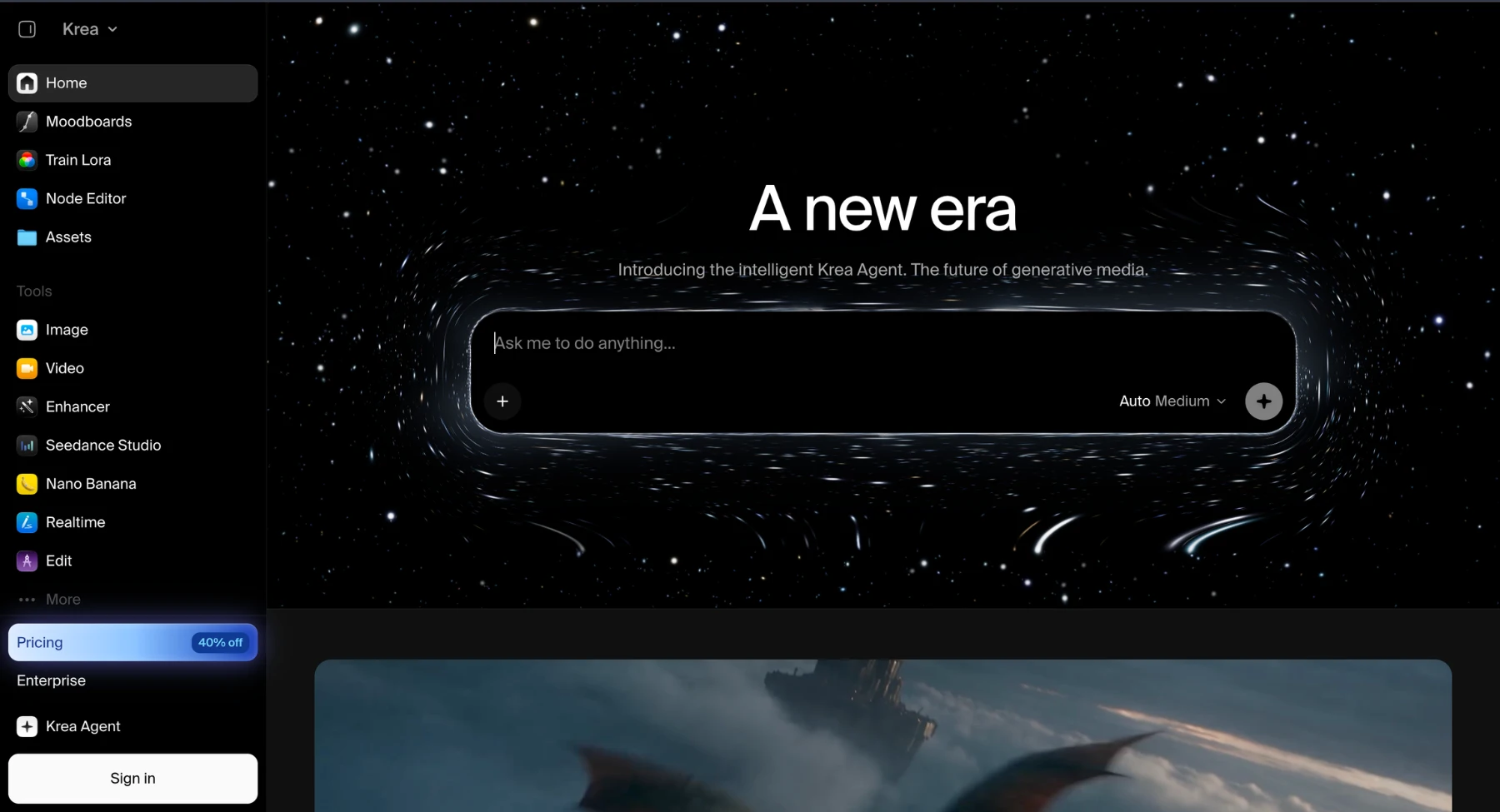
Krea is a creative AI workspace for experimenting with images and video. It is a good Sora alternative for designers and artists who like to iterate visually, compare styles, and move between image and video concepts.
Best for: Creative ideation, style exploration, image and video experiments, visual boards, and design-led concepts.
Why choose it instead of Sora: Krea can be more flexible for early-stage creative exploration before choosing a final production tool.
Keep in mind: It may not be the simplest option for a marketer who only needs one finished ad quickly.
Use it if: You want a visual playground for exploring AI creative directions.
Best free Sora alternatives to test first
A lot of readers will search for free Sora alternatives. The safer phrasing is free-to-test, because AI video tools usually limit credits, export quality, duration, queue speed, watermark-free downloads, or commercial rights. This section should help readers test options without promising that any tool is permanently free.
Which Sora alternative should you choose?
If the article needs a direct recommendation, use this section instead of forcing one winner for everyone.
- Choose Pixelbin if you need short AI videos, product clips, social creatives, image-to-video, and easy post-generation editing.
- Choose Runway if you need cinematic control, serious creative workflows, and a production-style AI media platform.
- Choose Google Veo if you want a high-quality model with strong prompt adherence and audio-supported video generation.
- Choose Kling AI if motion realism and image-to-video are the main reasons you liked Sora.
- Choose Pika or PixVerse if you want fast creator-style videos, trends, effects, and social-first experiments.
- Choose Luma if natural camera movement and cinematic mood are the priority.
- Choose Synthesia or HeyGen if your video needs a presenter, avatar, script, voice, or localization.
- Choose Adobe Firefly or Canva if the video needs to become a designed, branded, publishable asset quickly.
How to get better results from any Sora alternative?
The same weak prompt can make every AI video tool look worse than it is. Strong prompts are specific without being messy. They describe the subject, action, setting, camera movement, style, mood, lighting, duration, and aspect ratio in a clear order.
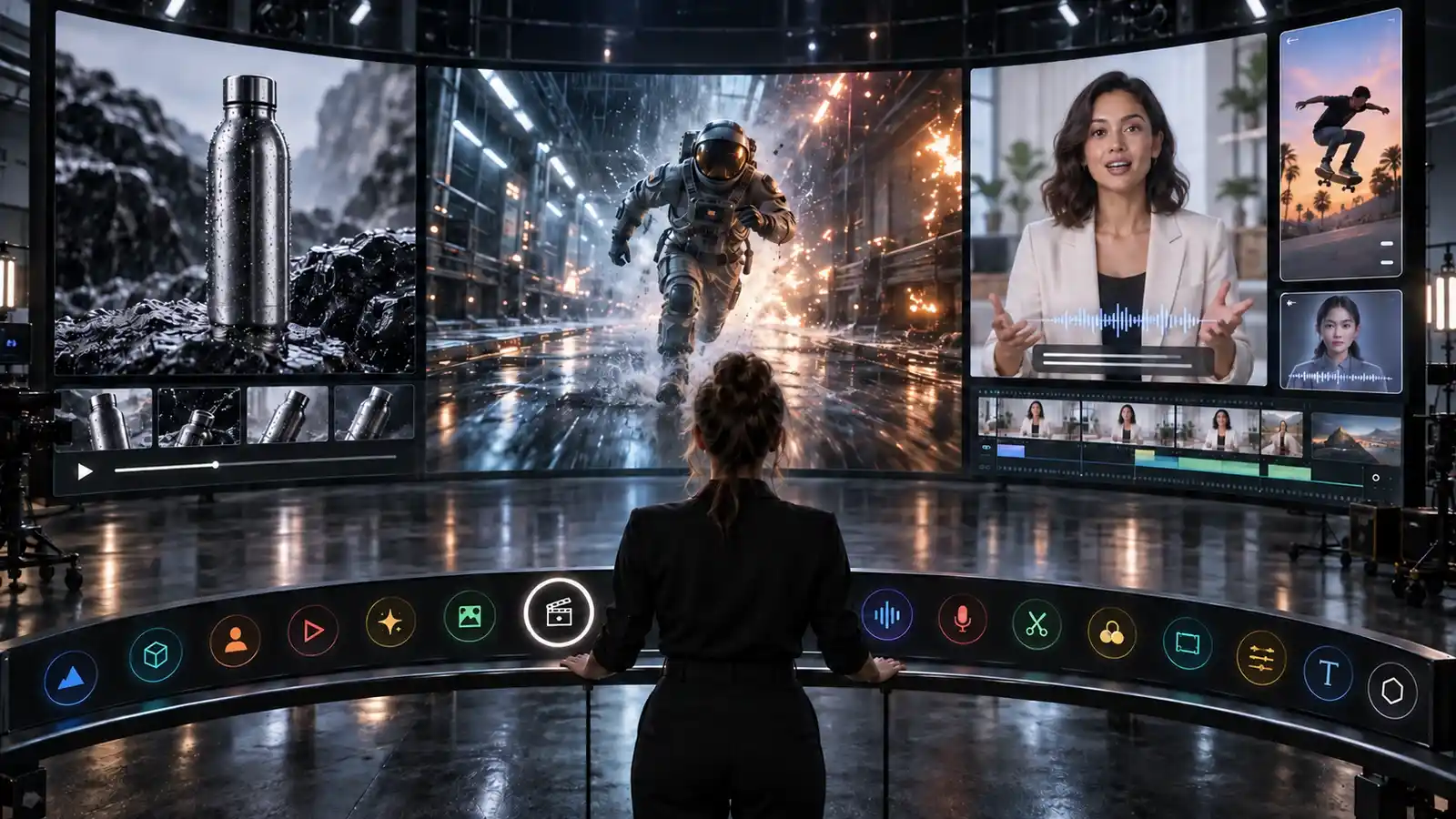
- Start with the subject. Example: a stainless steel water bottle on a wet black stone surface.
- Add the action or motion. Example: condensation forms as the camera slowly pushes in.
- Add camera language. Example: macro close-up, shallow depth of field, slow dolly-in.
- Add lighting and mood. Example: cool studio lighting, soft reflection, premium product ad mood.
- Add output context. Example: vertical 9:16 video for a product launch reel.
A simple prompt structure is: subject + action + setting + camera movement + lighting + style + output format. For image-to-video, keep the prompt shorter and let the image guide the visual identity.
Final recommendation
If you need the closest all-around Sora replacement for cinematic AI video, start by comparing Runway, Google Veo, Kling AI, Luma, and Seedance. If you need a practical workflow for short social videos, product visuals, and generated clips that still need editing, Pixelbin deserves a strong place on the shortlist. If you need business avatars, choose Synthesia or HeyGen instead of a cinematic generator. If you need designed social assets, Canva or Adobe Firefly may be more useful than a model-only tool.
The best Sora alternative is not the tool with the flashiest demo. It is the tool that helps you create a usable video for your channel, brand, budget, and deadline.
FAQs
OpenAI officially sunsetted the standalone Sora web platform and mobile app on April 26, 2026. The Sora API is scheduled for complete shutdown on September 24, 2026. Creators and developers must export their assets and migrate active video production workflows to stable alternative platforms before the final API deprecation.
Yes, users can download previously generated videos by accessing the official Sora export portal at sora.chatgpt.com/sunset. OpenAI will permanently delete all stored user content and project data after the final export window closes following the API shutdown.
Runway, Google Veo, Wan 2.6, and Kling AI provide the most robust enterprise-grade REST APIs to replace the Sora API. These platforms support low-latency rendering, developer integrations, scalable credit models, and high-volume text-to-video and image-to-video generation.
Google Veo and Kling AI lead in native audio synchronization. Rather than relying on secondary post-production sound tools, these platforms natively generate realistic ambient sound effects, contextual dialogue, and environmental audio synchronized directly to the generated video scenes.
Seedance and Runway Gen-4 are top choices for character and identity consistency across multi-shot scenes. ByteDance's Seedance utilizes advanced identity-locking features to maintain exact facial structures and character features across varying camera angles and scene transitions.
Open-source models like Alibaba's Wan 2.6 allow development teams to self-host video generation pipelines on their own GPU infrastructure. This eliminates monthly subscription costs and third-party API dependencies, offering full model weights control, custom fine-tuning, and zero data-privacy leakage.
Pixelbin, Canva, and Pika excel at commercial e-commerce and marketing asset production. These tools combine rapid image-to-video generation with immediate social media aspect ratio formatting, automated video editing, background removal, and direct template integration for advertising campaigns.
When migrating, evaluate five main parameters: prompt adherence, motion realism/physics, camera motion control surfaces, native export resolutions (such as 4K at 60 FPS), and commercial usage licensing to ensure seamless integration into existing media production pipelines.