.webp)

Summary
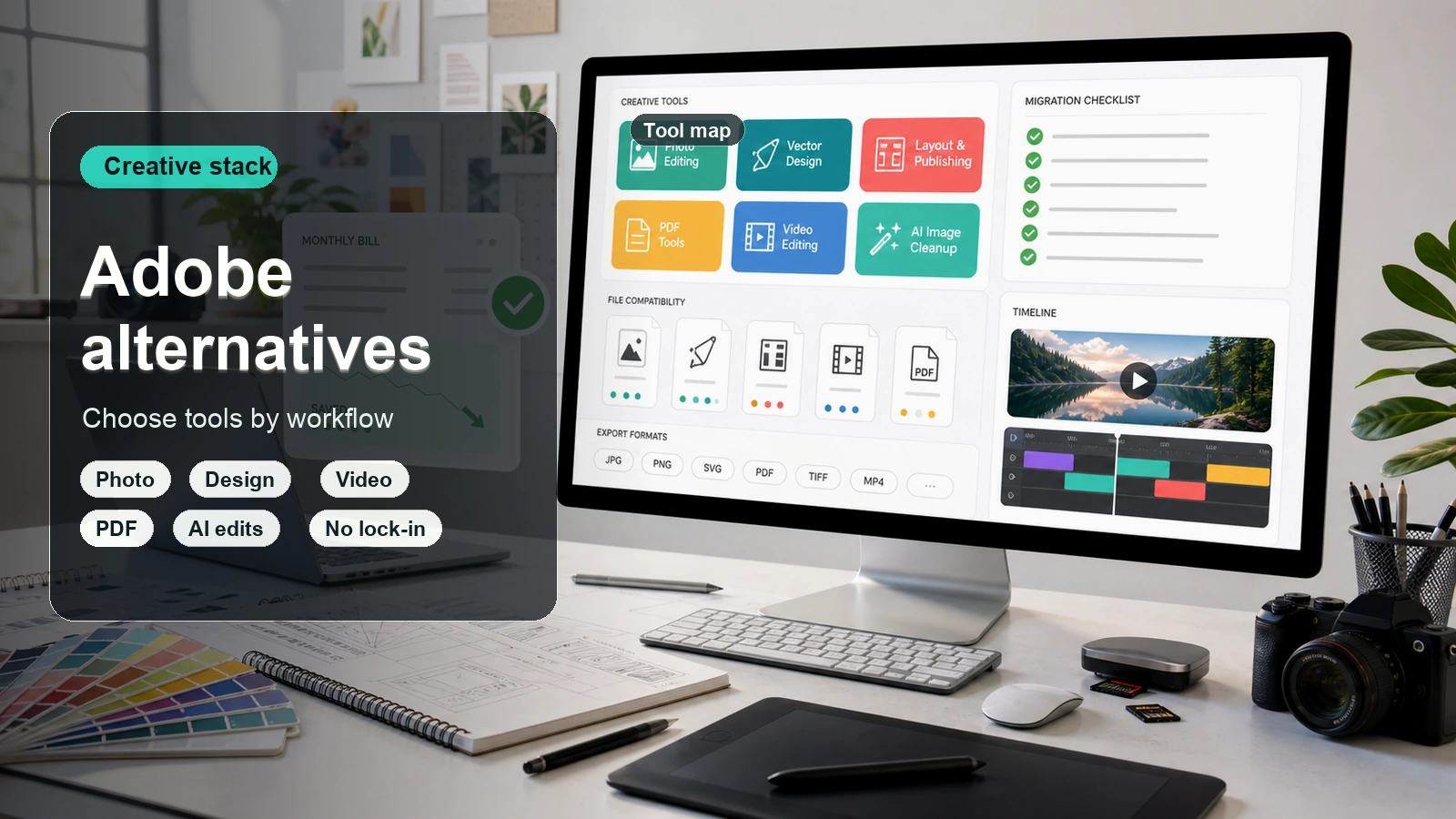
Pixelbin is a practical option for creating visuals, making focused photo edits, and applying shared changes to image batches. Adobe Firefly is especially relevant when your work includes vectors, collaborative concept boards, or production in Adobe apps. Both offer image and video generation with multiple models. Choose by the work you need to finish, the tools included in your plan, and the cost of your actual usage not by assuming one platform always produces better AI results.
Introduction
A campaign rarely needs just one generated image. You may need a product photo with a new background, several banner variations, an illustration, and a short video. Getting the first attractive result is only part of the job. You still need to refine it, preserve important details, and deliver the right files.
That makes Pixelbin vs Adobe Firefly a workflow comparison as much as an AI comparison. Both platforms can create and edit content, and both provide access to models from different providers. Their practical differences emerge when you move from an idea to a finished asset.
This guide compares image editing, generation, video, bulk processing, creative workspaces, pricing, and commercial-use considerations. Product information and published prices were checked on September 21, 2026.
What is Pixelbin?

Pixelbin is an AI image and video platform with tools for generating visuals, editing photos, changing backgrounds, upscaling images, and handling repeated image tasks. It serves creators and marketing teams as well as businesses working with larger asset libraries.
A standard workflow usually starts with a raw product shot. From there, you can clean up the image, test out new background environments, and even turn static shots into short videos using built-in motion models. Pixelbin also includes a clean workspace to side-by-side compare design variations, along with a simple timeline editor for putting video clips together.
Where it shines really depends on what you do: e-commerce teams will love it for bulk, uniform edits, while creators will get the most out of playing around with its mix of generative image and video tools.
What is Adobe Firefly?
.webp)
Adobe Firefly is both the name of Adobe's generative AI model family and a creative application that includes Adobe and partner models. The application covers image creation and editing, video, audio, vectors, and visual ideation.
Starting a design is as easy as typing an idea. You can generate fresh artwork, expand scene borders, or swap out background elements in seconds. Built-in controls make it simple to adjust composition, mood, and depth of field, while style-matching options ensure your visuals look consistent across an entire campaign.
What sets Firefly apart is peace of mind and ecosystem integration. Because it's trained on Adobe Stock and public domain content, brands can use the generated assets commercially with confidence. For anyone already tied to Creative Cloud, it turns tedious editing tasks into a quick, effortless process.
Pixelbin vs Adobe Firefly at a glance
A listed capability does not mean every model or subscription supports the same settings. Use this overview to narrow your choice, then check the workflow you intend to use.
AI image generation and model choice
When comparing Pixelbin and Adobe Firefly, the underlying engine you use directly shapes your creative freedom, visual style, and generation speed.
Pixelbin takes an open, aggregator-style approach to generation. Instead of locking you into a single proprietary model, it lets you pick from a variety of leading AI image and video models depending on your project needs.
- Flexible engine options: Switch between different open-source and commercial models (like Stable Diffusion variants) to match specific visual aesthetics.
- Specialized use cases: Pick fast models for rapid catalog background generation or high-detail models for photorealistic promotional art.
- E-commerce & experimentation: Great for teams that want total creative freedom and like testing different engines side-by-side.
Adobe Firefly relies entirely on Adobe's in-house, commercially trained AI models. Rather than giving you model options, it provides deep control parameters over a unified, highly polished generation engine.
- Single ecosystem model: Uses proprietary Firefly Image models optimized specifically for photorealism, vector graphics, and design composition.
- Granular camera controls: Fine-tune camera angles, aperture, lighting, and art styles without switching models.
- Commercial peace of mind: Trained on Adobe Stock and public domain content, making generated outputs safe for commercial use without copyright concerns.
Photo editing and control over specific areas
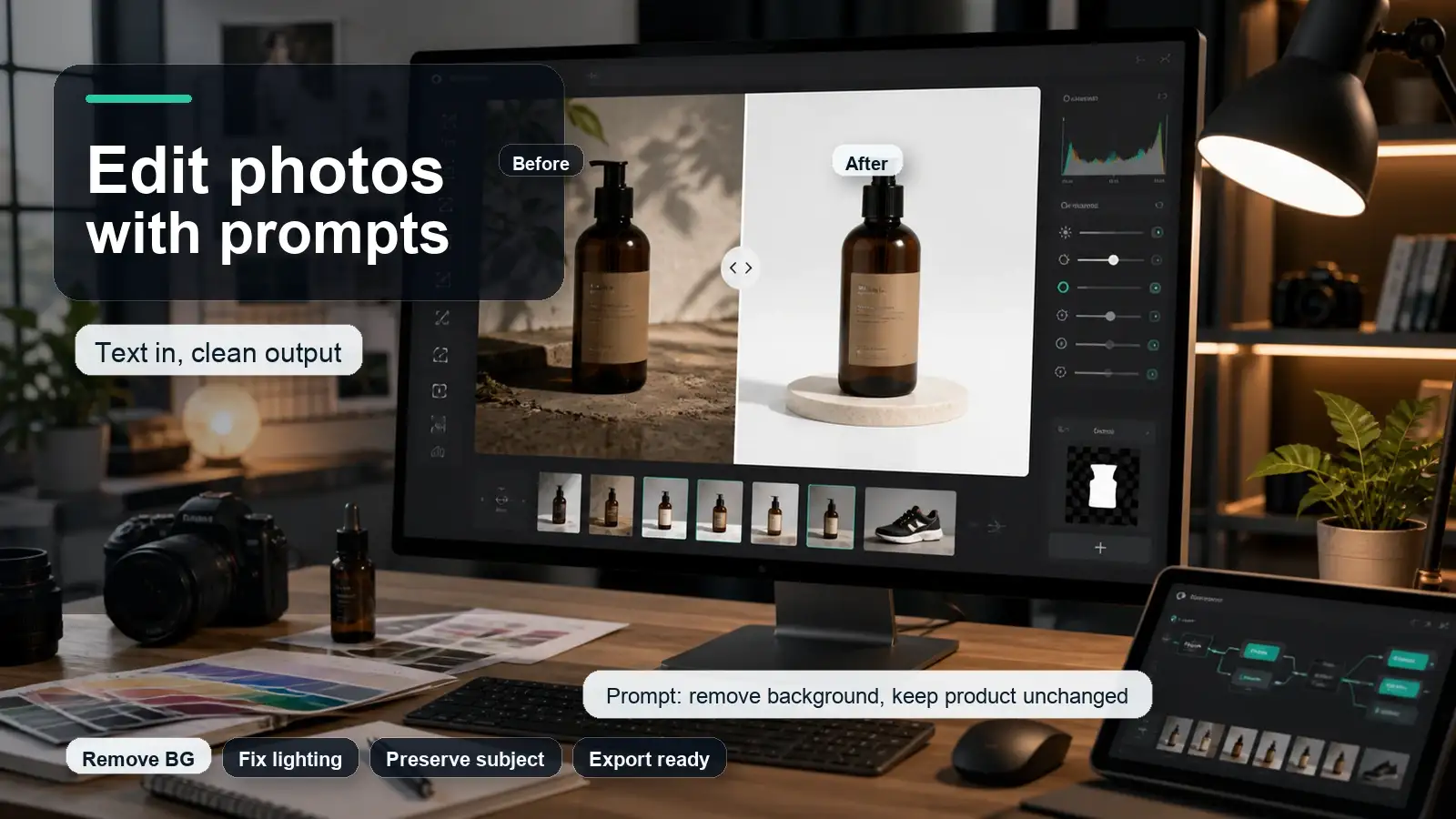
Pixelbin's AI image editor combines prompt-based changes with brush and smart selection tools. Its documented controls also include reference images, expansion, cropping, background changes, adjustments, and upscaling.
- Automated cutouts: Quickly strips backgrounds and isolates subjects across single photos or massive product batches with one click.
- Targeted retouching: Uses dedicated AI modules to remove unwanted objects, swap background environments, and sharpen localized details.
- E-commerce standardization: Perfect for online sellers needing precise, repeatable edits like placing uniform shadows or white backdrops across an entire catalog.
Adobe Firefly provides fine-grained, interactive control over individual pixels, making localized creative adjustments intuitive and seamless.
- Generative fill & inpainting: Brush over any specific region to add, modify, or delete objects using targeted text prompts.
- Canvas expansion (generative expand): Outpaint beyond current borders, intelligently filling extra space while preserving original lighting and perspective.
- Ecosystem selection tools: Integrates directly with Photoshop's advanced selection masks, allowing complex localized edits like altering clothing, hair, or shadows.
Backgrounds and product image consistency
Background removal and replacement are useful for listing photos, advertising, and thumbnails. Both platforms support this work, so the feature itself is not a decisive difference.
Pixelbin excels at automated, repeatable background swaps and catalog-wide visual consistency.
- Automated batch background swaps: Process dozens of product photos simultaneously, replacing original backgrounds with uniform solid colors, shadows, or contextual AI scenes.
- Catalog standardization: Ensures identical alignment, margins, and drop-shadow positioning across entire inventory categories.
- Streamlined pipeline: Purpose-built for sellers who need predictable, high-volume visual outputs without manual, photo-by-photo fine-tuning.
Adobe Firefly emphasizes creative customization and realistic scene blending for single-hero product shots.
- Generative background swaps: Replace environments using descriptive prompts while AI automatically adjusts lighting, reflections, and shadow falloff to match the product.
- Style & structure reference: Upload reference images to ensure new background generations match exact brand guidelines, colors, or compositional structures.
- Ecosystem integration: Works alongside Photoshop's advanced lighting and color-matching adjustments for meticulous, single-asset polish.
Batch editing and production volume
Pixelbin's batch editor supports up to 50 images per operation. It applies the same settings across a batch, with options such as background transformations, prompt edits, upscaling, and adjustments. Individual image-level overrides are not supported in that documented workflow.
- Catalog-scale processing: Automatically execute background removal, upscaling, file compression, and watermarking across entire folders simultaneously.
- Reusable editing pipelines: Set up saved preset workflows so catalog updates maintain exact alignment, margins, and output specs every time.
- High-volume efficiency: Ideal for e-commerce teams and digital asset managers who need rapid, hands-off bulk processing without manual photo-by-photo oversight.
Adobe Firefly provides scalable batch capabilities through targeted enterprise tools and Creative Cloud integrations.
- Firefly bulk create & creative production: Run automated batch edits such as background replacement, cropping, and color grading across multiple assets using prompt-driven workflows.
- Developer API integration: Access Firefly Services APIs to embed AI batch-generation directly into custom enterprise software and CMS pipelines.
- Creative cloud batch sync: Works alongside Photoshop actions and Lightroom batch tools for polished, high-volume production runs.
Creative workspaces and team feedback
Pixelbin's Magic Canvas organizes image and video exploration into projects and canvases. It supports comparing variations and continuing an idea through multiple attempts. This can help when a campaign needs several possible visual directions.
- Variation management: Easily organize and compare multiple generated images, backgrounds, and video iterations side-by-side within a single project view.
- Integrated video timeline: Features a simple timeline editor, allowing teams to move straight from static photo edits to assembling video clips.
- Centralized asset hub: Best for e-commerce and marketing teams needing a lightweight, centralized space to manage assets without complex software.
Adobe Firefly leverages the deep collaboration framework of the Adobe Creative Cloud ecosystem for large-scale team feedback.
- Creative cloud libraries: Instantly share generated images, color palettes, and reference styles across team members in real time.
- Contextual review & proofing: Stakeholders can drop comments, pinned notes, and visual annotations directly onto assets through Creative Cloud or Adobe Express links.
- Multi-user permissions: Built for complex enterprise workflows with role-based access control, shared team hubs, and seamless cross-app collaboration.
Vectors and Adobe app workflows
Working with vector graphics and specialized desktop design software requires distinct technical capabilities and ecosystem ties.
Pixelbin: web-first raster optimization
Pixelbin focuses primarily on raster image and video workflows, offering lightweight web-based asset handling rather than native desktop vector design.
- Raster-centric pipeline: Built specifically for editing pixel-based image formats (like PNG, JPG, and WebP) and generating short video clips.
- Basic vector conversion: Supports basic file conversions and upscaling, but lacks dedicated tools for generating or editing resolution-independent vector graphics.
- Web browser ecosystem: Operates entirely as a web application and API service, functioning independently without direct plugins for desktop design suites.
Adobe Firefly: native vector generation & app integration
Adobe Firefly natively generates fully editable vector artwork and integrates directly into professional Adobe creative software.
- Text-to-vector engine: Generates clean, scalable SVG vector graphics including logos, flat icons, and patterns with customizable color palettes and line weights.
- Native Illustrator & Photoshop integration: Powers generative features directly inside Illustrator and Photoshop, automatically grouping paths and layers for immediate editing.
- Seamless cross-app workflows: Allows creators to generate scalable vector assets in Firefly and instantly fine-tune them using Illustrator's pen tools and vector controls.
Video generation and editing
Adding motion to visual assets requires powerful generative video models and practical timeline tools for assembly.
Pixelbin: built-in motion models & timeline assembly
Pixelbin offers a straightforward, all-in-one approach to turning static images into video content directly within its workspace.
- Image-to-video animation: Animate product photos and static visuals using integrated third-party AI video models to create short motion shots.
- Integrated timeline editor: Trim, arrange, and edit video clips together on a simple built-in timeline without switching to external software.
- E-commerce & social ads: Ideal for quick promotional clips, animated product showcases, and social media reels derived from existing product imagery.
Adobe Firefly: generative video & Premiere Pro integration
Adobe Firefly powers high-end generative video controls designed to blend seamlessly into professional post-production workflows.
- Text-to-video & camera control: Generate high-quality video clips from text prompts or reference images, with precise control over camera angles, pan, zoom, and lighting.
- Generative extend & fill: Intelligently add extra frames to extend existing video clips or fill gaps in footage directly on the timeline.
- Native Premiere pro workflow: Fully integrated into Adobe Premiere Pro, allowing editors to generate footage, extensions, and audio effects natively within their video timeline.
Pixelbin vs Adobe Firefly pricing
How to start a campaign visual in Pixelbin?
Step 1: set your scope
Define your output type, dimensions, and unchangeable brand elements upfront to keep generations focused.
Step 2: prepare source or prompt
Upload a base photo or craft a detailed prompt covering subject, lighting, and layout, leaving text space if needed.
Step 3: make and inspect edits
Apply single changes using precise selection masks. Compare against the original to catch edge flaws, text errors, or distorted proportions.
Step 4: build variations
Use the project workspace to test alternative environments or batch-process images grouped by similar lighting and angles.
Step 5: export and review
Check final files in their actual placement, test video loops, and save approved master assets with original prompt notes.
Final verdict
Pixelbin is a great choice for creators and businesses that are focused on creating images, polishing images and repeatability of image treatment. Adobe Firefly is especially relevant if you care about vectors, shared concept boards, Adobe app workflows, or Adobe's documented model-training approach.
Both are better than a feature checklist. Try a real deliverable. Check the tools bundled. Usable results vs total effort and cost. If your next assignment is a product image or campaign visual, Pixelbin gives you a practical place to start, and to extend the work into additional variations or video.
FAQs
Yes. Pixelbin overlaps with Firefly in AI image creation, photo editing, backgrounds, video generation, and repeated image tasks. Check specific needs such as vector output, team review, and Adobe app access before treating the platforms as interchangeable.
No. Firefly includes Adobe-developed models and partner models. Availability varies by feature and plan. The selected model affects controls, credit use, and the terms relevant to the output.
Yes. Pixelbin documents batches of up to 50 images using shared settings. Adobe Creative Production offers bulk operations such as background removal, color grading, and cropping on qualifying plans. Additional operations may have different entitlements.
You can use Firefly through its own application without buying Photoshop desktop specifically for that purpose. Photoshop can be part of a wider workflow, but app access depends on the plan you hold.
Firefly has a documented text-to-vector workflow with SVG output and an Illustrator handoff. That makes it a relevant starting point when editable vector files are required. An enlarged raster image is not an equivalent deliverable.
Both provide limited ways to try their tools. Pixelbin advertises signup credits, while Adobe offers limited free daily generations. Paid access and premium usage depend on the selected tool, plan, and any current promotion.
There is no universal winner established by the feature comparison. Test the same brief with comparable settings and evaluate subject accuracy, composition, required corrections, and final file suitability. Model choice matters alongside the interface.