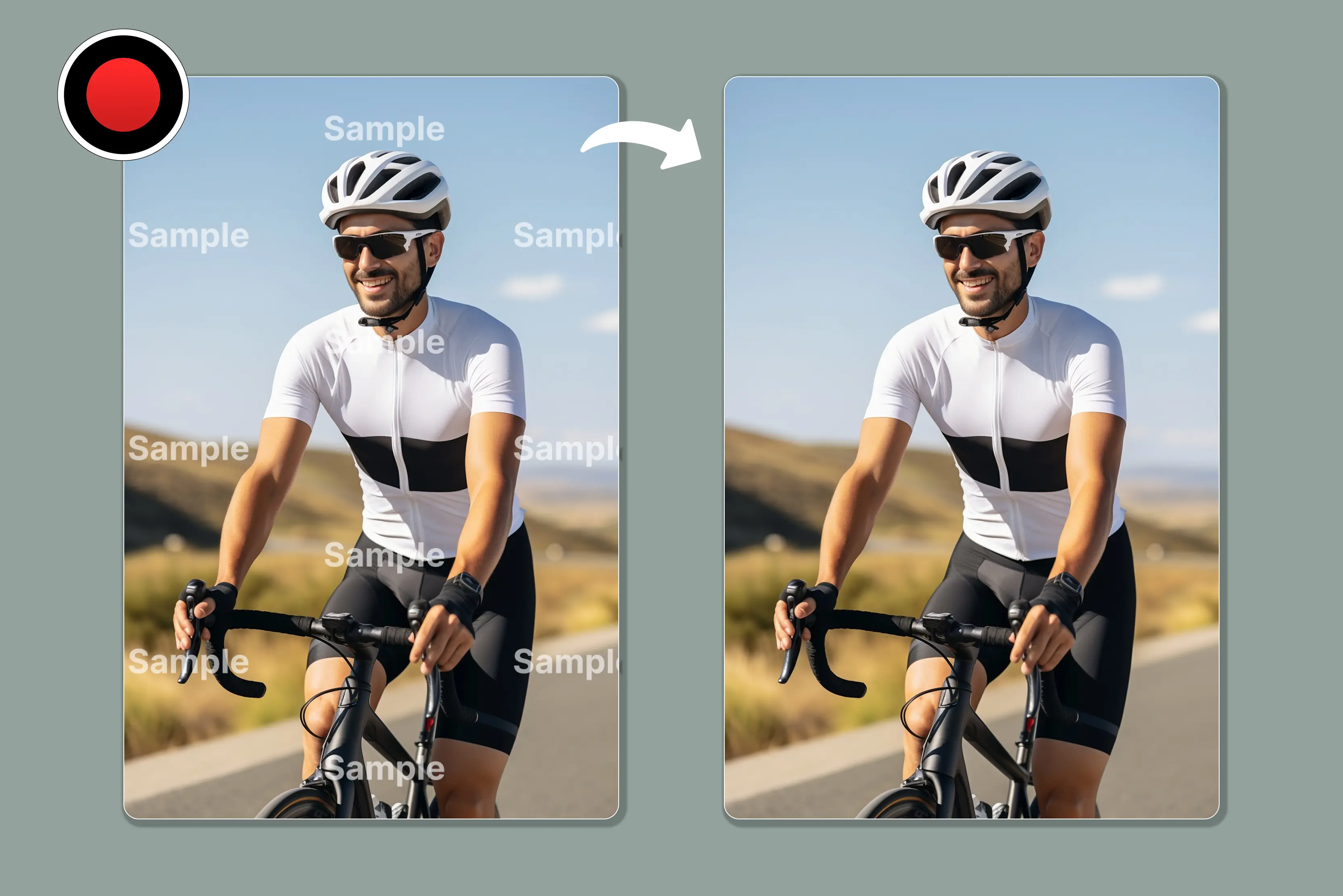


I recently created a video using the free version of Bandicam, and while I was happy with the result, one thing disappointed me- the watermark. It made the video look less professional and reduced my confidence in sharing it. Bandicam's free version applies a logo watermark.
But the video that I had created—I liked it too much. Now the question came: how to remove that Bandicam watermark from the video. Overall, Bandicam performs very well; only when you record a video using it will there be a watermark attached to your footage.
Therefore, it is quite necessary to use a tool to remove the Bandicam watermark from the video. I did a lot of research and explored various options to remove it. Bandicam adds a watermark in the free version. Although it becomes part of the video, you can often hide or reduce it using editing or AI tools.
I tried several tools to remove the watermark, and among them, I found Pixelbin and WatermarkRemover to be the most effective. These tools are easy to use - I simply uploaded my video and with just one click, the watermark was removed.
Other tools like Beecut and HitPaw also work, but didn’t deliver results as clean and convenient as Pixelbin and WatermarkRemover.io. Read this blog until the end to learn how to remove the Bandicam watermark from videos.
I will give you an effective way to remove it and share without the watermark on Bandicam. Learn the meaning of the Bandicam watermark, the top 5 AI tools to remove the Bandicam watermark, and what points to take into consideration while removing the watermark.
What is the Bandicam watermark?
The Bandicam watermark is the www.BANDICAM.com logo that appears on videos recorded with the free, unregistered version of the software. If you don’t like the watermark, you can buy the paid version to record videos without watermarks or use external tools to attempt to remove it from already-recorded videos.
The free version of Bandicam allows users to utilize these powerful features, but it places a visible watermark at the top of every recorded video. It limits recording sessions to 10 minutes within the free version.
Upgrading to the paid version removes the watermark, allows unlimited recording time, and includes additional features like scheduled recording. Chroma key effects may still rely on external webcams or virtual camera tools.
Bandicam watermark remover from videos alternative
1. Removing the Bandicam watermark using the Pixelbin watermark remover.

Choosing to have a clean and user-friendly experience, the Pixelbin watermark remover from video offers an efficient solution to acquire. The tool is designed to simplify the process with its easy-to-use interface. You can upload the most standard video formats with this application like MP4, MOV and WEBM.
I tested one of the videos that has only a plain background with a Bandicam watermark, but with pixelbin the process is straightforward: simply upload your video, wait for a few seconds, and let AI do the magic.
I am impressed with the results I received. Everything worked smoothly, and the quality exceeded my expectations. It provides you with two options to select the output type and start removing the watermark.
Get a video and get a 5-second preview; according to your choice, select it. Click on any one option and wait for few seconds. The batch processing option is another great feature, especially if you have multiple videos to work on. It saves a lot of time and effort.
Key features
- Easy to use
- Time-saving
- Affordable
- Versatility
- Batch processing
Steps below to remove Bandicam watermark
Step 1: Visit Pixelbin -> AI tools -> see all, then search Remove logo and watermark from videos using AI.
Step 2: Click on the upload video or paste the URL from your device that you would like to remove the watermark from.
Step 3: Wait for a few seconds until you get the result.
Step 4: Download the result.
2. Removing the Bandicam watermark using WatermarkRemover.io
In addition to the above-discussed tool, you can also consider using an online watermark remover like WatermarkRemover.io. WatermarkRemover.io is an excellent tool for anyone looking to remove the Bandicam watermark without using any complex tools. The platform's look is intuitive and incredibly easy to use, even for beginners.
This tool uses AI to automatically detect and remove watermarks , logos, timestamps, and overlays without requiring any manual testing. It supports MP4, MOV, and WEBM in the browser, and via API it also supports AVI, MPG, MPEG, and MKV, with a max resolution of 1920×1920 px and a max duration of 2 minutes.
I recently tried out my Bandicam watermark video with this tool, and I really received good results and liked how well it worked. I love to run it, as there are no confusing settings and no sign-up. I’m not a video editor at all, but my old videos need to have the Bandicam watermark removed. This tool was incredibly easy; upload the video, click remove, and download.
Overall, I recommend the WatermarkRemover.io watermark Remover for quick and effective edits. For designers, marketers, and content producers who want clear images without the trouble of manual editing, this is an excellent tool.
Key features
- Easy to use
- No signup required
- No manual editing
- Support various formats.
- No technical knowledge required
Steps below to remove Bandicam watermark
Step 1: Visit WatermarkRemover.io -> Video watermark remover.
Step 2: Click on “Upload video” or drag and drop your file here. Select your video from your PC to remove the watermark from the video.
Step 3: Wait for a few minutes and click 5 sec preview to look at the result.
Step 4: Wait a few seconds and download your results.
3. Removing the Bandicam watermark using HitPaw watermark remover
The third one is HitPaw watermark remover from videos. This tool not only allows you to remove watermarks from videos but also pictures as well. HitPaw offers a web-based version for quick tasks, so no installation is needed for basic use, but advanced features may require the desktop version.
It supports various formats like MP4, MOV, and AVI. Help you remove unwanted people, watermark text, trademarks, and more from videos. I tested it using a Bandicam watermarked video. The tool is beginner-friendly; you just import the video manually highlight the watermark area, and let it process.
However, the processing took noticeably longer compared to WatermarkRemover.io and the result was blurry. I wasn’t satisfied with the overall quality. Unlike fully automatic AI tools, HitPaw requires you to manually select the watermark area, which can be less efficient.
Some advanced features may be locked behind a paid license, and exports in the free version can be limited. Moreover, only 5 preview video screenshots are supported; click export to get the complete result. HitPaw includes object removal and the manual brush tool let users remove subtitles, text, and more.
Key features
- Easy of use
- Support various formats.
- User-friendly interface
- Offers additional video editing features
Steps below to remove Bandicam watermark
Step 1: Visit HitPaw -> Video AI -> Video watermark remover.
Step 2: Click on the “Upload a video” button, then again click on “Choose file” or drag or click to add a video. Add a video that you want to remove the watermark from.
Step 3: Wait for a few seconds and review and download the result.
4. Removing the Bandicam watermark using Apowersoft watermark remover
Apowersoft watermark remover is an online watermark remover that you can access on your browser. It allows you to manually select the watermark area in your Bandicam video and remove it using simple drag tools.
You can upload the most standard video format with the application like MP4, MKV, FIV, MOV, WMV,WEBM,3GP, AVI, ASF,M4V, MPEG, MPG, TS. I uploaded my video, manually selected the watermark area by dragging over it, clicked “remove” and the tool handled the rest.
For the watermark in the corner, it blends the area pretty well and doesn’t run the whole video. As processing longer video can be a little slow. Moreover, if you want to use it to clean up a few clips, it’s a solid option. The free version adds limit that make it hard to test the tool properly.
Key features
- Support various formats.
- Easy of use
- Nothing to install
- No technical knowledge needed
Steps below to remove Bandicam watermark
Step 1: Visit Apowersoft -> product and solutions -> Watermark Remover.
Step 2: Upload your video and choose between automatic and manual to remove the watermark from it.
Step 3: Click “Remove” and then wait for the process to complete
Step 4: Download the result.
5. Removing the Bandicam watermark using Beecut watermark remover
Another option is Beecut online video watermark remover. While it claims simplicity, you still need to select the watermark area before manual removal. It supports various formats like MP4, MKV, MOV, WMV, WEBM, 3PG, AVI, ASF, M4V, MPEG, MPG, and TS. It can work for Mac and windows operating systems so that users can remove watermarks from Bandicam recordings regardless of their chosen platform.
I tested one of my old Bandicam watermarked videos with Beecut as compared to Pixelbin and WatermarkRemover.io. It's easy to upload, but all the things are different, like manual editing; no preview can be seen after downloading, and we can see the result. It's time-consuming.
While Beecut is easy to use, it’s not ideal for professional watermark removal. It’s more of a basic editor, and for more complex or cleaner results other tools like Pixelbin and WatermarkRemover.io perform better. Even after trying the tool left a smudge where the watermark had been, which was definitely not what I expected.
Key features
- Easy to use
- Support various formats
- Available online
- Beginner-friendly interface
Steps below to remove Bandicam watermark
Step 1: Visit BeeCut online watermark remover.
Step 2: Click on “Remove watermark from video” to upload your video that has a Bandicam watermark.
Step 3: After uploading your video, select the watermark that you want to remove and click on the Erase button.
Step 4: Wait for a few seconds, and it will directly show that the message has completed downloading files. Click on that button to download and see the result.
Various points taken into consideration while removing Bandicam watermark
When removing a Bandicam watermark, the primary considerations are legal and ethical use, technical difficulty, and impact on video quality. The simplest and most authentic way to remove the Bandicam watermark is to purchase and register the software. This removes both the 10-minute limit and the default Bandicam watermark.
You can also remove the watermark using third-party AI or editing tools, which requires selecting the watermark area carefully to reduce visual quality damage. To avoid buying, there are many users who download Bandicam crack no watermark, but it does come with issues listed below.
- Purchase the software: The method used by Bandicam to remove the watermark is to buy a license, which removes limitations like the 10-minute recording limit and the watermark itself.
- Malware and virus: If cracked, Bandicam files often contain viruses or trojans, which can steal personal data, damage files, or even take over your computer/laptop.
- No security and privacy: Cracked programs often turn off security checks and make your system easily accessible to hacking and data breaches, which is alarming.
- No customer support: Cracked version does not receive any technical support, leaving users vulnerable to performance issues and missing out on improved features.
- System Instability: Crashes, system errors, or even data loss are real risks when using corrupted or outdated cracked Bandicam copies
FAQs
There are various tools available online, like Pixelbin, WatermarkRemover.io, and many more, that allow you to remove a watermark from a video in very easy steps. Only upload your videos, and then the rest of the work is done by the tool.
If you purchase Bandicam and then use the registered version, the watermark (www.BANDICAM.com) will not be added to the recorded video. During the recording time it will not be visible, but it will be displayed on the video that has been recorded.
No, the free version of Bandicam includes the watermark and a 10 minutes recording limit per video. To get a version of Bandicam without a watermark, you must purchase and register the software.
You can use third-party tools like Pixelbin, WatermarkRemover.io, and many more that allow you to remove the Bandicam watermark with only just a few clicks.
No, the full version of Bandicam is not free. Free version is available, which allows you to record video, but it includes the watermark on the videos, and the length of each recording is 10 minutes. So the paid version removes these restrictions, allowing for unlimited recording time and no watermark.
The Bandicam official website uses SSL certifications to encrypt communications, constantly monitors its servers, and takes various security measures so that you can browse the Bandicam website completely safely.