.webp)

Summary
The best AI video watermark removers help remove logos, text overlays, subtitles, date stamps, and moving marks from videos you own or are allowed to edit. Pixelbin is a strong first choice for a quick browser-based AI workflow, while tools such as Vmake, Media.io, HitPaw, AniEraser, Wondershare UniConverter, Tipard, 4Easysoft, Apowersoft, Kapwing, VEED, Fotor, 123Apps, WatermarkRemover.io, UnWatermark, AirBrush, Wink, MagicEraser, and PhotoCat can fit different editing needs.
Introduction
A watermark can ruin an otherwise usable video. It may sit on top of a product demo, cover a face, block subtitles, distract from a social ad, or make a brand video look unfinished. That is why creators, sellers, editors, and marketers search for AI video watermark removers that can clean a clip without making the video blurry.
But not every watermark remover works the same way. Some tools use AI inpainting to rebuild the area behind a watermark. Some let you manually brush over the mark. Some crop or cover the mark instead of truly removing it. Some work well on static logos but struggle with moving marks, complex textures, or fast camera motion.
This guide compares the best AI video watermark removers, explains where each tool fits, and gives a practical workflow for choosing the right option without overpromising perfect results.
What is an AI video watermark remover and how does it work?
A video watermark remover is a tool designed to identify and erase overlays, such as logos, timestamp burn-ins, platform branding, or semi-transparent captions from video content.
Unlike legacy video editing techniques that rely on rough cropping or heavy Gaussian blurring (which leaves distracting visual artifacts), AI-powered watermark removers utilize deep learning algorithms like computer vision, generative inpainting, and optical flow analysis:
- Object detection & segmentation: The AI isolates the static or moving watermark boundaries frame by frame.
- Temporal consistency: It analyzes adjacent frames to understand what visual data exists behind the obstruction over time.
- Generative inpainting: Using surrounding pixels, textures, and color fields, the neural network reconstructs the hidden background naturally-preserving video resolution without noticeable blur.
Top use cases: why creators & brands need clean video assets
Watermarks exist to protect copyright, but legitimate creators, marketers, and editors frequently encounter scenarios where watermark removal is essential for workflow efficiency:
- Cross-platform content repurposing: Social platforms like Instagram Reels and YouTube Shorts actively penalize videos carrying watermarks from competing platforms (such as TikTok or CapCut). Removing platform overlays ensures maximum algorithmic reach.
- Recovering lost master files: When original uncompressed video project files are accidentally lost or corrupted, archived watermarked exports can be restored back to clean master clips.
- Updating rebranded corporate assets: Businesses updating logos or brand identity can sanitize historical promotional material, training videos, and product clips without costly reshoots.
- Cleaning up stock footage & user content: Editors utilizing licensed stock assets or user-generated content (UGC) often need to remove timestamps, camera overlays, or redundant text overlays prior to final production.
Key factors to consider when selecting an AI watermark remover
Not all watermark removers handle complex video files equally well. Before choosing a tool, evaluate these critical performance benchmarks:
- Temporal stability (no flickering): High-quality AI models prevent pixel flickering across frames as the background changes behind the erased object.
- Handling Moving vs. Static Overlays: Ensure the software supports dynamic tracking if your videos feature animated logos, moving channel handles, or floating watermarks.
- Resolution & export formats: Check whether the platform outputs in native 1080p or 4K without compression loss, supporting common formats like MP4, MOV, and WebM.
- Batch processing capabilities: If you manage large video libraries, batch processing saves dozens of hours compared to single-file web interfaces.
Top 13 AI video watermark removers
Explore the best AI video watermark remover tools to remove logos, timestamps, text overlays, and unwanted marks from videos online with clean results.
1. Pixelbin
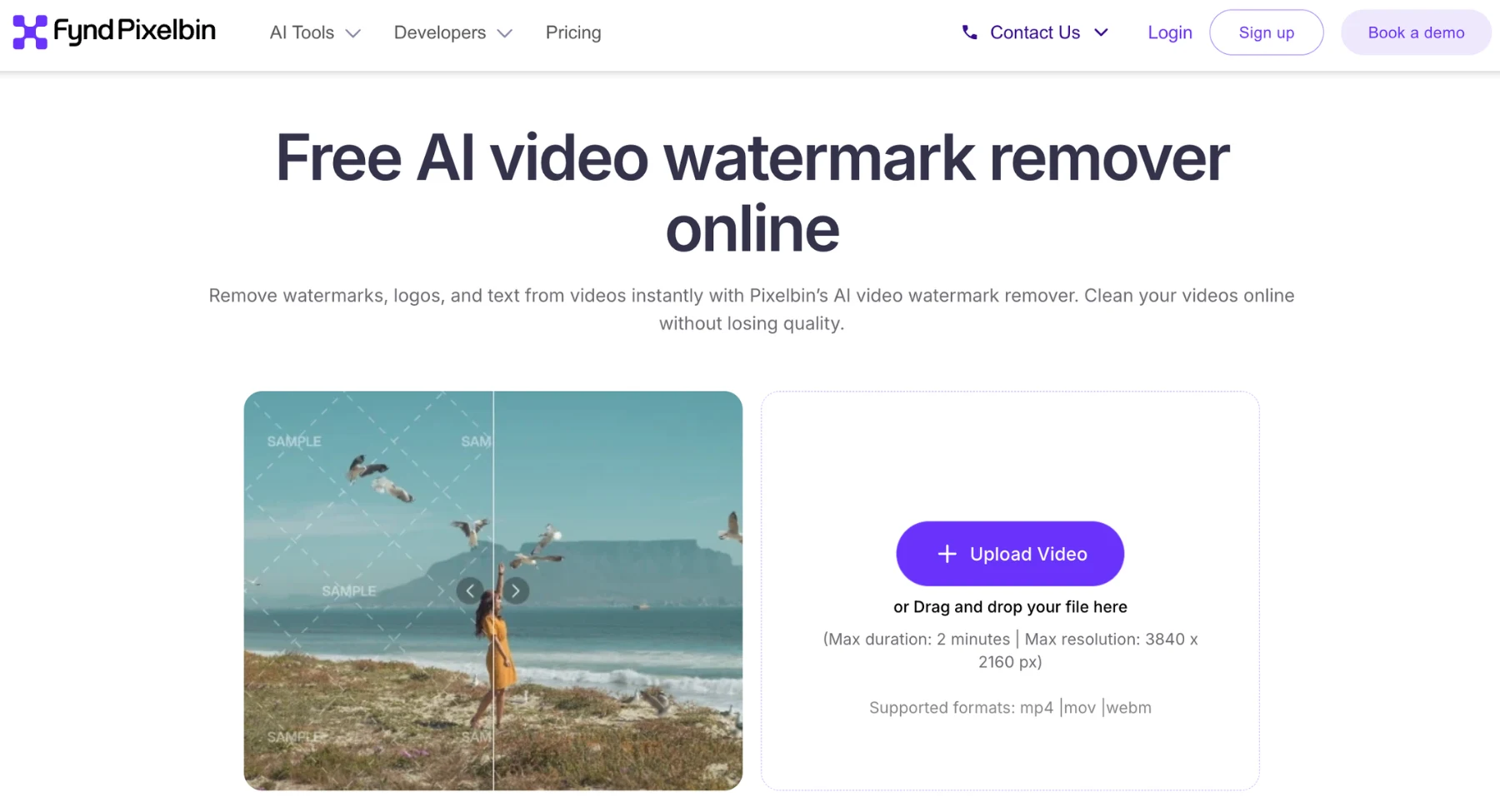
Pixelbin video watermark remover leads this list because it directly targets the core user need: a straightforward, browser-based workflow to upload a clip, erase unwanted overlays, and download a clean video without opening complex timeline software.
It fits seamlessly into modern content creation processes. Whether you are cleaning up a UGC clip, product demo, AI-generated video, or short social asset, Pixelbin provides a rapid cleanup step without demanding traditional editing skills.
Key features
- Automated AI detection: Scans frames to automatically isolate static logos, timestamps, and moving text overlays.
- Generative frame reconstruction: Rebuilds background pixels frame-by-frame using surrounding colors and textures to avoid harsh blur artifacts.
- Connected ecosystem: Integrates with wider AI editing workflows-making it easy to clean assets right after video generation or product shoots.
- Batch processing & API support: Allows marketing teams and developers to process multiple files simultaneously or integrate cleanup directly into app pipelines.
Why it stands out
Pixelbin is ideal for creators, marketers, sellers, and social teams who manage end-to-end AI media workflows. Instead of treating watermark removal as an isolated chore, Pixelbin connects it directly to content generation and repurposing tasks.
Best for: Quick, browser-based removal of logos, marks, and text from self-owned or permissible footage.
Keep in mind: While the AI handles most standard watermarks seamlessly, complex camera motion, highly transparent overlays, fast-moving subjects, or intricate patterned backgrounds may still produce slight visual artifacts that require manual review.
2. Vmake
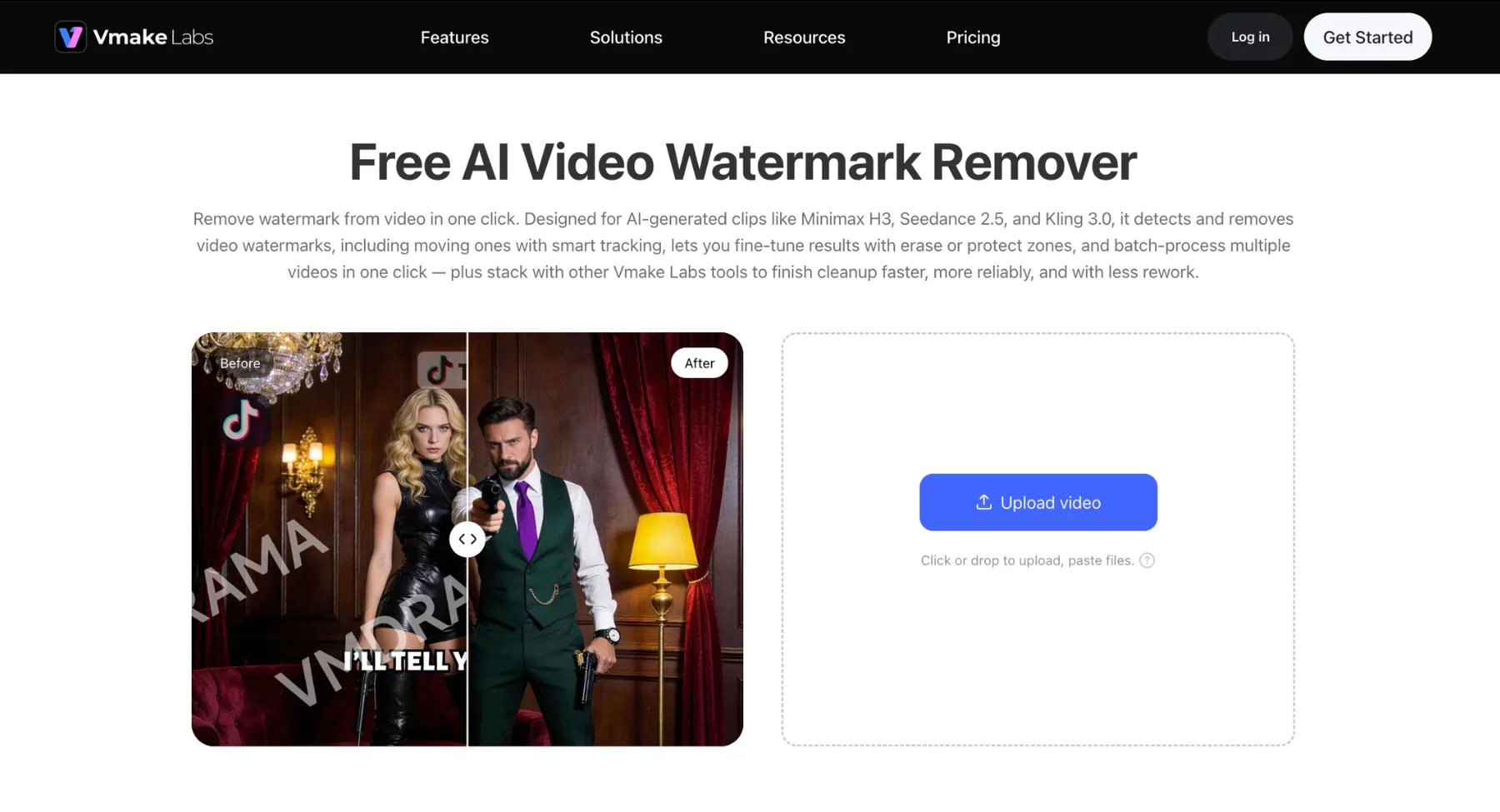
Vmake is a browser-based AI video watermark remover designed to handle both static corner logos and dynamic overlays without requiring keyframe tracking. It provides an ideal middle ground for creators who want fast auto-detection alongside manual masking controls.
It fits naturally into social repurposing and e-commerce workflows, allowing users to remove platform logos (like TikTok or AI generator marks), burned-in subtitles, and timestamps before publishing.
Key features
- Auto-detection & motion tracking: Automatically scans frames to isolate fixed brand logos or floating overlays that shift across video scenes.
- Erase & protect zones: Features a manual brush tool to define exact erase areas and set "protect zones" so important elements (like faces or product details) remain untouched.
- Batch processing: Allows paid and agency accounts to upload and clean up to 30 video clips simultaneously.
- Generative inpainting: Uses temporal frame analysis to predict and reconstruct background textures behind erased marks without heavy blurring.
Why it stands out
Vmake gives users direct control over difficult removals. Rather than relying solely on automated algorithms, its brush and protection controls allow you to fine-tune delicate areas where watermarks overlap critical subjects.
Best for: Social media managers, agencies, and sellers needing high-volume batch processing for short promotional clips, UGC, or AI-generated videos.
Keep in mind: While Vmake handles standard static logos reliably, watermarks placed over complex textures, fast-moving backgrounds, or human faces may still leave faint ghosting artefacts. Free exports are typically capped at 720p.
3. Media.io
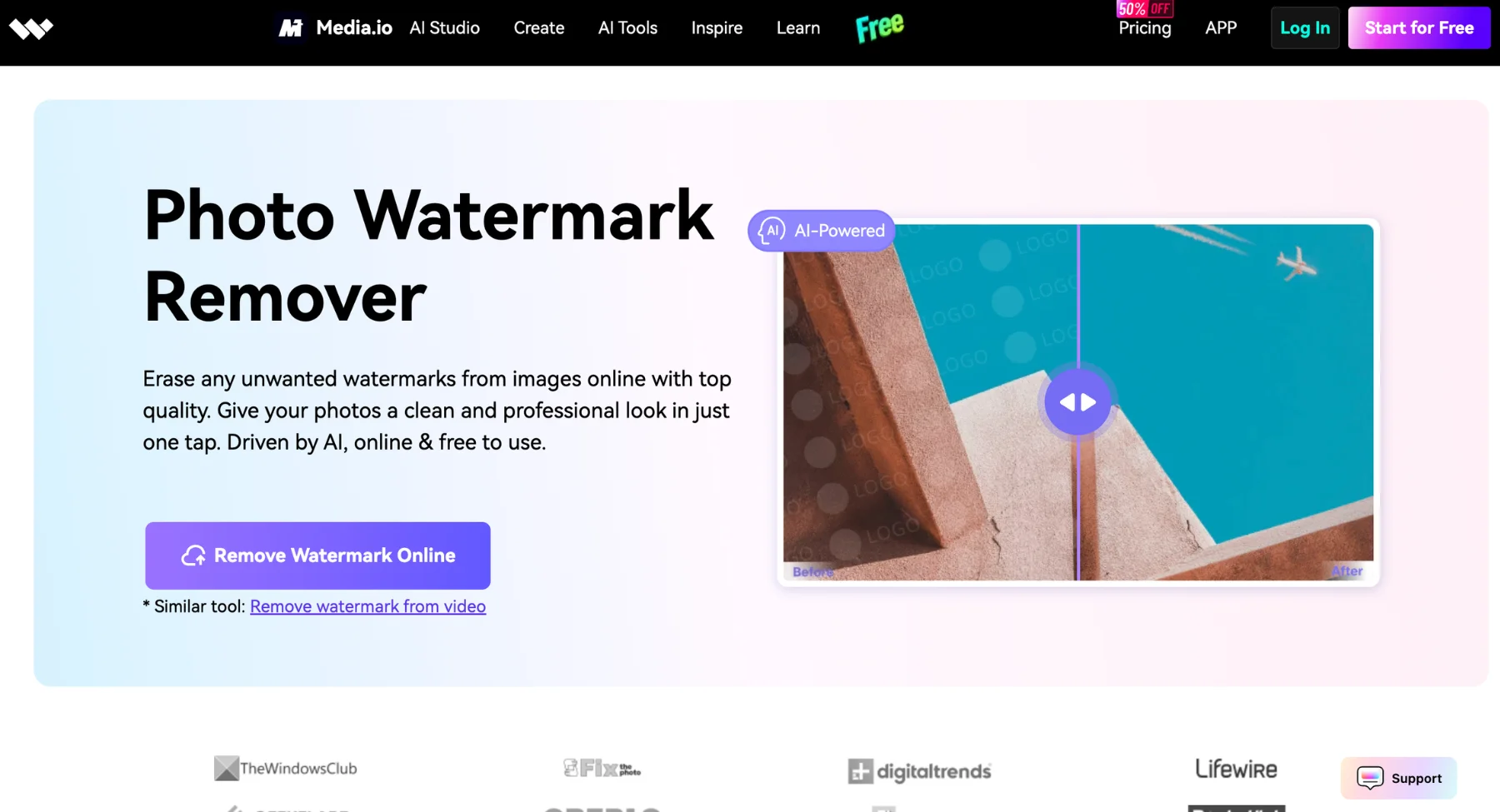
Media.io is one of the most accessible cloud-based tools for quickly removing text, platform branding, and timestamps across desktop and mobile browsers. It focuses on speed and simplicity, making it a go-to choice for users who need to sanitize visual assets without installing desktop software.
It fits naturally into modern social media and content workflows, allowing creators to paste links or upload short videos, highlight problem areas with a virtual brush, and generate clean clips in seconds.
Key features
- Smart brush selection: Allows users to manually shade static or dynamic watermark areas using an adjustable virtual brush.
- Cross-device accessibility: Runs directly inside any modern web browser across Windows, Mac, iOS, and Android.
- Multi-format support: Natively imports and exports popular video file formats including MP4, MOV, M4V, and 3GP.
- Integrated video suite: Combines watermark removal with built-in tools for video trimming, compression, and file conversion.
Why it stands out
Media.io shines for users needing rapid, cross-platform edits on the go. Because it connects directly with a broader ecosystem of browser-based utilities (like converters and compressors), it eliminates the hassle of switching between multiple software programs just to prep a final video asset.
Best for: Social media managers, mobile content creators, and casual editors who need quick, cross-device watermark removal without heavy system requirements.
Keep in mind: While free web previews allow you to test quality, high-resolution 4K exports and full-length video downloads require a paid subscription or credit balance. Complex overlays covering moving faces may also require minor manual adjustments.
4. HitPaw watermark remover
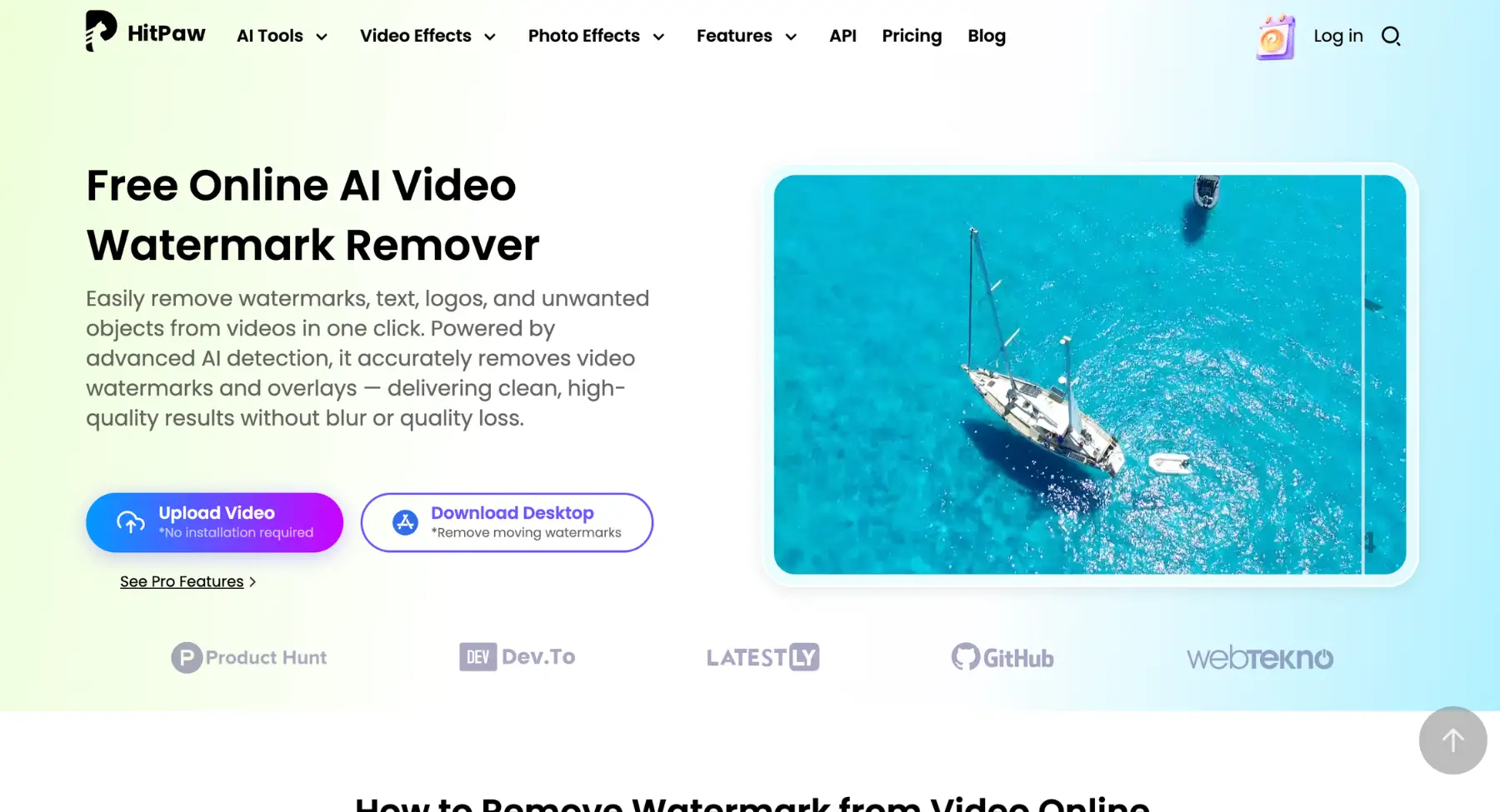
HitPaw Watermark Remover is a dedicated AI-powered media cleanup solution available as both a lightweight browser app and a robust desktop application. It is built for creators, editors, and marketing teams who need high-precision removal options for complex or floating video watermarks.
Instead of relying solely on automated detection, HitPaw gives users multiple AI and texture-filling modes to choose from based on the background behind the overlay. This flexibility makes it particularly effective for removing hardcoded subtitles, date stamps, static channel logos, and moving text from video files.
Key features
- Multiple AI & texture removal modes: Features custom modes like AI Model (automatic generative inpainting), Matte Filling, Color Filling, and Smooth Filling to match different background textures seamlessly.
- Dynamic & floating watermark removal: Tracks moving logos, scrolling captions, and floating marks across changing video scenes without breaking continuity.
- Real-time frame preview: Allows users to preview video playback frame-by-frame before exporting to ensure no visual distortion or ghosting remains.
- Desktop & web flexibility: Offers a quick browser-based version for small edits alongside a powerful offline desktop app for faster rendering and larger video files.
Why it stands out
HitPaw stands out by offering specialized removal algorithms rather than a generic one-size-fits-all blur. If an automatic AI fill produces a soft spot on a uniform background, switching to a Matte or Color Fill mode often yields a much cleaner result.
Best for: Content creators, video editors, and social teams who want dedicated desktop performance and multiple fill options for removing tricky logos, dates, or hardcoded text.
Keep in mind: The free web trial places export limits on processed clips. Additionally, while the desktop app processes files quickly, erasing large, highly transparent watermarks over complex motion or detailed facial features can still require manual mode switching to avoid texture artifacts.
5. AniEraser
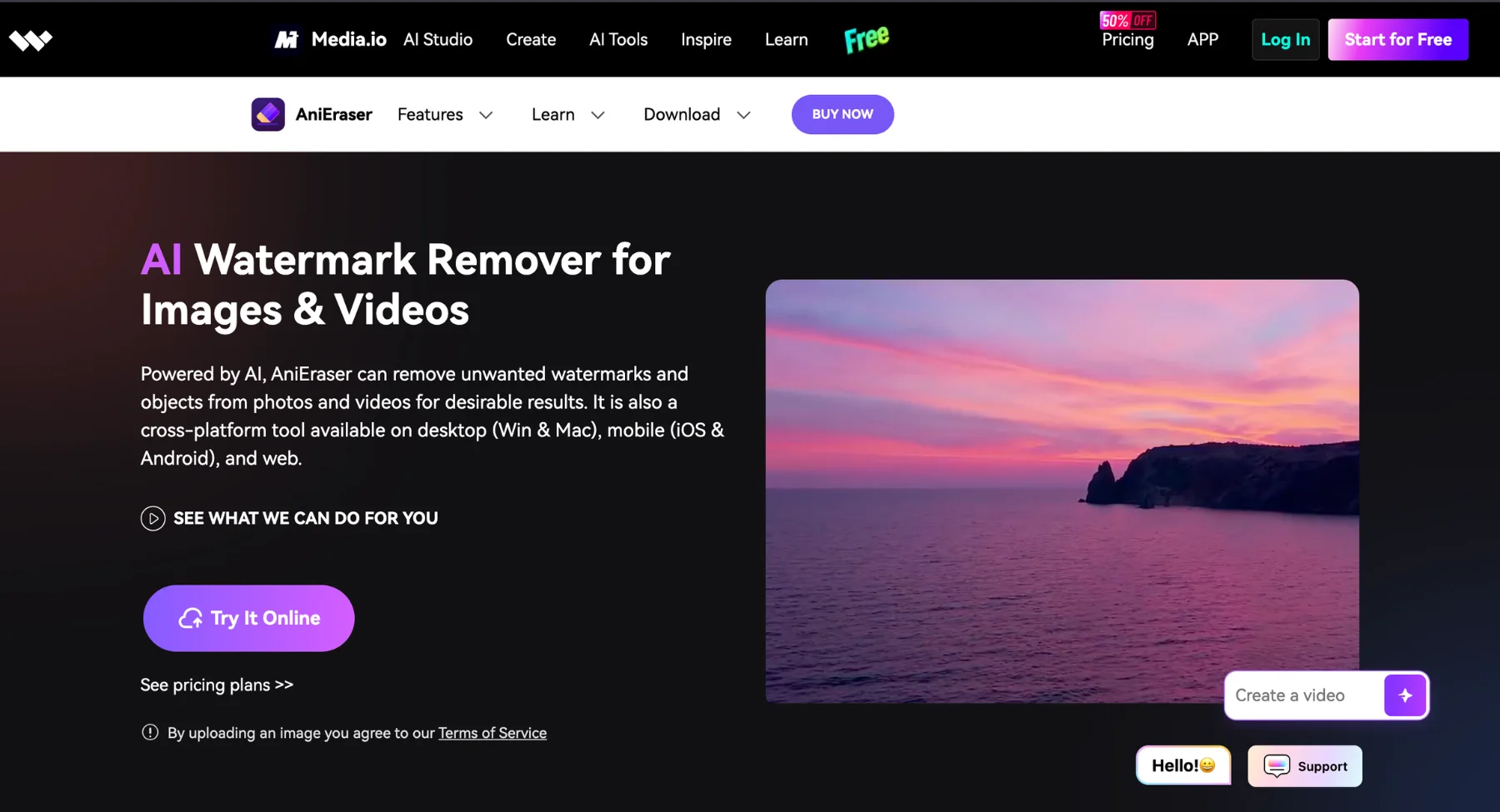
AniEraser (developed by Media.io / Wondershare) is a cross-platform AI removal tool available on web browsers, desktop (Windows/macOS), and mobile devices (iOS/Android). It is built for creators and editors who need to eliminate watermarks, hardcoded subtitles, platform branding, or stray background elements from both video and photo files using a single ecosystem.
Instead of requiring complex video masks, AniEraser uses an adjustable AI brush tool to select target overlays. The underlying AI reconstructs the background scene frame-by-frame, restoring surrounding pixel textures to avoid obvious visual blurring.
Key features
- Cross-platform synchronization: A single account subscription grants access across desktop apps, mobile devices, and web interfaces.
- Multi-element removal: Erases static logos, timestamps, floating text overlays, and even unwanted background objects or people from video footage.
- Adjustable AI brush tool: Allows users to manually shade small or irregular watermark areas with customizable brush sizes for tight precision.
- Desktop batch processing: The dedicated desktop application supports batch processing for multiple video clips simultaneously.
Why it stands out
AniEraser stands out for its seamless multi-device continuity. You can start cleaning a short social clip on your phone while on the go, or switch to the desktop app when batch-processing larger, higher-resolution video files at your desk.
Best for: Content creators, marketers, and social media teams looking for a multi-device AI tool to clean up watermarks, text overlays, and stray objects from videos and images alike.
Keep in mind: While the brush tool makes targeted removal easy, erasing large or highly transparent watermarks over fast camera pans, complex patterned backgrounds, or human faces may still leave mild distortion artifacts. Free web users are also subject to export limitations.
6. Wondershare UniConverter
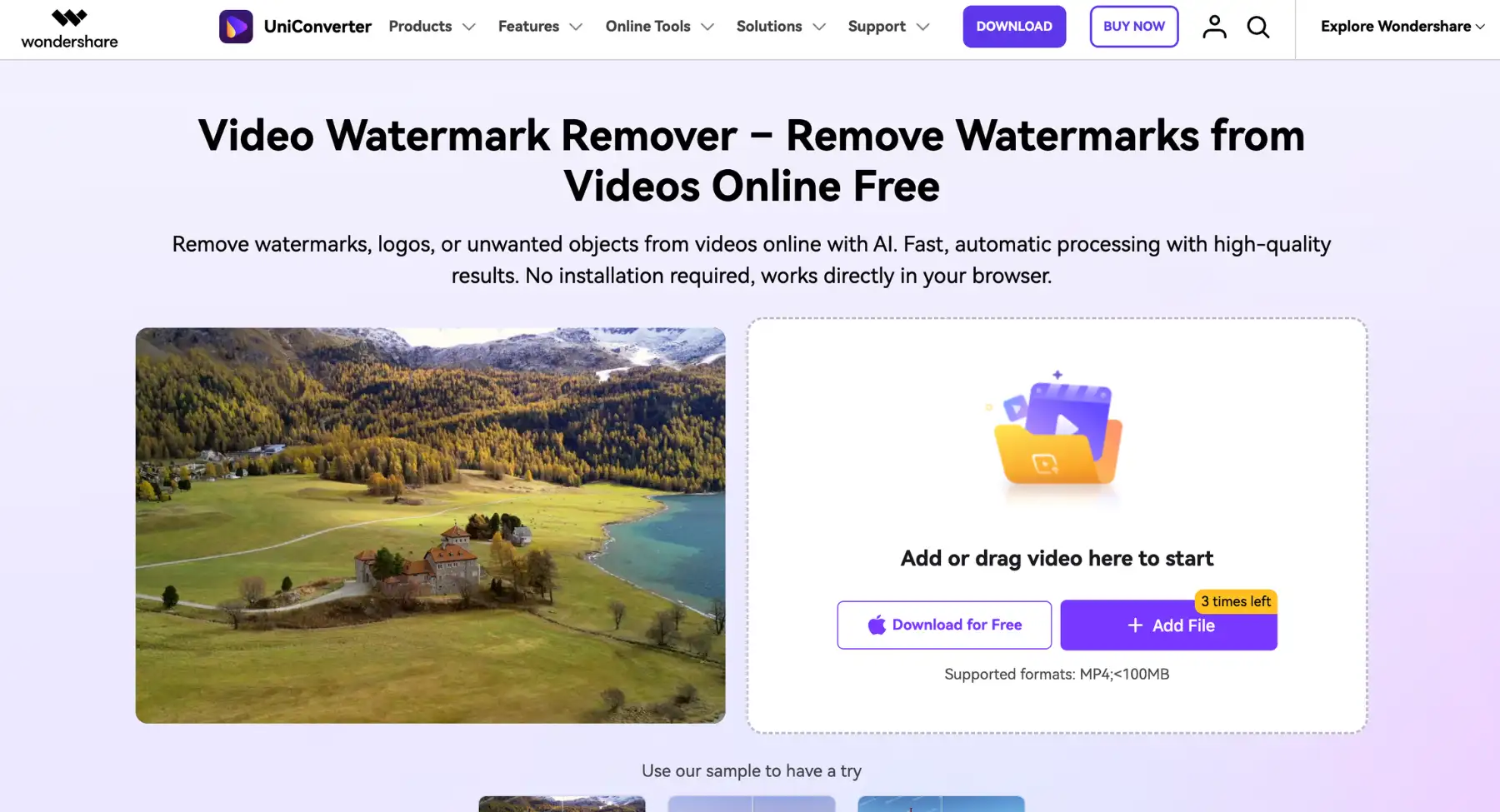
Wondershare UniConverter is an all-in-one desktop production suite that includes a dedicated AI Video Watermark Remover alongside tools for video conversion, compression, and editing. It is built for creators, editors, and production teams who want full control over high-resolution footage without relying purely on browser-based apps.
Because it runs natively on desktop hardware, UniConverter provides temporal, time-based segment control allowing you to target watermarks only during the exact seconds they appear in a clip.
Key features
- Time-based segment control: Erases dynamic or moving watermarks precisely by specifying start and end timestamps so clear sections remain untouched.
- AI generative frame repair: Fills selected overlay zones frame-by-frame using surrounding pixel data to eliminate heavy blurring.
- Bulk batch processing: Cleans watermarks across multiple video clips simultaneously, saving time for high-volume workflows.
- Integrated multimedia suite: Lets you trim, compress, upscale to 4K, or re-encode clean clips immediately after removing watermarks.
Why it stands out
UniConverter goes far beyond a standalone eraser tool. By combining GPU-accelerated watermark removal with a complete video toolbox, you can remove watermarks, adjust compression settings, and export to any format in one unified program.
Best for: Production teams, video editors, and power users who need high-resolution 4K exports, batch processing, and desktop-level control over dynamic overlays.
Keep in mind: The full desktop installation takes up more storage space than web-only tools. Additionally, while automated AI frame repair works well on static areas, watermarks placed over fast-moving human faces or complex backgrounds may still require manual review.
7. Apowersoft video watermark remover
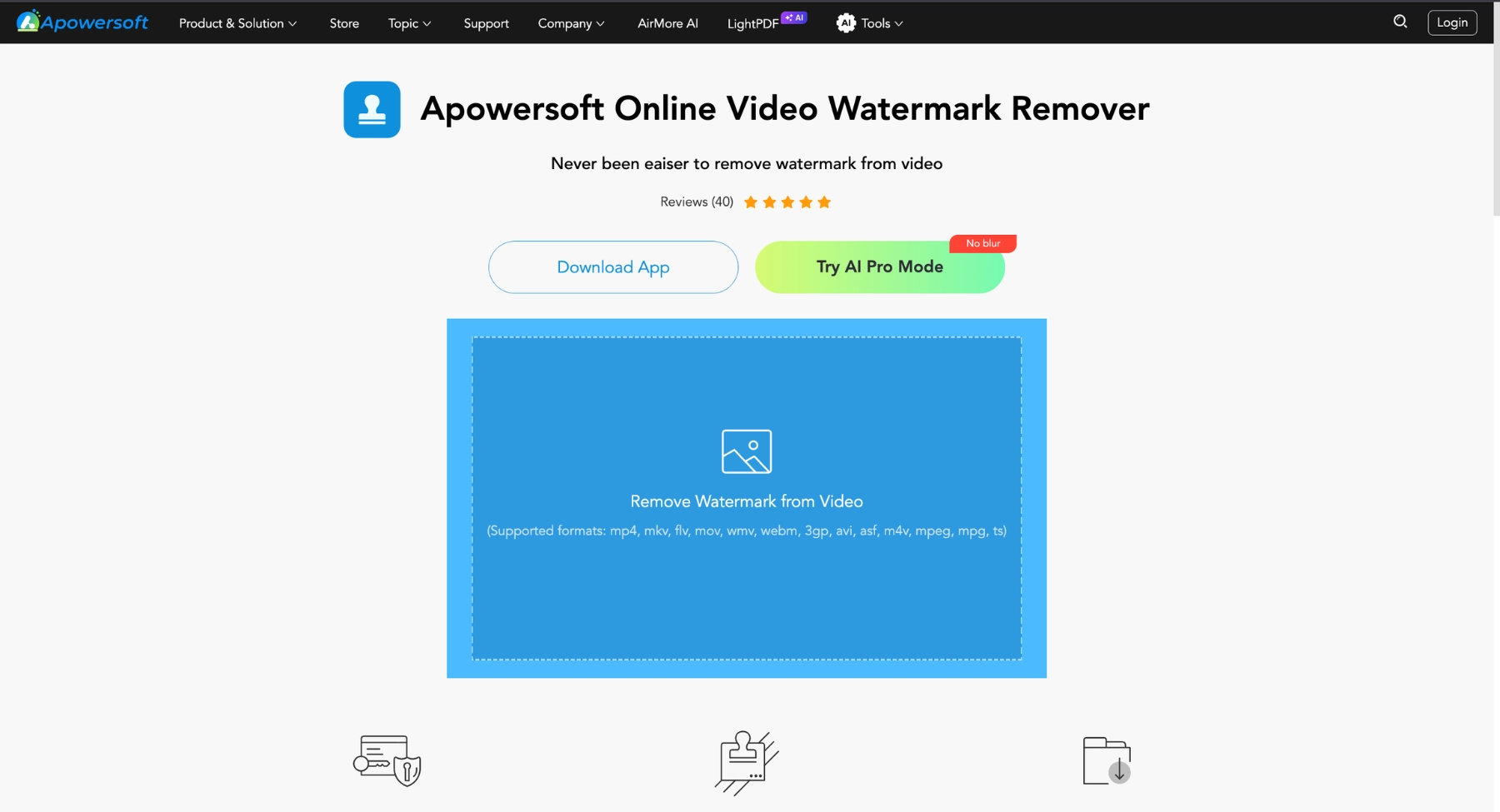
Apowersoft Video Watermark Remover is a straightforward desktop and web-based cleanup tool focused on removing unwanted logos, text overlays, date stamps, and watermarks from video files. It offers a simple box-selection workflow designed for users who want a dedicated tool for quick utility tasks without navigating complex video editing interfaces.
Instead of heavy generative AI artwork generation, Apowersoft relies on localized pixel blending and segment-based mask selection, making it a reliable solution for static corner logos and fixed text overlays.
Key features
- Segment-based time selection: Allows users to apply removal boxes to specific time segments in a video, keeping parts of the clip untouched when watermarks are not present.
- Multiple selection boxes: Enables simultaneous removal of multiple static logos, hardcoded subtitles, or timestamps located across different areas of the same frame.
- Batch processing: Supports uploading and removing watermarks from multiple video files concurrently to speed up editing workflows.
- Dual video & image support: Cleans up unwanted text, logos, and objects from both video formats and static image files within a single application.
Why it stands out
Apowersoft stands out for its direct approach to handling multiple static overlays at once. If your clip features a brand logo in one corner and a date stamp in another, you can place distinct selection boxes over both and process the entire video file in one pass.
Best for: Content managers, marketers, and casual editors looking for a simple, segment-controlled tool to clear static logos, timestamps, and text from video archives.
Keep in mind: Because Apowersoft relies heavily on localized blurring and pixel interpolation rather than advanced AI generative inpainting, removing large or highly complex watermarks over moving subjects may leave a noticeable soft spot or blurry patch.
8. Kapwing
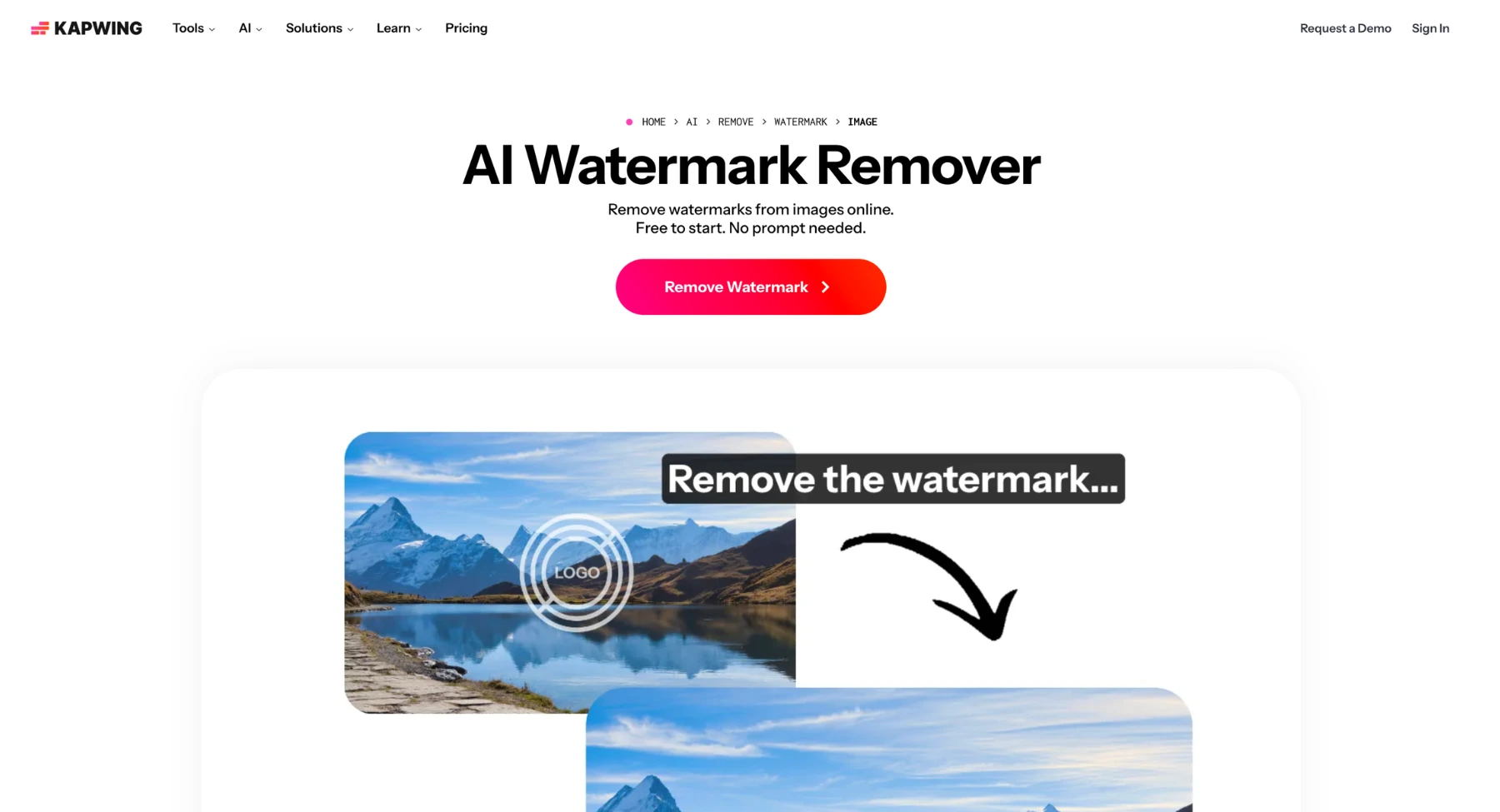
Kapwing is a cloud-based video editing platform that combines smart object removal tools with a full timeline editor. It is built for content teams, social media managers, and creators who need to clean up watermarks, logos, or burned-in subtitles while making broader edits to their video project in the same workspace.
Instead of acting solely as a single-click watermark remover, Kapwing lets you highlight unwanted areas using its AI magic eraser or apply smart crops and overlays directly within a multi-track editor.
Key features
- AI magic eraser & object removal: Highlights and erases static logos, timestamps, and floating marks while filling the background automatically.
- Full multi-track timeline editor: Allows you to trim, split, re-frame, or overlay new graphics directly over erased watermark areas.
- Smart auto-subtitling & text removal: Erases hardcoded captions or generates clean, edit-ready subtitle tracks for content repurposing.
- Real-time team collaboration: Enables teams to share video project links, comment on edits, and process branded assets together in the cloud.
Why it stands out
Kapwing stands out because it solves the whole editing problem in one place. If removing a watermark leaves a slight artefact, you can immediately crop the aspect ratio, add a fresh brand banner, or overlay new captions without exporting the file to another program.
Best for: Social media teams, agency creators, and video marketers who want a web-based timeline editor to clean, repurpose, and re-brand videos for social platforms.
Keep in mind: Free exports include a small Kapwing watermark on long videos, requiring a paid Pro plan for clean, high-resolution 1080p/4K exports. Highly dynamic watermarks over fast motion may also require additional manual cropping or layering.
9. VEED
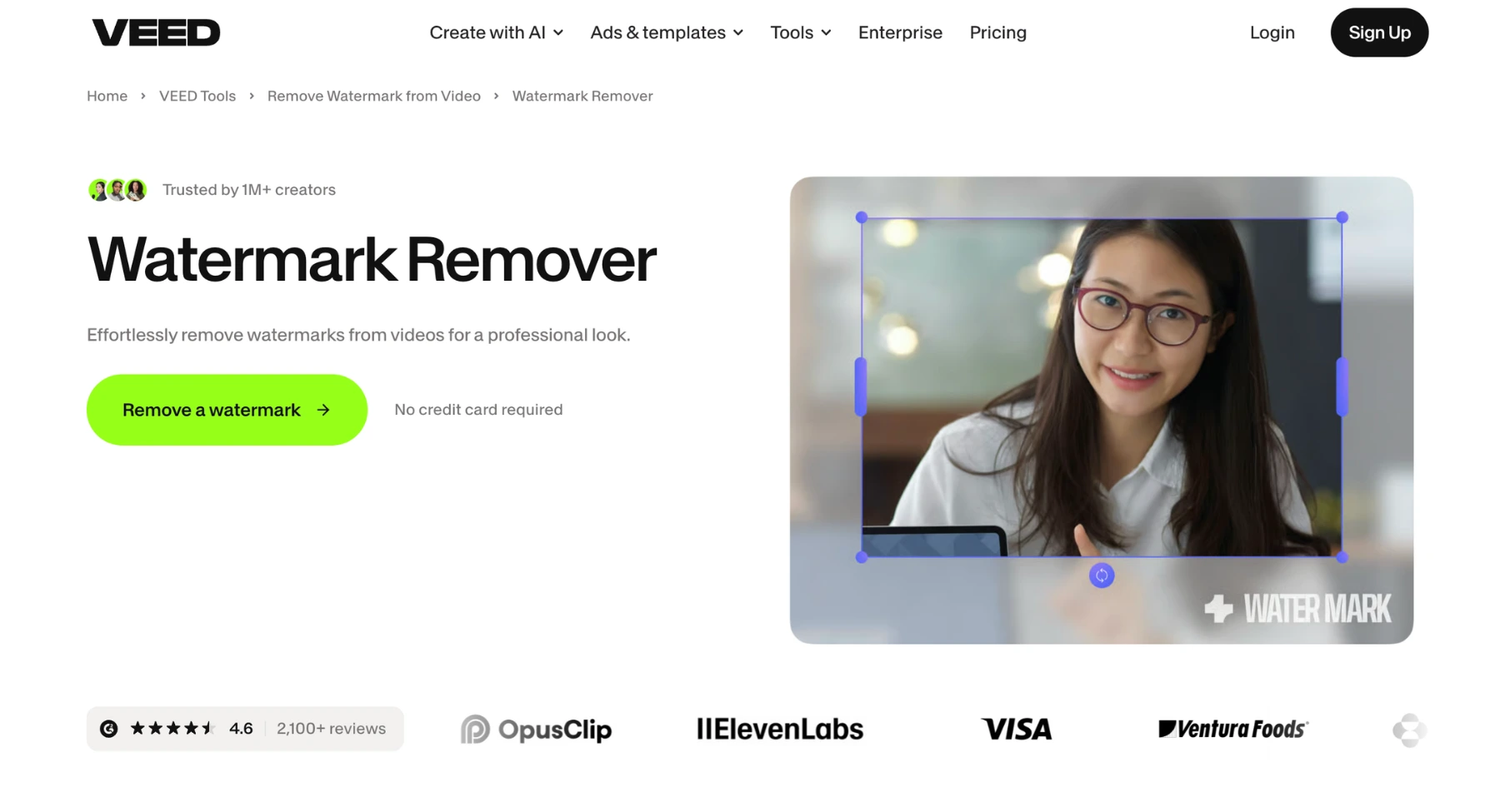
VEED is an all-in-one browser-based video creation platform that combines lightweight watermark removal methods with a multi-track editing suite. It is tailored for social media teams and content creators who want to clean up platform branding or date stamps while making quick editorial changes in one place.
Instead of relying purely on heavy generative AI inpainting, VEED emphasizes practical, non-destructive removal methods-such as smart aspect ratio cropping, pixel-blending masks, and seamless brand logo or sticker overlays.
Key features
- Multi-method removal options: Offers smart cropping, content-aware masking, and background-backed text overlays to cover up intrusive marks cleanly.
- Brand kit overlay: Allows paid users to automatically replace unwanted platform logos with their own branded assets, stickers, or custom callouts in one click.
- Auto-subtitling & text tools: Includes built-in AI auto-transcription and caption generation to replace old, burned-in subtitles with fresh, editable text.
- Social media aspect ratio presets: Instantly resizes and re-frames videos for Instagram Reels, TikTok, or YouTube Shorts-effectively cropping out corner logos in the process.
Why it stands out
VEED stands out because it blends quick utility edits with a complete video production pipeline. If removing a watermark leaves a faint artifact, you don't need to switch apps; you can instantly drop your own logo over the mark, auto-generate captions, and export a ready-to-post social asset.
Best for: Social media managers, agencies, and digital marketers who need a fast, cloud-based editor to repurpose watermarked content across multiple social channels.
Keep in mind: VEED's free plan exports videos with a VEED watermark, meaning a paid subscription is required to export clean, watermark-free clips. Complex dynamic watermarks moving over detailed backgrounds may also require manual cropping or overlaying rather than automated frame repair.
10. Fotor
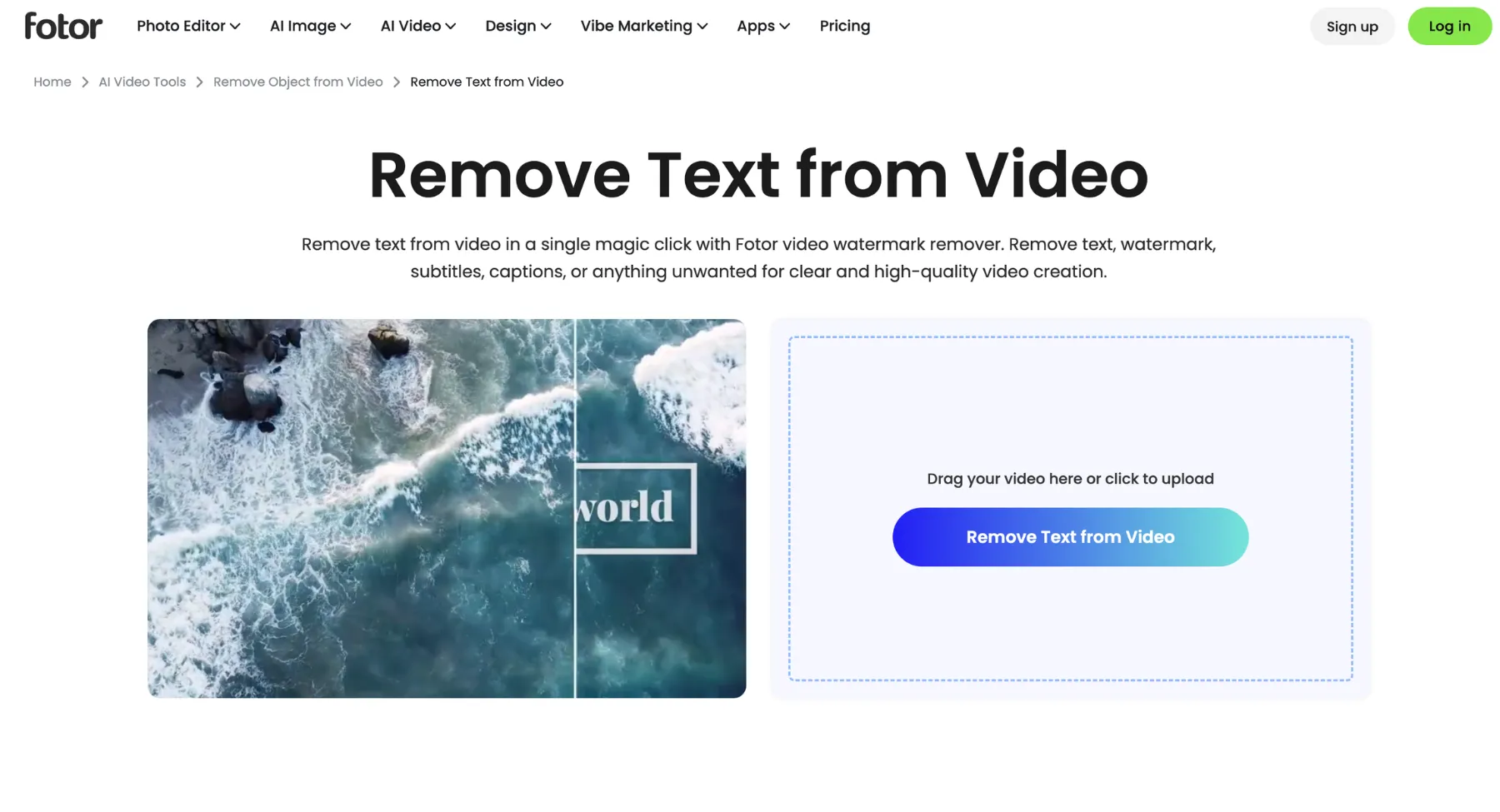
Fotor is an intuitive, web-based creative platform known for its accessible AI image and video editing suite. Its AI Video Object Remover simplifies the watermark removal process into a brush-and-erase workflow, making it effortless for non-technical users to remove logos, date stamps, watermarks, and unwanted background elements from short video clips.
Fotor's generative AI engine analyzes surrounding frames to reconstruct the background underneath the erased zone, preserving image clarity without requiring manual timeline editing.
Key features
- Brush-based selection: Highlight watermarks, logos, or captions directly with a adjustable brush tool for precise, localized removal.
- AI generative inpainting: Automatically analyzes surrounding video frames to reconstruct texture and fill in background gaps left by erased overlays.
- All-in-one design suite: Seamlessly transition cleaned video assets into Fotor's broader suite for thumbnail generation, image editing, and social media graphic design.
- Cloud-based processing: Handles video rendering on cloud servers, eliminating the need for high-end local computer hardware.
Why it stands out
Fotor excels at simplicity. Its clean, single-purpose interface makes removing a static watermark as easy as brushing over it and clicking process eliminating steep learning curves for solo creators and marketers who need quick asset preparation.
Best for: Content creators, graphic designers, and small business owners looking for a simple, browser-based AI tool to remove clean watermarks and static logos without complex settings.
Keep in mind: Fotor focuses primarily on short-form clips and simple static watermarks. High-resolution, long-duration videos or watermarks moving across intricate, highly detailed motion paths may require dedicated desktop software for seamless results.
11. WatermarkRemover.io
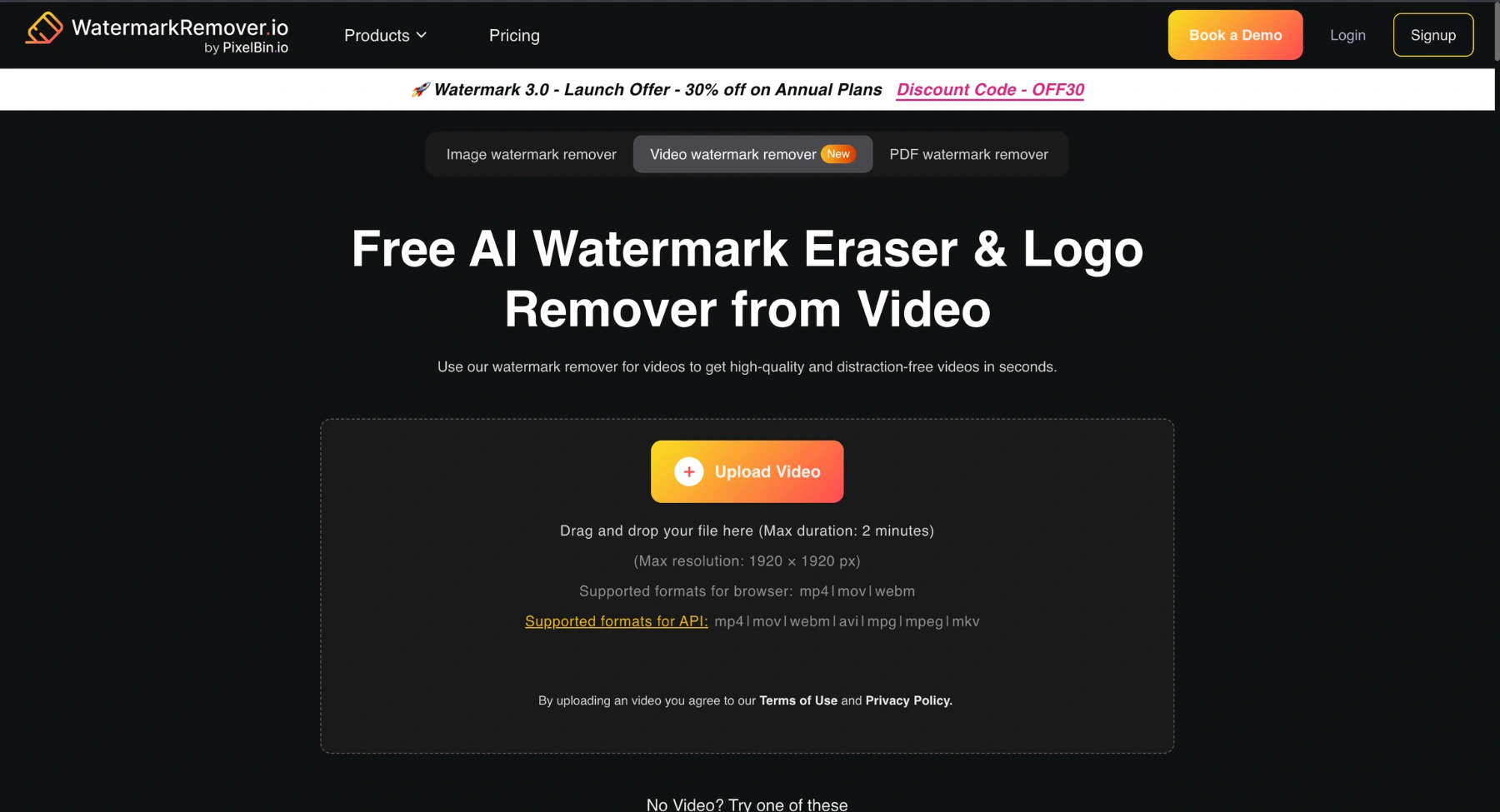
WatermarkRemover.io (powered by Pixelbin) is an automated, web-based tool designed to eliminate logos, text overlays, and stamps from both images and short video assets without requiring manual brush work or selection boxes. Built around algorithmic detection, it automatically scans uploaded clips to identify, isolate, and erase watermarks in seconds.
Instead of forcing users to manually draw masks frame-by-frame, WatermarkRemover.io uses context-aware AI inpainting to reconstruct the underlying background automatically, making it ideal for quick single-tap asset preparation.
Key features
- 100% automatic AI detection: Automatically identifies and targets watermarks, hardcoded text, and logos without requiring manual box selection or brushing.
- Multi-format & multi-asset support: Handles MP4, WebM, and MOV video formats alongside comprehensive image watermark removal.
- Pixelbin ecosystem & API: Seamlessly connects with Pixelbin's broader API suite for automated enterprise asset management and batch workflow integration.
- No-installation browser workflow: Operates entirely in the cloud, allowing users to process files directly from desktop or mobile web browsers.
Why it stands out
WatermarkRemover.io stands out for its friction-free setup. While most video removers require you to adjust timelines or draw bounding boxes, WatermarkRemover.io lets you drag, drop, and process, reducing human effort down to zero for standard static logos and text overlays.
Best for: Digital marketers, e-commerce managers, and creators who need a fast, zero-click automated tool to remove static logos and text overlays from short video clips.
Keep in mind: File sizes and clip lengths are limited on the browser version (typically max 2-minute durations). For lengthy high-resolution production videos or dynamic, highly moving overlays over intricate faces, dedicated desktop software may yield tighter frame control.
12. UnWatermark
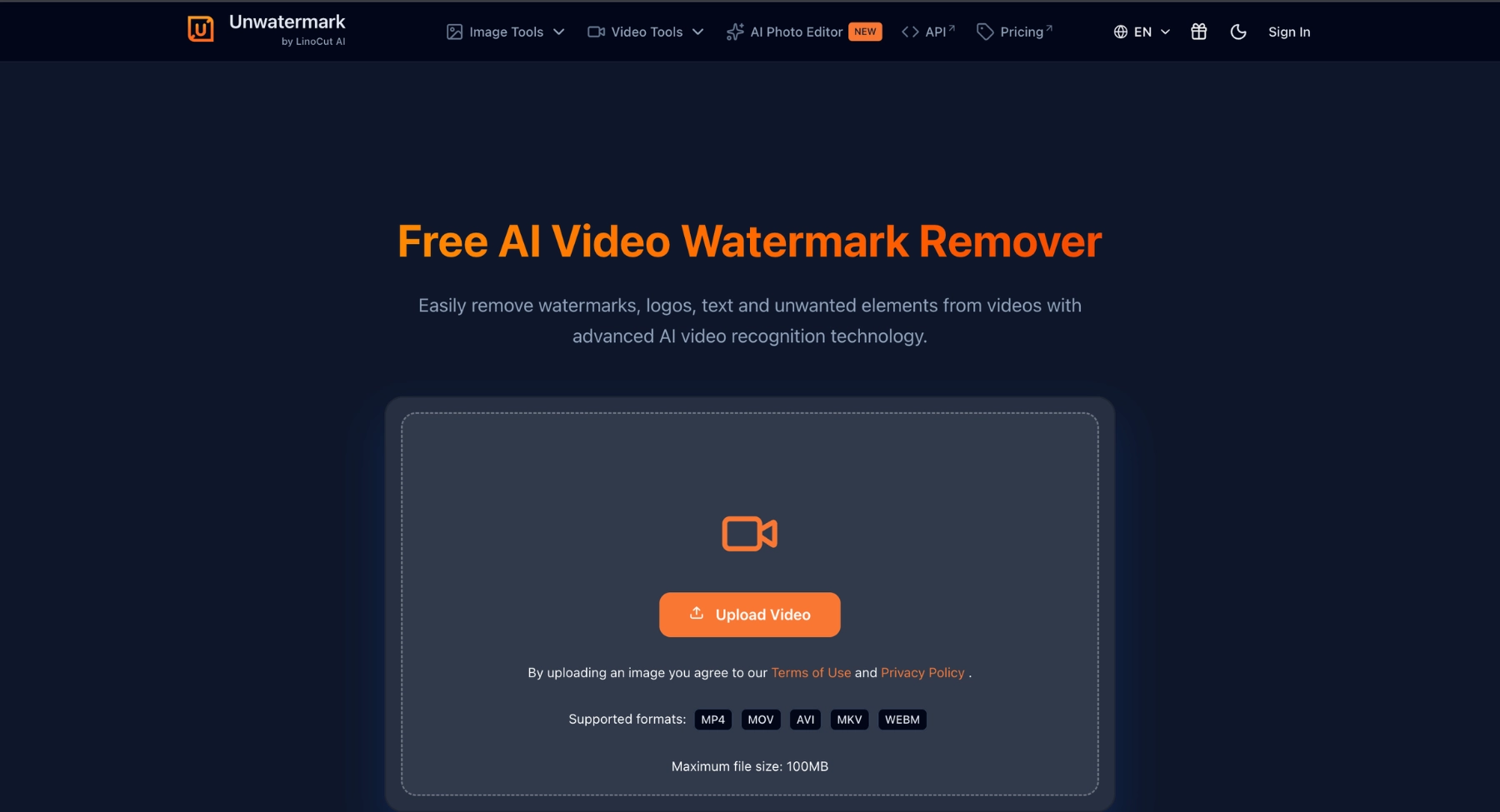
UnWatermark is a lightweight, browser-based AI removal tool engineered for zero-friction cleanup across videos, images, and documents. Built to help creators and casual editors remove unwanted marks on the fly, it offers both automatic AI object recognition and a targeted manual brush tool without forcing users through a lengthy account creation process.
In addition to handling common MP4, MOV, and M4V video formats, UnWatermark extends its AI inpainting models to static photos and PDF documents, making it a versatile utility for overall asset hygiene.
Key features
- Zero-signup instant workflow: Erases watermarks, logos, and timestamps directly in the browser without requiring immediate account creation or login.
- Automatic AI detection & manual brush: Combines smart auto-detection for standard overlays with an adjustable manual brush to target tricky edge cases.
- Multi-format media support: Removes unwanted elements across video files (MP4, MOV, M4V), static images (JPG, PNG, WebP), and PDFs within one platform.
- Pre-download result preview: Provides an interactive preview window to verify background inpainting quality before exporting files.
Why it stands out
UnWatermark excels in convenience and speed. When you need to quickly sanitize a single social clip or an internal draft video without logging into a massive software suite or handing over contact details, UnWatermark provides a fast, drag-and-drop solution.
Best for: Freelancers, students, and content managers who need a fast, login-free web utility to remove simple logos, text overlays, and stamps from videos and graphics.
Keep in mind: Free processing tiers are geared toward short, standard-definition clips. Heavy, scrolling, or semi-transparent watermarks moving over highly detailed motion backgrounds may require manual brush touch-ups or dedicated desktop tools to avoid soft blur artifacts.
13. AirBrush
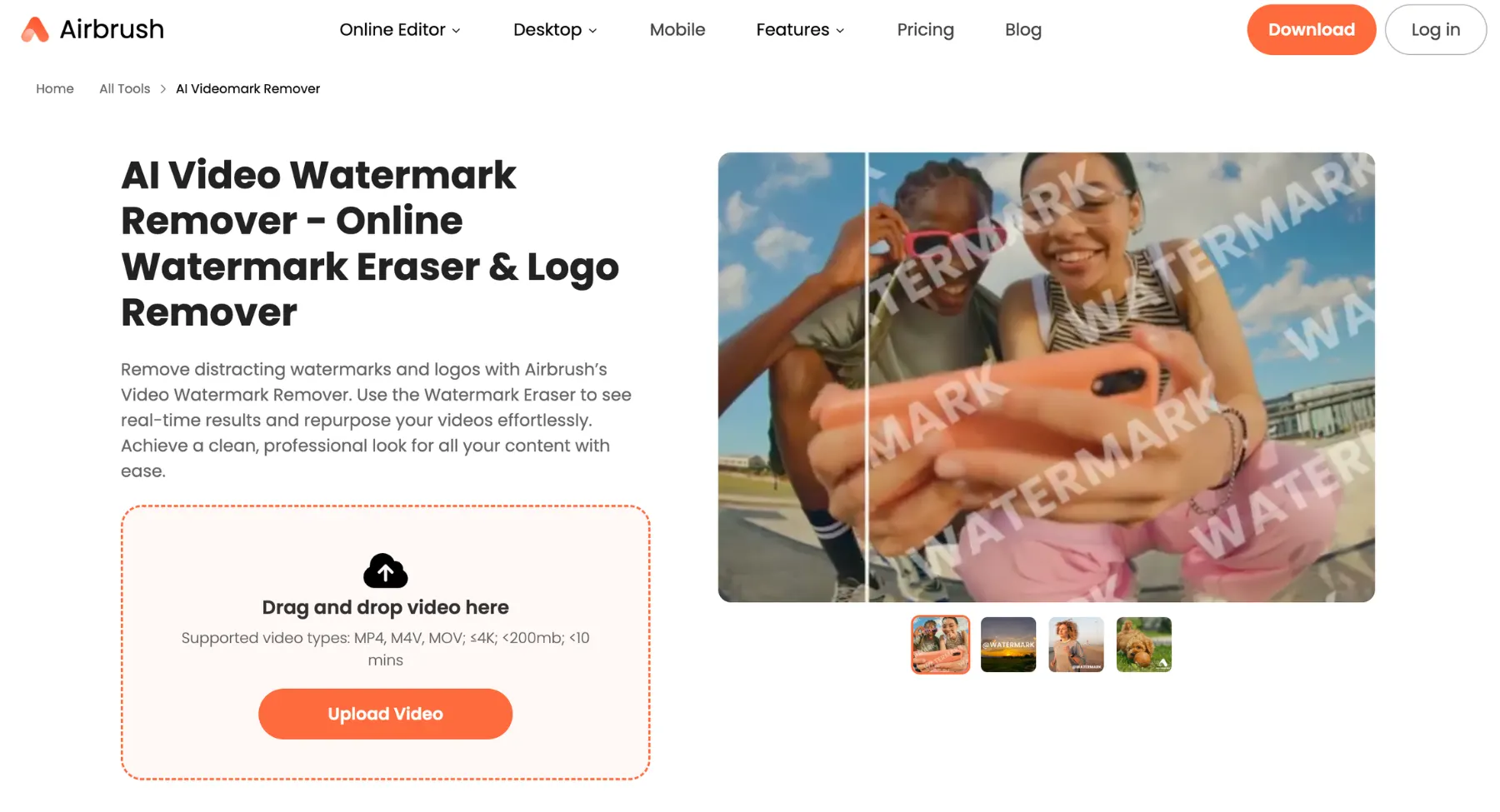
AirBrush is a popular beauty and retouching suite that has expanded into cloud- and mobile-driven video editing. Its AI Video Watermark Remover is designed for short-form video creators, influencers, and social media managers who need to erase platform logos (like TikTok or Instagram marks), date stamps, and text overlays from portrait clips on the go.
AirBrush pairs automated AI detection with simple web and mobile workflows, making it ideal for repurposing vertical video assets across channels without technical editing software.
Key features
- Automated AI detection: Automatically scans uploaded clips to locate and isolate text overlays, logos, and hardcoded stamps.
- Cross-platform accessibility: Operates as a browser-based web utility alongside dedicated iOS and Android apps for mobile workflows.
- Portrait & face preservation AI: Retains subject clarity and skin textures when removing logos positioned close to faces or subjects.
- Short-form content presets: Optimized for quick 9:16 vertical exports suitable for TikTok, Instagram Reels, and YouTube Shorts.
Why it stands out
AirBrush stands out for mobile creators who want to clean up short-form videos directly from their phones. Because the brand specializes in portrait and lifestyle retouching, its background inpainting algorithm works cleanly around moving people and dynamic backgrounds compared to standard blur tools.
Best for: Social media influencers, short-form video creators, and mobile marketers who need a fast app or browser tool to clean up platform branding from portrait clips.
Keep in mind: AirBrush limits full-length HD exports on its free tier, requiring a paid plan or credit pack for long videos. Extremely large, moving watermarks covering detailed motion paths may also require dedicated desktop tools.
When watermark removal is not the right fix
Sometimes the cleanest solution is not removal. If the watermark is on a stock preview or a third-party video, license the original. If the watermark is from your own editing platform, export again from the paid or original project. If the watermark is covering important motion or faces, removing it may create a worse result than using a different clip.
For AI-generated clips, it can also be smarter to regenerate or re-edit the source video with an AI video generator instead of trying to repair a heavily marked export.
And if your project also includes thumbnails, product stills, or frame grabs, an image watermark remover can help clean the non-video assets separately.
What to check before publishing the cleaned video
- Look for blur patches where the watermark used to be.
- Check whether the background texture repeats unnaturally.
- Watch the clip frame by frame if the watermark moved.
- Check faces, hands, product labels, subtitles, and logos near the edited area.
- Compare export resolution and bitrate with the original.
- Confirm you have rights to edit and publish the cleaned video.
- Keep the original file in case you need to redo the cleanup.
Final thoughts
Choosing the right video watermark remover can transform your content workflow, ensuring clean, professional results without quality loss.
AI tools like Picsman, AniEraser, MagicEraser, and more offer powerful AI-driven features such as one-click removal, batch processing, and support for dynamic watermarks, making them ideal for creators and marketers.
If you want our top recommendation, we will suggest Pixelbin Video Watermark Remover for its seamless API batch handling, without any signup, and precise frame-by-frame erasure that preserves motion and sharpness effortlessly.
FAQs
The best AI video watermark remover depends on the video. Pixelbin is a strong first choice for a quick AI workflow. Media.io is useful for brush-based online removal, HitPaw is useful for AI and desktop-style workflows, and Kapwing or VEED can help when crop, cover, or replace is enough.
Some AI tools can remove moving watermarks by tracking or processing the marked area across frames. Results depend on motion, background complexity, watermark transparency, and video quality.
Sometimes. AI inpainting tools can produce cleaner results than simple blur, but no tool can guarantee perfect output. Clean backgrounds and static logos usually work better than complex motion or faces.
It is generally safest only when you own the video, created it yourself, exported it from your own project, or have permission to edit it. Do not remove watermarks from copyrighted, licensed, stock, or third-party videos without permission.
AI removal tries to reconstruct the area behind the watermark. Cropping cuts the watermark out of the frame. Cropping is faster but changes composition; AI removal can look cleaner but may create artifacts.
Pixelbin, HitPaw, Media.io, AniEraser, Wink, AirBrush, and similar AI tools can be tested for text overlay or subtitle cleanup. Results depend on background motion and how much of the frame the text covers.
Be careful. Removing a platform, creator, or stock preview watermark can violate terms or rights if you do not own or have permission to edit the video. Use original exports or licensed files whenever possible.
Free tools can work for simple short clips, but they may limit file size, duration, export quality, queue speed, or watermark-free downloads. For important brand videos, test quality before relying on a free export.