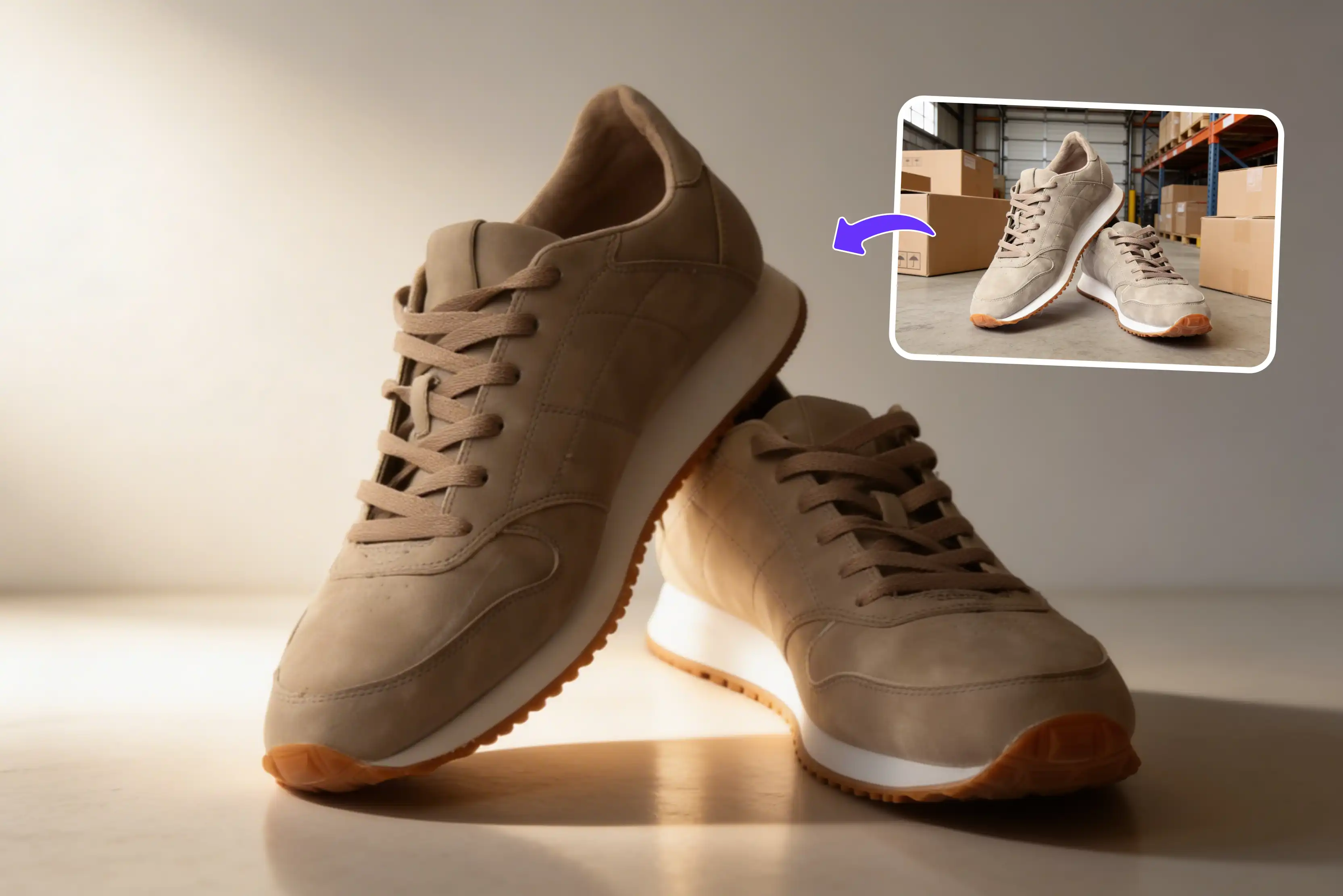


Product photography involves more than just capturing appealing images for marketing, e-commerce, and other purposes. But how can all of these tasks be done easily and efficiently? The traditional method can take significant time and effort to set up. You need proper lighting, a good camera, the right background and often a studio space. Sometimes for such projects all you may need to hire photographers or spend hours editing images to get the proper look.
This whole process becomes expensive and difficult to manage. That’s why I tested many AI tools that are faster and simpler for creating high-quality product photography. AI has made product photography easy for everyone, whether you’re a seller, marketer, or more.
Instead of renting studios, hiring photographers, and spending hours editing you can now create professional photos with simple prompts. From changing the background to creating full ads, it can help businesses create product images quickly and easily. Among these Pixelbin stands out as the only all-in-one AI product photography solution.
With advanced AI tools Pixelbin aims to provide a comprehensive solution for sellers. In this guide, I will compare eight of the best AI tools for product photography, covering what each does well, how it works, and its pros. Whether you sell beauty products, electronics, or home goods, there's a tool here that matches your needs. Let’s get started.
What is an AI product photography tool?
An AI product photography tool that uses artificial intelligence and machine learning to automatically create edit and enhance product images for e-commerce reducing the need for traditional photo studios and expensive equipment. These AI tools can create high-quality lifestyle scenes, remove backgrounds adjust lighting and create professional visuals in seconds.
Modern AI product photography tools typically offer additional services like baclkground removal, image enhancement, lighting adjustment, format optimization and more. Some advanced platforms have 3D modeling features that let marketers develop dynamic product experiences and generate an infinite number of angles with just one click.
Best AI tools for product photography
The AI product photography tools in this list were selected for their ease of use, accessibility, speed and productivity, ability to modify product photos, and capacity to manage a standard product photography workflow with minimal manual work.
Pixelbin is the only all-in-one AI product photography tool on this list designed specifically for businesses. It allows businesses to produce photos that are consistent, affordable, and ready to convert across all channels by combining everything sellers need into a single solution and making it simple and straightforward to use.
AI tools for product photography: quick comparison
1. Pixelbin

The product photography must be perfect because it reflects a company's identity, values, and professionalism. High-quality builds trust, attracts attention, and influences buying decisions every detail from lighting to composition is needed to create a strong lasting first impression.
Pixelbin helps you create clean, professional product photos without any studio setup and is ready for listings, ads, and catalogs. You can quickly fix poor lighting and a cluttered background without any manual effort. Start immediately with a simple, user-friendly editing experience. The process is simple: upload the photo and text prompt, which should be written in simple language.
Beyond image editing and optimization generation, the tool includes background removal, image upscaling, lighting correction, batch processing, watermark removal, and more across all product categories. Whether you sell beauty products, electronics, food products, or home goods, Pixelbin handles it with the same toolset.
Your product photography, which you shared for testing, is processed securely on an encrypted server and never submitted. The tool can be used in any modern browser, including Chrome, Safari, Edge, or Firefox, without requiring installation. You can use free plans for 3 credits every month, and they reset the next month. If you need more credits after exhausting the free limit, sign up and purchase additional credits.
How to use
To use the Pixelbin AI product photography, first upload an image by clicking the “+” icon. Use a clear image of the product that shows it fully for the best results. Describe the changes you want in simple words, including the background style, mood, setting, and other details. Preview the generated image and save it in HD, watermark-free.
Shared Experience
I tried one of the images of a bag, which had a black background and uploaded that image by clicking on the “+” icon and a written text prompt like “Change the bag background to small strawberry and pineapple images, set the label text to 'Amazing' in white using an elegant, luxury-style font, and add subtle embossing or a foil effect while keeping it photorealistic," and clicked on the generate button.
I waited for a few seconds after receiving the image, which I found generally impressive, as it looks natural and beautiful. There is no need for advanced editing skills to achieve impressive results, making it especially useful for business owners, e-commerce sellers, and marketers who need high-quality visuals quickly.
It stands out for its ease of use and speed, allowing users to transform basic product images into polished, studio-quality visuals in just a few clicks. It also provides editing facilities by clicking on Edit with AI, making videos, and more, according to your requirements.
Ideal use cases
The AI image editor for product photography can be used for real-life product photos, virtual models, A/B testing and ad ideas, background changes, online store-ready images and more, depending on your requirements.
Pros
- User-friendly and no skills needed
- Support multiple formats
- Background removal
- Batch processing for large product catalog
- No signup needed
- No watermark
- Mobile friendly
- Browser based
- Complete security
2. Claid.ai
Turn a single product photo with Claid.ai into various unique, realistic and appealing visuals that engage your customers. For the best results, you can automatically adjust product quality and lighting. The tool also supports automatically improving image quality, removing backgrounds and optimizing product photos for various channels.
Claid.ai is an all-in-one AI photo studio that transforms a single product image into a suite of polished, realistic visuals good for building catalogs without multiple shoots. The tools make it easy to achieve amazing results without Photoshop or complex technical knowledge.
The standout feature is background replacement and lighting adjustments, which let sellers quickly adapt a single shot across multiple channels, marketplaces, ads or social media. To begin, use the main upload or free-start option on the Claid.ai interface.
You can select any image format, such as PNG, JPG, WEBP, or HEIC, with a max size of 10 MB. I selected the image with one jar; as soon as the image opens on the left, various tools are available. Select any according to your needs. Remove the background, add shadows, adjust light and colors, erase brush strokes, and more. I selected to add shadows.
There are various options available, such as auto, front, flat, and aspect ratio 1:1; you can also select the background color and more. I selected the front image, set the aspect ratio to 1:1, and clicked the “Apply operation” button. Wait for a few seconds; the result I received was not perfect with the color I selected, shadows were there in front, and there was no watermark in the image. Avoid using it, as too much manual work is needed.
Pros
- Ease of use
- Batch processing
- No watermark
- No signup needed
- Support multiple formats
- Aspect ratio
- No technical knowledge required
3. Photoroom
AI product photography uses artificial intelligence to edit, enhance, and generate professional product photos automatically. With this photoroom you can remove backgrounds, adjust lighting and create realistic settings (no studio), and more. Using these tools, your products are placed in realistic lifestyle settings that feel authentic and professional. AI product photography works across all categories like fashion, beauty, furniture, food, and retail.
Photoroom offers a comprehensive workflow for AI powered product photo editing. It’s purpose-built to help sellers produce consistent, high-impact visuals that convert across online stores, marketplaces, ads, and social media. The AI tool is designed to support real retail workflows, from adding solid white backgrounds to correct aspect ratios.
The process of using photoroom for product photography is easy: select the product photos that you need to create with Photoroom AI photo editing tools. Watch the background instantly disappear, browse a professional template, or create your preferred style using AI.
Improve lighting, add shadows, and more. Download your product photos. I tried one of the images of the bag where I wrote text like "Change the bag background to small strawberry and pineapple images, set the label text to 'Amazing' in white using an elegant, luxury-style font, and add subtle embossing or a foil effect while keeping it photorealistic," and I clicked on the upside arrow button.
After a short processing time and received a result that was not perfect, as I was expecting too much blurring in the writing. However, there are various other options available on the right side like shadows, outlines, reflections, blends, blurs, filters, and more, according to your requirements.
Pros
- Ease of use
- No technical knowledge needed
- No signup needed
- Batch processing
- Remove background
4. Flair.ai
Flair.ai is a handy AI product photo generator and editor that empowers marketing teams to create product photography. It creates a complete background around the product helping it to look more appealing and encouraging people to buy. Instead of relying on expensive studios, photographers, and long production timelines, it uses AI to create product photography in various settings and styles.
To use Flair.ai you can upload an image by selecting it or dragging and dropping it. Note that the tool only supports PNG and JPG files. After uploading on the left side, you can select the text aspect ratio, background, and human model options according to your requirements, and then click the generate button.
I tested one of the jar images where the text prompt was “Showcasing a sleek jar with a minimalist label against a soft, pastel backdrop." Arrange the subject among natural elements like smooth stones and delicate foliage to highlight its organic essence. Use two pictures and type "Amazing" with a 1:1 aspect ratio.
Then click the "Generate" button. Waited for a few seconds until 40 seconds had passed and received a result that was not. The photo was perfect, but did not actually match the text prompt as described; it was slightly blurred.
The workflow is frustrating and unreliable, as users must repeatedly adjust the text prompts and regenerate outputs to get something close to expectations. In addition to a paid subscription that costs $29 a month for professional customers, the tool offers a free trial with limited credits. It works well for marketers, e-commerce companies and content producers who require scalable visual material.
Pros
- Ease of use
- Custom background creation
- Drag-and-drop editor
- Aspect ratio
- No watermark
- Multiple backgrounds
- Number of images
5. Imagine.art
Imagine.art AI product photography automatically handles layouts and proportions, helping users create clean, professional-looking product visuals. It saves time and removes the need for manual adjustments. Adjust colors, angles or backgrounds without touching your camera.
With AI product photography's free features, you can refine details, experiment with looks, and finalize images in minutes. The process of using the Imagine.art tool requires you to upload or select the image you want to change. Then enter a prompt describing the changes or style you want.
And click on the generate button. I tried uploading an image of 3 bottles with a text prompt like “Make the background color black with the text prompt 'amazing tablet' with a strawberry background of the bottle," waited for a few seconds, and received a result that was not perfect because only in 1 bottle were the changes seen; the rest of the bottles remained as they were.
I received 2 images that were different: in one image, the bottle has a black background and the text is clear, while in the other image, the black background and text are also present on the background itself. The result was really disappointing; I was expecting polished and professional results. The AI doesn’t always follow prompts accurately. It often needs multiple retries and adjustments, which ends up being time-consuming rather than efficient. For users looking for more structured editing workflows, tools like Pixelbin may be a better fit.
Pros
- Ease of use
- Free to use
- No watermark
- Support aspect ratio
- Support multiple images
- No technical knowledge needed
6. Pixlr
AI tools like Pixlr make editing much easier by handling various tasks like removing backgrounds, adding text, and editing multiple images at once. This saves time and reduces manual work, helping stores create product photos faster and focus on other parts of their business. Pixlr is not generated through a text prompt; you have to select various options according to your requirements.
There are various options, like using AI to generate the background scene, selecting outline styles, and dropping, shadowing, mirroring, or glowing. Set the size and aspect ratio. Start by opening the image of the product and prepare for it. Pixlr process by clicking “Select photo," where you have to select the image that you want to edit. Various options are available, including background, outline, shadow, effect, and image aspect, according to your requirements.
I tested one of the chair images by changing the background, which has three additional options: image, color, and gradient. Here you can also insert a text prompt for the image background. I wrote text like, “Draw some small chairs in the background of the image and click on the generate button. I received very poor results and had a bad experience overall.
Pros
- Ease of use
- No signup needed
- Image aspect ratio
- Background removal
- No watermark
7. LightX
LightX utilizes cutting-edge AI technology to automate a wide range of editing tasks. The intelligent background removal tool automatically detects and removes the background from your product with incredible accuracy. However, you can also replace the background with various colors, gradients, or custom designs, resulting in a clean, professional look that showcases your product. The tool is suitable for creating social media and eCommerce visuals.
The process of using LightX is basic: upload your photo that you want to edit or change. Describe the style for the desired product setting or choose from pre-made styles. Click on the generate button and download the image. I tested one of the images where it was related to beauty and cosmetics, so I selected that you can select presents from the given style or write a custom prompt.
I wrote a prompt that “the background is black, and text written 'Amazing.' Then, click the generate button. After waiting for a few seconds, the result i received was entirely different, not according to the text prompt. Boxes are drawn with the black color on the back side of the image. The text, which was written amazingly, was perfect with the watermark. Don't use it the results are watermarked and don't match the text prompt.
Pros
- Ease of use
- No signup needed
- Multiple style options
- Text prompt
- Complete beginner-friendly
8. Pebblely
The last one on my list is Pebblely. Pebblely is an AI tool that creates lifestyle integration backgrounds and creative scenes from a single product image or text prompt. No video, no complex editing, only product staging with 90+ prebuilt themes that act like an art director.
The tool is ideal for small businesses or DTC brands that require simple, social-ready product visuals without props, sets or manual design work. Pebblely provides you with 40 free images per month, no credit card required. The tool works best with themes rather than text prompts. However, you can select 40+ background themes, drop them in your product, and generate it.
If you need something more specific, click on "Custom" to describe the background you want in your own words. Pebblely supports a square 1:1 for Instagram and Shopify, Portrait 4:5 for the Instagram feed, a story 9:16 for Instagram and TikTok, Landscape (16:9) for website banners, and a Facebook Ad (16:9) for social campaigns.
The process of using this tool is to add a new product by clicking on the "Add product" button. Make sure to use a clear image and crop the image of your product to avoid the AI. Save your product with any name, and the tool automatically extracts all visible text from the product image, including brand names, ingredients, dosage, info, etc. Thereafter, select any favorite templates, the number of images, and the image size you want to generate.
Second method: Through the custom prompt. Upload the image and save it if you need to. Use the text prompt, then click on the custom option to describe the background you want in your own words. Select the style image or color that you like.
Pros
- Beginner-friendly interface
- Free Background removal
- Aspect ratio
- Support multiple templates.
- Number of images
- No Photoshop skills required
- Batch processing
Top 5 benefits of using AI tools for e-commerce product photography
There are many benefits of using top-notch product photography for commerce through the internet, like
- Speed and flexibility: Traditional photography is slow and difficult to scale. AI helps brands launch and respond to trends by processing whole catalogs overnight. In many cases, tasks that once took days or weeks can now be completed much faster.
- Cost-effective and Accessible: Complex image editing no longer needs deep design skills or expensive studios. These costs include photographic fees, equipment, and studio time. Save tens of thousands of dollars each year.
- Extensive creative variations: AI product photography solutions let you to create an infinite number of images, views, lighting setups and design variations from a single image.
- Uniformity throughout channels: AI can guarantee adherence to advertising rules and quality standards and help preserve consistency across product photos. No more confusing lighting issues with color coordination or differences in design that irritate clients across various platforms.
- International market growth: To customize product photos for other markets, simply change backgrounds, settings, and particular products without having to reshoot such localization capabilities accelerate international expansion.
How to select the best AI product photography tool
Here's what I considered when selecting the best AI product photography tools
- Ease of use: Look at the tool how easy is it to learn, how clear the interface is, how good the documentation is, and how quickly you can get a usable result.
- Quality and accuracy: Select the tools that create realistic images with clean edges, proper lighting and accurate colors for any use of product photography.
- Scalability: Examine how well each tool works for both small and large product catalogs by using automation, APIs and batch editing.
- Pricing and value: Analyze the pricing models and cost efficiency to determine value across various businesses and use cases. Before a subscription you should start with free trials.
FAQs
Often, AI can generate photorealistic visuals at a significantly reduced cost and time. But complex lifestyle scenes or high-end hero shots might still need traditional photography. The vast majority of brands benefit from a hybrid strategy. They use AI technologies to scale after first shooting using conventional photography.
No, most consumer tools are no-code and easy to use. API-based or enterprise platforms require some integration. Many tools, such as Pixelbin, offer easy-to-use features through simple management.
The best AI tool for product photography in 2026 is Pixelbin. The tools are very easy to use; they generate professional scenes, remove backgrounds, and create virtual model shots instantly from simple product uploads, optimizing them for e-commerce.
Yes, you can use AI for product photography to instantly remove backgrounds, create realistic scenes, and enhance images at a low cost. Tools like Pixelbin create professional assets from simple photos, reducing the need for expensive studios. It is ideal for e-commerce, social media, and quick ad creation.
Not necessarily; various tools now combine photos and video generation. Pixelbin also allows you to create either images or videos according to your requirements.
Yes, Pixelbin offers free image editing powered by AI to every new user with a credit limit of 10 credits. The credits allow you to explore the tool before investing in it.










