






Intuitive interface
Get started immediately with a simple, easy-to-use editing experience.

 Contact Us
Create clean, professional product photos without any studio setup, ready for listings, ads, and catalogs.

AI Magic in progress
Enhancing clarity, improving lighting, and creating a polished product photo
Your enhanced marketing creative is ready!
There was some issue on our end. Please try again.

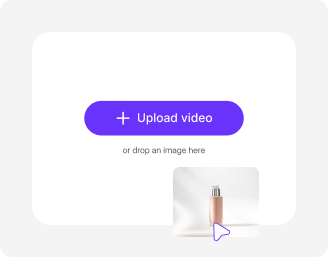
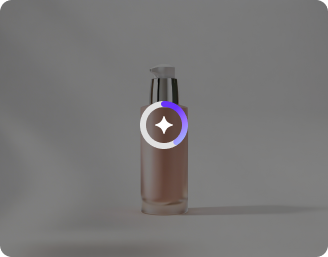
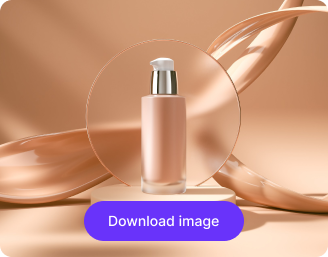


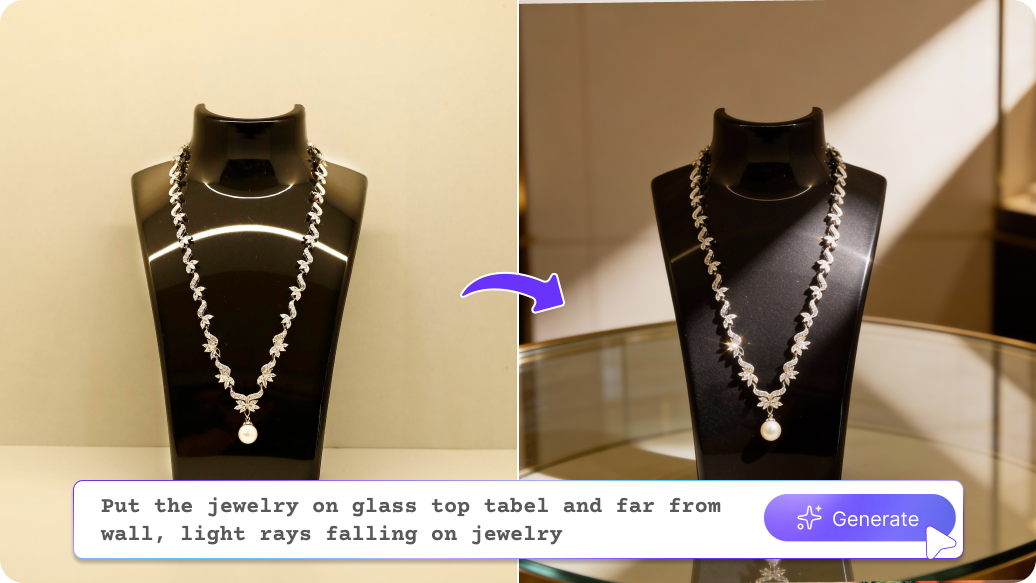
Fix poor lighting and cluttered backgrounds instantly without any manual efforts.
Get started immediately with a simple, easy-to-use editing experience.
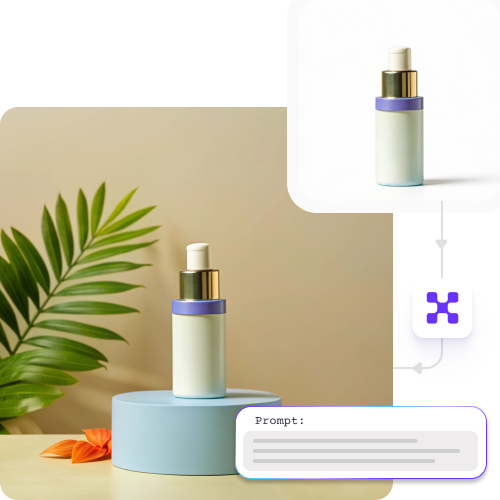
Edit and download images across desktop, tablet, and mobile.
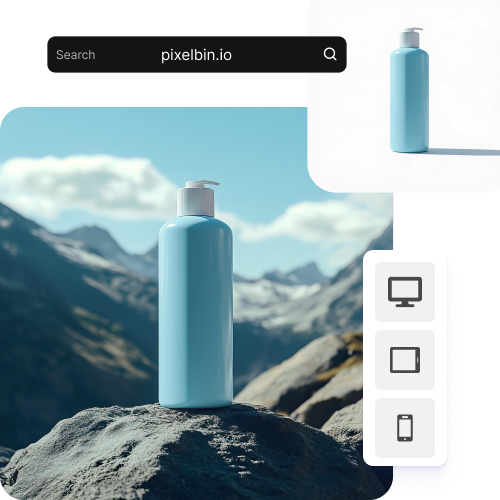
Use the tool in any modern browser, including Chrome, Safari, Edge, or Firefox. No installations needed.
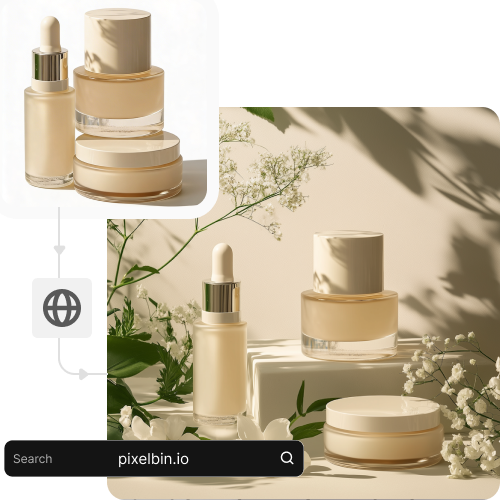
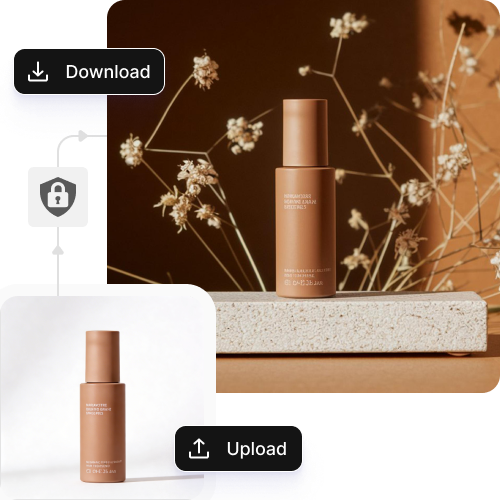
Your product images are processed securely on encrypted servers and never shared.
.jpeg)
44.jpeg)
.png)
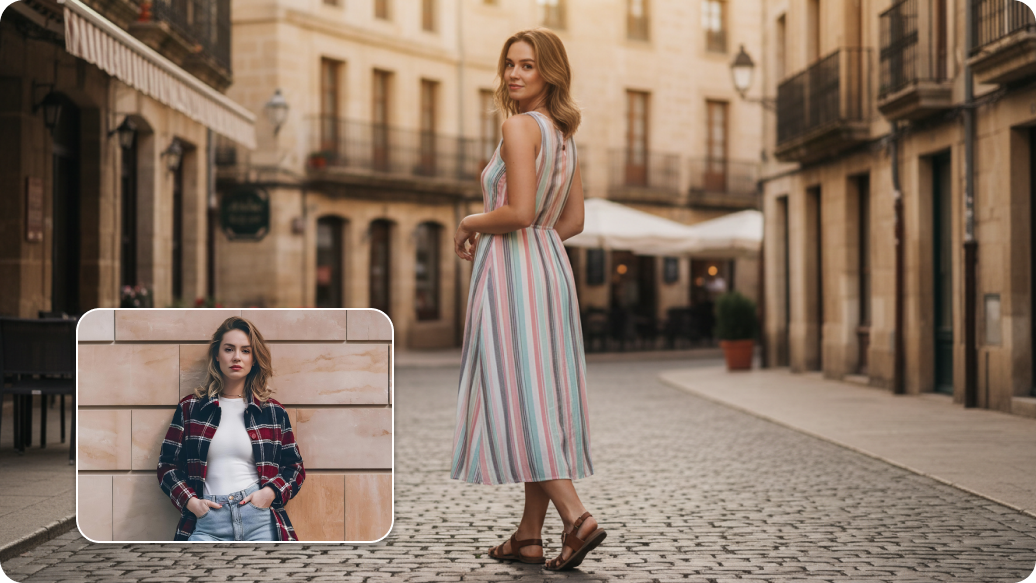
Show your products in action. A simple description or image is all it takes to put that water bottle on a trail or some jewelry on a model. Get lifestyle shots by creating realistic backgrounds or adjusting lighting with our AI tool.
No models? No problem! Instantly create try-on photos for clothes, shoes, and accessories, giving your products a professional edge without the extra cost.
Play around with backgrounds, lighting, models, and styles to find what clicks with your audience. Generate multiple versions of your product images to see what gets the best results for your ads.
Swap out or get rid of backgrounds in seconds with Pixebin’s AI product photography tool! Go for white or custom backdrops to keep your online store looking sharp without spending hours on manual edits.
Create images that comply with the rules for ecommerce websites like Amazon. Keep your listings looking professional and ready to sell.
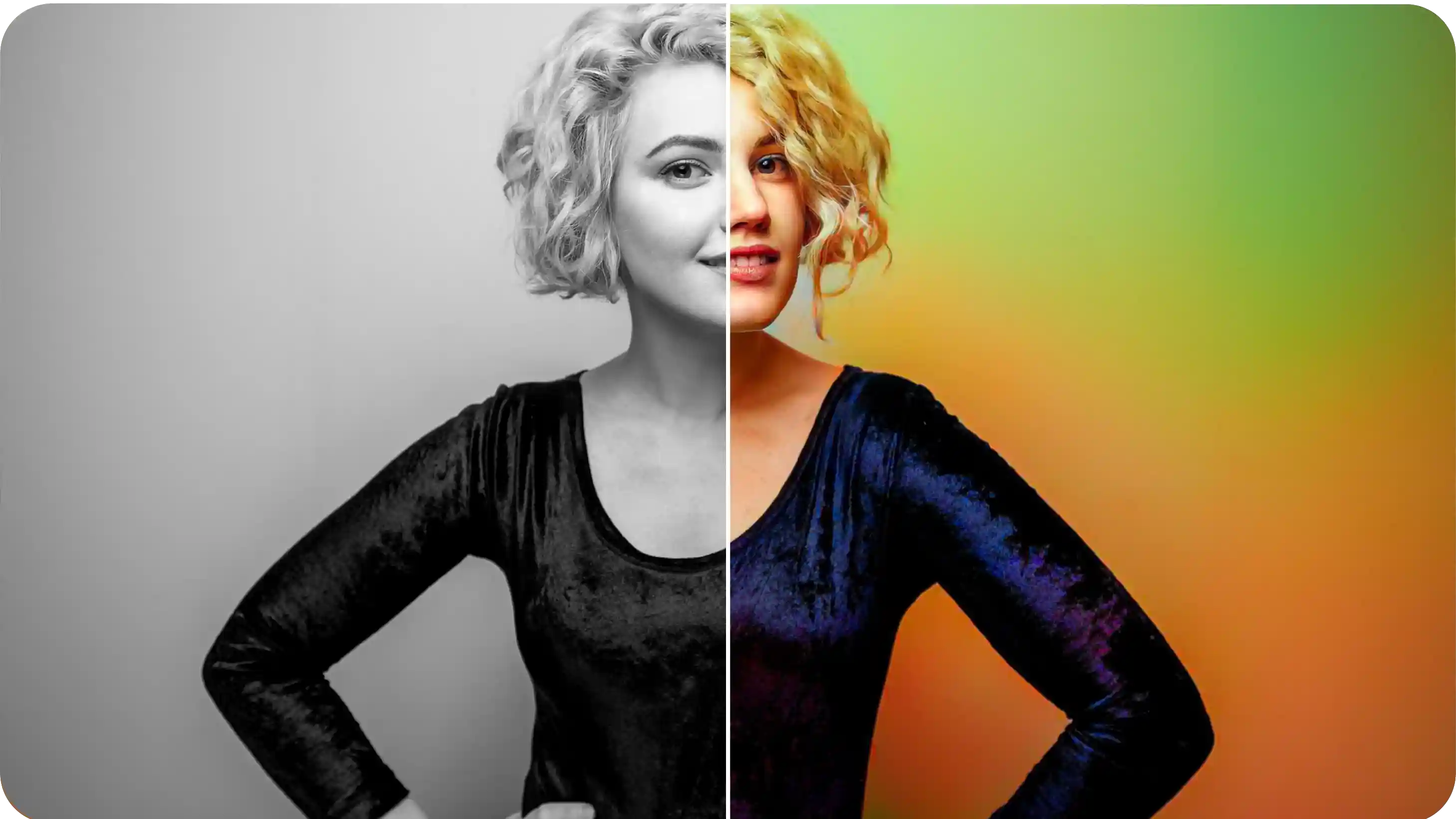
See your products in different colors, materials, or designs without taking new photos. It's a quick way to show off variety and help your buyers make the right choice.
Generate realistic product images in seconds with our tool, so you can test new items without investing in models, studios, or inventory. Create multiple variations, backgrounds, and settings instantly, giving you a clear picture of what will sell before you commit.
Here are some of the most common questions about our Recolor Image Online free tool. If you can’t find the information you need, contact us at support@pixelbin.io or refer to our documentation for more details.