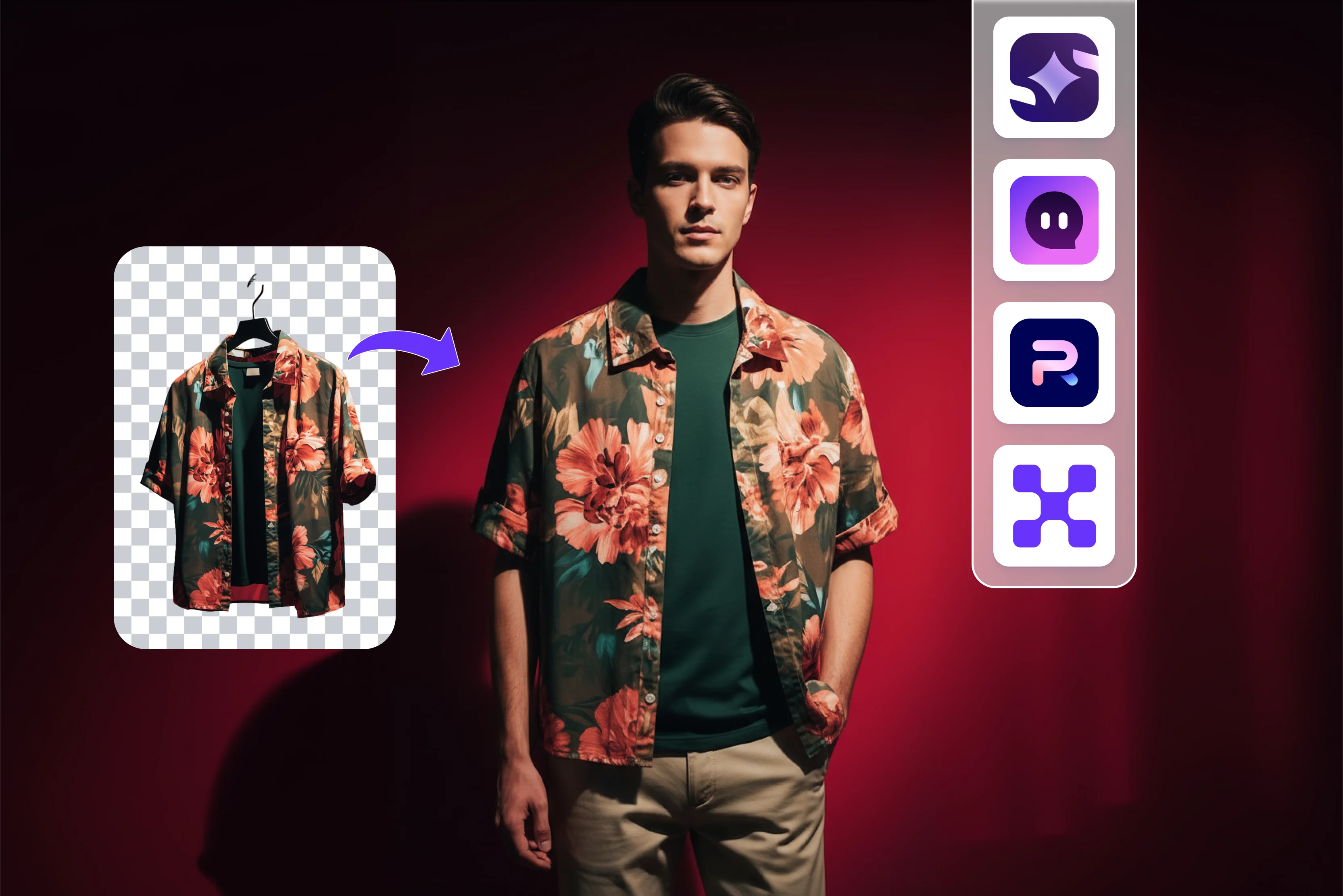


Fashion photography is not what it used to be, and honestly, that is a whole mood. I have seen the transformation of fashion photography for apparel, which used to be a game for big studios and teams feels different.
So I started wondering why it wasn’t easier to create high quality images directly from my laptop. I no longer need large teams or long production timelines. Artificial intelligence is the heart of all these changes. I tried to search for tools that could make my workflow simpler, more cost effective and more enjoyable.
I have tested various tools like Photoroom, Pixelbin, and more, but my favorite one is Pixelbin, which is very easy to use. If you are wondering what AI fashion photography really means, how the process works and what you can do with it, let me talk you through my discoveries. Additionally, below, you’ll find the best AI product photography tools for apparel, including what each one does best, how it works, and how to choose the right fit for your e-commerce workflow.
So let’s get into it.
Understanding AI product photography for apparel
Talking about AI fashion photography for apparel, I mean using artificial intelligence platforms to create high quality photos of models wearing clothes and accessories. For such work I don’t grab my camera. I found the Pixelbin to be the best one to go with here.
I used to upload the image, add some reference, or put some text prompt and AI took over. I have used the photo for online shops, style editorials, marketing, and even just for fun. I’m most impressed by how much this approach smooths out the old roadblocks. Significantly reduces the need for large budgets. I can create gorgeous photos for brand work or personal ideas with any budget.
Best AI product photography tools for apparel
1. Pixelbin

Pixelbin AI product photography helps reduce the need for repeated shoots, extensive studio setups, and manual editing enabling brands to launch products faster and at a lower cost. The tools help remove fabric wrinkles, fix folds, adjust designs, and enhance textures so clothes look fresh and polished. You can insert an image in any of the formats, like JPG, PNG, WEBP, or JPEG, according to your requirements. The tool helps you create and edit professional fashion photos faster using AI, with minimal manual effort.
The process of using a fashion photo editor is very easy; you have to upload your image in any format, use the proper prompt that you want to enter in 2500 characters, and click on the generate button. Wait for a few seconds and see the result. If you are satisfied with it, you can then download it.
I tested Pixelbin by clicking “+” and uploading the image which I want to edit, and written text like the image background should be removed; the girl should wear a white color nike t-shirt with jeans.” and click on the “Generate” button and wait for a few seconds. I get results that are much too impressive; it is a solid choice for businesses that need fast, scalable image optimization.
Features like background removal and bulk transformation save time. For apparel brands, it's a powerful support tool and a complete product photography solution on its own.
Key features
- Ease of use
- No signup required
- No technical skill need
- Batch processing
- Support multiple formats
- Works on different browsers
- Cost-effective
- Improve fabric appearance
2. Photoroom
Photoroom is an AI-powered product photography solution designed for e-commerce and businesses of any size, allowing them to edit, standardize, and more. It helps to remove backgrounds, resize images, add shadows, and apply brand templates at scale so every product looks professional and conversion-ready.
The process of using the Photoroom AI product photography is very easy, uploading into on-brand visuals and automated background editing, product alignment, and standardized layouts. Maintain true-to-life colors, fit and textures across thousands of clothing images. Manage seasonal drops and high-SKU launches using batch processing designed for large image volumes.
The tool is perfect for fashion brands, marketplaces, and resellers that need to showcase apparel virtually to create lifestyle scenes for social media and digital ad creative or to batch-edit catalog photos. I tested one of the images where I needed a brand logo in shoes but uploaded a brand logo from the given replace option. The procedure took too much time, and there were many other options to select, so this procedure is time-consuming.
Key features
- No sign-up needed
- Support multiple styles
- Support multiple formats
- Batch export
- Background removal, AI shadows
3. Imagine.art
Imagine.art creates professional product images with Imagine.art AI product photography for apparel. It can help maintain layout consistency and proportion automatically, making it useful for various creative workflows. The process for using Imagine.art is to upload your product image, analyze the details, background, and lighting to prepare a high-quality starting prompt, describe the changes you want, and click the generate image button.
Pick your favorite or retry, then download or share. Adjust colors, angles, or backgrounds without touching a camera. With AI product image generators users can refine details, experiment with looks, and finalize images in minutes though free features may have limitations. I tested an image by changing the girl’s dress color to white and adjusting the background to a more natural look while maintaining correct aspect ratio before clicking the generate button.
Key features
- Ease of use
- No watermark
- No technical knowledge needed
- Multiple aspect ratio
- Adjust color, background
4. Claid.ai
Claid.ai is an AI photo editing studio built specifically for the e-commerce industry and focuses on quality, ensuring correct lighting, shadows and textures so products look like the actual items. It helps generate clean catalog shots, lifestyle scenes, seasonal concepts and model images.
You can turn your single product photo into a range of unique, realistic, and appealing visuals that engage your customers. The process is simple, and you can upload images in JPG, PNG, WEBP, or HEIC format (maximum 10 MB). There are many options available: remove the background, use the eraser brush, improve quality and scale, add shadows, fix lighting and colors, and more, depending on your needs.
I tested with AI editing here; after uploading the image, you can write a text prompt according to need. I need to wait for a few seconds. The result did not fully match my expectations, possibly because the tool relies more on preset editing features rather than detailed text prompts. In some cases, using additional tools may make the workflow easier.
Key features
- Ease of use
- API workflows
- Object removal, shadow generation, outpainting
- Aspect ratio
- Number of images
- Multiple style formats
- No watermark
5. Nightjar
Nightjar is an AI product photography tool that helps build AI product photography for apparel. Instead of treating each generation as a one-off, you can use reusable photography styles, so every new SKU comes out with the same lighting, camera feel, composition rules, and brand look.
The tool also allows you to create studio-quality products using pre-made photography styles or create your own to keep your image consistent and on brand. Using Nightjar is effortless: click the Get Started button, then click the Upload button to upload an image or drop it here.
Then, various options are available: show model, select style, add optional instruction, and then click create photoshoot. I tested one of the images where I selected the model option and style, like luxury photographs; there were various other styles like sun-kissed editorial, luxury photography, lookbook and more, and I selected the aspect ratio and clicked on the create photoshoot button.
I waited a few seconds before receiving the result, which was estimated to take 2–3 minutes. The result was received with only changing the background; the rest was the same, not a perfect result. You can edit that image again according to your requirement, which is a time-consuming process. For the best result, you may require prompt tweaking.
Key features
- Ease of use
- Aspect ratio
- Multiple style formats
- No watermark
- Model type
- Shopify integration
- Zoom In and Zoom out
6. Phot.AI
Phot.AI's offers AI powered tools that help brands showcase clothing and accessories more efficiently. With these tools, you can create business-fashion images without expensive photo shoots. The process is basic start uploading your image, your clothing, and the product you want. Select the editing area by highlighting the background, lighting, and product details.
Enter your desired modification, such as adjusting lighting or refining details, and download the result. I tested one of the images, where you can upload JPG, JPEG, BMP, and WEBP files, up to 10 images, each up to 5 MB. I selected the image of a bottle with the natural style with a dark wood countertop background and a written text prompt like “The jar is filled with the strawberry."
Wait for a few seconds, and let's see the result. The process was too time-consuming. Whether you’re an e-commerce store, fashion designer, or influencer, AI fashion product photography enhances your visuals, making them more appealing and professional.
Key features
- Ease of use
- Multiple template formats
- Select multiple backgrounds
- No technical knowledge needed
- No watermark
7. Pebblely
The Pebblely tool focuses on AI background generation for product photography for apparel. Using this tool is basic. You upload a simple shot, pick a theme, and get a lifestyle background that makes the image feel ready, with no Photoshop skills required.
The main strength is automation for online stores: you can upload a product photo, and Pebblely instantly generates polished variations, lifestyle shots, seasonal edits, and different campaign aesthetics. The tool is effortless no technical knowledge is required. It's ideal for small businesses and brands without a design team that still need standout visuals.
Key features
- High-quality background generation
- No Photoshop skills required
- Ease of use
- No watermark
- Lighting and shadow generation
How does AI product photography for apparel work?
The process of using a free online AI fashion photo editor with Pixelbin
Step 1: Visit Pixelbin->AI Image Search for a free online AI fashion photo editor.
Step 2: Upload the image, insert an image in any of the following formats, like JPG, JPEG, WEBP, or PNG, and click on the “+” sign to upload the image.
Step 3: Add your prompt, clearly describing the instructions, and the AI will refine lighting, colors, skin tones, and outfit details.
Step 4: Download the image. Preview your edited photo for free in HD, watermark-free.
Why you should select AI fashion photography tools
Strong visuals drive sales in fashion e-commerce, particularly when they feature apparel on models and in life-like settings. To create such visuals at scale, fashion e-commerce brands need Pixelbin, which enables end-to-end image production and editing features in a single, user-friendly platform. Traditional fashion photography is slow and costly, even though it increases sales. It might take too much time and cost to create. AI tools alter that by enabling you to
1. Work more quickly
Generate model and lifestyle images in minutes without setting up a photo session. Product staging and virtual modeling technology enable you to develop, refine, and test as many times as needed.
2. Reduce expenses
Affordable AI subscriptions can significantly reduce the need for full day studio shoots by offering both manual and AI assisted editing tools.
3. More production
To maintain visual consistency, batch edit hundreds of catalog photos. For example, you can edit 100 photos at once using Pixelbin batch mode.
4. Create your way
Use product staging, a background generator, or a virtual model to quickly test new styles, settings and lighting. Tools like Pixelbin can help streamline the creation of compaign style visuals at scale, reducing the need for large production budgets. You just need to know how to choose the right AI fashion tool for business. Pixelbin offers a range of features that support image optimization and workflow efficiency for fashion e-commerce.
How do I get the best result with AI product photography tools?
To achieve the best result with AI product photography tools, you should start with clean, well-lit, high-resolution base images for your product. Keep the object front and center while using precise, detailed information that describes the lighting, background and mood. Try famous AI tools like Pixelbin, Photoroom, Pebblely, and more and refrain from overediting to preserve realism.
There are some important techniques for the best AI product photography:
- High-quality base images should be selected because the quality of the final images depends on the quality of the input. Take a high-resolution, clear, and sharp photo with good lighting.
- Be specific in prompts; clearly describe the environment, where you want soft natural lighting, minimalist style, and more.
- Remove the background early; ensure the product is separated from its original background to allow the AI to place it smoothly into a new scene.
- Focus on the realism/realism; avoid excessive utilization and keep the product the main focus without overmodification of its details.
- To achieve the best outcome, use the editing or regenerating tools several times.
FAQs
AI product photography offers massive benefits like unlimited creative flexibility, cost-effectiveness and speed, improved marketing ROI, enhanced consistency and editing, and more.
Yes, AI can help, but it can't fully replace real product photos, where AI tools can generate backgrounds and models and even edit your images faster than ever.
Yes, Pixelbin offers shot generation for multiple angles from a single image. Note that there are various e-commerce sites that need clothing on human models for the main images.
Yes, but only for a limited number of edits before you are required to pay. Pixelbin offers a free trial or credit when you use its AI editing tools, including photo editing, so you can try the features without signing up or paying. After you use one free credit, you'll be required to purchase additional credits or join a paid plan to continue editing more images.
Yes, as long as the image does not misrepresent the physical product's quality, such as size, color, or included items. Most brands still prefer AI-edited photographs that start with a real product shot to avoid misalignment and legal risks.
Yes, you can use any image you create with the Pixelbin AI fashion photo editor for your ads, online stores, marketing, social media pages, and more.










