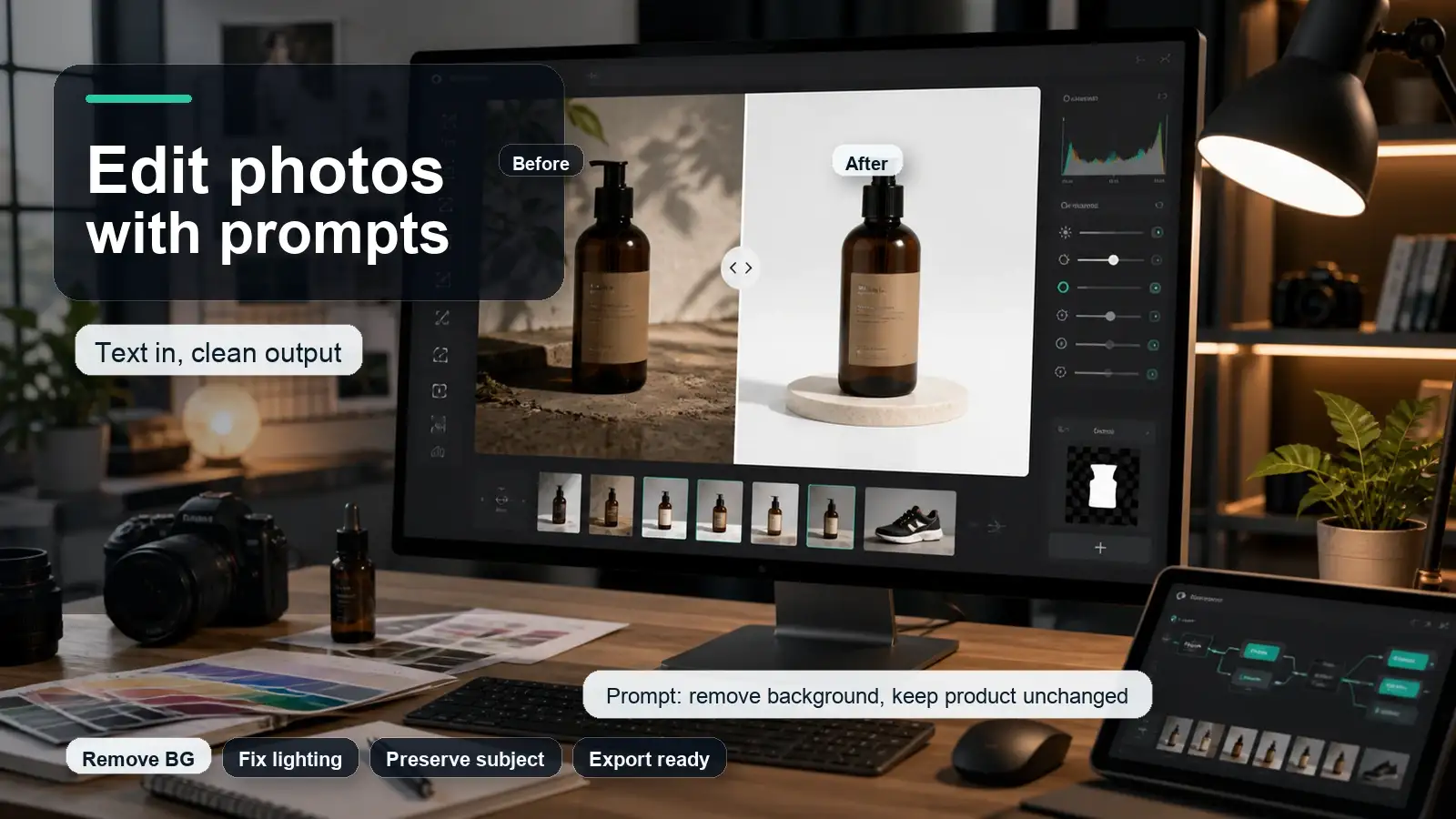

Summary
Adobe Express is Adobe's all-in-one design, photo, video, and PDF app for creating social posts, flyers, presentations, logos, short videos, webpages, branded content, and quick edits without needing advanced design skills. It combines templates, drag-and-drop editing, Adobe Stock assets, Adobe Fonts, PDF tools, social scheduling, brand kits, and Firefly-powered AI features. It is useful for creators, marketers, students, small businesses, and teams that need polished content quickly, but it is not a full replacement for Photoshop, Illustrator, Premiere Pro, or a dedicated AI tool when deep editing or advanced production is required.
Introduction
People search for "what is Adobe Express" because the name sits between many Adobe products. It sounds like Photoshop, Canva, Spark, Firefly, and Creative Cloud at the same time. That confusion is normal. Adobe Express is not Photoshop, and it is not only a template maker. It is a lightweight creative workspace built for fast content creation.
The simplest way to understand it is this: Adobe Express helps non-designers and busy teams create publish-ready visuals without opening a heavy professional app. You can start with a template, edit a photo, remove a background, generate an image with AI, create a short video, resize content for social media, add brand assets, and schedule posts from one place.
What is Adobe Express?
Adobe Express is an all-in-one, cloud-based design, photo-editing, and video-creation tool from Adobe. It helps users create social media posts, videos, flyers, presentations, logos, banners, PDFs, and other marketing materials using customizable templates, Adobe Stock assets, editing tools, and AI-powered features. It is designed for beginners, creators, marketers, and small businesses that want to produce professional-looking content without advanced design skills
Key features of Adobe Express
- Customizable templates for social media posts, videos, flyers, logos, presentations, and advertisements.
- Photo-editing tools such as background removal, filters, resizing, image enhancement, and effects.
- Video-editing features for trimming clips, adding text, music, transitions, animations, and captions.
- Adobe Firefly-powered generative AI tools for creating and editing images, videos, and other content.
- Brand kits that help users save logos, colors, and fonts for consistent marketing designs.
- Web and mobile access, making it possible to create content from different devices.
Who is Adobe Express for?
Adobe Express is built for non‑designers and light designers who need to ship content fast without deep software training. Typical users include:
- Social media managers and content creators who post regularly on Instagram, TikTok, LinkedIn, YouTube, and similar platforms.
- Small business owners and solopreneurs who design their own flyers, ads, product images, and simple brand assets.
- Marketing teams that need brand‑consistent templates for multiple people to reuse.
- Educators and students creating presentations, posters, class materials, and short videos.
- Creative Cloud users who want a quick "front end" for social and marketing content that can later be refined in Photoshop, Illustrator, or InDesign.
If your work is mostly custom logo design, complex photo retouching, advanced motion graphics, or full product UI/UX, you'll likely outgrow Express and use Illustrator, Photoshop, After Effects, or Figma instead.
What is Adobe Express used for?
Adobe Express covers most everyday marketing and content formats.
Social graphics and campaigns
You can create posts, stories, reels covers, thumbnails, banners, and carousels for major platforms using pre‑sized templates. The "Resize" feature lets you turn one design into multiple formats (for example, Instagram post → story → Pinterest pin) with a few clicks.
Short videos and reels
Express includes a timeline‑based video editor for short clips, reels, and social videos. You can:
- Trim, split, and rearrange clips on a sceneline or timeline.
- Add text, captions, music, voiceovers, and transitions.
- Generate auto captions directly in the editor and style them with brand fonts.
- Remove video backgrounds, extract audio, and apply simple animations.
It's not a full replacement for Premiere Pro, but it's strong for quick social video workflows.
Presentations and slide decks
You can build presentations from templates or from scratch, then add animations, video, audio, and click‑order sequencing. Recent updates allow up to 250 pages for Enterprise plans and better control over slide animations and media timing.
PDFs and simple documents
Adobe Express can import and edit PDFs, including tables in many cases, and export tagged, accessible PDFs with alt text. This makes it useful for turning reports, one‑pagers, and handouts into more visual documents without leaving the browser.
Webpages and simple landing pages
You can design single‑page websites and micro‑landing pages with sections, navigation bars, and a table of contents generated from your headings. It's not a full CMS, but it works well for event pages, campaign landing pages, and simple portfolio or product intro pages.
Brand assets and templates
With Brand Kits, you can store logos, colors, and fonts, then apply them across designs in one click. Teams can lock elements in templates so collaborators can change text or images without breaking the brand layout.
Who should use Adobe Express?
- Small business owners who need flyers, social posts, ads, menus, and event graphics without hiring a designer for every asset.
- Social media managers who need to create, resize, brand, schedule, and reuse content quickly.
- Students and educators who need presentations, posters, classroom visuals, and simple videos.
- Creators who want templates, stock assets, captions, animations, and quick social content workflows.
- Teams that need brand consistency but do not want every small design request to go through a professional designer.
- Adobe Creative Cloud users who want a lighter companion tool for quick content, social posts, and template-based assets.
Who should not use Adobe Express as the main tool?
- Professional photo retouchers who need advanced masking, channels, curves, compositing, and pixel-level control should use Photoshop.
- Vector illustrators and logo designers who need advanced path editing should use Illustrator.
- Video editors creating long-form, multi-track productions should use Premiere Pro or another full video editor.
- Designers building complex print layouts, magazines, or books should use InDesign or a dedicated layout tool.
- Users who only need one AI photo edit may prefer a focused tool instead of a full template platform.
For example, if the reader only wants to upload an image and transform it with a prompt, a dedicated AI image editor can be easier than starting inside a multipurpose design app.
Adobe Express vs Canva vs Photoshop
How to use Adobe Express
Step 1: create an account and choose a plan
Sign up with an Adobe ID, then decide between Free, Express Premium, or a Creative Cloud plan that includes Express. If you already pay for Creative Cloud, activate Express from your account dashboard.
Step 2: set up your brand kit
Upload your logo, define primary and secondary colors, and select brand fonts (including Adobe Fonts if available). This ensures every new design can snap to your brand in one click.
Step 3: explore templates and quick actions
Browse templates for your main use cases (social posts, reels, presentations, flyers). Try Quick Actions like background removal, PDF conversion, or resize to see how fast routine tasks can be.
Step 4: experiment with AI tools
Use Firefly to:
- Generate hero images or backgrounds from text prompts.
- Apply generative fill to add or remove objects in photos.
- Create stylized text effects for headlines and thumbnails.
Then use AI Assistant to adjust layouts, fix spacing, or apply your brand automatically.
Step 5: build a reusable template system
Once you have a design that works (for example, a weekly promo post), save it as a custom template and lock brand elements. Team members can then duplicate and edit text or images without breaking the layout.
Adobe Express: free vs premium (2026)
Adobe Express offers a capable free tier and a paid Premium plan that unlocks advanced features, higher AI usage, and more brand/asset controls.
Who should stay on free?
- You only create occasional social posts, simple videos, or school projects.
- You don't need heavy generative AI usage or advanced brand controls.
- You're testing Adobe Express before committing to a paid plan.
What is Adobe Express premium used for?
- You run regular marketing campaigns and need consistent brand kits across many assets.
- You rely on Firefly AI for images, backgrounds, and text effects and need more monthly credits.
- You create more complex videos, presentations, or multi‑page documents and want advanced animation and export options.
- You want access to premium templates and more Adobe Stock assets without extra friction.
If you already have a Creative Cloud subscription (Single App, Photography, Standard, or Pro), Adobe Express Premium is typically included at no extra cost, which often makes upgrading a no‑brainer for CC users.
What is Adobe Express premium in the Airtel Thanks app?
Airtel and Adobe partnered in early 2026, bringing Adobe Express Premium free to all Airtel users in India. This partnership targets Airtel's 350+ million subscribers, providing access to AI creativity at no extra cost. The offer includes 12 months of premium access worth ₹4000.
How to use Adobe Express through Airtel follows these steps:
- Download the Airtel App from the Google Play Store or the Apple App Store
- Open the app and navigate to offers
- Claim the Adobe Express premium offer
- No credit card required for activation
- Access Express premium features for one year
- Use via web browser, iOS, or Android apps
Pros of Adobe Express
- Commercially safer AI with IP indemnification - Firefly is trained on licensed Adobe Stock and public domain content, and paid plans include IP indemnification, which reduces legal risk for client and brand work.
- Deep Creative Cloud integration - Designs can be opened and extended in Photoshop, Illustrator, and InDesign, and assets sync via Creative Cloud Libraries, Fonts, and Stock.
- Fast, on‑brand creation for non‑designers - Thousands of templates, brand kits, and AI Assistant let teams produce consistent social graphics, videos, and presentations quickly.
- Strong mid‑level video and presentation tools - Timeline/sceneline editing, auto captions, animations, and up to 250‑page presentations make it useful for reels, decks, and short explainers.
- Competitive pricing, especially for CC users - Express Premium is often cheaper than Canva Pro, and many Creative Cloud plans include Express Premium at no extra cost.
Cons of Adobe Express
- Smaller template library than Canva - Tens of thousands of curated templates vs. Canva's hundreds of thousands to millions, which can limit variety for heavy template users.
- Less mature social scheduling and some team workflows - Collaboration and brand controls are solid, but social scheduling and approval workflows are not as all‑in‑one as Canva's Pro/Business plans.
- Not a full pro design or motion tool - Complex retouching, advanced motion graphics, and UI/UX work still require Photoshop, After Effects, Illustrator, or Figma.
- Generative AI usage is credit‑limited on lower tiers - Free and lower plans get relatively few Firefly credits per month, which can constrain heavy AI experimentation.
- Slightly steeper learning curve for absolute beginners - The interface is approachable but still carries some Adobe UI DNA; complete beginners may find Canva a bit easier at first.
Adobe Express alternative to try: Pixelbin
Pixelbin is an AI‑powered image editing and optimization platform built for bulk workflows rather than manual, layer‑by‑layer design. While Adobe tools like Photoshop excel at detailed raster editing and creative compositing, Pixelbin focuses on automated, high‑volume transformations, background removal, and fast asset delivery making it a strong alternative for e‑commerce, content teams, and marketers managing large image catalogs.
Best for
- E‑commerce businesses that need consistent product images at scale.
- Digital marketers running campaigns across multiple channels and formats.
- Teams that need batch photo optimization, upscaling, and standardized backgrounds without manual retouching.
Key features
- AI‑powered background removal & replacement: Automatically cut out product backgrounds and apply consistent studio backdrops in bulk, ensuring uniform look across catalogs.
- Real‑time image optimization: Use dynamic, URL‑based transformations to resize, crop, compress, and convert formats on the fly for faster web performance.
- Upscaling & enhancements: Increase image resolution and sharpen details automatically, reducing the need for manual retouching while improving visual quality.
- Digital asset management (DAM): Centralized library to store, organize, tag, and deliver media assets efficiently across teams and channels.
How Pixelbin compares to Adobe Express
Adobe Express download for PC
Adobe Express is primarily a web-based app that runs in your browser, but you can also install it as a desktop-style app on Windows PCs.
How to get Adobe Express on PC
- Use the web version (no install needed)
- Go to: https://www.adobe.com/express/
- Sign in with your Adobe ID (or create one).
- Start designing directly in Chrome, Edge, or another supported browser.
- Install as a windows app (pwa): Adobe Express can be installed as a Progressive Web App (PWA) for a more app-like experience:
- Open Adobe Express in Microsoft Edge or Google Chrome.
- In edge: click the "Apps" or "Install this site as an app" option in the address bar or menu.
- In chrome: click the install icon in the address bar or go to Menu → More tools → Create shortcut / Install Adobe Express.
- This adds Adobe Express to your Start menu and lets you launch it like a regular PC app.
- Via Microsoft Store (if available in your region)
- Open the Microsoft Store on Windows.
- Search for "Adobe Express".
- If listed, click Get / Install and sign in with your Adobe account.
Availability can vary by region and over time.
Is Adobe Express worth using?
Adobe Express is worth using if you need fast, polished, repeatable content and you do not want the learning curve of professional Adobe apps. It is especially strong for social media posts, branded assets, short videos, student projects, small business marketing, and template-based campaigns.
It is less ideal if your work depends on advanced editing control, complex brand systems, long-form video production, high-end retouching, or deep layout design. In that case, Adobe Express should be treated as a companion tool, not the main production tool.
FAQs
Adobe Express is used to create social posts, flyers, posters, videos, presentations, logos, webpages, branded content, simple PDFs, and quick image edits. It is built for fast content creation rather than professional-level design production.
No. Adobe Express is a quick design and content creation app. Photoshop is a professional image editing and compositing tool. Express is easier for templates, social posts, and simple edits. Photoshop is better for advanced retouching, masking, compositing, and detailed image control.
Yes, Adobe Express is similar to Canva in that both are template-based design tools for social content, marketing graphics, and simple brand assets. Adobe Express stands out through Adobe Fonts, Adobe Stock, Firefly AI, PDF workflows, and Creative Cloud integration.
Adobe Express has a free plan with basic tools, limited assets, and limited AI access. Premium unlocks more templates, assets, brand kits, credits, and advanced features. Always verify current pricing and plan details on Adobe's pricing page before publishing.
Yes. Adobe Express includes Firefly-powered AI features such as image generation, text effects, generative editing features, and AI-assisted design tools. AI Assistant is also available as a beta feature for some accounts and supports natural-language design creation and editing.
Yes. Adobe Express can create and edit short videos using templates, clips, images, music, animations, captions, timeline controls, and social formats. It is best for short social videos, not advanced long-form editing.
Yes. Businesses can use Adobe Express for social posts, branded graphics, campaigns, flyers, product promos, short videos, and team templates. Brand kits and team plans help maintain consistency across repeated content.
Adobe Express replaced Adobe Spark after Adobe relaunched the product as Creative Cloud Express and later renamed it Adobe Express. The newer version is more integrated with Adobe's AI, stock, Creative Cloud, brand, video, and scheduling workflows.