

Summary
The best watermark remover alternatives depend on what you need to clean: a small logo on a photo, a text overlay on a product image, a date stamp, a repeated transparent watermark, or a moving watermark in a video. Pixelbin is the strongest first recommendation for a simple AI cleanup workflow, while tools like WatermarkRemover.io, HitPaw, Apowersoft, Dewatermark.ai, Unwatermark AI, Cleanup.pictures, Fotor and others can fit different editing needs.
Introduction
You know that moment when you find the perfect image or video for your project only to spot a stubborn watermark ruining the vibe? It's frustrating, especially when you're on a deadline or just want something that looks clean and professional. Manually erasing it in Photoshop can feel like performing surgery with a butter knife: slow, messy, and rarely worth the effort.
That's where AI-powered watermark removers step in like magic wands for your media. These tools don't just "cover up" watermarks; they intelligently reconstruct the background, whether it's a busy cityscape, a gradient sky, or a moving scene in a video. The result? Crisp, natural-looking visuals that look like the watermark was never there in the first place.
In this roundup, we're cutting through the noise to bring you the best watermark remover alternatives that actually work in 2026. From quick online fixes to pro-grade editors, we'll cover tools like Pixelbin, HitPaw, Veed.io, Apowersoft, and more so you can ditch the watermarks and get back to creating.
Pro tip before using any watermark remover
How AI watermark remover tools work
Most watermark remover tools use one of four approaches: AI inpainting, manual retouching, cropping, or covering the mark with another design element. AI inpainting is usually the best option when the watermark covers a plain background, fabric, sky, wall, table, product surface, or simple scene. Manual retouching is better when the watermark crosses faces, hands, fine patterns, or text that must remain readable.
1. Overlay detection and masking
- Manual or automatic selection: The user highlights the watermark using a brush tool, or an automated AI algorithm detects text, logos, or translucent overlays across the frame.
- Mask creation: The tool creates a binary mask (a precise map defining which pixels to remove and which background pixels to keep).
2. Contextual scene analysis
- Edge and structure mapping: The software analyzes the surrounding unmasked region, mapping geometric lines, horizon boundaries, lighting, and texture gradients.
- Global pattern recognition: Modern Deep Convolutional Neural Networks (CNNs) evaluate the entire image layout to understand what structural elements belong behind the covered area.
3. Pixel reconstruction
- Traditional method (patchmatch): Searches nearby unmasked regions for similar pixel patches and copy-pastes them over the watermark (effective for simple textures like sky or grass, but often smudges complex lines).
- Generative AI method (lama / Diffusion): Synthesizes completely new pixels matching the lighting, texture, and structural perspective of the original image, cleanly extending straight lines and complex backgrounds.
4. Temporal coherence & blending (for videos)
- Motion tracking: For video media, temporal neural networks track the watermark's movement across consecutive frames.
- Optical flow matching: The algorithm borrows clean visual data from preceding or trailing frames where the background was visible, blending pixels across time to eliminate video flickering and motion blur.
Top watermark remover alternatives
1. Pixelbin
_(1).webp)
Pixelbin is a bulk AI-powered digital asset processing platform designed with a strong emphasis on e-commerce scalability, high-throughput image optimization, and automated catalog management.
As a top alternative to dedicated watermark removal tools, Pixelbin watermark remover excels at removing complex text, logos, and translucent brand watermarks across large batches of images without sacrificing underlying photo quality. Rather than processing images strictly one by one, Pixelbin seamlessly bridges automated single-image editing with robust batch workflows and cloud storage integration for content creators, agencies, and online retailers.
Key features
- AI watermark removal: Automatically detects and erases translucent text, logos, and copyright overlays while intelligently reconstructing the hidden background details.
- Bulk processing engine: Allows users to upload and process hundreds of images simultaneously, applying watermark removal and enhancements at scale.
- Real-time image optimization: Combines background and watermark removal with dynamic resizing, format conversion (e.g., WebP/AVIF), and automatic compression.
- E-commerce & catalog readiness: Streamlines product photo preparation by isolating subjects, replacing backgrounds, and standardizing product images in a single workflow.
- API & integration support: Offers robust API endpoints and cloud integration, enabling developers and enterprise workflows to automate image processing pipelines end-to-end.
2. WatermarkRemover.io

WatermarkRemover.io is a dedicated, AI-powered image editing tool designed specifically for fast, high-precision watermark removal without the complexity of full-suite asset management platforms.
Serving as an intuitive, specialized alternative to broader image processing ecosystems like Pixelbin, WatermarkRemover.io focuses on delivering effortless, single-click restoration of watermarked visuals for individual creators, digital marketers, and small businesses. Instead of requiring setup for complex catalog workflows or API pipelines, it prioritizes instant, accessible background reconstruction and seamless object erasing directly from the browser or mobile app.
Key features
- Precision AI detection: Intelligently identifies and isolates multi-colored, translucent, and complex background watermarks, erasing text and logo overlays without blurring essential subject details.
- Instant automatic removal: Features a zero-learning-curve interface that automatically detects watermarks upon upload and processes images in seconds.
- Original detail preservation: Reconstructs obscured image pixels while retaining the original resolution, colors, and sharpness of the source file.
- Multi-platform access: Available as a web tool and mobile app, allowing on-the-go editing without complex setup or heavy storage requirements.
- Seamless API integration: Provides straightforward API access for developers seeking to embed direct watermark removal capabilities straight into their applications or lightweight tools.
3. HitPaw watermark remover

HitPaw Watermark Remover is a dedicated media restoration and desktop editing application designed specifically for precise, object-level object and watermark removal across both images and videos.
As a focused alternative to multi-tool asset management platforms like Pixelbin, HitPaw excels at localized, high-accuracy cleanups using specialized AI neural models tailored to different background textures and overlay types. Rather than serving as an all-in-one e-commerce catalog pipeline, HitPaw concentrates on giving individual content creators, videographers, and editors fine-grained control over static and moving media restoration with offline desktop performance.
Key features
- Multi-model AI watermark removal: Utilizes targeted AI algorithms-such as Texture Repair, Edge Filling, and Smooth Inpainting-to remove complex text, timestamps, logos, and moving watermarks from images and videos with pixel-level precision.
- Dual image & video processing: Extends watermark and object removal capabilities beyond static images to full-length video files, tracking moving overlays across video frames seamlessly.
- Interactive manual selection tools: Provides precise manual selection modes (Brush, Lasso, and Marquee) allowing users to fine-tune exact removal boundaries for intricate or irregular watermarks.
- Local desktop processing: Runs rendering and AI removal directly on the user's local machine hardware, providing fast offline processing, zero cloud upload dependencies, and heightened privacy for sensitive media.
- Batch object clean-up: Supports multi-file imports to queue and remove unwanted objects, dates, or logos across small-to-medium media batches in a single localized workflow.
4. Apowersoft watermark remover
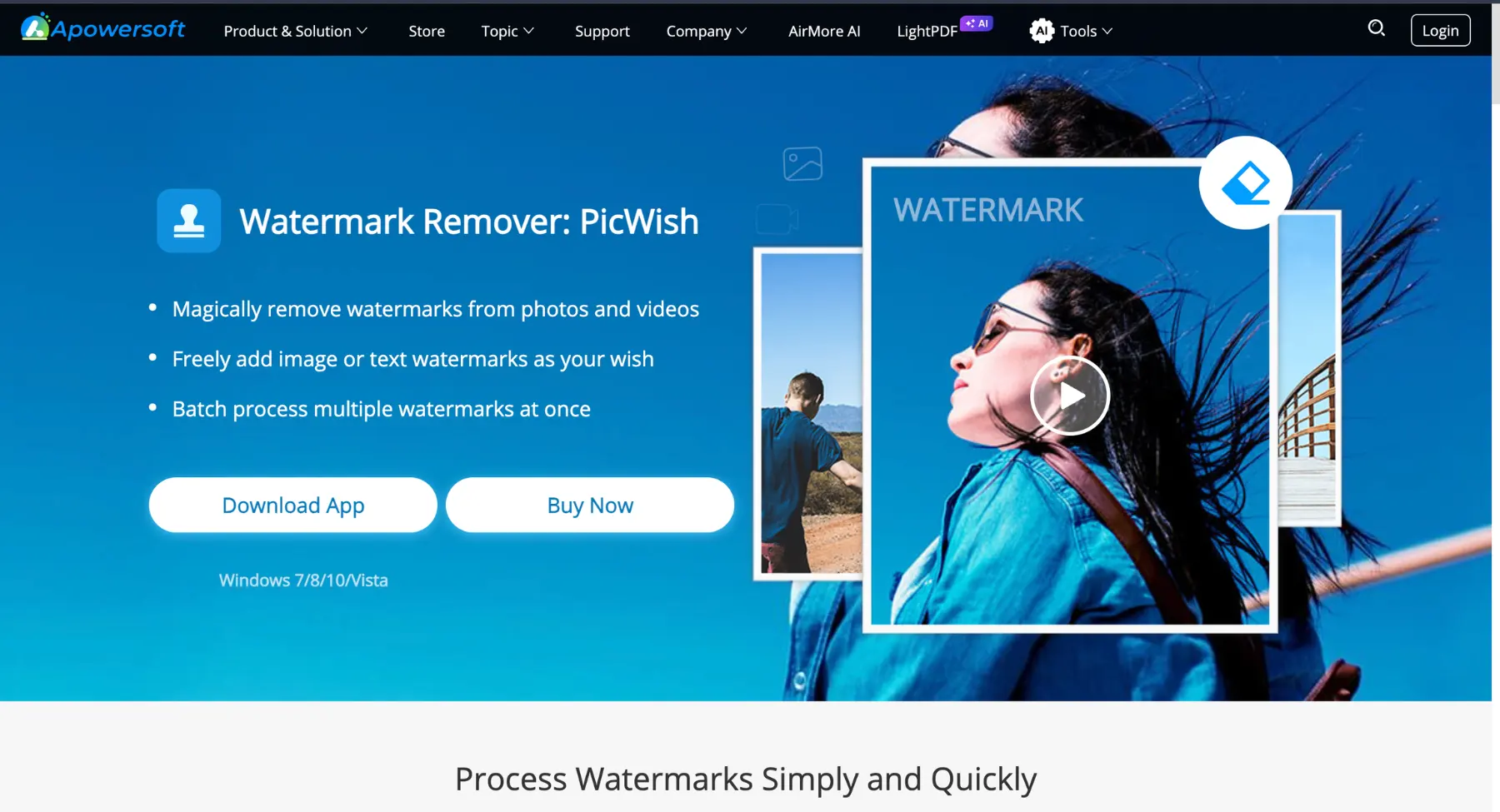
Apowersoft Watermark Remover is a dedicated desktop and web-based application built specifically to identify, blur, or erase unwanted text, logos, dates, and watermark overlays from both images and videos. Recognized for its straightforward user interface and manual selection tools, it allows users to highlight specific watermark regions using marquee, polygonal lasso, or brush tools to clean up media files. While it provides a accessible option for straightforward desktop watermark removal, contrast with modern AI-driven asset management platforms highlights significant differences in workflow, scalability, and automated reconstruction.
Key features
- Manual & area-based selection: Offers manual selection tools-such as rectangular selection, polygonal lasso, and brush tools-allowing users to isolate specific static watermarks or text overlays on photos and videos.
- Batch photo & video processing: Enables users to queue multiple media files simultaneously to apply target-area watermark removal or blurring across a batch of assets.
- Multi-format support: Compatible with a wide range of standard image formats (JPEG, PNG, BMP, TIFF) and common video formats (MP4, MKV, AVI, MOV, WMV).
- Segmented video watermark erasing: Features a timeline-based selection tool for videos, enabling users to remove or blur watermarks that appear only during specific timeframes or segments of a video.
- Simple desktop & web interface: Provides an easy-to-navigate desktop software environment alongside a basic web tool, designed for quick setup without requiring complex technical onboarding.
5. Dewatermark.ai
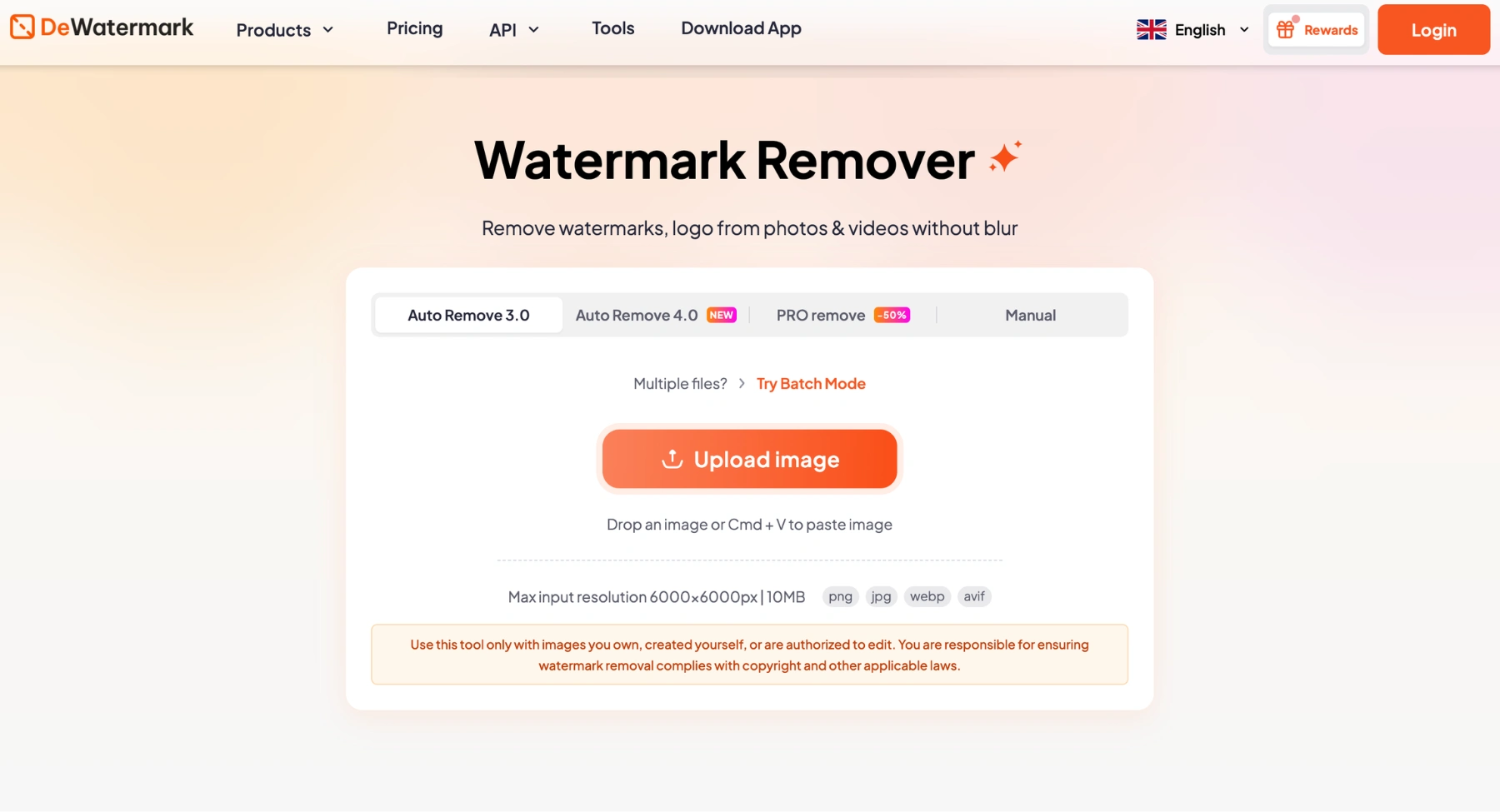
Dewatermark.ai is an advanced AI-powered watermark removal platform specifically built to restore pristine visual clarity to watermarked photos, stock images, and digital media. Serving as a top alternative to general-purpose image editing suites, Dewatermark.ai uses specialized deep learning algorithms to automatically detect and eliminate complex text, logos, stamps, and multi-layered translucent overlays without degrading the underlying image quality. Designed for both quick individual edits and high-volume asset cleanup, the platform seamlessly combines precision AI reconstructive tools with an intuitive browser-based workflow for content creators, designers, e-commerce managers, and digital marketers.
Key features
- AI-powered object & watermark removal: Intelligently identifies single or multi-layered watermarks-including semi-transparent logos, text overlays, and repeated copyright stamps-and erases them while faithfully reconstructing hidden textures, details, and background patterns.
- Dual-layer editing & manual refinement: Features an interactive manual brush and eraser tool that allows users to fine-tune automatic AI detection, ensuring complete control over intricate or stubborn edges.
- Bulk processing engine: Enables users to upload and process large batches of watermarked images simultaneously, saving valuable time and streamlining asset cleanup across full product catalogs or image galleries.
- High-resolution quality preservation: Retains original image resolutions, dimensions, and color fidelity, delivering clean, publish-ready downloads suitable for web, print, and social media.
- API & developer integration: Provides accessible API endpoints that allow businesses, agencies, and developers to integrate automated watermark removal directly into their existing content management platforms and custom media pipelines.
6. Unwatermark AI
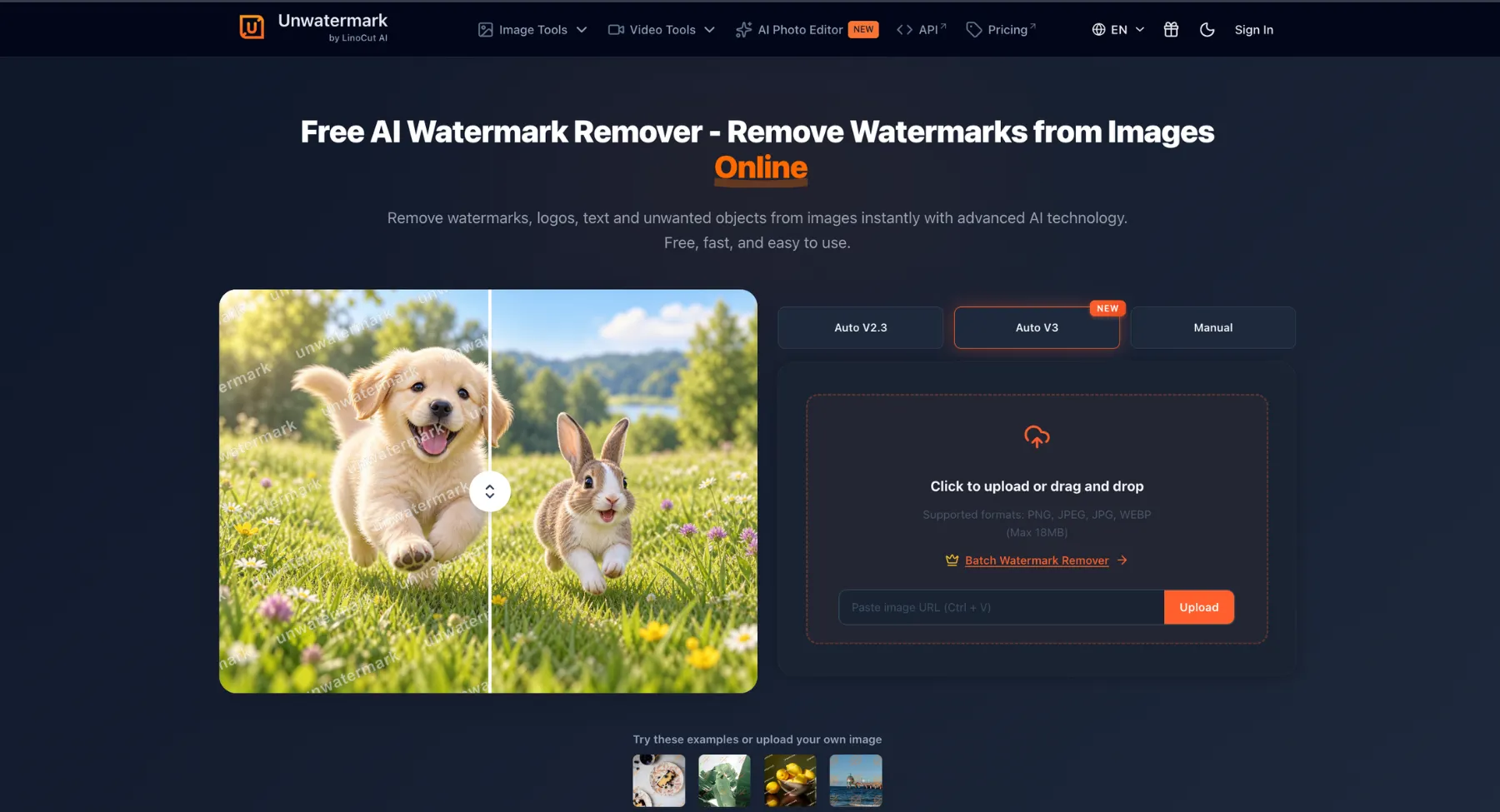
Unwatermark AI is another simple web-based watermark remover that focuses on quick AI cleanup for images and, depending on workflow, video-style assets. It is a good option to include because it matches the exact alternative-search intent. Unwatermark AI focuses heavily on deep-learning background reconstruction to cleanly erase complex branding, copyright stamps, and text overlays without blurring or distorting surrounding pixels. Whether integrated into high-volume e-commerce catalog pipelines or used for rapid single-asset edits, Unwatermark AI provides creators, photographers, and digital agencies with a lightweight, highly accurate solution for producing clean, publication-ready visuals.
Key features
- Deep-learning watermark erasure: Utilizes specialized neural networks to detect and remove multi-layered text, dynamic logos, and semi-transparent watermarks, seamlessly reconstructing textures, gradients, and fine background details.
- Batch processing & high throughput: Enables users to upload and clean large image sets simultaneously, maintaining speed and visual accuracy across entire product lines or media libraries.
- Intelligent edge & detail preservation: Unlike standard blurring or basic fill algorithms, Unwatermark AI preserves sharp subject boundaries, fine textures, and native image resolution during the removal process.
- E-commerce & digital catalog streamlining: Prepares product imagery for storefronts and marketplaces by rapidly eliminating third-party logos, vendor stamps, and unwanted visual clutter in a single automated step.
- Developer API & workflow integration: Features developer-friendly API endpoints, allowing seamless integration into custom web applications, Content Management Systems (CMS), and automated digital asset management (DAM) pipelines.
7. Cleanup.pictures
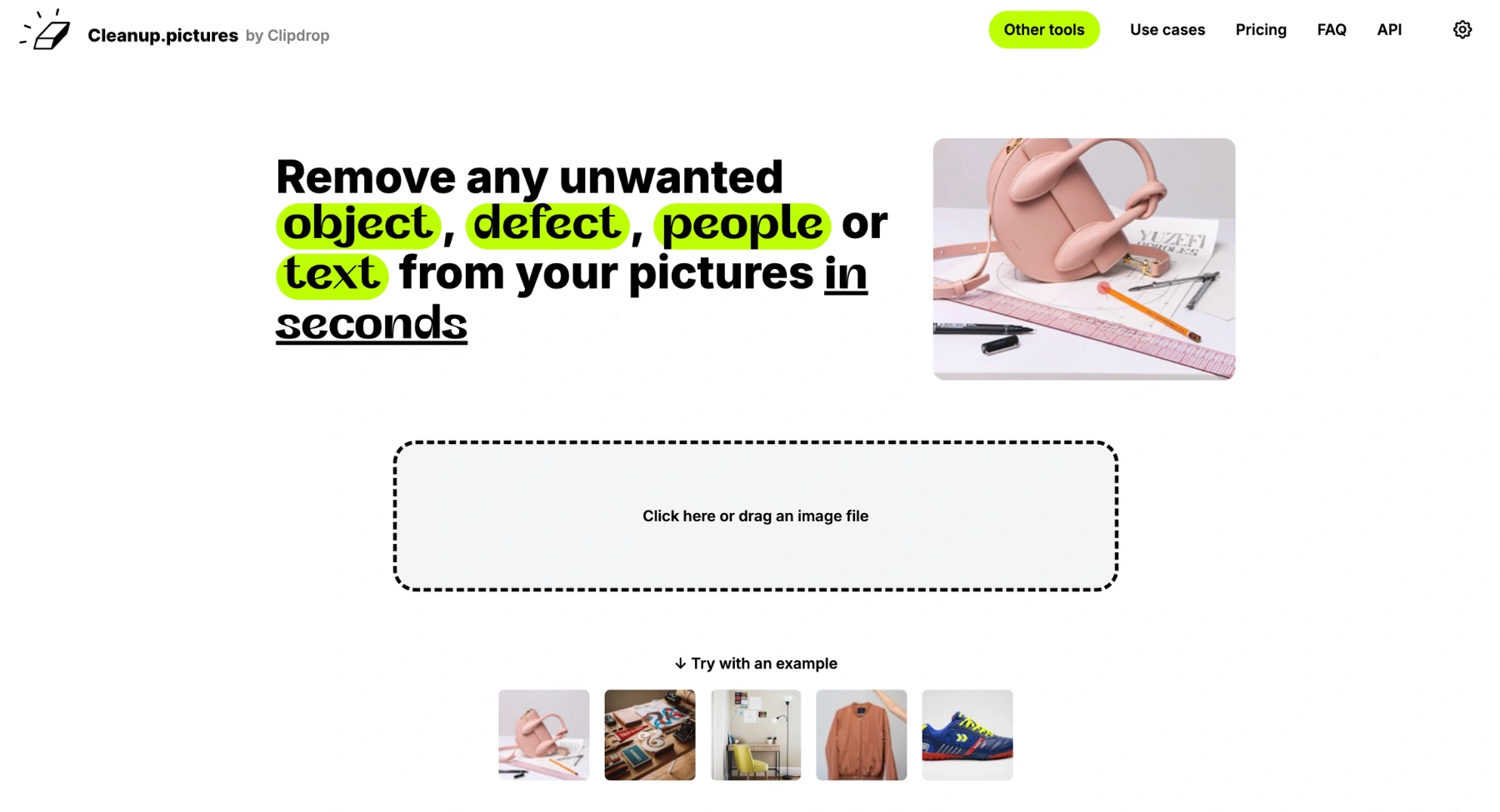
Cleanup.pictures is not only a watermark remover. It is an object-removal editor that lets users brush over unwanted objects, marks, people, or text and then uses AI to rebuild the selected area. That makes it useful when the watermark behaves like an object in the frame. Serving as a top-tier solution for content creators, real estate professionals, and digital marketers, Cleanup.pictures specializes in seamlessly erasing unwanted objects, text, logos, people, and blemishes from photos without altering the original quality. Rather than requiring complex layer-based manual editing, Cleanup.pictures leverages advanced inpainting algorithms to let users brush over unwanted elements and automatically reconstruct the hidden background in seconds.
Key features
- AI-powered object & text removal: Intelligently detects and erases unwanted people, text, logos, or clutter while smoothly synthesising and repainting surrounding textures.
- Smart brush & eraser interface: Features an intuitive, interactive brush tool that gives users precise control over specific areas, edges, and elements to be removed.
- Background reconstruction & inpainting: Uses context-aware generative AI to reconstruct complex background details, patterns, and lighting naturally after element removal.
- High-resolution export support: Preserves original image sharpness and quality during editing, offering high-definition downloads suitable for web, social media, and marketing materials.
- API & developer integration: Provides accessible API access to integrate automatic clutter and object removal directly into web applications, e-commerce platforms, and creative workflows.
8. Fotor
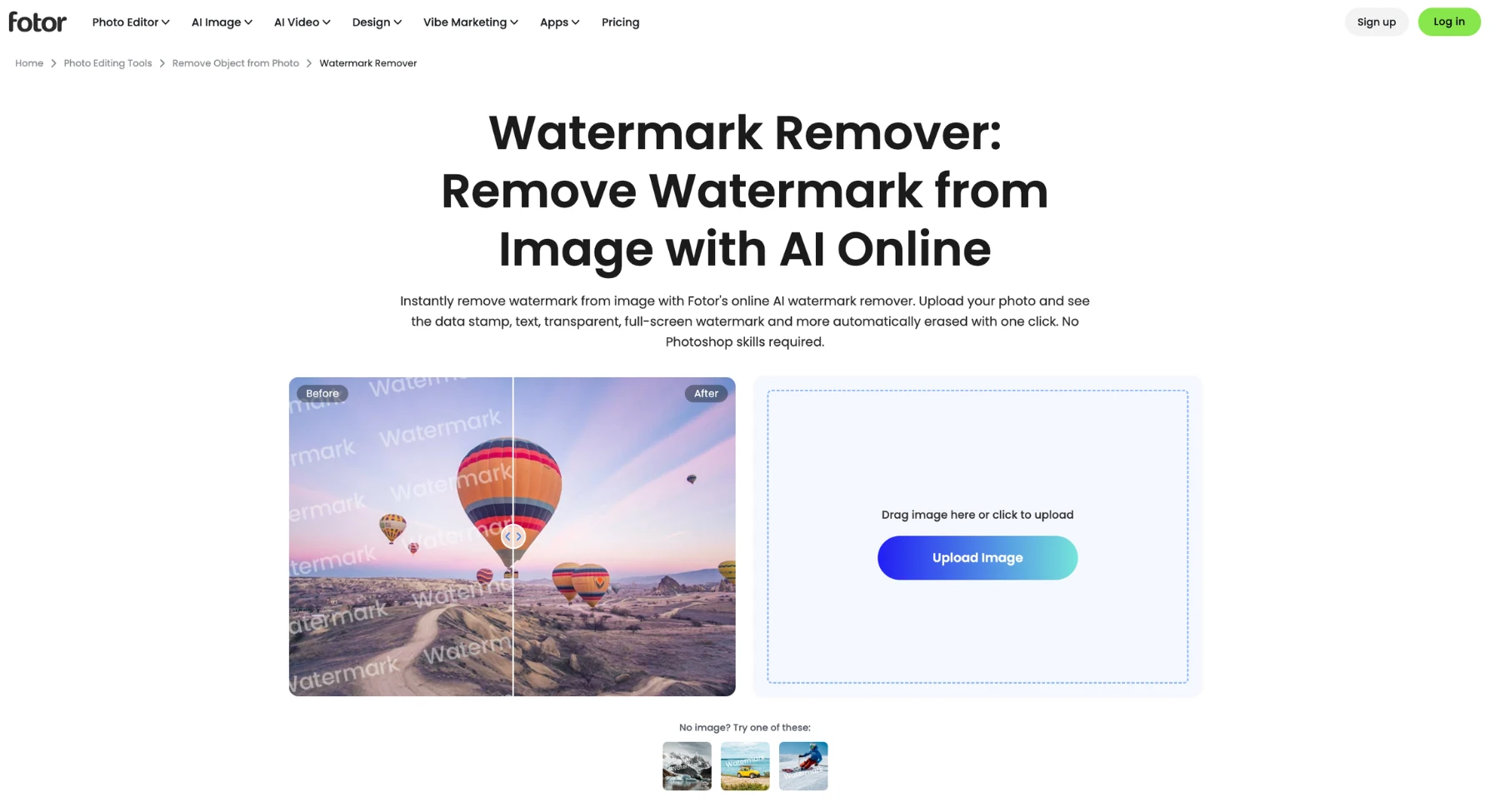
Fotor is a broader online photo editor with AI-powered cleanup features. It is useful for users who want to remove a watermark and then continue editing the image with filters, crop, color, text, or design tools. Serving as a versatile alternative to dedicated watermark removal tools, Fotor excels at detecting and erasing complex text overlays, logos, and unwanted watermarks while providing a complete suite of generative AI tools and design templates. Rather than functioning solely as an isolated cleanup tool, Fotor bridges automated AI watermark removal with broad creative photo editing, allowing marketers, content creators, and small business owners to polish, enhance, and transform their visual assets within a single platform.
Key features
- AI watermark & object remover: Automatically identifies and erases translucent text, logos, dates, and unwanted background objects, intelligently filling in erased pixels with context-aware background textures.
- Batch photo editor: Enables users to edit, touch up, and apply watermark removal across multiple images simultaneously, speeding up visual content creation workflows.
- All-in-one creative suite: Integrates background removal, image upscaling, generative AI painting, and portrait retouching alongside core watermark removal capabilities.
- Graphic design & content templates: Features a massive library of customizable templates, typography, and design elements to rebrand or rebuild images immediately after cleanup.
- Cross-platform accessibility: Available across web browsers, desktop applications, and mobile devices, offering flexible cloud-based editing across different devices and environments.
9. Media.io
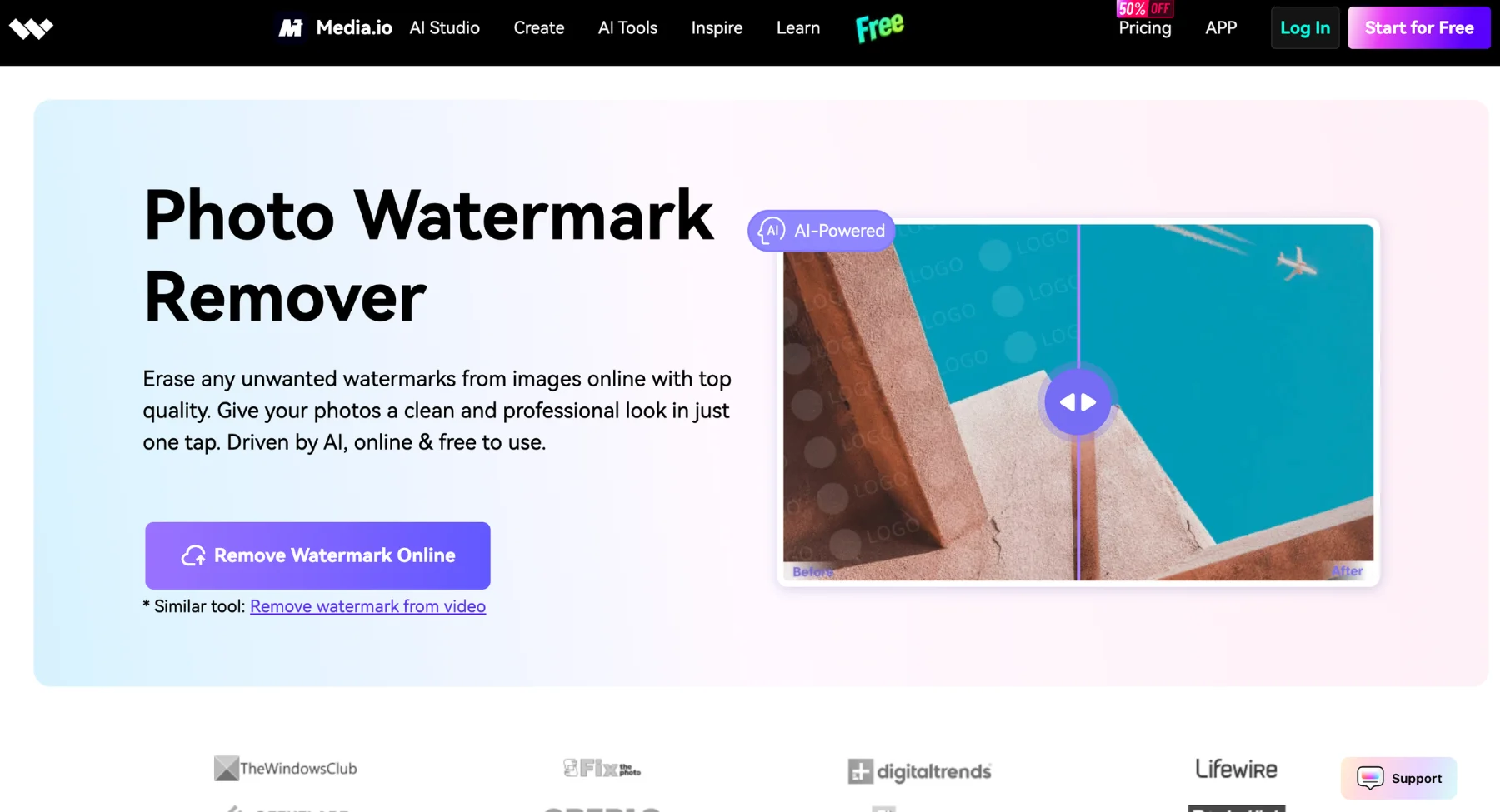
Media.io is a useful alternative when the watermark appears in video or when users want a cross-platform eraser for unwanted objects. It is often a better match for video workflows than image-only tools. Serving as a versatile alternative to dedicated watermark removal tools, Media.io excels at erasing complex text overlays, logos, and translucent brand stamps across both images and video files without degrading original media quality. Rather than limiting users strictly to static image processing, Media.io seamlessly bridges automated AI watermark removal with full-suite video, audio, and photo editing tools, allowing content creators, digital marketers, and media production teams to streamline content cleanup and enhancement within a single web-based ecosystem.
Key features
- AI watermark & object remover: Automatically detects and erases text, logos, timestamps, and unwanted background elements from both photos and video clips while reconstructing the hidden background pixels.
- Cross-media editing capabilities: Combines image watermark removal with video background erasure, audio noise reduction, and video upscaling for comprehensive multimedia workflows.
- Batch processing engine: Enables users to upload and process multiple images or video assets simultaneously to accelerate high-volume editing tasks.
- Generative enhancement & upscaling: Sharpens visual clarity, enhances frame resolution, and improves color fidelity during the media cleanup process to produce publish-ready assets.
- Cloud-based accessibility & storage: Provides browser-based processing with secure cloud project storage, allowing easy collaboration and access across different devices.
10. Vmake AI
.webp)
Vmake AI is popular with ecommerce and creator workflows because it focuses on practical visual tasks such as product images, short videos, and social-ready assets. Its watermark remover features can be useful for users cleaning owned marketing content. As a top alternative to dedicated watermark removal tools, Vmake AI excels at detecting and erasing complex text overlays, logos, and platform watermarks across both image and video assets without compromising visual fidelity. Rather than focusing purely on single-asset photo editing, Vmake AI bridges automated watermark removal with AI fashion model generation, video quality enhancement, and background swap pipelines, allowing e-commerce brands, digital marketers, and content creators to produce clean, high-converting product media at scale.
Key features
- Dual photo & video watermark erasure: Automatically detects and erases semi-transparent logos, timestamps, TikTok IDs, and text overlays across both static images and video clips.
- Bulk processing & workflow automation: Enables users to queue and process multiple media files simultaneously, saving time across large catalog updates and promotional campaign assets.
- Integrated video & image enhancement: Pairs object and watermark removal with AI upscaling, frame stabilization, and clarity refinement to deliver publish-ready, high-definition outputs.
- E-commerce & AI model studio: Features AI virtual fashion models, mannequin-to-model transformations, and automated product background swaps alongside core media cleanup tools.
- Cloud & cross-platform accessibility: Operates directly within web browsers and mobile ecosystems, facilitating fast, remote media processing without requiring complex localized post-production software.
Image vs video watermark removers
If the watermark is on a video, choose a tool built for frame-by-frame cleanup rather than an image-only remover. Pixelbin's AI video watermark remover is a better fit for moving clips, while image-focused removers are better for photos, product shots, thumbnails, and static graphics.
Image watermark removal is easier because the tool only needs to rebuild one frame. Video watermark removal is harder because the tool must keep the repaired area consistent across many frames. If the watermark moves, crosses a face, passes over text, or sits on a changing background, the tool may need multiple selections or manual cleanup after processing.
How to remove a watermark cleanly with Pixelbin watermark remover
1. Pick a website
Start with a watermark removal app. Good choices include Pixelbin free AI watermark remover and free AI video watermark remover,which runs in a standard browser, so you won't need to download any app.
2. Upload your clip
Open the site you've chosen and find the Upload or Drag-and-Drop area on the home page. Select the video from your computer or gallery.
3. Highlight the watermark
Most online removers show a preview of the first frame. Use the built-in box or brush to mark the logo or text you want gone. Some AI tools understand the watermarked area and clean it automatically.
4. Process and review
Select the model and choose a watermark removal method: AI Removal or Manual Brush. The AI scans every image or frame and fills in the background so the spot where the watermark sat blends with the rest of the footage. It includes a processing time of a few seconds to several minutes for longer videos.
5. Save the file
When the final image/video looks good, select Download to save it to your device and check how cleanly the watermark has been removed.
What to compare before choosing a tool
Choosing the right watermark removal tool isn't just about erasing unwanted text or logos; it's about protecting your visual quality, maintaining workflow efficiency, and avoiding legal pitfalls.
Evaluate these six essential factors before selecting a tool:
1. Media & Format Compatibility
- Supported files: Verify that the tool handles your primary extensions (e.g., JPG, PNG, WebP for static graphics, or MP4, MOV, GIF for dynamic media).
- Resolution limits: Ensure the platform processes high-resolution files without forcing automatic compression or downsizing on export.
2. Watermark Target & Complexity
- Static overlays: Text, logos, date stamps, and transparent overlays generally require standard image inpainting.
- Dynamic marks: Subtitles, scrolling watermarks, or repeating background patterns demand frame-by-frame temporal tracking to prevent video flicker.
3. Precision & Quality Control
- Manual fine-tuning: Look for precise controls like adjustable brush sizes, undo history, and before/after slider previews.
- Reconstruction engine: Advanced AI tools generate natural textures, whereas basic clone tools often leave obvious smudges or blurry patches behind.
4. Data Privacy & Confidentiality
- Cloud vs. Local Processing: Avoid uploading proprietary, unreleased, or client-owned assets to online servers unless the vendor's data retention policy guarantees zero storage or training usage.
- Auto-deletion: Confirm if uploaded files are purged automatically from public servers after processing.
5. Operational Workflow & Scale
- Usage volume: Determine whether you need quick, one-off cleanups or automated batch processing for massive product catalogs.
- Specialized edits: Choose tools aligned with your core focus-whether that's e-commerce visual prep, social media content, or high-end portrait retouching.
6. Commercial Rights & Licensing Terms
- Legal compliance: Removing Copyright Management Information (CMI) from media you do not own can violate copyright laws (such as Section 1202 of the DMCA).
- Export rights: Ensure the software tier grants explicit commercial usage rights for the final outputted assets.
Final thoughts
Choosing the right tool ultimately comes down to balancing pixel-level quality, processing speed, and legal peace of mind. While manual editing takes hours, basic automated tools often leave distracting smudges or crushed resolution behind.
If you want flawless results without the editing headache, Pixelbin's AI Watermark Remover offers the ideal solution. Its intelligent context-aware engine instantly detects and erases complex logos, timestamps, and overlays while preserving original textures, colors, and sharp edges.
Ready to transform your visual content in seconds? Try Pixelbin AI Watermark Remover for free today and elevate your media instantly!
FAQs
It means tools that can replace or compete with a watermark remover website or app. The keyword is generic, so the blog should cover image watermark removers, video watermark removers, free options, AI tools, manual editors, and WatermarkRemover.io alternatives.
No. It is not a single website name. However, WatermarkRemover.io is a real tool, and some users searching this keyword may be looking for alternatives to that specific site.
For image cleanup, Pixelbin, Dewatermark.ai, WatermarkRemover.io, Cleanup.pictures, Fotor, and Photoshop are strong options depending on speed and control. For video cleanup, Pixelbin video watermark remover, HitPaw, Media.io AniEraser, and Vmake AI are better fits.
For simple image edits, Cleanup.pictures, Photopea, Canva's free editing options, and some limited online AI removers can work. Free tools may limit image size, export quality, daily usage, or advanced features, so users should check the current limits before relying on them.
Yes, but video watermark removal is harder than image cleanup because the tool must repair the selected area across multiple frames. Static corner logos are easier. Moving watermarks, subtitles, and marks over faces or complex patterns may require multiple passes or manual editing.
It depends on ownership and permission. It is generally safe to remove watermarks from media you own or have permission to edit. It is not safe to remove creator, stock, marketplace, or platform watermarks to avoid licensing or attribution.
Yes, many AI removers can remove text overlays, stamps, or labels, especially when the background is simple. If the text covers important details, use a more controlled editor and check the output carefully.
Use watermark remover alternatives as the main keyword because it is broader. Mention WatermarkRemover.io alternatives naturally in the introduction, comparison section, and FAQ so the blog can capture both generic and brand-comparison intent.