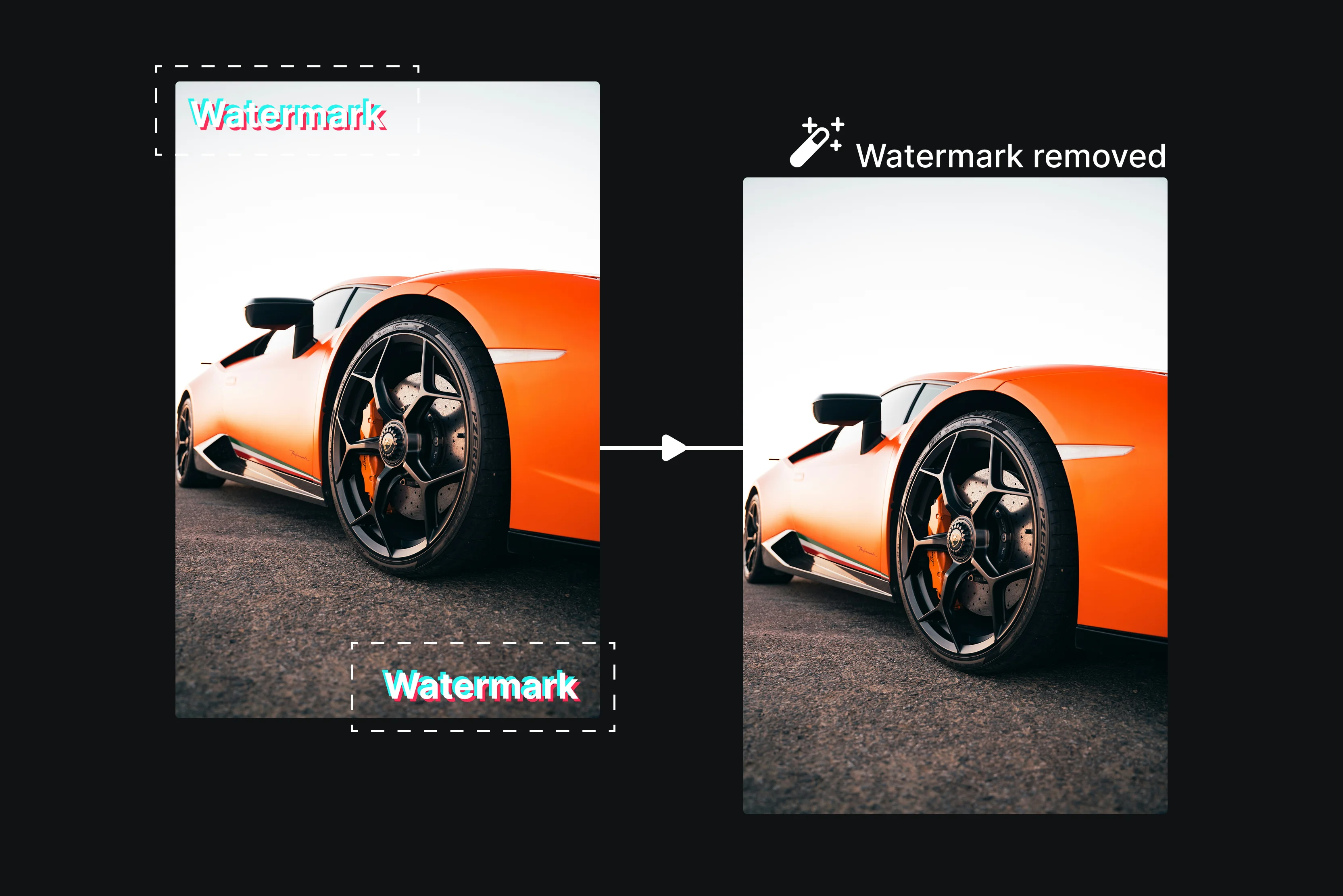


Made the best video; the lighting is perfect, the timing is flawless, and every single second of it reflects pure creativity. You download it from TikTok, excited to share it everywhere, and then you can see it. That bouncing, unavoidable TikTok watermark is stamped right across your masterpiece.
It’s frustrating, and honestly, it feels unfair. You’re not alone in feeling this way. There are millions of creators facing this exact pain point every single day. You want to repurpose your content for Instagram reels, YouTube Shorts, LinkedIn or brand representations.
You remove TikTok watermarks for many genuine reasons, including repurposing content across platforms, creating brand campaigns, professional portfolios, and personal memories; presenting polished work with clients; and more. Creators often reuse their own content across platforms for wider distribution and audience reach.
In this blog, we’ll walk through the easiest, fastest and most effective ways to remove TikTok Creators often reuse their own content across platforms for wider distribution and audience reach.watermarks from your videos without losing the quality. No technical skills or software installation is needed. Just clean, high-quality, watermark-free videos ready to share on any platform. Let’s get started.
How to remove the TikTok watermark from a video
Pixelbin is an AI powered optimization platform that can help edit and enhance video efficiently. Follow these steps to remove TikTok watermark from your video using Pixelbin tools
Step 1: Visit Pixelbin-> AI tools -> video watermark remover

Step 2: Select a file from your device in one of the supported formats: MP4, WebM, or MOV.
Step 3: Wait for AI processing. Pixelbin helps clean unwanted text, overlays, or visible marks from videos you own or have rights to edit.
Step 4: Download your videos without watermarks or any hidden costs.
Is it legal to remove the TikTok watermark?
The answer depends on whose video it is and how you plan to use it. If you remove the watermark from your TikTok video to reuse it on Instagram reels, YouTube shorts or any other platform it is entirely your choice.
You own your content you have every right to present it however you choose, on whatever platform you prefer. Things become complicated when you remove a watermark from someone else's videos without their permission.
TikTok's terms of service clearly protect original creation rights removing another creator's watermark and republishing their content as your own could be considered copyright infringement a serious legal action.
Many platforms like Instagram and YouTube actively discourage reposting watermarked or repurposed content from competitors as their algorithms tend to download such videos. The main rule is simple always have permission before touching someone else's content. Use watermark removal tools responsibly, ethically and smartly.
Best tools to remove TikTok watermark
1. Pixelbin
If you are struggling to remove a watermark without any damage to the video quality. Luckily new AI-powered tools make the process fast, clean and beginner-friendly. Pixelbin is a free browser-based AI tool that removes TikTok watermarks from videos without losing quality.
You can use Pixelbin to remove the TikTok watermark from videos from your device in one supported format like MP4, WebM or MOV up to 4K resolution. It uses AI inpainting technology to reconstruct pixels behind the watermark, making it look like the logo was never there. No software download or sign-up is needed; you can use it anytime. It’s fast and easy to use, making it popular for content repurposing. Your videos stay clean and natural. Just upload your videos and wait for a few seconds.
Experienced with Pixelbin.io, I navigated to the TikTok watermark remover tool and uploaded my video. The tool supports MP4, WebM, and MOV formats, and the upload took about 30 seconds to generate the result. I was genuinely impressed with the result; the corner where the TikTok text had been sitting looked clean: no smudging, no blurring, no cropping, nothing.
Key features
- No signup needed
- No blur
- Preview before downloading
- Free tier limitations
- No editing skills required
- Ready for any platform
- Work on a mobile browser
- Limited free usage
- No software to install
2. WatermarkRemover.io
Every second of your video tells a story, but a TikTok watermark tells the wrong one. WatermarkRemover.io is an ultimate solution for removing watermarks from TikTok videos. Whether using a mobile device, tablet or computer, the online platform lets you easily remove unwanted watermarks.
Drag and drop files into the editor for instant video watermark removal, as WatermarkRemover.io's user-friendly interface supports a variety of formats like MP4, MOV, WEBM, AVI, MPG, MPEG, MKV, and more. Let AI remove the watermark from video in seconds. It's a fast and efficient method for removing watermarks. To remove watermarks from your videos for free, you just need to upload your file; AI will do the rest. No signup or installation is required.
Key features
- Ease of use
- Instant result
- Wide format support
- Batch processing
- Free to use
- No technical knowledge required
- No signup required
3. Morph
Morph Studio offers a free AI-powered online video watermark remover that automatically detects and erases watermarks, logos, subtitles and stickers by reconstructing the area behind them.
By using advanced video processing technology Morph can detect and erase unwanted logos or text from videos while maintaining the original quality and it supports multiple formats like MP4, MOV and WebM without causing blur. With a simple interface and rapid processing speed Morph gives an efficient solution for watermark-free video editing across different devices.
Key features
- Ease of use
- No quality loss
- No advanced editing skill required
- Support multiple video formats
- Preview before download
- Support multiple models
4. Vmake AI
Vmake AI allows you to remove the watermark from a video with one click. Designed for AI generated clips like Seedance 2.0, Kling 3.0 and Sora 2, it detects and removes video watermarks. Using advanced AI technology Vmake automatically detects and removes watermarks while preserving the original video quality. Supports MP4, MOV, AVI, and more across most resolutions.
Very simple interface, fast processing and browser-based accessibility make it convenient for users on desktop and mobile devices. Detects and removes any text in the background, repairs messy scenes, and keeps lighting/space feeling realistic so it looks clear. Erase text, annotations, outdated campaign info, and other on-screen copy while keeping background textures and edges as natural as possible.
Key features
- User-friendly interface
- Batch processing
- Work with various files
- No technical knowledge required
- No installation required
5. Medio.io
Every single day, people create and share millions of videos. One common frustration that almost every creator faces is the watermark, which users get with every video download. Media.io is an AI-powered online TikTok watermark remover that removes watermarks from your TikTok video effortlessly while maintaining professional quality. The process is simple: only drag and drop your file onto the page and click upload to select a video from your devices.
It only supports video formats like MP4, MOV, M4V, and 3GP. Unlike basic crop or blur tools, Media.io free watermark remover uses AI to erase logos, text or watermarks. It helps you to remove the TikTok watermark, clean logos from tutorial videos, or erase timestamps from old clips. It is perfect for various creation videos for Instagram reels, YouTube Shorts and more.
Key features
- Ease of use
- All-round video formats
- Batch processing
- Browser based
- Free credits for new users
- Multiple AI removal modes
6. Fotor
Remove various types of watermarks depending on their size, position and movement results may vary based on video complexity. Fotor's AI-powered online watermark removal remove easily watermark from your TikTok videos without losing their quality.
It's web-based and user-friendly and only needs a few clicks to erase any unwanted elements from your videos. No additional tools are needed with just simplicity and efficiency, you can receive results. It supports MP4 and MOV formats, accepting files up to 500 MB in 4k resolution.
Just upload your videos and easily eliminate static or bouncing watermarks with one click. The TikTok watermark remover from video can run smoothly on a wide range of devices including Windows, Mac, iPad and iPhone.
Key features
- Ease of use
- Support multiple video formats
- No skills required
- High-level security
- Cross devices
FAQs
Your own videos, totally fine. You can make it; you can do whatever you want with it. It’s against TikTok’s rules. It can be illegal in many countries because removing a watermark hides who made the video. If you repost it without credit, the original creator can take legal action against you.
Removing a watermark dRemoving a watermark doesn’t always reduce the quality. If the watermark is removed by cropping, you lose part of the frame, which can affect composition and may reduce resolution if the video is resized afterwards. If it’s removed using blurring, inpainting or AI tools, the quality in that specific area can degrade, sometimes subtly, sometimes noticeably, depending on how advanced the tool is used. Doesn’t always reduce the quality. If the watermark is removed by cropping, you lose part of the frame, which can affect composition and may reduce resolution if the video is resized afterwards.
Yes, you can download TikTok videos without a watermark for free using various online tools. Famous browser-based services like SnapTik, Publer, and more.
No, not all TikTok videos have watermarks, while TikTok automatically applies a moving watermark to videos downloaded directly from the app to protect owners. Creators can avoid this by saving their videos before posting using third-party downloaders.
The best tools for removing TikTok watermarks are AI-powered online platforms like Pixelbin, which is the best for removing TikTok watermarks from videos.
Yes, you can remove the TikTok watermark on mobile using online downloaders, specialized apps or by cropping the video. Most effective methods include utilizing tools like Pixelbin, which allow you to save videos without a logo.










