

Summary
AI-generated images can usually be used commercially, but they are not automatically risk-free. Before publishing them in ads, blogs, websites, product listings, client work, or print-on-demand assets, you need to check three things: whether your AI tool allows commercial use, whether the image avoids copyright/trademark/likeness issues, and whether the destination platform or client contract permits AI-generated content. This guide explains the major risks, safer use cases, and a practical checklist for using AI images commercially in 2026.
Introduction
Imagine downloading a flawless digital asset, deploying it across your global ad channels, and instantly receiving a cease-and-desist letter. This nightmare scenario is hitting thousands of modern business owners who assume a high-resolution download link equals total legal safety.
While AI-generated images can often be used commercially, the download button is only the first checkpoint. Whether the visual comes from an AI image generator, a design platform, or a custom creative workflow, you still need to review how that output interacts with copyright, trademark risk, real-person likeness rights, advertising rules, marketplace policies, and client contracts.
In this guide you will get a breakdown of platform licensing rules, explicit risk matrix strategies, and a compliance checklist to protect your digital brand.
When is AI image commercial use allowed?
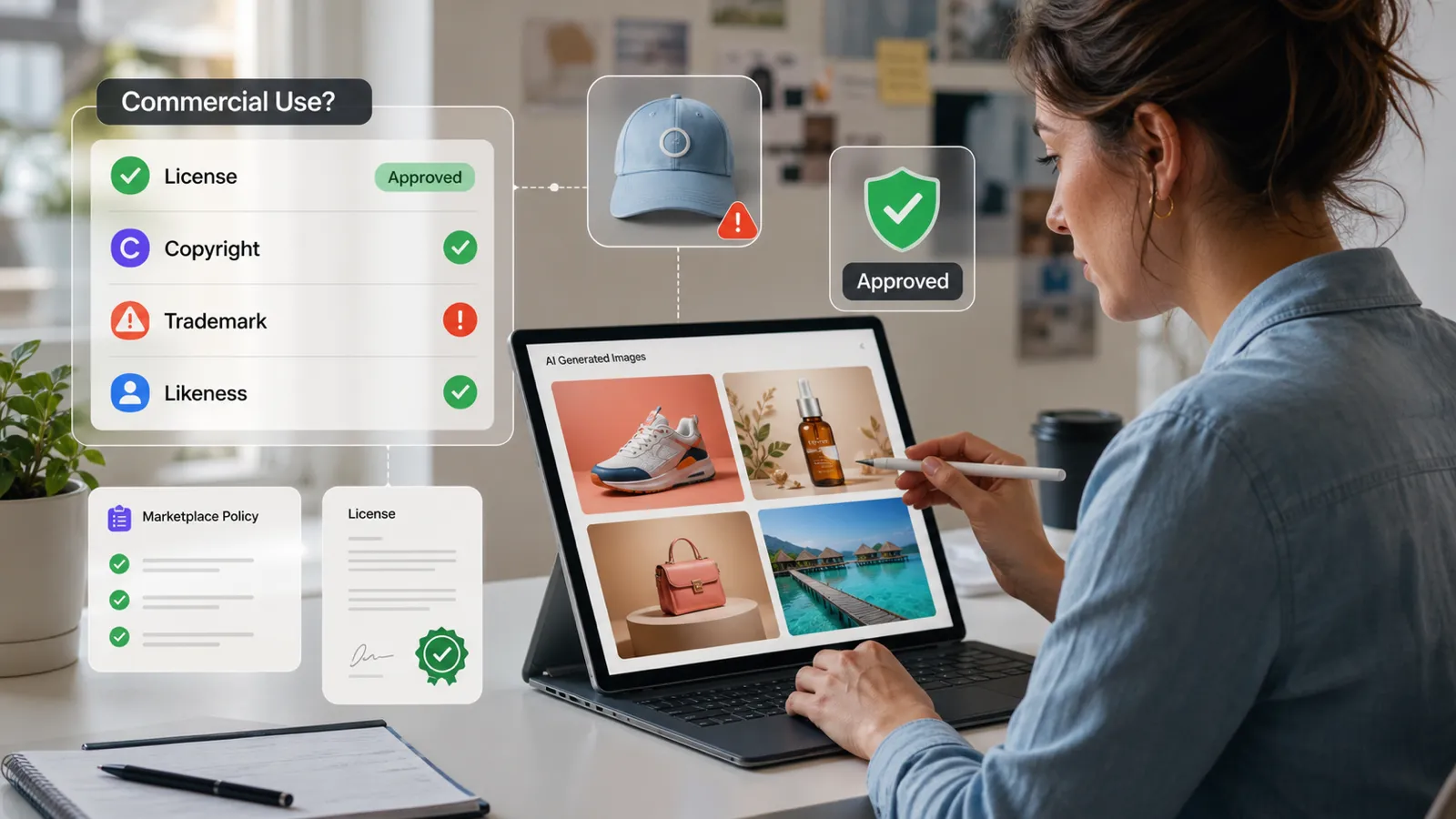
To protect your business from sudden copyright strikes or deactivated storefronts, memorize this absolute rule. You must secure three clear green lights before publishing any synthetic graphic:
- The Platform License: Your specific subscription plan explicitly permits commercial exploitation.
- The Output Review: The visual does not incorporate, mimic, or infringe upon existing brands, copyrighted characters, private individuals, or living artists.
- The Destination Policy: The marketplace, ad network, client contract, or publisher openly permits AI-generated assets for that specific application.
If you hit a red light on even one of these checks, the visual is restricted to internal mood boards, private brainstorming sessions, or conceptual drafts. It is entirely unfit for public-facing business operations.
What is commercial use in the AI era
In digital media, "commercial use" is broadly defined as any application directly or indirectly tied to revenue generation, brand promotion, or professional service delivery. This encompasses:
- Paid advertising creatives (Meta, Google, LinkedIn Ads)
- E-commerce product listings, digital mockups, and packaging layouts
- Monetized YouTube thumbnails and blog header images
- Print-on-demand inventory (apparel, mugs, stickers)
- Client deliverables and agency pitches
- Corporate slide decks, whitepapers, and paid newsletters
Commercial use rights vs. copyright ownership: The hidden trap
This is the absolute baseline of modern IP law that every creator must grasp: Having a commercial license to use an image is completely different from owning the copyright to that image.
Are AI generated images copyrighted?
Under current global legal frameworks, purely AI generated images are not copyrighted. In the United States, the U.S. Copyright Office consistently rules that copyright protection demands human authorship.
While a platform’s terms of service might grant you exclusive usage rights as between you and the tool, you generally cannot stop a competitor from downloading your raw generated graphic and using it on their own website. Because the raw machine output lacks human authorship, it immediately enters the public domain the moment it is generated.
Do I own AI-generated images?
The most accurate answer is: You own the permission to use the asset, but you do not own the legal monopoly over the artwork.
To bridge this gap and secure authentic IP protection, you must inject significant human creativity into the asset. This requires combining generations, executing manual digital painting, altering compositions, or integrating complex typography. A simple text prompt will never grant you legal ownership.
What the major AI image tools say about commercial use
Terms change, so always check the tool's current terms before publishing. As of this draft, here is the practical picture.
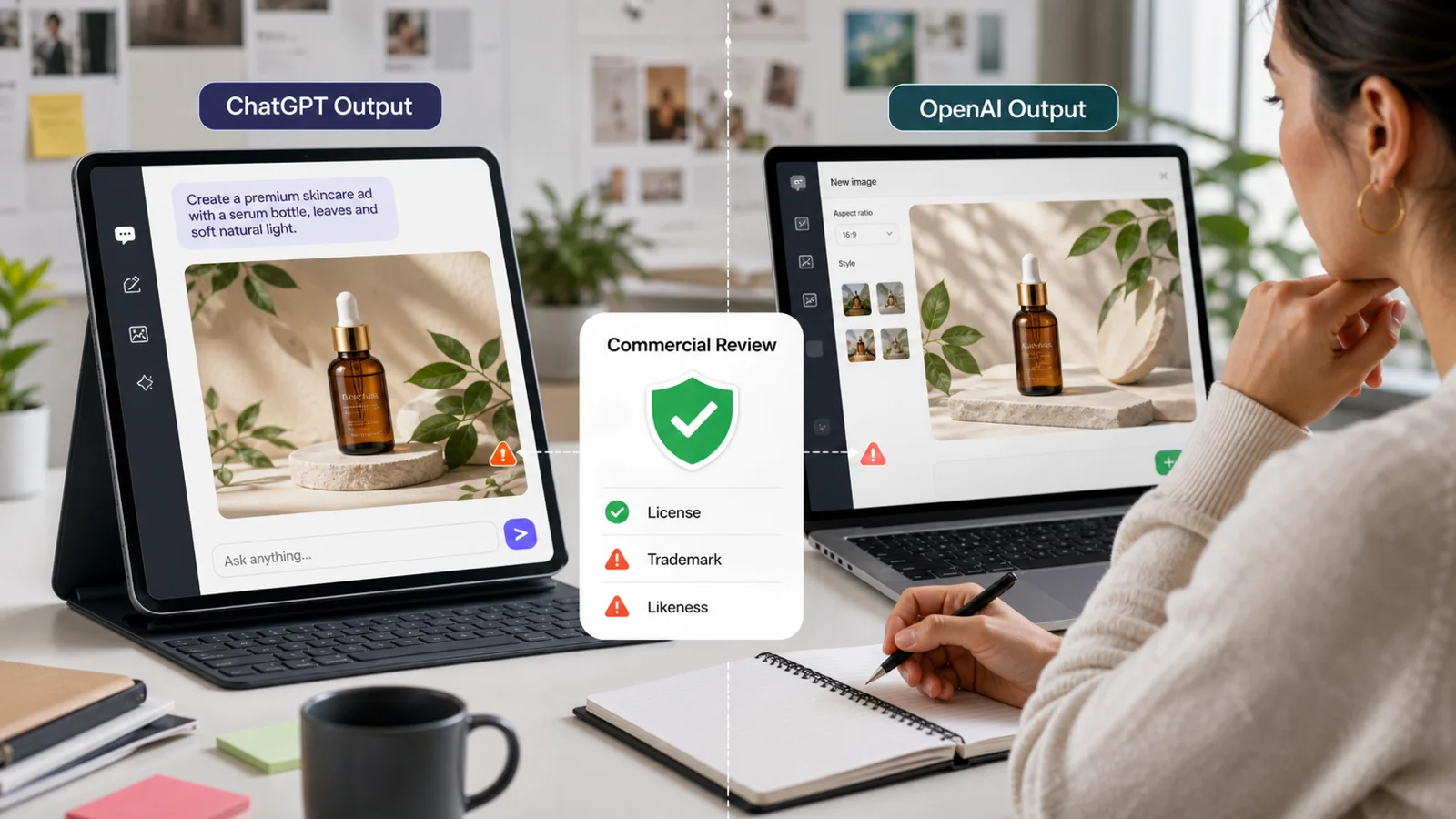
OpenAI's current individual terms say that, as between you and OpenAI and to the extent permitted by law, you own the output and OpenAI assigns its rights in output to you. OpenAI also says output may not be unique, and users must review output for their use case.
Practical meaning: ChatGPT images can often be used commercially, but you still need to check the image for trademarks, copyrighted characters, real people, misleading claims, and client restrictions.
ChatGPT & DALL-E
- The Big Promise: OpenAI hands over the wheel. Their terms state that you own the inputs and outputs, giving you a green light for paid promotions, blogs, and client decks.
- The Hidden Speedbump: Zero exclusivity. ChatGPT can hand your exact visual layout to a competitor who inputs a similar prompt.
- The Legal Trap: Since raw machine outputs lack human authorship, you can't sue someone for stealing them. If DALL-E accidentally hallucinates a protected character or a trademarked logo, OpenAI won’t shield you. You hold 100% of the liability in the wild.
Midjourney
- The Big Promise: Unmatched, hyper-realistic, jaw-dropping visuals that make your brand look like a million bucks.
- The Hidden Speedbump: The Million-Dollar Gate. If your business pulls in over $1,000,000 USD in gross annual revenue, standard plans are off-limits. You must camp out on a Pro or Mega subscription tier to use assets commercially.
- The Legal Trap: The default public feed is a fishbowl. Unless you pay extra for Stealth Mode, other creators can steal, upscale, or tweak your prompts. Audit every graphic to strip away distorted text glitches before launching.
Canva AI
- The Big Promise: The ultimate tool for rapid asset creation. It lets agile marketing teams spin up banners, presentations, and social graphics in seconds.
- The Hidden Speedbump: The Stock Library Entanglement. If your generated graphic merges with Canva’s premium stock elements, your rights get instantly tied up in Canva’s core licensing restrictions.
- The Legal Trap: Standalone resale is a hard no. You cannot package raw generations into digital asset bundles or stock packs for sale. It is perfect for fast marketing layouts, but highly risky for core brand ownership.
Adobe Firefly
- The Big Promise: The holy grail for corporate compliance. Adobe trains Firefly strictly on licensed Adobe Stock, public domain material, and open-source content.
- The Hidden Speedbump: Feature restrictions apply. Commercial safety guarantees only unlock once features move completely out of the beta testing phase.
- The Legal Trap: Adobe offers enterprise clients formal legal indemnification against copyright lawsuits, but it isn't a license to prompt recklessly. Forcing the engine to clone a celebrity face or a competitor's logo completely voids your safety shield.
When AI images are usually low risk
An asset is considered low risk when it is completely generic, highly abstract, and completely disconnected from long-term brand equity or individual identity. Excellent examples include:
- Abstract patterns used as website background textures
- Fictional, stylized landscapes for digital blog headers
- Generic product mockups featuring completely blank labels
- Internal agency pitch decks and conceptual mood boards
- Social media graphics used for immediate engagement that don't represent a specific person
When AI images become highly risky
An asset instantly transitions into a legal liability the moment it inches toward an existing brand, a specific human being, or a protected creative work. Avoid the following pitfalls:
- AI Images and Trademark Risk: Generators frequently hallucinate distorted versions of recognizable logos (like the Nike Swoosh or Apple icon) or proprietary product designs (like the exact silhouette of an iPhone). Deploying these causes immediate trademark infringement.
- AI Images and Likeness Rights: Generating a face that closely resembles a celebrity, influencer, or even a private citizen for a paid advertisement violates their fundamental right of publicity.
- The "In the Style of" Trap: Structuring prompts to directly copy the distinct style of a living, working artist can trigger severe backlash, marketplace bans, and emerging unfair competition claims.
- Client Deliverables: If your contract stipulates that all assets must be "original" or "human-created," passing off AI output constitutes a direct breach of contract.
Monetization & strategy: Distribution channels explained
Can you sell AI-generated images?
Yes, you can sell them, but your success depends on transparency and platform-specific compliance. Selling a fully realized digital print, book cover, or t-shirt design where a synthetic asset was heavily edited, color-corrected, and paired with original typography is widely accepted.
Conversely, dumping thousands of raw, unedited generations onto digital marketplaces as "exclusive stock bundles" will quickly get your account flagged. Marketplaces like Etsy, creative asset libraries, and print-on-demand platforms alter their AI disclosure rules constantly. Always check the destination platform's terms before setting up a storefront.
Can you use AI images in ads?
Yes, but paid advertising demands extreme caution. Regulatory bodies across the globe are heavily cracking down on deceptive advertising practices.
Do not use synthetic visuals in paid campaigns to fabricate fake customer testimonials, simulate misleading "before-and-after" product results, or suggest unverified medical or financial outcomes. If your ad features a realistic human face endorsing a product, ensure it is clearly disclosed or structurally safe from likeness claims.
Can you use AI images on a website or blog?
Yes, this is one of the more common and lower-risk uses when handled carefully. AI images can work well for blog headers, article illustrations, landing page concepts, and background visuals, especially when they are created with a clear prompt using an AI image generator and then reviewed for accuracy, originality, and possible legal issues before publishing.
Still, do not treat website images as throwaway. If your article covers a sensitive topic, a realistic AI image can mislead readers. If your image shows a fake person, label it when needed. If the image looks like a real event, real product, or real expert, make sure the page does not confuse users.
For SEO, use clear alt text that describes the image. Do not stuff the keyword into every image. A good alt text example would be:
AI-generated product mockup reviewed for commercial use rights
A bad alt text example would be:
can you use ai generated images commercially ai generated images commercial use ai image copyright
Can you use AI images for client work?
Yes, but only when the client agreement allows it.
This is where many freelancers and agencies get into trouble. A platform may allow commercial use, but your client contract may say that all work must be original, exclusive, fully owned by the client, or created without AI tools. If you use AI anyway, the issue is not only copyright. It becomes a contract and trust problem.
For client work, add a short rights note before delivery:
Generated and edited using AI tools under commercial-use terms; reviewed for visible trademarks, recognizable people, copyrighted characters, and misleading endorsement risk.
Also keep a record of:
- Tool used
- Plan type
- Date generated
- Prompt or creative brief
- License or terms page checked
- Human edits made
- Final review notes
That record will not solve every legal issue, but it shows you had a careful process.
Can you use AI images for logos?
Usually, you should not use a raw AI-generated image as a final logo.
A logo needs to be distinctive, ownable, consistent, and protectable. AI images may not be unique, and another user could generate something similar. Trademark law is different from copyright law, but a logo still needs to function as a source identifier for your goods or services.
A safer workflow is:
1. Use an AI image generator for moodboards and rough visual ideas, not as the final trademark-ready logo..
2. Have a designer create an original logo from scratch.
3. Run trademark searches.
4. Keep design files and revision history.
5. Register the mark if it becomes important to the business.
AI can help with logo direction. It should not be the whole brand foundation.
The ultimate compliance checklist for digital creators
Before you upload, print, or deliver any image touched by artificial intelligence, run through these twelve critical checkpoints:
- Tool License: Does your current subscription tier explicitly grant commercial rights?
- Freshness Audit: Have you reviewed the platform's terms of service within the last 90 days?
- Prompt Cleansing: Did your text prompt completely avoid brand names, characters, living artists, and celebrities?
- Trademark Scan: Is the graphic completely free of accidental logos, branded tags, or unique product silhouettes?
- Copyright Check: Does the output look suspiciously similar to an existing movie poster, video game asset, or classic photograph?
- Likeness Verification: Could a real person look at this face and reasonably argue it copies their identity or likeness?
- Claims Review: Does the visual imply an unrealistic product result, artificial endorsement, or false fact?
- Marketplace Alignment: Does your target sales platform (Etsy, Amazon, Shutterstock) permit AI content in this specific category?
- Contractual Clearance: Does your client agreement or agency contract openly allow AI-assisted creative workflows?
- Human Direction: Have you altered the asset via digital painting, layout shifts, or typography to introduce true human authorship?
- Chain of Provenance: Have you archived the generation date, software version, exact prompt, and license receipt for your legal records?
- Risk Assessment: Is this a high-stakes asset (like a primary company logo) that requires an intellectual property attorney's sign-off?
Quick answers by use case
Can I use AI images on my website?
Yes, usually, if the tool allows commercial use and the image is not misleading or infringing.
Can I use AI images in YouTube thumbnails?
Yes, but avoid celebrity lookalikes, fake events, misleading screenshots, and copyrighted characters.
Can I use AI images for a book cover?
Often yes, but check the generator license, publisher rules, and whether the cover includes protected characters, brands, or real people.
Can I sell AI art prints?
Usually yes if the platform allows it and the artwork is original enough, but raw AI outputs may have weak copyright protection.
Can I use AI images for product packaging?
Be careful. Packaging is a long-term commercial asset. Use legal review if the product has scale.
Can I use AI images in a logo?
Use AI for ideas, not as the final logo. A logo needs stronger originality and trademark clearance.
Can I upload AI images to stock websites?
Only if the stock site allows AI content and you follow its disclosure, quality, and release rules.
Can I use AI-generated people in ads?
Not safely if they look like real people or imply endorsement. Use model releases for real people and clear labeling for synthetic people when required.
FAQs
Yes, you can usually use AI generated images commercially if the tool's terms allow commercial use and the final image does not violate copyright, trademark, likeness, marketplace, advertising, or client-contract rules.
Pure AI-generated images may not receive full copyright protection in the United States unless there is enough human authorship in the final work. Human selection, arrangement, editing, and creative additions may be protectable, depending on the facts.
OpenAI's current terms say that, as between you and OpenAI and to the extent permitted by law, you own output. That does not guarantee the image is unique or free from every third-party rights issue, so review it before commercial use.
Generally yes, but check your plan and the current Midjourney terms. Businesses with more than USD 1,000,000 in gross revenue need a Pro or Mega plan for company commercial use.
Canva allows outputs to be used for lawful purposes under its AI Product Terms, but use is at your own risk, outputs may not be unique, and special rules apply when licensed Canva content is involved.
Often yes, but only if the generator allows commercial resale, the marketplace permits AI content, and the design does not include protected brands, characters, real-person likenesses, or copied artwork.









