

Building a brand used to be a long and expensive process. You had to wait weeks and pay high fees to get a design. Today, everything is different. You can now create a unique look for your business in the time it takes to drink a cup of coffee. This is possible because of AI logo generators.
The world of design is changing fast, and the numbers show why. According to a report by Market.us, the global AI logo generator market is expected to grow to over $2 billion by 2033.
This is happening because these tools help new business owners save money. While hiring a professional designer can cost hundreds or even thousands of dollars, an AI tool can give you a great look for as little as $20.
It is not just about saving money; it is also about speed. Data from SEO Sandwich shows that using AI to design a logo is 88% faster than old methods. In fact, over 1.2 million new logos are created using AI platforms every single month. Whether you are starting a new blog, a YouTube channel, or a local shop, these tools help you look ready for business from day one.
What is an AI logo generator?
Definition: An AI logo generator is an online tool that uses smart technology to create a logo for your business using your name, industry, and style choices.
How does it work?
AI logo generators follow simple design rules to build your logo. Here is how they work easily:
- The AI looks at millions of professional logos that it is trained on. It learns which colors, fonts, and layouts look good together and which styles suit different types of businesses.
- Next, you enter your business name and choose the kind of look you want. The AI uses this information to find logo styles that match your industry.
- The AI quickly mixes icons, fonts, and colors to build many different options. Instead of drawing from scratch, it layers these pieces together based on design rules to give you several choices in seconds.
- After that, you can pick the best one according to you and edit it further for more customization.
Top 12 AI logo generators
There are basically two types of logo generators: (1) prompt-based and (2) question-based. In this section, we will be exploring 12 of the best AI logo generators; a few of them will be prompt-based, and a few will be question-based.
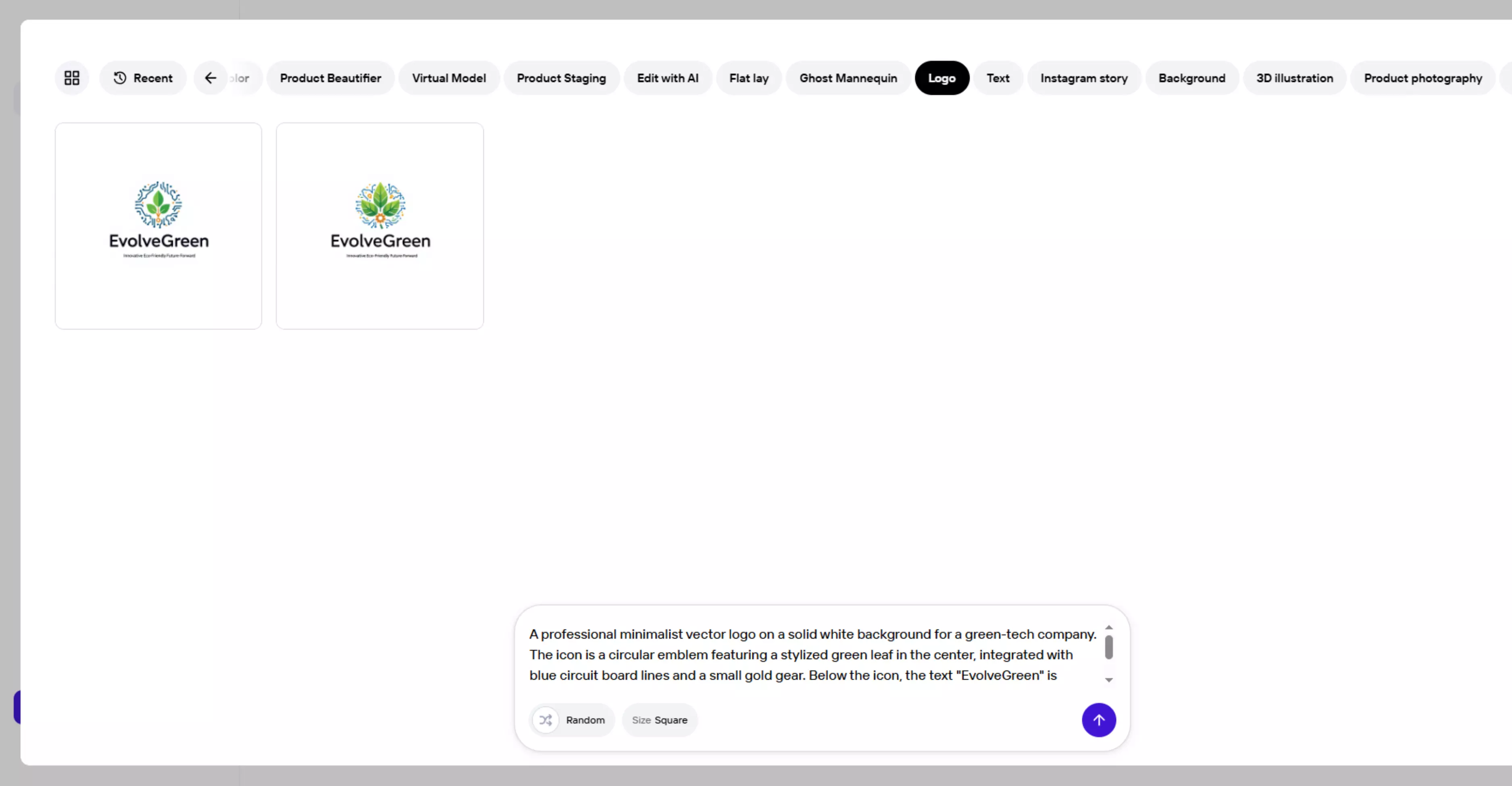
In prompt-based AI logo generators, you simply have to enter the prompt, and the tool will automatically create the logo. In this blog, I have given the same prompt to every prompt-based logo generator.
Prompt used—"A “professional minimalist vector logo on a solid white background for a green-tech company. The icon is a circular emblem featuring a stylized green leaf in the center, integrated with blue circuit board lines and a small gold gear. Below the icon, the text "EvolveGreen" is written in a clean sans-serif font, with the tagline "Innovative • Eco-Friendly • Future-Forward" underneath. Flat design, high contrast, geometric precision, 2D, professional aesthetic.”
In question-based logo generators, most of the questions asked by the tools are usually common. Common questions include :
- Business name and slogan
- Industry and style
- Fonts, color, and icons
1. Pixelbin logo maker

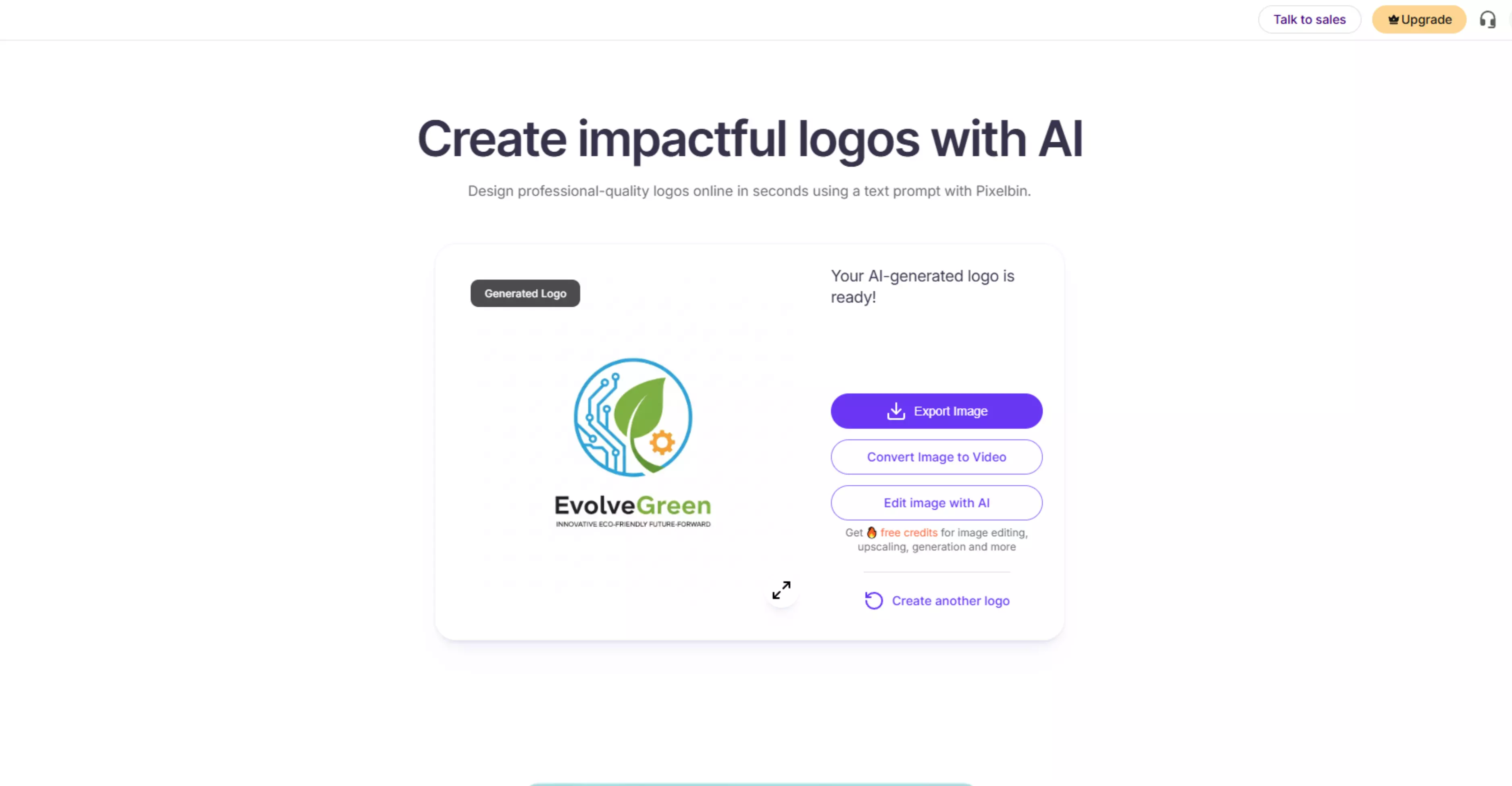
It is an online AI logo generator that helps you create professional-looking logos quickly and easily. You don’t need to know design skills to use this tool. Just enter the detailed and clear prompt and tap on “Generate.”
Below, I have mentioned the screenshot from the website to give you a clear idea of how to use it and what kind of output it generates. Now, let us find out what the benefits of using this prompt-based tool are and what the pricing policy is.
Benefits
- No design skills needed: Great for startups, small businesses, freelancers, and personal brands.
- Fast results: Skip the lengthy design process and get quality logos in moments.
- High-resolution downloads: Logos are downloadable in HD quality for use across platforms.
- Part of a broader AI toolkit: Pixelbin also offers other visual AI tools (image editing, background removal, and enhancers), making it useful beyond just logos.
Pricing
- Free plan - You get three free credits each month that let you try the tools before buying more.
- Lite Plan - Approx $6/month (billed yearly) for a package of credits.
- Pro Plan - Approx $21/month (billed yearly) for more credits.
- Enterprise Plan - Custom pricing for large or heavy usage needs.
How to make logo with Pixelbin
Image 1: Enter a detailed and clear prompt.
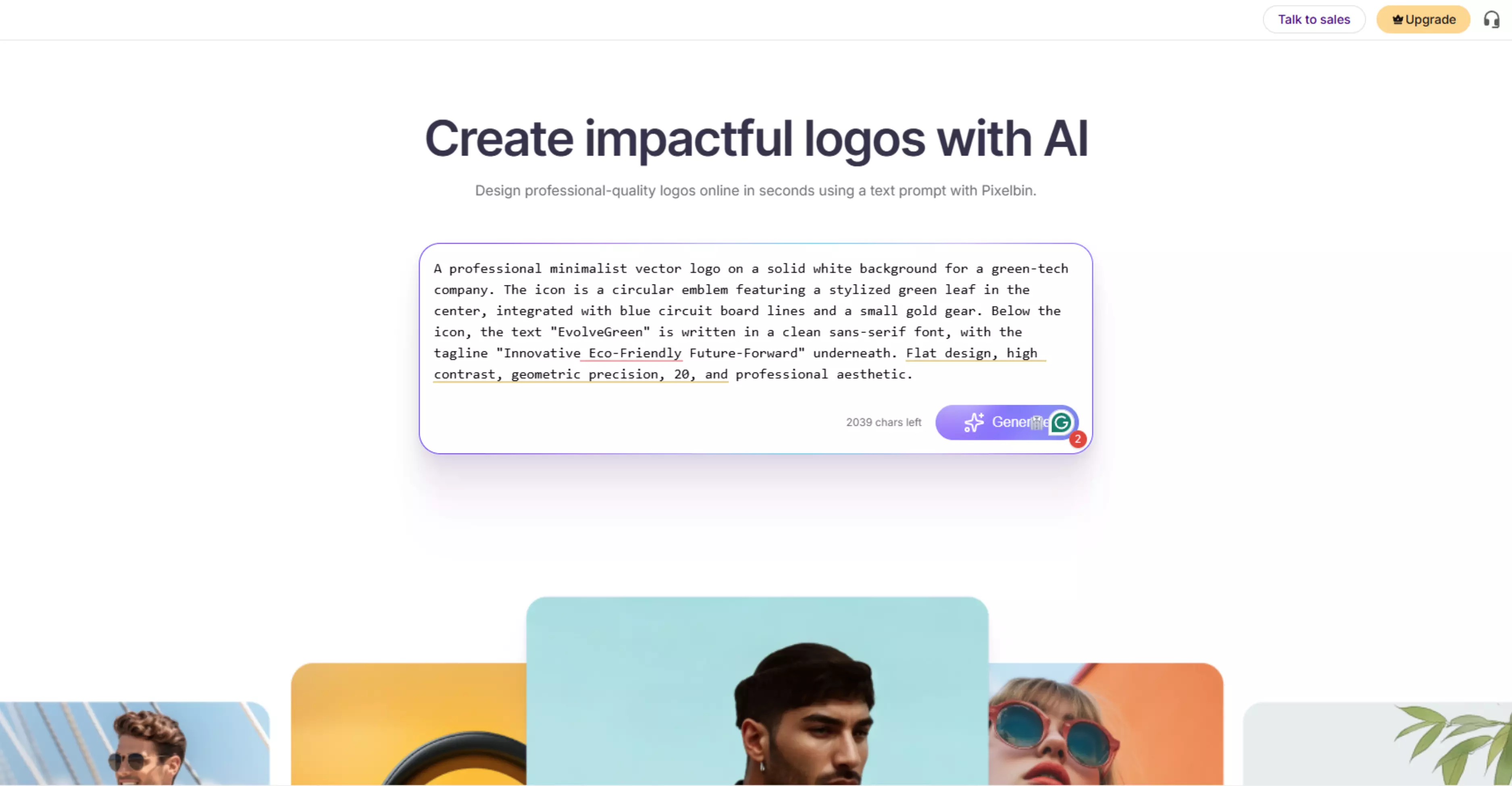
Image 2: The tool has generated the logo based on the given prompt.
2. Logo.com
It is a question-based logo generator tool. You will be asked several questions related to your business and the logo you want to make.
Once you have answered all the queries, it will generate multiple templates for you to pick from. You can pick from those templates and edit further if you want to make it look more customized. Below, I have mentioned the benefits of using it and its pricing policy.
Benefits
- Easy logo creation: You can use Logo.com to make custom logos fast and easily without any design skills. The AI tool generates many logo ideas after you enter your business name and industry.
- Free logo design option: You can create and download at least one logo for free with the basic plan.
- Unlimited logo ideas: You can explore lots of logo designs until you find one you like.
- High-resolution downloads: Logos can be downloaded in high quality and used on websites, social media, print materials, and more.
- Customizable designs: You can change colors, fonts, icons, and other elements to make your logo look just right.
- Branding tools: Paid plans include extra tools like brand kits, business cards, website builder, and social media graphics.
Pricing
- Free Plan—You can design and download at least one logo for free.
- Pro for new businesses – $0.24/month
Image 1: Enter your business name. For example - EvolveGreen.
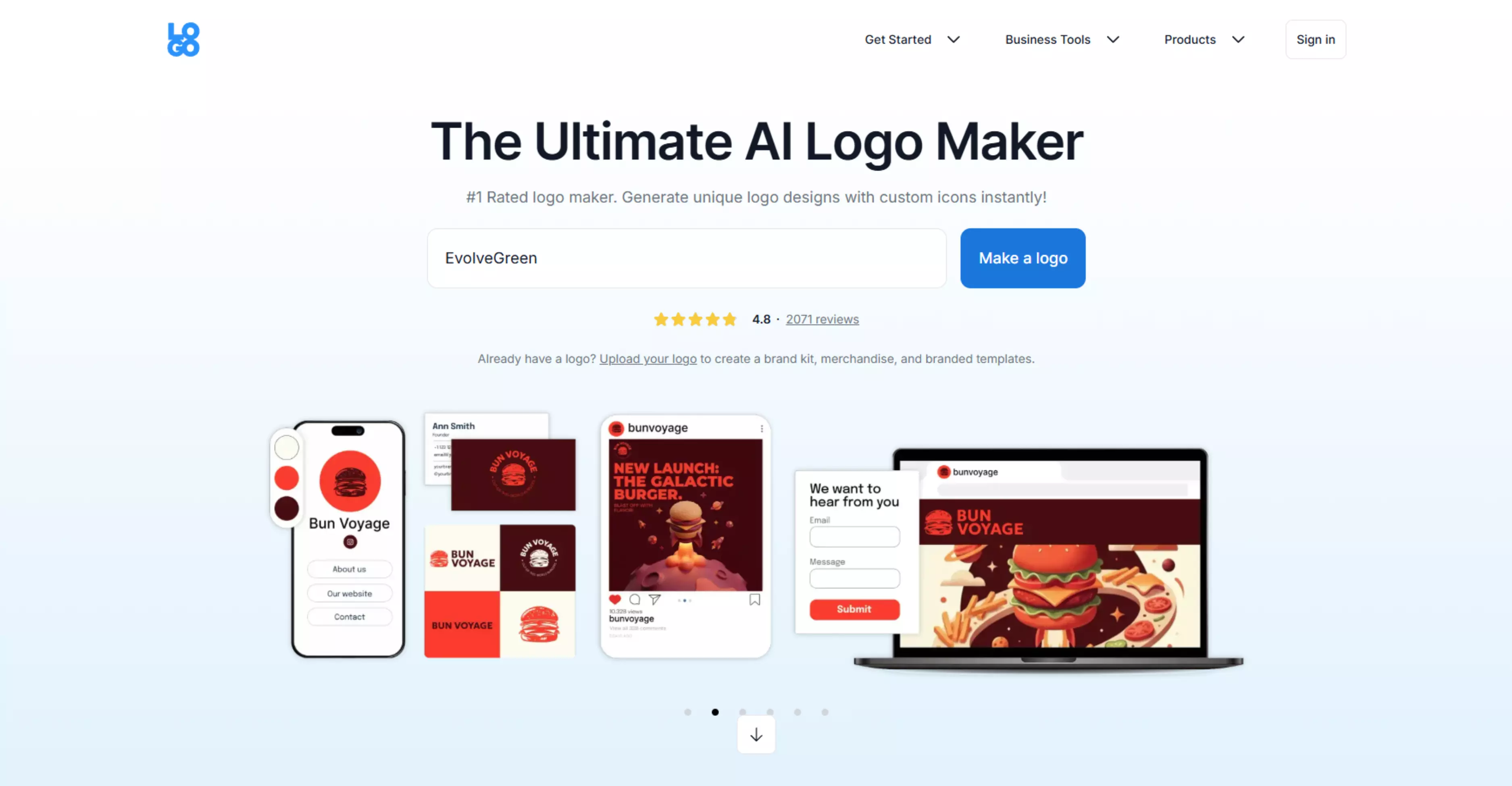
Image 2: You will also be asked about industry, symbol, who the owner is, which stage your business is in, and much more. Finally, the tool will generate multiple templates. Pick the one you like and edit for more customization.
3. LogoAI
LogoAI is an online logo maker and brand-building platform that helps you create a professional logo and matching brand assets in one place. You can generate logo ideas for free, customize the design, and only pay when you want to download the final files.
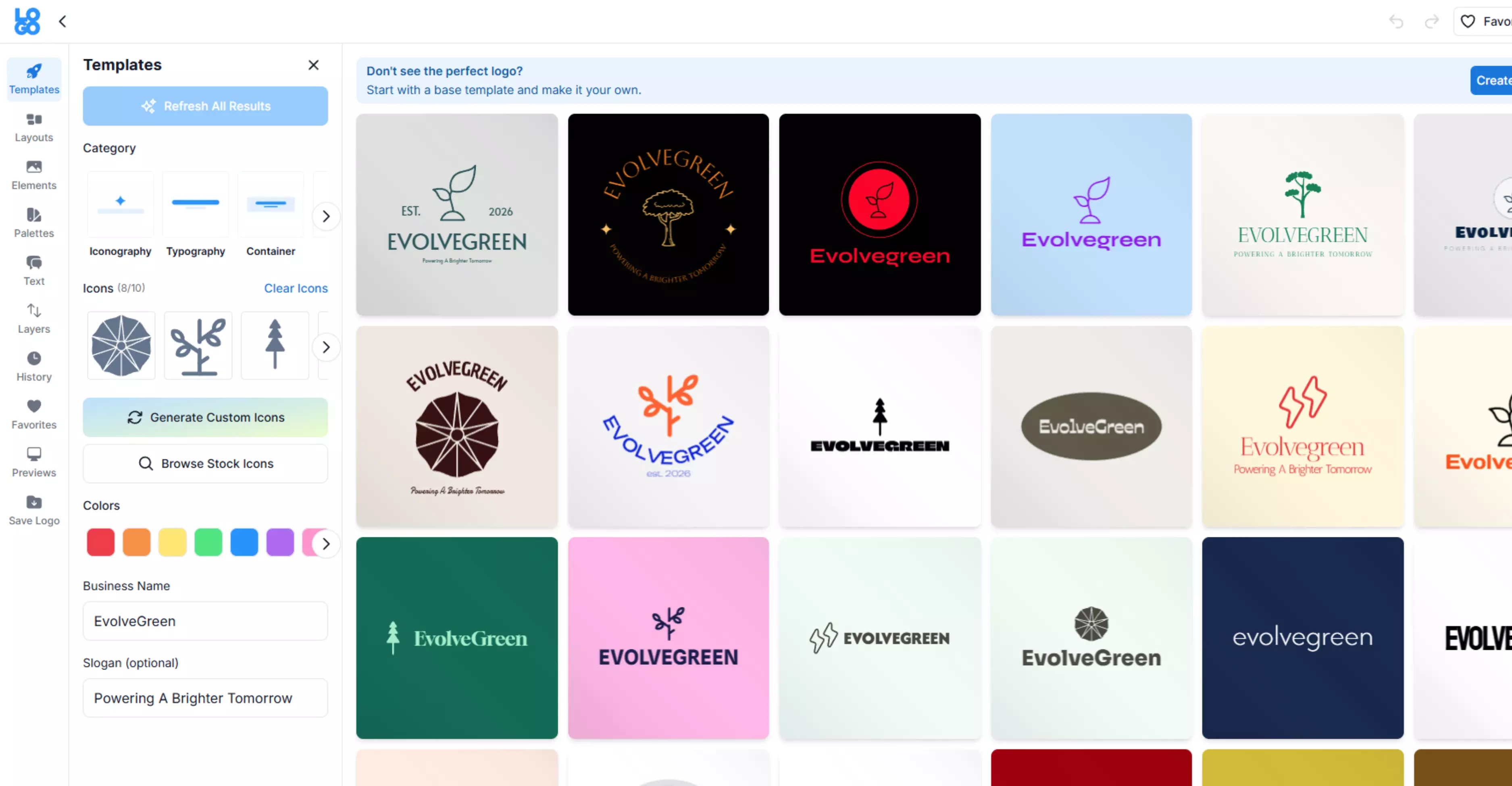
It is a question-based logo generator, so a user will have to answer several questions, such as industry type, style of the logo, etc., and then click "Generate." Refer to the screenshots attached below to get more clarity on how to use the tool.
Benefits
- You can create logos quickly by entering your brand name and style preferences, then editing fonts, colors, symbols, and layout in the editor.
- You get a complete download package for real use, including high-resolution files and formats like JPG, transparent PNG, PDF, and vector.
- It is built for brand consistency, so you can create matching identities and automate branded content for promotion beyond just the logo.
- It is a one-time purchase, not a subscription, and you keep access to your logo download center after purchase.
Pricing
- Basic package starts at $29 and is best if you only need a logo for your website or social media.
- The Pro package is $59 and is recommended if you need to print your logo.
- The brand package is $99 and is meant for complete branding assets, not just the logo files.
Image 1: Enter your logo name and slogan.
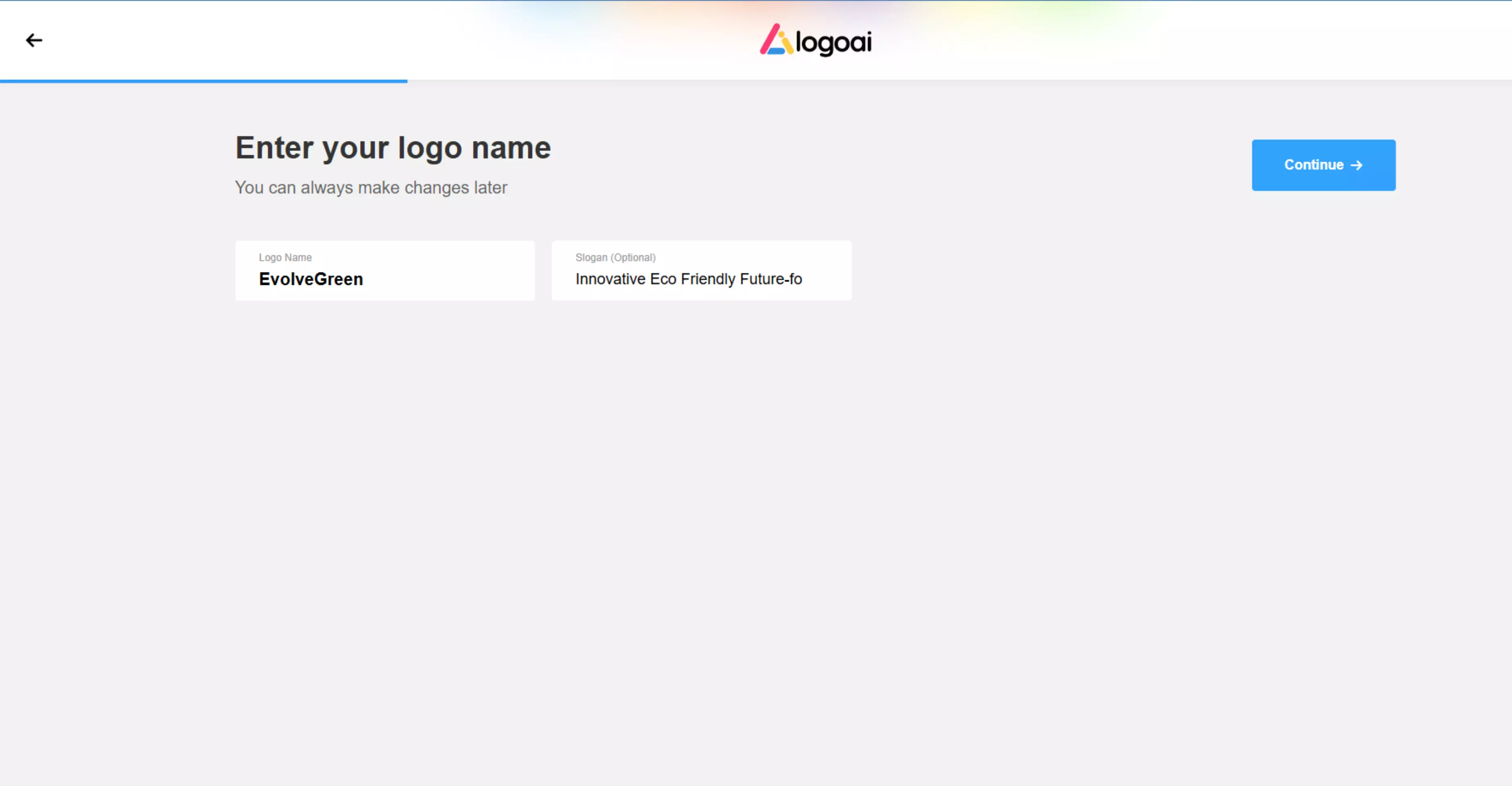
Image 2: The tool will generate several logo templates. Download it or edit further for more customization.
4. Logomaster.ai
This is an online AI logo maker that helps you create professional logos quickly and easily without knowing any design skills. It is also a question-based AI logo maker where you will have to provide information such as your business name, industry, and style preferences, and it lets you customize them before downloading. Below, I have shown the steps on how to use it, what its benefits are, and its pricing policy.
Benefits
- Easy to use: The interface is simple for beginners, so no design experience is needed.
- Fast results: You get professional logo options in a matter of minutes.
- Customizable designs: You can adjust every part of the logo to fit your brand.
- High-quality files: Logos can be downloaded in formats suitable for web and print.
- Affordable: It’s cheaper than hiring a human designer, and you pay only for the files you want.
Pricing
- Logomaster.ai lets you design for free and only charges when you want to download the finished logo files.
- Basic one-time purchase—$39
- Premium one-time purchase—$99
- Enterprise one-time purchase—$159
Image 1: Click on “Create your logo now” and select logo category (personal branding, startup, online shops, organization & communities).
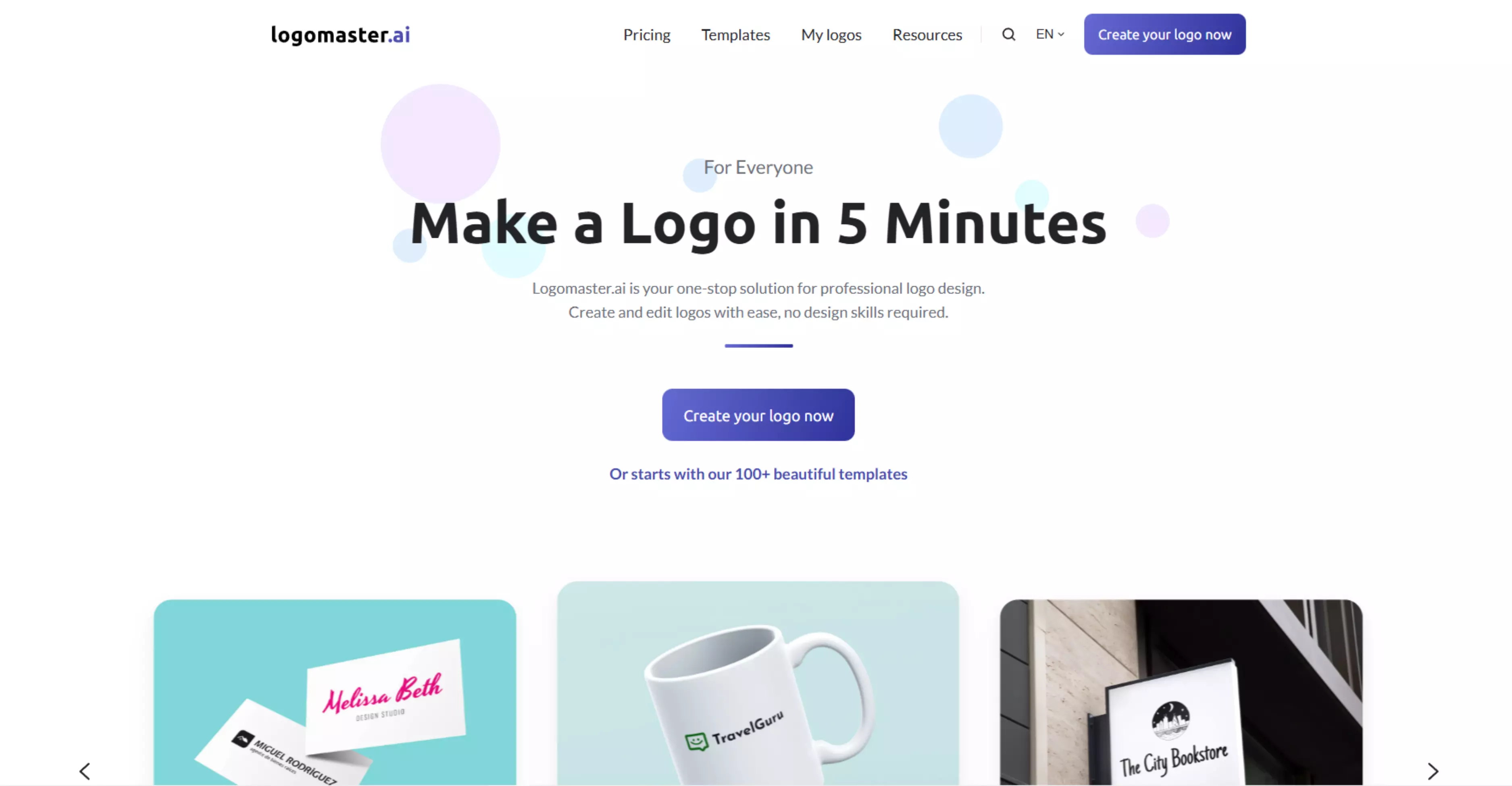
Image 2: Then, there are four more steps to follow, as shown in the above image. Do as per your need.
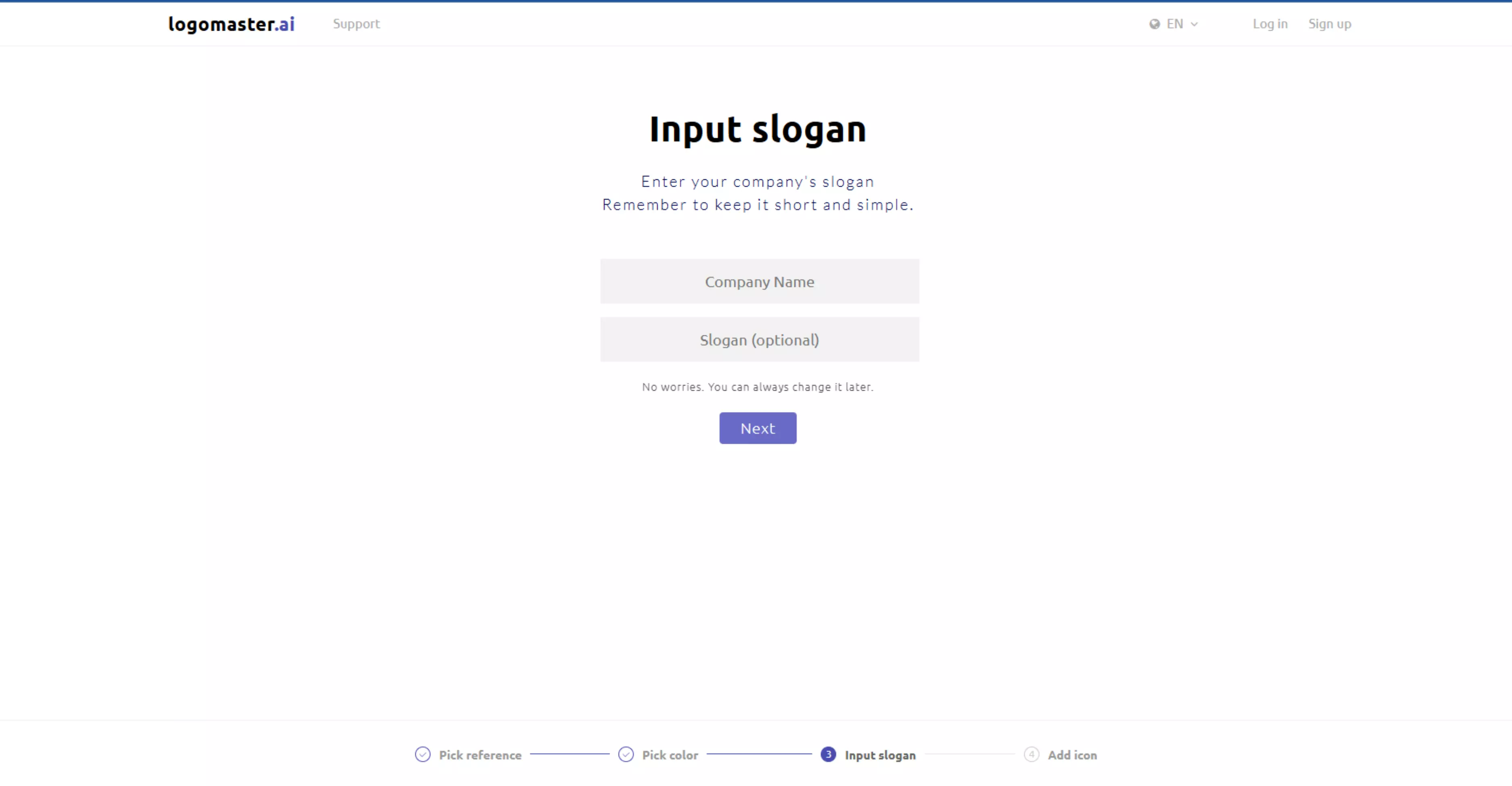
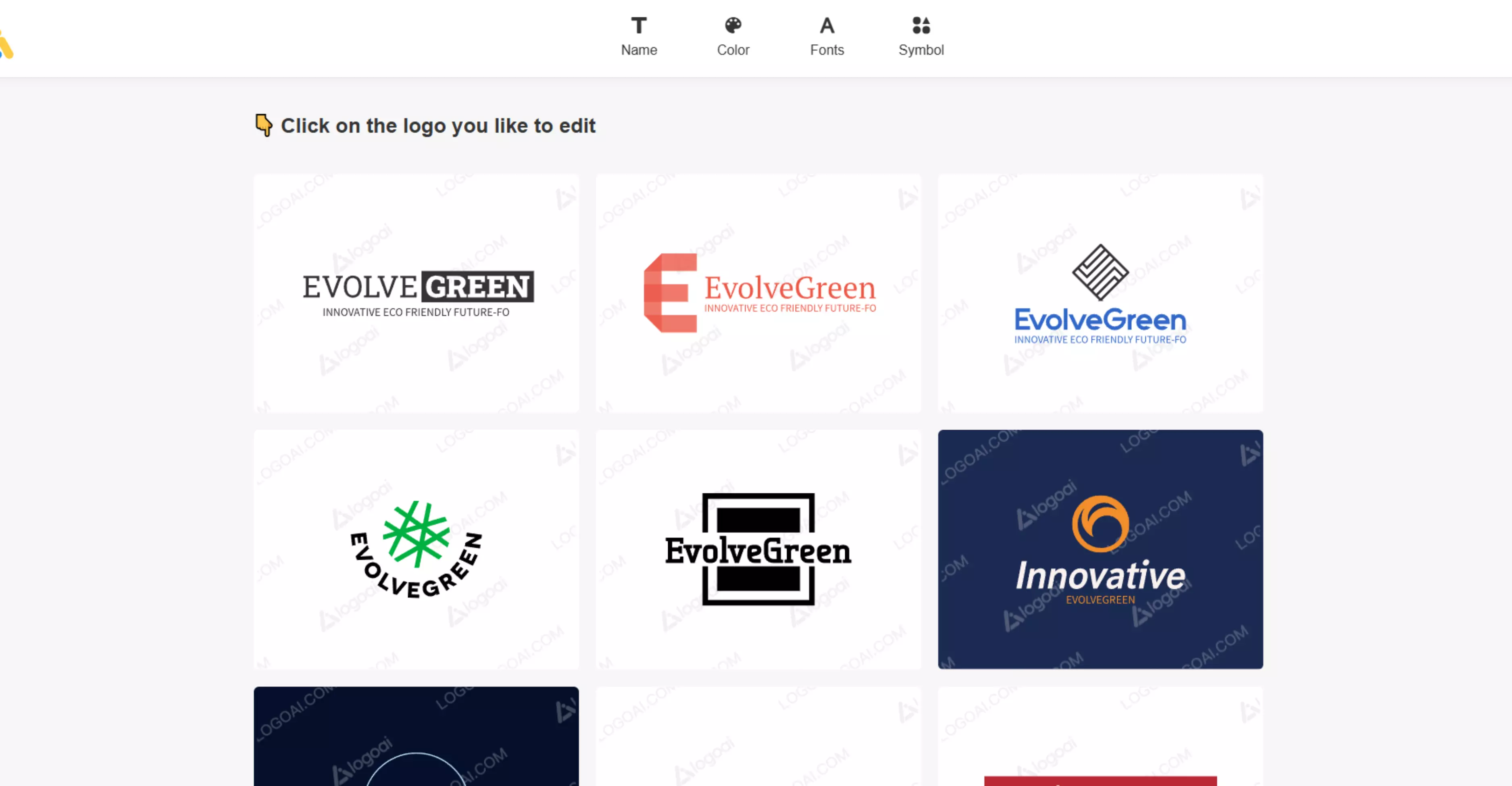
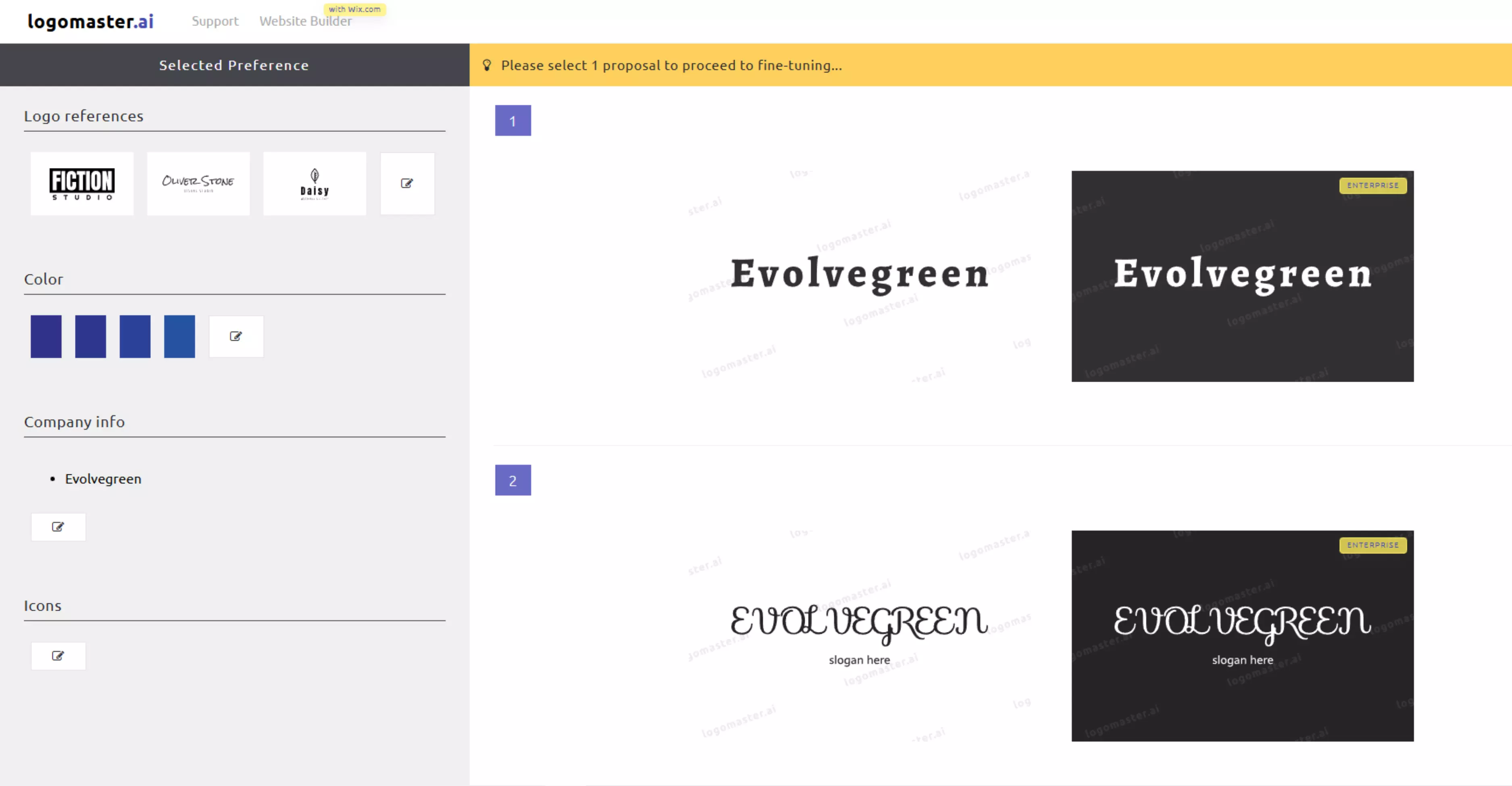
Image 3: The tool will generate multiple templates; pick the best you like and edit further for more customization.
5. Google Gemini
Google Gemini is an AI tool that can help you generate logo concepts by creating and editing images from prompts, even if you have no design experience. You have to enter a detailed and clear prompt to get a favorable outcome.
You only need to describe your business name, colors, and the style you like. Gemini understands your words and turns them into logo ideas. It also suggests suitable fonts, icons, shapes, and color combinations that match your brand.
Benefits:
- Easy to use: You can simply type or speak your questions—no technical skills required.
- All-in-one AI: It combines writing, research, creativity, and analysis in a single tool.
- Saves time: Gemini helps automate tasks like summarizing documents, drafting content, planning projects, and generating visuals.
- Works with Google apps: It boosts productivity by integrating with Gmail, Docs, Sheets, Slides, and other Google services.
Pricing
- Free tier—You can use core AI features, with daily limits on prompts and basic research.
- Google AI Pro—$19.99/month. This plan replaces the former "AI Premium" plan.
- Google AI Ultra—$249.99/month. $249.99/month. This is a high-tier plan for professionals featuring Deep Research, video generation with Veo 3.1, and 30 TB of storage.
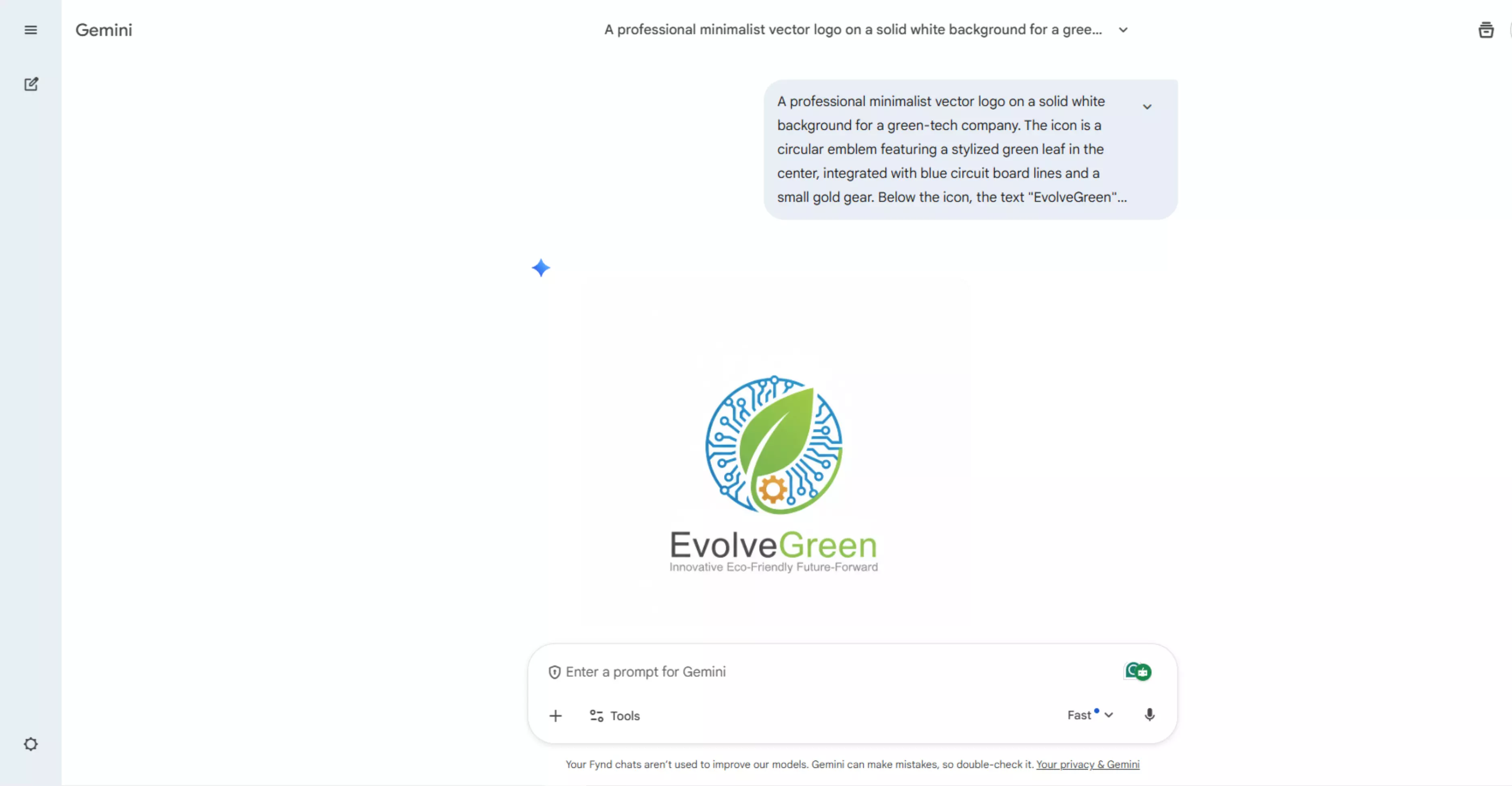
Image: Google Gemini has generated the logo as per the prompt entered.
6. ChatGPT
ChatGPT turns your words into creative logo ideas using AI. You only need to type your business name, what your business does, the colors you like, and the style you want.
ChatGPT then gives you logo ideas, color suggestions, shapes, and font styles that match your brand. You can ask it to make your logo modern, simple, fun, or professional. Based on what you say, it changes the logo ideas until you like the result.
Benefits
- Helps with many tasks: ChatGPT can assist with writing, learning, planning, coding, research, summarizing information, etc.
- Multimodal tools: ChatGPT supports text, images, and file uploads, so you can ask it to analyze documents, photos, and generate answers.
- Works across languages: ChatGPT can respond in many languages and can understand and translate text.
Pricing
- Free Plan—Everyone gets basic access to ChatGPT with limited usage, enough for simple tasks, questions, and casual use.
- ChatGPT Plus—$20/month: Gives access to more advanced AI models (like GPT-5), faster responses, higher limits for messages and uploads.
- ChatGPT Pro—$200/month. Local currency pricing may vary by platform/region.
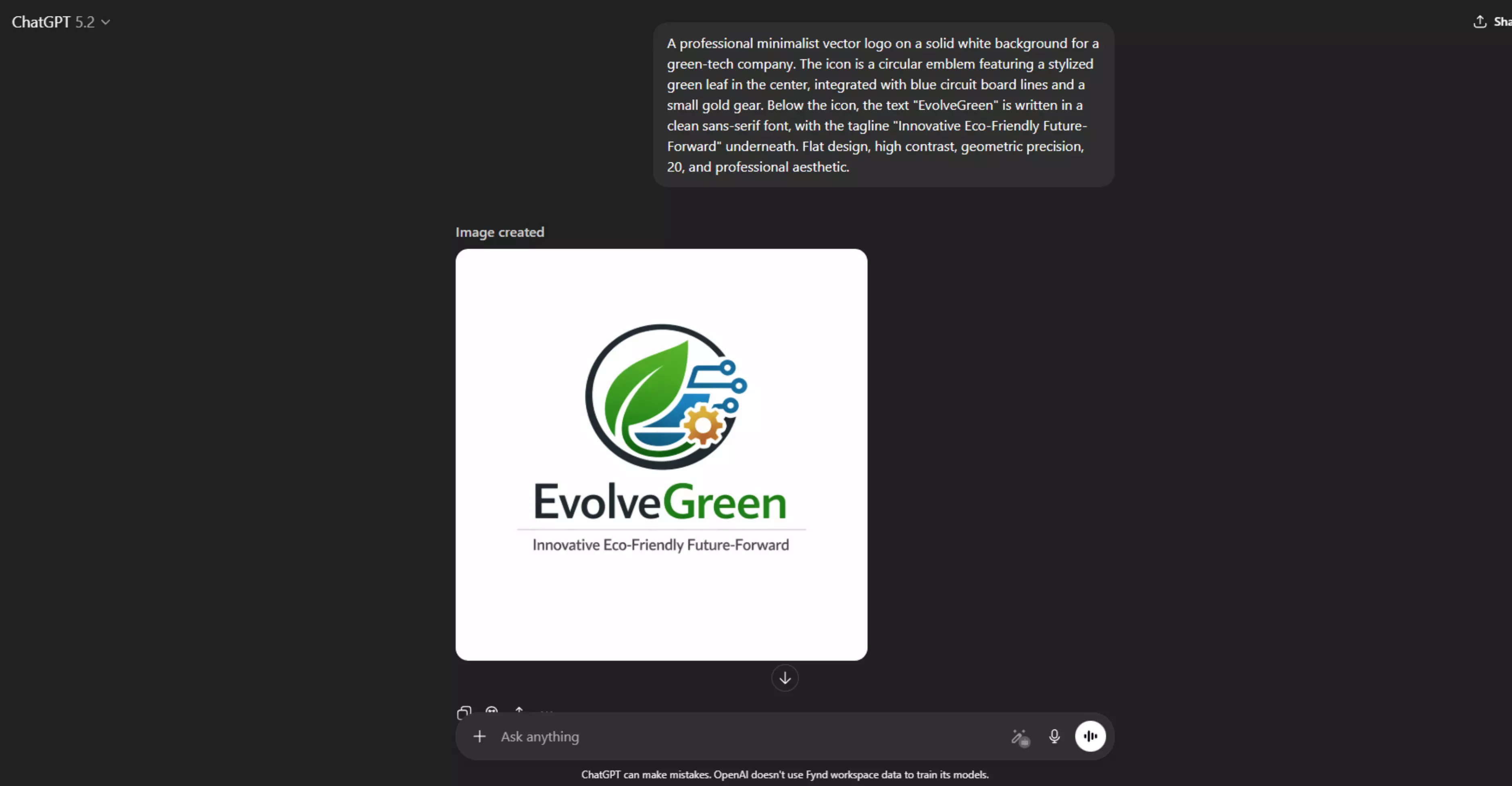
Image: ChatGPT has generated the logo based on the given prompt.
7. Shopify
Shopify logo maker (formerly called Hatchful) is a free online logo maker developed by Shopify. It helps entrepreneurs, startups, and small businesses create professional-looking logos quickly and easily without design skills.
You can use it even if you don’t have a Shopify store. It’s a guided (question-based) logo maker that recommends styles based on your brand name and industry. Below, I have shown the steps to use it along with its benefits and pricing policy.
Benefits
- Easy for beginners: You don’t need any design experience to create a good logo.
- Completely free: You can design and download logos at no cost, making it ideal for small businesses on a budget.
- Templates for all industries: Hatchful offers many logo styles and templates tailored to different types of businesses.
- Customizable designs: You can easily adjust colors, fonts, and layouts to match your brand’s look.
- Ready-to-use files: You receive logo images that work on websites, social media, and print materials.
Pricing
- Hatchful is completely free to use.
- You can create, customize, and download your logo for $0—no subscription or hidden fees.
Image 1: Write your brand name. For example, EvolveGreen.
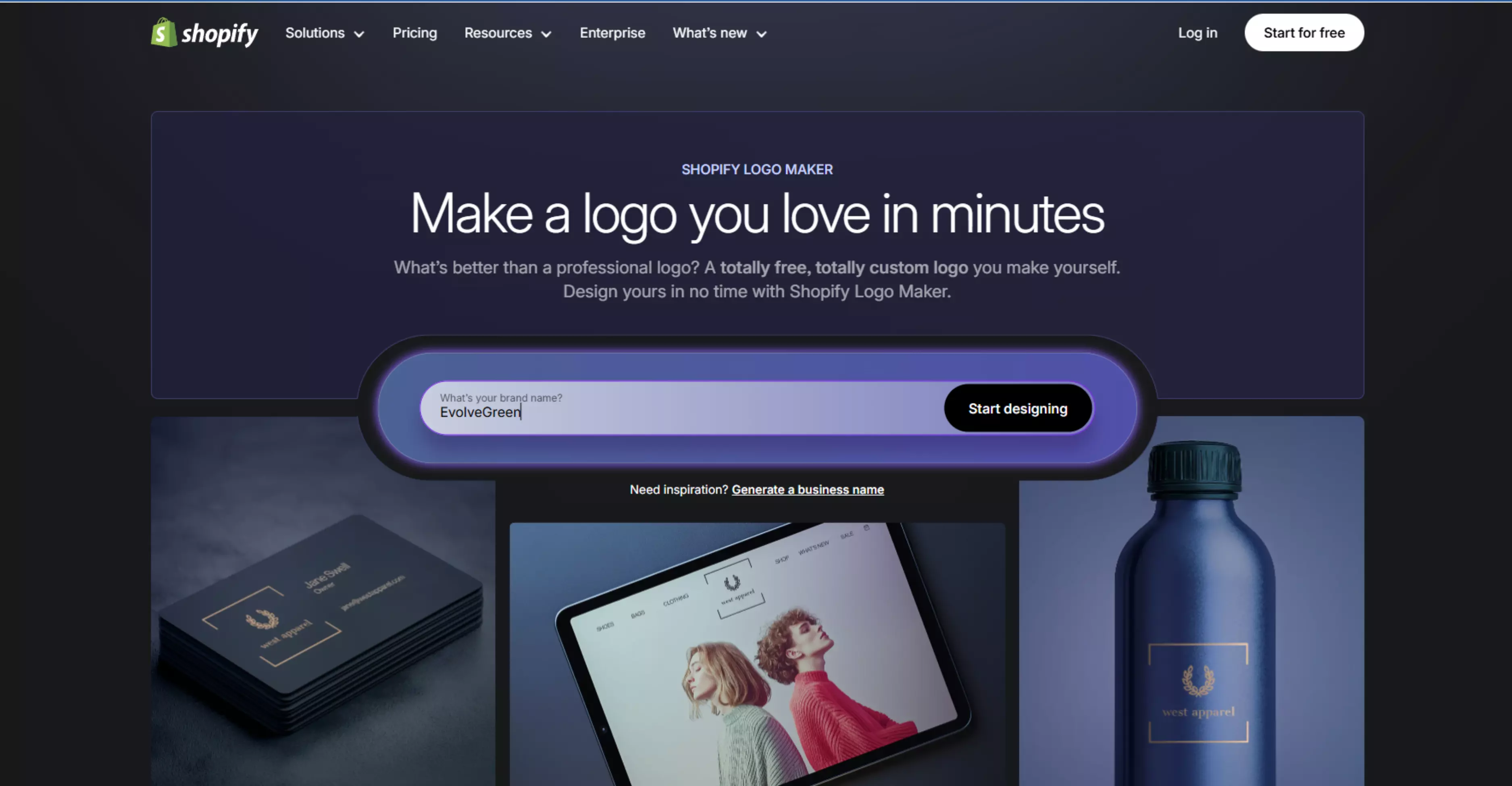
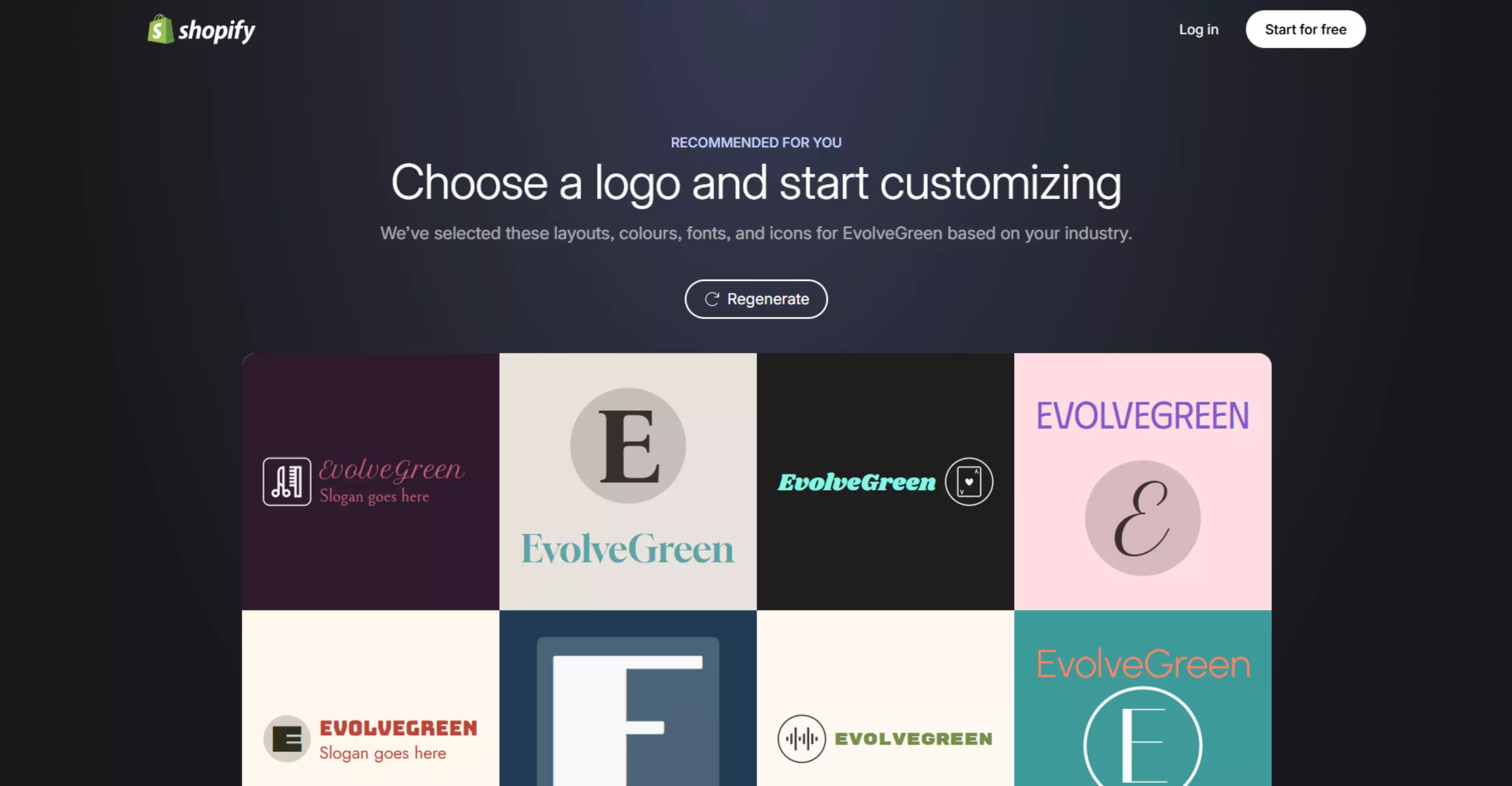
Image 2: Answer a few of the questions (brand name, industry type, icon, color, etc.) to get a customized logo.
8. Turbologo
Turbologo is an online AI tool that helps you make logo ideas using your company name, business type, and style. You enter your details, pick your favorite colors and symbols, and the tool shows many logo designs.
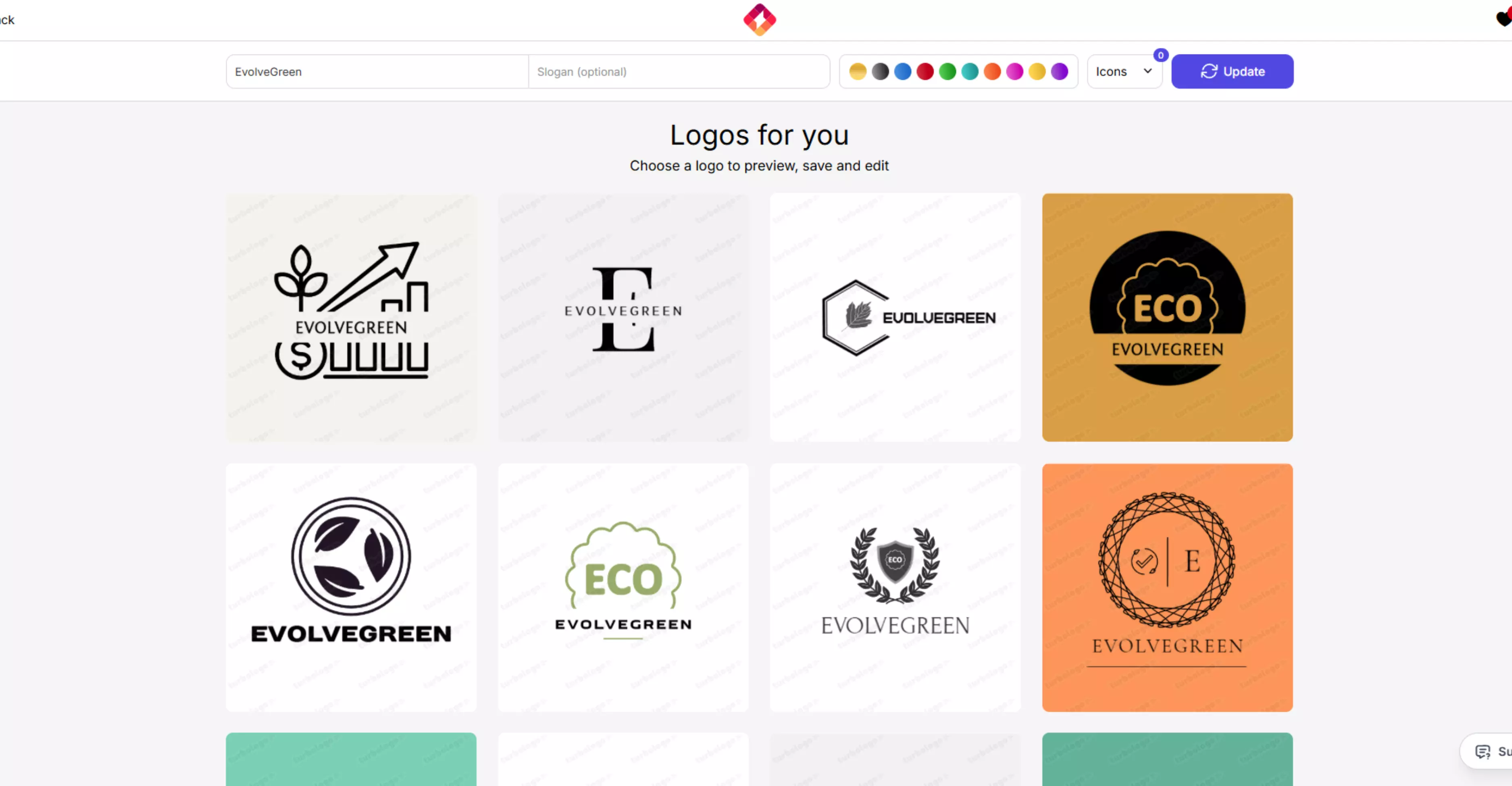
You can easily change and edit these designs in your web browser. Below, you can see the logo it created from the given details. You can also check its benefits and pricing plans.
Benefits
- No design skills are needed because the tool guides you through quick steps and offers ready logo options to customize.
- You can edit fonts, colors, icons, and layout easily, so your logo matches your brand style.
- You can download high-resolution files for online use, and higher plans include vector files for print use.
- You can also get extra brand assets like business card designs, social media kit, and brand guidelines, depending on the plan you choose.
- Turbologo states you get full ownership and copyright for the logo you create.
Pricing
- Lite: $19.99 (3-month access)/$29.99 (1-year access)
- Standard: $39.99 (3-month)/$59.99 (1-year)
- Business: $79.99 (3-month)/$119.99 (1-year)
Image 1: Choose the industry type, choose from several logo templates, choose the color, and choose the icon for your logo.
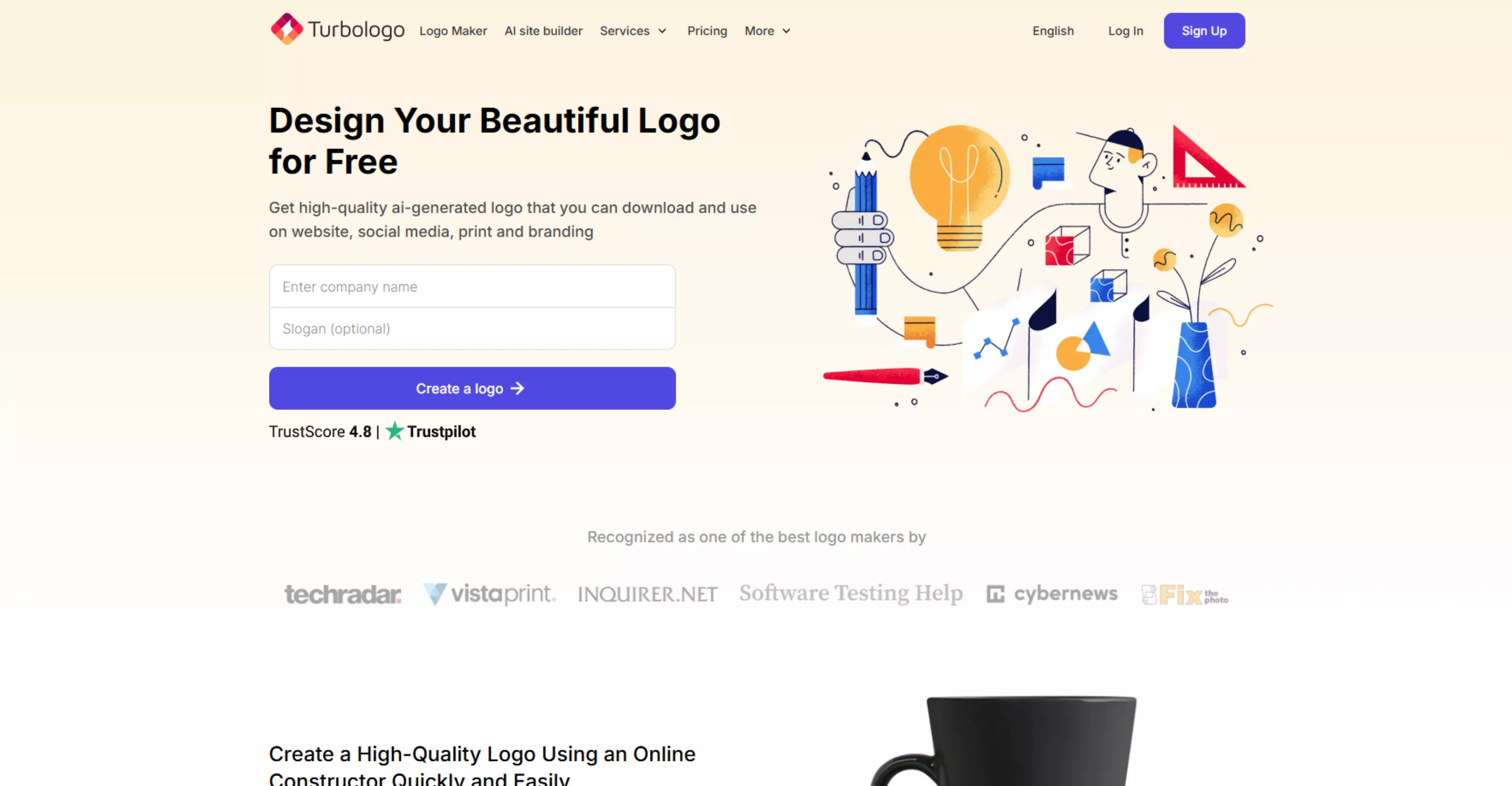
Image 2: Choose from multiple templates and edit further for more customization.
9. Free logo design
Free Logo Design is a website that helps you make your own logo online. It has a simple editor and many ready designs to choose from.
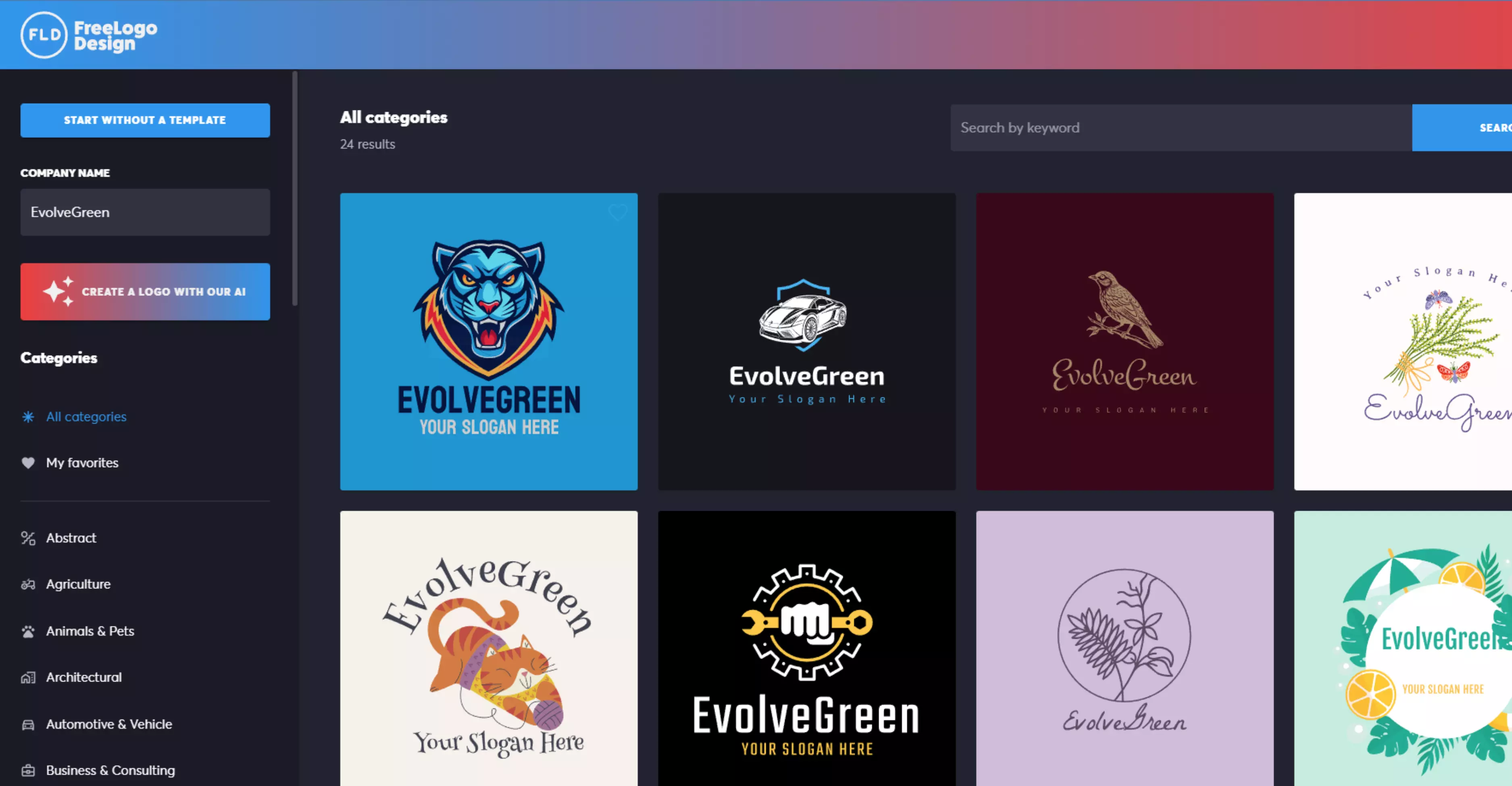
You just enter your business name, pick a design, and change the colors, fonts, icons, and shapes. You do not need any design skills. Below, you can see the logo it created from the given details, along with its benefits and pricing policy.
Benefits
- Free to start: You can create and download a logo for free. The free logo is in PNG format (200×200 pixels), which is good for websites, profiles, and signatures.
- Easy to use: The logo maker is simple and works even if you have no design skills. You can make your logo in minutes.
- Lots of templates: It has many logo templates for different business types, so you can find one you like easily.
- Customizable: You can change fonts, colors, shapes, text, and icons to make your logo unique.
- No account needed: You can create and download your logo without signing up, though creating an account makes saving and editing easier.
Pricing
- Basic plan: $59 USD.
- Premium plan: $85 USD.
- Custom logo design service is available for $299 USD.
Image 1: Enter the brand name. For example, EvolveGreen.
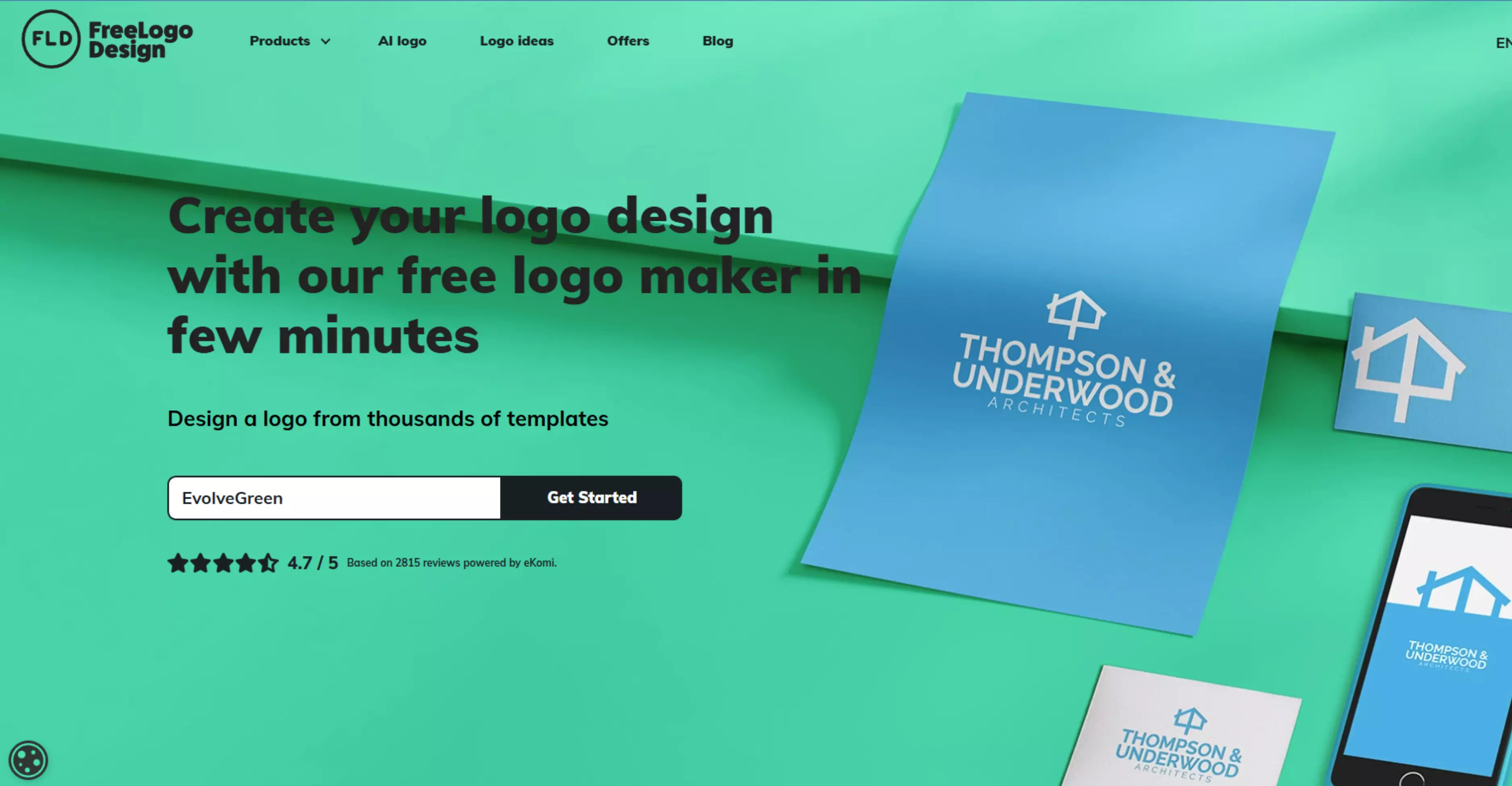
Image 2: Like other tools, here also you have to answer a few of the queries regarding your industry type, color, icon, etc., to get output. This is an output tool that has been generated for the brand name EvolveGreen.
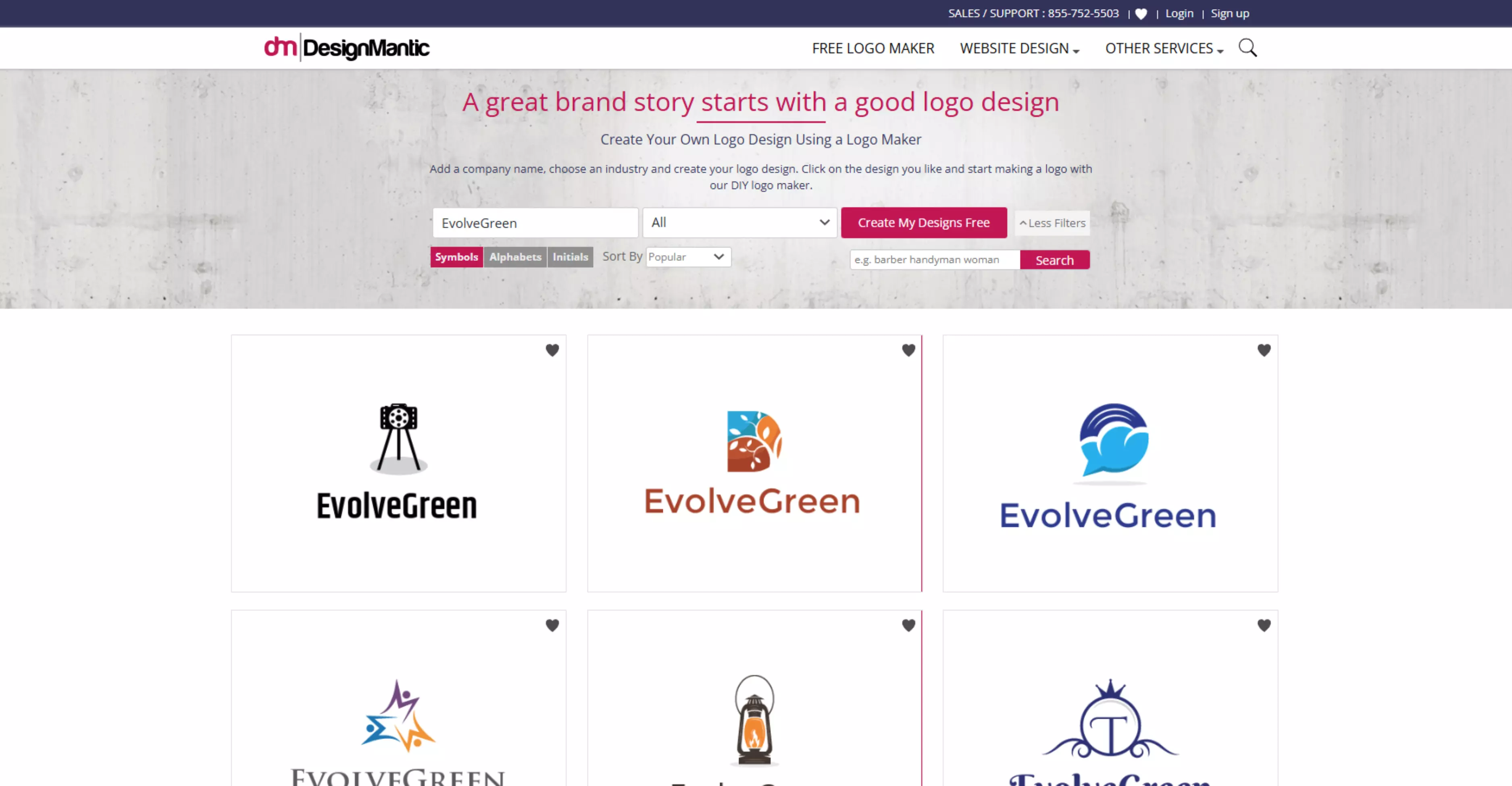
10. DesignMantic
DesignMantic is an online logo maker and graphic design tool that helps you create logos and other brand materials like business cards, flyers, stationery, and social media graphics.
You can design logos yourself using thousands of templates and then customize them before downloading. You only pay when you are ready to download the final logo files. Check out below to find out how the tool has generated output for a given input, along with its benefits and pricing policy.
Benefits
- Easy to use: The interface is simple and guides you step-by-step through logo creation, so you don’t need design experience.
- Many templates: You get hundreds of industry-specific logo styles to choose from, which helps you find the right look faster.
- Customizable designs: You can change text, icons, fonts, and layout until the logo fits your brand vision.
- Branding tools: Beyond logos, you can design business cards, flyers, social media graphics, and other branding materials that match your logo.
- Only pay when you decide: You can design as many logos as you like for free and only pay when you finalize and download the logo you want.
- Fast results: You can create and finalize a professional logo in about 10 minutes.
Pricing
- It follows—design for free, pay only when you download
- If you like your final logo, you can buy the download for $37
- DesignMantic also offers custom logo design services starting from $47
Image 1: Enter the name of the company and industry type. For example. – Company – EvolveGreen, industry – Green tech.
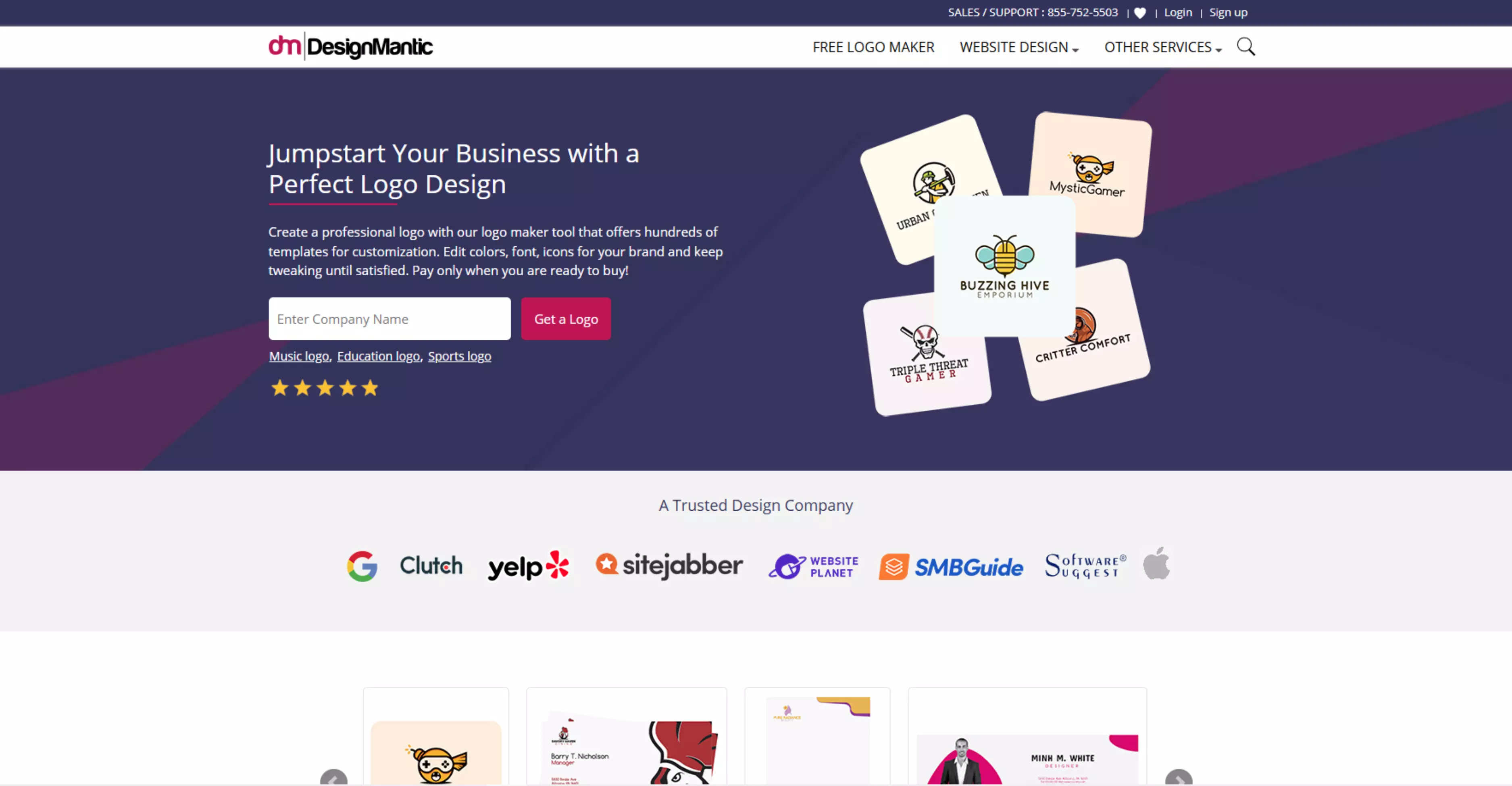
Image 2: Based on the given input, the tool has generated several templates for EvolveGreen that can be edited further.
11. Photoroom
Professional design made easy. Use AI to create high-quality visuals instantly, no experience required. It works on the web and mobile apps, letting you edit photos, remove backgrounds, enhance images, and even create product visuals and logos.
Its tools are especially helpful for e-commerce sellers, content creators, social media managers, and small business owners who want high-quality images without expensive software or photoshoots.
Benefits
- Easy and fast editing – You can remove backgrounds and create polished product photos instantly.
- Professional results without experience – AI tools help your photos look like they were edited by a pro.
- Great for e-commerce and social media – Perfect visuals help boost sales and engagement.
- Works on any device – You can edit pictures on a desktop or a mobile.
- Save time at scale – Batch editing and automation speed up workflows for large image collections.
- Millions of users around the world use PhotoRoom to make product photos, social content, and marketing visuals quickly and easily.
Pricing
- Free plan - Good for casual users and experimentation.
- Pro plan - Available weekly, monthly, or yearly—e.g., $9.99/month or discounted annually.
Image: The tool has generated a logo based on the given prompt.
12. Logopony
Logopony is an AI logo maker that helps you create professional logos easily, even if you do not know design. It uses smart technology to mix fonts, icons, colors, and layouts to make logo designs that match your business. You can create and try logo ideas for free. You only need to pay when you want to download your final logo files.
Benefits
- Easy and beginner-friendly: The interface is simple, so anyone can create logos without prior design experience.
- Unlimited edits and lifetime access: After purchase, you can edit and re-download your logo anytime with no extra fees.
- Complete branding assets: Many plans include a full set of logo files for web, print, social media, business cards, and more.
- Full ownership: You receive full copyright and commercial rights for your logo after purchase.
- Affordable one-time cost: You pay once and get lifetime access—no subscriptions or recurring fees.
Pricing
Basic package - $20, Lifetime access, and unlimited edits.
Premium package - $60, Unlimited edits and re-downloads with full ownership rights.
Image 1: Enter the brand name.
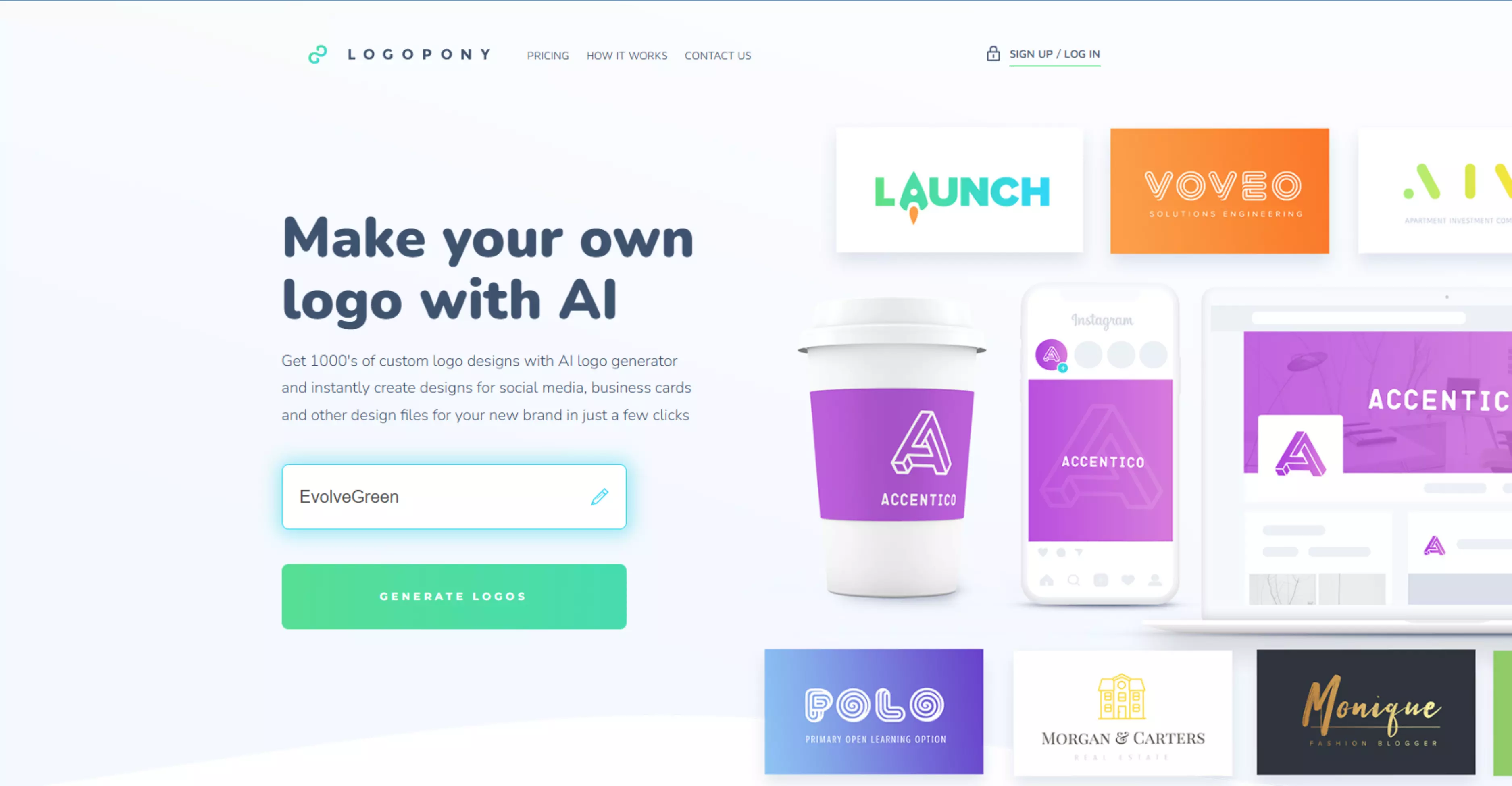
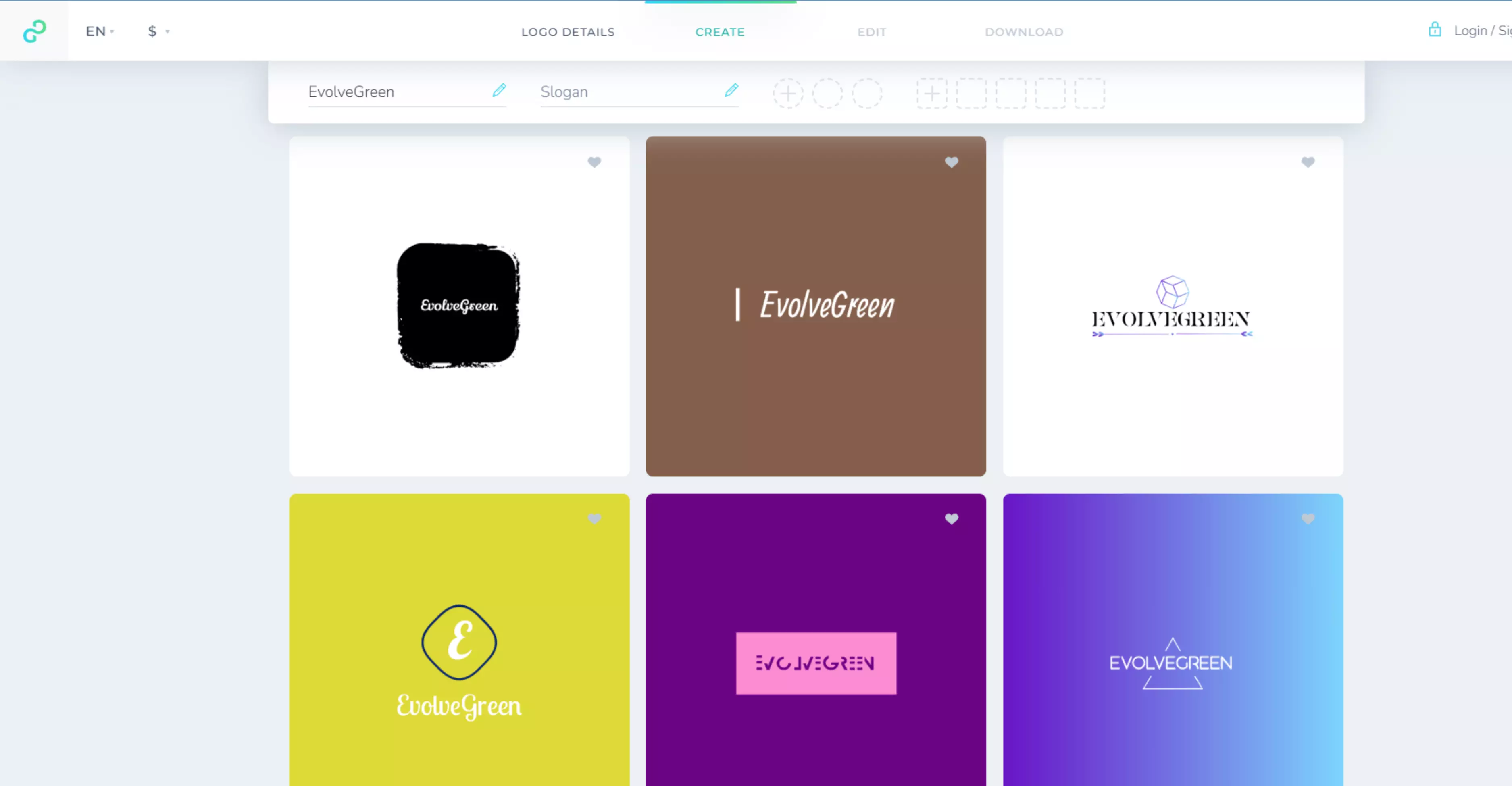
Image 2: Give details on the company’s slogan.
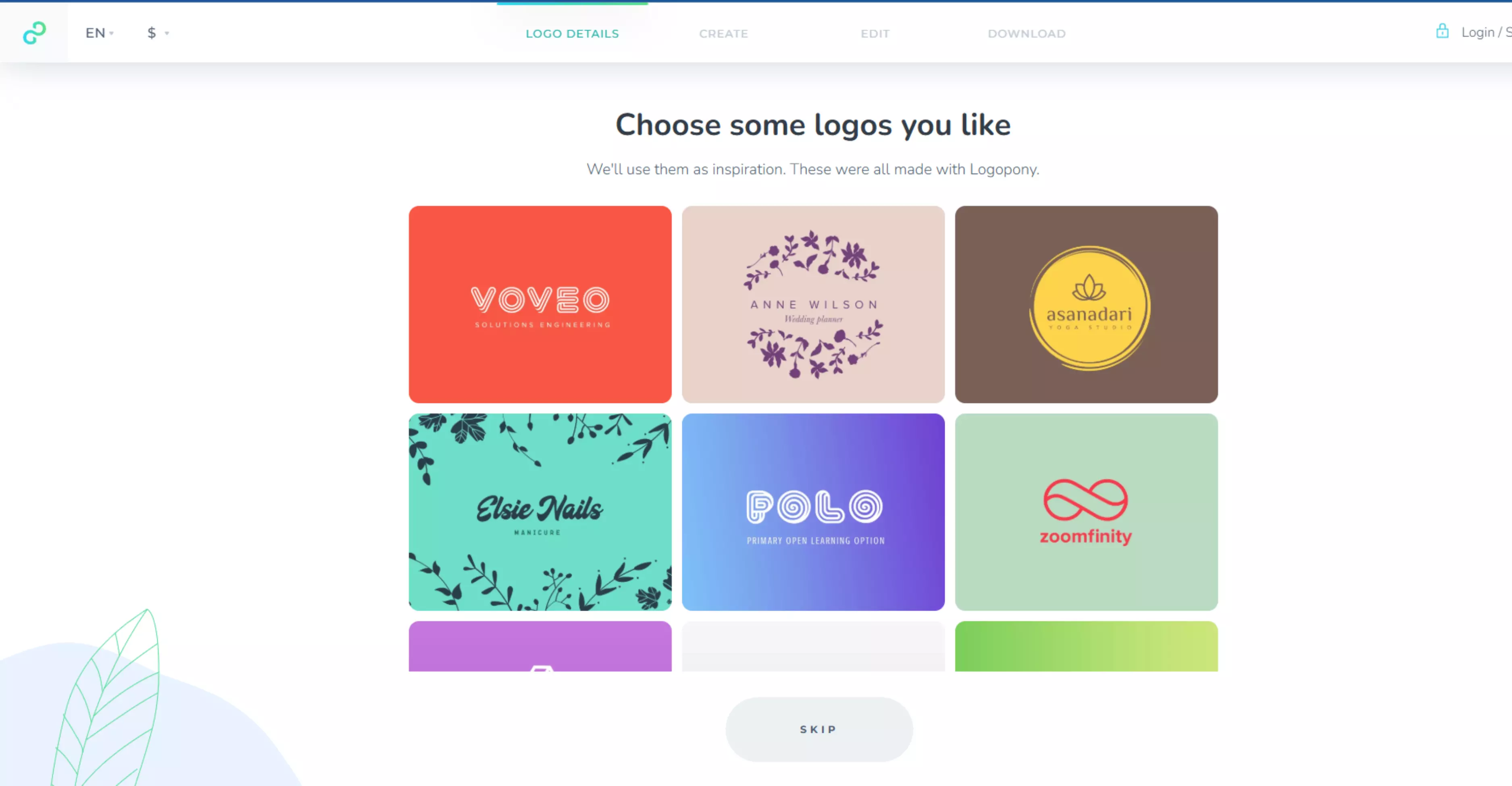
Image 3: The tool has generated this output based on the given input for EvolveGreen.
Why does choosing the right AI logo generator matter?
Choosing a logo generator is about more than just finding a pretty icon. It is a business decision that affects how people see your company and how much money you might have to spend later to fix mistakes.
1. The Value of a First Impression
Research suggests people can form a first impression of a website’s visual appeal in about 50 milliseconds (0.05s). A logo is often the "Face" of your business, and it acts as your first handshake. The right tool helps you create a unique look that sticks in people’s minds, making them more likely to come back to you.
2. Building a Strong Brand Identity
A logo tells the story of your business without using words. It sets the "Vibe" for everything else you do. The right tool ensures your visuals match your goals. It helps you use sharp lines for a "High-tech" feel or soft colors for a "Calm and organic" feel.
3. Professional Quality (Vector vs. Pixels)
This is a technical but vital point. If you choose a low-quality tool, you might get a logo that looks "Blurry" when you try to print it.
High-quality generators provide Vector files (SVG). Because these are based on math, you can resize the logo to fit a giant billboard or a tiny business card, and it will stay perfectly sharp.
4. Legal Ownership and Rights
Not every AI tool gives you the "Keys" to your design. The right tool gives you Full Commercial Ownership. This means you legally own the design and can trademark it.
5. The Power to Customize
AI isn't perfect; it might get a small detail wrong. The right tool gives you an editor to move text, swap icons, or tweak colors. This allows you to add a human touch to the AI's speed.
Features to look for in the best AI logo generator
To get a logo that actually works for your business, you need a tool that offers more than just a quick image. Look for these essential features to ensure your brand looks professional:
1. Customization and editing options
A good AI tool must let you change the design after it is made. You should be able to move the icon, resize the text, or shift elements around manually. This ensures that you can fix small AI mistakes and make the design match your exact vision.
2. Wide font and color choices
The generator should allow you to pick specific colors and font styles that fit your brand "Vibe." Look for tools that let you enter color codes and choose between modern, classic, or playful fonts. This control is what makes your logo look like a real brand instead of a generic template.
3. Professional file formats
You need more than just a simple picture; you need "Vector" files (like SVG) that stay sharp at any size. These files let you print your logo on anything, from a small pen to a big billboard, without your logo becoming unclear or blurry.
A good tool will also give you "transparent" files, which means they have no background color. This lets you place your logo on top of any photo or colored website without a messy white box around it.
4. Full commercial usage rights
It is very important that the tool gives you full legal ownership of your final design. Professional AI logo generators state that you have access to use the logo for making money, running ads, and selling products.
5. Real-world mockups
The best tools also show you how your logo looks on real items like business cards, shirts, or websites. Seeing these previews helps you understand if the design is actually easy to read and looks good in the real world. This stops you from picking a logo that only looks nice on a computer screen but looks bad when you actually use it.
How to choose the best AI logo generator for your needs?
In the above section, we discussed the features that an AI logo generator should have. Now, let us find out how to choose the best AI logo generator.
1. Based on the budget
Decide if you want a free tool or a paid one. Some tools charge you once to download high-quality files, while others have a monthly fee. Pick the one that fits your price and gives you the sharp files you need for printing.
2. Based on industry
Next, find a tool that matches your business style. Some AI makers are great at "modern" looks, while others are better for "classic" or "natural" styles. Always look at the tool’s past designs to see if they fit your type of business.
3. Based on design control
Finally, think about how much control you actually want. If you already have a clear idea of what your logo should look like, you will want a tool that gives you room to tweak things yourself.
A good logo editor should let you move icons around, change fonts, adjust colors, and fine-tune the layout until the design feels right — without turning the process into a design lesson.
Conclusion
Finding the right AI logo maker depends on what you need. After testing many tools, I have seen that the best ones save you time and make design easy.
Every tool is different. Some are great for small projects, while others are better for businesses that need a full brand kit. Explore the tools mentioned in this blog along with their output, try a few out, and pick the one that is easiest for you to use.
FAQs
An AI logo generator is an online tool that creates logos using artificial intelligence. You enter your brand details, and it automatically designs logo options for you.
Most AI logo generators offer free logo previews. You usually need to pay to download high-quality files.
Yes. Most tools give you full rights to use the logo for your business once you download it under their license.
Choose a tool that offers easy editing, multiple design styles, and high-quality file downloads.
Yes. Most tools provide HD and vector files that work well for websites, social media, and printing.
Yes. Pixelbin is a strong choice because it is prompt-based, gives modern logo designs, and lets you customize and download ready-to-use logo files easily.