
Summary
Midjourney is the better fit for creators who prioritize distinctive original artwork, style exploration, and fine control over a proprietary image model. Pixelbin is the more practical fit when the work continues after generation and requires editing uploaded images, switching between models, processing image sets, creating video, or connecting visual operations to an application. Many teams can use both: Midjourney for early visual direction and Pixelbin for production edits, variants, and delivery.
Introduction
Pixelbin vs Midjourney looks like a simple AI image generator comparison, but the choice is broader than output style. Midjourney is a focused creative system built around its own image model and a mature set of controls for references, personalization, variations, and artistic direction. Pixelbin is a multi-model visual platform that combines generation with prompt-based editing, batch transformations, upscaling, background work, video tools, APIs, storage, and CDN delivery.
That difference changes the answer. An illustrator making concept art may care most about visual character and fast exploration. An ecommerce team may care more about editing existing product shots, keeping 50 images consistent, and exporting the right size for several marketplaces. A developer may need an API and repeatable transformations. This comparison looks at those real workflows before recommending either tool.
Pixelbin vs Midjourney
What is Pixelbin?
.webp)
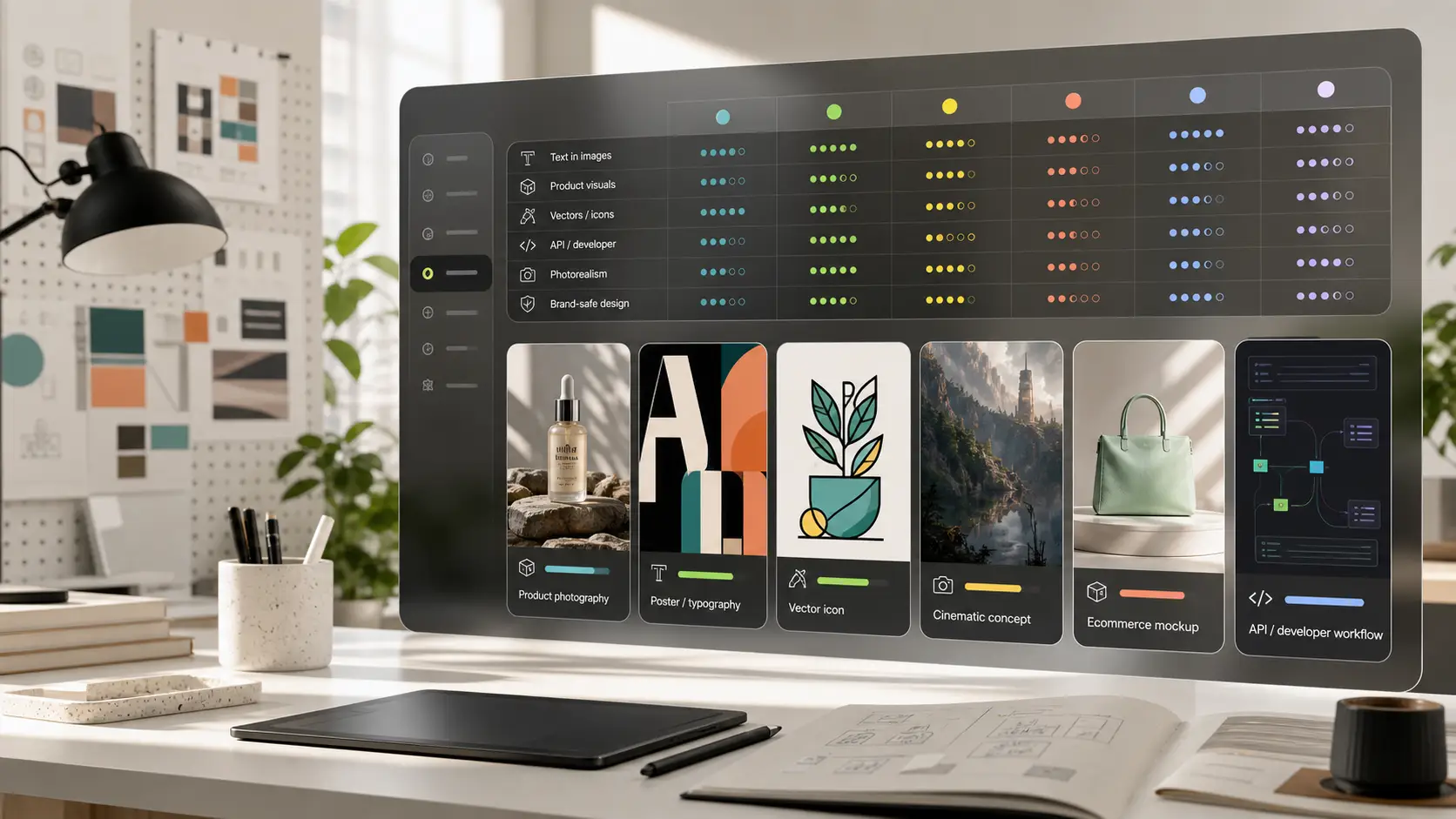
Pixelbin is a browser-based visual platform rather than a single image model. Its AI image generator currently offers several models, including Nano Banana, Nano Banana Pro, Seedream 4.5, and Imagen 4 variants. A user can choose a model for the task, set an aspect ratio, generate an image, and continue working with other Pixelbin tools.
Key features and core capabilities include:
- Real-time transformations: Allows dynamic resizing, cropping, compression, and watermarking directly through customizable image URL parameters.
- AI-powered editing: Offers automated background removal, image upscaling, foreground isolation, and generative AI background replacement.
- Bulk processing engine: Enables e-commerce platforms to automatically process, format, and optimize thousands of product catalog photos simultaneously.
- Developer-first architecture: Provides robust APIs, SDKs, and custom plugins for seamless integration into existing software stacks and online storefronts.
Pixelbin solves critical post-production bottlenecks for online retail by transforming raw product photography into polished, optimized web assets efficiently. It acts as an operational pipeline tool, combining media delivery infrastructure with automated photo editing.
What is Midjourney?
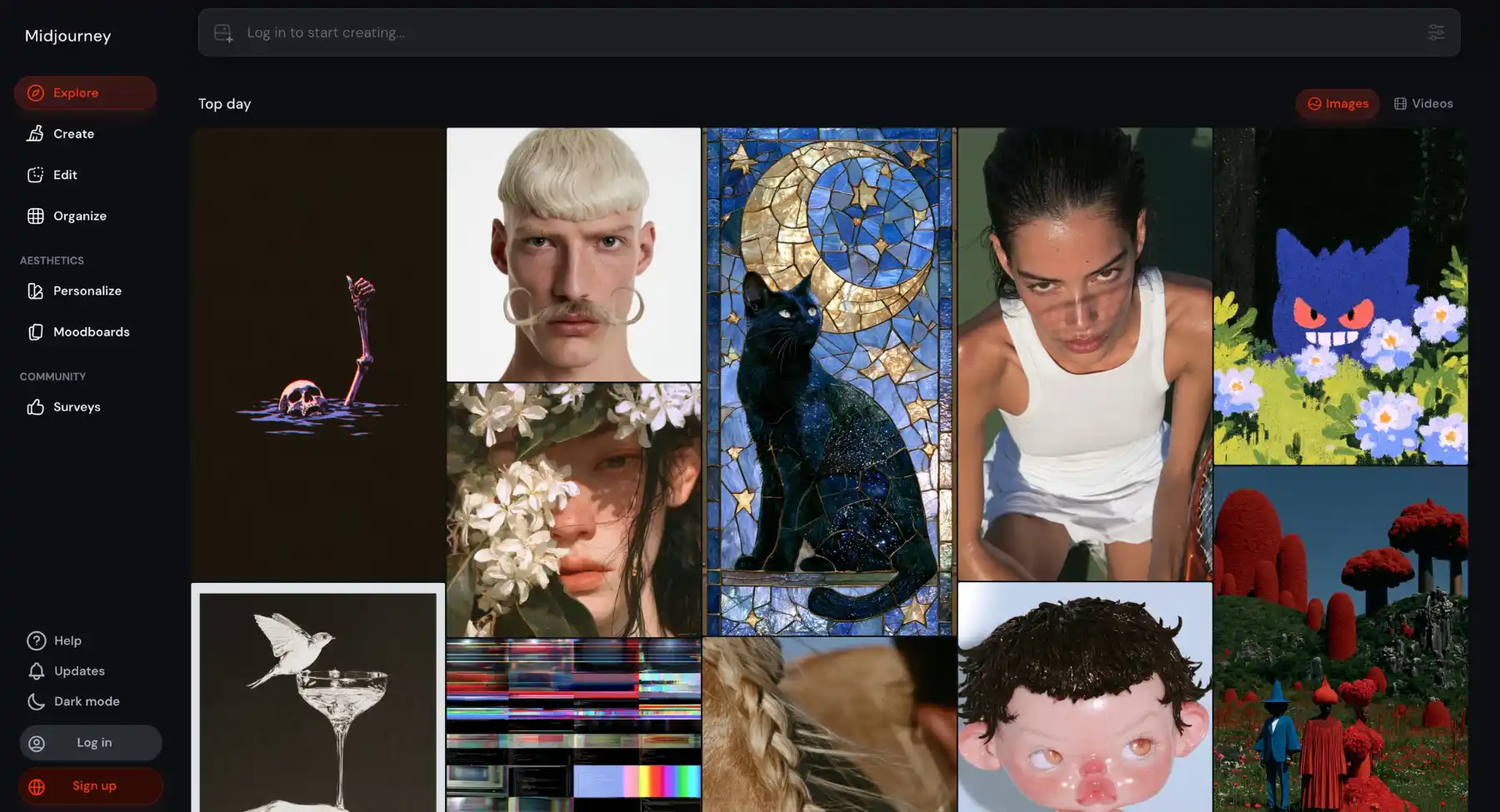
Midjourney is an independent research lab and generative artificial intelligence program designed to convert natural language text descriptions into high-resolution visual art and photorealistic imagery. Operating primarily through a Discord server bot alongside an expanding web interface, it relies on advanced diffusion models to interpret complex artistic directives.
Key features and core capabilities include:
- High-aesthetic rendering: Excels at generating cinematic lighting, intricate textures, stylized illustrations, and hyper-realistic concept art from simple text prompts.
- Fine-grained prompt control: Supports precise parameter tags for controlling aspect ratios, style variations, image weight, Chaos levels, and model versions.
- Inpainting and outpainting: Features tools like Vary (Region) and panning to modify specific sections of an image or expand canvas boundaries.
- Character & style consistency: Uses specialized reference parameters (--cref and --sref) to maintain consistent characters and visual themes across multiple visual generations.
Midjourney serves as a creative ideation engine for artists, game developers, designers, and marketers, turning imaginative concepts into visual assets in seconds.
Image generation and visual style
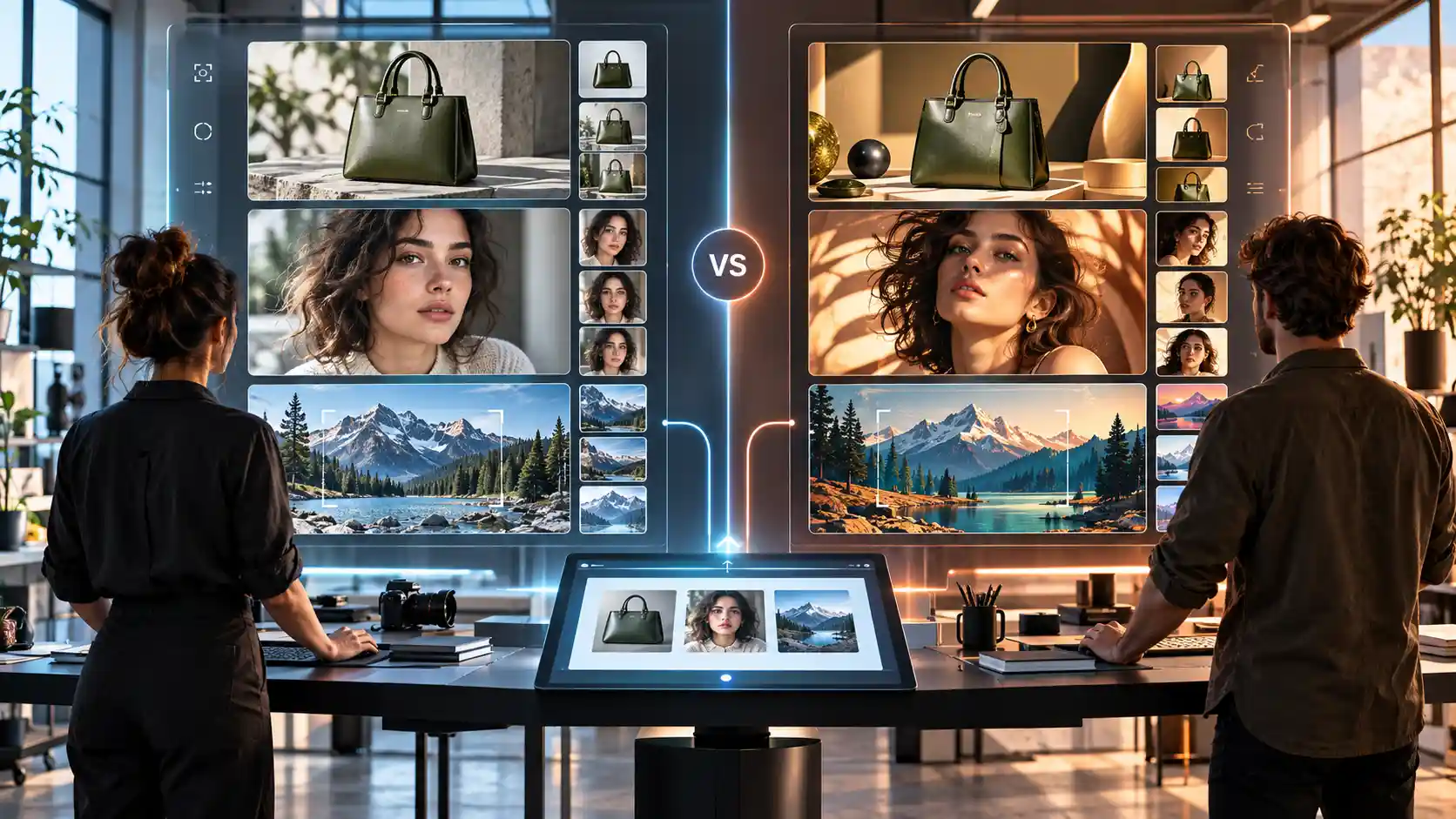
If a creator is looking for that characteristic finish of a dedicated artistic model, Midjourney has the clearer advantage. Controls are focused on exploration, and stylisation, chaos, Raw Mode, seeds, aspect ratios, personalisation and references can take one idea many ways Good for editorial illustration, concept art, fashion imagery, cinematic scenes, fantasy work and visual mood development. Independent review sites still rate Midjourney highly for aesthetic quality, but the results are still prompt and subject dependent.
Pixelbin goes a different way. It allows the user to choose from several generation models, rather than forcing a single proprietary model on every project. This could be more useful if one brief requires literal adherence to the prompt, another requires fast drafts and one more requires a different model's take on detail or typography. The tradeoff is that output style and credit cost can vary by selected model, so teams should document what model generated an approved look.
Why Pixelbin wins:
- Versatile engine selection: Integrates diverse models natively, letting teams select the exact engine needed for literal prompt adherence, rapid drafting, or intricate detail.
- Production-ready scalability: Solves practical enterprise challenges by combining model variety with bulk processing, dynamic URL transforms, and e-commerce workflows.
- Cost & workflow control: Allows teams to optimize credit spend per model, delivering predictable costs across complex creative pipelines.
Prompting and creative control
Midjourney is driven by a complex parameter system (--ar, --stylise, --raw, --seed) and style references to guide generative outputs. It's a powerful approach for creators who are willing to learn its unique visual language, but it comes with a lot of trial and error, and you'll need to tweak your prompts to get predictable results.
What makes Pixelbin different is its intuitive natural-language workflows and built-in precision tools that make it easy to execute creative.
Why Pixelbin provides superior creative control:
- Natural language direct: You can describe the lighting, the angles, the details of the subject, in everyday language, and get renders of a very high accuracy visually. No special syntax needed.
- Built-in prompt enhancer: Automatically turns rough ideas into detailed, production-ready prompts, taking the guesswork out and saving setup time.
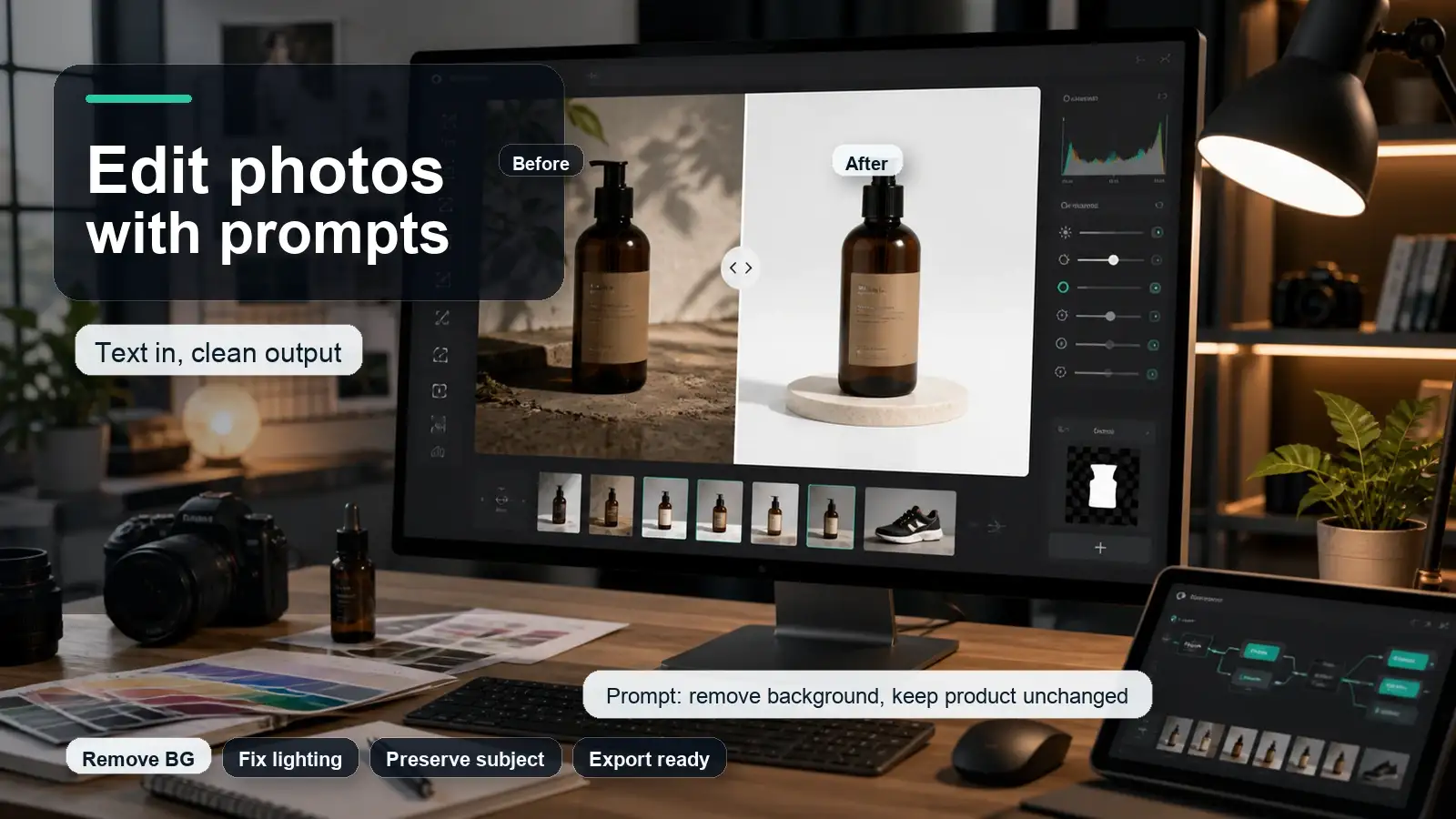
- Instructional AI editor: Enables users to perform direct, targeted edits such as swapping backgrounds or changing light sources - but on existing images rather than regenerating from scratch.
- Flexible Engine Integration - Returns descriptive prompting with multi-model selection that guarantees users precise prompt adherence based on the specific project needs.
Pixelbin is about making edits practical instead of generating through trial-and-error. This creates a much more efficient and predictable environment for individual creators as well as high volume asset teams.
Editing existing images
Midjourney handles existing images through generative reinterpretation using its web Editor, inpainting, outpainting, and Style References. While effective for artistic variations, its workflow favors broad creative reimagining over precise product control, making deterministic pixel edits unpredictable.
Pixelbin stands as the undisputed winner by surrounding image editing with a comprehensive, production-grade suite.
Why Pixelbin wins for editing:
- Complete production suite: Combines prompt-based localized edits, object removal, background swapping, camera-angle tweaks, and retouching inside a single unified workspace.
- Deterministic retouching: Provides regional selection tools and manual adjustments alongside AI, allowing precise control without losing core image integrity.
- Streamlined multi-step workflow: Allows creators to select regions, execute changes, compare side-by-side iterations, and continue refining without restarting generations.
- Integrated asset delivery: Links image editing directly with utility features like high-resolution upscaling, batch processing, resizing, and instant web distribution.
By merging intelligent generative editing with dedicated post-production utilities, Pixelbin delivers a faster, more dependable workflow for real-world creative assets.
Batch editing and repeatable production
Midjourney offers repeat and permutation parameters to generate multiple prompt variations quickly. However, this functionality focuses purely on creative exploration rather than processing existing asset folders, making standardized catalog production impossible without external tools.
Pixelbin stands out as the undisputed winner for batch workflows by providing a robust, automated production pipeline designed for repeatable enterprise output.
Why Pixelbin wins for batch editing:
- High volume automation: Processes upto 50 images simultaneously using an ordered stack of transformations including AI background removal, camera-angle adjustments, colour tuning and upscaling.
- Reusable custom presets: Enables teams to save complex edit sequences as reusable production presets for absolute brand consistency on recurring asset drops.
- Catalogue standardisation: Ideal for e-commerce, marketplace listings and social campaigns that require dozens of unique product shots to be formatted in the same way.
- End-to-end delivery: Combines batch edits, automatic resizing, watermark clean up and dynamic CDN distribution in one project space.
By transforming manual photo editing into a scalable, push-button process, Pixelbin delivers unmatched operational efficiency for commercial production environments.
Video and motion workflows
While Pixelbin hosts multiple third-party video models (Veo, Sora, Hailuo, Kling) under its credit system, managing external model shifts, changing costs, and fragmented quality introduces friction into production workflows.
Midjourney emerges as the clear winner by offering an integrated, native motion engine that turns still creations into dynamic video seamlessly without leaving its artistic ecosystem.
Why Midjourney wins for video and motion:
- Native visual continuity: Animates generated stills directly, preserving character features, art styles, cinematic lighting, and textures without quality loss.
- Predictable plan value: Allocates video generation across Fast, Turbo, or unlimited Relax GPU modes (Standard, Pro, Mega plans), protecting users from credit burnout.
- Simplified motion controls: Features single-click Animate options, low/high motion toggles, manual prompt-guided movement, and automatic looping.
- Extendable high-res outputs: Renders HD 720p 5-second video clips extendable up to 21 seconds with direct exports optimized for social media or raw editing.
By combining artistic generation with a built-in animation engine, Midjourney provides an effortless, unified creative environment for motion design.
API automation and image delivery
This category creates the widest practical divide. Supports REST APIs, front and back SDKs, file uploads, storage, URL transformations, presets, optimisation, CDN delivery. Instead of developers doing all the work manually, they can attach image operations to a website, app, catalogue or content pipeline.
Midjourney is not positioned as a general-purpose image API. Its Community Guidelines say that it does not offer an API, except in rare cases that are explicitly granted, and it bans unauthorised automation and third-party scripts. So Midjourney is not a good fit when the generation needs to be in-product or in an automated backend.
For those seeking an alternative to Midjourney with API access, Pixelbin is a good choice as it offers a more extensive media workflow. But it's not a drop-in API to Midjourney's proprietary aesthetic. The team needs to test which Pixelbin model will give the required visual result and which transformations are to be a part of the automated pipeline.
Pricing and value
Pixelbin uses credits whose cost depends on the selected model or operation. Its current Pixelbin pricing plans list 10 credits for new sign-ups, then monthly plans at $15 for 250 credits, $30 for 600 credits, and $60 for 1,500 credits. The page also lists per-operation credit costs, including separate rates for image models, video models, prompt editing, upscaling, and background removal.
Midjourney sells four subscriptions. The current monthly prices are $10 for Basic, $30 for Standard, $60 for Pro, and $120 for Mega. Annual billing receives a 20 percent discount. Standard and above include unlimited image generations in Relax Mode, while Stealth Mode is limited to Pro and Mega. Midjourney currently provides no free trial on its website or Discord.
The cheaper starting price does not automatically mean lower project cost. Midjourney measures Fast GPU time and Pixelbin measures credits by action, so compare them with a real workload. Count the drafts, reruns, edits, upscales, background changes, batch jobs, and video generations needed to produce one approved asset. Include the cost of any separate editor, storage, or delivery service in the Midjourney workflow.
Privacy and commercial use
Midjourney is an open-by-default community. Its plan documentation says Stealth Mode is available only on Pro and Mega plans, and creations made in shared Discord spaces can remain visible even when Stealth is enabled. Businesses working on unreleased campaigns, private people, or confidential products should understand the visibility rules before uploading references.
Pixelbin states that images are encrypted, processed securely, and not shared. That is useful for teams comparing privacy models, but a marketing statement should not replace a legal review. Check the current privacy policy, data retention, subprocessor list, organization controls, and the terms of the selected underlying model before uploading sensitive assets.
Commercial rights also need a current terms check. Midjourney grants broad usage rights under its subscription terms, but companies with more than $1 million in annual gross revenue must use a Pro or Mega plan to own generated assets under the stated terms. Pixelbin says generated images can be used commercially, but rights and restrictions may also depend on the chosen model. Neither platform removes the user's responsibility to respect trademarks, copyrights, publicity rights, or consent.
Who should choose Pixelbin?
- E-commerce operations: Merchants and catalog managers needing automated background removal, bulk editing, and marketplace-ready product formatting.
- All-in-one marketing teams: Campaigns requiring multi-model AI generation, localized image editing, background swapping, upscaling, and video creation within a single unified workspace.
- Developers & technical teams: Operations depending on scalable API endpoints, direct SDK integrations, real-time URL image transformations, and built-in global CDN asset hosting.
- Model-agnostic creators: Teams looking to leverage multiple top-tier image and video models (e.g., Stable Diffusion, Flux, Sora, Hailuo) rather than being locked into a single proprietary engine.
- Post-production specialists: Workflows centered on modifying, retouching, and optimizing existing photographic assets rather than generating images from blank prompts.
Who should choose Midjourney?
- Artists & concept designers: Illustrators, creative directors, and fine artists seeking distinctive artistic styles, hyper-realistic textures, and detailed visual exploration.
- Advanced prompt engineers: Power users leveraging deep parameter controls (--ar, --stylize, --sref, --cref), seeds, and custom style profiles to fine-tune outputs.
- Visual explorers & moodboarders: Designers who benefit from a vibrant community feed, extensive prompt inspiration galleries, and collaborative Discord feedback.
- High-aesthetic campaign directors: Projects producing editorial art, fantasy illustrations, book covers, keyframes, or cinematic campaign visuals where artistic quality leads the brief.
- High-volume ideators: Creators wanting predictable flat-rate pricing with unlimited image generation via queued Relax Mode, without requiring external developer APIs.
When using both tools makes sense
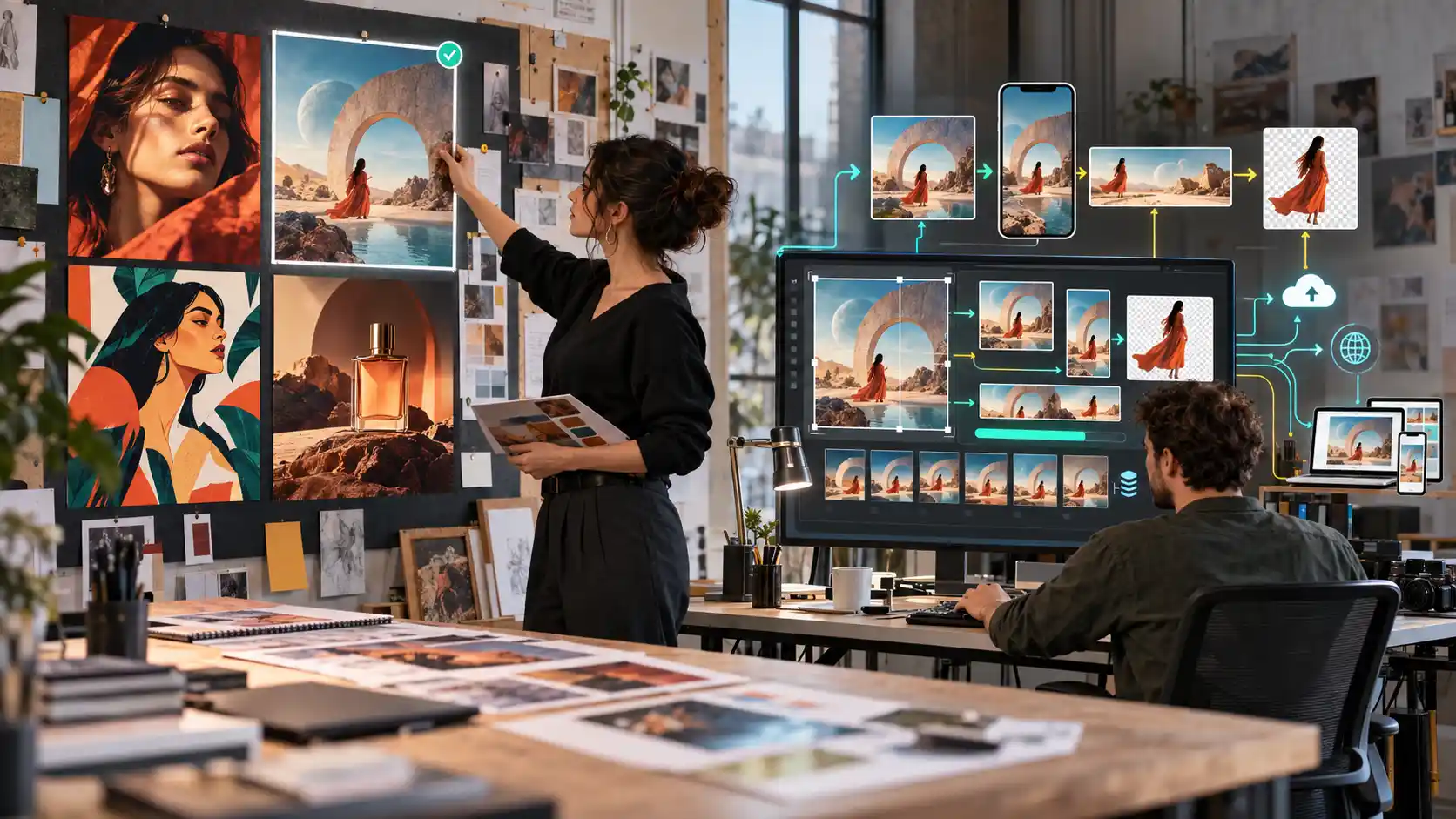
Pixelbin and Midjourney can complement each other. A creative team can use Midjourney to explore visual territory, then move the selected image into Pixelbin for production work. This avoids asking one tool to solve every stage.
- Generate several visual directions in Midjourney using a common brief, reference set, and aspect ratio.
- Select the concept that best matches the campaign rather than choosing only the most visually dramatic result.
- Upload the chosen image to Pixelbin for targeted object, background, lighting, or layout changes.
- Upscale and adapt the approved image for the required channels, then apply repeatable edits to related assets in a batch.
- Store, transform, and deliver the final assets through the production system used by the website or app.
Final verdict
Midjourney is the stronger specialist for original visual exploration and a distinctive generative aesthetic. Pixelbin is the stronger workflow platform when generation is followed by editing, batch processing, video creation, automation, storage, or image delivery. Pixelbin can replace Midjourney for users whose main need is practical content production, but it does not reproduce Midjourney's proprietary model or creative community.
Choose Midjourney when the image itself is the main creative destination. Choose Pixelbin when the image must become part of a repeatable production system. If both stages matter, use Midjourney for concept discovery and Pixelbin for preparing and operating the final asset workflow.
FAQs
Pixelbin is better for multi-model generation, prompt-based edits to existing images, batch processing, APIs, transformations, storage, and delivery. Midjourney is better for creators who prioritize its proprietary visual style, personalization, references, and artistic exploration. The better tool depends on what happens after the first image is generated.
Pixelbin can replace Midjourney for practical image creation and production workflows, especially when editing, resizing, batching, or automation matters. It cannot reproduce the exact Midjourney model or community experience, so teams that depend on the Midjourney aesthetic may prefer to use both.
Pixelbin is generally easier for a beginner with a specific task because its tools are organized around actions and accept plain-language prompts. Midjourney's web interface is much easier than its earlier Discord-only workflow, but parameters, model versions, style references, personalization, and GPU modes create a longer learning curve.
Pixelbin is usually the more practical choice for product photography because it can edit uploaded product shots, remove or replace backgrounds, add shadows, upscale, resize, and apply consistent transformations across a batch. Midjourney is more useful for early product concepts or stylized campaign scenes that do not require exact preservation of an existing item.
Midjourney's official Community Guidelines state that it generally does not provide an API, except for rare explicitly granted cases, and that unauthorized automation is prohibited. Pixelbin publishes REST API and SDK documentation for programmatic media workflows. Check both policies again before integration because product access can change.
Midjourney has the lower listed starting subscription at $10 per month, while Pixelbin's paid monthly plans start at $15 and new sign-ups receive free credits. The plans measure usage differently, so the cheaper option depends on how many generations, edits, upscales, batch jobs, and delivery operations the project requires.
Yes. Pixelbin supports prompt-based global and local edits plus dedicated transformation tools. Midjourney's web Editor supports external images, selected-region changes, inpainting, outpainting, layers, and its V8 Edit Model. Test subject preservation and edge quality on the type of image you actually edit.
Midjourney is open by default and reserves Stealth Mode for Pro and Mega subscribers. Pixelbin states that it processes images securely and privately. For confidential work, review the current terms, retention settings, model providers, account controls, and any enterprise agreement instead of relying on a feature label alone.