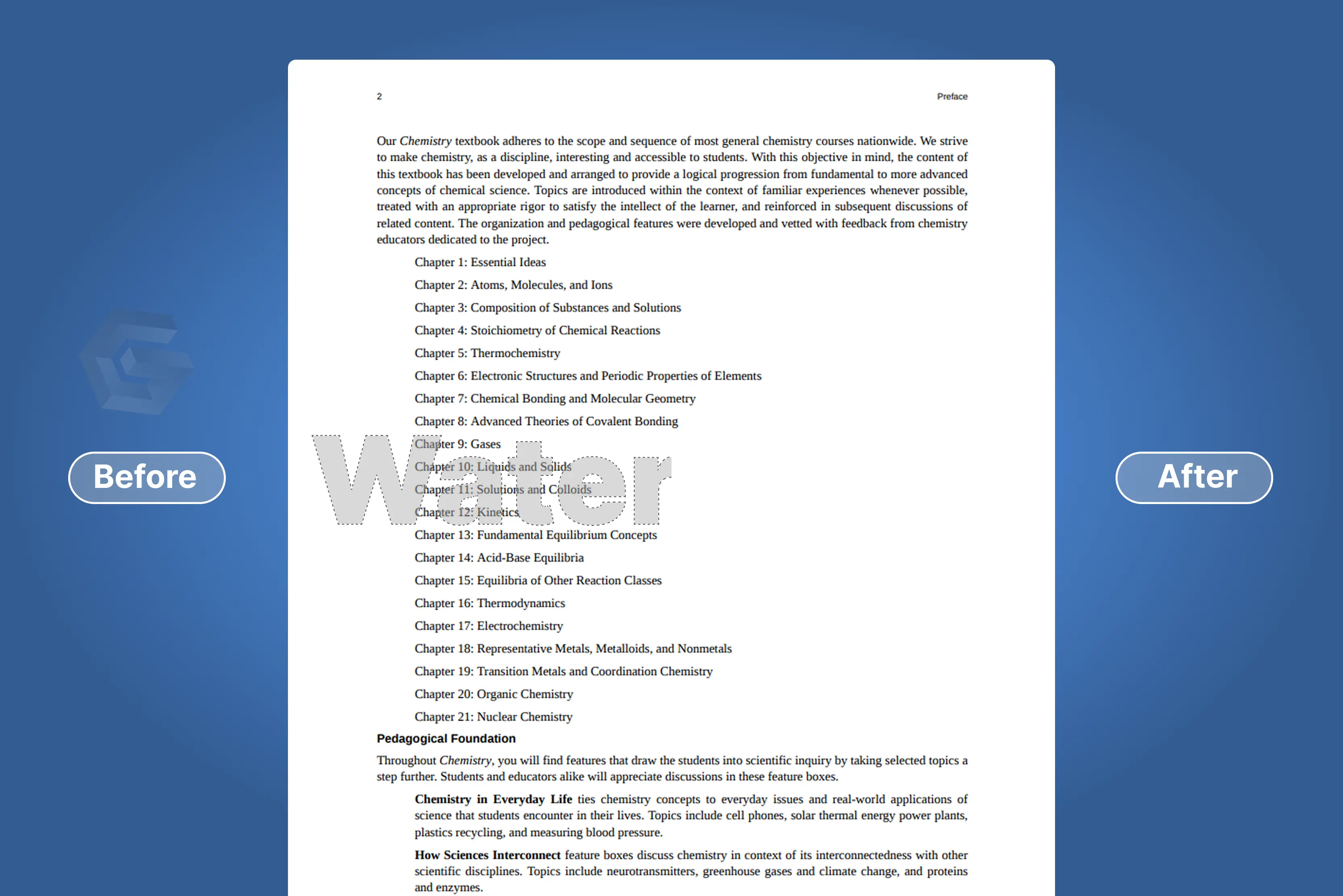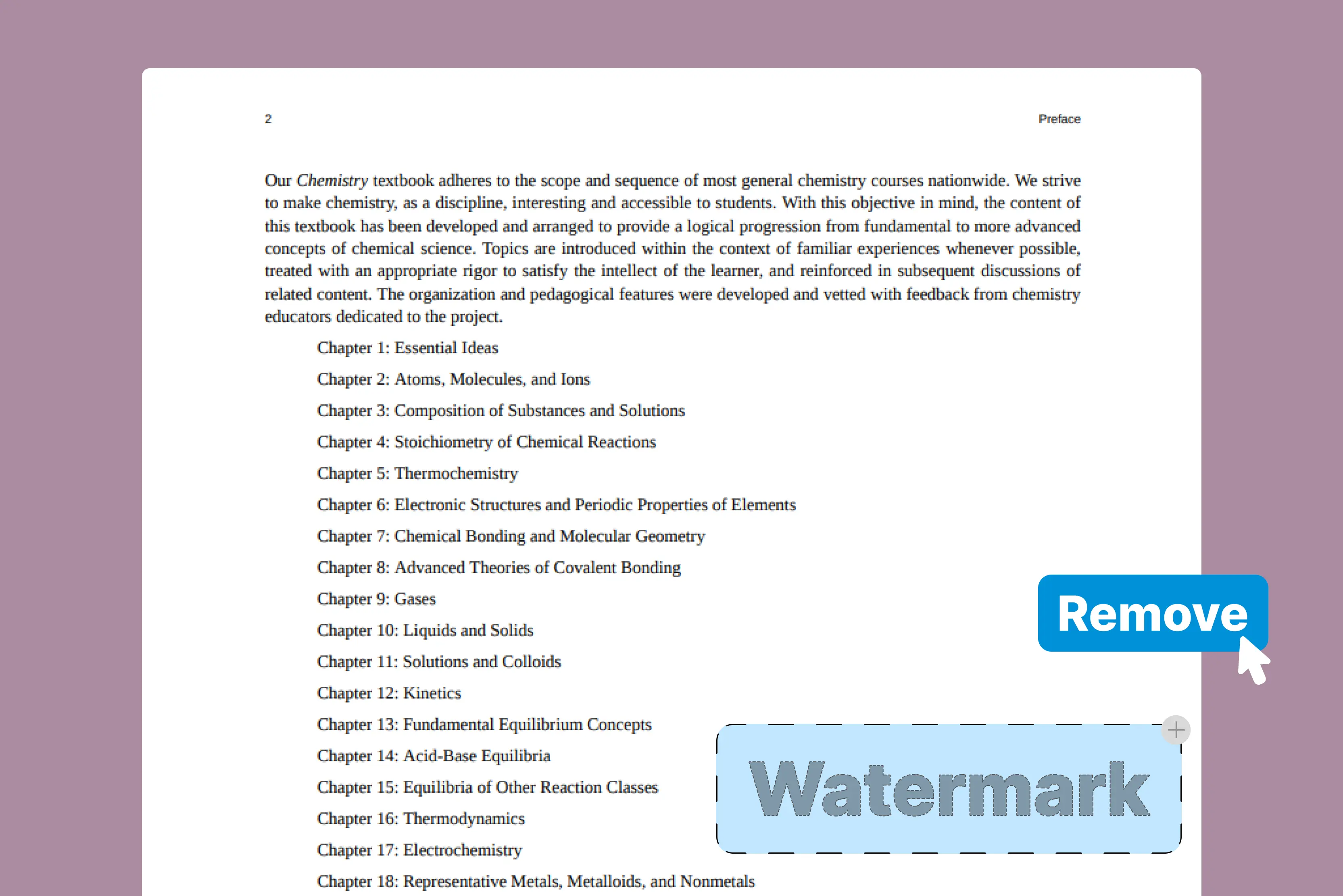


Effectively communicating information, whether for business proposals, academic lectures, or personal interests, requires creating interesting presentations. Gamma.app has an effective method for quickly and easily creating visually beautiful and educational presentations. However, the inclusion of watermarks in the free version can be a limiting factor for many users.
But if you’ve used the free version, you’ve probably noticed the “Made with Gamma” watermark tagging along on your final product. Whether you’re preparing a presentation for clients or publishing content online, that watermark can look a bit unprofessional.
After creating a presentation using Gamma, I encountered the watermark issue and began researching effective ways to remove it. I found two popular tools, Pixelbin and WatermarkRemover.io, and these tools can remove the “Made with Gamma” watermark, especially when the PDF is converted into image format.
They use AI to erase visual elements cleanly. With just a few steps, you can often achieve clean results, though the outcome depends on the watermark's complexity and file type.
In this article, I will explore a straightforward method to remove the “Made with Gamma” watermark from your PDFs or presentations. Follow this guide to create a clean presentation or PDF without any watermarks. I also share insights on the common challenges users face when trying to remove watermarks from Gamma-created content.
What does it mean to remove the watermark Made with Gamma?
Removing a “Made with Gamma” watermark means getting clear of the branding that appears on presentations created with the free version of the Gamma app. Upgrading to a premium subscription, which automatically removes a watermark, is the standard and approved method.
Some people try alternatives like capturing screenshots or manually modifying the PDF, but these techniques could lower the quality and be against Gamma's terms of service. Once the subscription is active and the presentation comes from your premium workspace, the watermark is automatically deleted.
How to remove a watermark in a PowerPoint presentation
Step-by-step guide to remove a watermark from a PowerPoint presentation
Step 1: Launch PowerPoint and open the presentation containing the watermark you want to remove
Step 2: View → Slide Master (it opens the Slide Master view).
Step 3: In the slide master view, look for the slide layout that contains the watermark. The watermark is usually located at the top or bottom of the slide.
Step 4: Click on the watermark to select it. You should see handles around it, indicating that it's selected.
Step 5: Press Delete on your keyboard or right-click and choose ‘Delete.’
Step 6: Begin removing the watermark and exiting the Slide Master view by clicking on the slide master tab again and selecting close master view.
Step 7: Go through your slides to ensure that the watermark has been completely removed.
If you want to use other tools in a smooth manner, then convert this PPTX to PDF format by using an online converter.
Some common challenges when removing the “Made with Gamma” watermark.
The “Made with Gamma” watermark is a common problem if you’ve used Gamma AI to produce material or presentations. It’s similar to applying a permanent label promoting something you wish to proudly share or present professionally. Although it might look simple, removing these watermarks is frequently difficult.
Preserving the original image or slide quality while removing watermarks is a major challenge. Using some of the basic techniques can cause your image to become blurry, distort layout components, or leave behind permanent editing marks.
Furthermore, the Gamma watermark is typically positioned in the center or on the edges, making it difficult to crop without removing the content. Not everyone has access to premium editing tools like Photoshop or expensive watermark removers.
File format also complicates things. You may need to convert the PDF into images before editing because Gamma exports many slides as image-based PDFs, which standard editors cannot modify clearly, and this increases the possibility of formatting errors or quality loss.
Various guides to preserve image quality during watermark removal. Can you remove the watermark without harming your presentation or image? A simple method that works well with Gamma exports is as follows.
- Identify file type: Start by checking if your file is a PNG, JPEG, PDF, or PPTX. This decides your tools and approach.
- Zoom in: Zoom in close and use the clone or healing brush tool to paint over watermark areas, sampling surrounding pixels for a natural look. This small detail is key to keeping edges crisp.
- Crop if possible: Don’t be afraid to clip a bit to get rid of the watermark when it’s close to an edge, being careful not to lose any important information.
- Save as a high-resolution copy: Save a cleaned version at the best quality your tool permits while leaving the original file unaltered.
Famous alternatives that help to remove the “Made with Gamma” watermark
If you are using or have used Gamma.app, a popular tool for creating modern AI-powered presentations or documents, you always notice the “Made with Gamma” watermark. Gamma exports presentations primarily in PDF, PowerPoint, PNG images, Google Slides, etc.
To remove the watermark, users often work with the exported PDF file directly or convert it into images first. Various alternatives help remove the watermark from a PDF online for free. You can also explore modern AI-powered alternatives as given below.
Various tools that help to remove “Made with Gamma” watermarks from PDFs.
1. Pixelbin

Pixelbin AI PDF watermark remover has made my work so much easier. Pixelbin's free online PDF watermark recovery tool uses AI to detect and remove watermarks automatically. The tool is very simple to use, even for someone who isn’t very technical; upload the file, wait a moment, and you get a clean version ready to share or print.
The process is fast, and I don’t have to install any heavy software. Runs smoothly on any browser without consuming heavy system resources, making the watermark remover fast and effortless even on lower-end devices or slower networks.
Use pixelbin on desktop, tablet, or mobile without installation or plugins. I created a presentation using the Gamma app, which added the default “Made with Gamma” watermark. I tried several tools to remove it, but Pixelbin provided the cleanest result, removing the watermark without blurring or damaging the content.
The tool lets you preview the cleaned file before downloading, giving you control over whether to save or print the final result. It allows you to remove watermarks from up to three PDFs each month for free. The tool is fast, easy to use, and has saved me a lot of time on documents. Highly recommended.
Key features
- Free to start
- Easy to use
- No installation needed
- Accessible anywhere
- Secure and private
Step to remove the “Made with Gamma” watermark using Pixelbin
Step 1: Visit Pixelbin -> AI tools -> see all -> Free AI PDF watermark remover
Step 2: Click on the “Upload PDF” button or paste the URL. Select the PDF from your laptop that you want to remove the watermark from.
Step 3: Wait for a few seconds and see the result.
Step 4: Download your PDF without a watermark.
2. WatermarkRemover.io
WatermarkRemover.io offers an AI-powered, simple way to remove watermarks from PDFs, and it reduces editing time, though effectiveness depends on the watermark type. Its intuitive interface supports most PDF files, though performance may vary depending on how the watermark is embedded.
The only thing to do is upload your files, and it starts watermark removal in seconds; no learning curve is needed. The tool aims to remove the watermark without altering the rest of the PDF content, though results may vary depending on the watermark's complexity and structure.
I tried on PDFs with complex watermarks like “Made with Gamma,” and the tool delivered a surprisingly clean result without disrupting the layout. There’s no software installation or complicated settings, and it works directly in the browser on my laptop and phone, which is convenient. I didn’t notice any major quality loss.
After processing my watermarked PDFs, I received clean results. The platform offers extra options like rotating pages, fitting to page sizes, printing, and more. I had selected the Draw option, which had three options: pen, highlighter, and eraser. I selected a Pen for drawing one line where it was necessary.
Key features
- Easy to use
- Fast, free, and reliable
- Format-friendly functionality
- Handle bulk files
- Enterprise-level support
Step to remove the “Made with Gamma” watermark using WatermarkRemover.io
Step 1: Visit WatermarkRemover.io -> PDF watermark remover.
Step 2: Click on “Upload PDF, DropPDF" or paste URL. Select the PDF from your laptop or PC.
Step 3: Wait for a few seconds.
Step 4: Download the result.
3. DocHub
DocHub is an online PDF editor that allows you to manually remove watermarks using its editing tools, such as whiteout or annotation layers. It does not offer automatic watermark removal. It supports multiple formats like PDF, DOC, XLS, DOCX, XLSX, PPT, TXT, and RTF.
You can use online documents with ease. DocHub has all the crucial editing features, enabling you to insert and delete text and pictures, add signature fields, annotate and highlight parts of the documents, and more.
I tested a PDF with a watermark and found that DocHub does not automatically remove it. Instead, to hide or remove the watermark, you must use manual editing tools like whiteout or text overlays.
In contrast to other apps like Pixelbin and WatermarkRemover.io, the procedure takes a long time; thus, it didn't operate as planned. I usually like DocHub for all basic editing, but this tool didn’t meet my expectations.
Key features
- Ease of use
- Support multiple formats
Step to remove the “Made with Gamma” watermark using DocHub
Step 1: Visit DocHub
Step 2: Click on “Select a document” or drop the document here to upload. Select the PDF from your computer that you want to remove the watermark from.
Step 3: After that, wait for a few seconds and select “Erase” from the toolbar and put on the area where the watermark is seen.
Step 4: Click on the done button
Step 5: Download the PDF
4. PicWish
PicWish is a free AI image watermark remover that automatically recognizes and removes the watermark, logo, and object from photos in seconds. In just three steps, you can remove the watermark; it is user-friendly and compatible with Windows, Mac, iOS, and Android.
Whether you’re finalizing a report, sharing a contract, or reviewing study materials, the PicWish PDF watermark removal tool can help clean up documents for better presentation and readability. The process is simple; just upload your file, and the tool will work for you automatically.
I tested my PDF, having 2-3 pages, as some pages looked distorted after processing, and the overall quality of the output just didn’t feel reliable enough for professional use. The tool does not provide a preview of the result, and the processing time felt slower compared to alternatives like Pixelbin or WatermarkRemover.io.
If you want to check the output quality rapidly, it can be inconvenient to have to download the processed PDF in order to view the outcome. For a service focused on watermark removal, I expected more reliable and perfect results.
Key features
- Ease of use
- Secure
- High quality
- Batch process
Step to remove the “Made with Gamma” watermark using PicWish
Step 1: Visit PicWish -> tools -> Clear PDF watermark
Step 2: Click on the “Upload PDF” option or drag and drop your file. Here, select the file from your computer that you want to remove that was made with a gamma watermark.
Step 3: Wait for a few minutes until the file is uploaded, and click on the "remove watermark" option.
Step 4: Wait for a few seconds and download the PDF file.
5. AirMore AI
Remove the watermark from PDF for free with the AI-powered watermark Remover, powered by advanced AAI. The tool can detect and remove watermarks from PDF files like logos, image-based stamps, and text watermarks.
The effectiveness of the watermark may be affected by its type and complexity. This PDF watermark remover can be used on a variety of documents, including academic and corporate reports. However, the output quality may vary depending on the watermark’s complexity and placement.
I tried one of the PDFs where I saw no preview, and I had to directly download the processed document. The process is time-consuming, and the result cannot be seen before, which is unexpected.
However, after all processes are complete, it shows the document. Information like pages, content type, original size, and processed size. This means the tool does not show a live preview—you must download the file to view the final result.
Key features
- Ease of use
- Free and accessible
- No quality loss
- Secure and private
Step to remove the “Made with Gamma” watermark using AirMore AI
Step 1: Visit AirMore AI -> AI tools -> PDF watermark remover
Step 2: Click “upload your PDF document,” or drag and drop your file, or click to browse. Select the PDF that you want to remove.
Step 3: Click on the “Remove watermark” option and wait for a few seconds.
Step 4: Download the processed document.
Describe various methods for different needs
All watermarks are not created equal; each depends on the context in which you’re working. I have researched and tested many tools for various purposes. According to me, there are two tools that I like most: Pixelbin and WatermarkRemover.io. Let’s see how this tool helps for various purposes like business, social media, PDF, and many more
- For Business presentations: If you’re preparing presentations, staying sharp on design and clarity is non-negotiable. Use various tools, like Pixelbin and WatermarkRemover.io, for perfect edits, like the ability to remove watermarks automatically without any effort. Investing a bit more time to get better results.
- For casual sharing on social media: Sometimes, cropping or overlaying a simple graphic sticker on the watermark can work wonders. Some mobile apps with text or emoji overlays let you mask the watermark quickly and creatively.
- For PDF: Try Pixelbin and WatermarkRemover to remove the watermark; however, you can convert this PDF to images and clean them as flat images before exporting again.
The difference between paid and free tools for removing the gamma watermark
Some of the common differences between paid and free tools for removing the watermark—let’s check
FAQs
You can remove a gamma watermark by upgrading to a paid plan, which removes it automatically, or by using some other tools where you have to do some manual work to remove the watermark.
Using careful tools like Pixebin or WatermarkRemover.io to remove the "Made with gamma watermark without losing image quality.
Not necessarily free tools like Pixelbin or WatermarkRemover.io online watermark remover remove the gamma watermark with a single click.
Yes, you can delete a watermark by finding it in the selection pane, pressing delete, or hiding it if you prefer not to remove it completely.
To remove a stamp from a PDF, open the PDF in tools like Pixelbin, upload the PDF file from where you want to remove it, and click on the remove button. It will automatically remove the stamp from the PDF.
There are various tools that are available in the market for removing the watermark, but the simplest and easiest are Pixelbin and WatermarkRemover.io