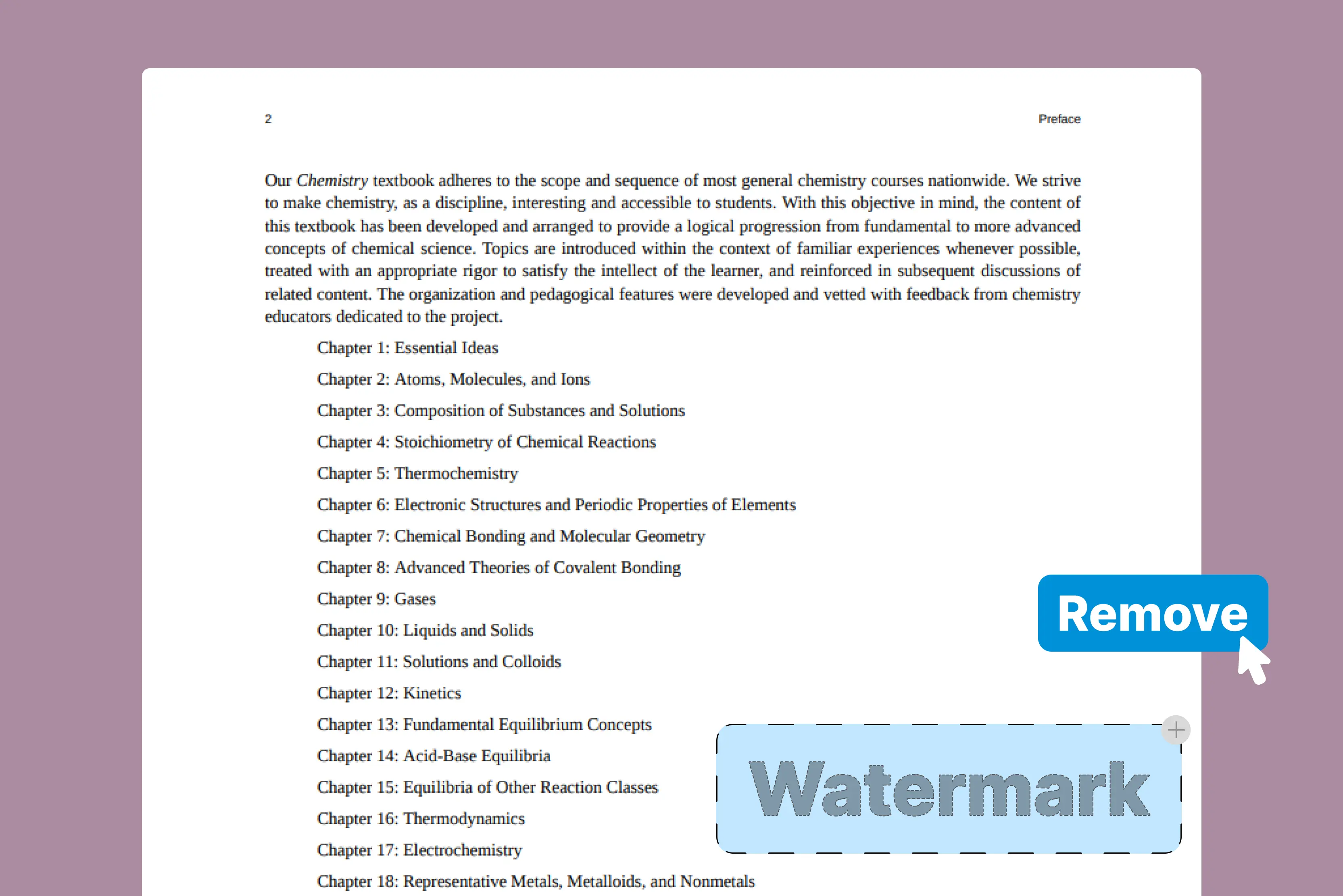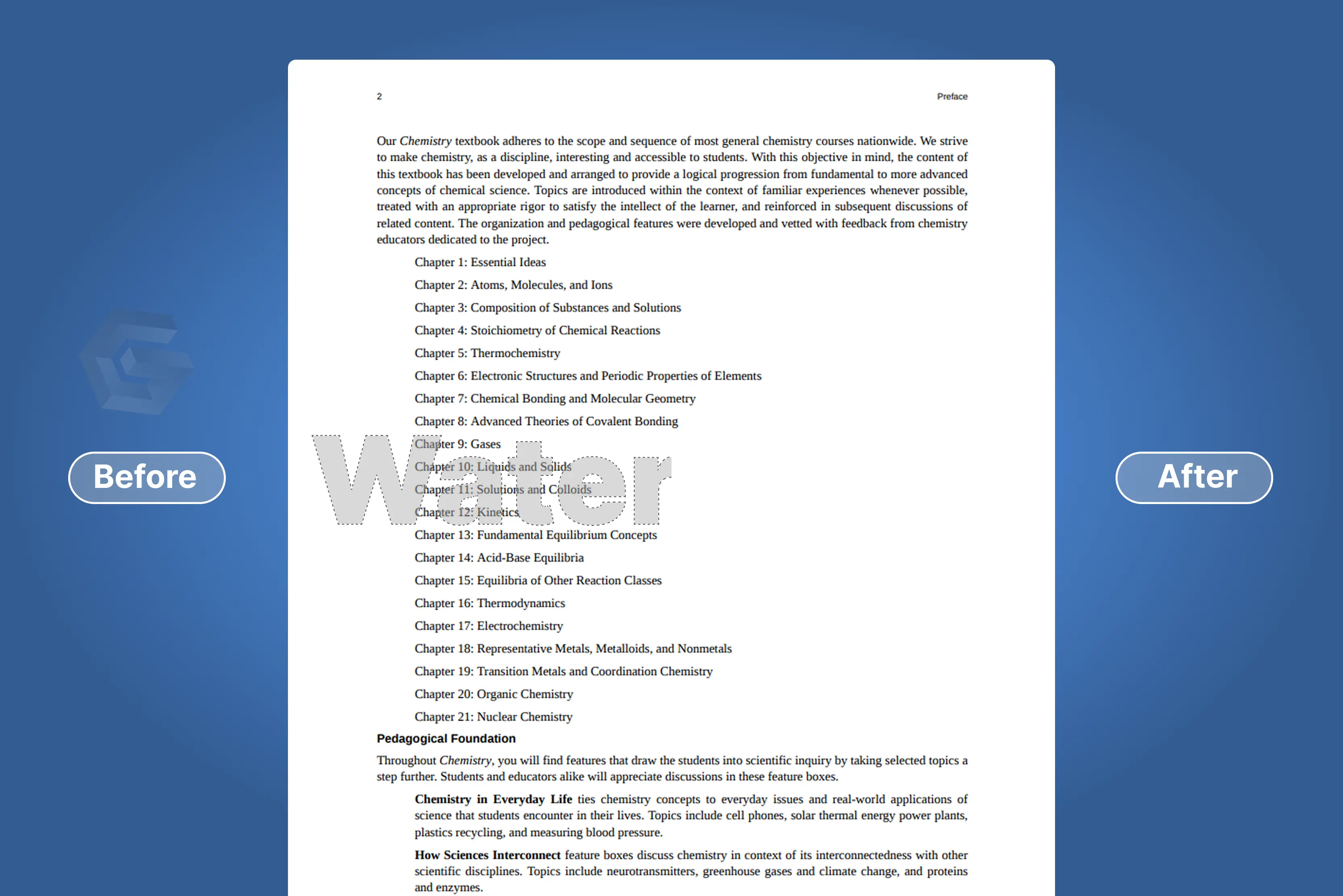


There are PDFs that are important for me and have too many watermarks, and I'm fed up with reading the watermark-covered pages. Adding a watermark to PDFs is easy, but watermark removal is difficult. Some PDF files contain watermarks on every page, and you want to remove them to get a better viewing experience.
Watermarks are commonly used to indicate ownership or discourage unauthorized use, though they don’t constitute copyright protection by themselves. I’ve done extensive research on how to remove watermarks from PDFs more efficiently and with minimal effort.
I found various online AI tools that help you remove a Gamma watermark from a PDF. Pixelbin and WatermarkRemover.io are my favorites, as both tools are very easy to use and make my old PDF free from the Gamma watermark.
I was so happy. In this blog, I’ll walk through various tools, including step-by-step guides and their key features. I also tried removing the Gamma watermark from documents exported via Google Docs, depending on how it was applied.
In this blog, I will guide you through various processes to remove the Gamma watermark using AI tools. If you’ve tried exporting your documents and ended up with a watermark in the bottom right corner, don’t worry; I have selected many tools with step-by-step guides that can help you present your work without any interruptions.
What do you mean by a Gamma AI watermark remover?
A specialized tool designed to remove Gamma.app watermarks from PDF files. By focusing on Gamma AI’s branding components that show up in PDFs exported from their free tier, this tool assists you in producing documents that are neat and polished.
This watermark, typically a small Gamma AI logo or text, can be distracting and detract from the overall professionalism of the presentation. The existence of a watermark is sometimes undesirable to you when you present it to clients, stakeholders, or for other formal purposes.
Although Gamma AI offers a premium, paid plan that removes the watermark, not everyone can afford it. As a result, many users turn to AI-powered tools to find free and effective ways to remove these watermarks, though success may vary depending on how the watermark is embedded.
Why do you need to remove the Gamma watermark?
Gamma AI is a popular tool for creating presentations, but the watermark included in the free version can undermine the professionalism of business documents, educational material, or portfolio projects.
The watermark, which is included on free-tier exports, might distract in academic or client-facing contexts, make content appear unprofessional, and obstruct clarity. Removing the watermark results in a professional, polished final product that’s free of third-party branding.
Portfolio work
Present your content without third-party branding.
Professional presentations
For professional presentations and business meetings, eliminate distracting branding.
Education resources
Create clear study guides and academic presentations
Document clarity
Remove visual distractions to improve the focus and readability of your content.
Special guide to remove the Gamma watermark from Google Docs
Google Docs is a cloud-based document creation, editing, and sharing service. In some cases, Google Docs can act as a free watermark remover by converting PDF files into an editable document, allowing the removal of visible text or image-based watermarks. This capability allows users to attempt watermark removal by opening and editing the PDF directly in Google Docs.
Before you can effectively remove a Gamma watermark, it helps to understand what it is. In Google Docs, a watermark is typically an image or text that appears in the background of your document. Let’s check step-by-step how to remove the Gamma watermark from Google Docs.
Top online AI tools that help to remove the Gamma watermark
1. Pixelbin

Pixelbin offers an AI-powered tool to remove watermarks, including Gamma watermarks, from PDFs in seconds while maintaining high output quality. You can use this Pixelbin and remove the Gamma watermark for free for up to 3 PDFs per momonthh depending on current plan limits.
One of my favorites on my list, I was really surprised by how well and easily it works. Just upload an image, and it automatically detects and removes the Gamma watermarks without any need for manual adjustments.
The output was of remarkable quality, with the watermark area organically integrating with the surrounding content—something that is uncommon in free programs.
Pixelbin does a good job overall, yet some complex watermarks on detailed backgrounds could leave slight traces or artifacts. The tool not only removes the watermark but also keeps your PDF clear, sharp, and well-formed. You can easily use it across various devices like desktops, tablets, and mobiles.
Key features
- Free to start
- Simple by design
- No installation needed
- Use across all devices, like desktop, tablet, and mobile
Steps to remove the Gamma watermark from PDFs using Pixelbin
Step 1: Visit Pixelbin -> AI tools -> see all tools, where you will find Free AI PDF watermark remover.
Step 2: Click on “Upload PDF” or paste the URL. Select the PDF from your computer where you want to remove the Gamma watermark.
Step 3: Wait for a few minutes until the tool automatically detects and removes the watermark.
Step 4: You will see a message on the right side, “Your PDF without a watermark is ready!” Preview the result and download the result.
2. WatermarkRemover.io
WatermarkRemover.io is another amazing online tool to remove the Gamma watermark. Don’t waste hours on editing; the tool provides a smart, hassle-free way to remove watermarks from your PDF file.
Removing the watermark is just an easy job; all you need to do is upload your files, and it will start the watermark removal in seconds. Itried one PDF that has a Gamma watermark; no installation or sign-up is required. It allows you to reach the daily upload limit of two PDFs.
It allows you various options, like print, zoom in/out, draw, rotate counterclockwise, fit to the page, and more. It provides results in a few seconds, is not too time-consuming, and does not affect the quality of the PDF. You can see the original and the watermark-removed options. You can edit the image with the draw option if you need more modifications.
Key features
- Fast, free, and reliable
- No installation or no signup required
- Make the document more professional
- Format-friendly functionality
Steps to remove the Gamma watermark from PDFs using WatermarkRemover.io
Step 1: Visit WatermarkRemover.io -> PDF watermark remover.
Step 2: Click on the Upload image button and upload your PDFs that contain a Gamma watermark from your computer.
Step 3: Wait for a few seconds to upload the PDFs and click on the “Remove watermark” button.
Step 4: Download the result.
3. LightPDF
The third one on my list is LightPDF, which removes watermarks from PDFs online with just a few clicks. The tool automatically detects and removes the watermarks, providing you with clean PDFs in a few seconds. I tried with one of my old PDFs having a Gamma watermark, where I found two options: manual and auto.
I tried auto and then clicked on the remove option. The process took 25 seconds and removed the Gamma watermark; you can click on the save button to save that PDF. You can use this tool for various cases, like legal and contract documents, financial reports and presentations, internal materials and documents, design and creative files, and much more.
With the Pro version, you can batch-process up to 50 files at once. However, the free version limits you to one file at a time. Moreover, it removes all types of watermarks, whether they are full-page, centered, corner logos, or many more, according to your requirements.
The drawback of this tool is that it only allows you to have one file at a time; then you have to purchase the pro version. Basic zoom-in and zoom-out tools are also available for better viewing during editing.
Key features
- Ease of use
- AI auto removal
- Batch process
Steps to remove the Gamma watermark from PDFs using LightPDF
Step 1: Visit LightPDF -> PDF tools -> PDF watermark remover.
Step 2: Click on “Select File” or drop a file. Select the PDF from your computer that contains a Gamma watermark. Wait for a few seconds.
Step 3: You will find two options, automatic and manual, on the right side. Select the auto option and click on the “Remove” button. Wait for a few seconds.
Step 4: Download the result.
4. AirMore AI
AirMore AI removes watermarks from PDFs for free with an AI-powered watermark remover. Powered by advanced AI, our tool can remove watermarks from PDF files with precision, whether they're logos, images, or text watermarks. I tried one PDF that contains a Gamma watermark, and it directly removes the watermark and does not show any preview of the PDF.
You must first download the processed PDF to view the result. The result I saw after downloading was ok, but one thing about the tool is that you cannot see any preview of the PDF, no editing, nothing.
From business documents to academic papers, the PDF watermark remover is designed to handle it all cleanly without quality loss. Compared to other tools like Pixelbin, which offers preview and basic editing features, AirMore AI lacks these interactive options. The PDF file upto 100 MB can be used. If your file is larger, we recommend compressing it or splitting it into smaller parts before uploading.
Key features
- Easy and hassle-free
- Fast processing
- Secure & private
- No quality loss
Steps to remove the Gamma watermark from PDFs using AirMore AI
Step 1: Visit AirMore AI -> AI tools -> PDF watermark remover
Step 2: Drag or drop your files here, or click to browse into the tool, or click the select file button to select the image from your laptop.
Step 3: Click on the remove watermark button to remove the Gamma watermark. Wait for a few seconds.
Step 4: Download the result.
5. PicWish
Fifth on my list is PicWish, a popular image editor known for tasks like background removal, object erasing, and watermark removal. You can remove the Gamma watermark from a PDF in just three steps, and it is compatible with Windows, Mac, iOS, and Android.
I tested the tool using a PDF with a Gamma watermark. After uploading, there is no preview; the result can only be seen after downloading the processed file. It removes watermarks smoothly without destroying the content or layout, and provides you with a professional document. It’s a free and simple PDF watermark remover you can access anytime, anywhere, on any device.
Key features
- Ease of use
- Secure
- High quality
- Batch process
Steps to remove the Gamma watermark from PDFs using PicWish
Step 1: Visit PicWish > Tools > All tools
Step 2: Scroll down and click on “Clear PDF Watermark”.
Step 3: Click on “Upload PDFs” or drag and drop the file. Select the PDFs from which you have to remove the Gamma watermark.
Step 4: Click on “Remove watermark” and wait for a few seconds.
Step 5: Download the result.
FAQs
No, the watermarks cannot be removed directly from the Gamma AI website. You need to use screenshots as a workaround.
You can remove a Gamma watermark by upgrading to a paid subscription, which removes it automatically by using AI tools like Pixelbin and WatermarkRemover.io. For the online tool, you can try both tools.
It depends on how the watermark was saved. If it is saved as an image and mixed with the content in the PDF, it is hard to remove. But if it's saved to a specific field in the metadata of the PDF, most PDF editors can remove it.
The best PDF Gamma watermark remover depends on your needs. But Pixelbin and WatermarkRemover.io are a choice for their AI-powered, batch-processing, privacy-focused online tool.
If you remove a watermark from a PDF owned by another without authorization, you may get into legal trouble. It is illegal to remove watermarks from documents for commercial use, and it violates copyright laws. You can only do that when you’re the copyright owner or obtain permission.
Removing PDF watermarks is not that challenging if you have the perfect tool. The Pixelbin and WatermarkRemover.ai allow you to delete a watermark in a PDF in one click.