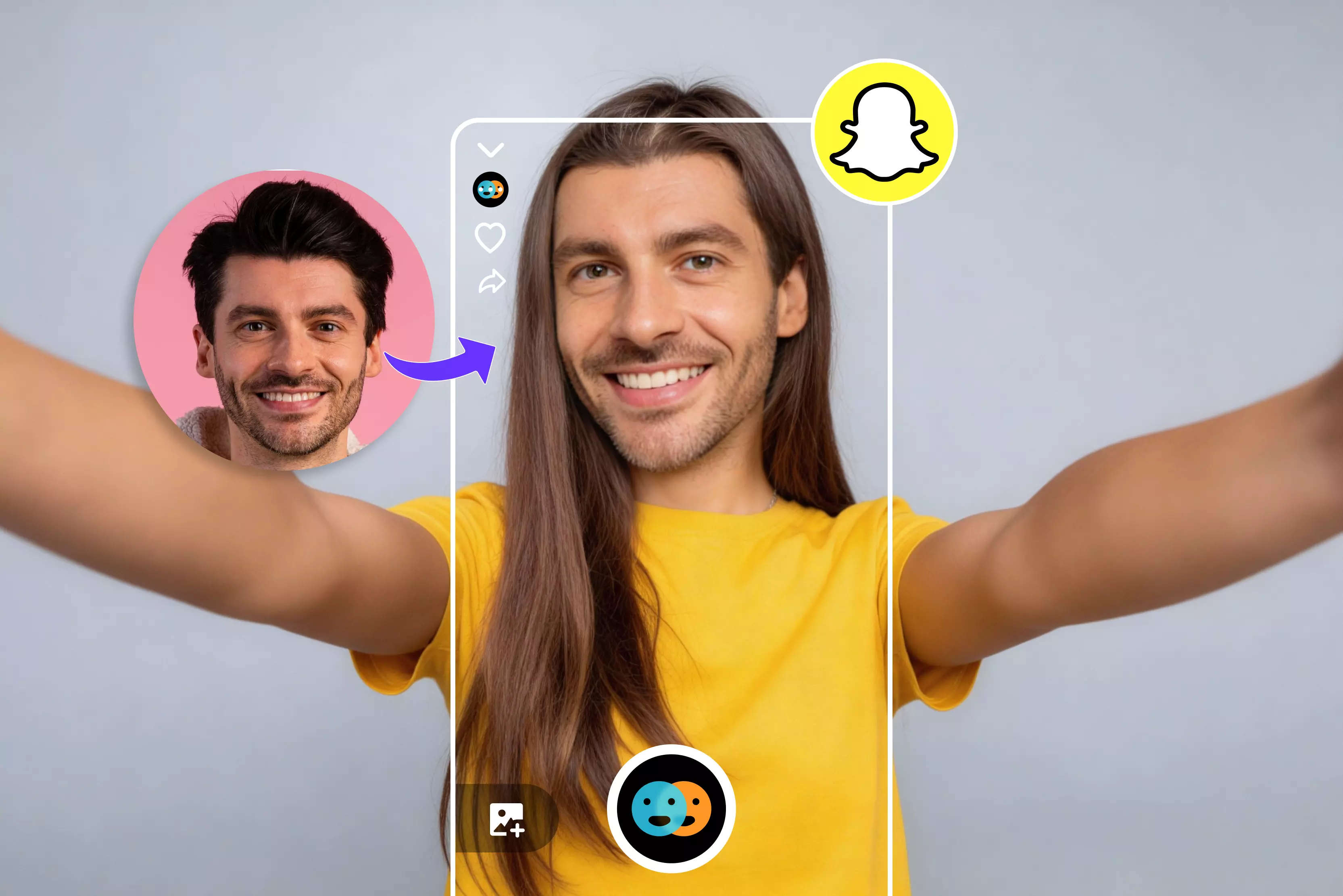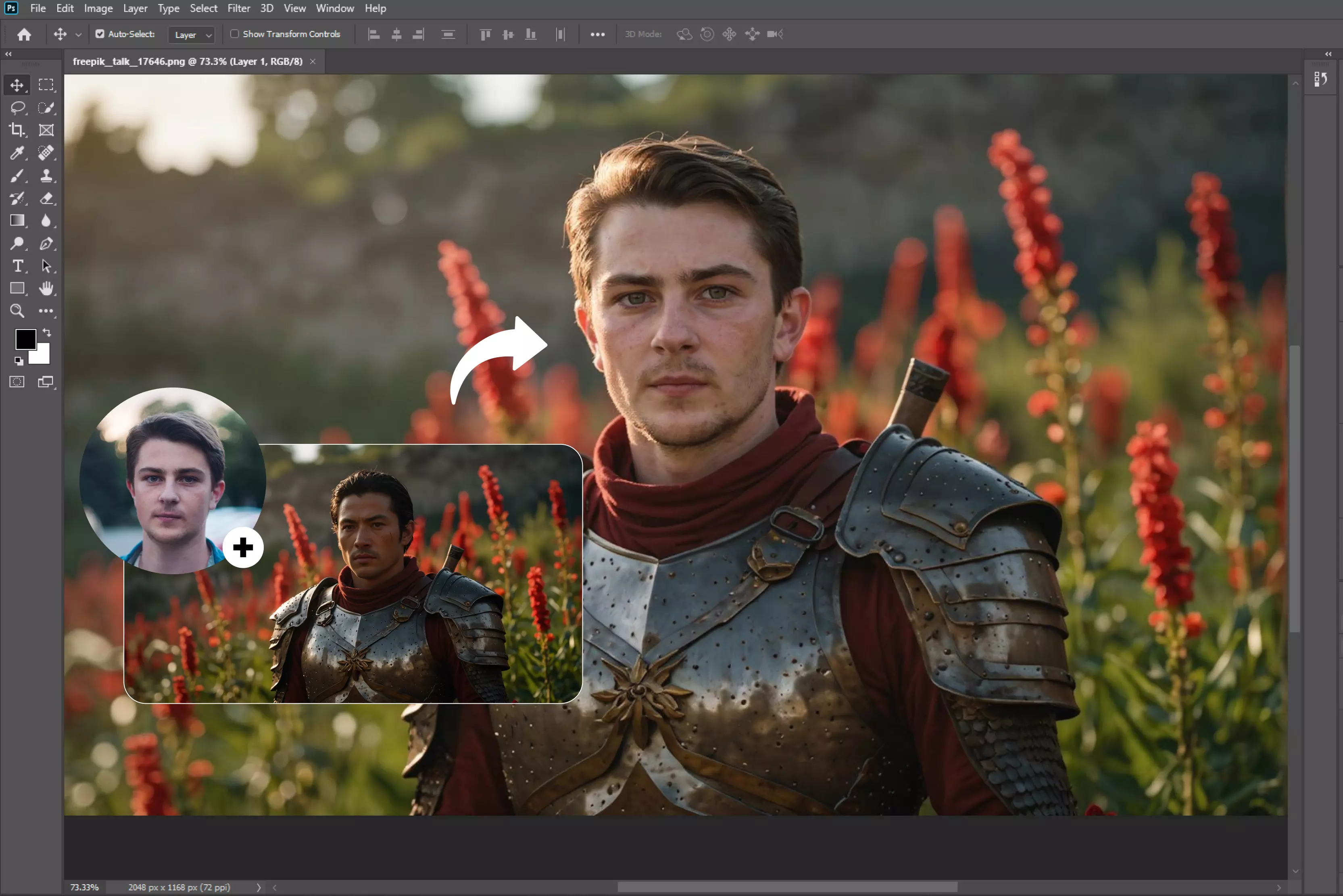


Face swapping is also known as face replacement. I found various photos of myself that are perfect, except for the face of one friend. If they blink or make a funny face, it could ruin a fantastic shot. You can replace a blinking face with a warm smile if you have another picture of them.
For example, photographers frequently use group shots of friends and family by swapping out faces. There are various tools available, but for a more realistic look, you’re going to need to have control over your edits. Photoshop is also one example of how our creative tools evolve along with technology.
Photoshop allows you to switch faces in your photos using layers, masks, and blend tools, which can add fun or creativity to your design portfolio. However, it does come with a learning curve.
Through testing, I found that Photoshop’s face-swapping capabilities are highly valuable for designers and editors. Whether you're creating memes, enhancing group photos, testing facial expressions for a client, or exploring creative possibilities, it offers robust functionality.
However, Photoshop is time-consuming, so I also conducted some research on AI tools. With the rise of AI-powered face swap tools, you can now effortlessly replace faces in both photos and videos within seconds with no technical skill required. I conducted extensive research to identify the best available solution.
The popularity of technology has exploded, particularly on social media, where people enjoy creating amusing, surprising, and even astounding images and videos. AI face swap lets you play with your appearance, observe yourself in a different environment, and swap faces with your friends.
AI has made face swapping faster, more realistic, and easier than before, giving everyone access to a variety of creative possibilities. In this blog, you'll learn what face swapping is, how it works, its benefits, practical use cases, step-by-step instructions for swapping faces using Photoshop, and an overview of various AI tools that make face swapping easy and effective.
What is the meaning of face swap?
AI-powered face swap technology uses artificial intelligence to replace one person's face with another in an image, video, or GIF. AI can recognize facial features, translate them into another person's face, and provide an effortless change that makes the face swap look real.
As a result, face swap techniques can now produce extremely realistic results in seconds. Unlike manual editing methods that need advanced skills, AI processes swap faces automatically and with high accuracy. Everyone may now use face-swapping technologies, from beginner social media users to experienced graphic designers.
How to face swap in Photoshop
Follow various steps to become a master of Photoshop face swaps.
Step 1: Open your image file in Photoshop
Before you start the face swap Photoshop technique, you’ll need to select the photo you want to work with. For the best results, use high-resolution photos taken from a similar angle.
Open both images: the one containing the face to be replaced and the one with the new face. Pay close attention to lighting and shadow direction to ensure consistency. The easiest photos to work with have minimal shadows and soft lighting.
Step 2: Select the second chosen face
Use the selection tools in Photoshop to outline the face you want to insert carefully. Be sure to include all the facial features you want to use, such as eyes, nose, and mouth, without selecting features you don't intend to swap, such as ears, neck, or hair.
Step 3: Copy and paste the second chosen face
Copy the selected face and paste it into the first image. Use your cursor to position it so that the facial features roughly align and it’s centered.
Step 4: Resize the face
Decrease the opacity of the inserted face by 50 percent, then carefully adjust its size to match the original face's proportions as closely as possible.
Step 5: Overlap of the face with the body
To improve realism, create a slight overlap of the new face with the body. You can do this by selecting the new face and clicking Select->Modify->Contract. Enter the pixel value of your choice; unless you're using an exceptionally high-resolution photo, a few pixels will suffice, and click OK.
Step 6: Make a selection in the body layer
Create the selection on the body layer where the face will be replaced, ensuring the new face will smoothly blend with the body. Ctrl+click the thumbnail of the new face layer to load its selection. Then switch to the original face layer. This will highlight the area to be replaced with the new face.
Step 7: Delete the face from the body layer
Using a layer mask instead of deleting is safer and non-destructive. This will remove the original face from the body layer, leaving room for the new face to take its place.
Step 8: Blend everything
Blend the new face into the old one. Select both layers by holding the Shift key and clicking on the unselected one. Click Edit-> Auto Blend Layers.
In the pop-up window that appears, select Panorama as the blend method, ensure both checkboxes are checked, and click Ok.
Step 9: Do necessary touch-ups
The Auto-blend layers command layer doesn't always work perfectly. Luckily, you can quickly clean up any mistakes it makes or areas it misses yourself.
For example, you can use the Eraser tool to remove any visible edges or use the Blur tool to feather edges that are too harsh.
List various tools for Faceswap in 2026
1. Fotor

Experience a funny and hyper-realistic face swap with Fotor's online AI face changer. Powered by AI technology, Fotor AI face swap allows you to replace a face in a photo with anyone else's. Very easy to use; only upload your photos, click swap face, and leave the rest to Fotor.
Fotor supports image formats such as JPG, PNG, and WEBP. While Fotor is a browser-based tool, similar mobile apps like Reface also offer face-swapping functionality. I tested one of the images and found two options: upload face image and upload target image.
I shared one of my images with the target image of celebrities. Once you've selected both images, click the swap button to exchange your images. It will show a message that your face swap is in progress; wait for a few seconds."
As I have not yet received the result, I accept that the process is time-consuming, but there is no watermark. It also provides an editing option if you are not satisfied with the result. A comparison feature lets you view the before and after results side by side. Some versions of the tool may also show an adjustable refinement value.
Key features
- Easy to use
- No sign-up needed
- Batch processing
- Support multiple formats
- No manual adjustment
2. AirBrush
AirBrush allows you to swap faces between photos online for free, and it uses AI technology to attempt realistic results by matching facial features. You can experiment with different looks and identities through face swapping, offering creative possibilities with just a few clicks.
The process is very simple: upload the photo you want to use. Next, upload the target photo for the swap. Let AI work its magic, and enjoy the result in just a few seconds. I tested Airbrush, which offers two options: "Upload face" and "Upload target."
I uploaded the face I want to change and the target face of a girl with very fair skin tone. Thereafter, click on the “Swap Face” button and wait for a few seconds. Although I had high expectations for Airbrush AI, the results were disappointing.
Faces align correctly, especially in side angles or complex expressions. The background removal is incomplete, leaving only the person's face visible, and the result is imperfect.
It also took longer than expected to process, and the final output quality was low. Overall, it is not worth using because it presents various tool-side change options that do not align with our requirements.
Key features
- Ease of use
- No signup required
- No technical expertise needed
- Support multiple formats
3. AI Face Swap
AI Face Swap uses AI technology to swap faces in images by simply uploading a photo. The online AI Face Swap tools aim to make face swapping simple, though listing or obstructions can affect accuracy.
It’s free to use and requires no sign-up and no watermark on the AI face swap image. I tested one of my images and saw two options: the original image and the face image.
The result was generated in a few seconds but appeared slightly blurry. Interestingly, when I uploaded the same image for both the original and face inputs, the output showed no noticeable change. However, I noticed one disadvantage: if we take too long to select an image, the session will expire and we will need to refresh and try again.
Key features
- Ease of use
- No sign-up
- No watermark
- Support multiple formats
- Batch processing
4. Remaker
Remaker is an online face changer that allows you to swap heads and replace faces in photos. Using this program, you can exchange faces with friends, famous people, or even historical characters. For fun and creativity, you can make amusing meme photo collages or just try out various looks.
Whether you want to see yourself in Hollywood or create intriguing, shareable content, this program allows for both. I tested the tool using an image of a girl holding a mug as the original and uploaded a boy’s face as the target.
The result displayed the boy's face accurately blending into the original picture while keeping the entire background. It also provides other functions like previewing, upscaling, ng, and much more. One limitation is that the standard face swap only works on single images for group photos or multiple faces; you’ll need to use the various face swap features to target specific individuals.
Key features
- Ease of use
- User-friendly interface
- Support multiple formats
- No signup
- No watermark
5. FaceFusion
FaceFusion is an open-source AI-powered tool for creating high-quality face swaps in both images and videos. The tool leverages cutting-edge AI to produce accurate and excellent results.
While some FaceFusion versions can be used in a browser, others could require local setup and a minimum understanding of technology. The tool aims to handle facial expression lighting and skin tones with high accuracy, though results may depend on input quality.
Depending on the version, it can use multiple face swap models up to six in some builds to perform swaps in images and videos. I tested an image and had to upload it, and it took some time to upload. Various options are available on the right side, like shape transformers and shapekeepers.
Here, I have to share another photo, from which I have to swap faces after selection. You have to select the "Faceswap now" option. The process will take a few seconds to create a result.
The swapped faces looked unnatural with poor alignment and mismatched skin tones. Facial expressions are as they are and do not change; it does not show any watermark or lack of accuracy.
Key features
- Ease of use
- Face swap for photos and videos
- Batch processing
- Support multiple formats
- No installation needed
How does face swap AI work?
Face swap AI uses deep learning (commonly GANs or autoencoder-based models) to map one face identity onto another. This makes a new face that matches the expression, lighting, and skin tone of the target image or video.
The process identifies key facial landmarks like the eyes, nose, and mouth to align and map facial structures accurately. For entertainment or media reasons, it then employs a Generator to generate the swap and a Discriminator to refine it until it looks realistic, producing a transformation that looks natural.
Face detection and extraction
- Face detection and extraction: First, the AI detects faces in the image/video. Then it identifies facial landmarks (eyes, nose, mouth, jawline) for alignment.
- Face alignment: The AI ensures correct alignment and proportion by mapping the facial features from the original image onto the target face once the faces have been identified.
- Image synthesis: Using advanced deep learning models, the AI blends the original and target faces, matching skin tone, lighting, and texture to generate a more natural-looking result (quality varies by input and model).
- Post-processing: In the final processing step, the AI applies post-processing techniques to correct inconsistencies like mismatched shadows, edges, and color tones, ensuring a polished and coherent final image.
Benefits of using Face Swap
Face swap AI offers several advantages, whether for entertainment, professional use, or creative projects. Here are some common benefits of using Face Swap technology.
1. Accessible to everyone
You don't require advanced technical or graphic design expertise to benefit from AI-powered face-swapping. Many platforms design intuitive, user-friendly interfaces, making it remarkably simple for everyone to achieve results with just a few finger clicks. There are numerous tools on the market that make it simple to experiment with this technology, whether for creative or professional use.
2. Time saving and efficiency
The traditional method of face swap needs hours of manual photo editing in programs like Photoshop. The entire process is automated using AI face swapping, which reduces it to a few clicks. As a result, lead marketers and content producers may concentrate less on technical details and more on creativity.
3. Realistic and smooth swap
With advanced AI technology, face swap tools can produce lifelike results by analyzing lighting, skin tone, and facial structure to ensure the swapped face looks as natural as possible. This can be used for professional applications like movie production, advertising and virtual modeling.
4. Endless creative possibilities
Face swapping has various applications ranging from social media to digital marketing, providing too many creative opportunities.
For example, this technology is a really useful tool when you need to imagine a character in a completely different situation. Because it offers a personalized and dynamic experience that appeals to users on all devices, face-swapped content frequently increases engagement.
5. Gaming and virtual reality
Enables users to add their faces to game characters or avatars for a more customized experience.
6. Educators
Educators can use face-swapping tools to create interactive and engaging learning materials. For example, they can insert historical figures into lessons or personalize content to maintain student interest.
Use cases of face swap AI
Face swap is versatile and can be used across different industries according to the users' requirements. Some famous use cases are as follows.
1. Event and branding activation
Event planners can use Face Swap AI to expand the event audience and enhance attendees' experience. Attendees can create memorable moments by using amusing face filters or branded photos at branded photo booths.
Result: Sharing these face-swapped photos on social media with hashtags relevant to the event is simple and can increase interaction and the event's online visibility.
2. Marketing and advertising
In order to create more individualized marketing campaigns, brands are increasingly using face swapping with several models that serve as brand ambassadors. The companies can create custom ads tailored to various target audiences.
3. Face swaps in branded apps
Many brands are incorporating face swap AI directly into their apps to boost interactivity. Various industries, such as beauty, fashion, and lifestyle, allow users to swap their faces into product campaigns, brand ambassador images, etc.
This allows consumers to see themselves in branded visuals; these apps help personalize the shopping experience and deepen customer engagement, encouraging sharing and interaction.
4. Entertainment and film
Face swapping is becoming an essential tool for CGI and special effects. It allows for smooth face replacement in stunt scenes.
This technology enhances the realism of visual effects while saving production costs and time by removing the need for reshoots.
5. Virtual avatars and games
By allowing gamers to create virtual avatars that resemble their own faces, this technology is transforming the gaming industry.
The game has a distinct feel because of this personalized touch, which increases player involvement and immersion. Players' bonds with their characters strengthen, which increases overall involvement and satisfaction.
FAQs
- Open the two images in Photoshop.
- Select the face you want to swap into the other images
- Copy and paste the face into the other image
- Use the transform tool to resize and position the face
- Use the Clone Stamp tool to blend the face edges into the new image.
AI-generating fill is a cutting-edge feature in Adobe Photoshop that uses artificial intelligence to assist with face-swapping.
Yes, many face swap tools offer free options, often with daily limits or a set number of free credits. While some open-source software is completely free and runs locally on your computer, allowing for unlimited use through high-end features, unlimited access usually requires payment.
Legality depends upon consent, usage, and jurisdiction.
Often yes, though detection becomes harder as models improve.
Begin by selecting the person you want to merge with using a tool such as a lasso or a pen. Once selected, copy and paste them into the desired image. Adjust the size, positioning, and orientation to ensure they fit naturally into the new scene.