PixelBin logo
🚀 Pixelbin AI Studio - No Prompt - Idea to final image with our agent Pixie   Click for Free Trial

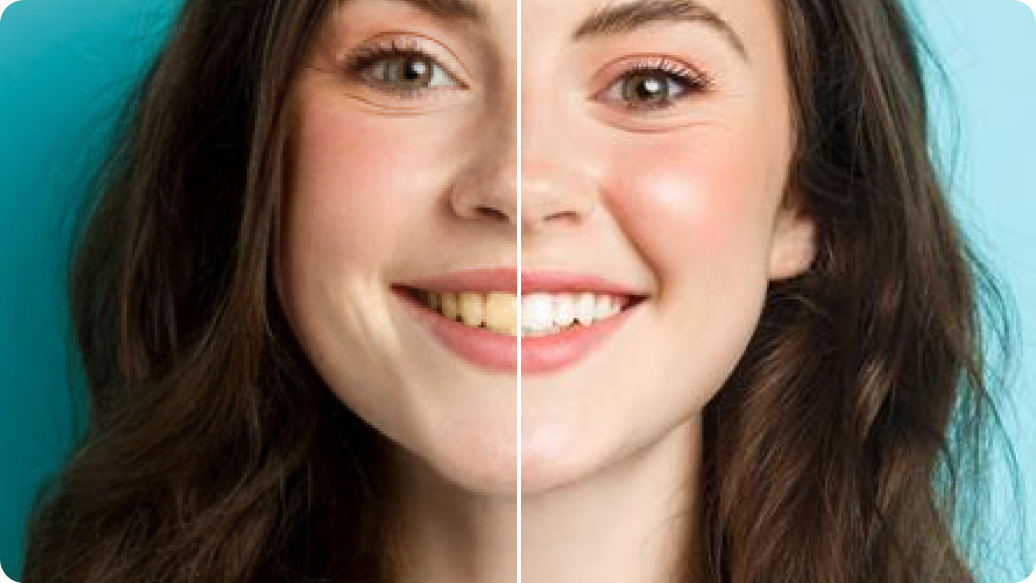
AI smile filter

Create your happiest version in seconds with natural curves, brighter expressions, and effortless charm.

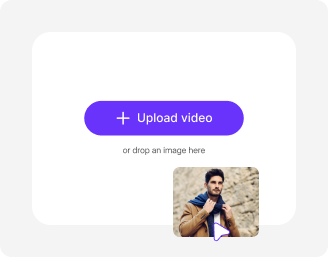
Upload Image

File should be less than 10MB

or paste URL

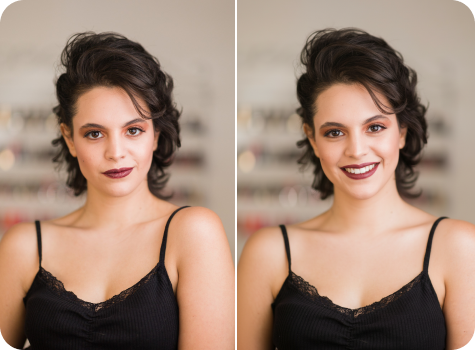
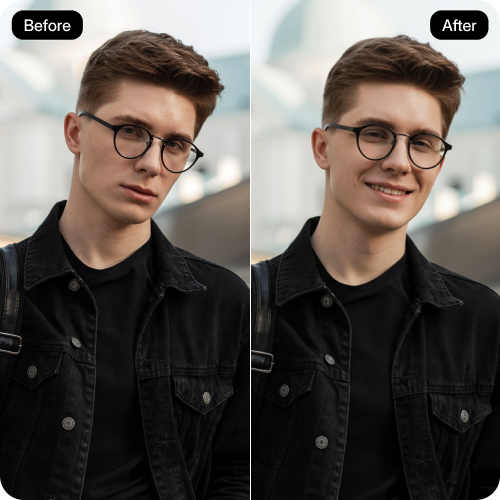
Before
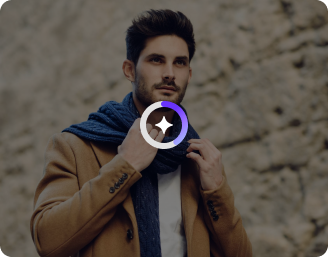
Loading

AI Magic in progress
Enhancing facial expression while keeping features realistic

After

Your smiling photo is ready!

Edit image with AI
Get 🔥 free credits for image editing, upscaling, generation and more
Add smile to another image
Generation Failed

There was some issue on our end. Please try again.

Try Again
Show case

How to add a smile to a photo with Pixelbin’s realistic smile generator?

1
Add your image
Paste an image link or upload your selfie or portraits in any of the formats: JPEG, JPG, WEBP, or PNG.
2
Wait for AI processing
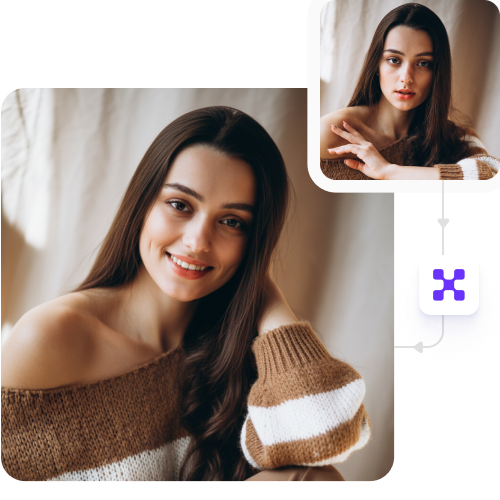
Pixelbin automatically detects your face and applies a natural-looking smile while preserving all your details.
3
Download the result
Preview and save the result in HD quality, free from watermarks, labels, or added texts.

Why use Pixelbin’s automatic smile editor?

Multiple formats
Upload your images in popular formats, such as JPEG, JPG, PNG, or WEBP.
Instant sharing
Copy the generated image URL and share it with your peers or groups, ready for social media or professional use.
HD outputs
Save your photos in high quality at no cost without any branding elements, perfect for quick sharing.
URL-based editing
Apply smile filters and enhancements instantly by just updating the URL parameters.
Image upscaling
Increase your image resolution by up to 2x, 4x, or 8x while preserving your facial features.
Mobile-friendly
Access the AI smile filter directly on your smartphones or tablets; no app installations needed.

Change emotions and moods in your images instantly

Control the mood of your photo by adjusting expressions from subtle smiles to big laughs.

Easy editing

Achieve natural-looking results with our easy-to-use, realistic smile generator, skipping the need for professional editing skills or expensive software.

Feature 1
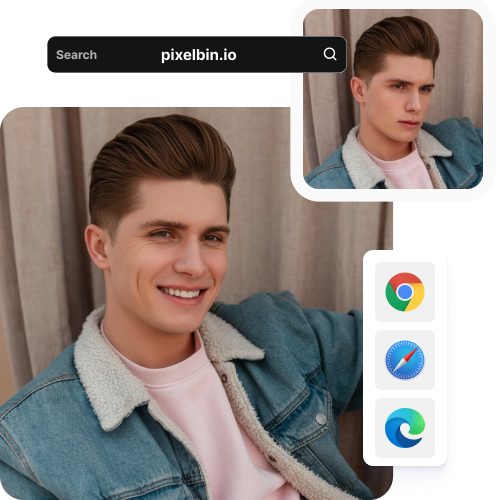
Browser-based

Edit your facial expression with Pixelbin’s AI on any modern browser you use, such as Firefox, Chrome, Safari, or Edge.
Feature 2
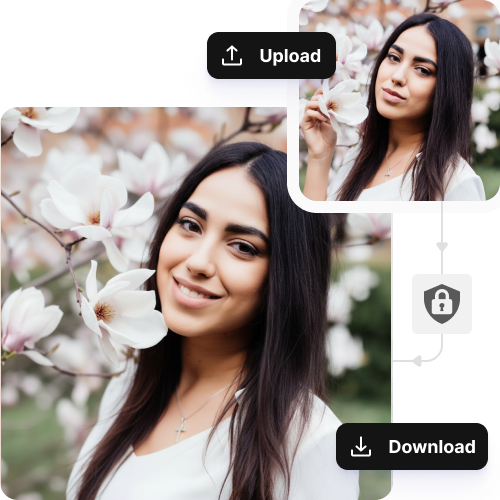
Complete privacy

Your images are processed on encrypted servers and are never shared or reused.
Feature 3
Free trials

Try the AI smile filter without any cost and experience realistic expression changes before upgrading.
Feature 4

AI tools by Pixelbin

Key highlights of Pixelbin’s AI smile photo editor

Benefits of using the AI smile filter

  • Save those "almost" perfect shots: You don't have to delete a great photo just because you weren't feeling it in the moment. You can flip a neutral face into a natural smile in seconds with the smile AI filter.
  • Boost your "likability" factor: Whether it’s for a dating app or your LinkedIn, people naturally gravitate toward smiling faces. Using a smile filter helps you look more approachable and confident to anyone scrolling by.
  • Fix the "Group Photo" struggle: There’s always one person who didn't get the memo to smile. Pixelbin’s realistic smile generator lets you unify the vibe of a group shot so the whole squad looks like they’re actually having a good time.
  • A digital "teeth whitening": After creating the smiling face, you can easily polish your teeth to make them pearly white and fix gum lines, giving you that high-end edit without needing a pro photographer.
  • Preview your "new" look: If you’re thinking about braces or veneers, smile simulation technology lets you see what a brand-new smile would actually look like on your face before you commit to a dental procedure.

Use cases for free AI smile filter

1. Social media "dump" recovery

You are sharing 10 travel photos through a carousel, but your best landscape shot shows you looking fatigued. You can use the AI smile generator to match your expression to the high-energy vacation vibes of the rest of the post.

2. Neutralizing resting face on IDs

The AI smile photo editor helps you fix your expressions if you appear grumpy in your official office badge or membership card, so you seem friendly to security and coworkers.

3. Standardizing real estate portraits

You require different headshot photos from various years to complete your "Meet the Team" page. You use a smile generator to match your facial expressions across all photos, which creates a unified collection for your page display.

4. Testing commercial fit

If you plan to audition for a happy family commercial, you can try the AI facial expression generator to display a wide grin. This helps you decide if you should lean into "serious" editorial work or "cheerful" commercial work.

5. Salvaging event photography

If a guest of honor at a gala or birthday party was caught mid-blink or mid-sentence in every single shot, a generator can reconstruct a closed-mouth smile from those frames, ensuring the guest of honor actually looks happy in the official album.

6. Enhancing smiles with dimples

If you want your smile to look more charming and expressive, you can use a generator to subtly add natural-looking dimples to your cheeks. This helps you create a warmer, more engaging appearance in portraits, profile pictures, or social media posts without changing your core facial features.

How to get natural-looking smiles with Pixelbin’s AI smile filter?

To ensure you get a realistic grin on your images, here are a few things you need to keep in mind:

  • Use a clear image where your face is fully visible and not cropped.
  • Make sure the lighting is even and natural, avoiding harsh shadows on your mouth or cheeks.
  • Choose a front-facing or slightly angled photo for better smile alignment.
  • Avoid blurry, pixelated, or heavily filtered images as they reduce realism.
  • Start with a neutral or soft expression for more natural-looking results.
  • Ensure your lips and jawline are not covered by hair, hands, or accessories.

FAQs

Here’s a list of commonly asked questions about our AI smile filter. If you still can't find what you're looking for, reach out to us at support@pixelbin.io or check out our documentation for more details.

You receive monthly free usage which starts at fixed amounts and resets at the beginning of each new month. But you can buy additional credits through pay-as-you-go basis to continue working after your free usage runs out.
The AI smile filter uses automatic detection to find and modify all individuals present in a group photograph. The AI system can detect multiple faces in a crowd but it produces optimal results when applied to images that contain only one face.
Pixelbin’s realistic smile generator has an upload size of a maximum of 10MB in the mentioned formats.
Surprisingly, yes! The AI doesn't just "paste" a mouth over your face; it understands the geometry of your facial hair. It works by subtly moving the hair follicles and skin around the mouth just like a real smile would, so the mustache or beard curls naturally with the lips rather than looking like a weird digital glitch.
It starts as a one-click wonder to give you an instant result, but you aren't stuck with it. If you want a bigger laugh or a more subtle grin, you can select the "Edit with AI" option to fine-tune the intensity until it's just right.
Edit images in seconds, not hours
Get pixel-perfect results just with your words
Start editing with AI