PixelBin logo
Image generator is here -   Create Now   and Claim 30% off on Pro Plans. Use code SALE30 at checkout.   Claim Discount

AI body editor

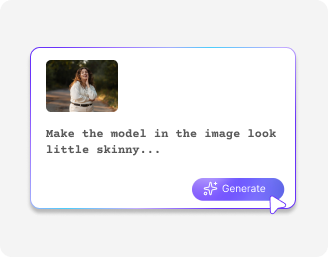
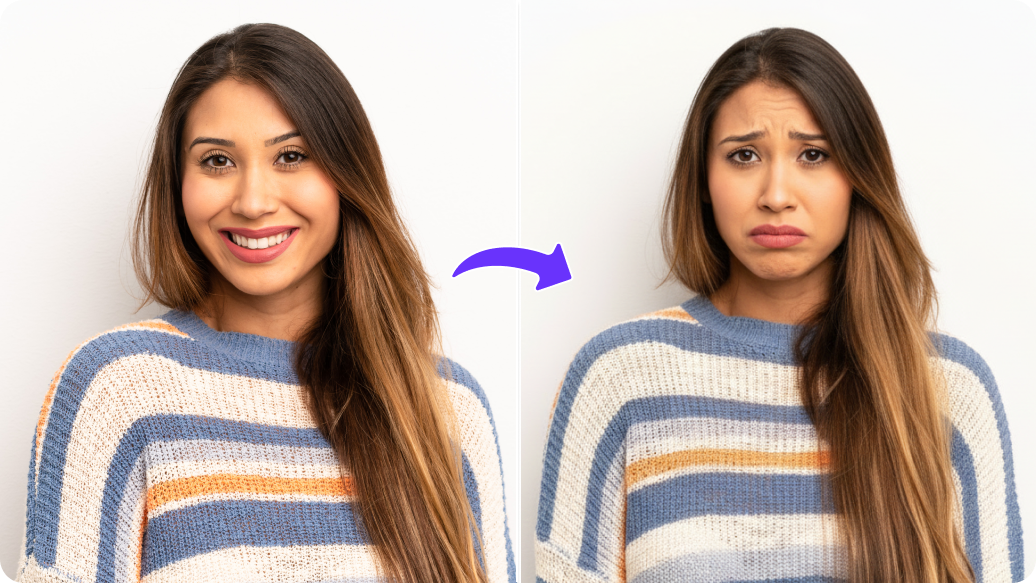
Fix your body proportions, add muscle definition, or enhance your curves just by describing them.

Uploaded image
2500 chars left
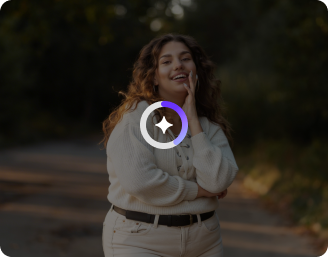
Loading

AI body editor at work
Analyzing neural layers, calibrating textures, and rendering via AI body model

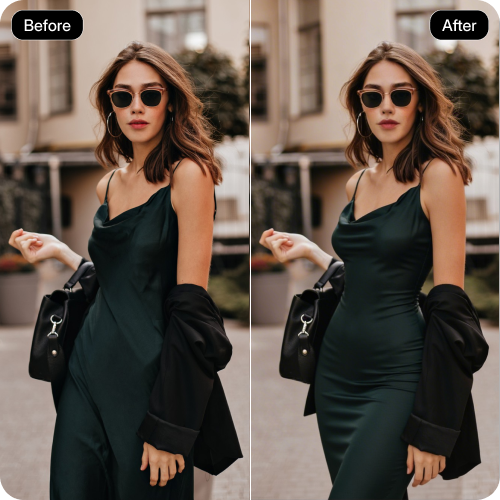
Generated Result

Your AI body output is ready!

Edit image with AI
Get 🔥 free credits for image editing, upscaling, generation and more
Test another image
Generation Failed

There was some issue on our end. Please try again.

Try Again
Show case
How to use Pixelbin’s online body editor?
1
Add an image
Upload a clear body photo to the body editor online free tool in JPEG, JPG, PNG, or WEBP.
2
Describe your edits
Write in simple words how you want your body to look, like a slimmer waist or toned arms.
3
Download the image
Preview the result and download your edited image in HD, without any watermarks, added texts, or labels.
Why is Pixelbin the best AI body editor?
Image upscaling
Increase your image resolution by 2x, 4x, or even 8x while keeping details sharp and clear.
Instant sharing
Copy the generated image URL in one click and share it directly with your clients or teammates.
Asset management
Organize your edited images in one place and access them whenever you need.
No sign-up
Access the online AI body editor without creating an account or sharing your personal information.
Watermark-free exports
Save all your edits without any marks, logos, or branding elements; ready for professional use or sharing.
Multiple formats
Upload all your selfies or portraits in popular formats, such as JPEG, JPG, PNG, or WEBP.
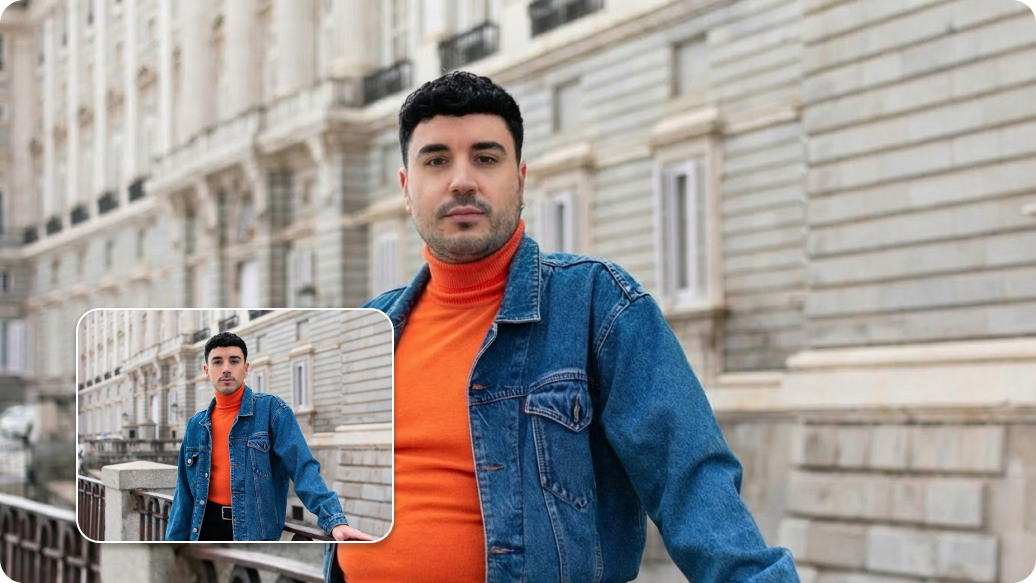
Taller, slimmer, or muscular: Get the look you want instantly

Customize every detail of your body from head to toe to create realistic transformations in just a few clicks.

Easy to use

Create natural-looking transformations with our AI face and body editor without learning any editing skills.

Feature 1
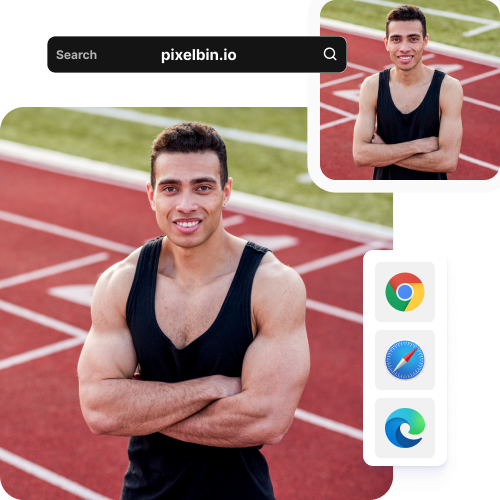
Works on modern browsers

Access the editor on any browser you use, such as Safari, Chrome, Edge, or Firefox; no app installations required.
Feature 2
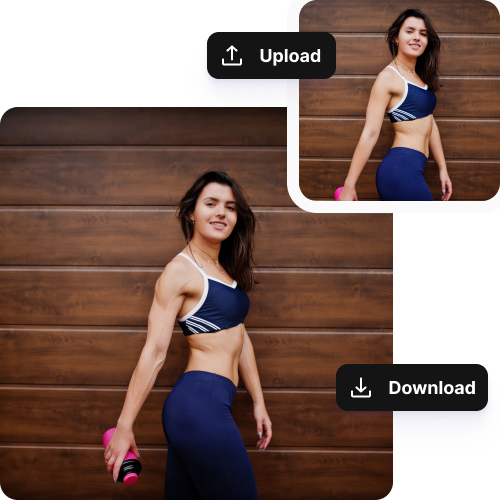
Complete privacy

All your images are processed on secure servers, and they are never shared with any third-party.
Feature 3
Realistic results

Create smooth, believable changes while preserving your actual looks so it appears real and not fake.

Feature 4

AI tools by Pixelbin

Key highlights of Pixelbin’s AI image body editor
Benefits of using the AI body editor
  • Instant confidence boost: A great photo can be ruined by an unflattering angle or a slouching pose. Fix your posture, smooth out wrinkles, and make your memories instantly more shareable.
  • No more "camera distortion": Phone cameras can make you look wider or shorter than you really are. Also, some body editing apps distort the image when you try to fix proportions. But with our AI body image editor, you can show your true appearance exactly as it is.
  • A sneak peek at your goals: It’s hard to stay motivated when your body changes slowly. See how your body could look over time, like a digital vision board for your fitness journey.
  • Save tons of time: Make changes to your body in seconds just with simple text descriptions. Spend less time editing and more time creating multiple.
  • Keep the background perfect: Adjust your body shape without any background elements. Your edits stay focused on you while the background remains untouched.
  • Better digital first impressions: Present your best self on professional networks and social media. Perfect your posture and stance to take confident, polished photos every time.
Use cases of the AI body editor
1. Social media content creation

You can instantly fix "photo fails" caused by wide-angle lenses that stretch your legs or widen your torso. Adjust your posture, smooth out fabric bunching, and create Instagram-ready or LinkedIn-ready photos that look professional and polished.

2. Medical health visualization

See realistic post-procedure images to clearly explain your goals to surgeons or trainers. Use our AI body image editor to create virtual weight-loss looks to visualize your scientific body projection and stay focused on your progress, helping you maintain motivation during major lifestyle changes or medical procedures.

3. Digital fashion and e-commerce

Showcase your clothing line on virtual models of different body types and heights without hiring multiple models. Let customers see how a dress or suit fits someone with matching measurements. This will help build trust and reduce product returns.

4. Gaming and character development

Create character prototypes by adjusting physical traits like muscle mass or fantasy creature height in seconds. Test different designs and create character silhouettes quickly to make your concept art process faster and more efficient.

5. Gender exploration

By subtly adjusting facial features, shoulder width, and hip proportions in a private way, you can explore your gender presentation and discover what feels authentic to you. Even the LGBTQ+ community can use our online AI body editor as a safe and personal way to experiment with appearance, without making changes directly on the physical level.

How to get the best results using Pixelbin’s face & body image editor?

Below are a few things you can try to get realistic outputs using our AI body editor:

  • Choose clear photos with good light so the details can be examined accurately by the AI.
  • Make sure the area you want to work on is visible without distortion produced by extreme angles or heavy shadowing.
  • For description, specify exactly what needs to change, such as trimming your waistline or correcting posture.
  • Mention small details that you desire: muscular definition, leg length, curves, etc., to get exact results.
  • Work with minor changes at first and gradually apply changes. This method will help ensure that the final image looks natural in all aspects.
  • Make sure you preview the changes in detail and then modify your prompts as required so that you can get the right result every time.
FAQs

Here are some commonly asked questions about our AI YouTube thumbnail generator. If you need more assistance, reach out to us at support@pixelbin.io or visit our documentation.

Yes, our body editor works across all devices and on modern browsers. So, you can easily access the tool on your smartphones or tablets and make edits on the go.
Yes, you can adjust your waist, arms, legs, curves, posture, and more in one photo. Just make sure you add all the areas specifically while adding your prompts. You can also fine-tune the edits gradually to keep them realistic.
Yes, everything stays intact because the tool works on making changes based on only the prompts you have shared.
The tool lets you try 3 actions with the 3 free credits that we offer. However, if you want to continue editing, then you have to sign up and purchase additional credits on a pay-as-you-go basis.
Yes, you can use our face and body image editor to visualize your fitness goals. Simply describe the changes you want, like a slimmer waist, toned arms, or leaner legs, and see a digital version of your future progress.
Edit images in seconds, not hours
Get pixel-perfect results just with your words
Start editing with AI