






Browser-based
Use the AI eyebrow filter directly in any browser you use, such as Safari, Chrome, Edge, or Firefox.

 Contact Us
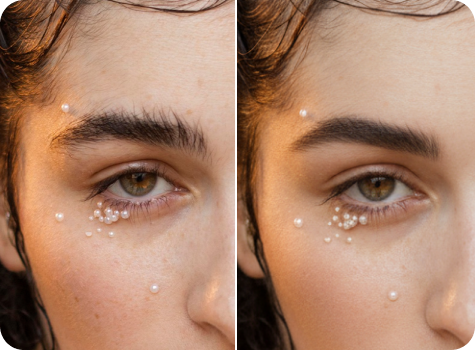
Try thin, thick, soft, or bold brows to find the look that suits you best with a single click.
File should be less than 10MB
or paste URL

AI Eyebrow Design in Progress
Generating your digital Eyebrow preview
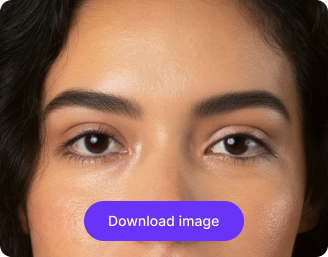
Your AI-generated eyebrow is ready!
There was some issue on our end. Please try again.



.png)


Try soft arches, high arches, straight brows, or bold shapes to see what fits you best.
Use the AI eyebrow filter directly in any browser you use, such as Safari, Chrome, Edge, or Firefox.
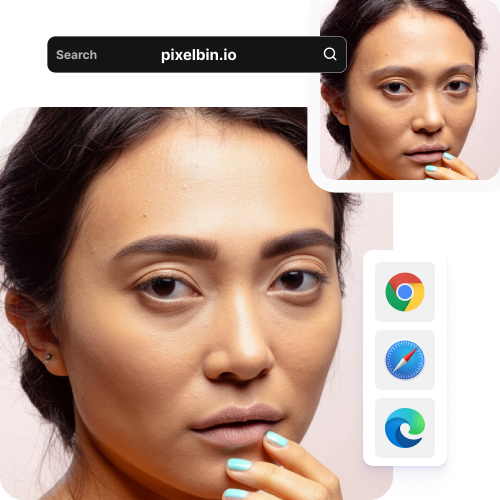
Edit your brows on a simple interface designed for both beginners and experts alike; no editing skills needed.
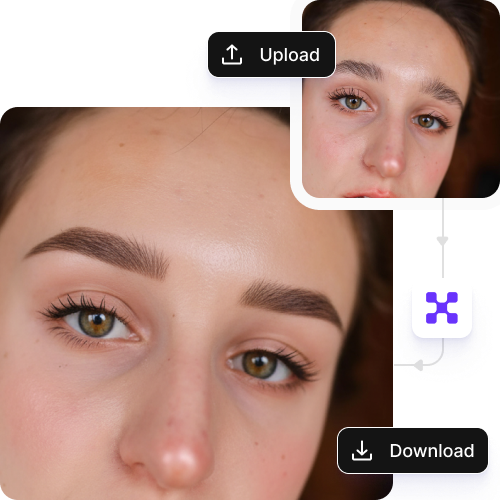
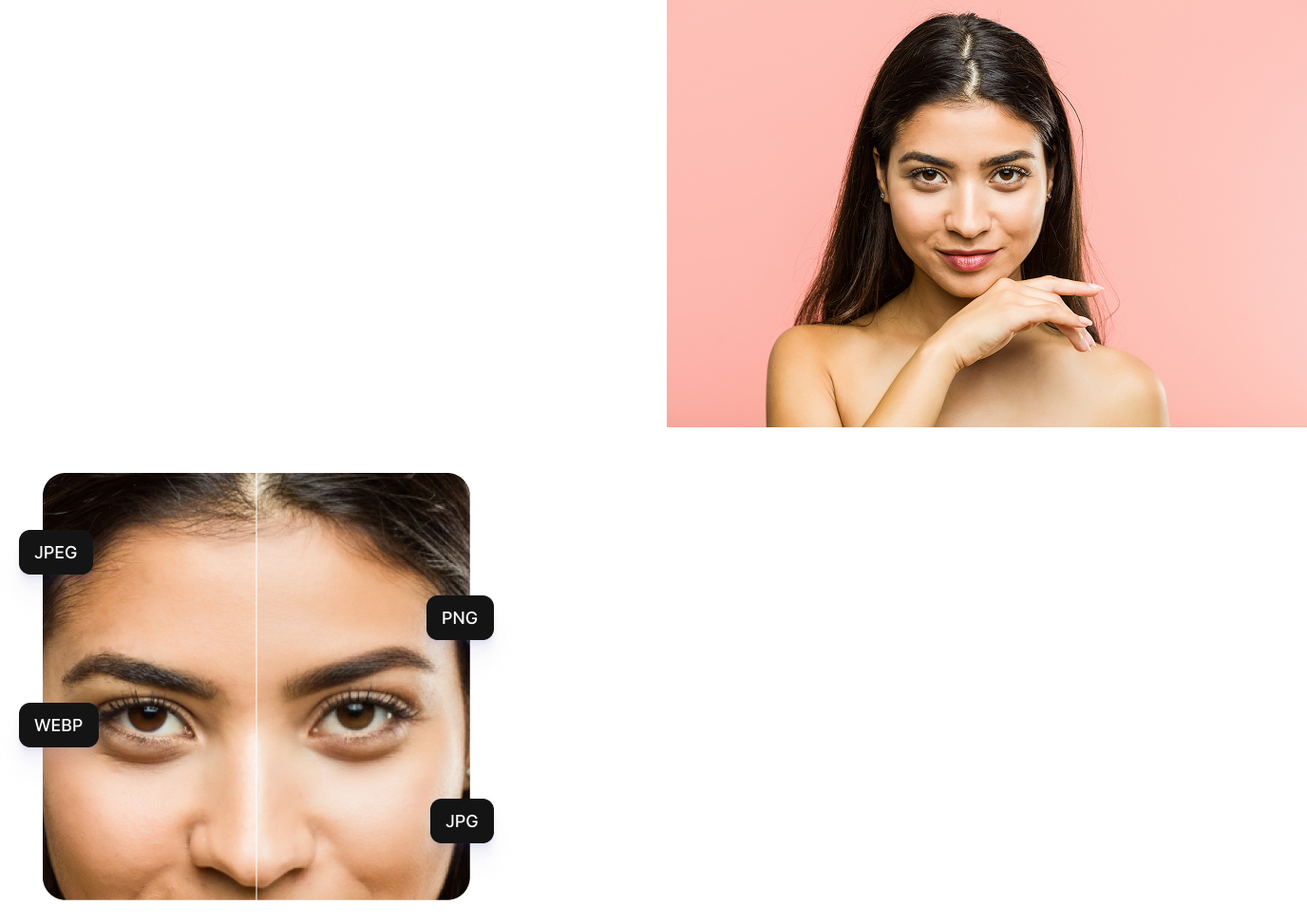
Upload your selfies or portraits in popular formats such as JPEG, JPG, WEBP, or PNG.
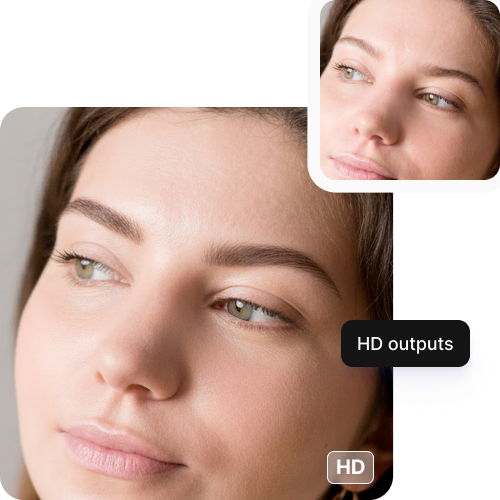
Save your visuals in clear, high-quality resolution with natural-looking results.
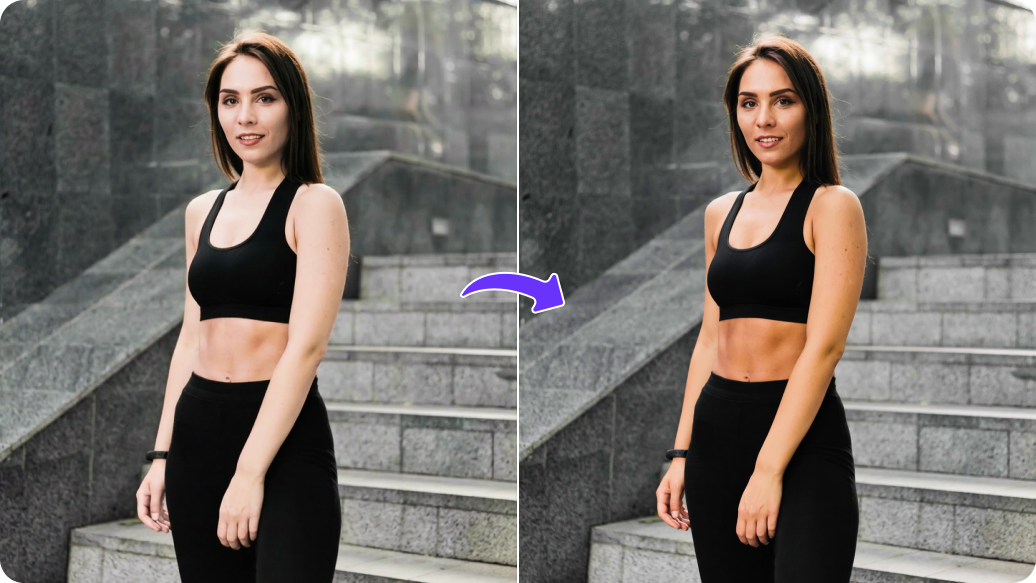

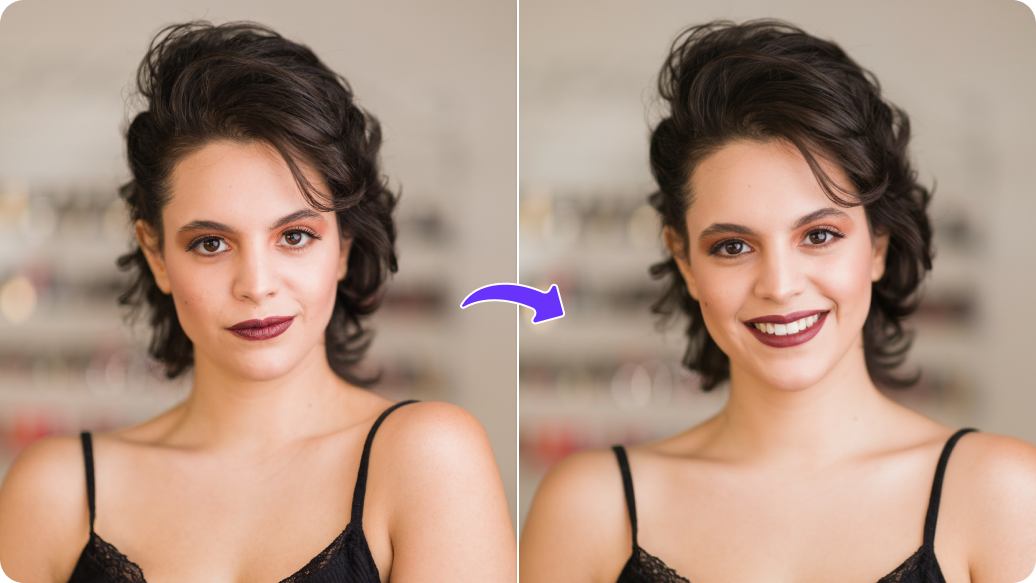
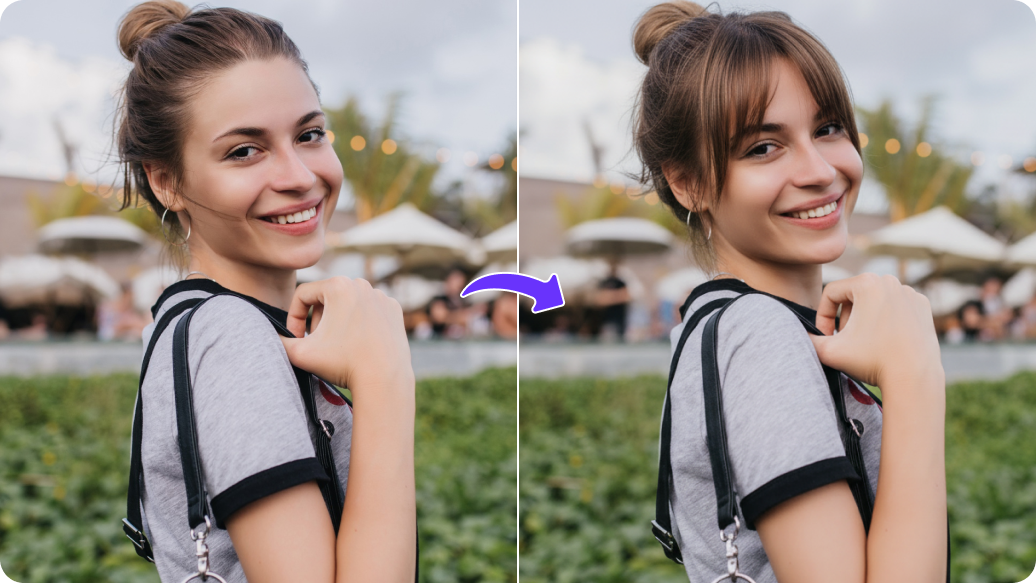
With our eyebrow filter, you can try different types of eyebrow shapes, such as:
Before you try something bold like brow slits or bleached brows, use a filter to see how it looks on your face first. This helps you avoid long regrowth or regret if the trend doesn’t suit you.
Instead of struggling to explain what you want, show your stylist a filtered photo of your brows. It keeps you both on the same page and reduces the chances of a shape you didn’t ask for.
Test different brow shades on your photo to see what matches your hair and skin tone. This helps you avoid going too dark or choosing a color that feels too harsh.
Use the filter as a guide while shaping your brows at home. It shows where your brows should start, arch, and end so you can avoid over-plucking.
Need to take a quick selfie? Use the filter to fill sparse areas and even out your brows for a neat, groomed look in seconds.
Use the eyebrow filter to preview how a different shape might change your face and show professionals exactly what you want.
Create before and after versions of your eyebrows or share your filtered look with friends or family to get opinions before making a real change.
To ensure you get natural and realistic brows, here are a few tips you can try::
Here’s a list of commonly asked questions about our AI eyebrow filter. If you still can't find what you're looking for, reach out to us at support@pixelbin.io or check out our documentation for more details.