PixelBin logo
Image generator is here -   Create Now   and Claim 60% off on Pro plans. Use code PB60 at checkout.   Claim Discount

AI aesthetic photo editor

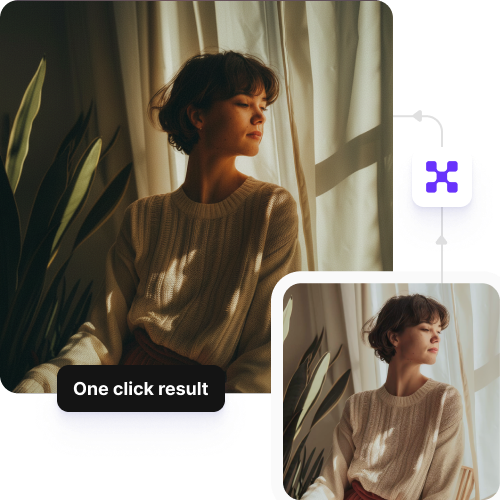
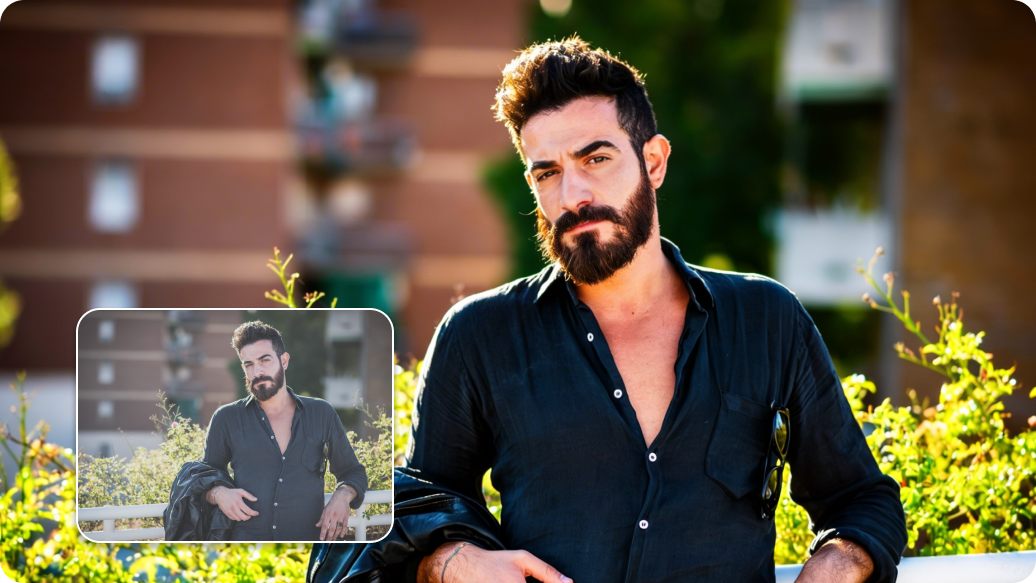
Enhance photos with AI that refines lighting, color, and tone to create a balanced, aesthetic look.

Aesthetic photo editor tool

File should be less than 10MB

or paste URL

Upload clear, well-lit photo to create a soft, dreamy, and aesthetic-style image with AI filters.

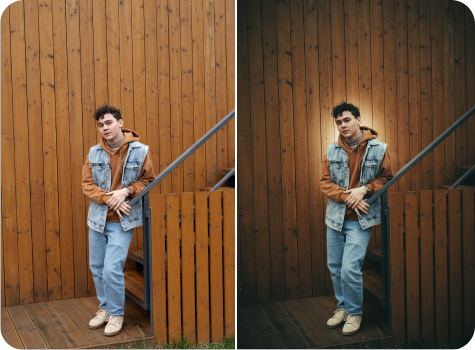
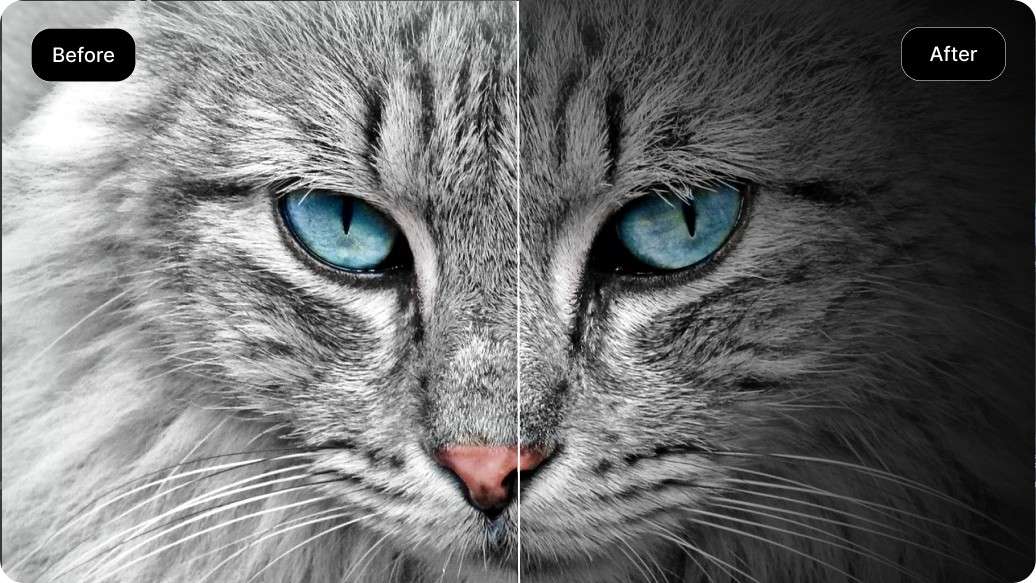
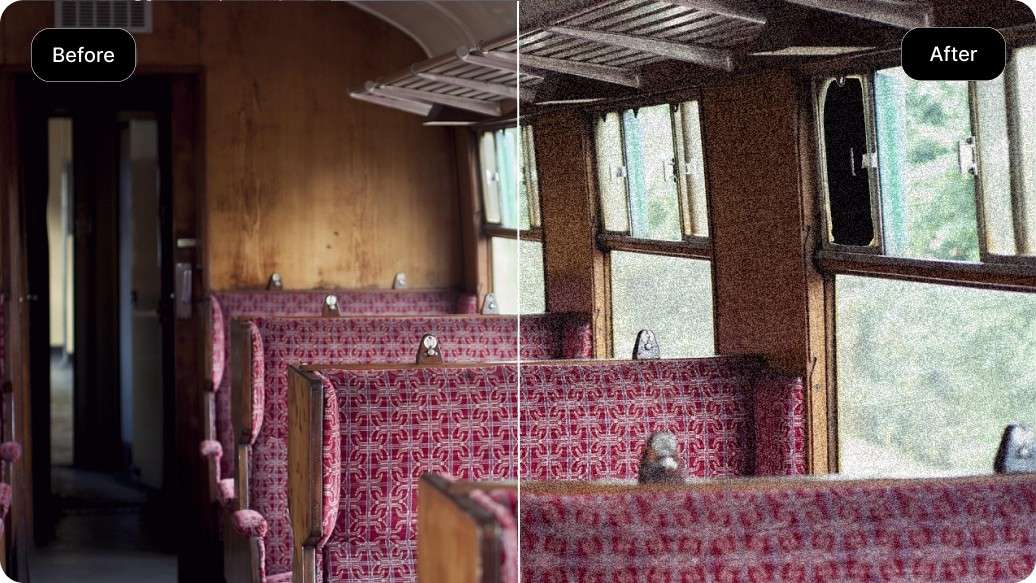
Before
Loading

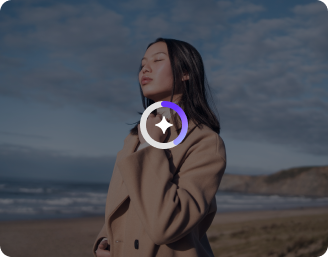
AI Magic in progress
Enhancing colors, adding light flares, smoothing tones, and creating your aesthetic photo edit

After

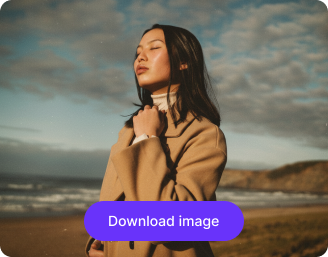
Your aesthetic photo is ready!

Edit image with AI
Get 🔥 free credits for image editing, upscaling, generation and more
Edit another image
Generation Failed

There was some issue on our end. Please try again.

Try Again
Show case

How to get aesthetic photos with Pixelbin's AI editor?

1
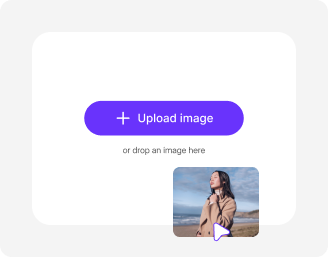
Add your image
Paste a URL or upload your picture in any of the following formats: JPG, JPEG, PNG, or WEBP.
2
Apply filters & effects
Describe the changes you want to make. Use simple words & sentences for the best results.
3
Generate your image
Preview the generated output & download it in HD, at no extra cost or watermarks.

Why use Pixelbin’s free aesthetic photo editor app??

Multiple image formats
Upload images in popular formats such as JPG, JPEG, WEBP, or PNG.
No lengthy prompts
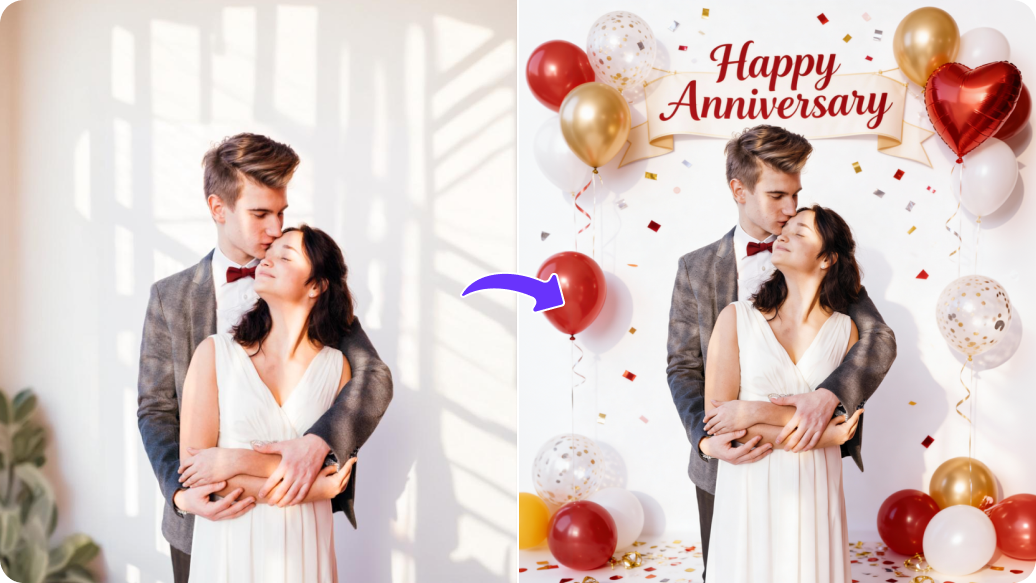
Make quick edits with simple prompts like “add some birds” or “remove the person behind.”
Fast AI rendering
Apply changes to your images within seconds without any manual editing required.
Free HD downloads
Download your edited images in HD without watermarks or extra costs.
No sign-up required
Use the tool instantly without registering or entering any details.
Complete privacy
Your images are processed securely on protected servers and never shared with anyone.

Make aesthetic edits in seconds with our AI editor

Pixelbin helps you make quick modifications to your images using AI, without the need for software downloads or manual editing.

High-quality edits

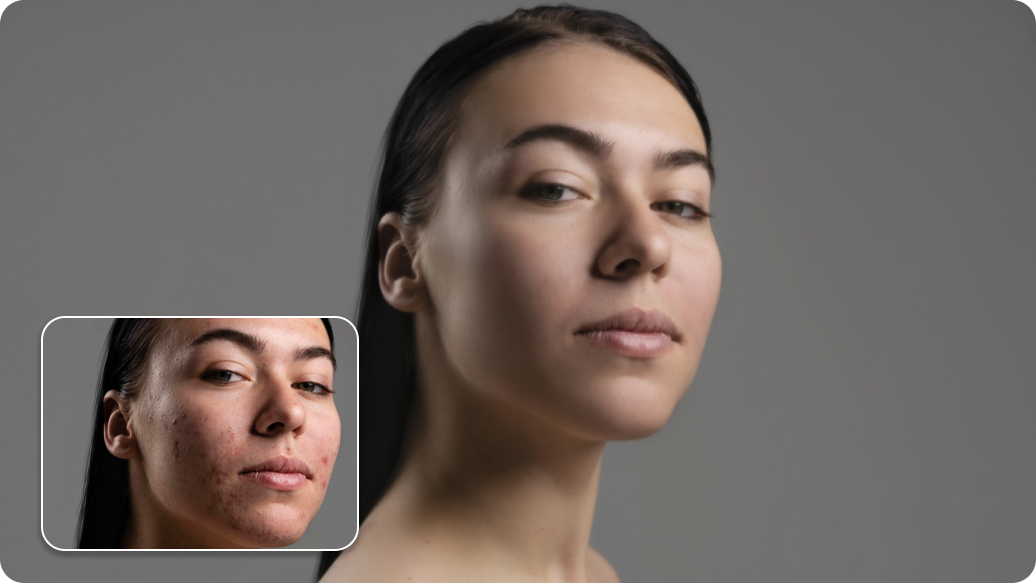
Preserve the original resolution of your image even after editing, ensuring the output looks as detailed as your uploaded version.

No app installations

Access the aesthetic photo editor directly from your browser on any device – no downloads required.
No editing skills required

Make advanced changes quickly. Upload your image, describe what you want adjusted, and get clean, accurate results.
Monthly free trials

Edit up to three images per month for free, and upgrade anytime for more credits or API access.
sketch to image in HD-resolution pictures

AI tools by Pixelbin

Key highlights of Pixelbin’s best free aesthetic photo editor app

Benefits of using a free generative AI image editor

With Pixelbin, you can make professional-looking edits to images without any prior editing experience. Here are some of its benefits:

  • No learning curve: Our AI editor has a simple interface that anyone can use, regardless of their editing experience.
  • Cost-effective solution: You get access to premium-quality aesthetic filters and tools without paying for expensive software subscriptions.
  • Zero distortion: Edited images have the same clarity as the original photo, free from any type of blur or distortion.
  • Regular updates: Pixelbin is always growing to include the latest photo trends.
  • Works on all your photos: Our editor is optimized for all kinds of images, from selfies and portraits to landscapes and product shots.
  • No watermarks: Download your filtered image in high quality, without any distracting watermarks.

Use cases of our AI aesthetic photo editor online

Pixelbin’s free AI editor can be used for both personal and professional needs. Here are some of the most common use cases:

1. Elevate your social media feed

Create an aesthetic look for your Instagram, Pinterest, or TikTok profiles. Apply the same filter or vintage effect across all your photos to build a strong personal brand and make your feed look more prominent.

2. Enhance blog & website content

Make your blog posts or website banners more engaging. Use our aesthetic photo editor to add a professional filter or make some minor edits to match your brand’s visual identity and capture your audience's attention.

3. Create unique profile pictures

Using Pixelbin’s free aesthetic photo editor, you can finally move beyond standard profile pictures. Apply a subtle film grain, a lo-fi effect, or a sparkle overlay to create a profile picture that shows off your personality on social or professional networks.

4. Design digital art & mood boards

Quickly add a specific mood to your digital art or collages. Our AI-powered editor is great for designers and creators looking to test different vibes for a project without using complex software.

5. Improve product photography

Give your eCommerce photos a consistent and appealing look. Use soft filters to create a lifestyle feel, helping customers visualize your products in a real-world setting, which can help improve conversions.

How to get the best results from aesthetic photo editor online free tools?

Here are some suggestions to get the most accurate results from Pixelbin’s free photo editor:

  • Start with a high-resolution, well-lit image for the clearest results.
  • Write prompts that are short and direct.
  • For complex changes, write prompts to make one or two edits, one at a time.
  • Clearly specify the object and the change you want the AI to make. For example, "Change the background to an anime-inspired visual" is more effective than "background like anime.".

FAQs

Here are some of the most commonly asked questions about our Silhouette Maker AI tool. If you still can’t find what you’re looking for, contact us at support@pixelbin.io or refer to our documentation for more details.

An aesthetic photo editor is designed to change the 'vibe' or 'mood' of a photo. Instead of complex technical adjustments, you can use it to apply artistic filters, overlays, and effects (like vintage, lo-fi, or dreamy) to make your images more visually appealing.
You can use the free aesthetic photo editor online for up to three times per month. For more frequent use, you can always sign up to get ten free credits, which you can use across all our AI tools.
You can create a wide range of popular aesthetics, including vintage, retro, film grain, minimalist, dark academia, moody, airy, and cinematic looks. Just add a prompt, and our aesthetic AI photo editor will apply that to your image automatically.
No. We offer a browser-based tool that maintains your photo's original resolution. The photo editor aesthetic AI modifies your uploaded image based on your given instructions, without altering the resolution.
Our prompt-based best aesthetic photo editor analyzes your instructions and performs the requested edits to the uploaded image. For example, you can type “add noise to the image and make it lo-fi,” to make the AI mute bright colors and create an output suitable for social media.
No. Pixelbin’s aesthetic photo editor free tool preserves the original look and feel of your image by just making the requested changes.
Edit images in seconds, not hours
Get pixel-perfect results just with your words
Start editing with AI