






Instant realistic results
Save time on edits with automatic touch‑ups that keep your posts looking natural and consistent.

 Contact Us
Turn your Instagram feed into a premium grid with free, one-click edits.

AI Magic in progress
Creating a clean, aesthetic Instagram images
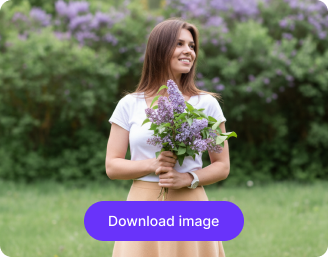
Your enhanced restaurant image is ready!
There was some issue on our end. Please try again.



Get sharper details and clarity instantly, all without the hassle of complicated editing software.
Save time on edits with automatic touch‑ups that keep your posts looking natural and consistent.
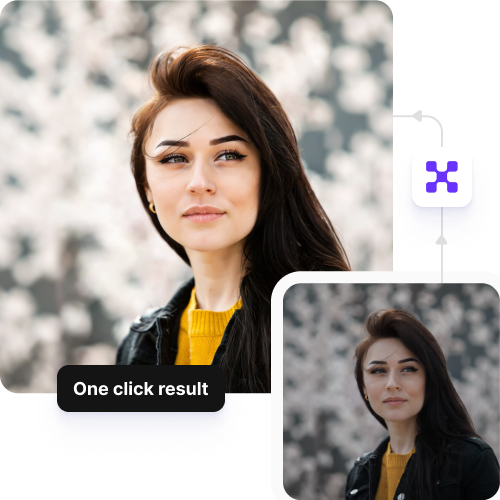
Edit photos for free each month, and upgrade anytime for extra credits or API access.
Access the tool directly in Chrome, Safari, Edge, or Firefox and start instantly without any setup delays.
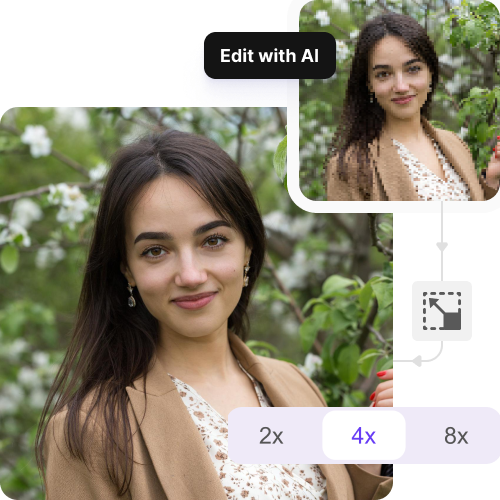
Make all your pictures match in style so your feed always looks neat and professional on Instagram.
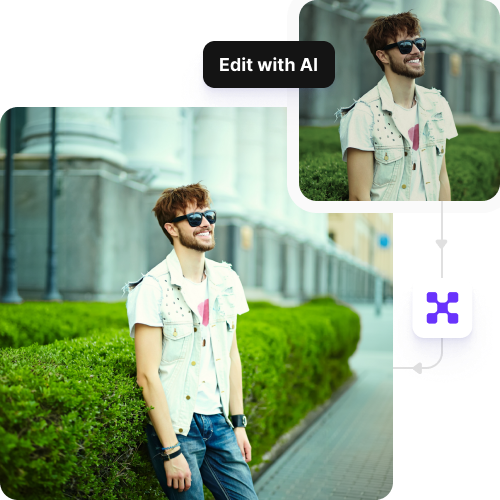
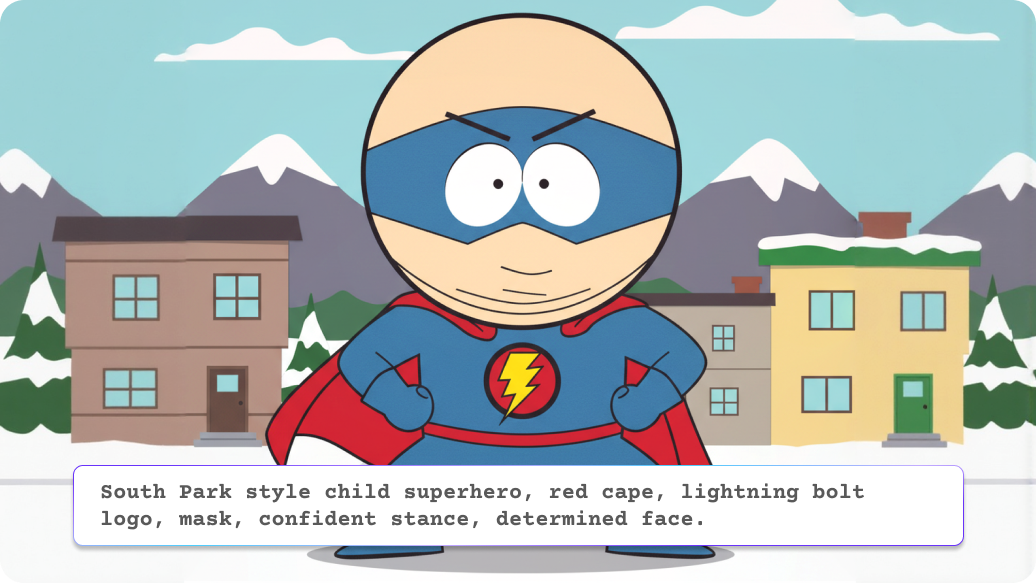
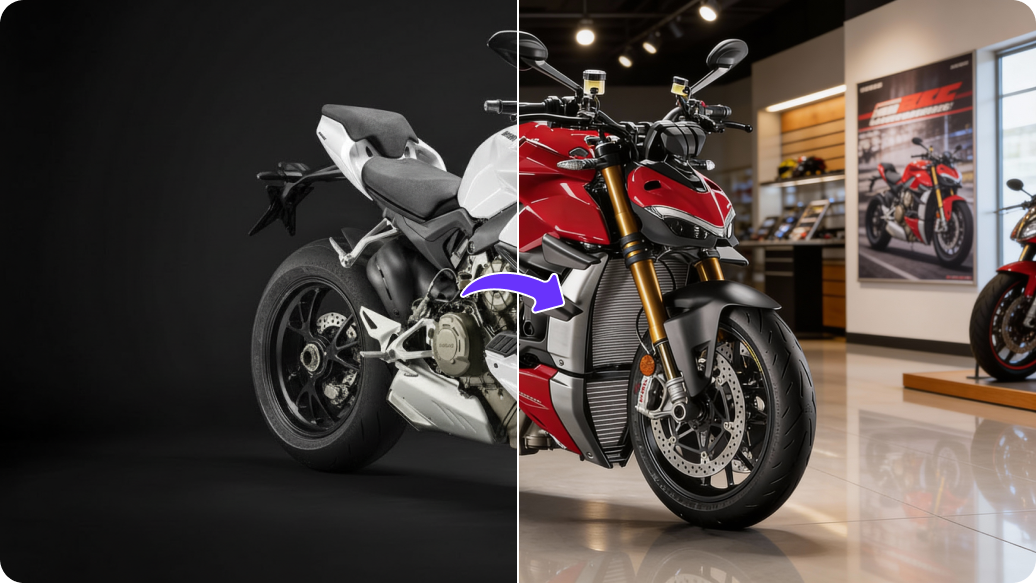
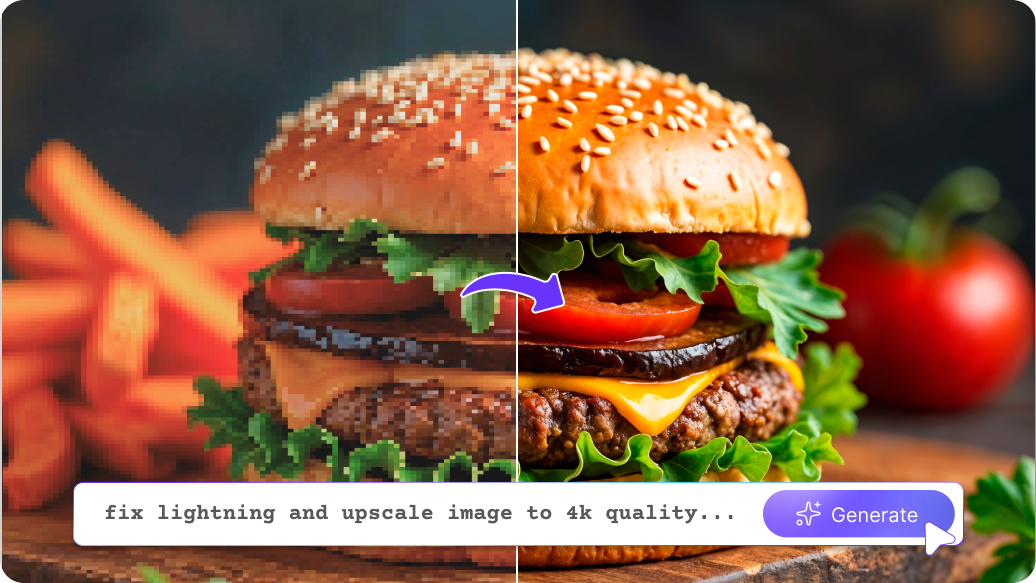
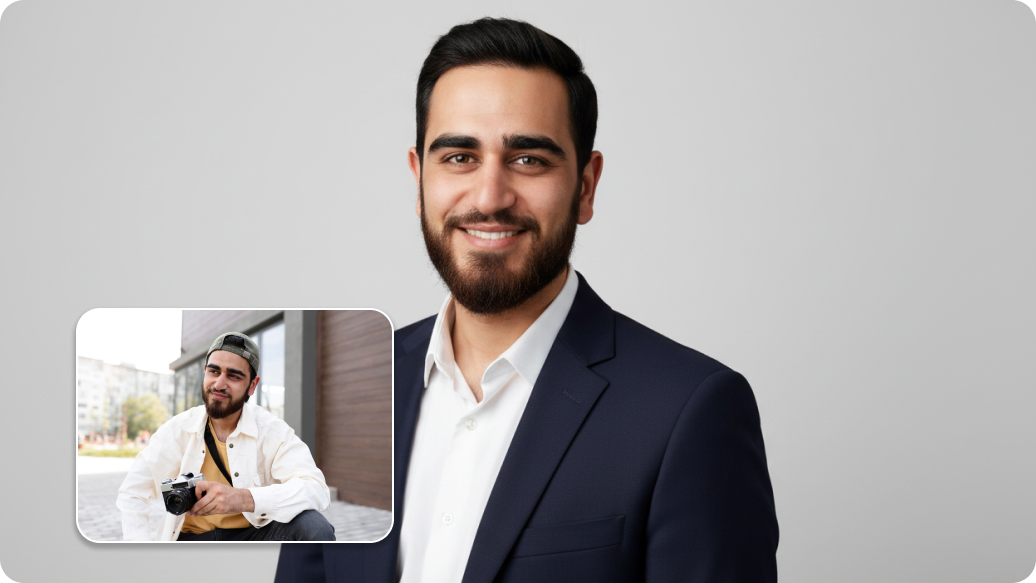
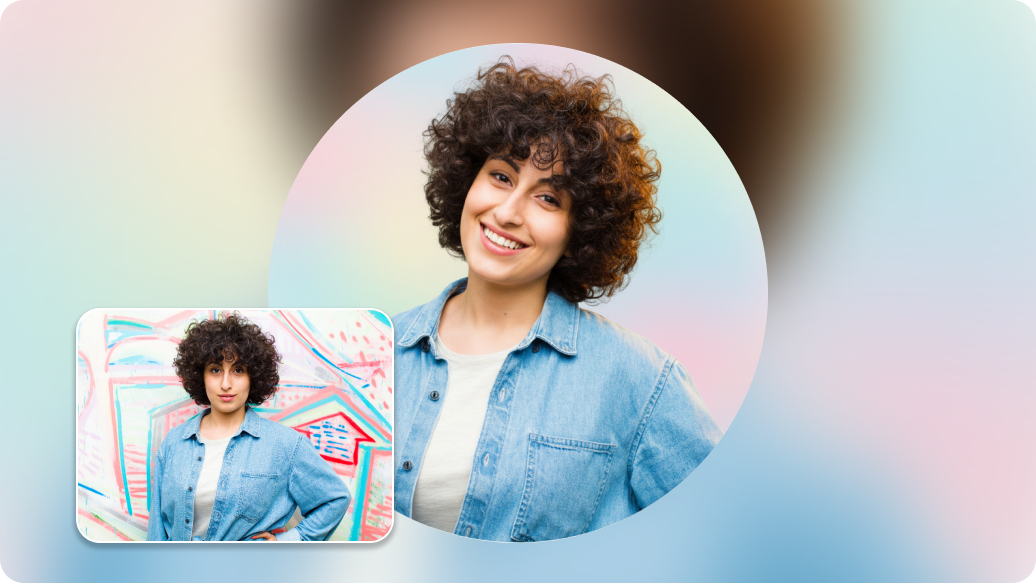
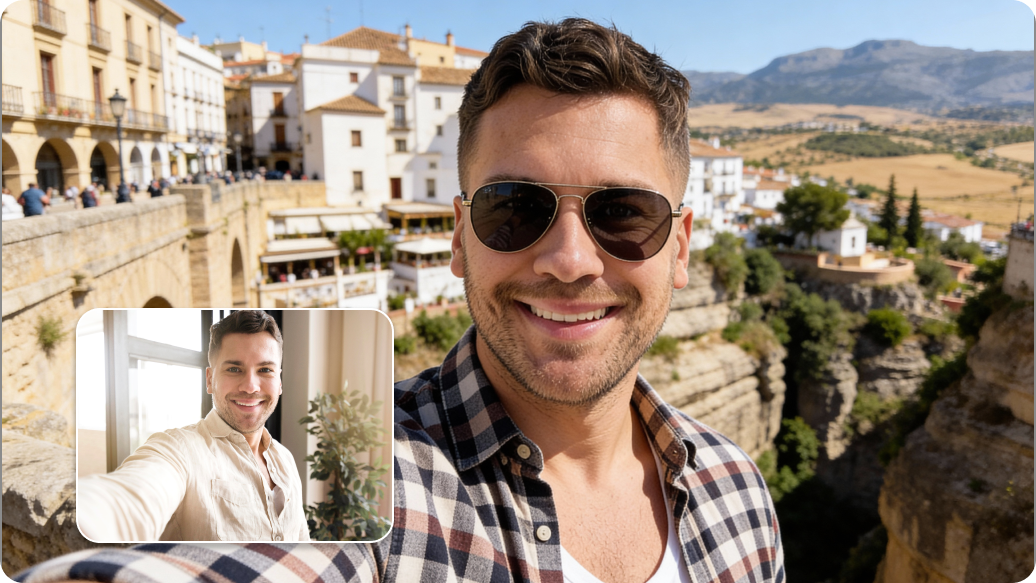
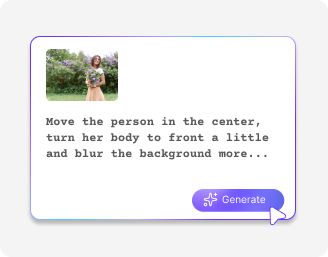
Ever get that shot with a perfect scenery, but it's packed with people? Instead of spending a ton of time editing, an AI Instagram image editor can help. The tool figures out what's behind them, like a wall or sunset, and fills it in. You can blur backgrounds or remove people.
We’ve all been there where the horizontal photo doesn’t fit for a vertical Instagram Story because it crops out your friends. AI can fix this by adding to the picture. It checks the edges and draws more of the background: sky, ground, or walls to turn it into a full-screen picture.
If you like your pose but your outfit doesn't match your Instagram theme, no need to retake. With AI, you can just change your clothes. Just select your clothes and type what you want, like a red dress or a jacket. The AI changes the fabric but keeps the folds and lighting, so you can switch outfits fast.
Don't let a cloudy day mess up your posts. The AI Instagram editor can change a grey sky to a blue one or a sunset. It can also adjust the lighting on you and the background to match the new sky.
Keeping a consistent look makes your feed look professional. With our AI, you can keep colors and lighting consistent across your photos, so your feed looks uniform without needing to manually edit each image.
Here are some of the most common questions about our AI Instagram photo editor. If you can’t find the information you need, contact us at support@pixelbin.io or refer to our documentation for more details.