






No editing needed
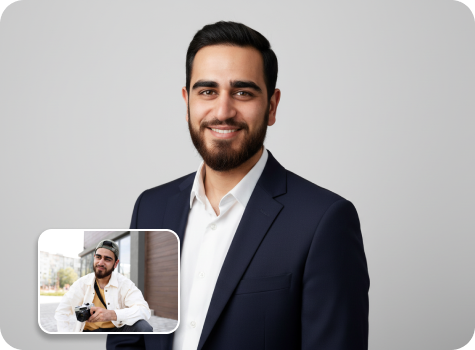
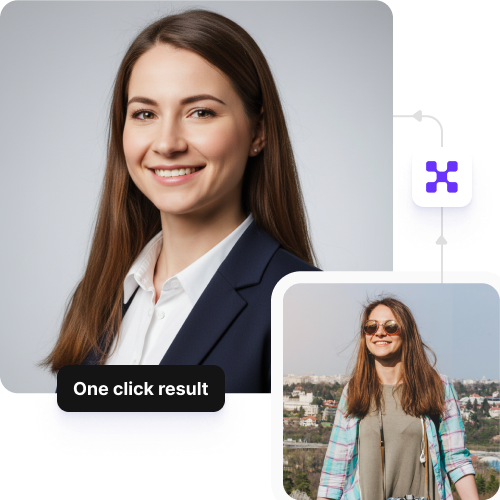
Get professional-looking headshots from your photos in moments, without any manual work needed.

 Contact Us
Create polished, professional LinkedIn photos with AI — ideal for resumes, profiles, and corporate branding.
File should be less than 10MB
or paste URL

AI Magic in progress
Creating a clean, professional LinkedIn-style headshot
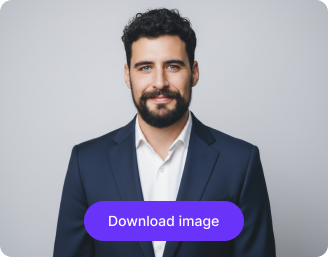
LinkedIn headshot is ready!
There was some issue on our end. Please try again.


.png)

.png)
.png)

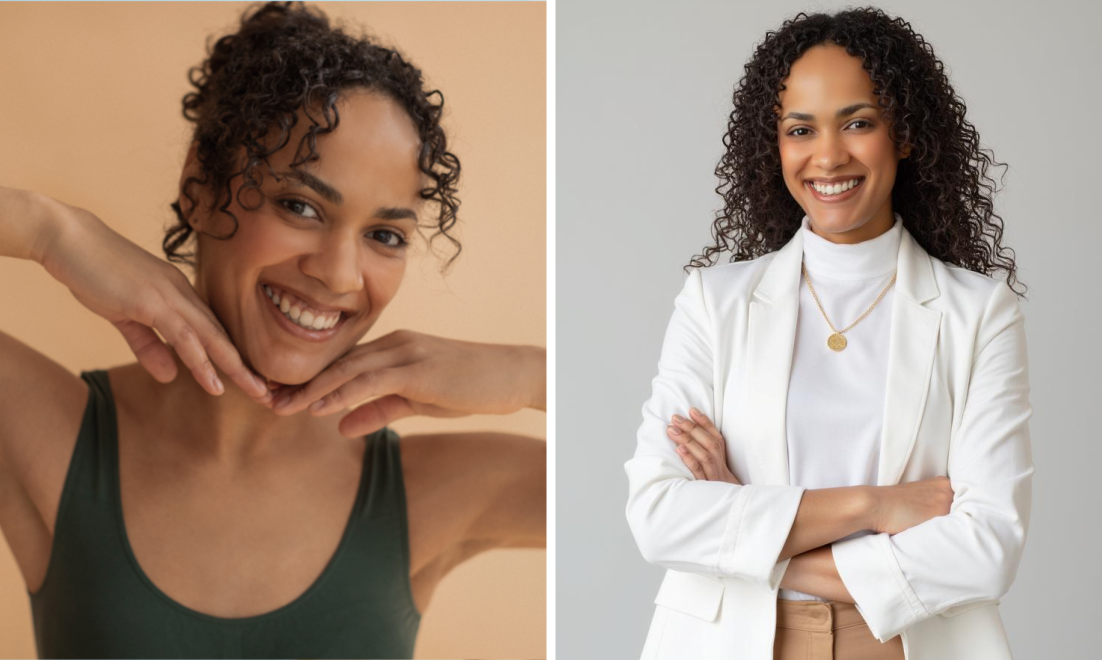
Refine your facial features with expert touch-ups for a sharp, career-ready look that builds trust.
Get professional-looking headshots from your photos in moments, without any manual work needed.
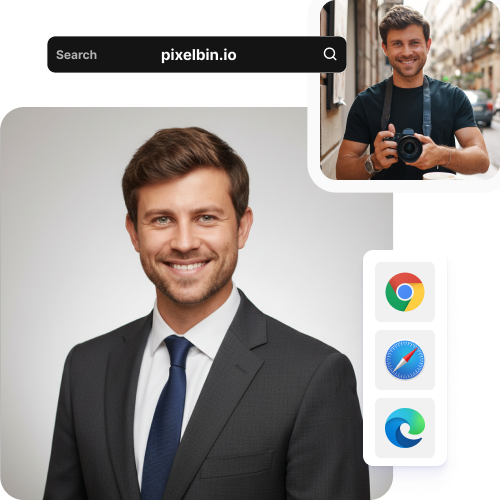
Create images straight from Chrome, Edge, Safari, or Firefox; no software or app installations required.
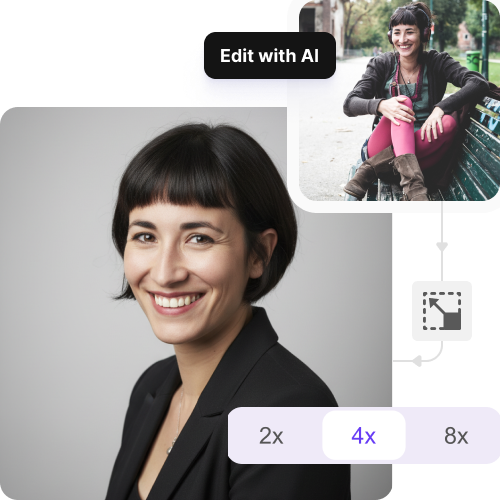
Increase your image resolution by up to 8X for crisp, quality photos that look sharp, even on big screens.
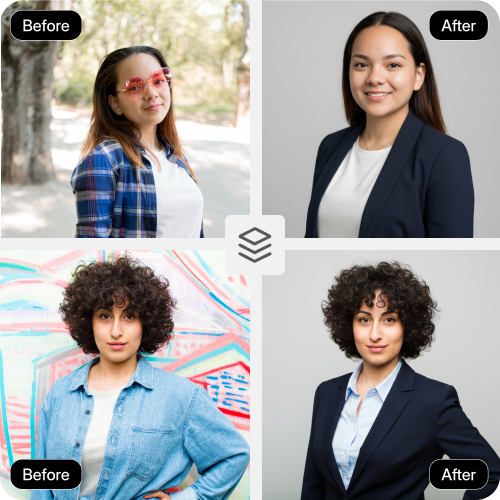
Edit multiple images at once with our API support while keeping them sharp and professional.
.png)
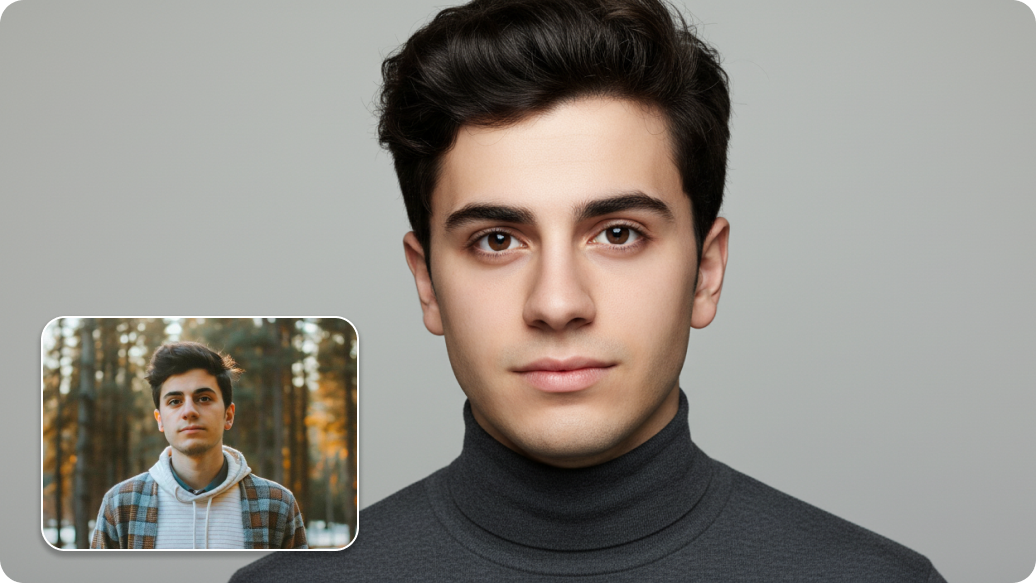
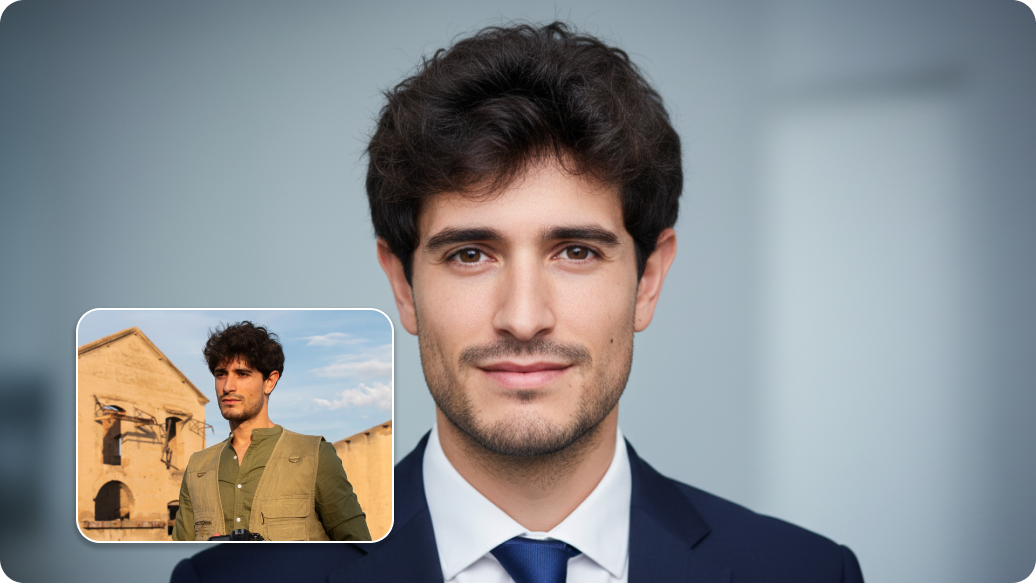
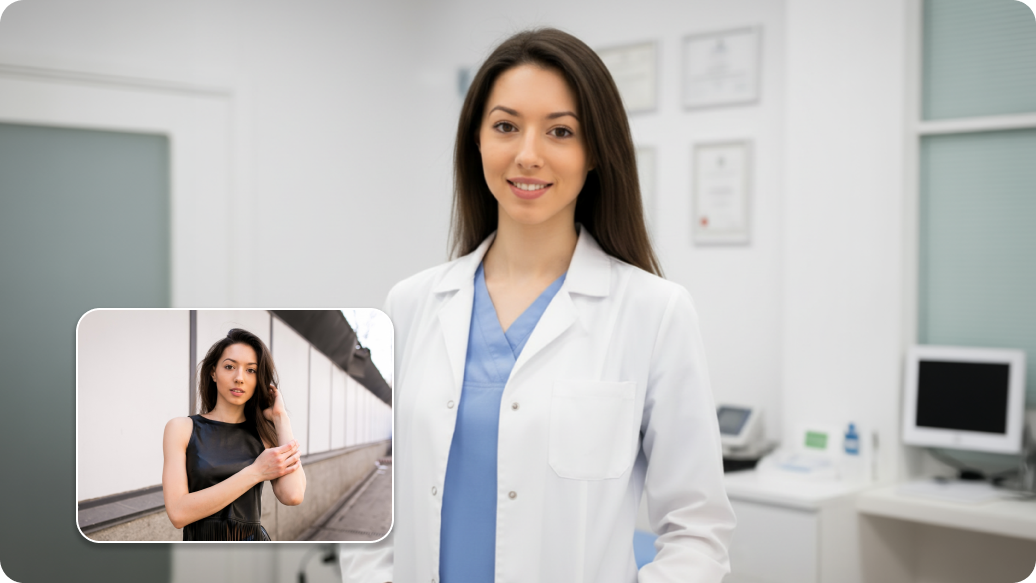
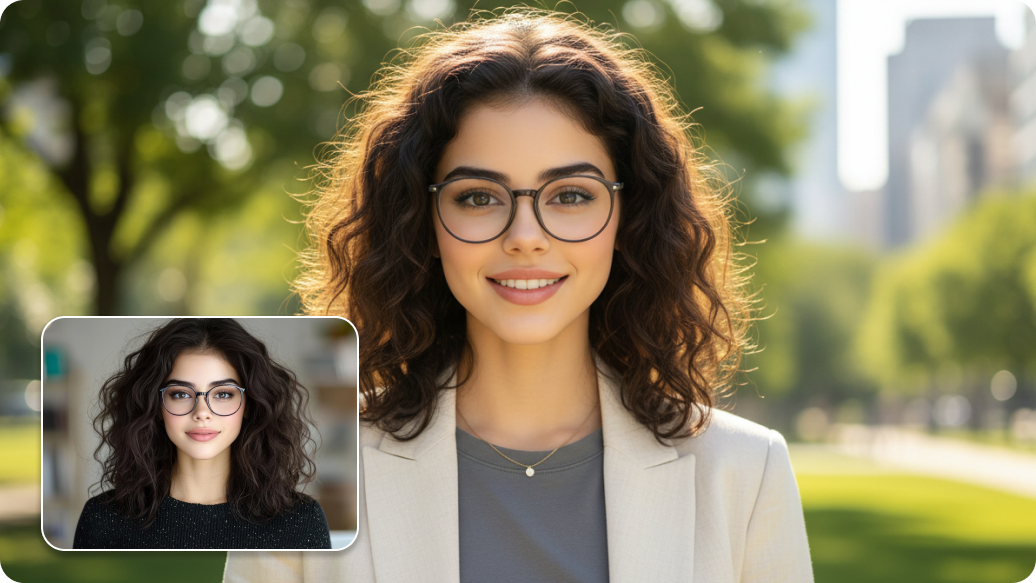
With our AI LinkedIn profile picture maker, you can easily create professional headshots in just a click. You can fix lighting, backgrounds, and your overall look to make a great first impression so you can stand out on LinkedIn. Apart from that, here are other ways in which our profile picture maker can benefit you:
When you are applying for jobs, keep in mind that recruiters spend very little time looking at profiles. Use our AI LinkedIn profile picture maker to upload any recent photo and instantly transform it into a great headshot that makes them pause and read about your work history. Our tool instantly enhances colours, adjusts lighting, and improves overall image clarity.
If you are posting articles, sharing ideas, or commenting on LinkedIn, your profile picture is always visible. Create a headshot that makes you look trustworthy and easy to communicate with, so people actually engage with your content instead of scrolling past.
Going to a conference soon? Update your LinkedIn profile picture beforehand so people can spot you when they meet you. Our LinkedIn profile picture generator can help sharpen the quality and create a clear, recognizable image that encourages people to say, “Hey, I saw your profile”!.
Recently promoted to manager or director? Your profile picture should reflect your new position. Use our online AI profile picture maker to update outfits, backgrounds, and the overall look that fits your role and helps colleagues and clients see you in your updated role.
Your company is doing a holiday campaign or team spirit initiative on LinkedIn. With Pixelbin’s AI profile photo maker, you can quickly generate updated profile pictures that maintain professionalism while showing participation - whether it's subtle seasonal colors or company branding elements.
Here are some of the most commonly asked questions about our AI LinkedIn Profile Picture Maker. If you still can’t find what you’re looking for, you can reach out to us at support@pixelbin.io or refer to our documentation for more details.