






Free trials
CCreate professional Facebook images up to three times a month for free.

 Contact Us
Apply filters, adjust colors, and format images for Facebook campaigns, ads & personal posts.

AI Magic in progress
Improving clarity, refining colors, boosting lighting, and preparing a post-ready Facebook visual.
Your enhanced Facebook image is ready!
There was some issue on our end. Please try again.



.png)
.png)

Get Facebook-ready images optimized for posts, ads, and campaigns.
CCreate professional Facebook images up to three times a month for free.
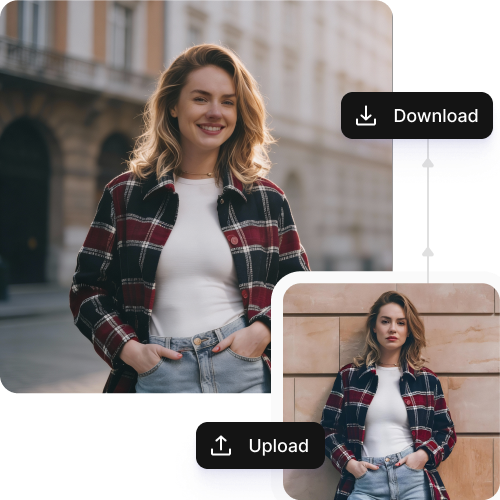
Transform multiple images at once with our bulk editing API and save hours on manual editing.
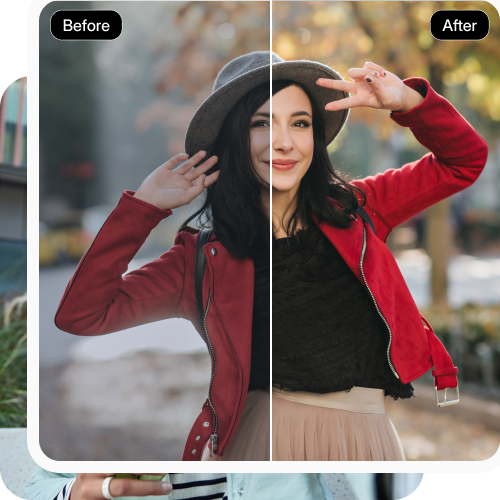
Access the photo editor directly from any modern browser, including Chrome, Firefox, Edge and Safari.
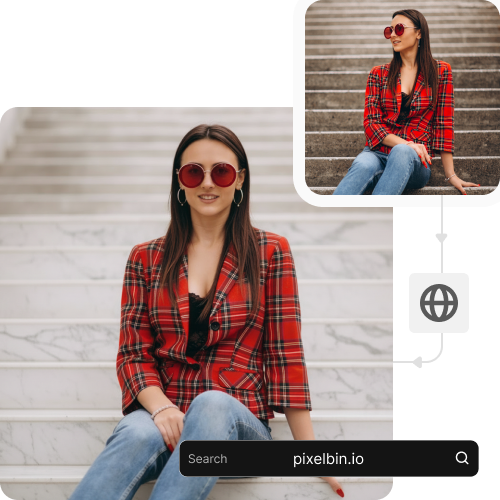
Export high-quality visuals, ready to use, without logos, watermarks, or overlays.
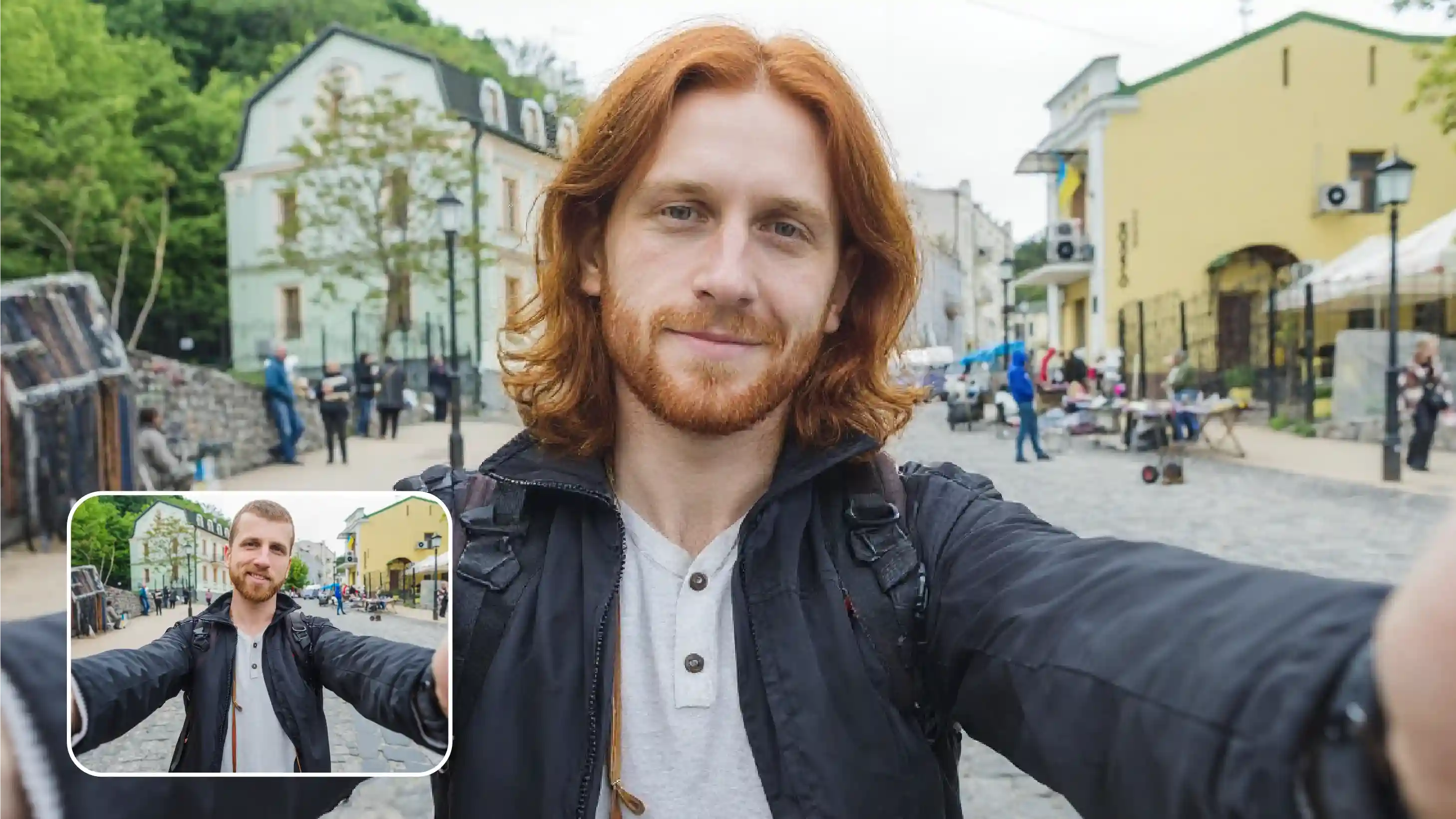
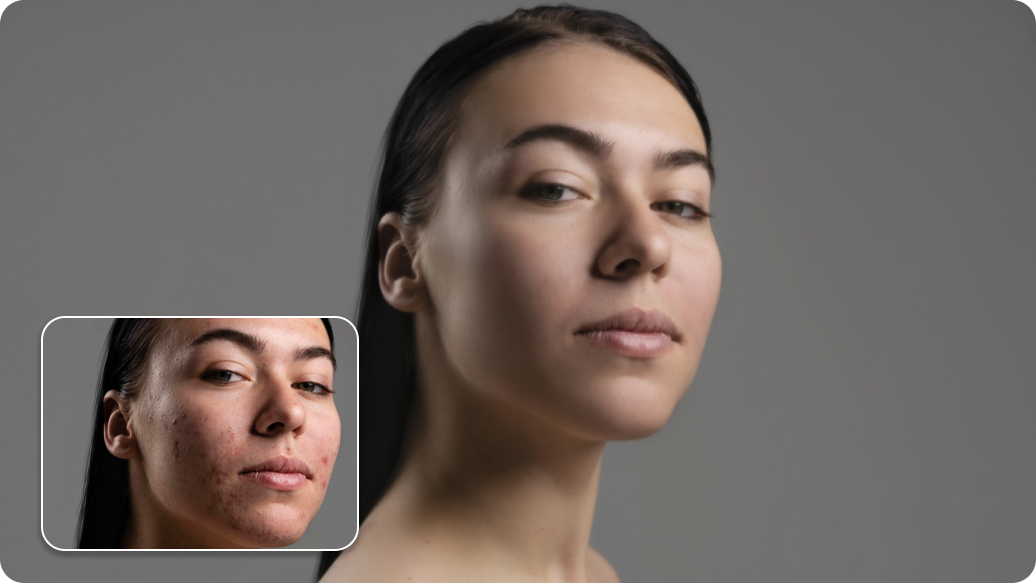
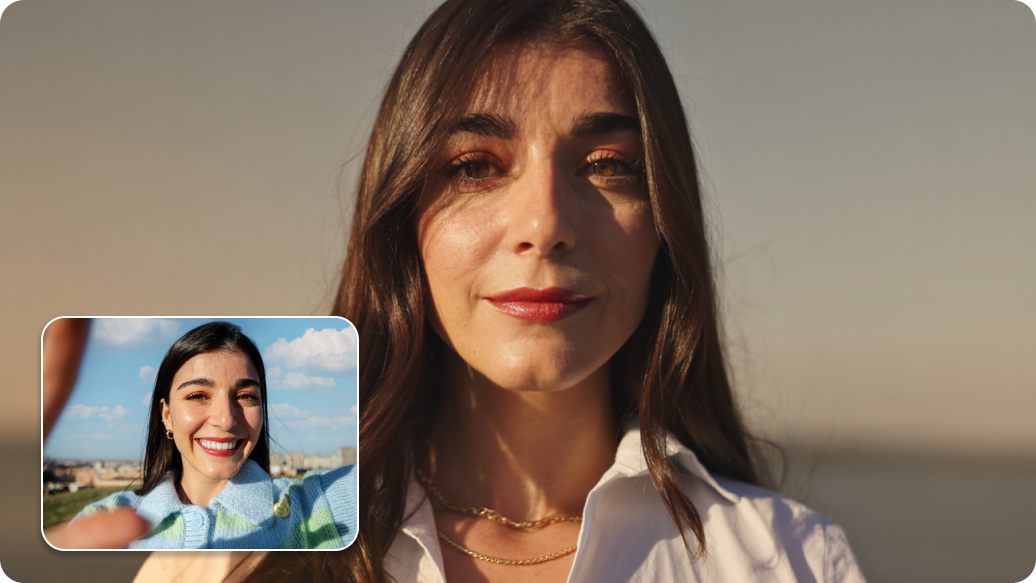
.webp)
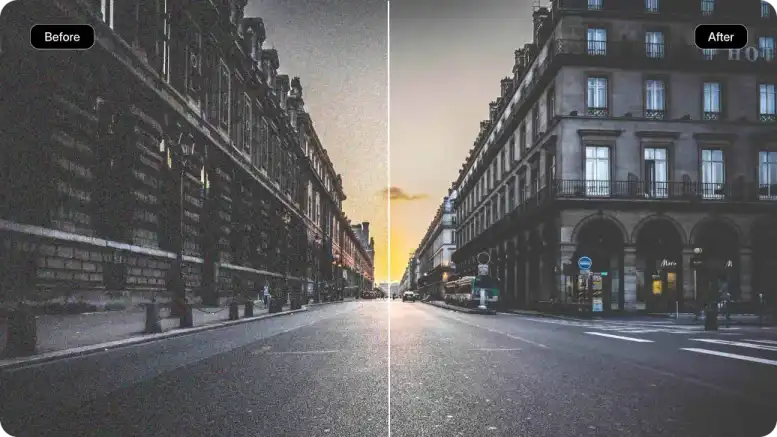
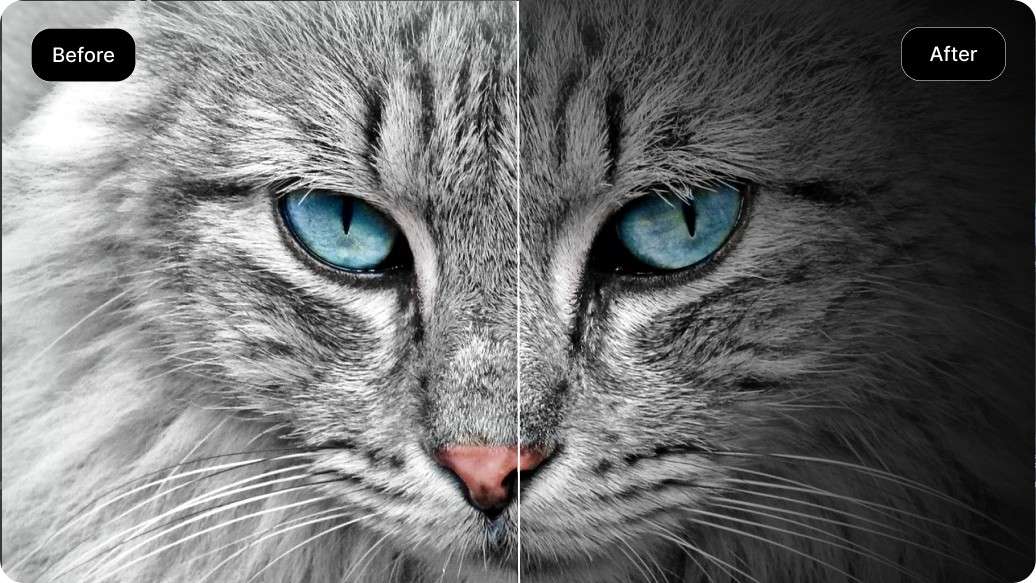
Pixelbin helps you create visuals faster with high-resolution outputs. Here’s how the tool can further help you stand out:
Test out different versions for your Facebook ad images to see what actually gets the most clicks.
Show off new products or services with high-quality visuals that instantly capture attention.
Revamp your old content easily with Pixelbin’s AI facebook image editor. Try new layouts, or even add in text overlays to keep things fresh and relevant.
Turn any regular photos into clear, sharp visuals that shows insights, summaries, or campaign reports. This way, your clients or team catch your message easily.
Create banners, announcements, or event posts as per your needs without hiring designers.
Keep your slides looking similar but highlight different products or features easily. With a cohesive look, your carousels can get more views, likes, and comments.
Adjust images for holidays, sales, or special occasions. When your content feels timely, it connects better with what your audience.
Here are some suggestions to generate the best results from Pixelbin’s free AI photo editor:
Here are some of the most common questions about our AI Facebook Photo Editor. If you can’t find the information you need, contact us at support@pixelbin.io or refer to our documentation for more details.