PixelBin logo
Image generator is here -   Create Now   and Claim 30% off on Pro Plans. Use code SALE30 at checkout.   Claim Discount

AI South Park character creator

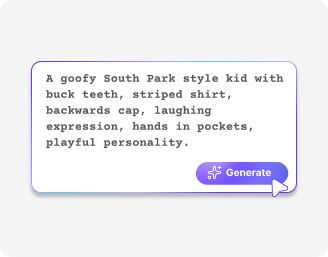
Generate custom South Park characters with classic cutout faces and outfits.

2500 chars left
Loading

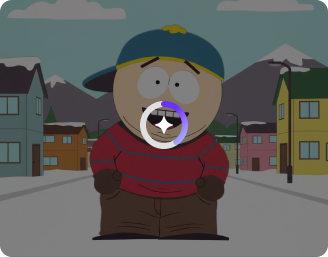
Creating your South Park character artwork...
Building your South Park–style character from your description.

Ready

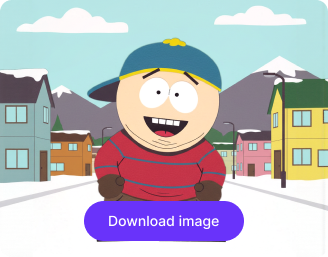
Your South Park–style character is ready!

Edit image with AI
Get 🔥 free credits for image editing, upscaling, generation and more
Create another Image
Generation Failed

There was some issue on our end. Please try again.

Try Again
Show case

How to use Pixelbin’s South Park character creator?

1
Upload an image
Add an image in JPEG, JPG, PNG, or WEBP format to turn it into a South Park character.
2
Describe your edits
Provide clear instructions for the hairstyle, facial expression, outfit, and accessories you want to apply.
3
Download the image
Preview and save the final image in HD quality, without any watermarks, labels, or logos.

Why use Pixelbin’s South Park character creator?

Multiple formats
Upload your photos in all popular image formats, such as JPEG, JPG, PNG, or WEBP.
Complete privacy
Your images are processed on secure, encrypted servers and not shared with anyone.
Browser based
Access the tool on any modern browser, such as Chrome, Safari, Firefox, or Edge, skipping the need for app or software installations.
Asset management
Store your favorite edits in one place to revisit or reuse them for social media and personal projects.
CDN delivery
Share your edited images instantly with fast global delivery support.
Mobile friendly
Generate and download your avatars on any device you use, such as a mobile phone or tablet.

Create authentic characters that look straight from the show

Explore themes inspired by Stan, Kyle, or Kenny, or design a custom look without any editing skills.

Intuitive interface

Generate your avatars with our clear, easy-to-navigate interface designed for beginners and professionals alike.

Feature 1
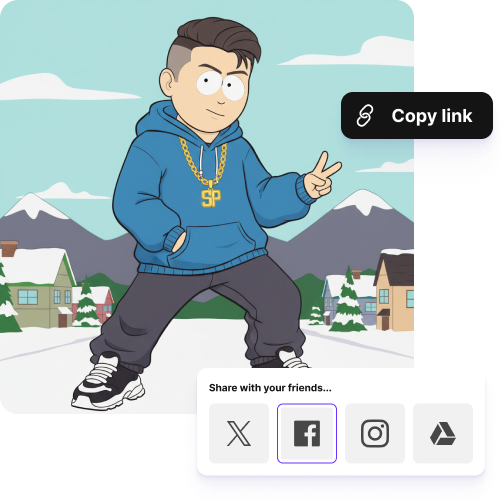
Instant sharing

Copy the generated image link and share your South Park character instantly with your friends and groups.
Feature 2
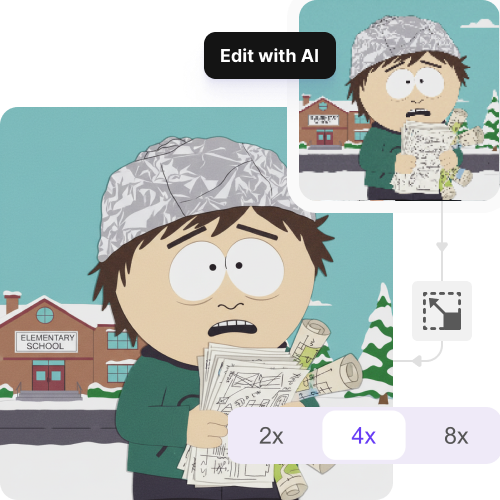
Image upscaling

Improve visual clarity and sharpness of your image by up to 2X, 4X, or 8X, so your characters look crisp at any size.
Feature 3
No sign-up

Access the tool immediately without creating an account or sharing your personal details.
Feature 4

AI tools by Pixelbin

Key highlights of Pixelbin AI South Park art generator

Benefits of using the South Park character creator

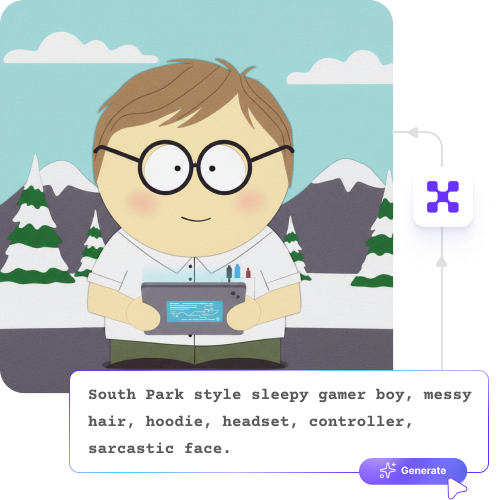
  • Replicate South Park's style easily: Achieve the show's distinct look with ease. The AI applies bold outlines, flat colors, and simple shapes to ensure your character feels authentic.
  • Significant time efficiency: Create South Park-style characters, saving hours usually spent on drawing and editing. Easily experiment with looks or create an entire cast with simple text prompts.
  • Easy personalizations: Incorporate real-world features, like hairstyles and clothing, into your characters. With this tool, the style remains consistent and recognizable.
  • Lowered barrier to entry: No artistic or technical expertise needed. You can focus on the idea and personality while the AI handles all the laborious tasks for you.
  • Creative consistency: If you are developing a project that requires multiple characters, the AI ensures they all share the same stylistic parameters. Groups, scenes, and projects look well-designed and unified.

Use cases of using the South Park character creator

1. Branding and social media profiles

Develop a visual brand for sites such as Discord or Slack. A fun, relatable profile picture will help you stand out better than a typical professional headshot.

2. Content Creation

Try the AI South Park character maker to create media for social media or streaming. For example, turn a news figure into a character for a meme or design a video thumbnail that grabs attention.

3. Personalized gifts

Turn yourself or a friend into a character, and get a print that resembles official merchandise. Create graphics for items like t-shirts, mugs, or cards.

4. Educational and satirical presentations

Use the AI to sketch scenes or illustrate key points for a presentation. This makes it simple to create images for commentary without needing to hire an artist.

5. Community and role-playing

Create images of your original characters for fan fiction or role-playing groups. This gives your stories a visual form that matches the show's style.

How to get the best results using the South Park avatar creator?

To ensure your avatars appear natural and realistic, here are a few tips you can try:

  • Upload a clear, front-facing photo with good lighting and minimal background distractions.
  • Use images without heavy filters to ensure facial features are captured accurately.
  • Write simple, specific text prompts describing hairstyle, facial expression, outfit, and accessories.
  • Mention colors, clothing types, or mood to guide the final style.
  • Avoid long or complex sentences when writing prompts; short instructions work best.
  • Refine your prompts gradually to fine-tune the look of your South Park avatar.

FAQs

Here are some of the most common questions about our AI Virtual Painter. If you can’t find the information you need, contact us at support@pixelbin.io or refer to our documentation for more details.

If you are wearing glasses, a hat, or have facial hair, the tool usually picks it up and adds those details to your character. Just make sure your photo is clear.
It works great with mobile photos as long as the image is clear and well-lit. Try to avoid filters, blur, or odd angles for better results.
Keep your prompts simple and direct. Mention things like hair type, outfit, mood, or expression. Short descriptions usually give you cleaner and more accurate results.
You get three free credits, so you can take up to three actions in total. This could be editing images, generating avatars, or downloading them. Once those three actions are used, you will need to sign up and add more credits on a pay-as-you-go basis.
You will get the best results with a front-facing photo, good lighting, and a plain background. A natural expression also helps the character look more like you.
Edit images in seconds, not hours
Get pixel-perfect results just with your words
Start editing with AI