






Easy-to-use interface
Enjoy a smooth editing experience without learning any advanced skills.

 Contact Us
Retouch, clean, and enhance Facebook profile pictures without any manual effort.
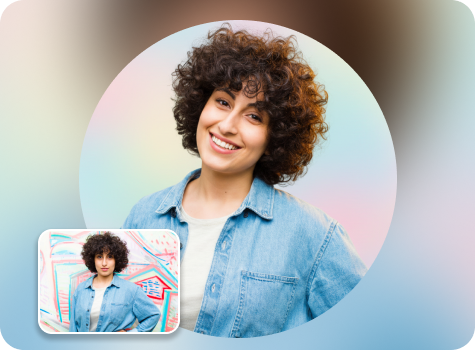
File should be less than 10MB
or paste URL

AI Magic in progress
Enhancing lighting, refining details, adjusting tones, and preparing a Facebook-ready visual
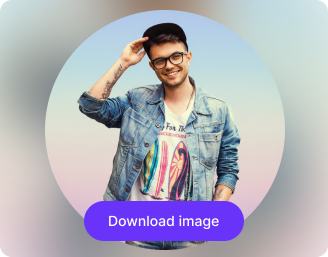
Your enhanced Facebook profile picture is ready!
There was some issue on our end. Please try again.



.png)

.png)


Turn your simple snapshots into polished images that leave a lasting impression on your followers.
Enjoy a smooth editing experience without learning any advanced skills.
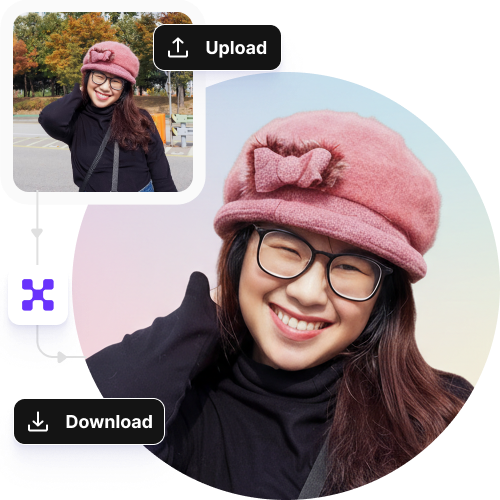
Create your AI profile picture maker immediately, without creating an account or sharing your personal details.
Design custom visuals directly in your favorite web browser, such as Safari, Edge, Chrome, or Firefox.
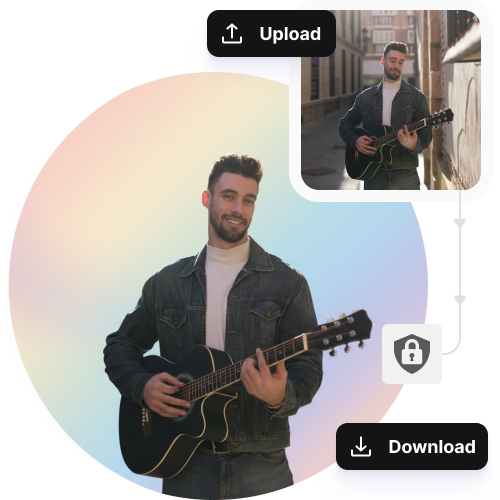
Your images are processed on secure, encrypted servers and not shared with anyone.
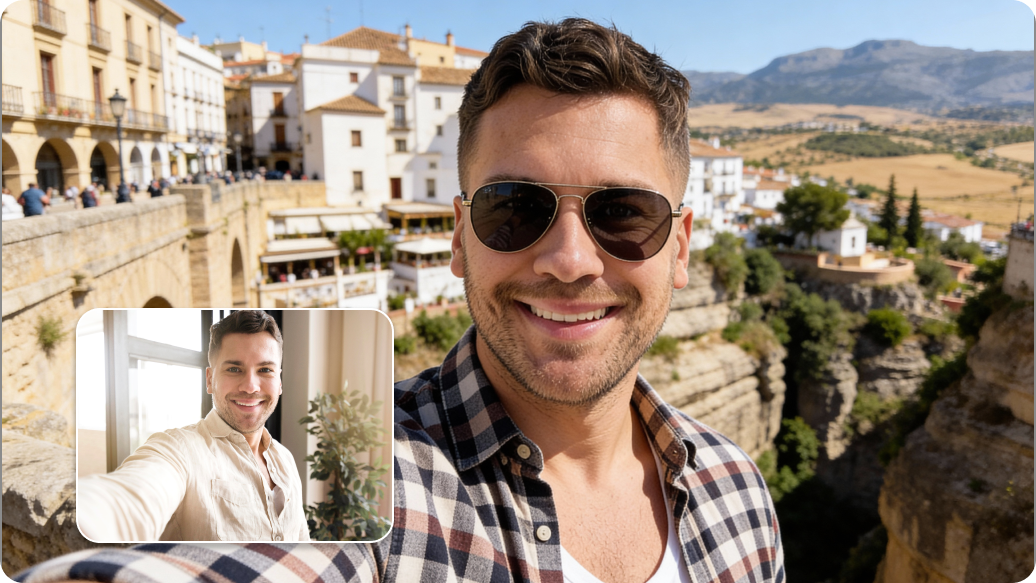
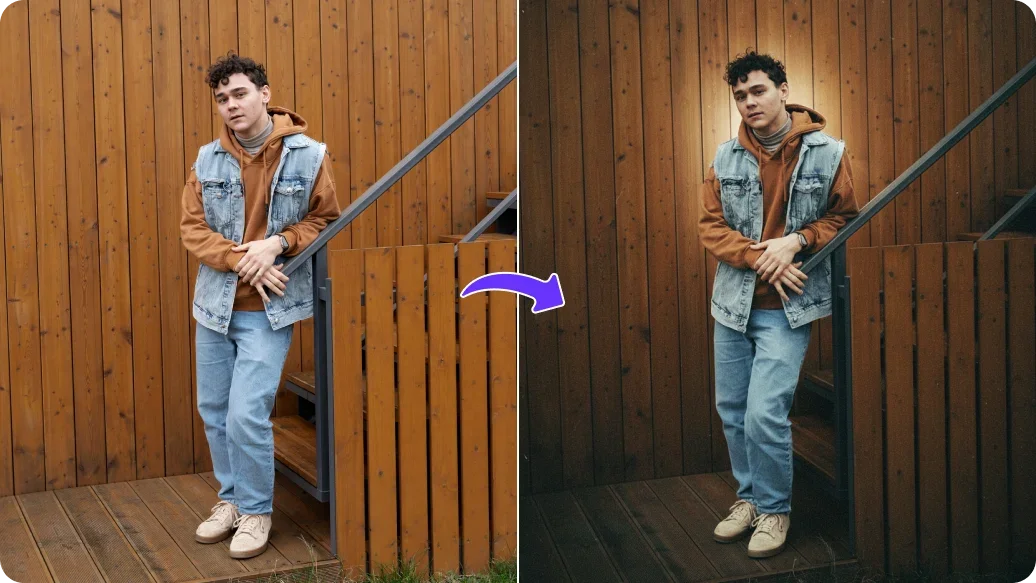
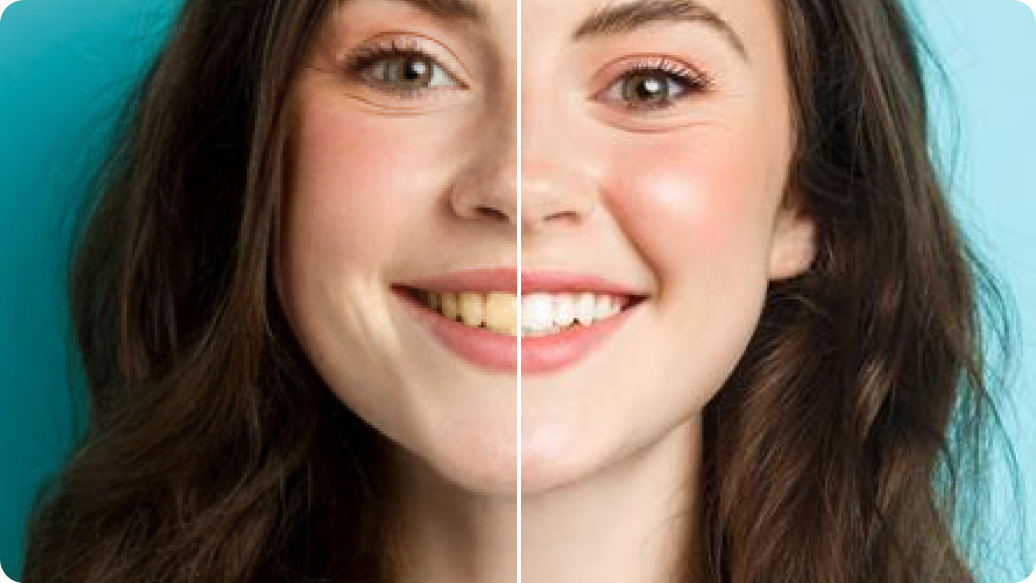
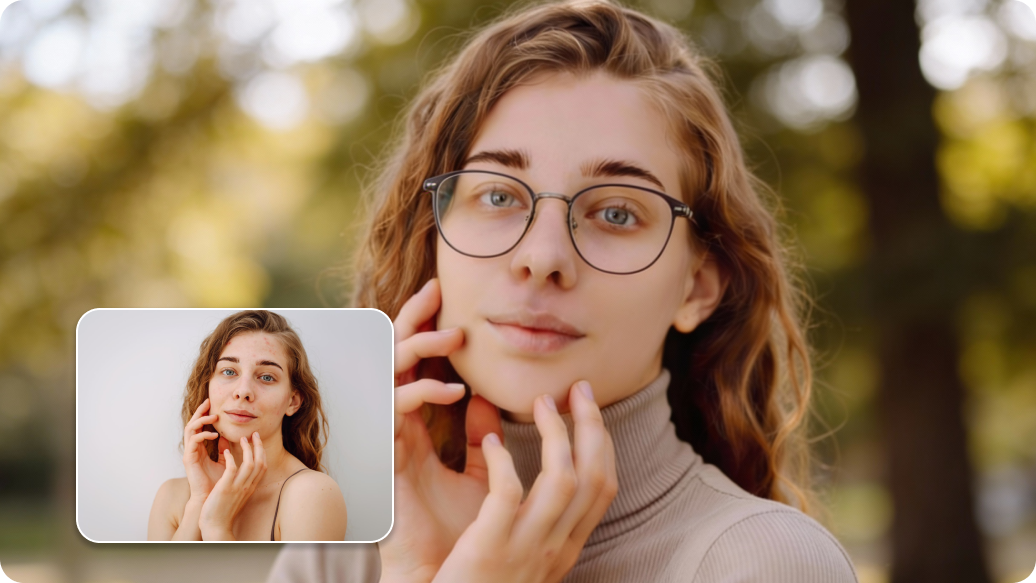
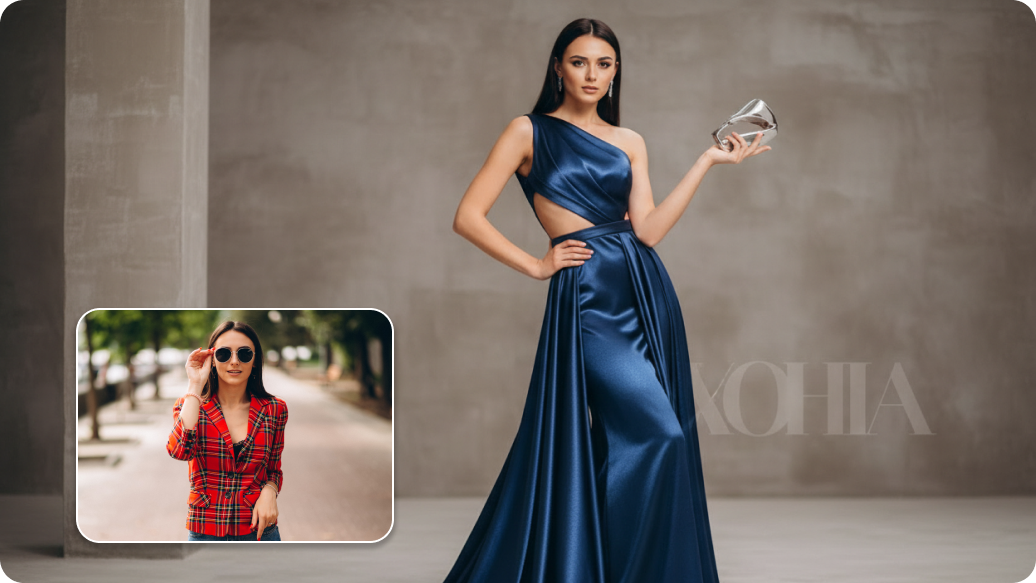
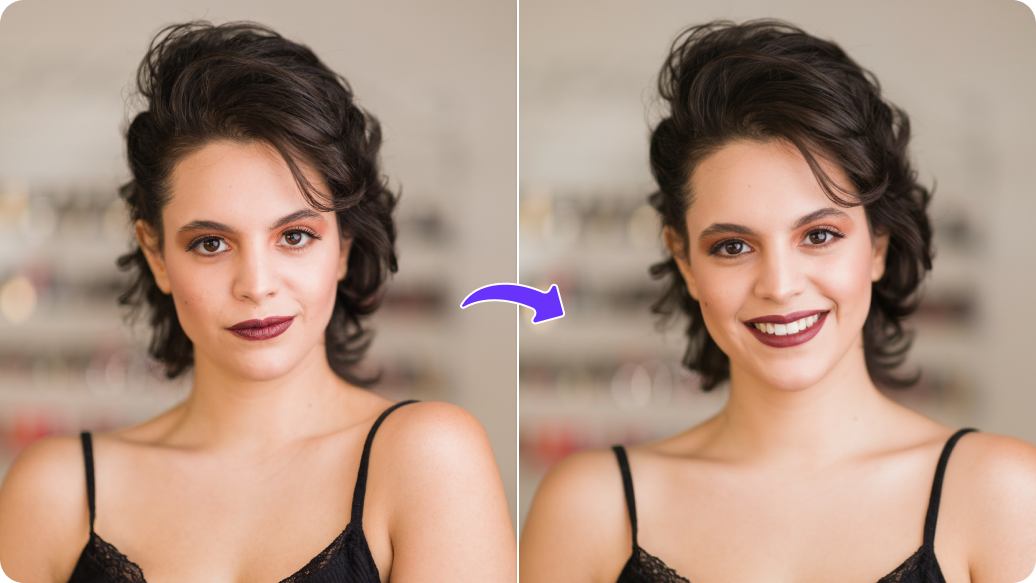
If you're trying out Facebook Professional Mode for business or content creation, Pixelbin’s AI profile picture generator can turn your snapshots into professional-looking headshots. It’s a fast way to give your profile a business feel.
When joining a specific Facebook Group (like a gaming group, a gardening club, or a fan community), you can use our tool to theme your profile picture to match. For example, you could give your photo an "anime" style for a gaming group or add a nature-themed background for a hiking group to fit the community vibe.
Instead of changing your photo for every holiday season or event, you can add seasonal touches to your images in seconds. Get festive for Diwali, spooky for Halloween, or winter-ready for Christmas to keep your profile current.
If you manage a Facebook Page and a personal profile, you can use AI to create two different but "matching" looks. You can use a more artistic, stylized AI version of yourself as the face of your Page while keeping your real photo for your personal profile, ensuring people recognize you on both but can tell the difference.
Turn your old picture into a new, enhanced image and give it a refresh by changing the clothes, background, and lighting. Now you can update your profile without even having to take a new picture.
For the ideal results, here are a few tips you can try:
Here are some of the most common questions about our AI Facebook Profile Picture Maker. If you can't find the information you need, contact us at support@pixelbin.io or refer to our documentation for more details.