






Instant editing
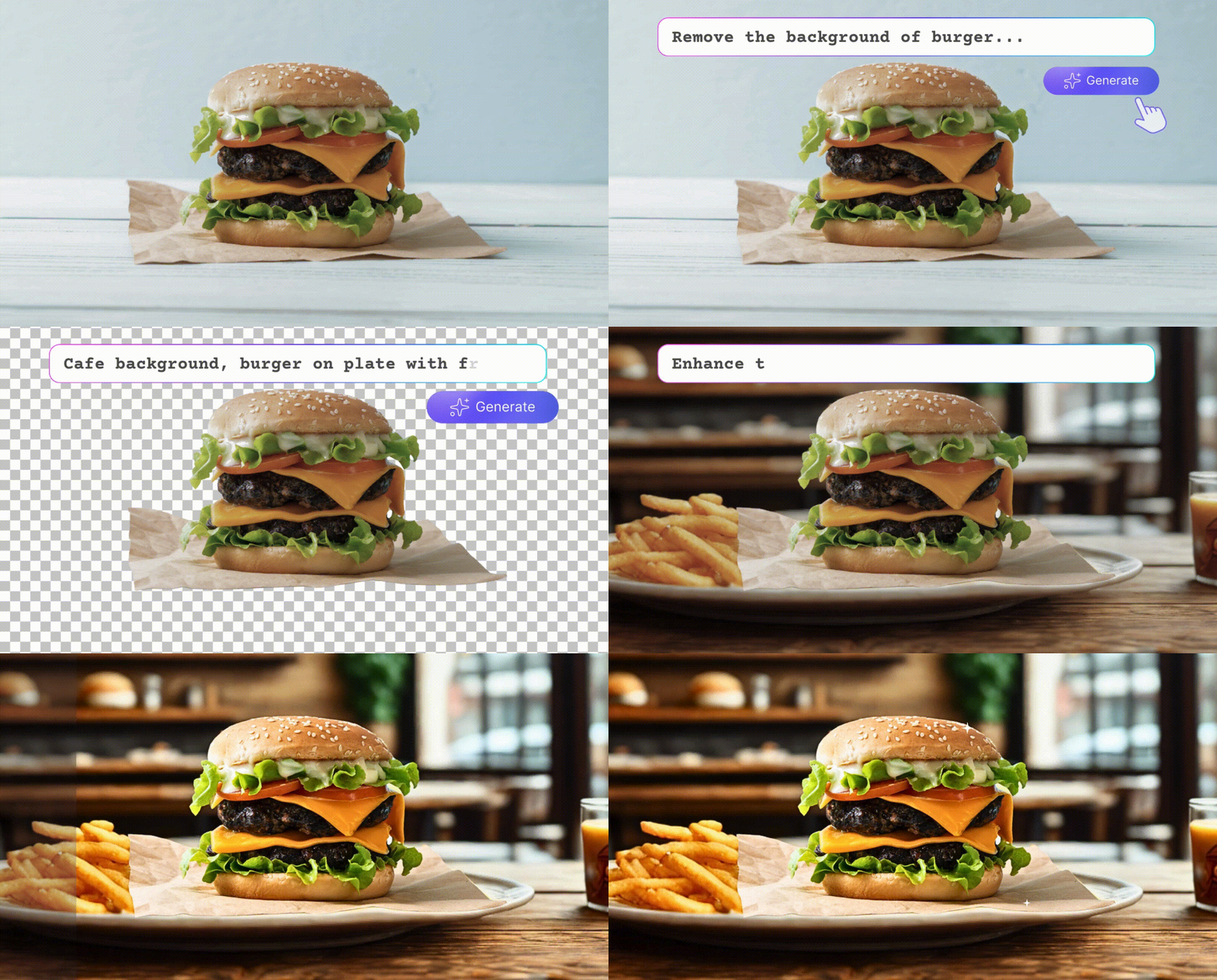
Upgrade your food photos with professional color grading, highlight ingredients in a snap.

 Contact Us
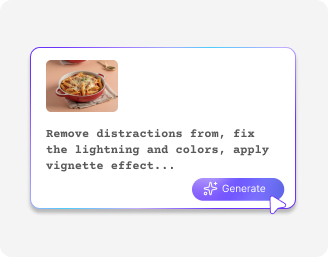
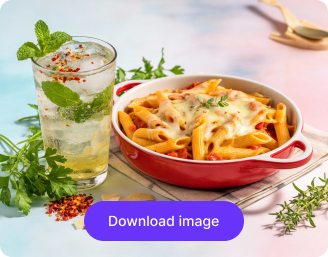
Turn dinary food photos into mouthwatering images with AI. Enhance colors, lighting, textures, and presentation to create tasty, professional-quality food photography in seconds.

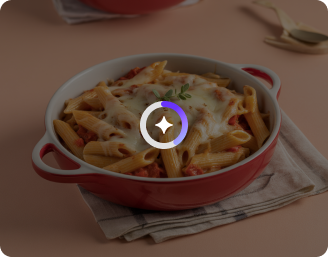
AI Magic in progress
Enhancing freshness, enriching colors, improving lighting, and making your dish look irresistible.
Your enhanced food photo is ready!
There was some issue on our end. Please try again.


.png)

Edits food photos with a free AI food photo editor perfect for delivery apps, restaurants, and listings.
Upgrade your food photos with professional color grading, highlight ingredients in a snap.

Edit multiple photos with the AI food photo editor for consistent quality and styling, saving hours of manual effort.
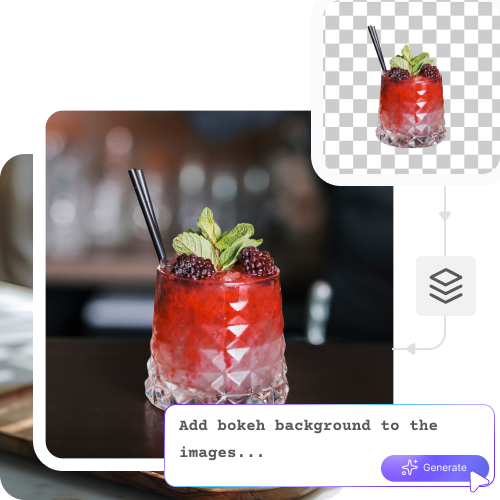
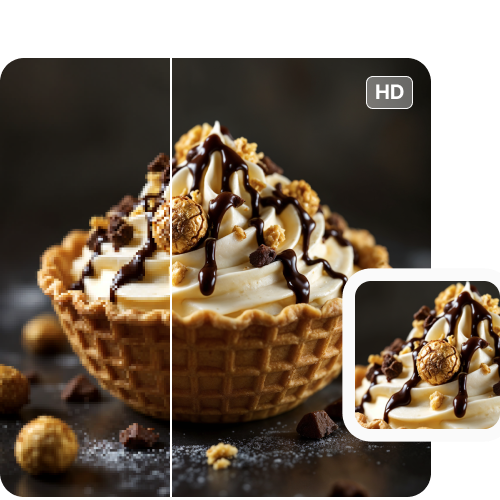
Increase photo resolution up to 8X while preserving sharpness and texture.
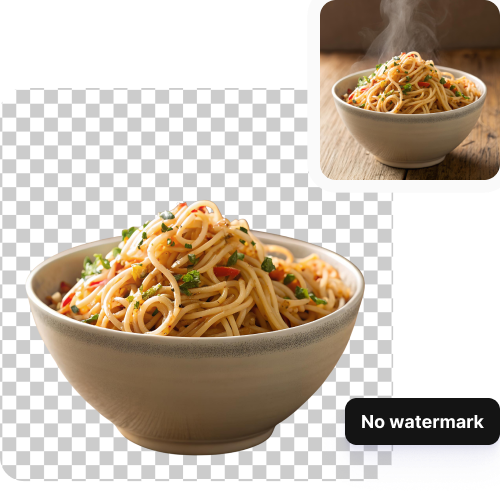
Get clean, distraction-free food images with no branding, watermarks, or visual clutter.

.png)

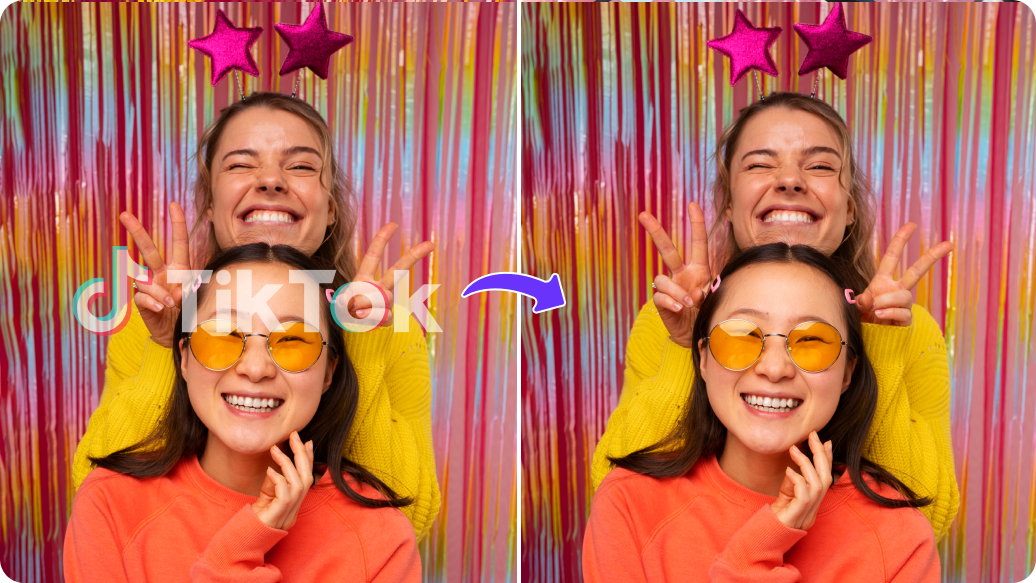

Pixelbin makes it easy to edit food photos in seconds, even for beginners. Check out how the free AI food photo editor can help you stand out:
Let’s explore some of the ways you can try this AI food photo editor:
Refine food images with AI to make them look appetizing and professional to attract more customers.
Showcase professional food visuals for special events and catering services.
Make your blogs and recipes stand out by improving food color, texture, and backgrounds.
Upload high-quality, appealing food images to listings on food apps to increase orders.
Make online sales easier by improving visuals of packaged foods or culinary products.
Here are some of the most common questions about our AI food photo editor. If you can’t find the information you need, contact us at support@pixelbin.io or refer to our documentation for more details.