PixelBin logo
Image generator is here -   Create Now   and Claim 30% off on Pro Plans. Use code SALE30 at checkout.   Claim Discount

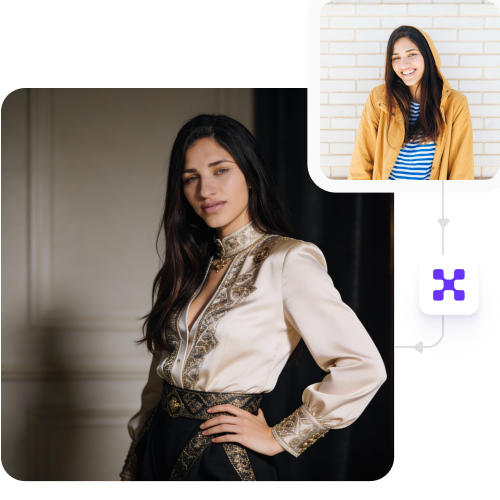
Free online AI fashion photo editor

Create and edit professional fashion photos faster using our AI tool with no design skills or manual editing needed.

Uploaded image
2500 chars left
Max file size 10 MB.
Loading

AI Magic in progress
Enhancing lighting, improving colors, and refining your restaurant photo for menus and online listings

Ready

Your enhanced restaurant image is ready!

Explore enterprise
For bulk processing, APIs, or custom workflows and volume discounts
Edit another restaurant image
Generation Failed

There was some issue on our end. Please try again.

Try Again
Show case

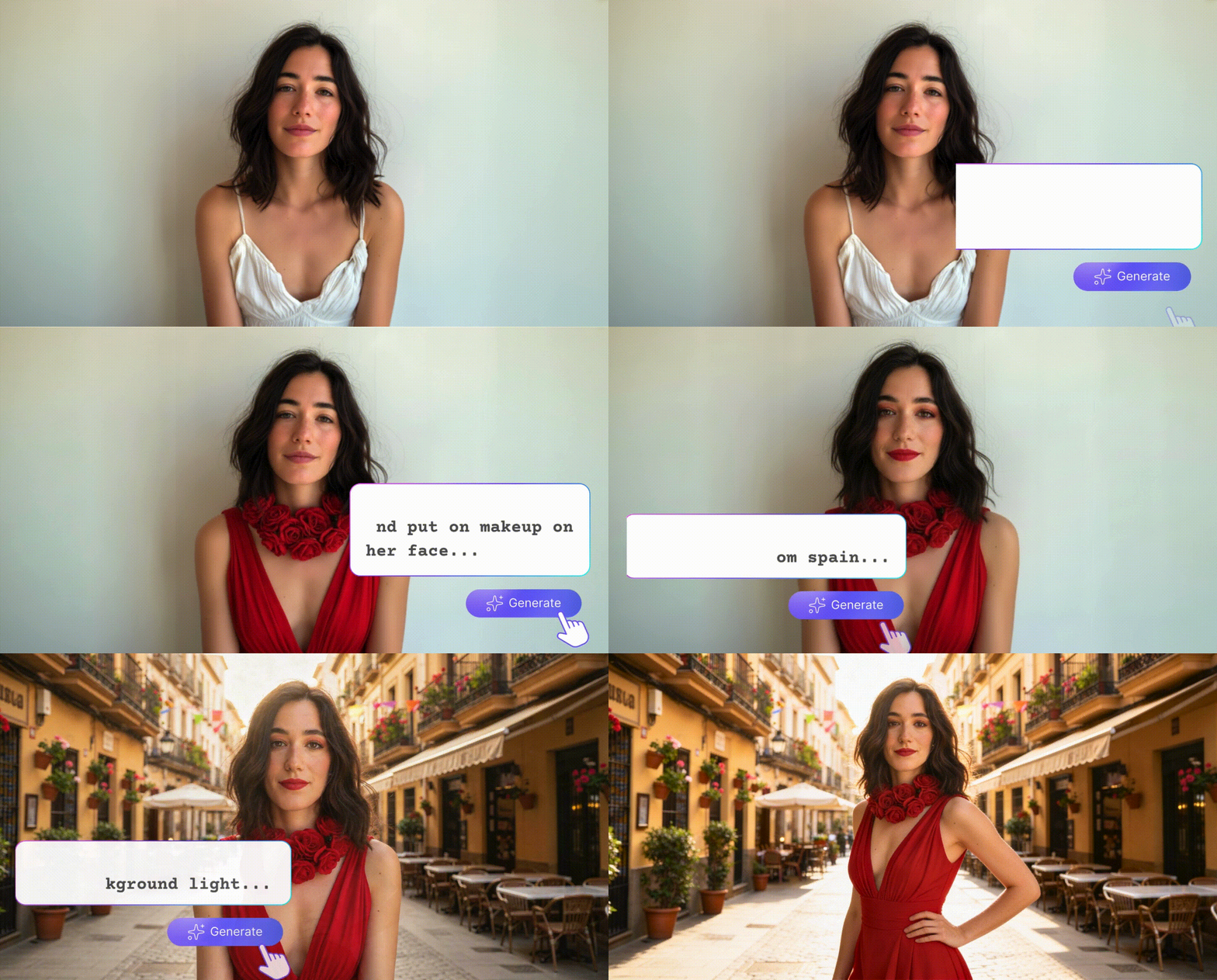
How to use our free AI fashion photo editor?

1
Upload the image
Insert an image in any of the following formats: JPG, JPEG, WEBP, or PNG.
2
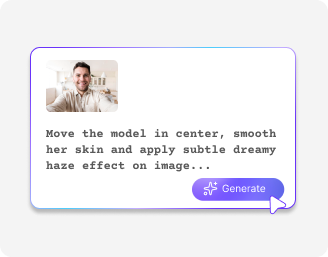
Add a prompt
Describe the image with clear instructions, and AI will refine lighting, colors, skin tones, and outfit details.
3
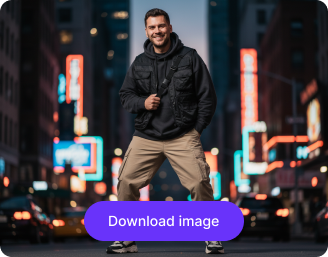
Download the image
Preview and download your edited photo for free in HD quality, without watermarks.

Why use Pixelbin’s AI fashion photo editor?

Start without signing up
Update your entire clothing collection at once to save hours of manual work.
Edit in batches
Update your entire clothing collection at once to save hours of manual work.
Upload any file type
Import your images in any of the following formats: JPG, JPEG, PNG, or WEBP.
Download free HD images
Export high-quality, professional model shots at no cost that are ready to print or go live.
Save editing time
Get runway-ready photos in seconds with smart AI that handles the styling for you.
Edit directly in your browser
Use the tool online instantly, no need to download or install any heavy software.

Create stunning outfit photos in a single click

Get perfect fashion shots for your catalogs, online stores, and social media channels without investing a huge amount of money in shoots.

Reduce photoshoot cost

Eliminate the need for repeated shoots, models, and studio setups, helping brands launch products faster and at a much lower cost.

Feature 1
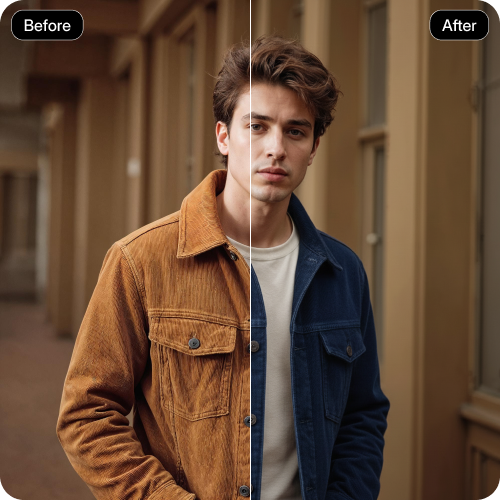
Test new style & concept

Preview how garments look in different settings, colors, or styles before investing in production or large-scale campaigns.
Feature 2
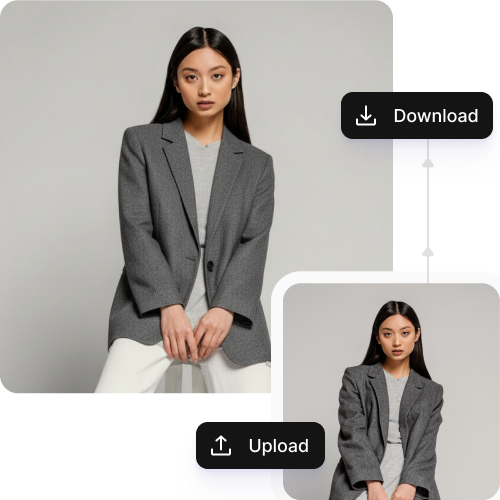
Improve fabric appearance

Use our editor to remove fabric wrinkles, fix folds, adjust draping, and enhance textures so clothes look fresh and polished.
Feature 3
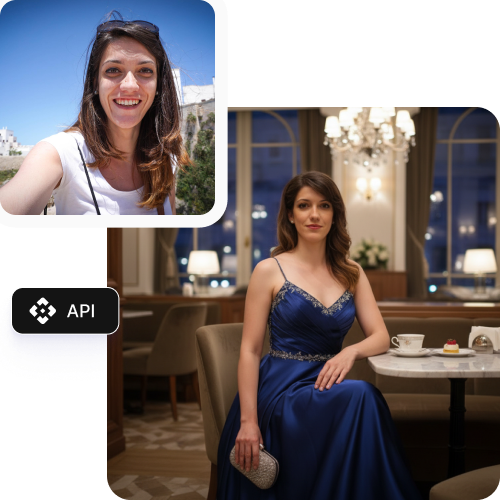
Social media visuals for all channels

Create scroll-stopping fashion photos for Instagram, Pinterest, and Facebook ads.
Feature 4

AI tools by Pixelbin

Key highlights of the AI fashion photo editor

With this AI-powered tool, you can create and edit professional, runway-ready fashion images without hiring a full production team. Here is how it helps:

  • Instant editing: A simple AI photo editor made for fashion brands. Swap or add models or replace backgrounds instantly with no design skills needed.
  • Cost-effective: Get high-end studio images for your catalog, portfolio, website, or social media channels without paying for expensive photographers or pricey editing software.
  • Watermark-free downloads: Use our AI fashion photo editor to export watermark-free and professional photos ready for ads, catalogs, or social media.
  • Bulk editing: Edit hundreds of fashion product photos in one go with our API and launch your catalog sooner.
  • Web-based platform: Pixelbin's AI fashion photo editor can be accessed online directly on your browser without downloading any application.
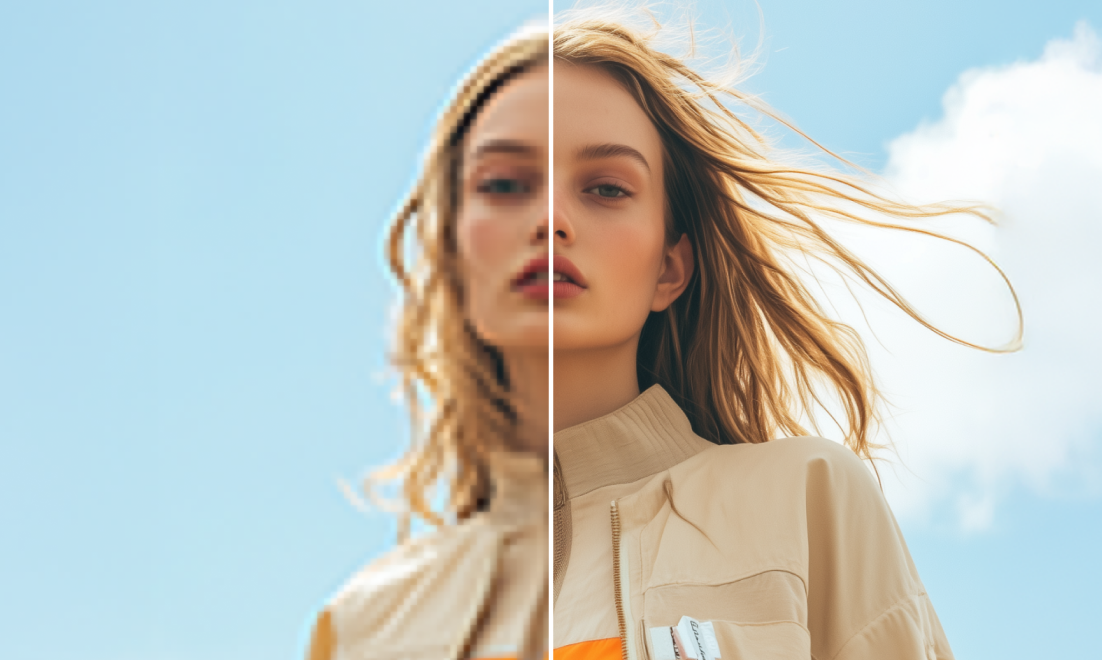
  • No quality compromise: Our tool keeps your images sharp and high-resolution and makes every fabric detail look perfect for your customers.

Use cases of our free online AI fashion photo editor

1. Product images for online stores

Get professional product photos for your clothing store without the cost and hassle of a physical studio.

2. Social media fashion posts

Create stunning outfit photos for Instagram and stories in just a few minutes.

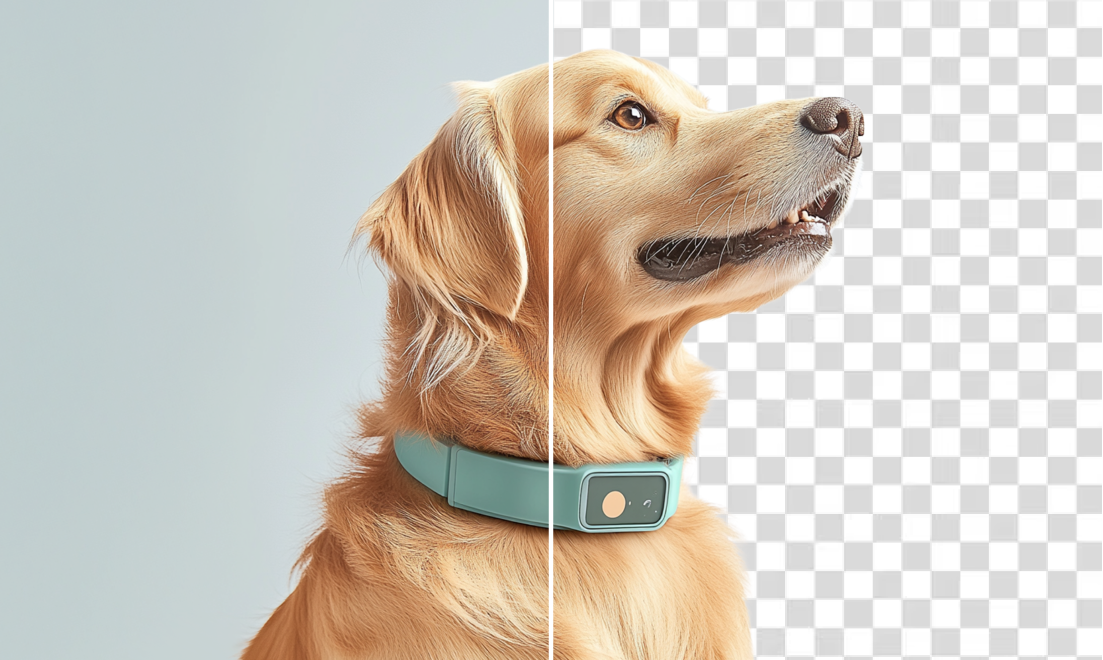
3. Background removal for fashion photos

Get rid of messy backgrounds so your designs and outfits stand out, ensuring visual consistency.

4. Fashion ads and promotions

Edit your outfit photos for ads and banners to make them look clean, styled, and ready for campaigns.

5. Catalog and lookbook creation

Edit many fashion photos at once so they all have the same style across your whole catalog.

6. Resizing images for different platforms

Adjust the aspect ratios of photos to fit perfectly on websites, ads, and social media in seconds.

How to get the best results from an AI fashion photo editor?

  • Use clear, well-lit photos so your fashion edits look natural and sharp.
  • Make sure the clothes are easy to see and avoid dark shadows.
  • Pick plain backgrounds so the details of the clothing stand out.
  • Download your photos in the correct size for the website or app you are using.

FAQs

Here are some of the most common questions about our AI fashion photo editor tool. If you can’t find the information you need, contact us at support@pixelbin.io or refer to our documentation for more details.

Yes, but only for a limited number of edits before you need to pay. Pixelbin gives you 3 free trials/credits when you use its AI editing tools, including fashion photo edits, so you can try the features without signing up or paying. After you use these free credits, you’ll need to purchase additional credits or join a paid plan to continue editing more images.
Not at all. Our AI fashion photo editor online is made to be simple. It works in just one click, so even beginners can get great results.
Yes. You can use any image you create with the Pixelbin AI fashion photo editor for your ads, online stores, and social media pages.
Yes. Pixelbin’s AI fashion photo editor improves your photos while keeping them sharp and high quality.
Our app supports bulk editing through an API, so you can update multiple images together for large catalogs or new collections.
Edit images in seconds, not hours
Get pixel-perfect results just with your words
Start editing with AI