PixelBin logo
Image generator is here -   Create Now   and Claim 30% off on Pro Plans. Use code SALE30 at checkout.   Claim Discount

Online AI image editor for photographers

Transform your raw shots into polished images instantly using our advanced AI tool.

Uploaded image
2500 chars left
Max file size 10 MB.
Loading

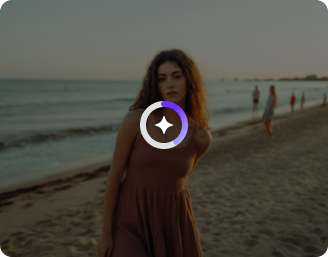
AI Magic in progress
Enhancing details, improving lighting, and applying professional-grade photo corrections

Ready

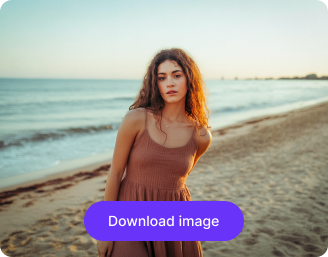
Your professionally enhanced photo is ready!!

Explore enterprise
For bulk processing, APIs, or custom workflows and volume discounts
Edit another photo
Generation Failed

There was some issue on our end. Please try again.

Try Again
Show case

How to use the best AI photo editor of Pixelbin?

1
Upload the image
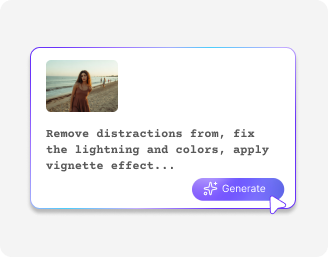
Insert the image file in any of the formats, including JPG, JPEG, PNG, and WEBP formats.
2
Enter the prompt
Describe how you want your image to look. Explain your ideas in simple prompts for the best results.
3
Download your final image
Once your final image is ready, you can download it in high resolution without any watermark.

Why should photographers use Pixelbin AI image editor?

Supports multiple formats
Edit camera-ready files in JPG, JPEG, PNG, WEBP, and AVIF formats.
No watermarks
Download clean, client-ready photos without any watermarks.
User-friendly
Work easily with your photos, even if you have never used an editing tool before.
Safeguards privacy
Protect your client photos and personal data with secure processing.
Scale effortlessly
Edit entire photo shoots at once to save hours of work.
High-resolution image
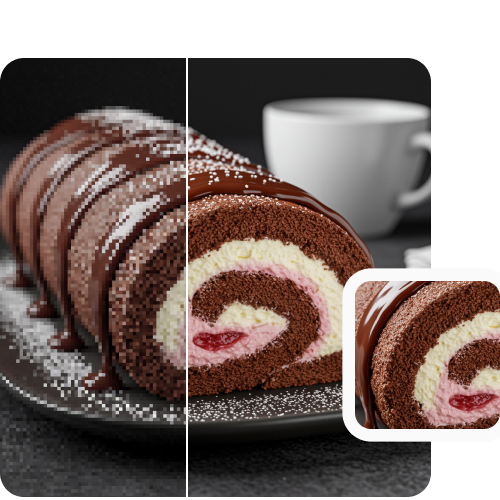
Get sharp, high-resolution photos in seconds to deliver to clients.

AI image editor for photographers online for free

Enhance photos faster with our AI-powered photo editor while keeping full image quality intact.

No signup

Start editing your photos instantly and get your first three free photo enhancements without creating an account.

Feature 1
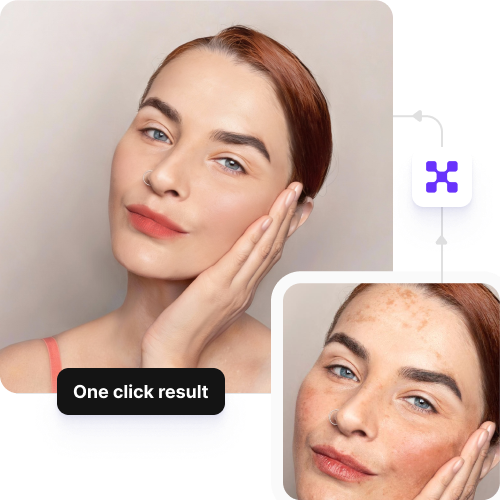
Single-click result

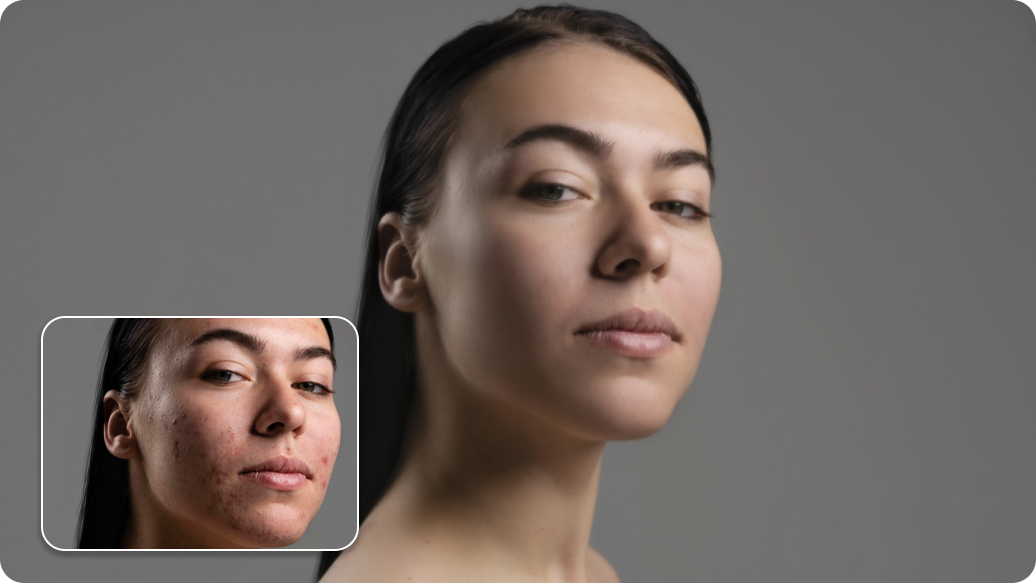
Remove blemishes, retouch skin, and clean up your photos in seconds with one click.
Feature 2
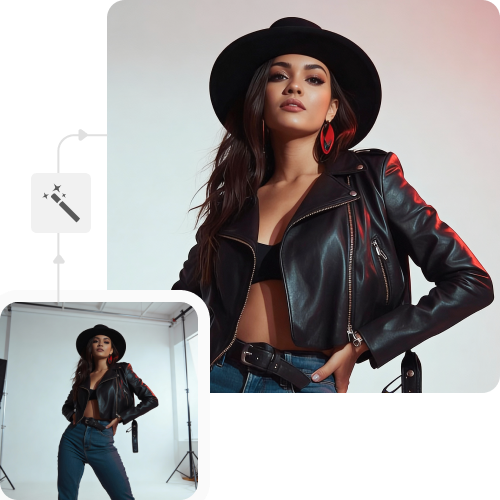
No learning curve

Edit your photos easily, even if you have never used a photo editing tool before.
Feature 3
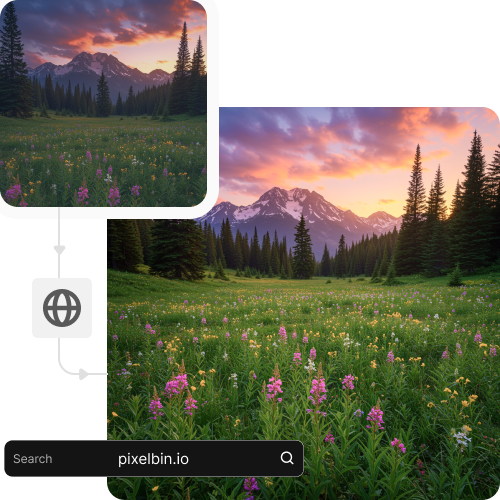
Accessible anywhere

Access Pixelbin’s tool from any device through your browser without downloading an app or software.

Feature 4

AI tools by Pixelbin

Properties of our online AI image editor for photographers

Benefits of using an AI image editor for photographers

With Pixelbin, photographers can improve and polish images easily without any manual work. Here is why it stands out:

  • No prior experience: Our tool is very simple to use, so you can edit photos perfectly without any practice or skills.
  • No watermarks on images: Download your finished work in high quality without any distracting logos or watermarks on the photo.
  • No quality loss: Your edited photos stay clear and bright, keeping the same high quality as your first picture.
  • Bulk editing: Our powerful API allows creators and businesses to fix a large group of photos all at once.
  • Web-based tool: Pixelbin works directly in the web browser, so you don't need to install any app.
  • No sign-up required: You can edit your first three images for free without making an account, and subscribe only if you need more.

Different use cases for the best AI photo editor

1. Fix portraits easily

Improve skin tone, lighting, and face details in just a few clicks.

2. Edit event photos faster

Enhance many wedding or event photos at the same time.

3. Clean photo backgrounds

Remove unwanted objects or messy backgrounds from images.

4. Keep a consistent style

Apply the same look and colors to all photos in a shoot.

5. Fix dark photos

Make dark pictures look bright and clear automatically without any grainy spots.

6. Get photos ready for social media

Change the size and look of your photos so they look perfect for Instagram or websites.

7. Send photos to clients faster

Finish your editing work quickly so you can give professional photos to your customers right away.

How can photographers get the best results from our free AI image editor?

  • Use clear, high-quality photos for better results.
  • Shoot in good lighting whenever possible.
  • Keep the subject in focus and avoid blur.
  • Clean the background before editing for a better finish.
  • Apply edits lightly to keep photos looking natural.
  • Use the same settings to maintain a consistent style.
  • Preview images before final download and delivery.

FAQs

Here are some of the most common questions about our AI image editor for photographers. If you can’t find the information you need, contact us at support@pixelbin.io or refer to our documentation for more details.

No. Pixelbin’s AI does the editing automatically, so anyone can use it.
No. Our AI photo editor improves lighting and colors while keeping your original high resolution perfectly sharp.
Yes. Our tool supports API integration, so photographers and studios can automate bulk photo editing directly within their workflows.
Yes. You can use your edited images for any personal or professional project you are working on for your customers.
Yes. Pixelbin’s AI image editor for photographers processes your photos securely and does not store them after you are finished.
Our AI image editor for photographers' free tool supports high-quality files up to 10 MB in size.
Edit images in seconds, not hours
Get pixel-perfect results just with your words
Start editing with AI