PixelBin logo
Image generator is here -   Create Now   and Claim 30% off on Pro Plans. Use code SALE30 at checkout.   Claim Discount

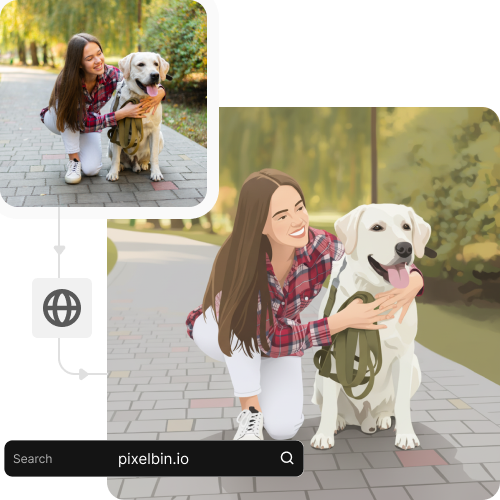
Photo to illustration AI

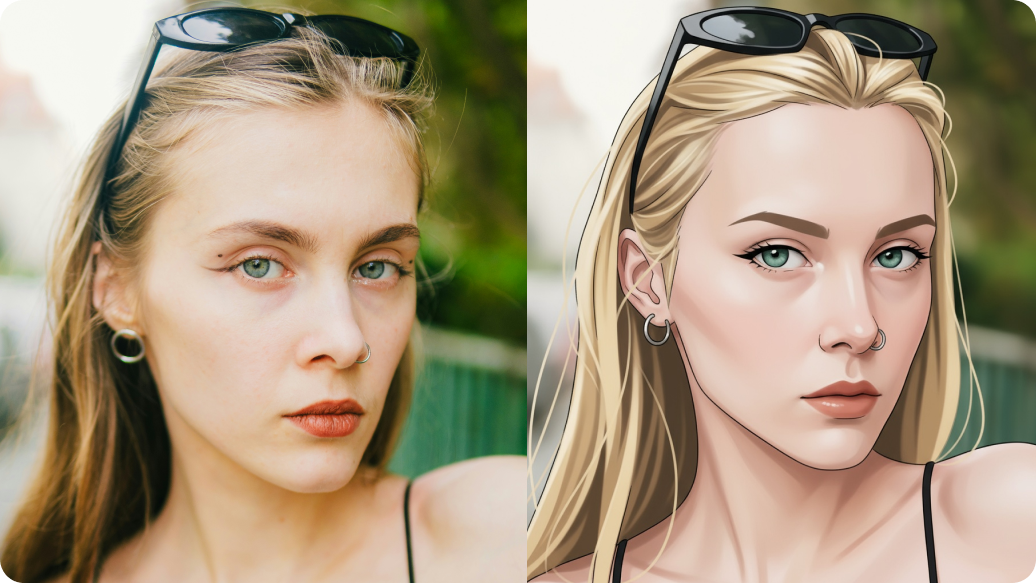
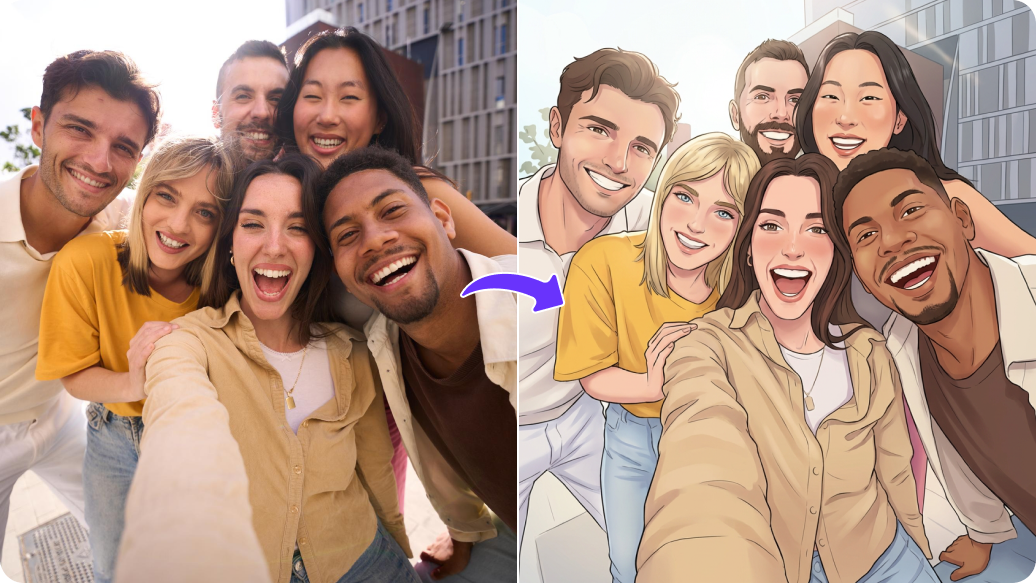
Create storybook-style images from your photos in one click.

pregnant filter tool preview

File should be less than 10MB

or paste URL

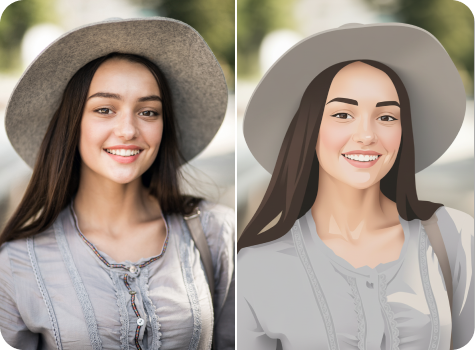
Before
Loading

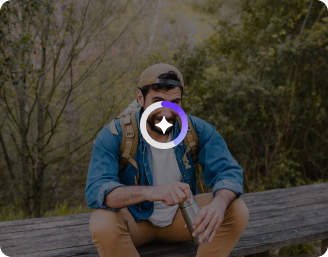
AI Magic in progress
Creating a clean, artistic illustration from your photo

After

Your illustrated photo is ready!

Edit image with AI
Get 🔥 free credits for image editing, upscaling, generation and more
Try another illustration
Generation Failed

There was some issue on our end. Please try again.

Try Again
Show case

How to use Pixelbin’s photo-to-illustration converter?

1
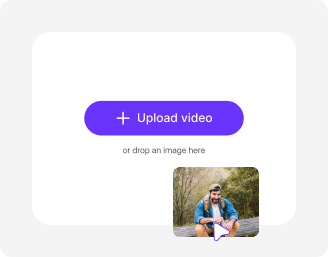
Upload an image
Paste a URL or click on the “+” icon to add an image in JPEG, JPG, WEBP, or PNG from your device.
2
Generate the illustrations
Pixelbin automatically applies the AI filter on your image; no prompts, settings, or manual input required.
3
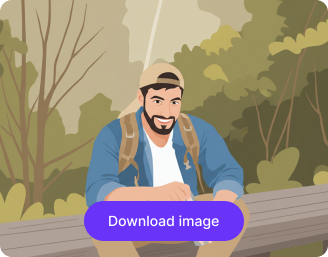
Download your image
Preview the result and export it in HD for free, without added texts, overlays, or watermarks.

Why use Pixelbin’s AI photo to illustration converter?

Multiple formats
Upload your photos in popular formats, such as JPEG, JPG, PNG, or WEBP.
Global CDN delivery
Access and download your edited images quickly, wherever you are, with reliable global delivery.
Easy sharing
Copy the image URL from the file or folder to quickly share your illustrations wherever needed.
Folder management
Keep your original and converted images organized in folders to easily manage your assets.
No sign-up
Access the tool right away without creating an account or sharing your personal information.
Complete privacy
Your images are processed on secure servers and not shared with anyone without your permission.

Experiment with diverse art-inspired themes in seconds

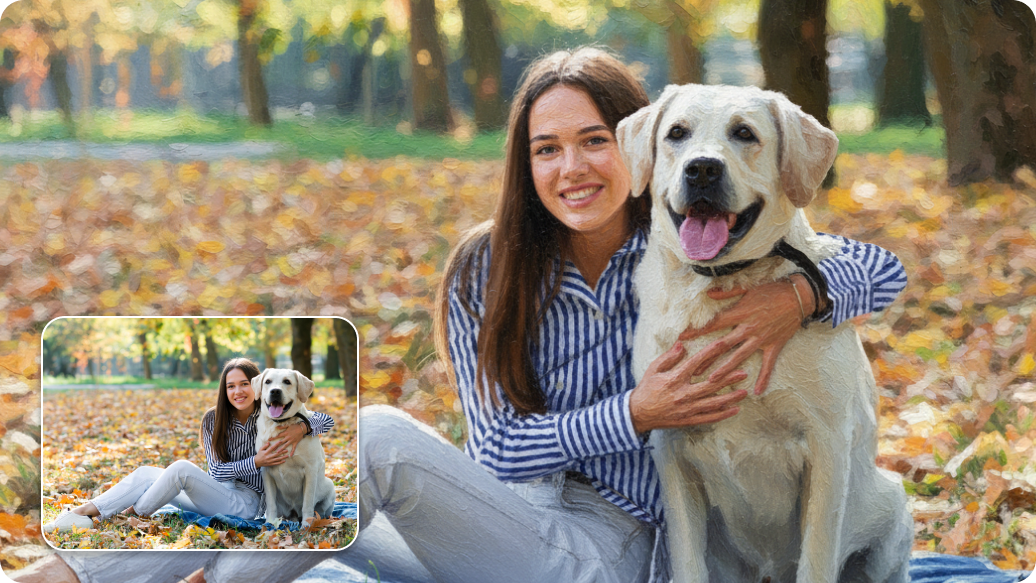
Turn your favorite shots into cartoons, sketches, and pop art styles using a single image.

Browser-based

Access the tool directly from any browser, such as Safari, Chrome, Firefox, or Edge; no installation or setup required.

Sailling ship of sketche to image
Bulk transformations

Turn multiple photos into illustrations in one go using our API support, saving hours on manual editing.
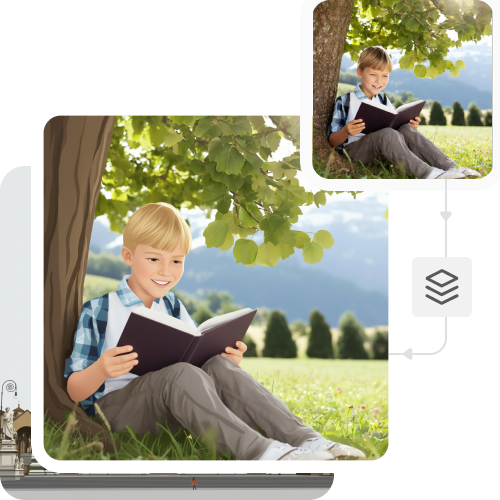
Mountain sketch to image
User-friendly interface

Get started easily with our platform that is simple to use and works well for beginners and experienced users alike.
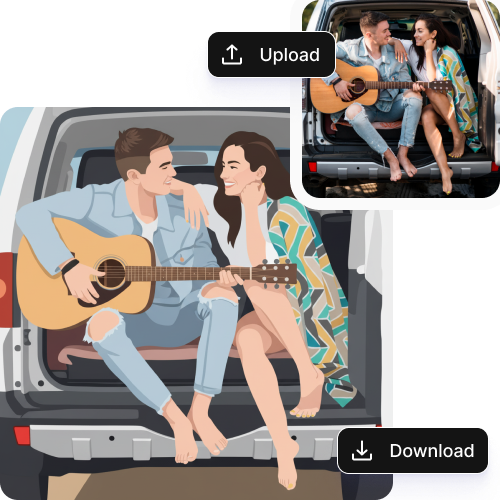
Sketch hot air baloon to image generator
Free HD exports

Download your edited images in high-definition quality at no cost, ready to use for digital galleries or online sharing.
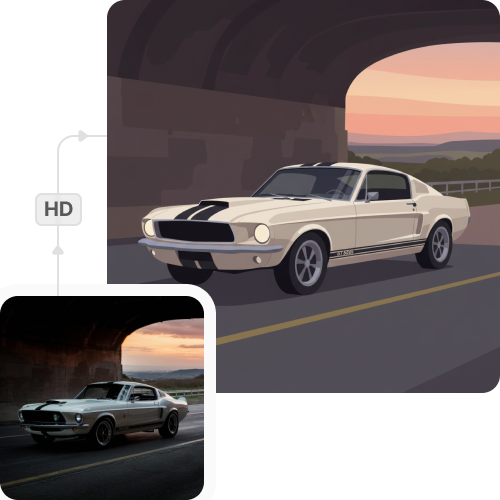
sketch to image in HD-resolution pictures

AI tools by Pixelbin

Key highlights of using the photo to illustration AI

Benefits of using the photo to illustration AI

  • High efficiency and time savings: Transform your images into complex artistic styles within seconds. Our tool removes the need for spending hours on manual editing.
  • Faster idea exploration: Experiment with different styles instantly. It’s like a digital sandbox. Try every "what if" before you commit to a final look.
  • Cost-effective visual creation: Alter your photos into brand-new visuals, without depending on expensive stock images or professional design services.
  • Accessible for non-designers: Even if you lack previous experience in graphic design or drawing, you can create professional-looking artworks.
  • Scalable content production: Meet demanding deadlines easily with Pixelbin’s AI tool. If you need a full suite of campaign visuals by midday, you can generate a whole batch at once to use them instantly.
  • Consistent visual style: Keep your style consistent across every post or project to find your signature look, making your brand instantly recognizable.

Use cases of our photo to illustration AI

1. Social media and content creation

Make your presence stand out in your social feed. Convert your already existing pictures into sketches or pop art illustrations to create engaging posts, thumbnails, and profile pictures.

2. Marketing and brand visuals

Give your campaigns a unique appearance without the need for a new photoshoot. If you need a fresh, illustrated aesthetic for a campaign but don't have the time for a full production, you can simply convert your current product photos into high-end brand assets.

3. Creative portraits

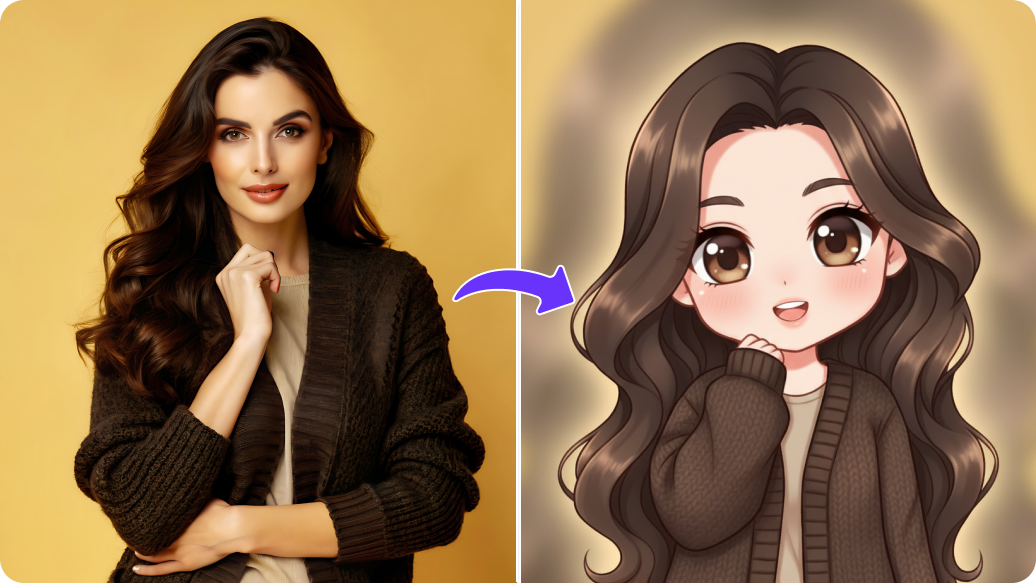
Whether you are creating a digital story or you want a more dramatic way of representing yourself, you can transform your selfies or portraits into stylized, character-like visuals. It’s an easy trick to create a blend of character and art in your business or creative persona.

4. Visual prototyping

When you are brainstorming, you need to explore all the creative "what ifs" quickly. With Pixelbin, you can generate many different styles, whether that’s clean line-based sketches or simplified illustrated visuals, all from just one photo. This way, you can experiment with ideas and determine which style works best before you finalize the design.

5. Personalized visuals and keepsakes

If you want to turn special moments into custom art, you can do so with our photo-to-illustration AI tool. You can turn your photos into digital paintings, sketch-style visuals, or illustrated keepsakes. Whether it’s for a special project or a unique gift, it’s about making your images feel as meaningful as the memories they hold.

How to get the best results using the photo-to-illustration AI converter?

To make sure your photos look as realistic as possible, follow these simple tips:

  • Use a clean image shot in bright and natural light, so the tool can capture all the details.
  • Make sure the main subject in your image is in sharp focus.
  • Opt for images with simple or plain backgrounds to enable the AI to focus on the main subject.
  • Choose unedited photos, as the AI may struggle to work on filtered images.
  • In case you have multiple versions of an image, use the largest file. The ones above 2MB work best. But do not exceed the maximum image limit of 10 MB.

FAQs

Here are some of the most commonly asked questions about our Silhouette Maker AI tool. If you still can’t find what you’re looking for, contact us at support@pixelbin.io or refer to our documentation for more details.

Yes, we have a “forever free” plan with 3 monthly credits. You can try any of our AI tools three times to see how they work. Once you’ve exhausted your free credits, it resets in the following month. But if you want to continue editing, you have to sign up and purchase credits on a pay-as-you-go basis that meets your requirements.
Yes, you can finetune your visuals. Our photo to illustration AI is a 100% “one-click” solution and converts your photos into illustrations automatically for free! If you are not satisfied with the first result, you can enter prompts to add your instructions, and the AI makes the desired changes in seconds.
Yes, upscaling is an excellent method to ensure your artwork appears crisp after editing. Before you export, increase your resolution 2x or even up to 4x (or even 8x with a premium plan).
The tool remembers your progress as long as the session remains active. If you are using the tool without an account, closing the tab may cause it to "forget" your editing history. If you register for an account, you can manage your folders, which means you can stop, organise, and revisit your original and converted images at any time.
Yes, you can change the intensity based on your preferences. If you find the output a bit bold for your project, you can tweak it by adjusting the brightness, saturation, and hue to enhance the final look.
Yes, you can upload big files to Pixelbin’s pregnant belly AI generator. Images up to 10 MB should work as long as they’re in the mentioned file formats (JPG, JPEG, WEBP, or PNG).
Edit images in seconds, not hours
Get pixel-perfect results just with your words
Start editing with AI